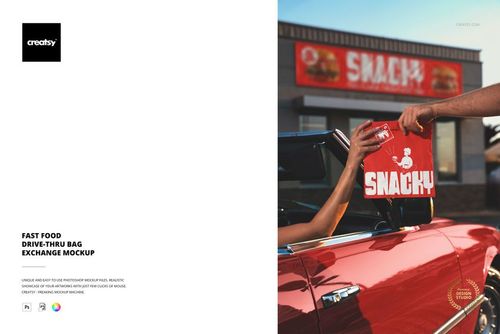
The Ultimate Fast Food Restaurant & Burger Branding Mockup Bundle
Creatsy in Mockups / Restaurant & Cafe Branding
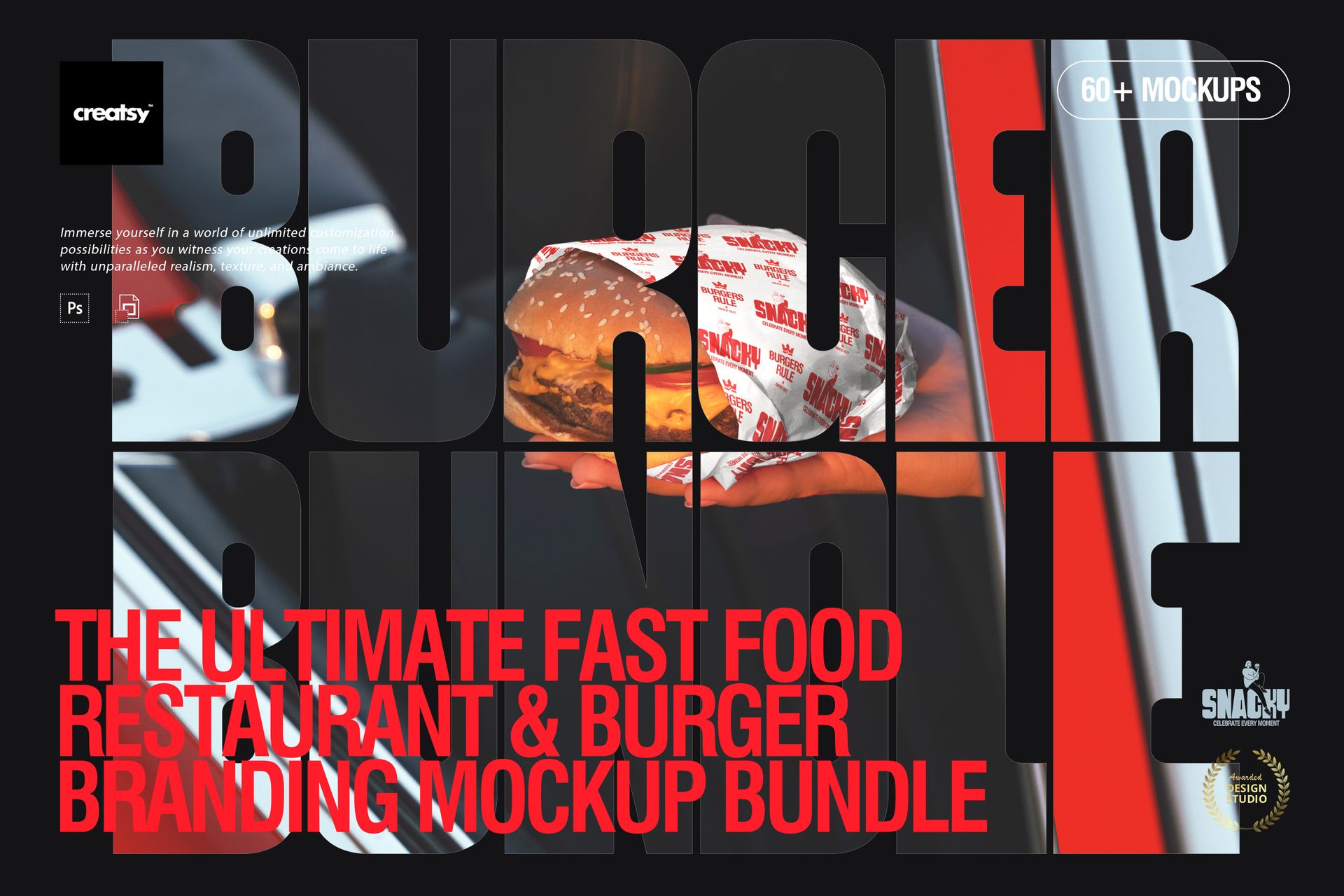
Product Details
The Ultimate Fast Food Restaurant & Burger Branding Mockup Bundle
Build a full fast-food brand identity that looks real, cohesive, and ready to launch. This bundle is made for designers who want to present the entire experience – from the first look at the wrapper to the moment the customer holds the box, carries the bag, and spots your brand out in the world.
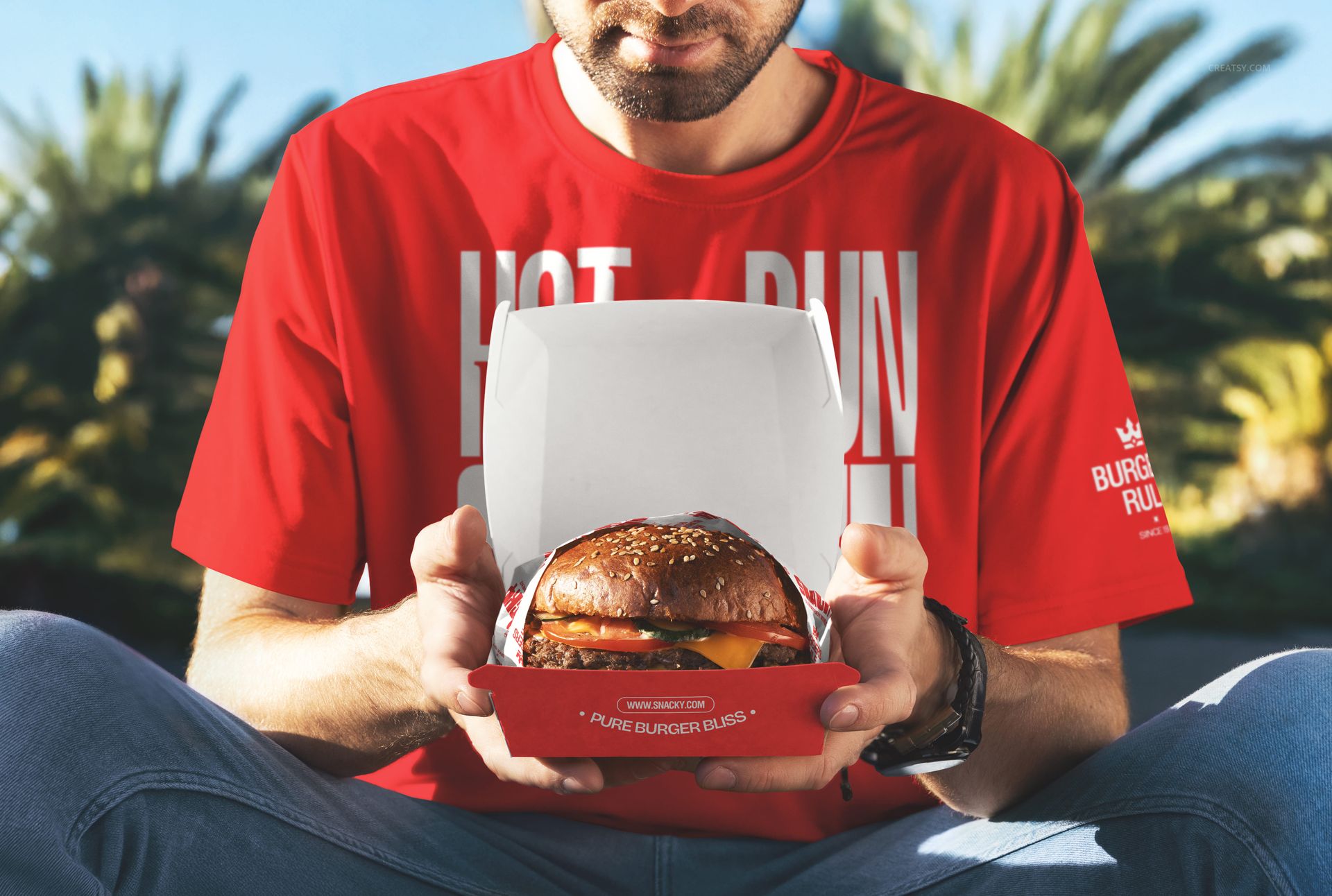
With 69 high-quality PSD mockups, you can showcase a classic burger joint concept, a modern takeout chain, or a bold street-food brand – without switching styles or hunting for matching scenes.
Product highlights
69 PSD mockups for fast-food / burger branding presentations
High-resolution files: ~6000×4000 px, 300 DPI
Works in Photoshop (CC 2020+) and Photopea + well-organized layers
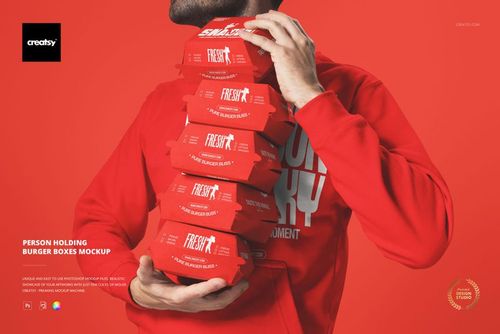
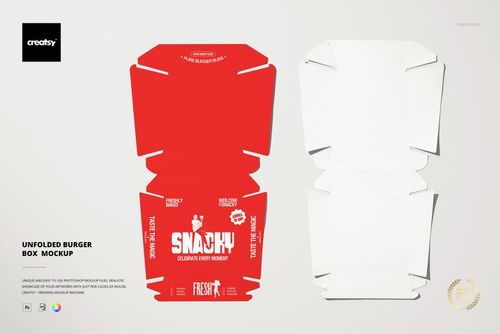
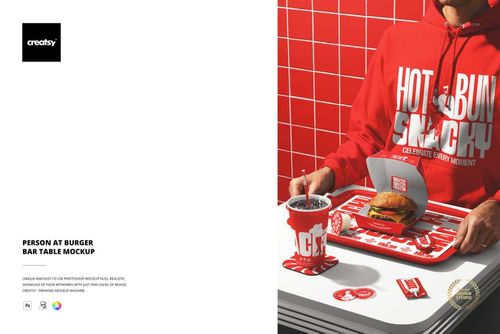
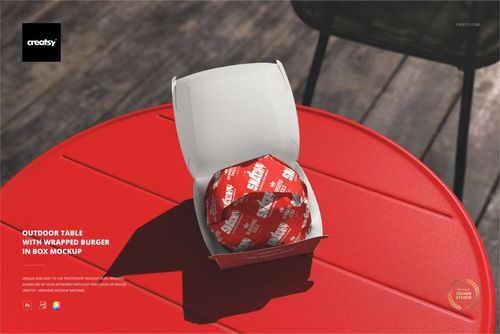
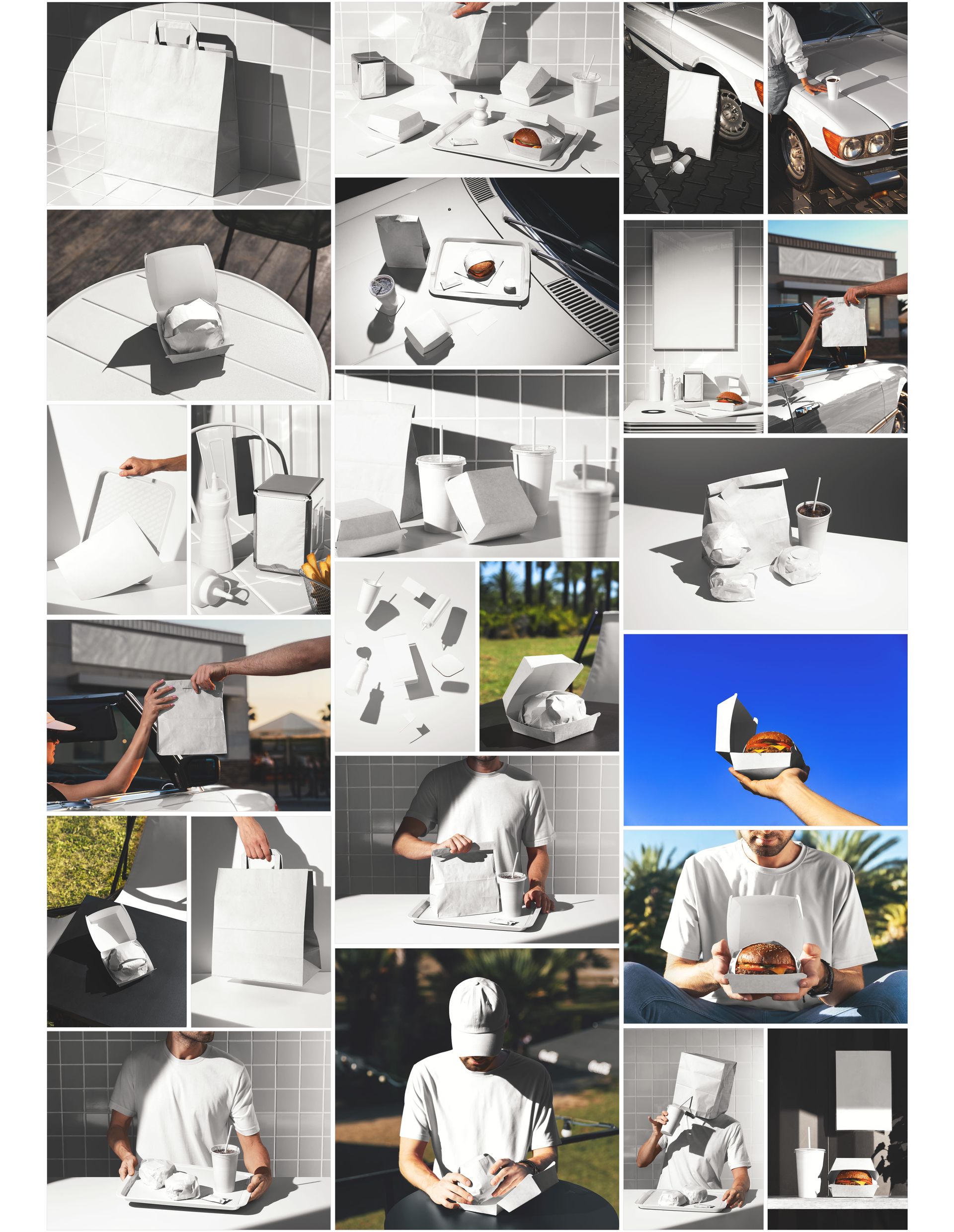
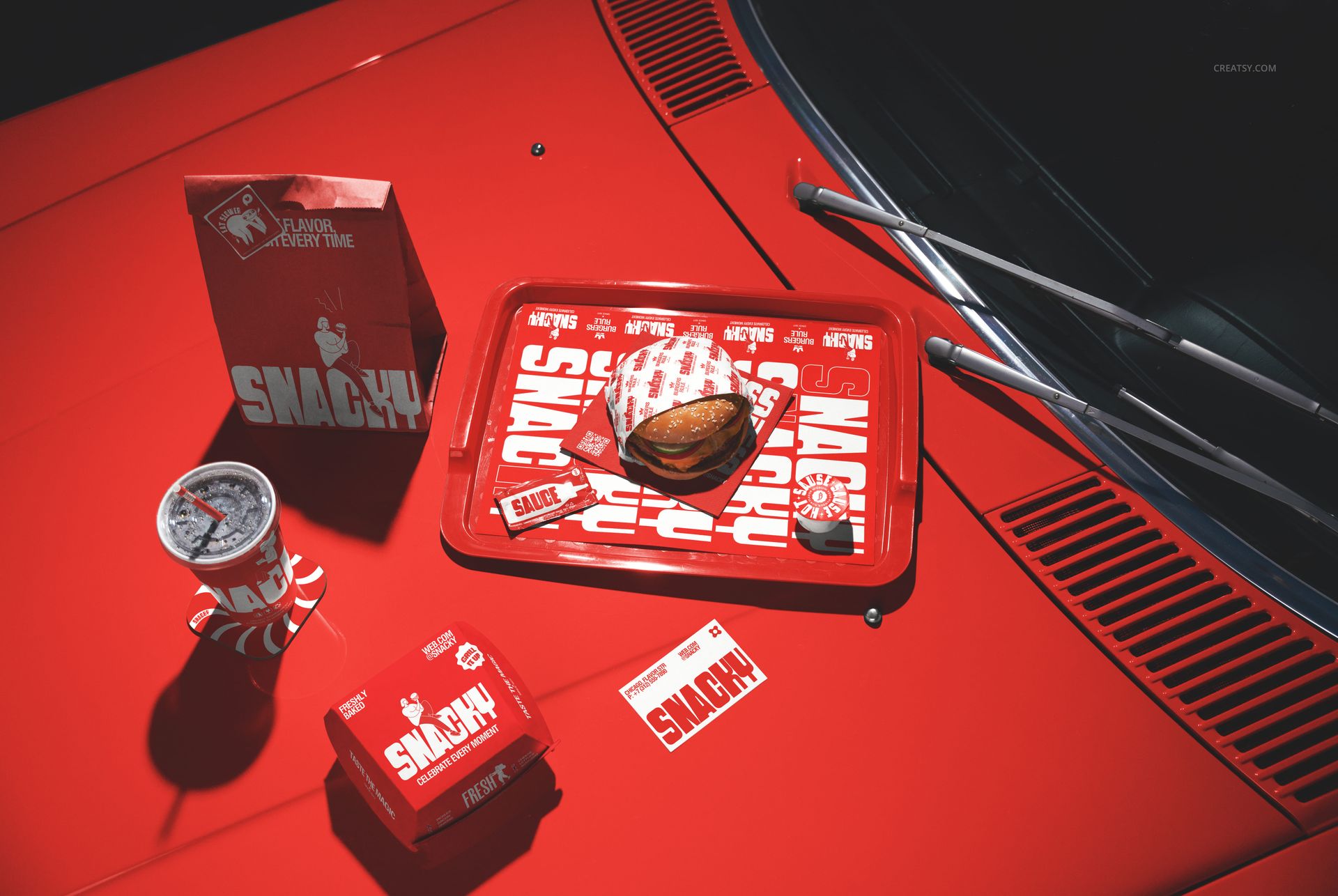
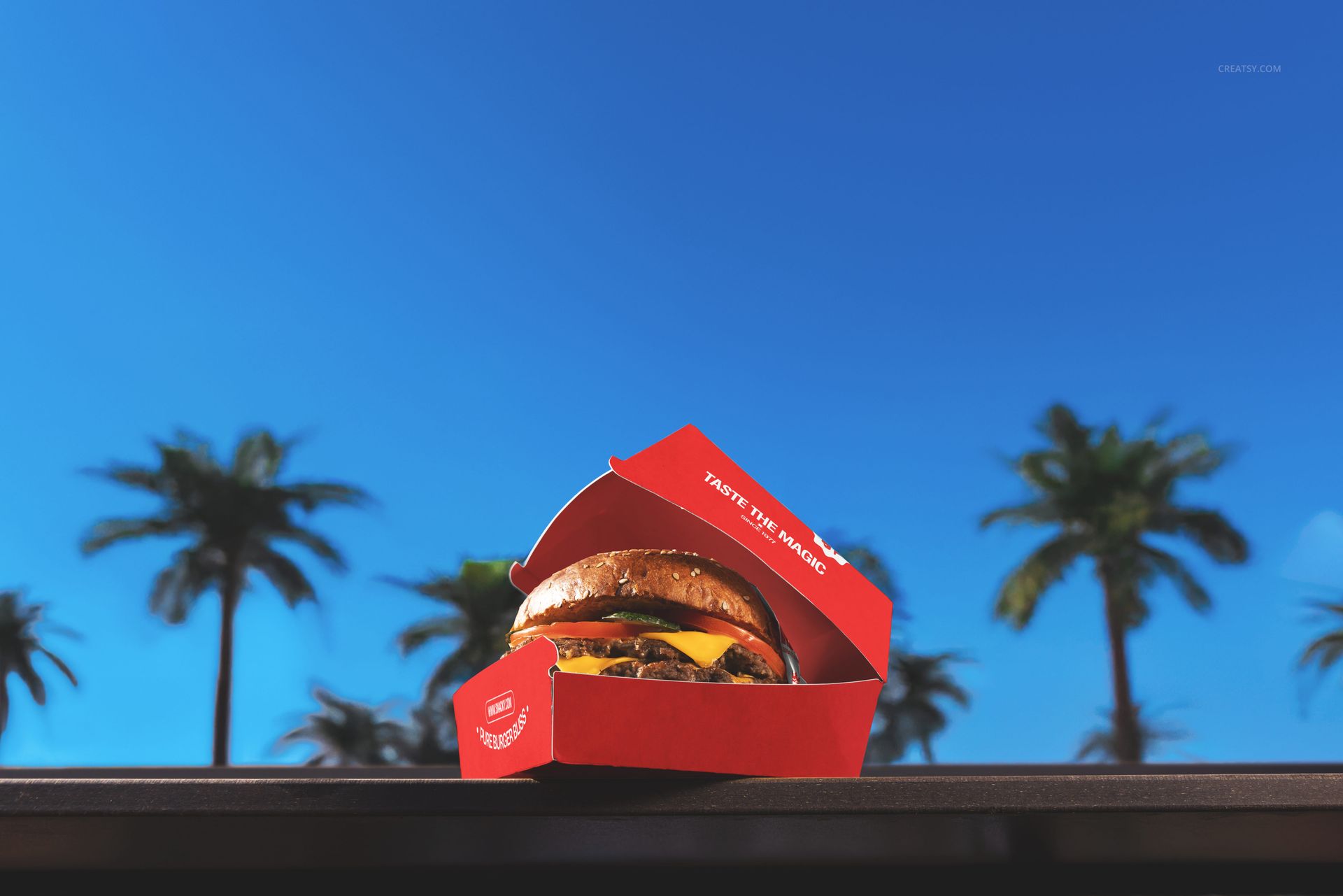
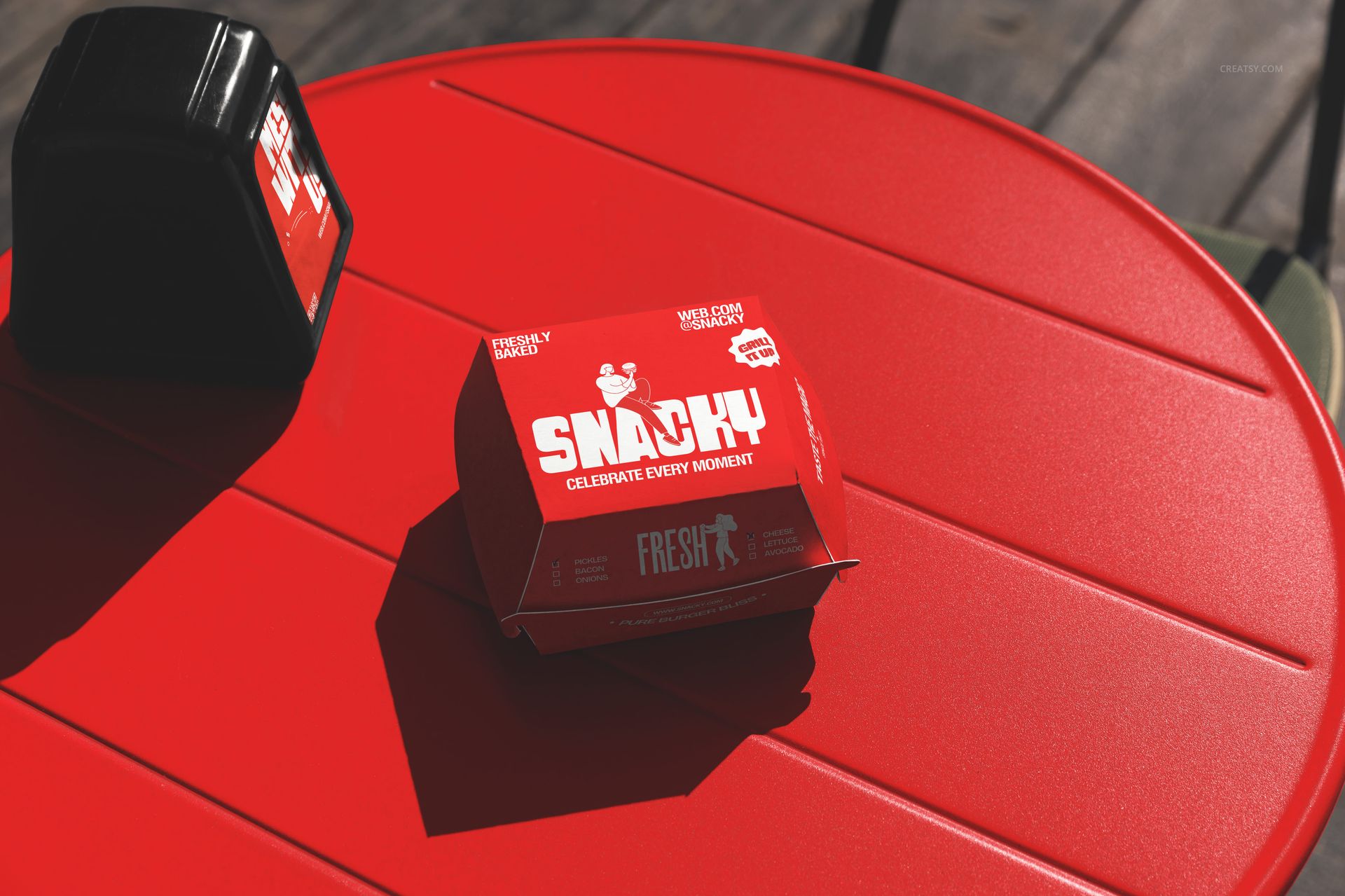
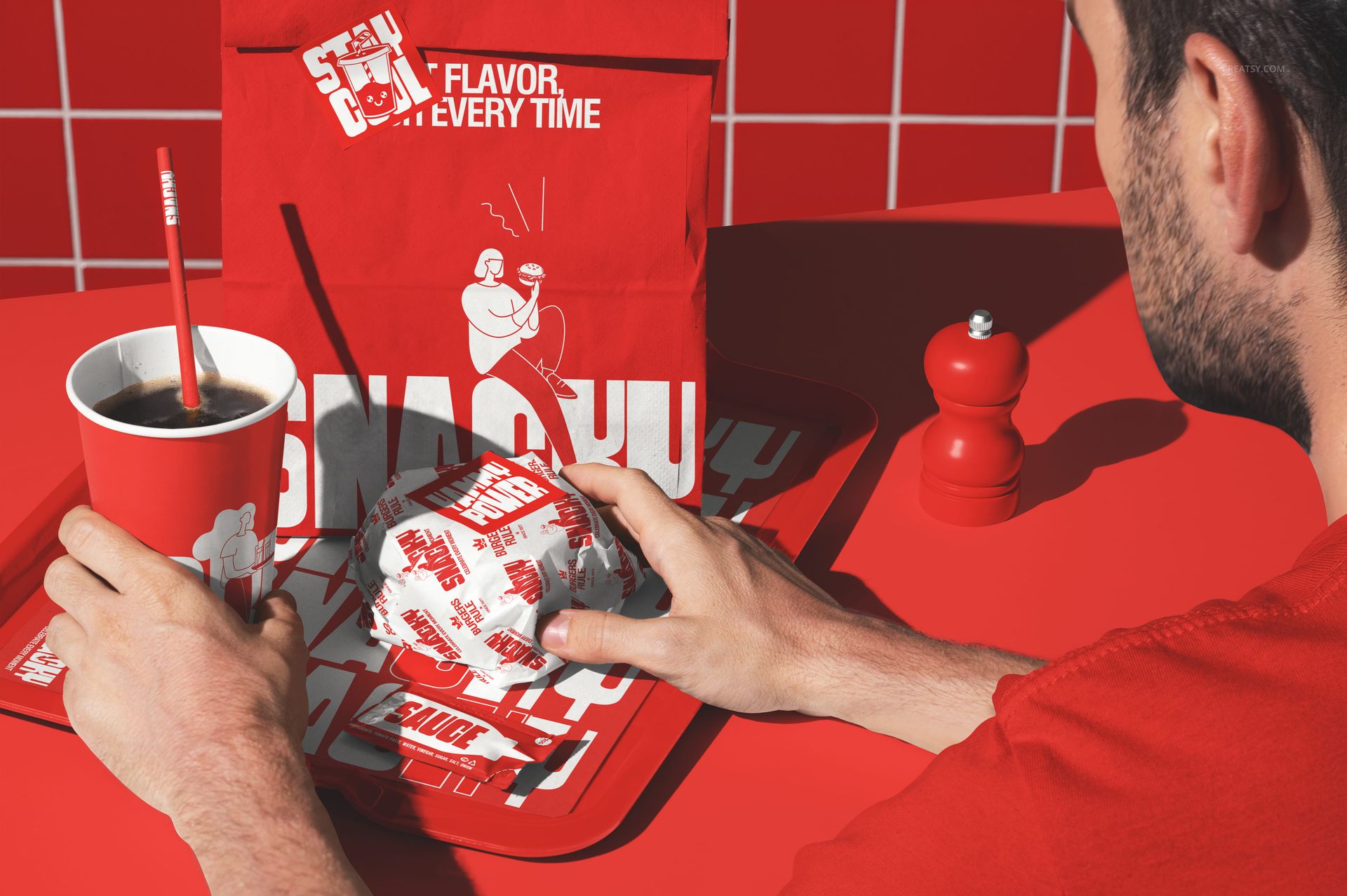
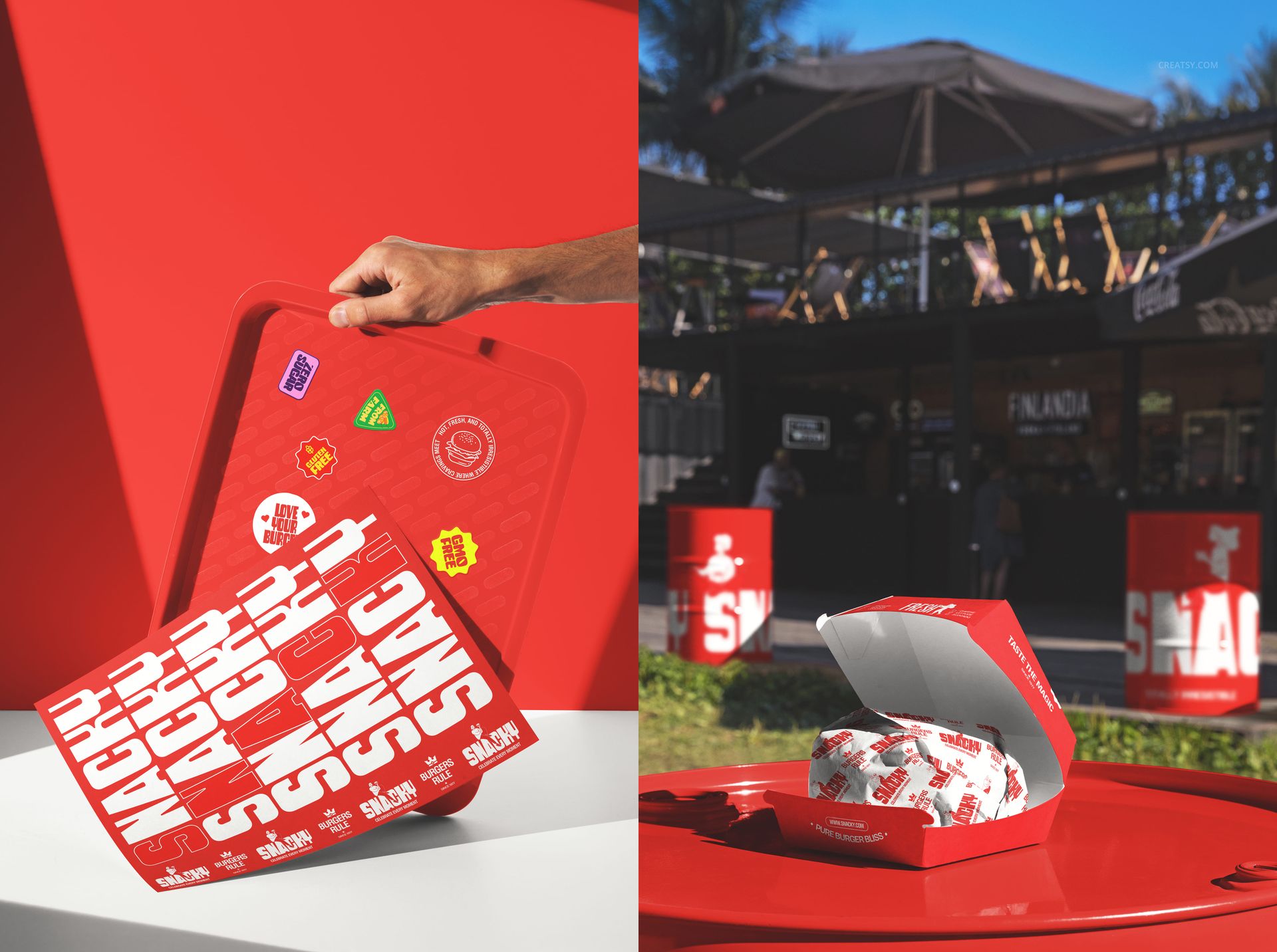
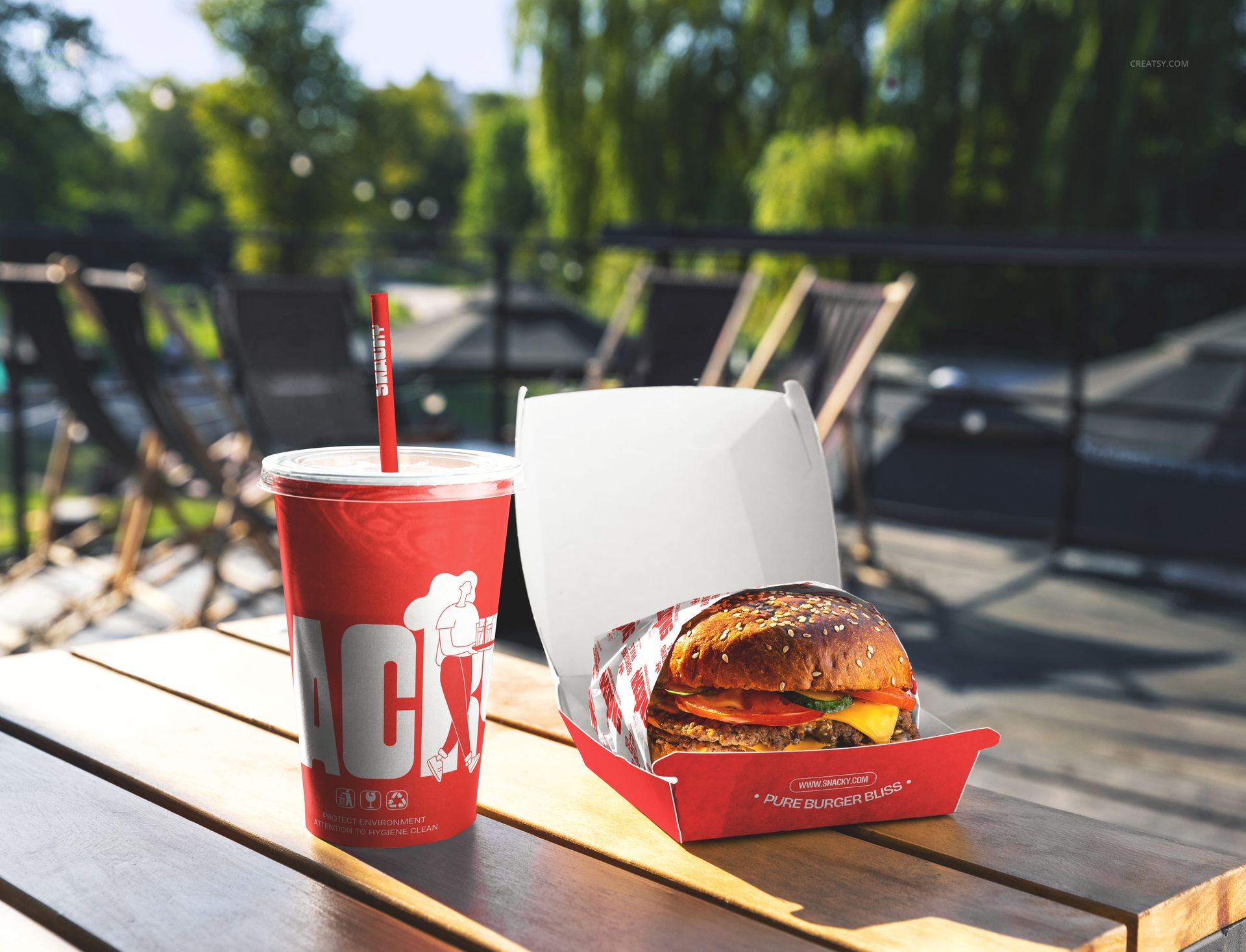
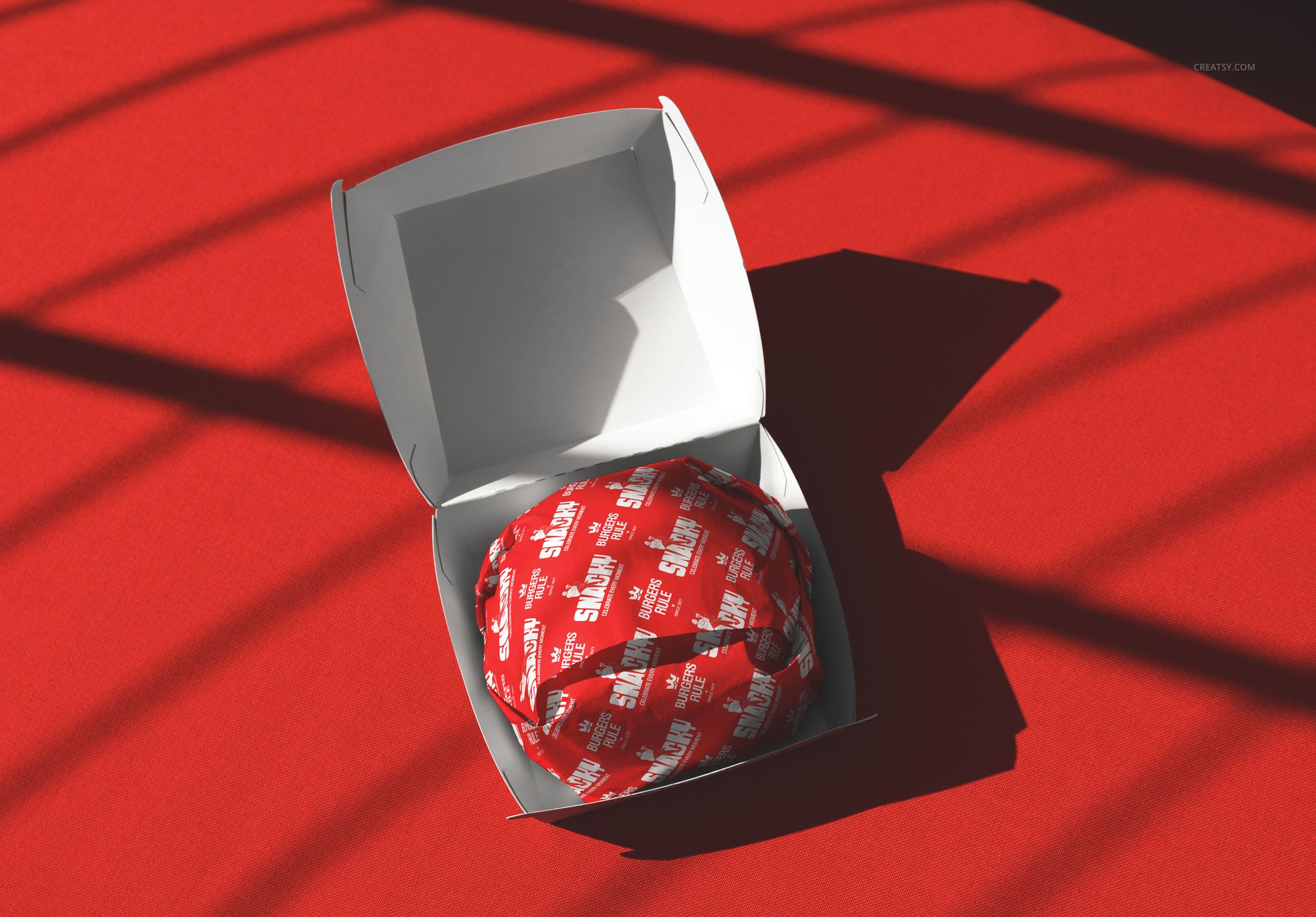
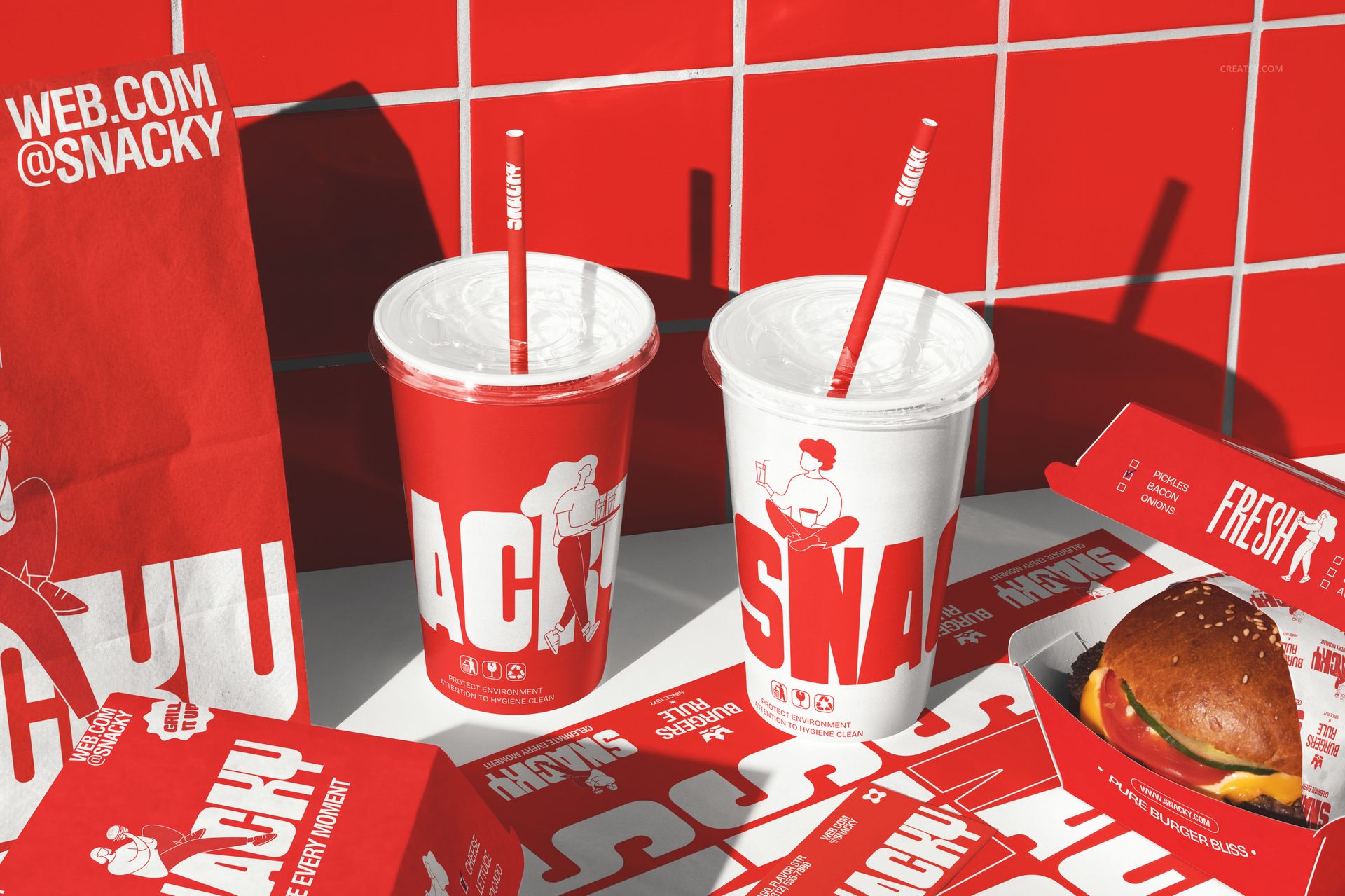
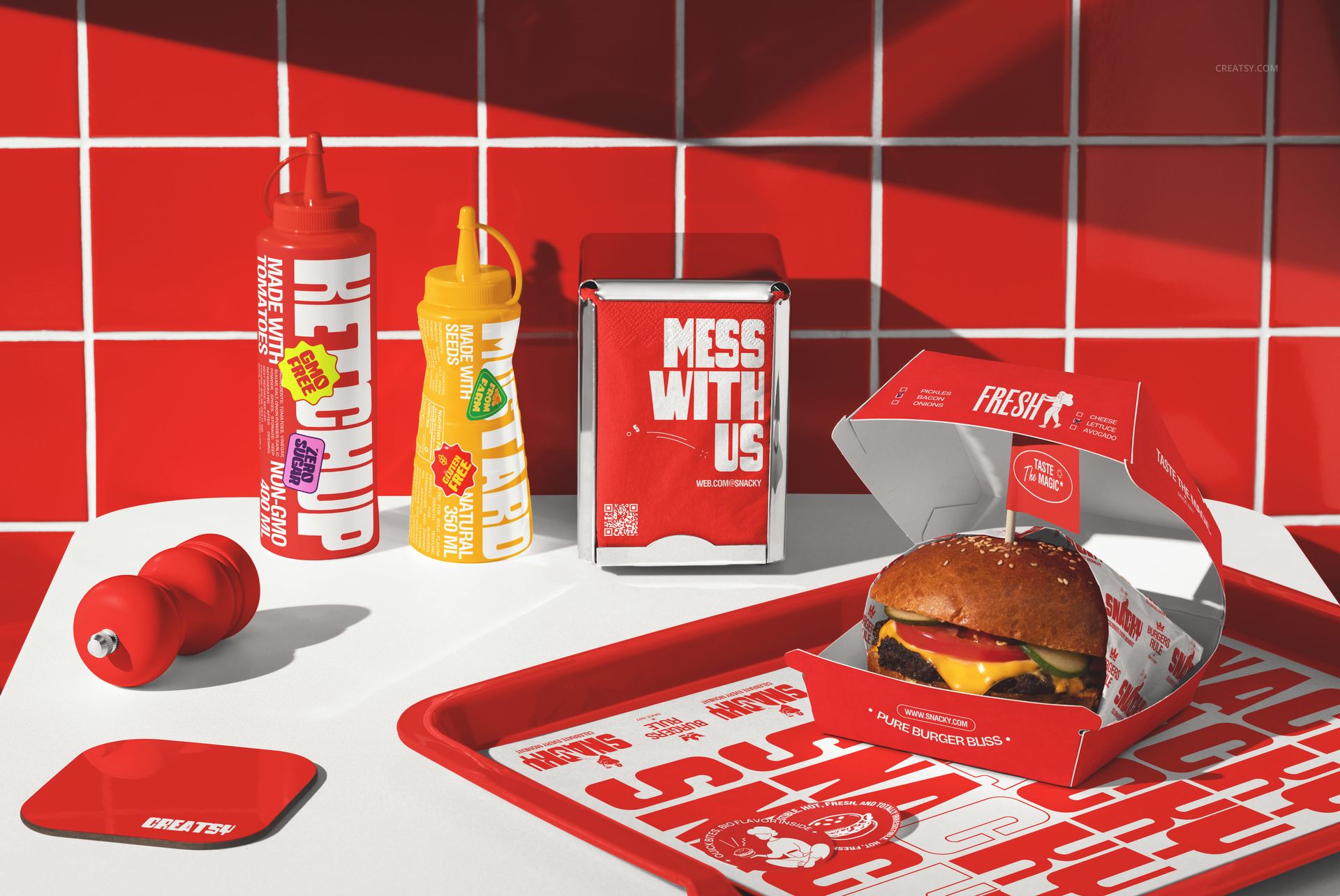
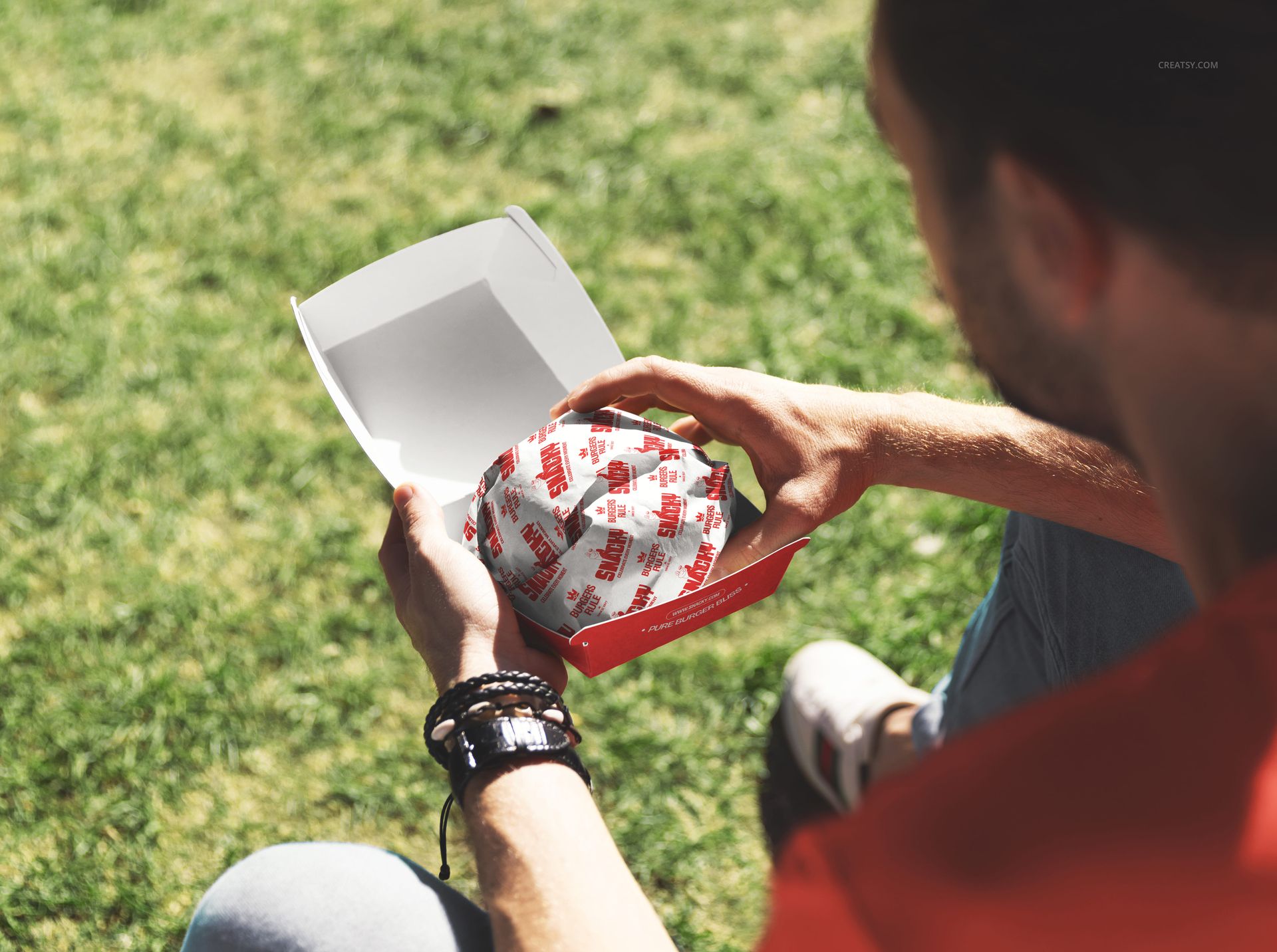
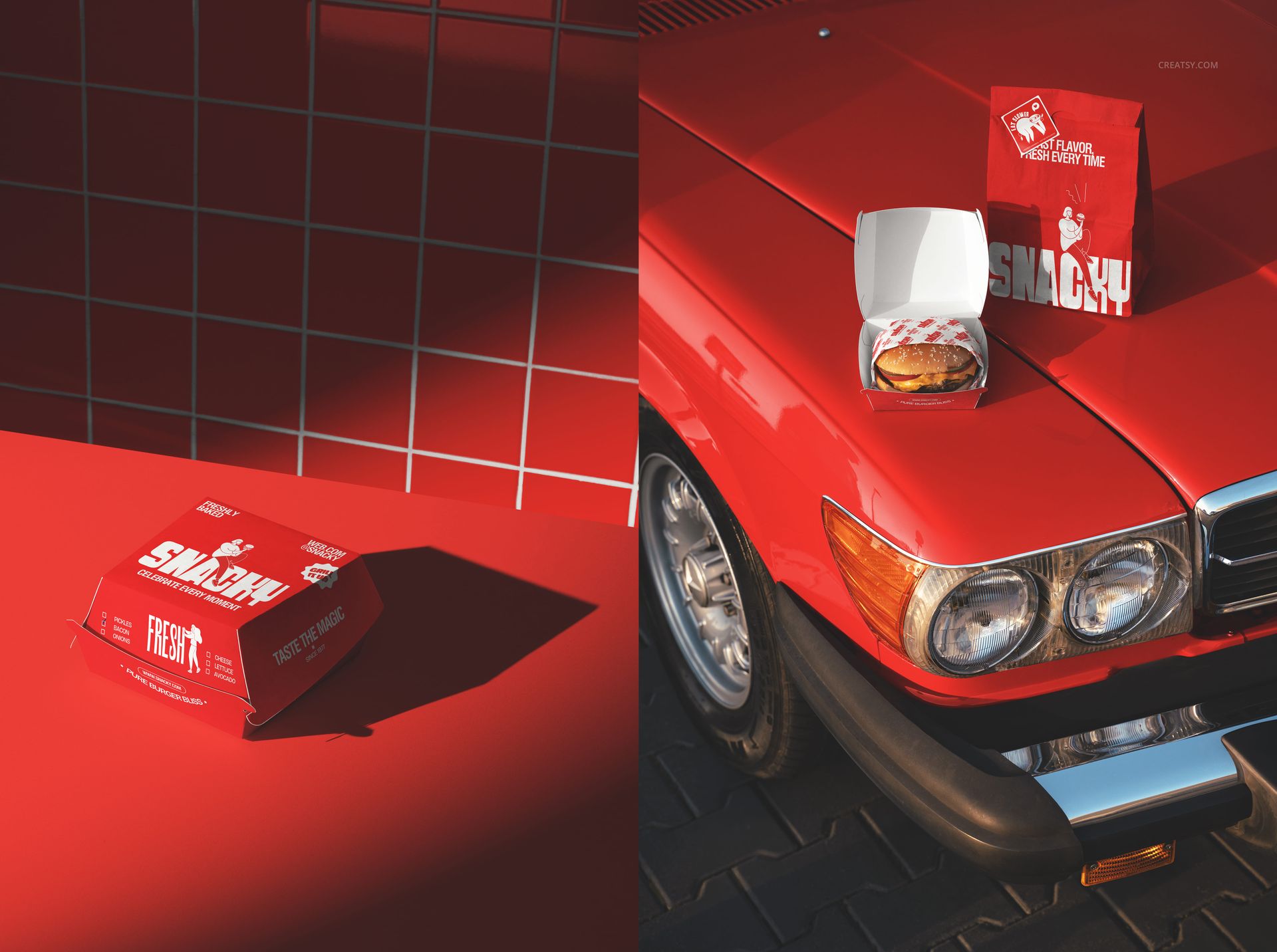
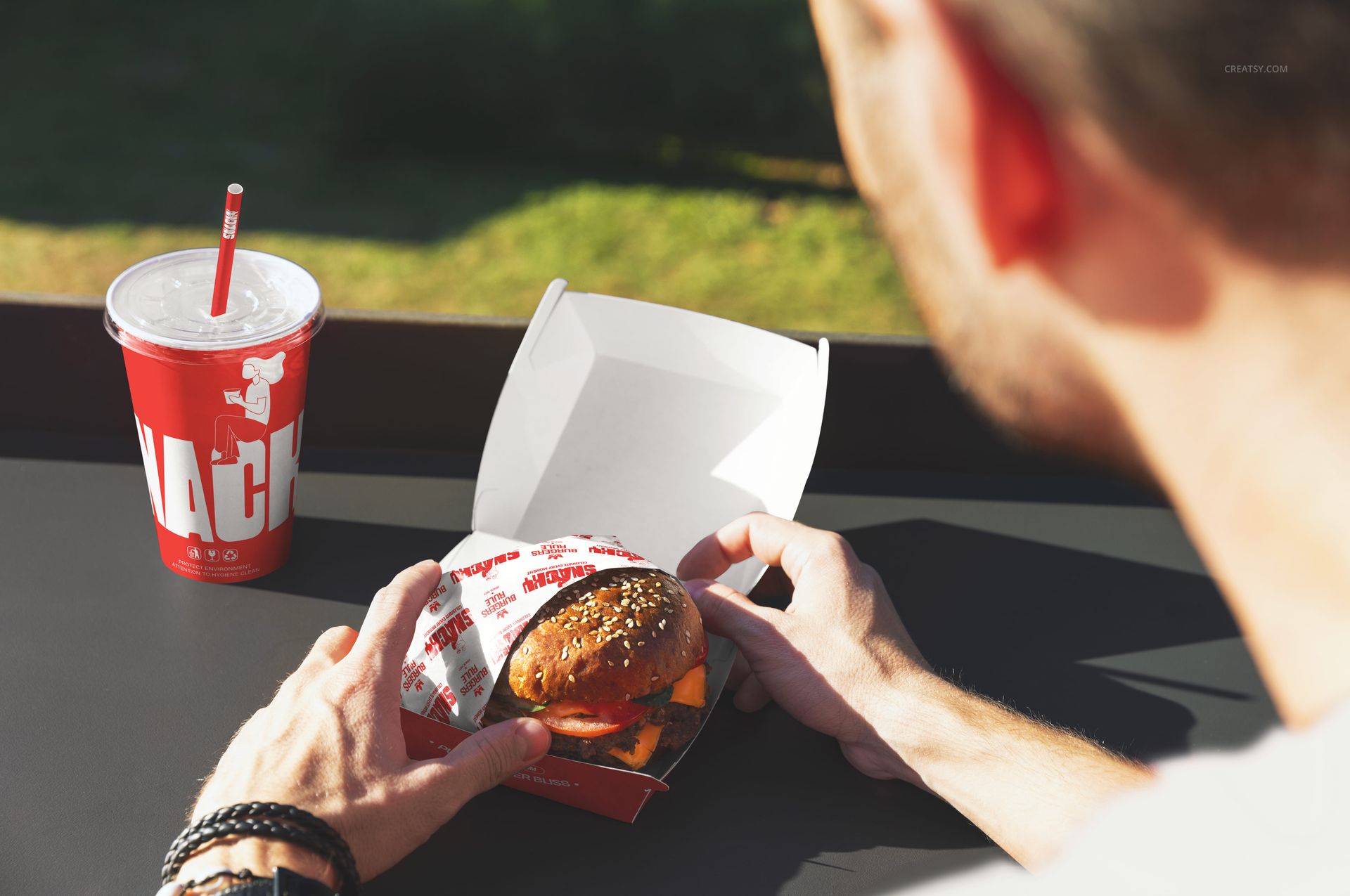
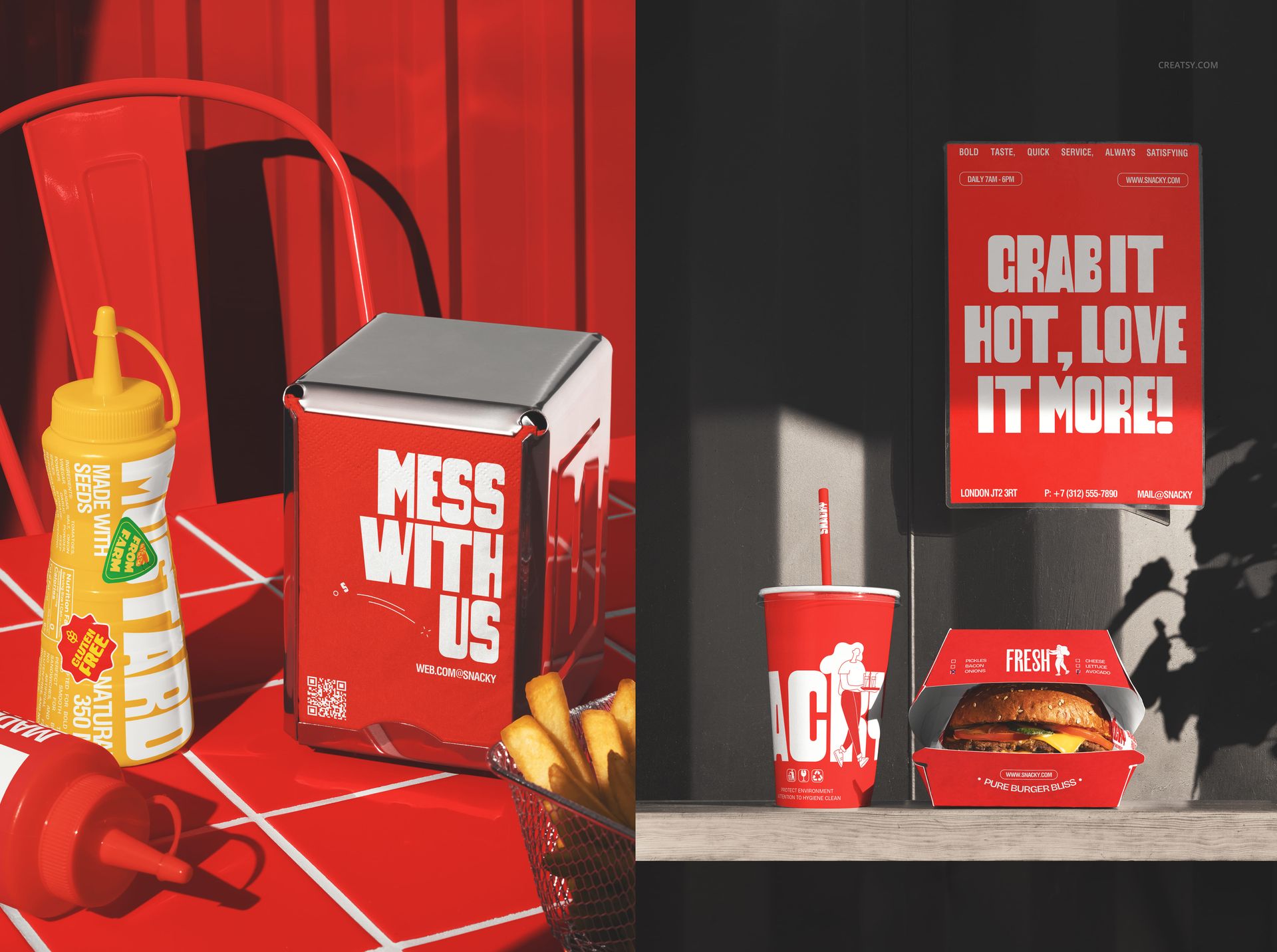
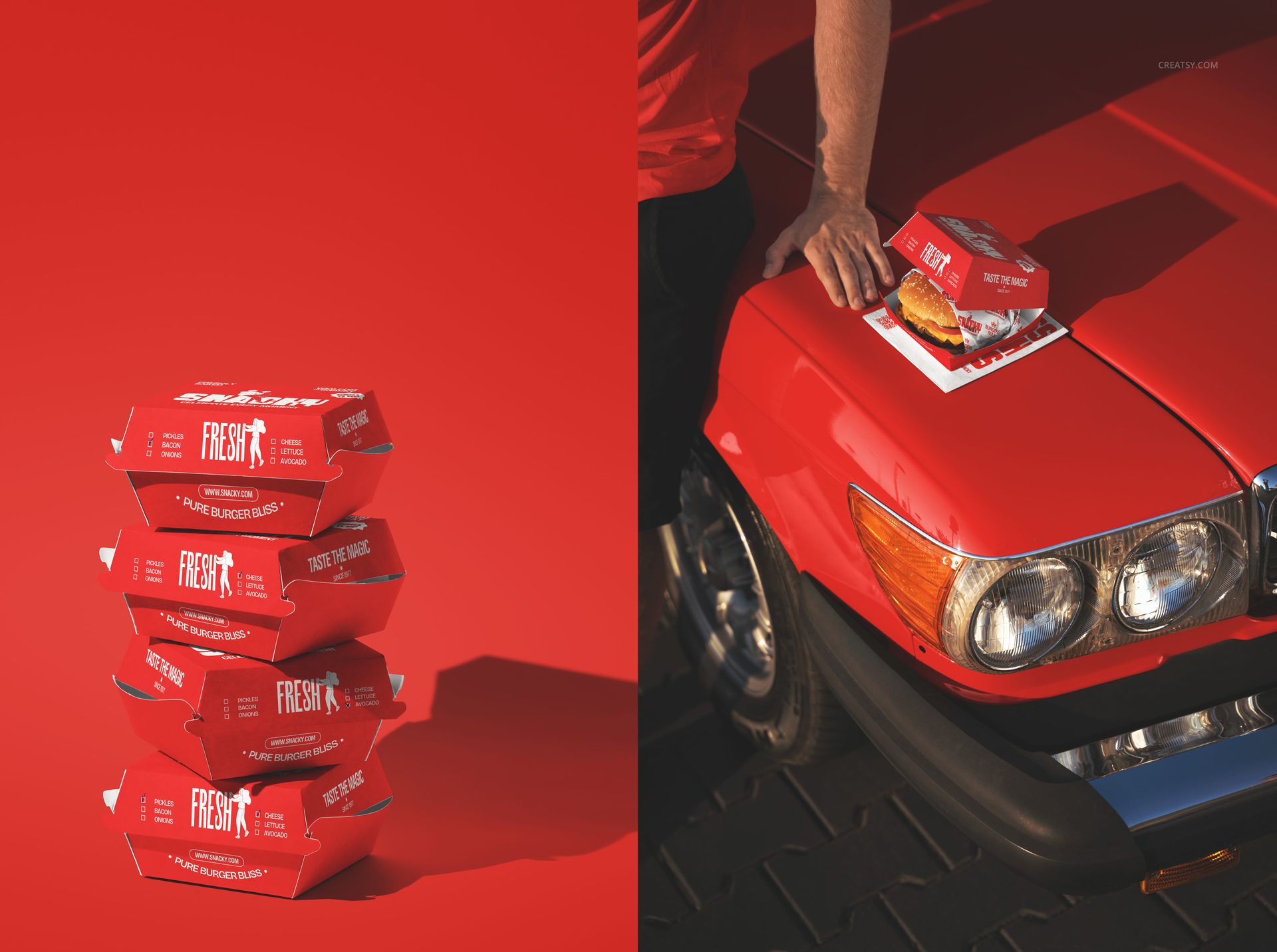
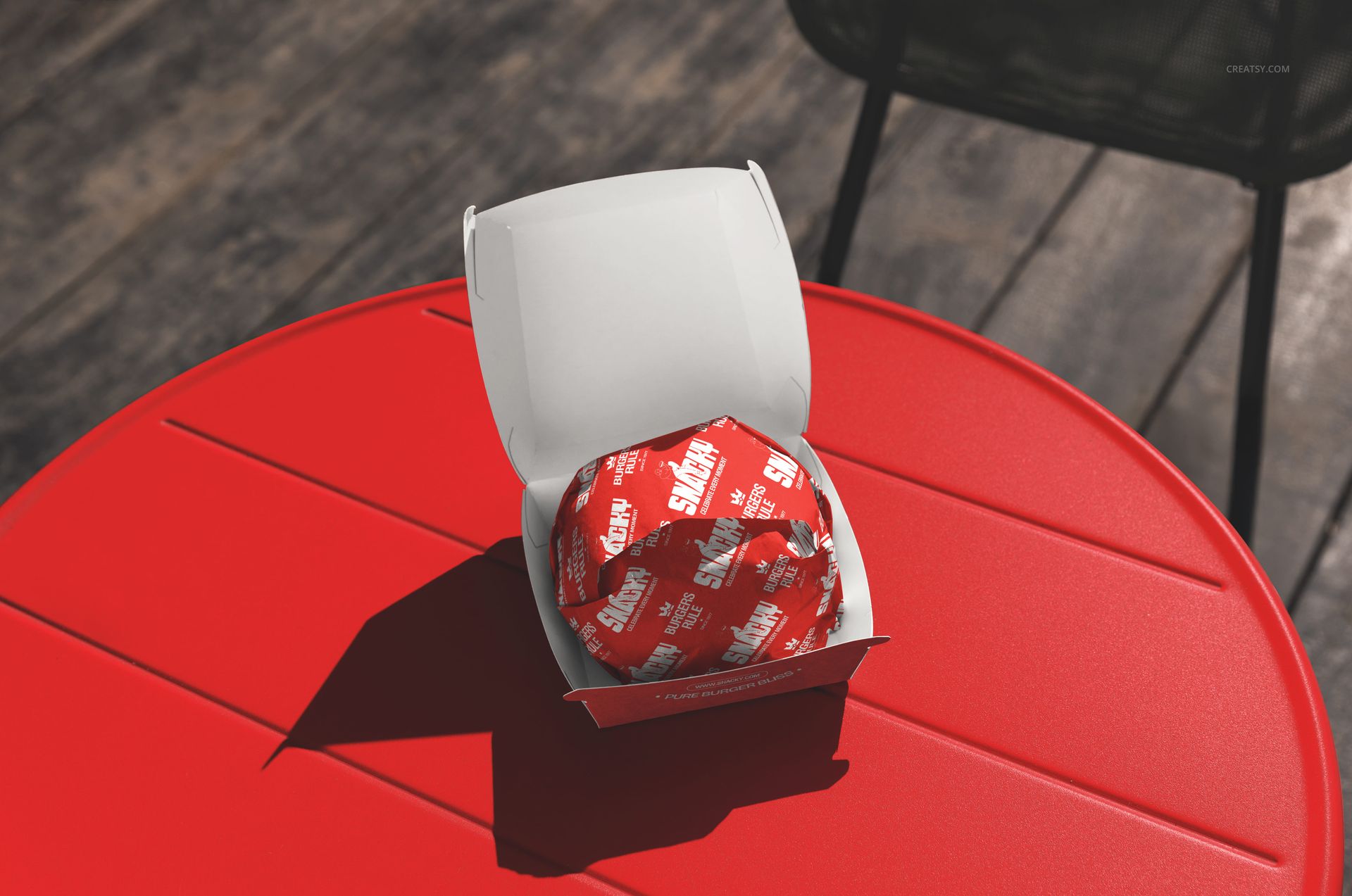
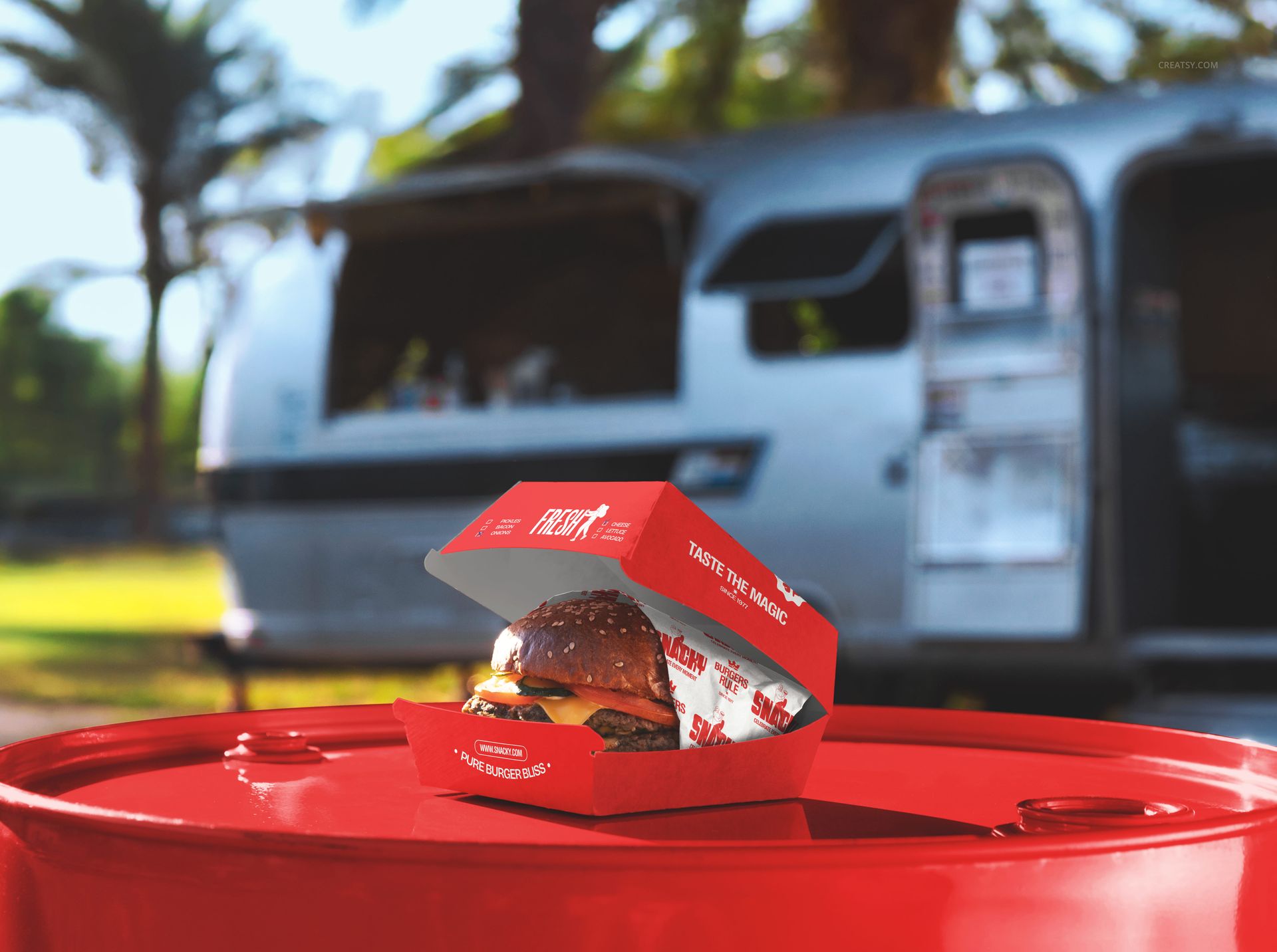
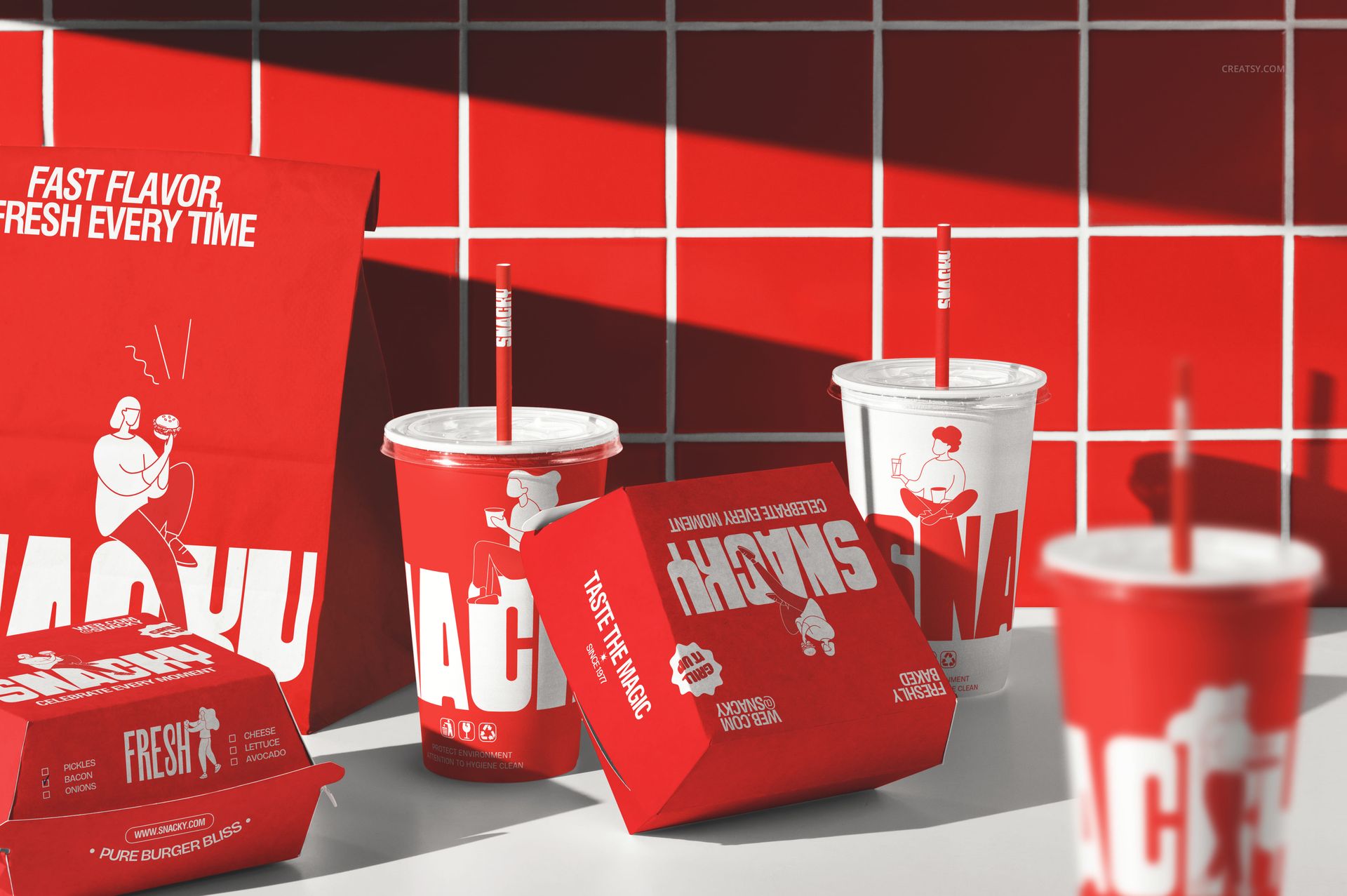
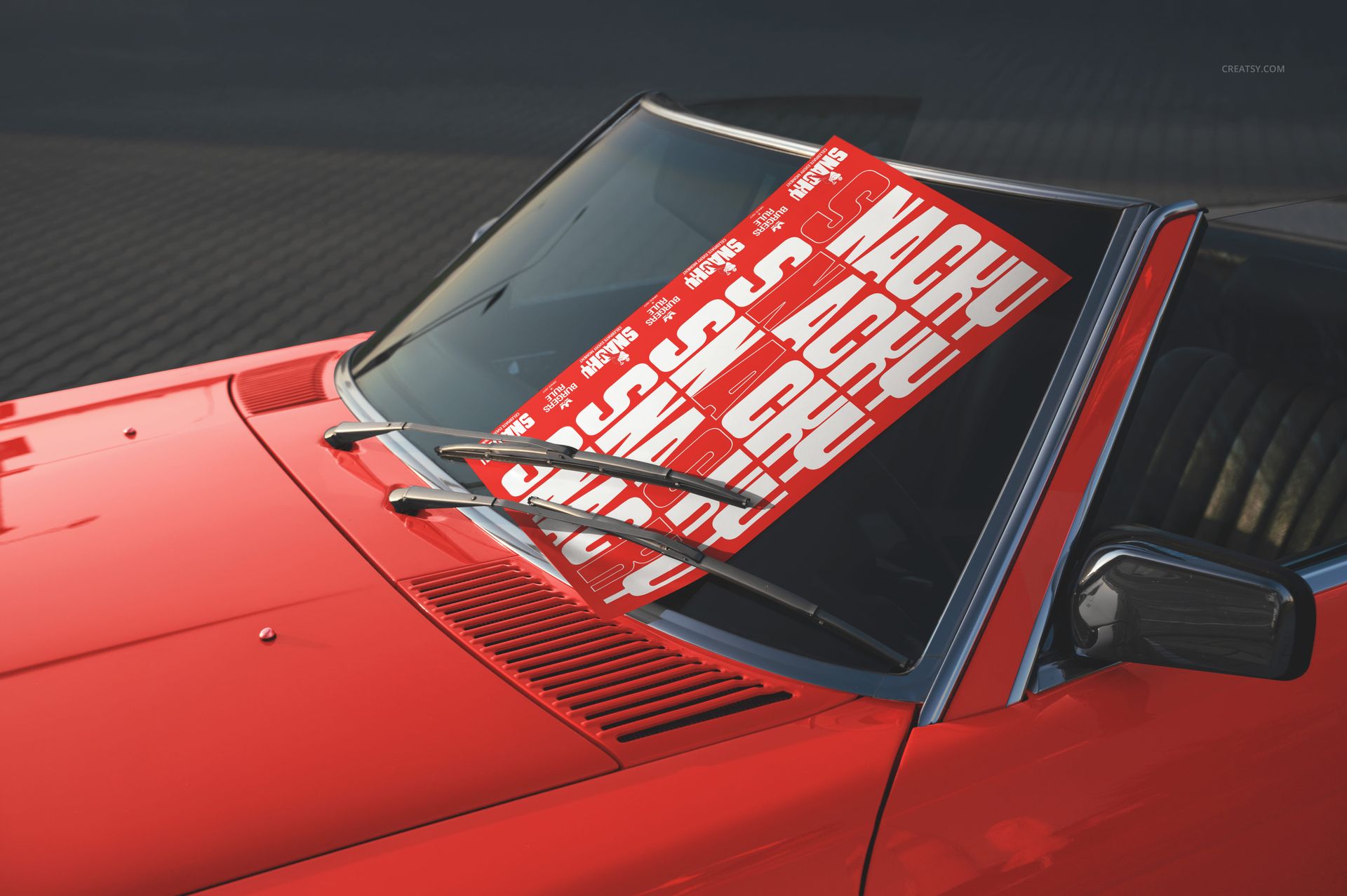
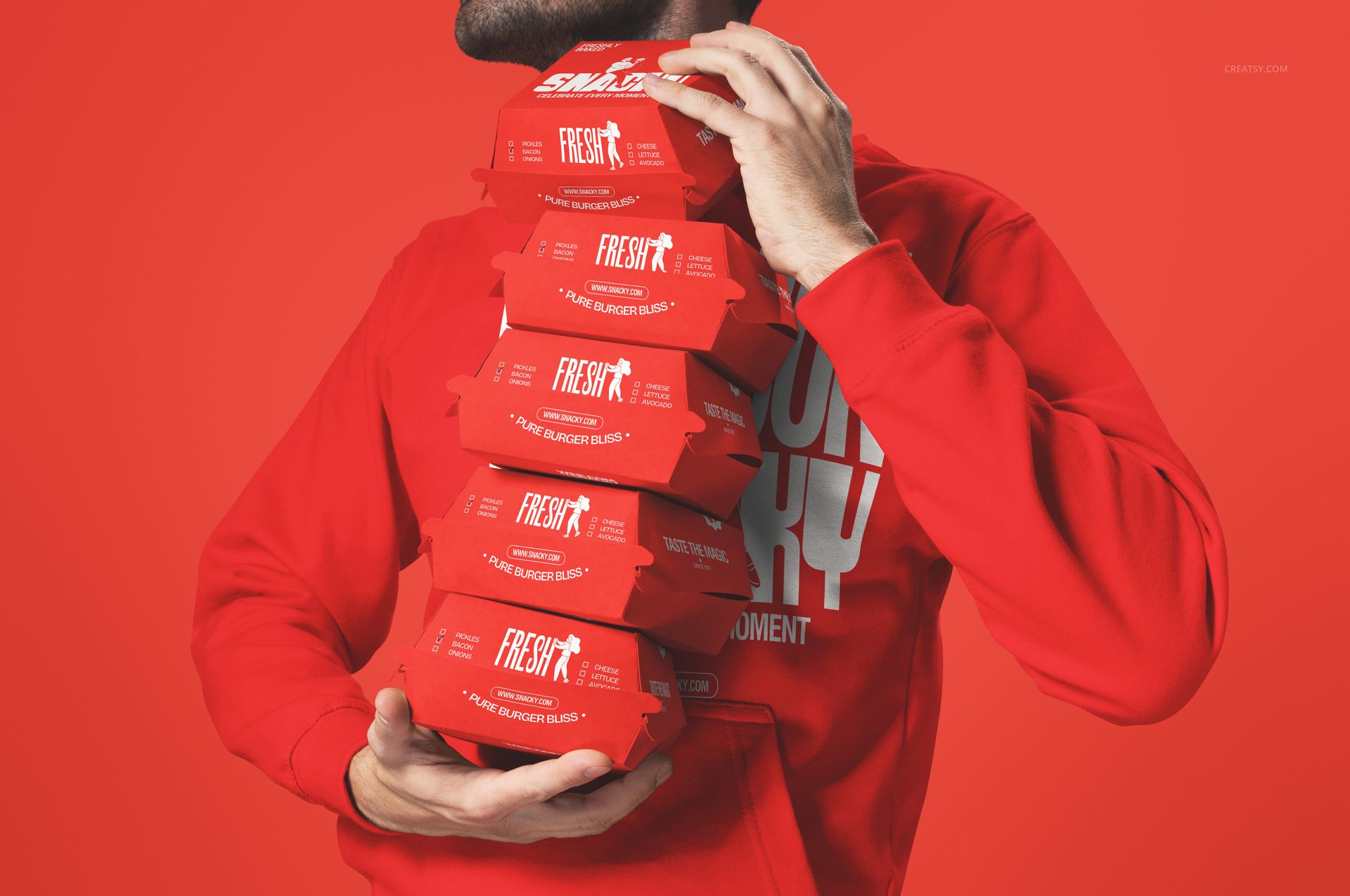
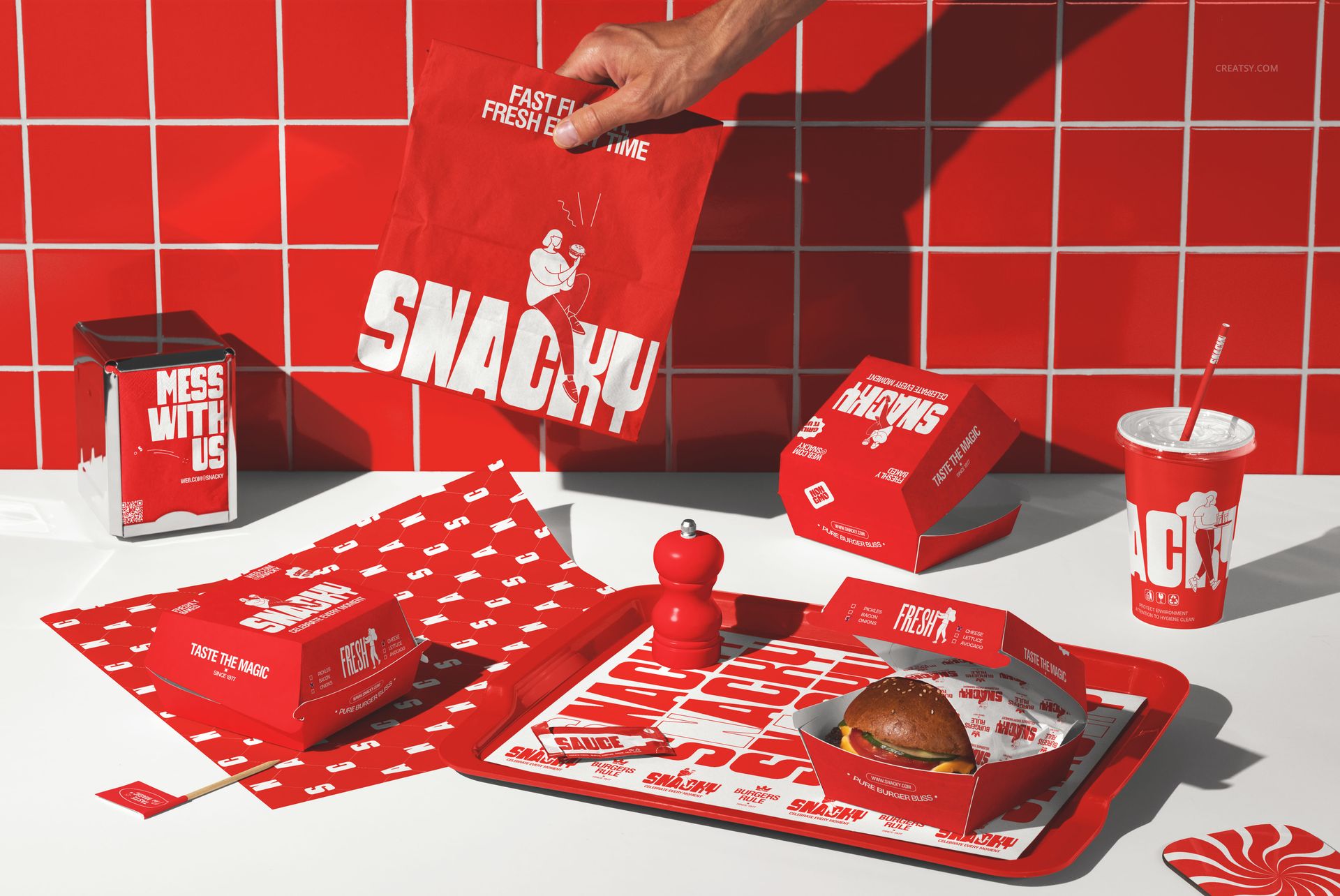
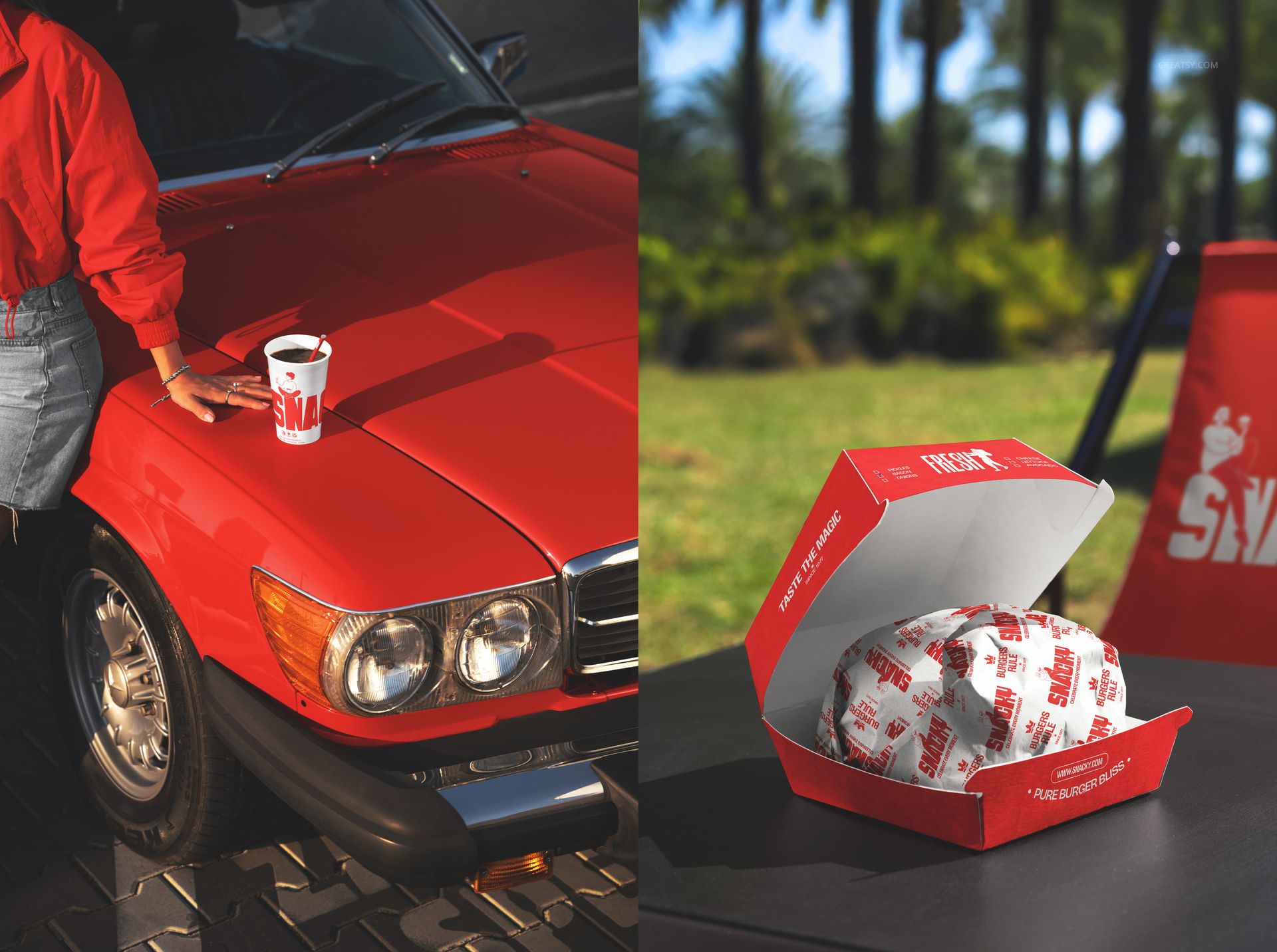
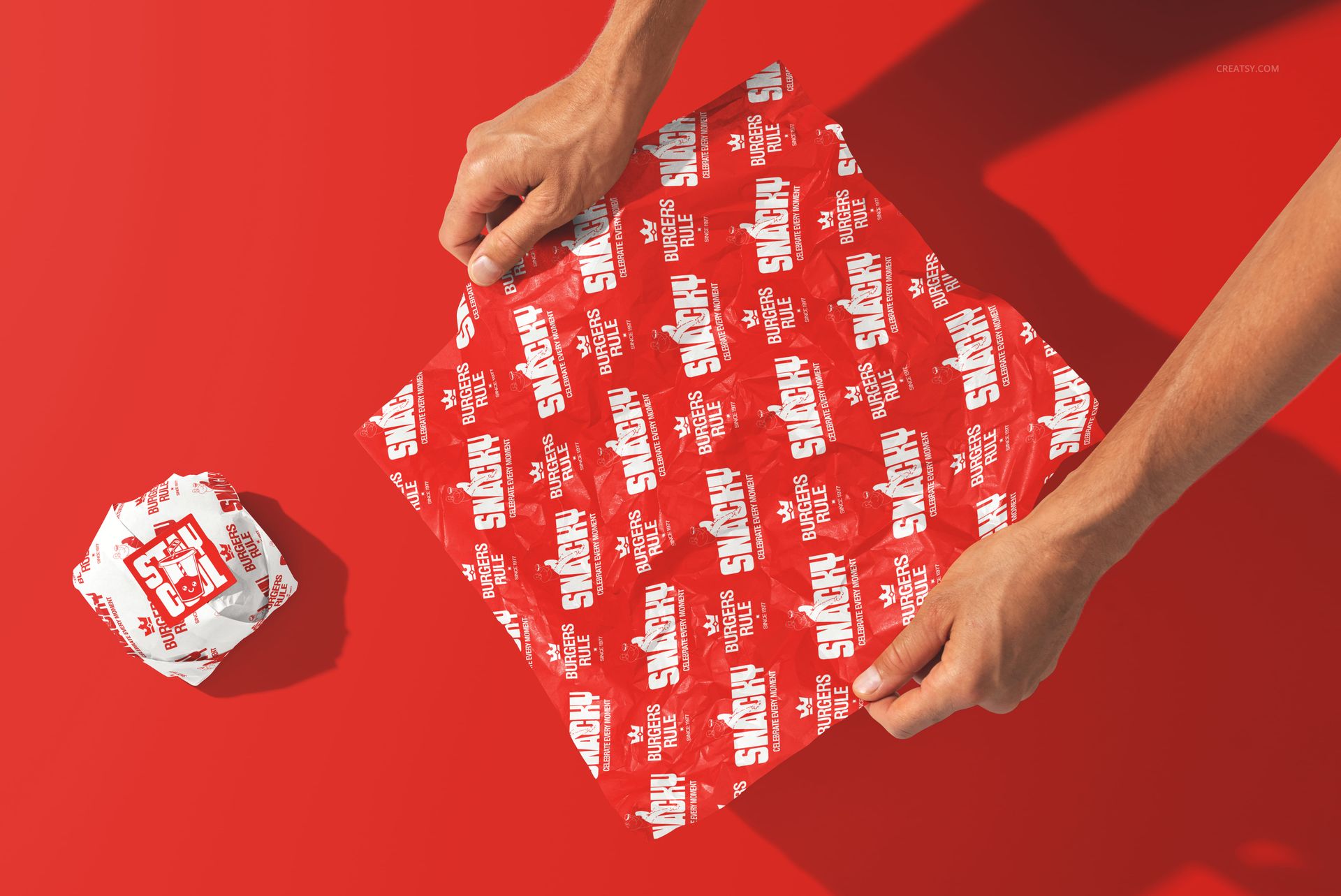
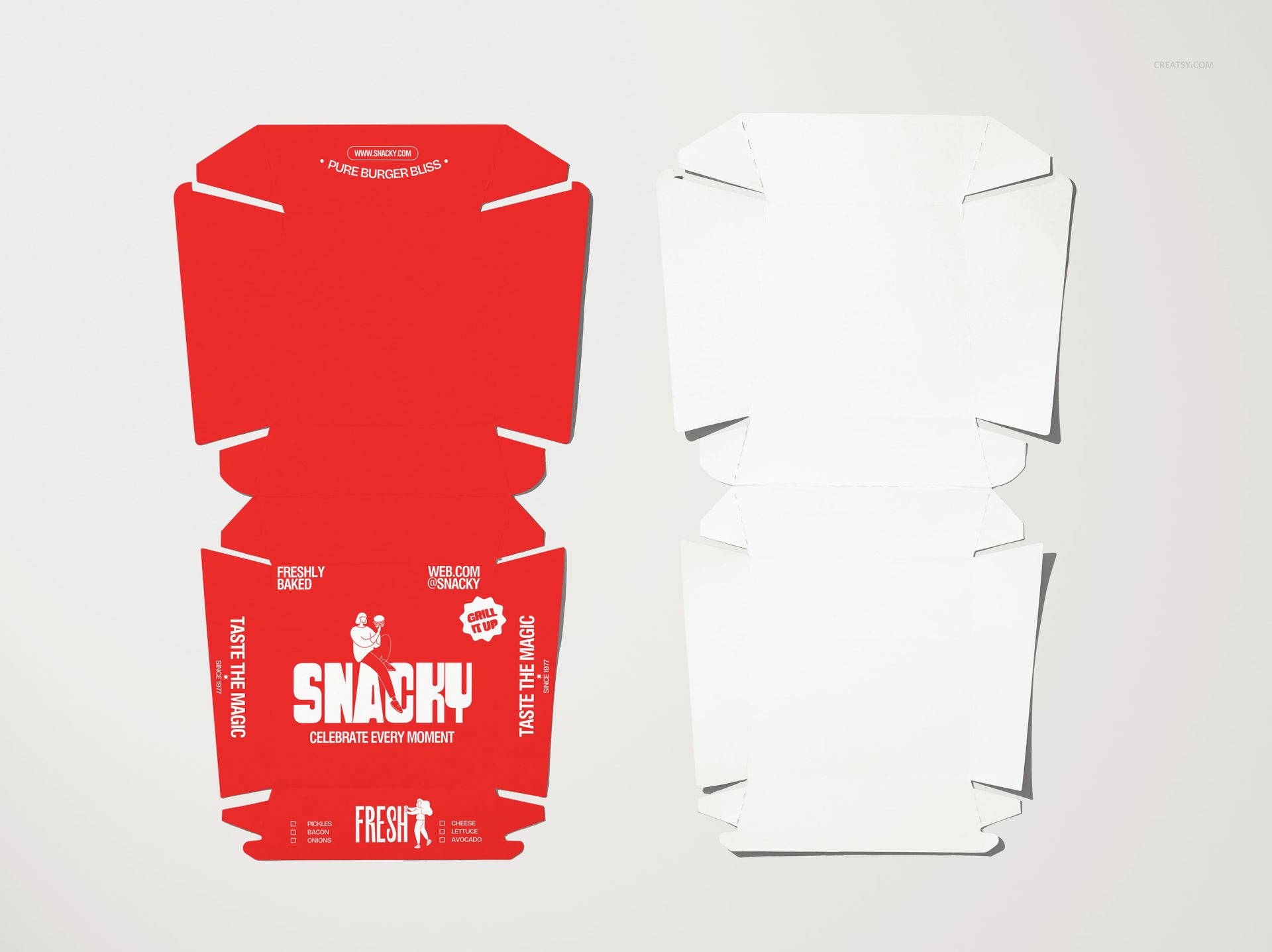
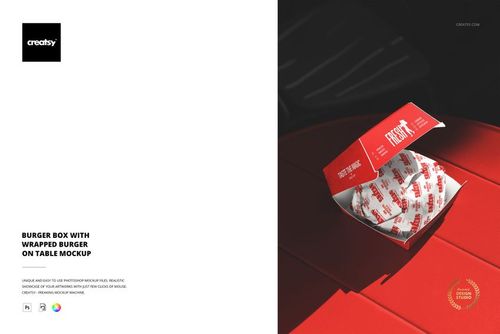
Packaging + lifestyle scenes: boxes, cups, wrapping, trays, outdoor moments, drive-thru vibes, and more
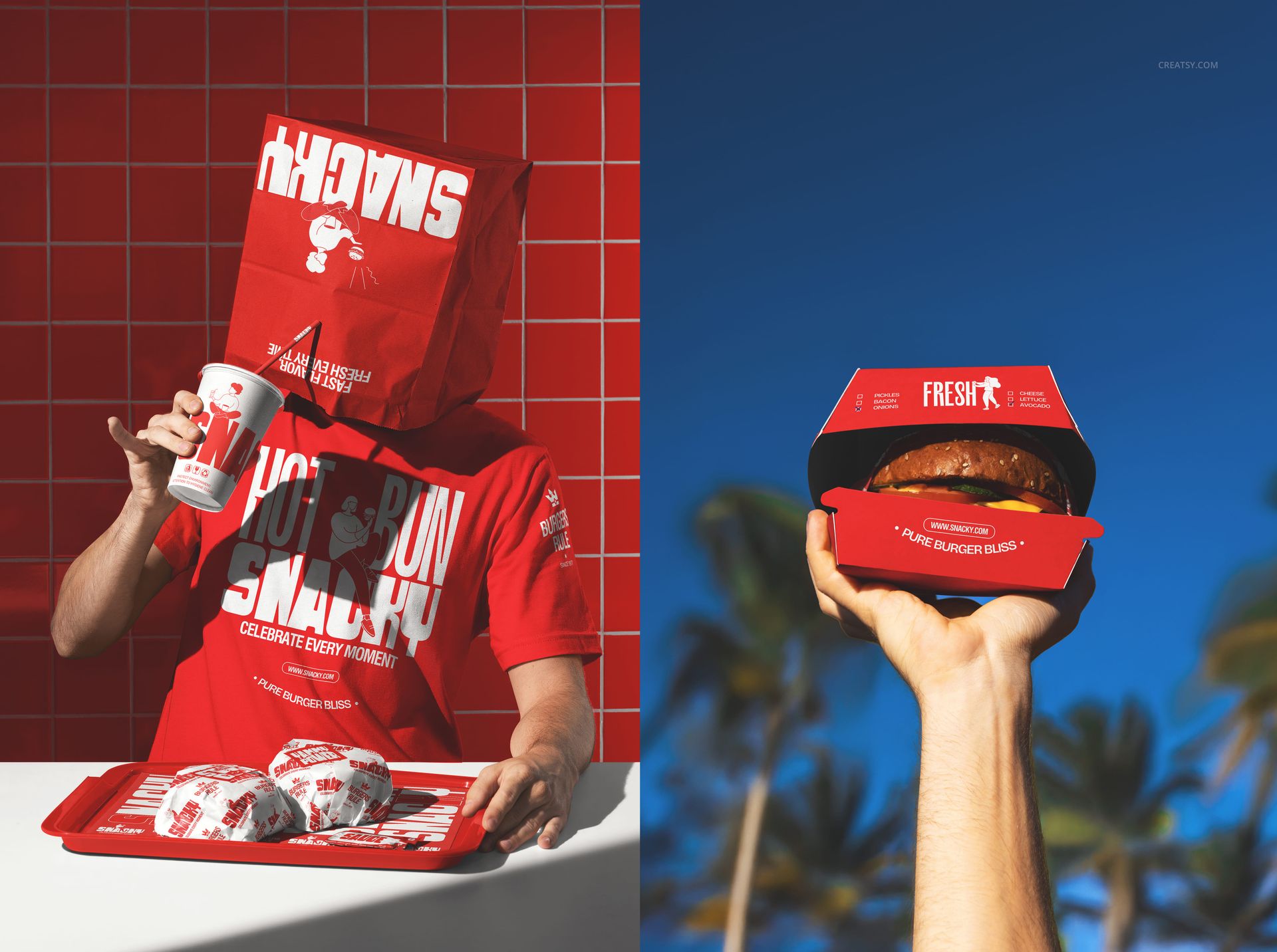
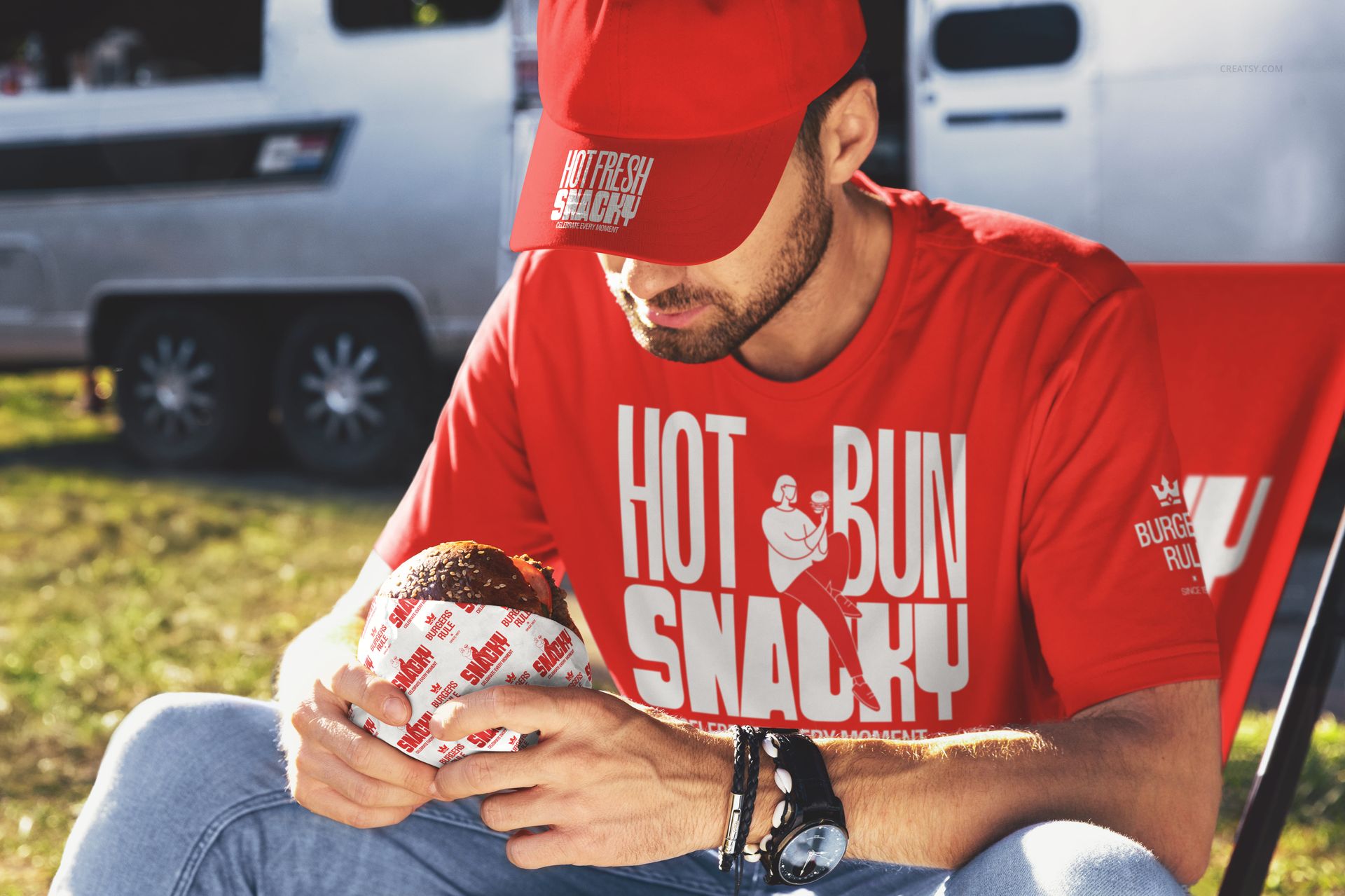
Brand the whole system: packaging, print collateral, and staff merch in one consistent look
What you can create with this bundle
Packaging & wrapping that sells the taste.
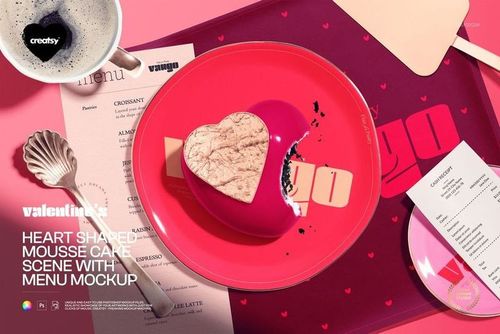
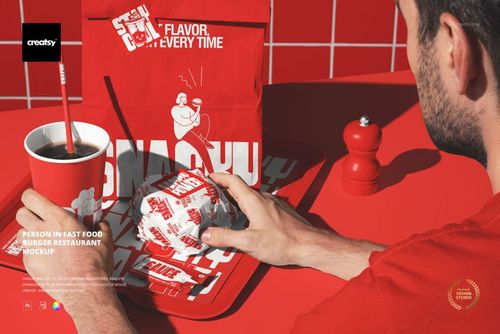
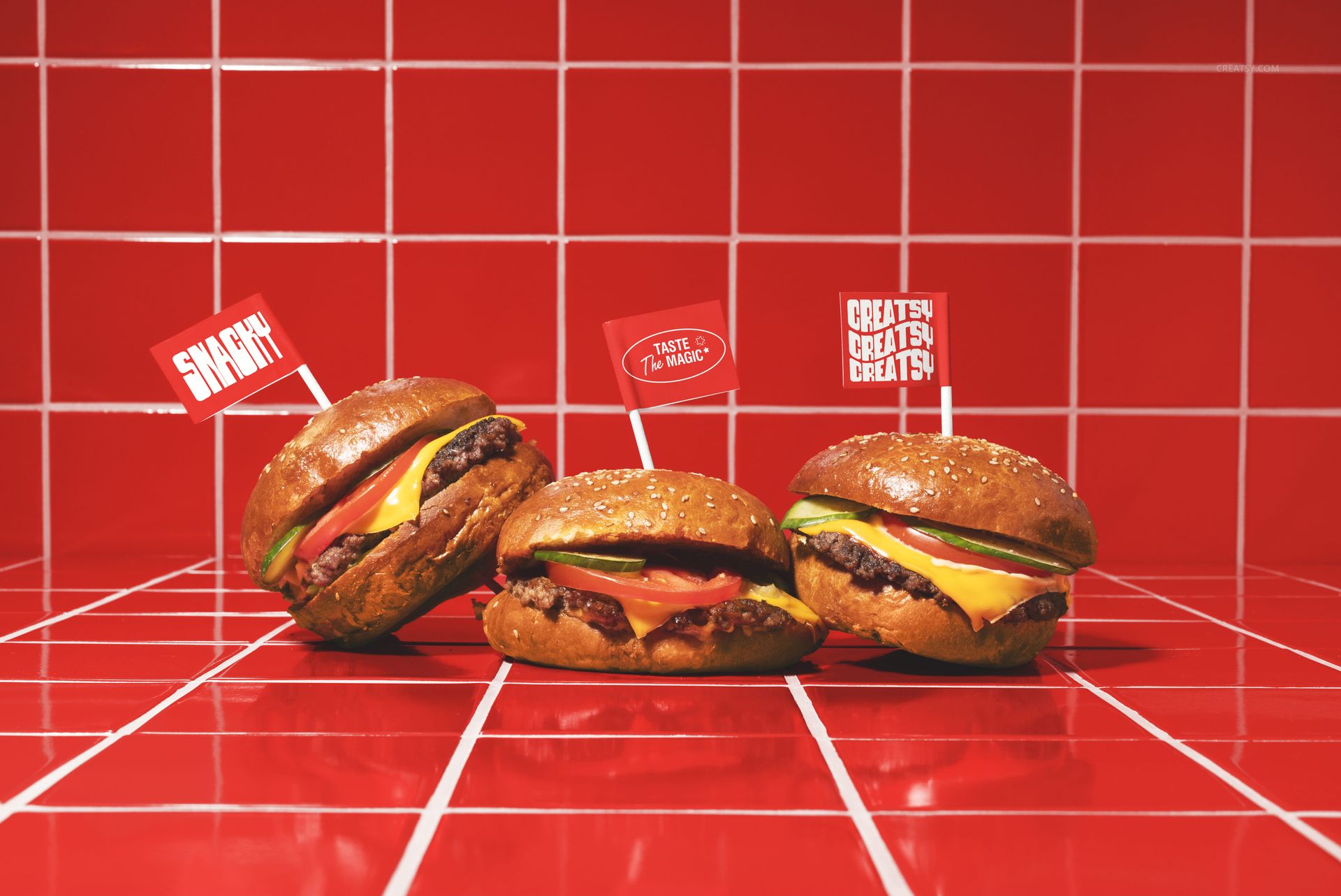
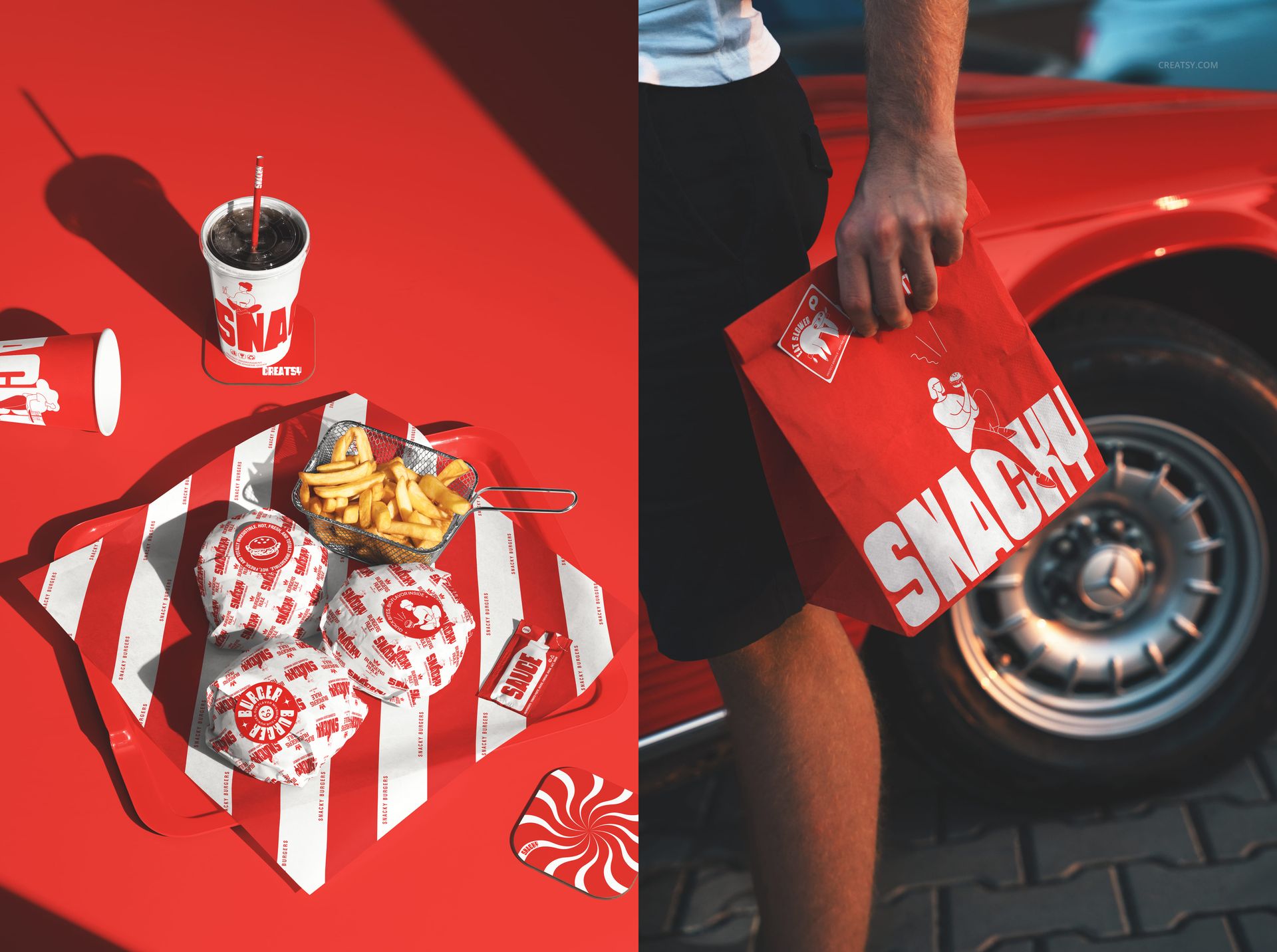
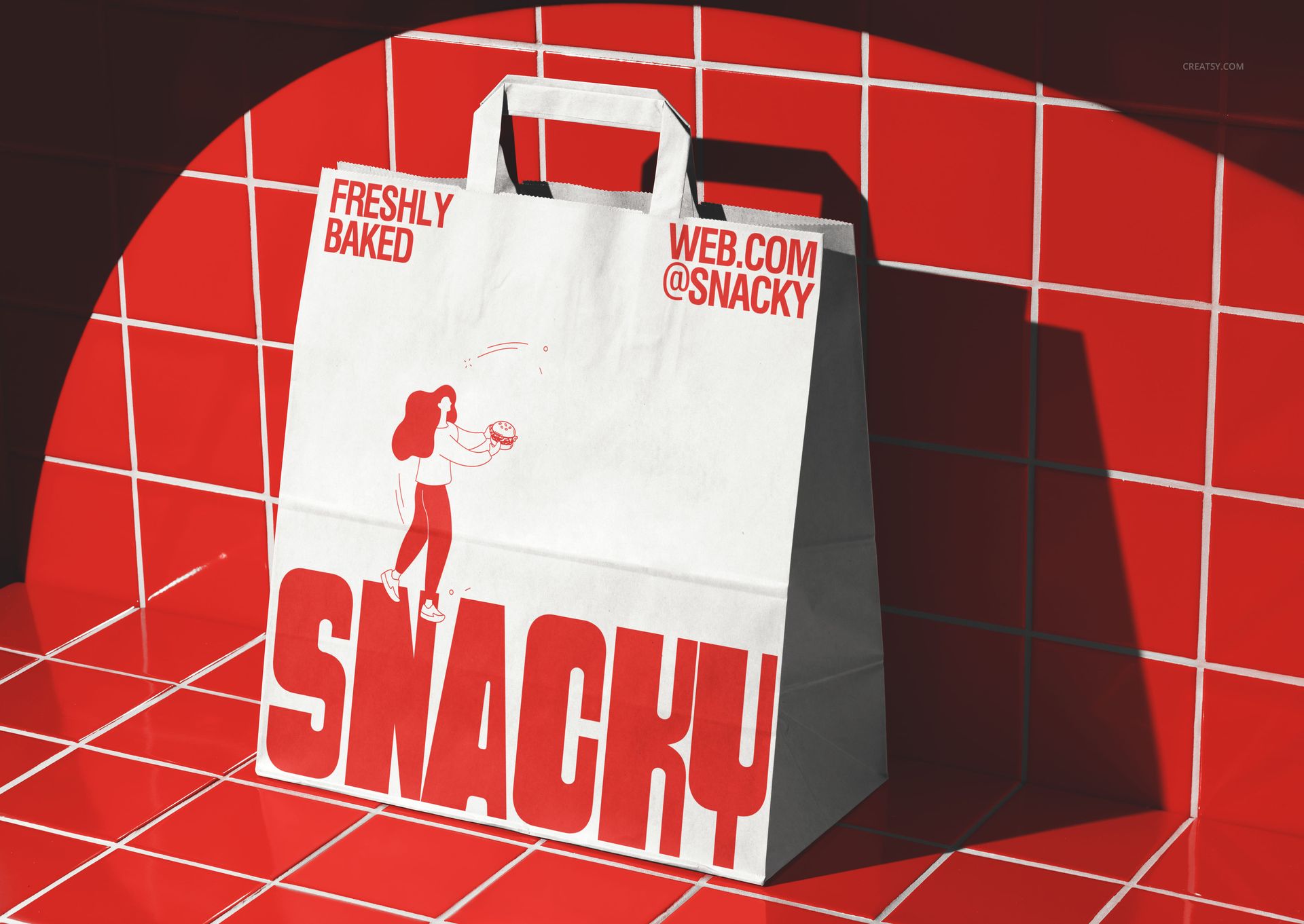
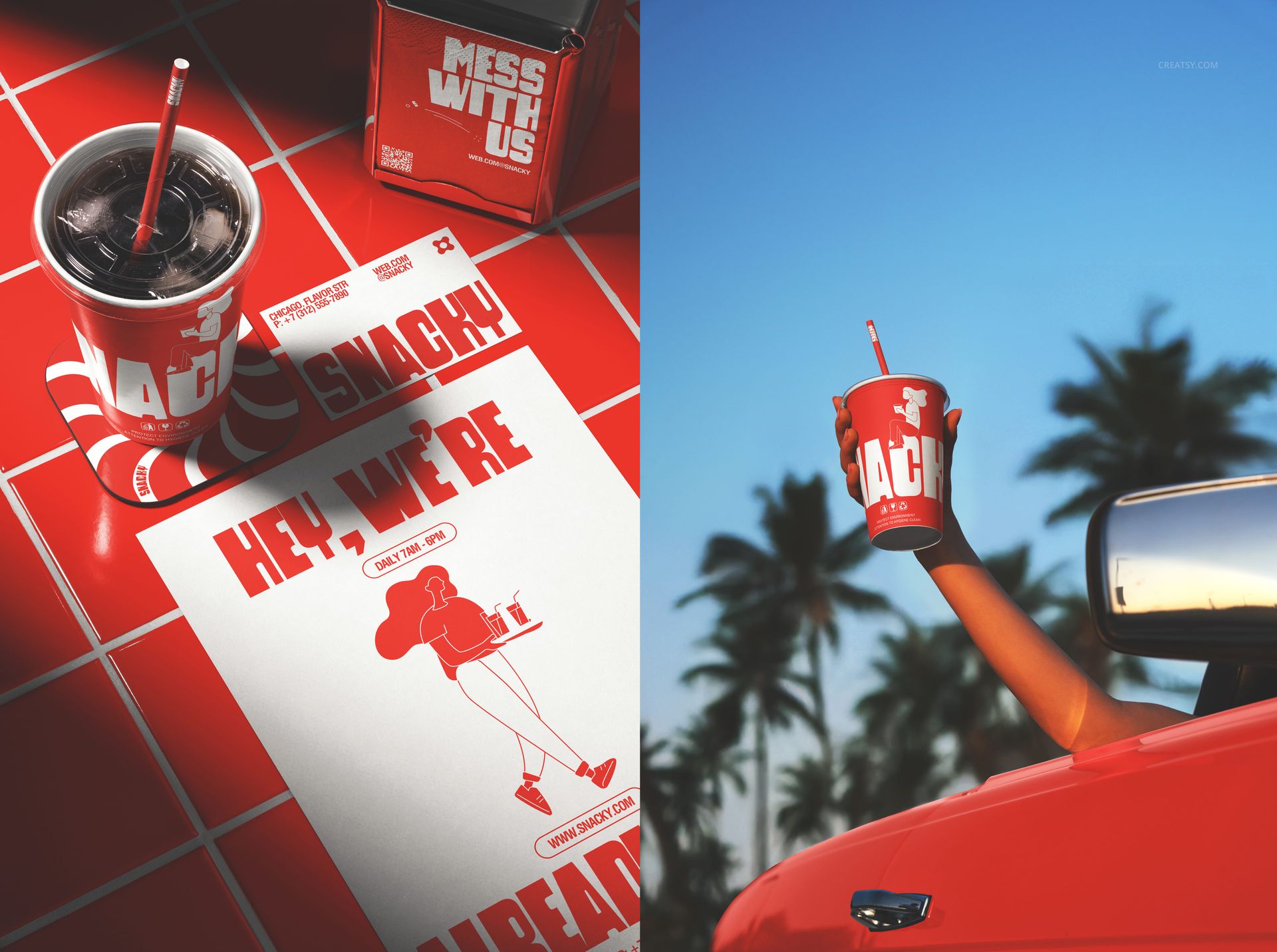
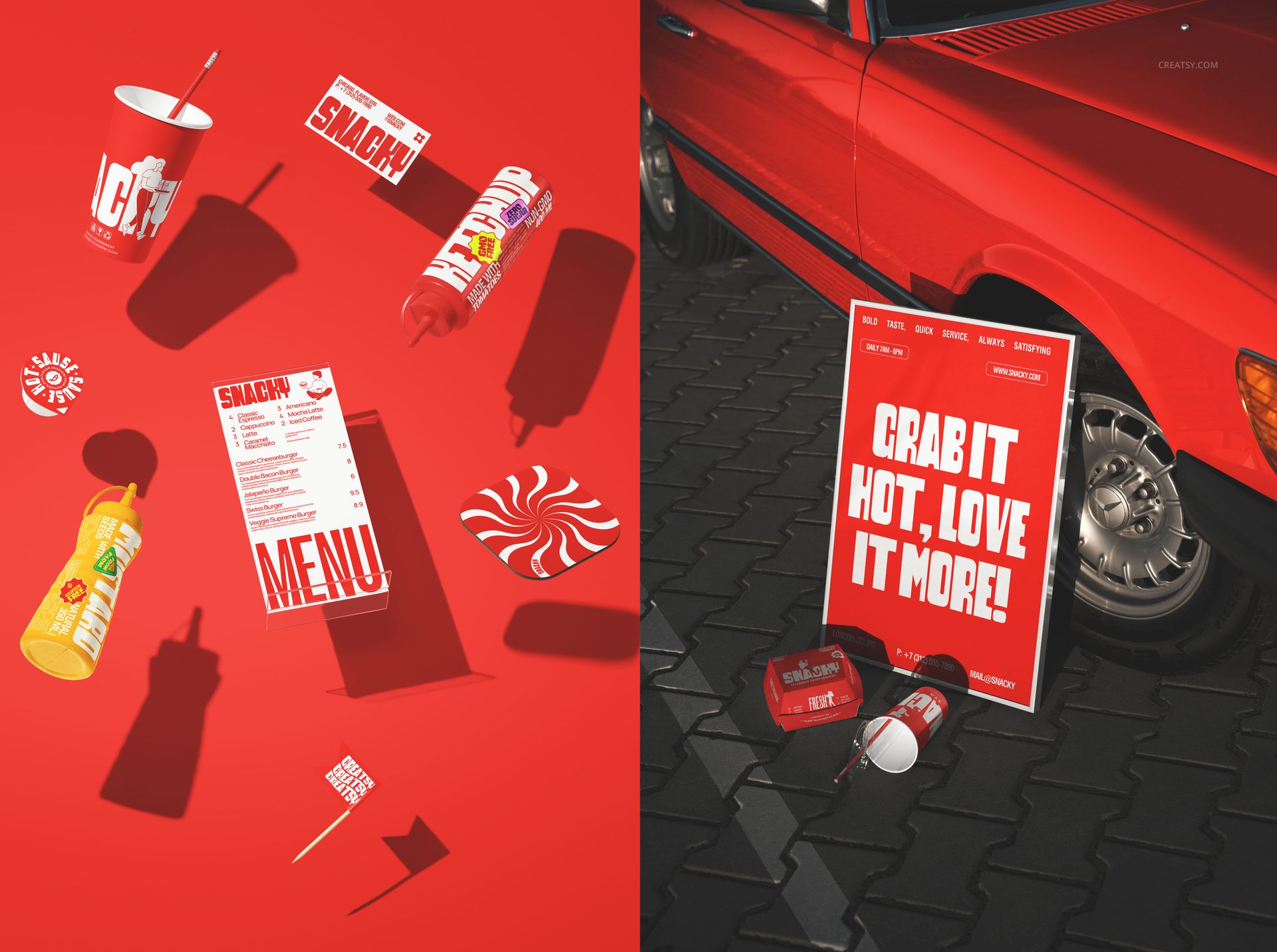
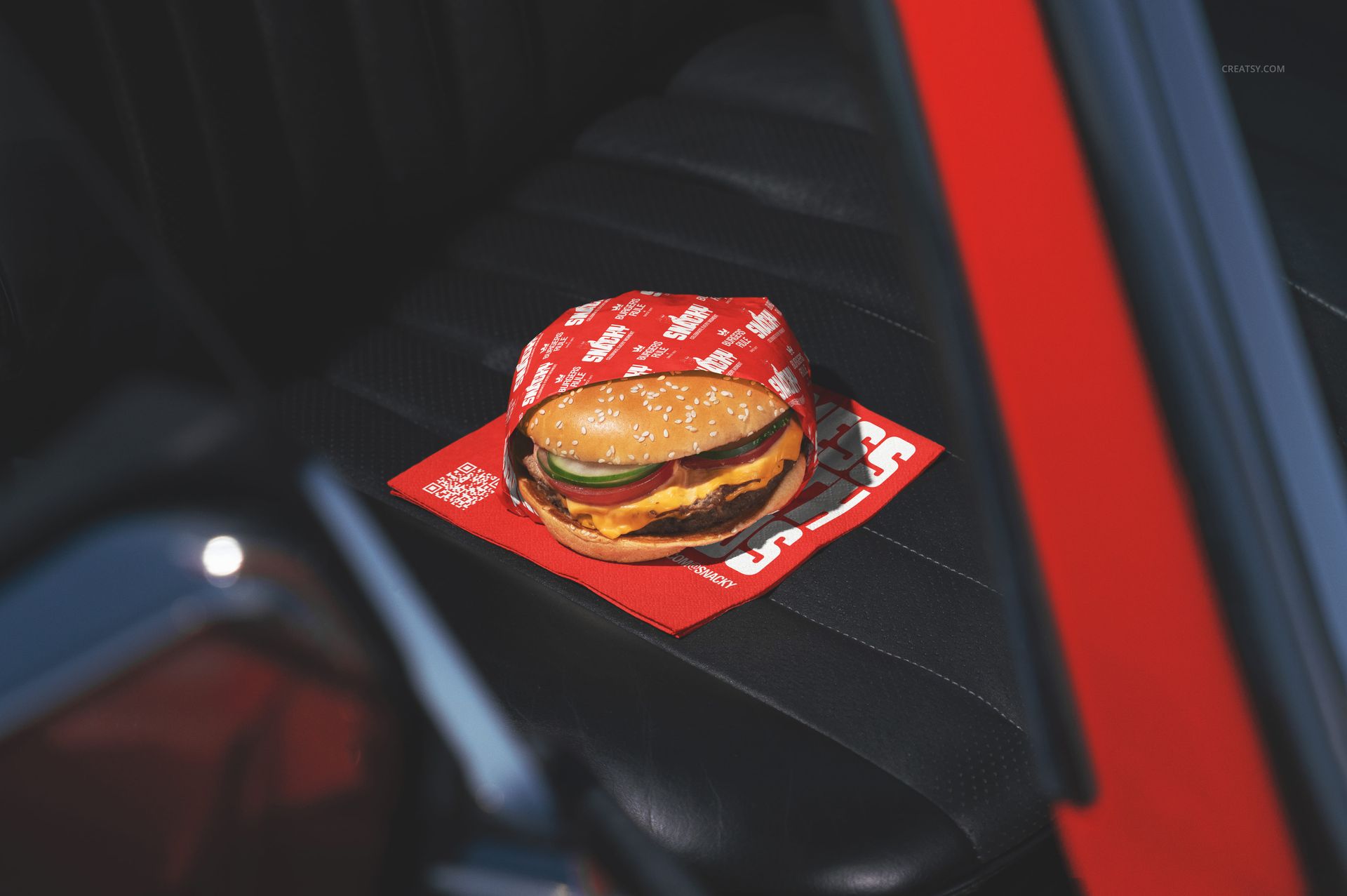
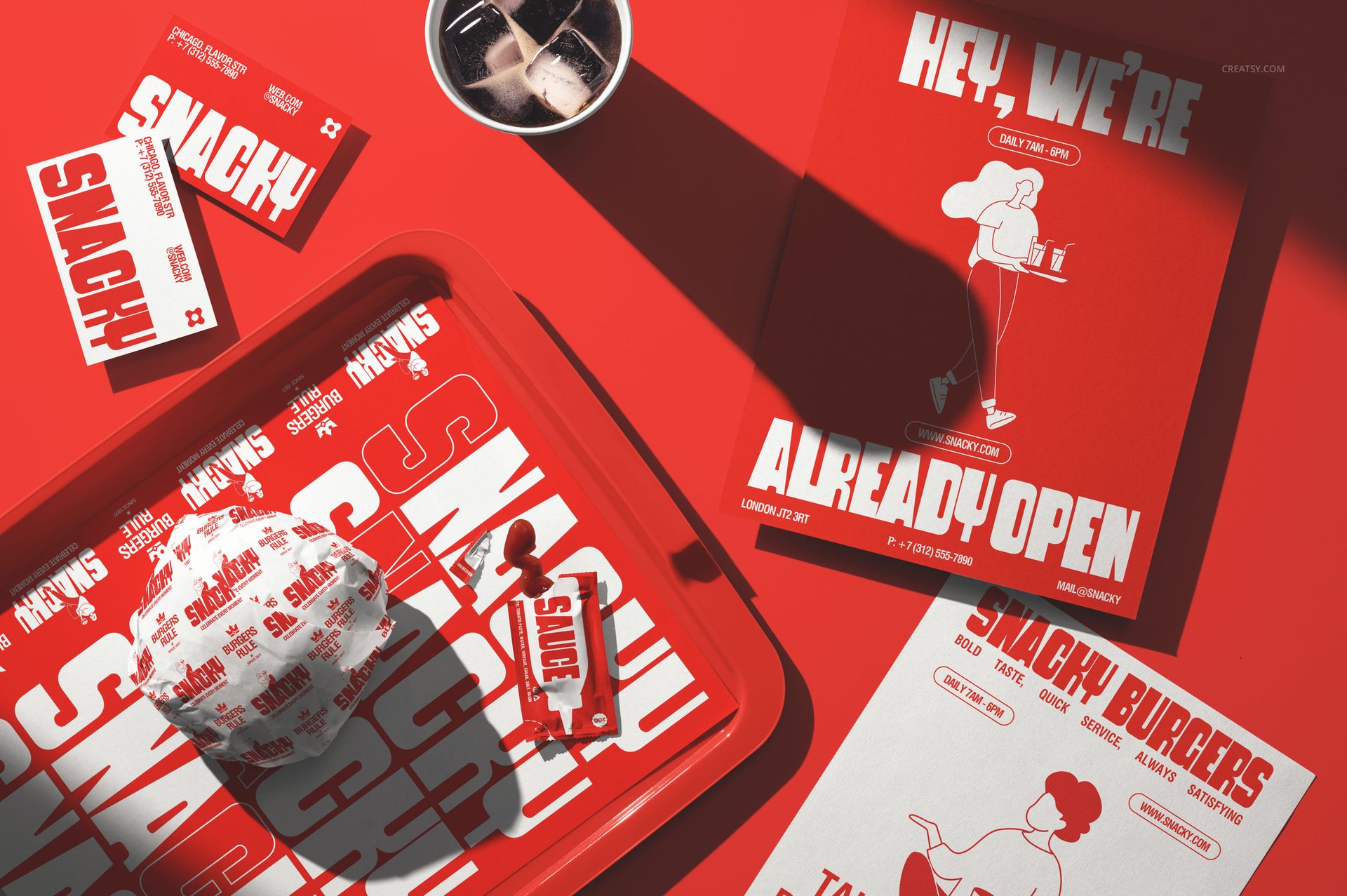
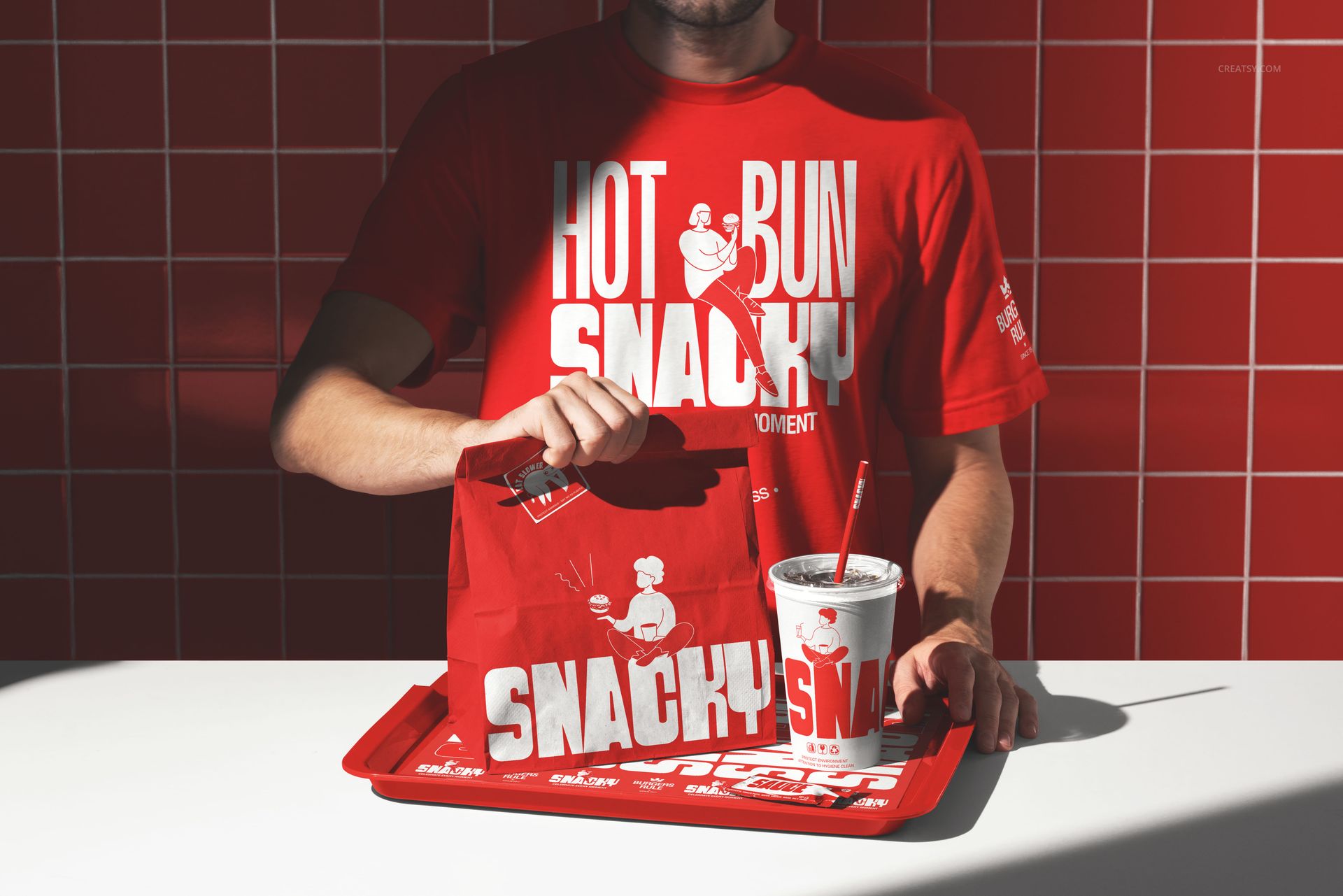
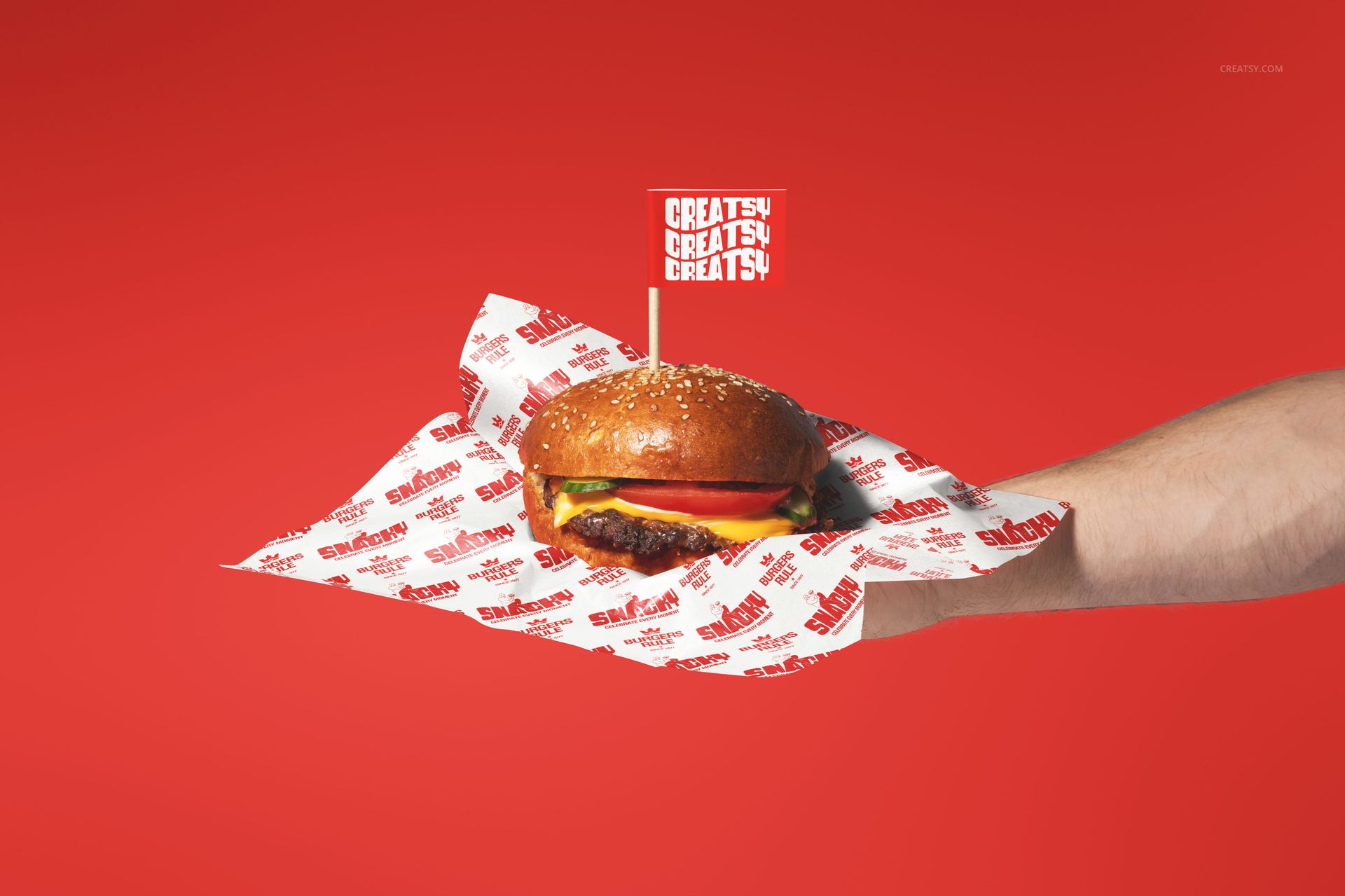
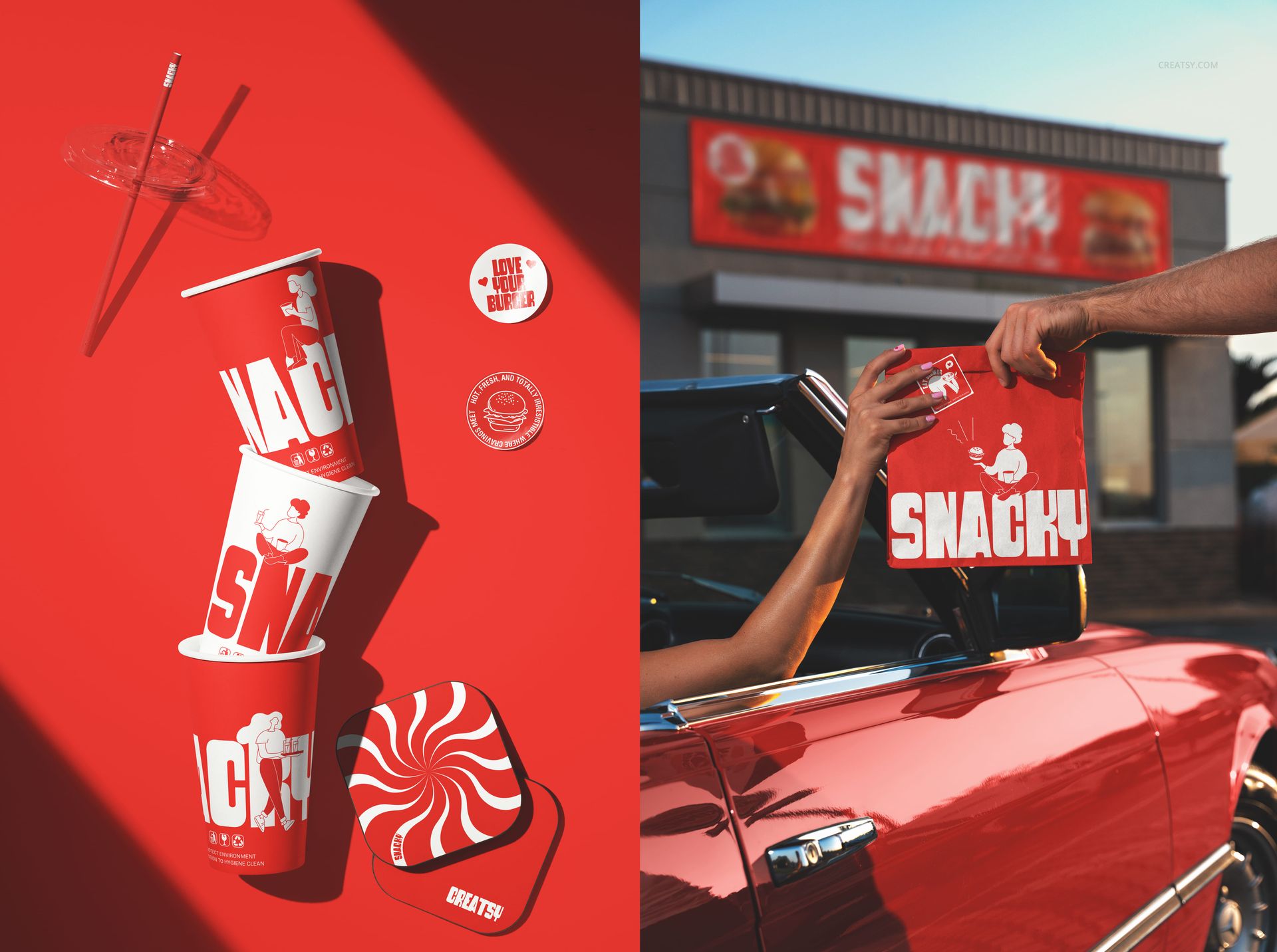
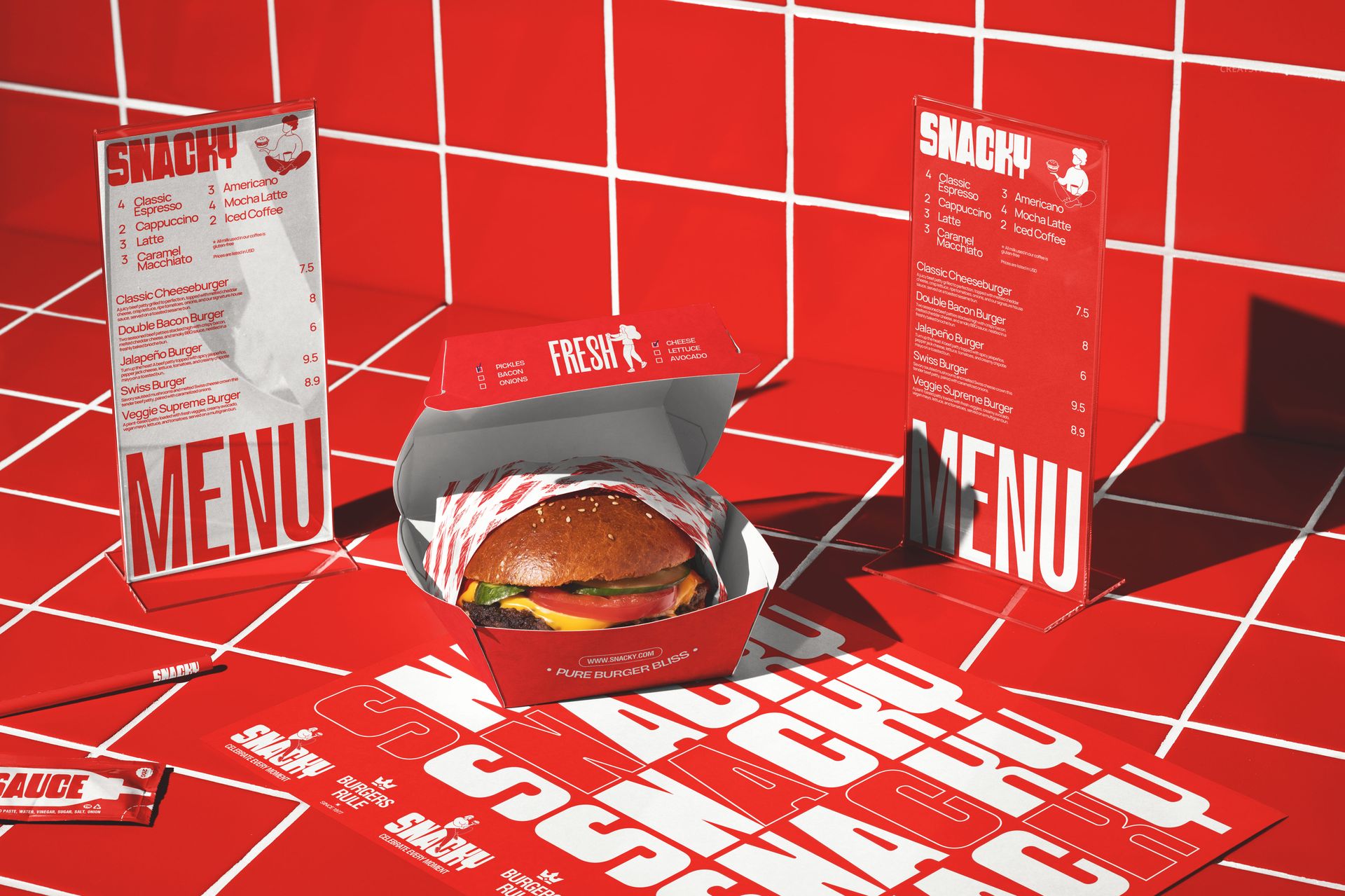
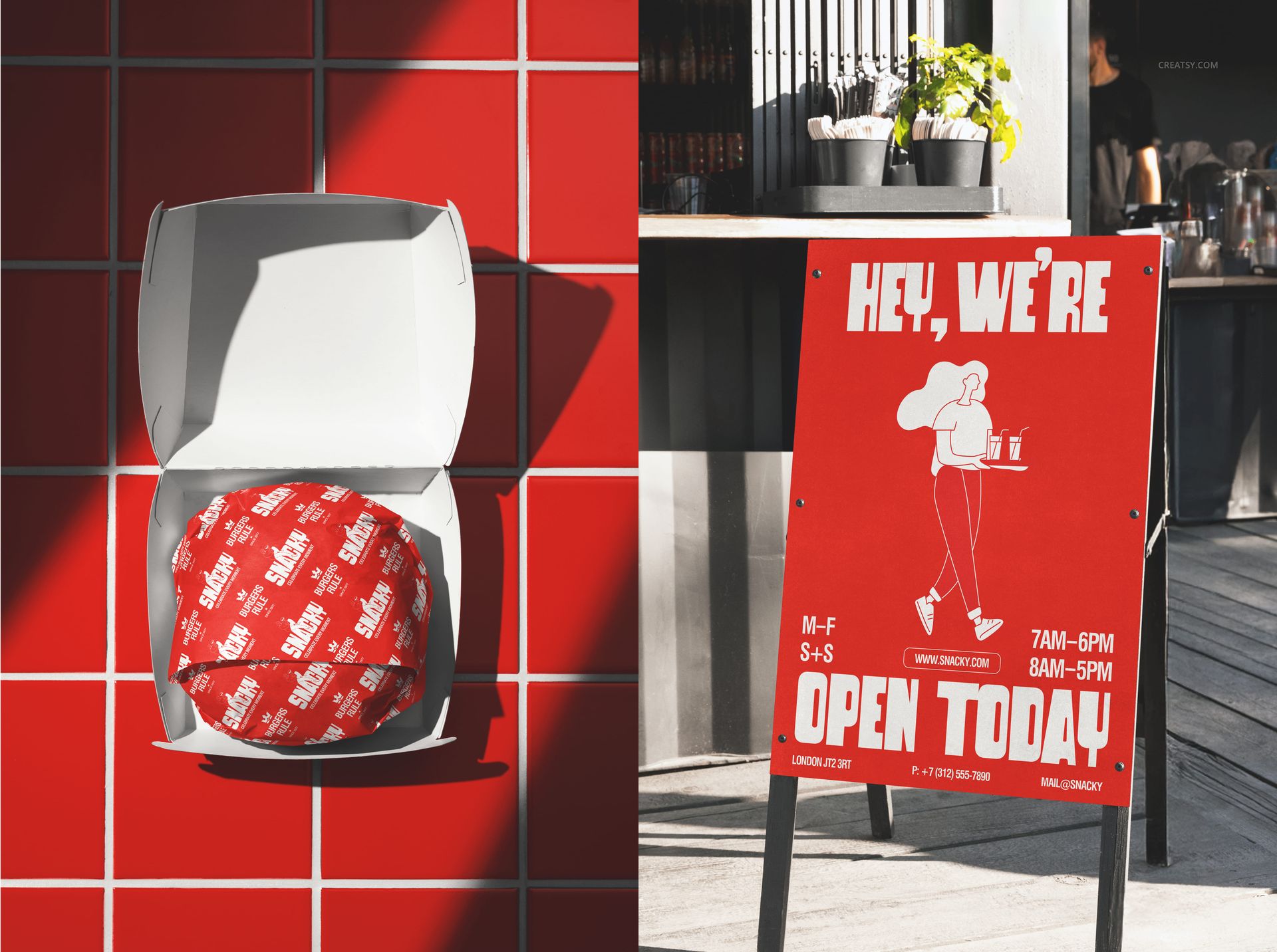
Show your brand on key fast-food essentials like cups and straws, wrapping paper, paper bags, stickers, and sauce sachets – so every detail feels intentional.
Lifestyle scenes for “real world” credibility.
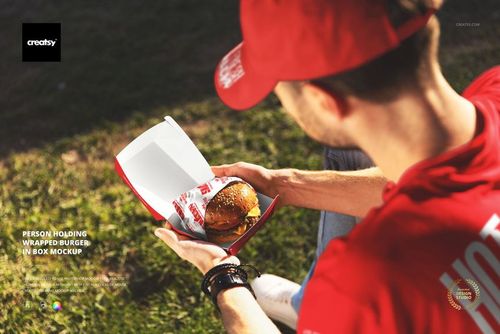
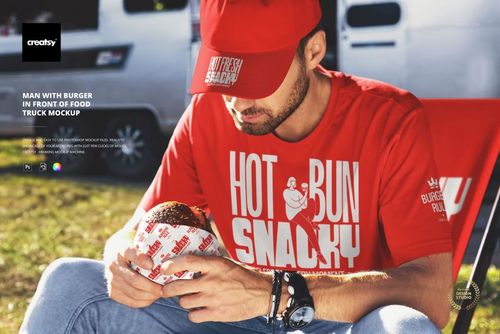
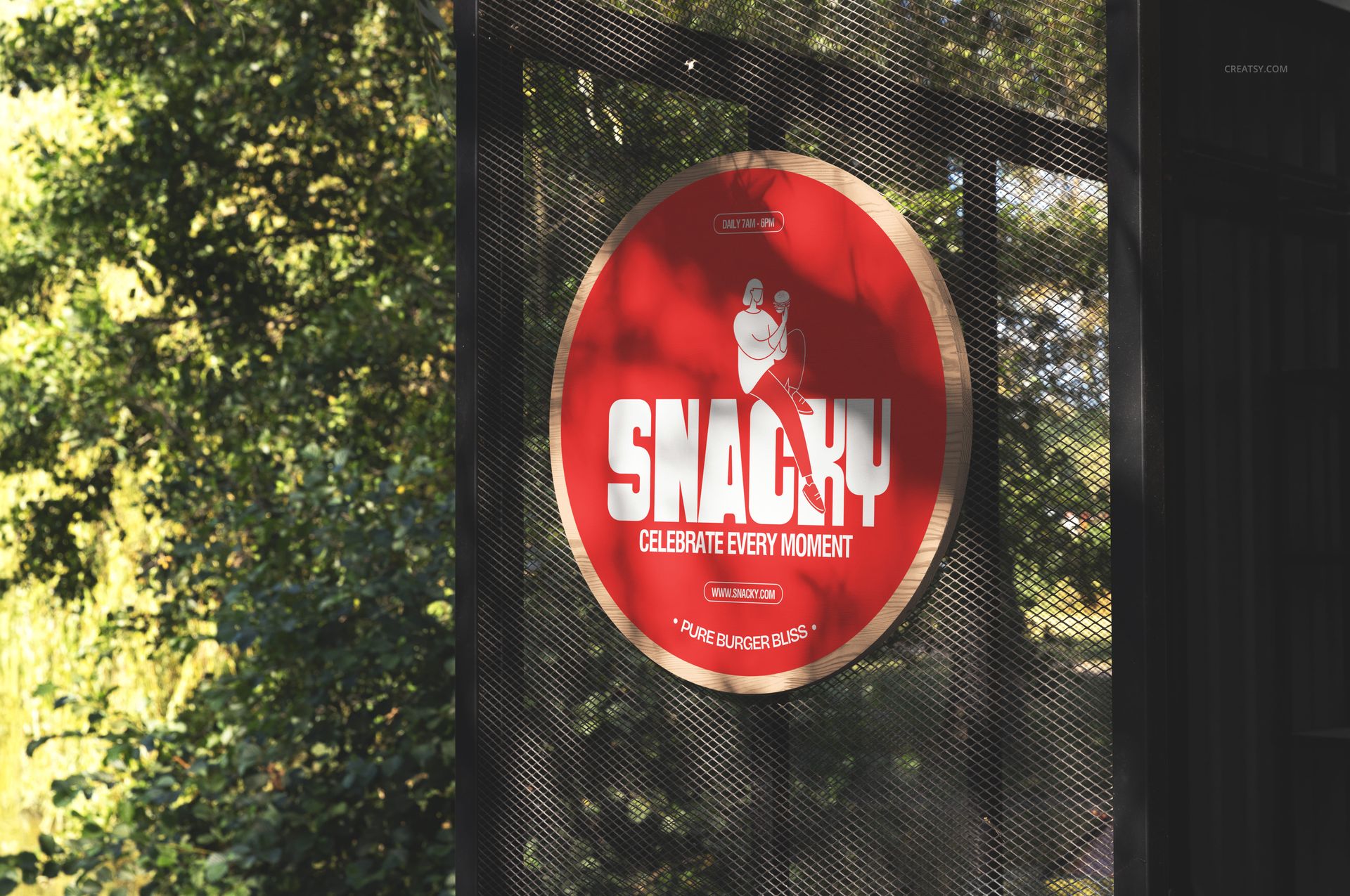
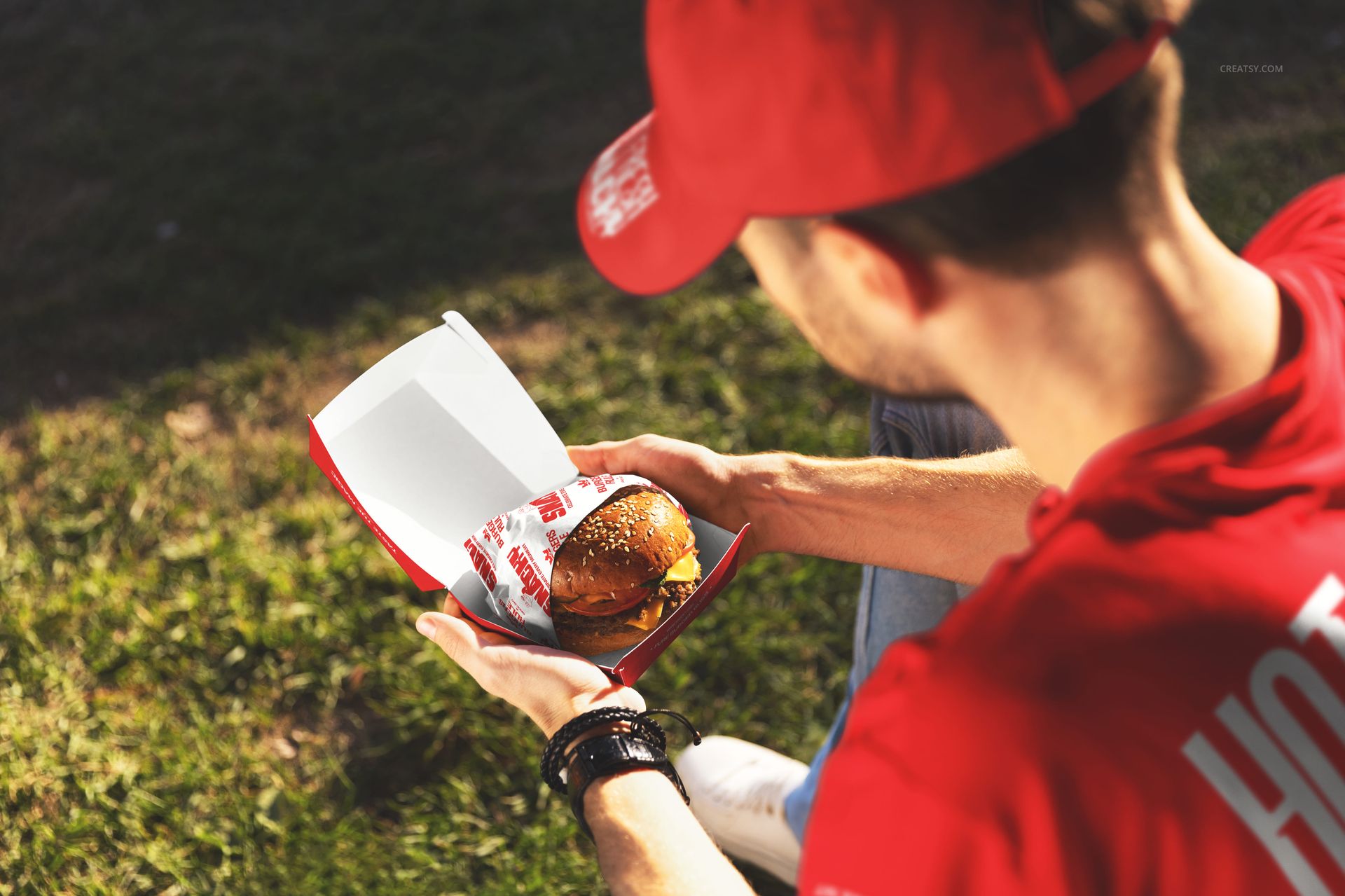
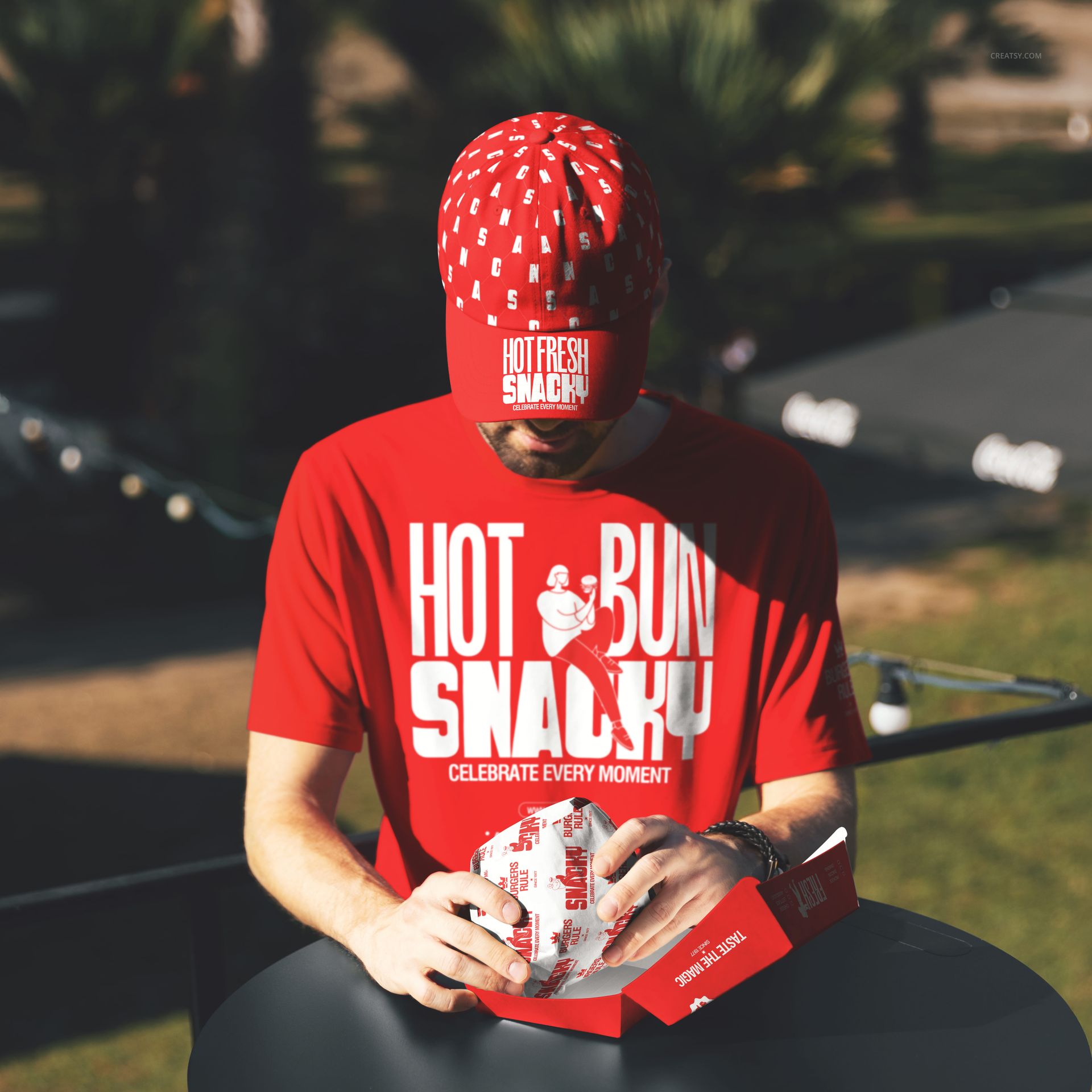
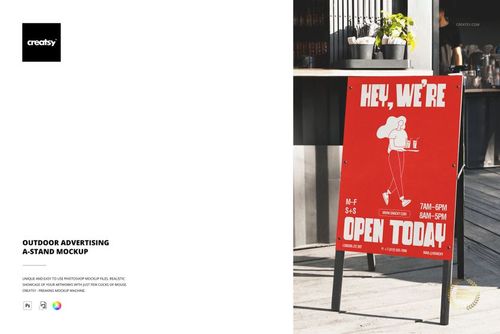
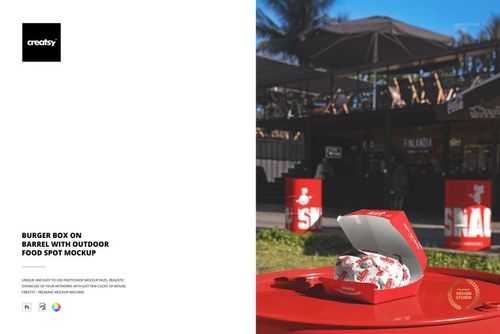
Present your design in bright, story-driven scenes: outdoor tables, on-the-go moments, and drive-thru / car shots that instantly feel authentic.
Brand collateral + merch for a complete identity.
Add supporting pieces like menus, flyers, business cards, and apparel (e.g., T-shirts) to make your concept feel launch-ready.
File details
- Compatibility


- Products in bundle
- 69
- Package size
- 15.1 GB
 |16.2 GB
- Files type
- .psd, .jpg
- Files size
- 6000x4000
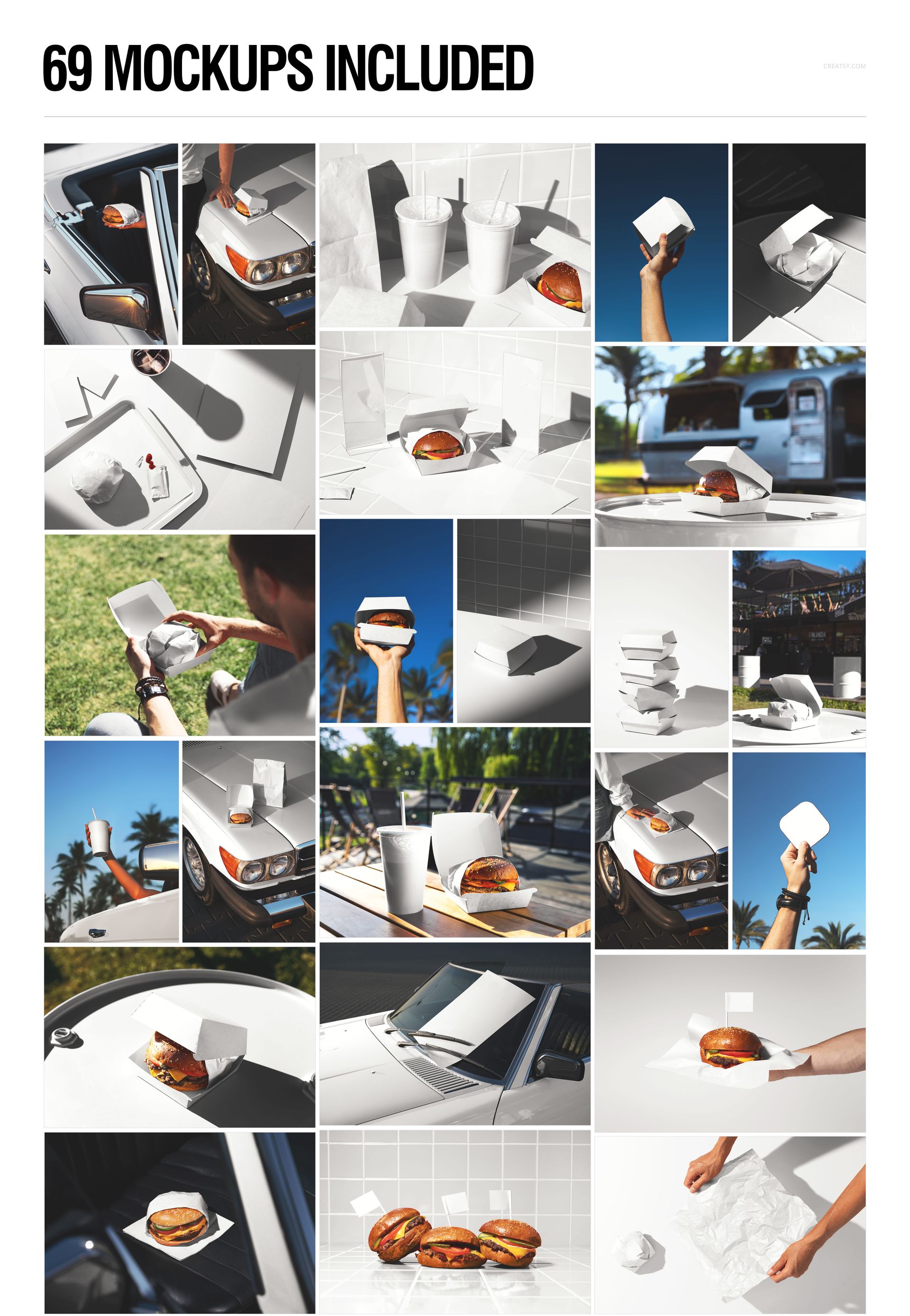
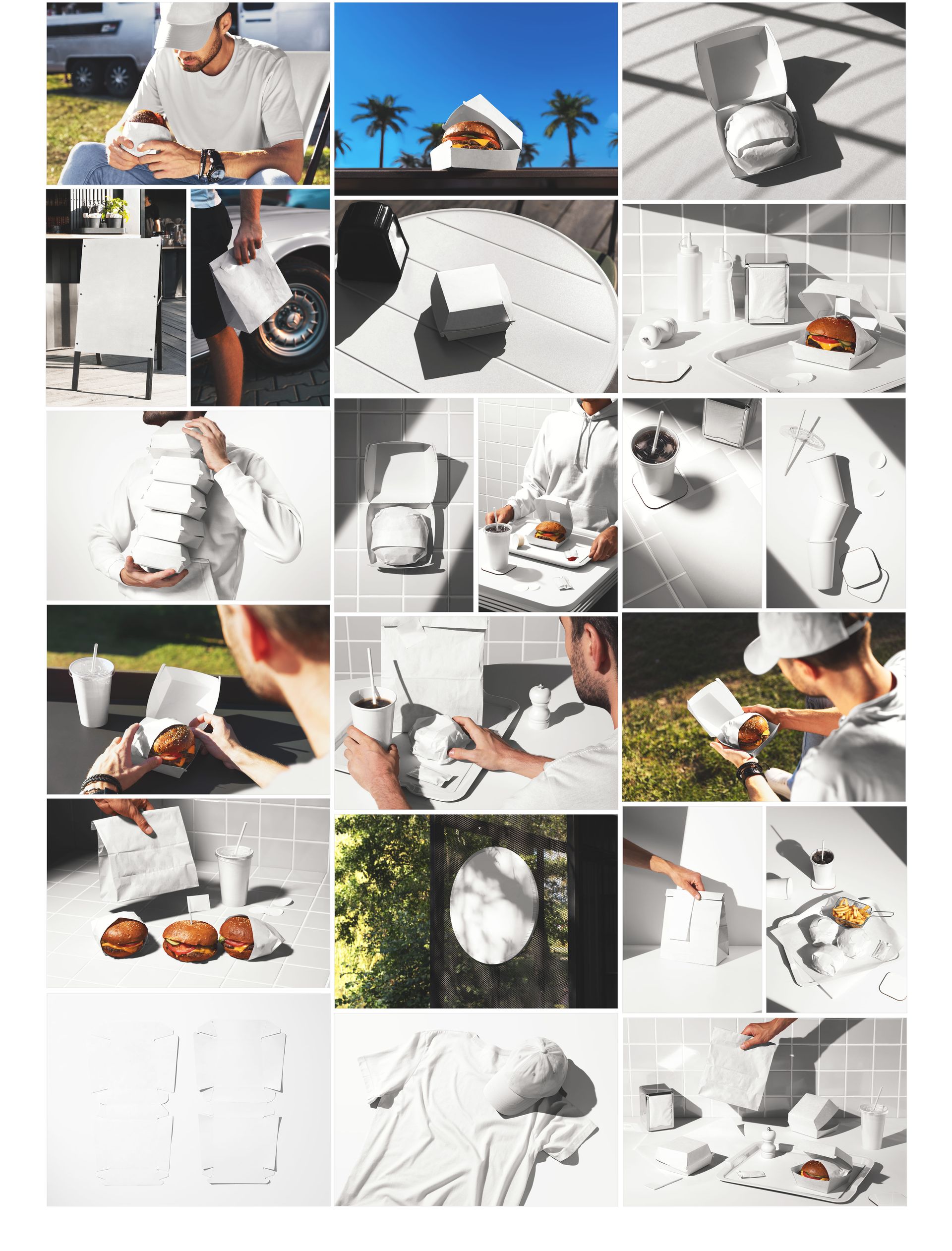
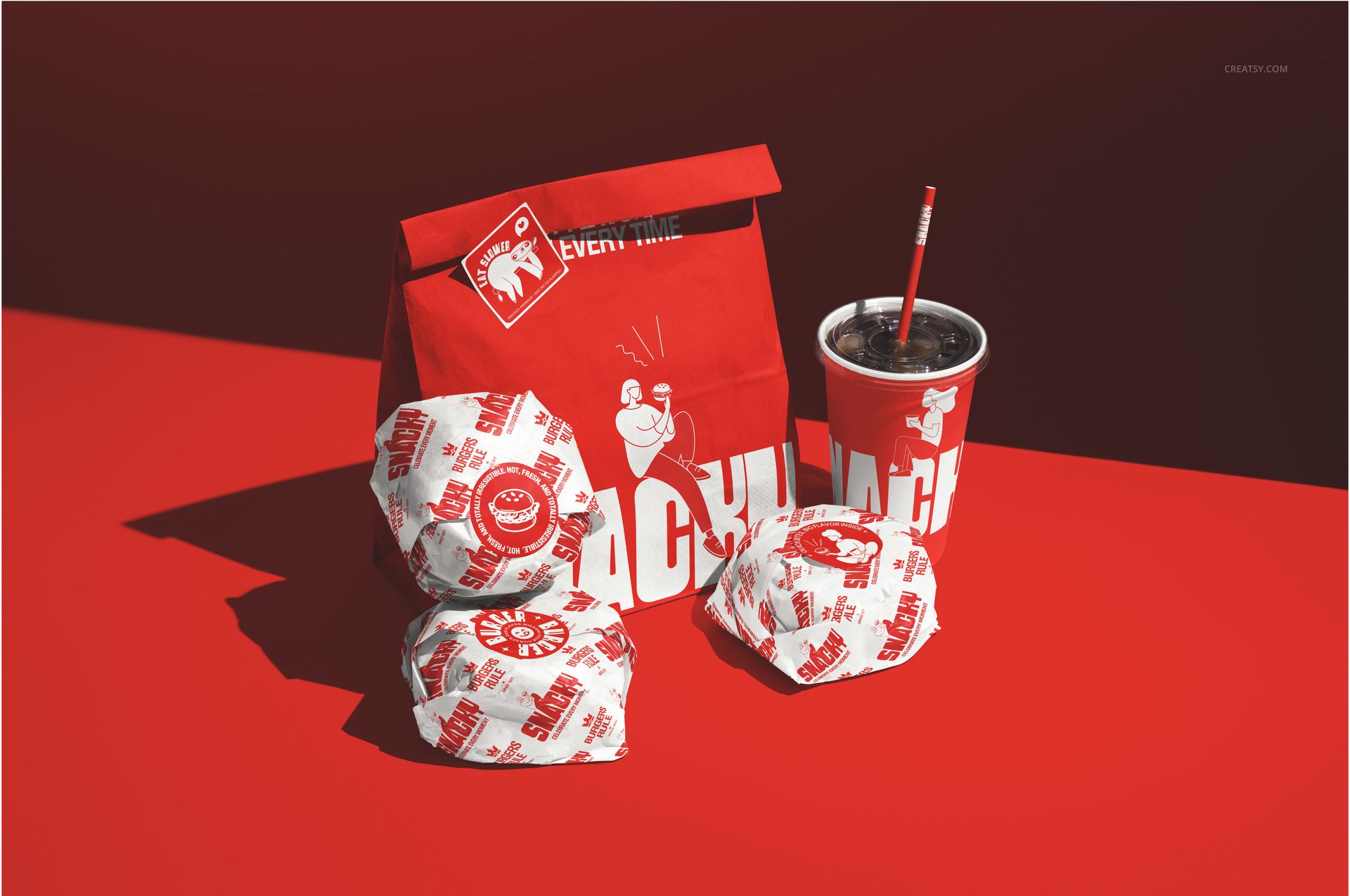
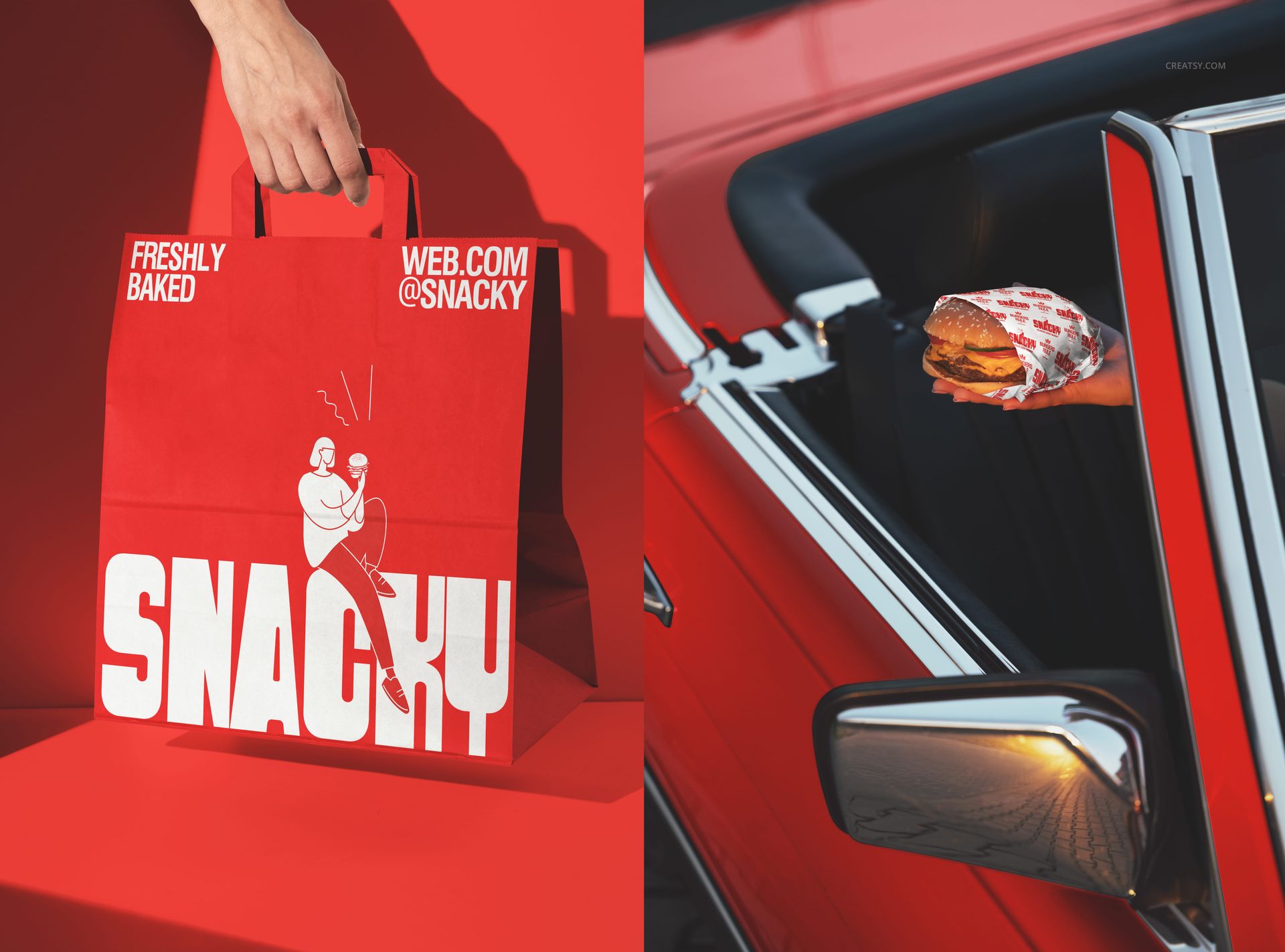
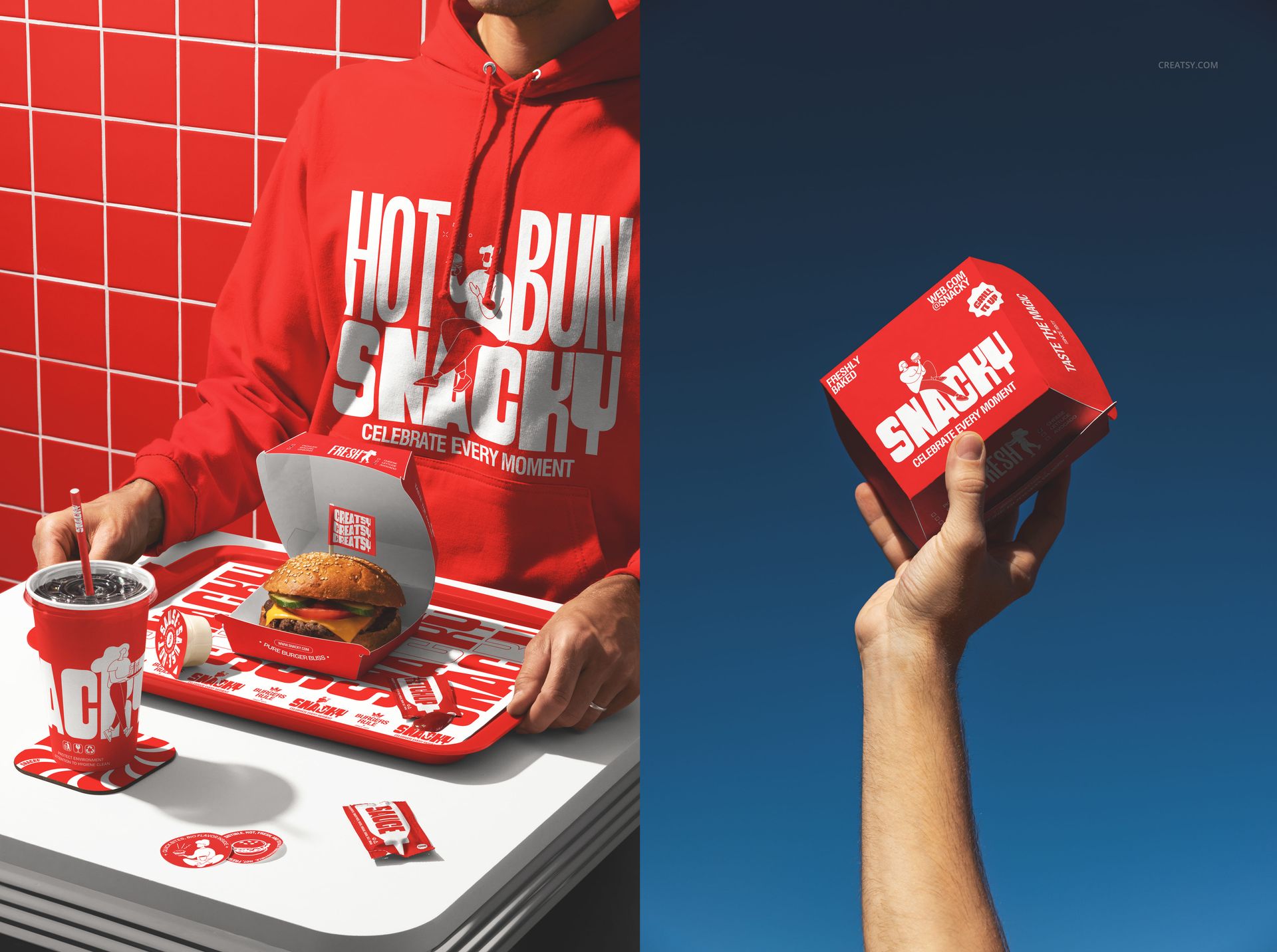
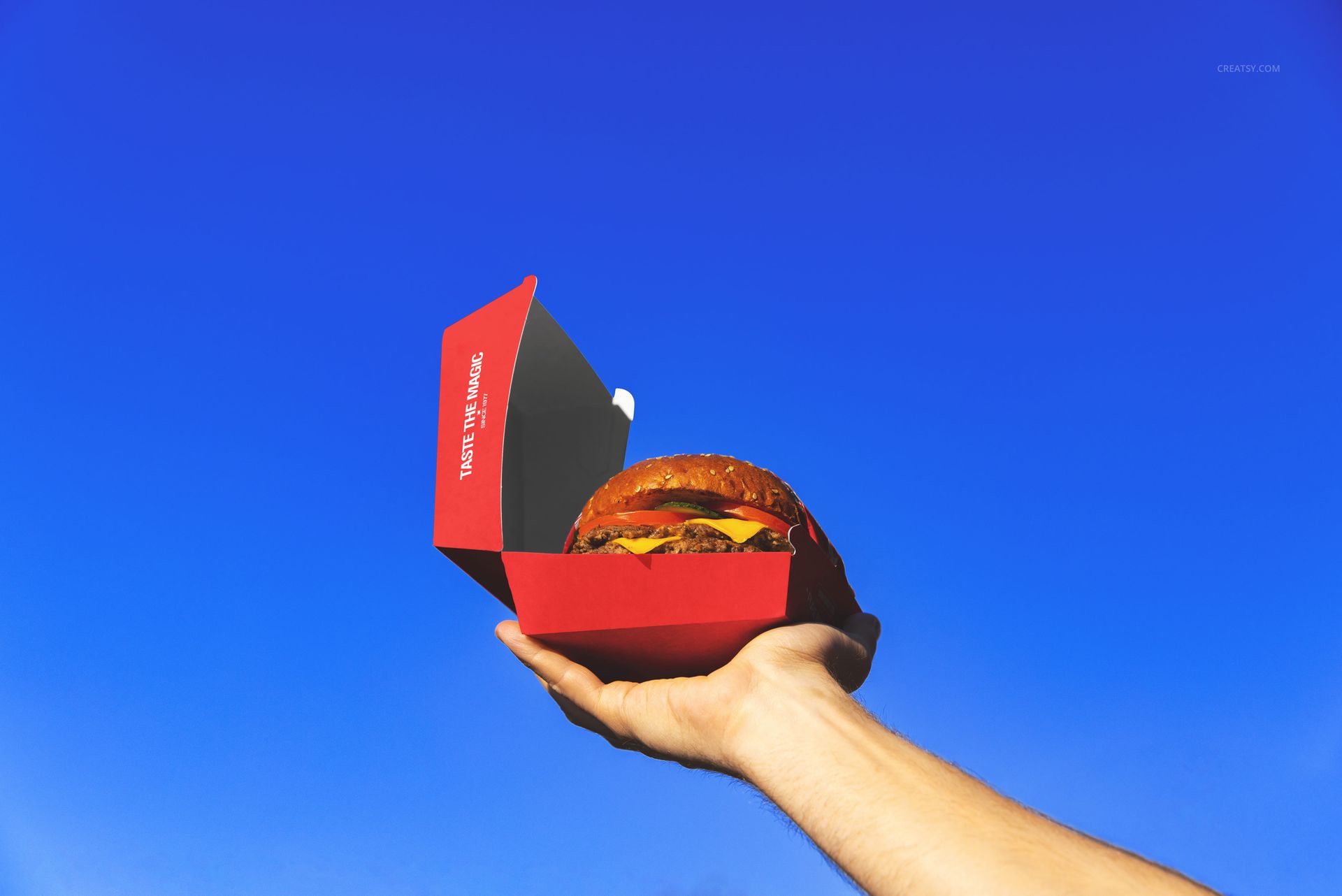
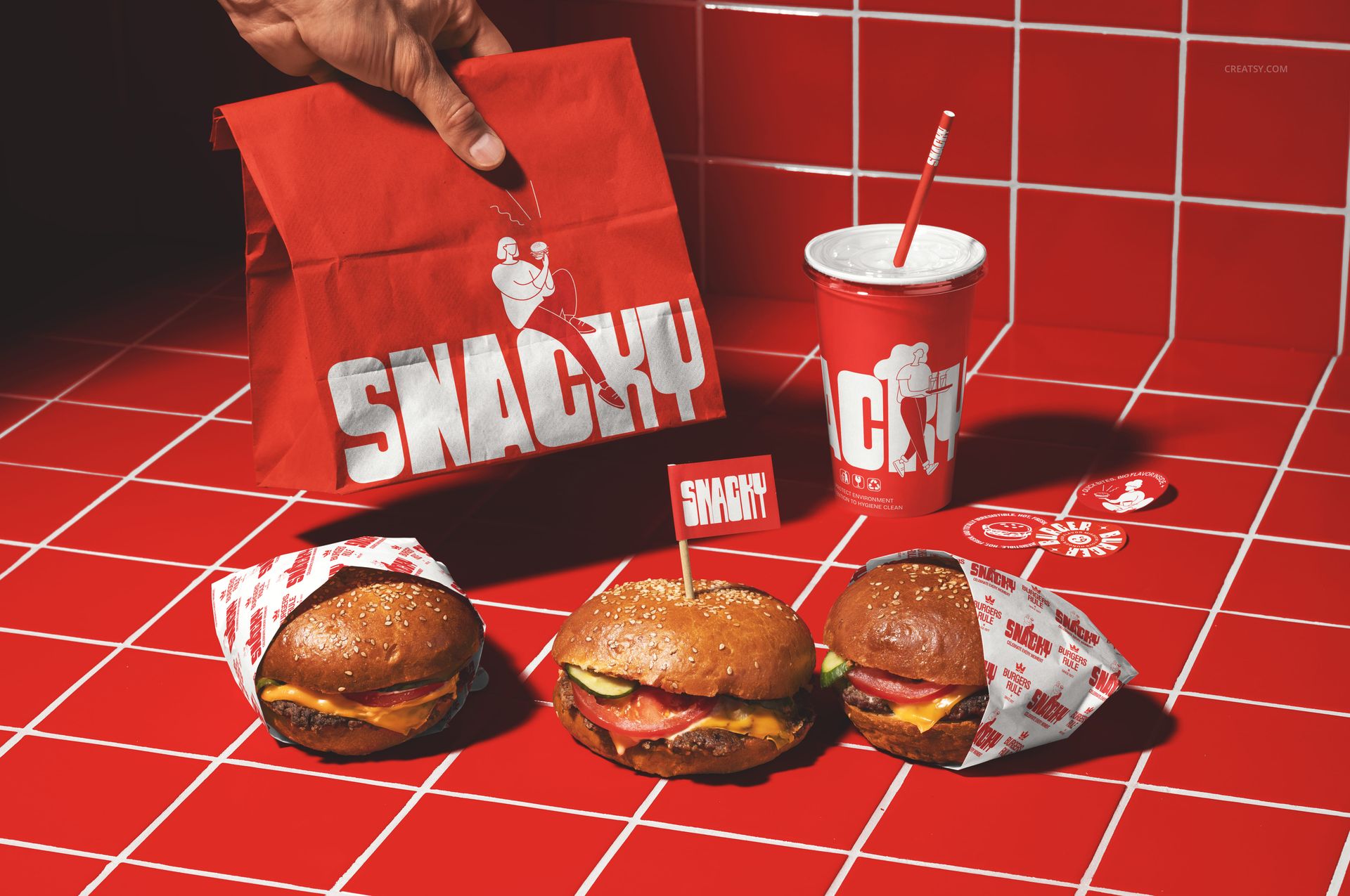
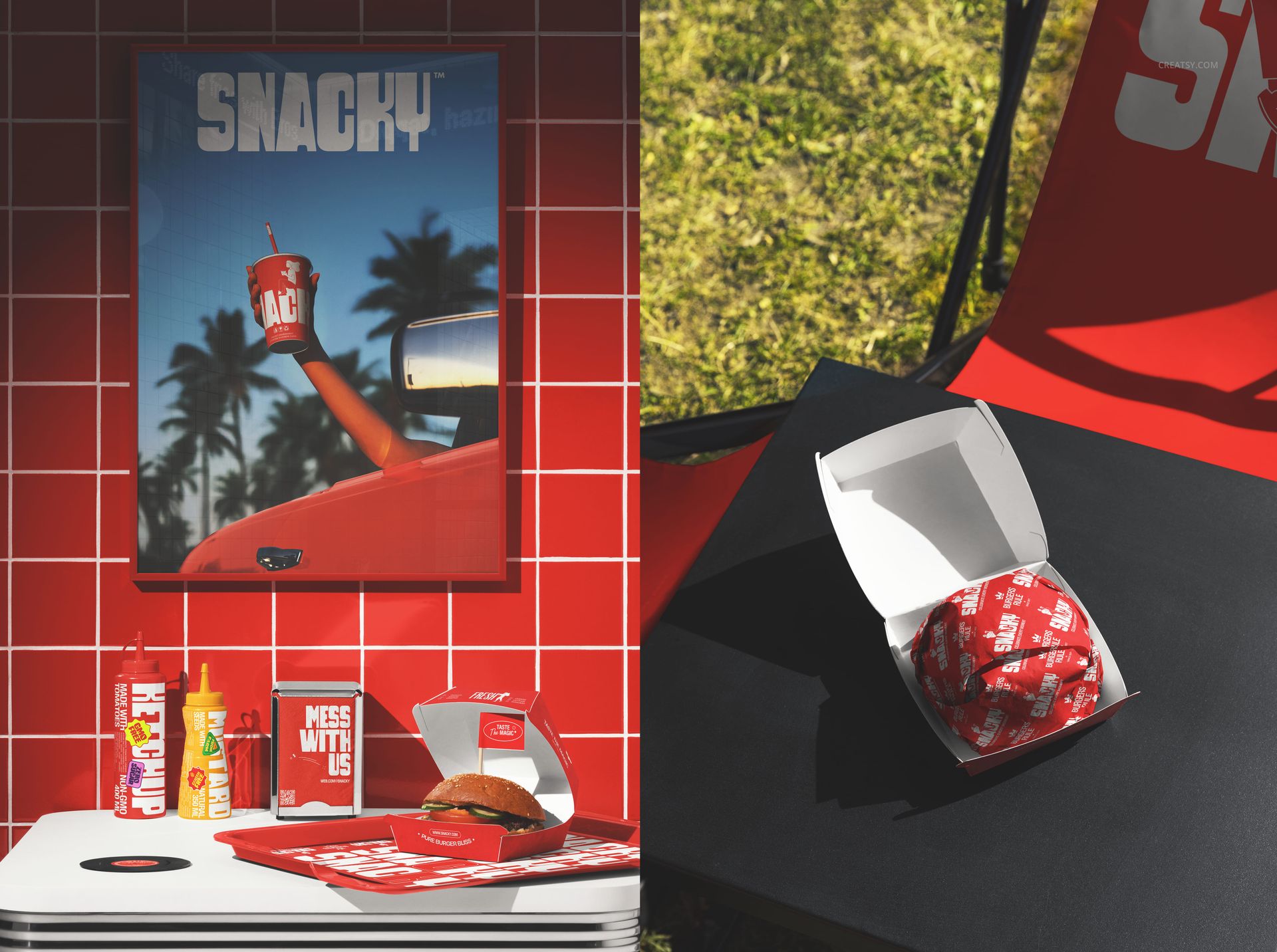
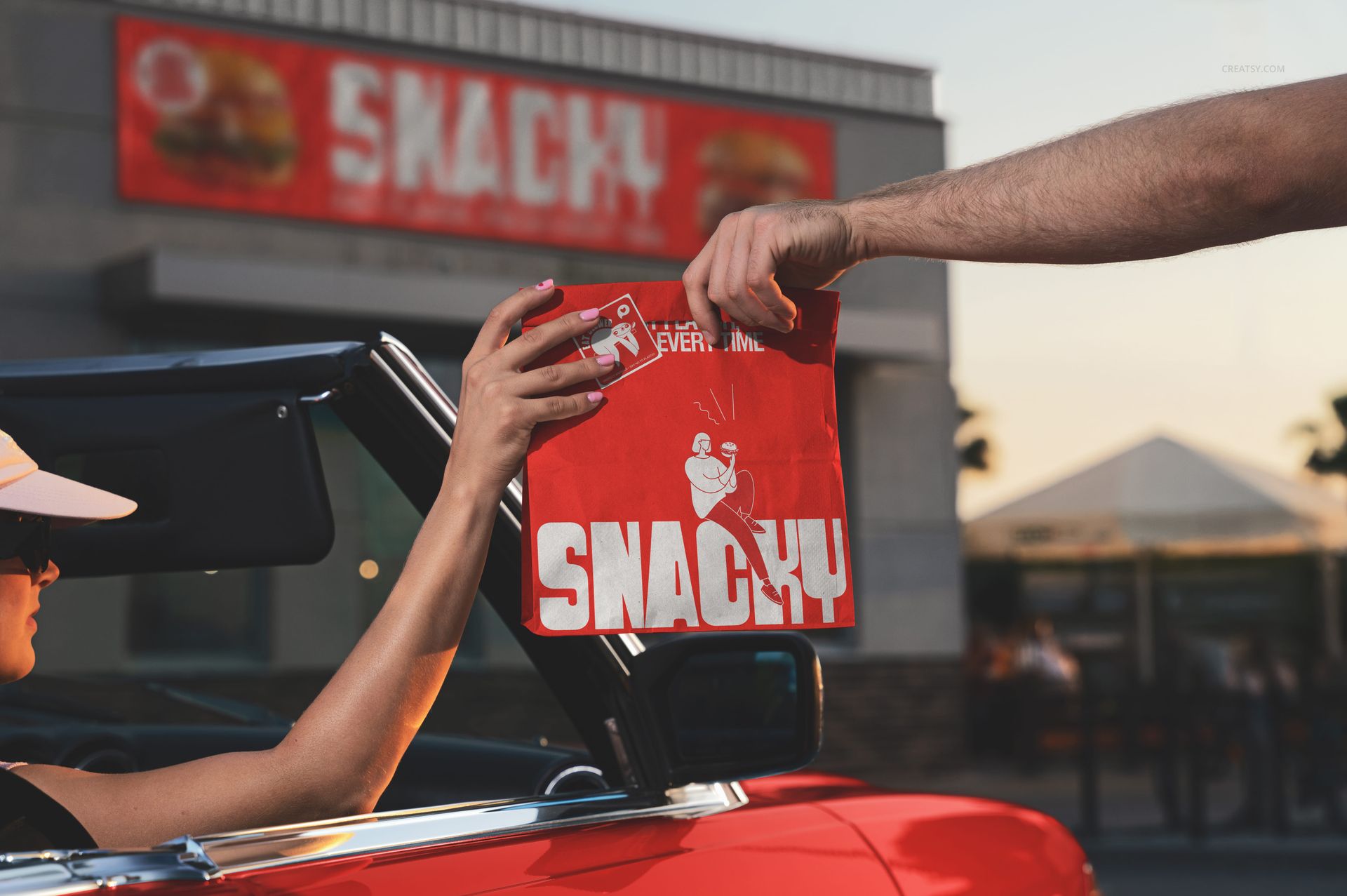
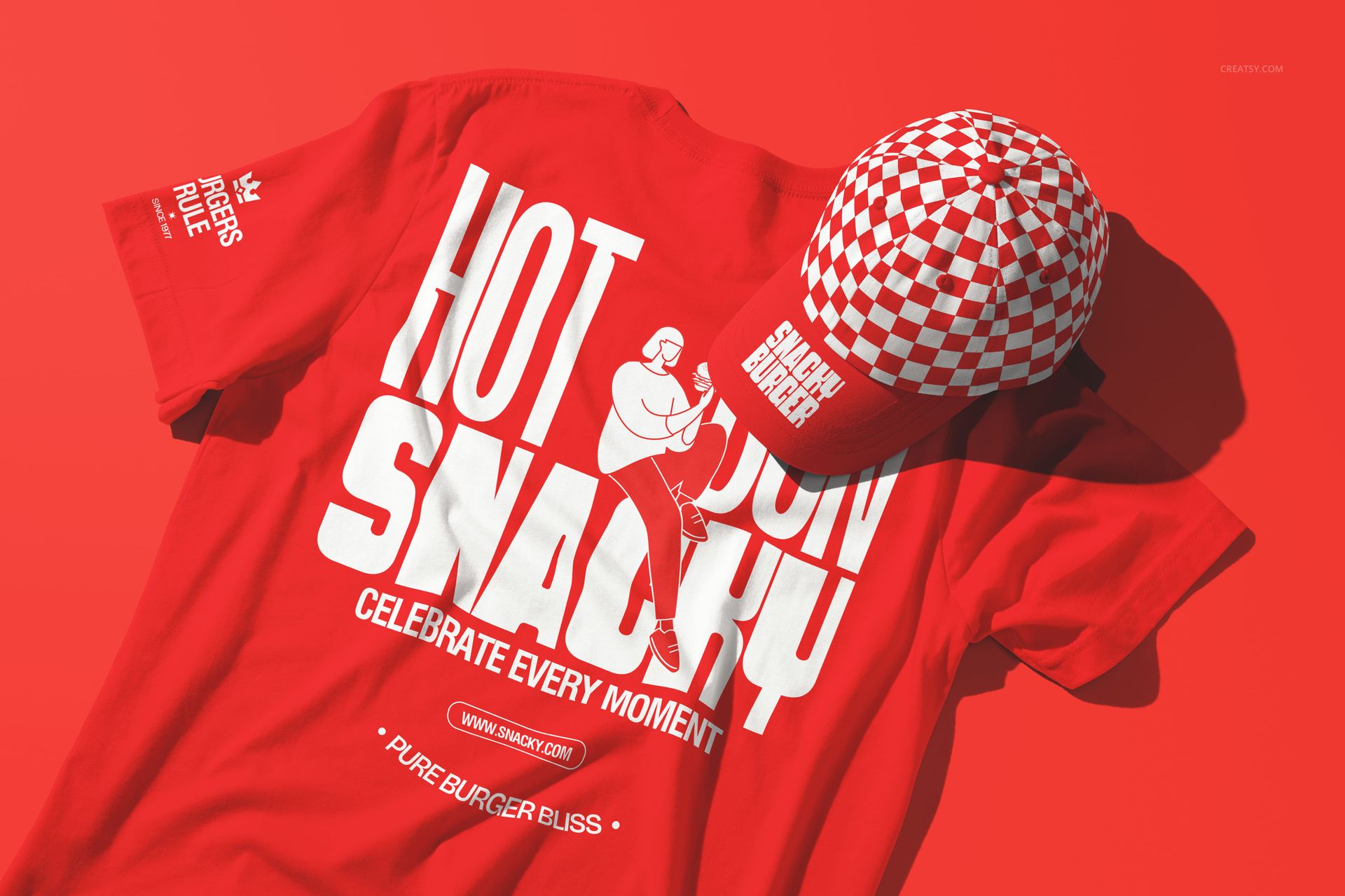
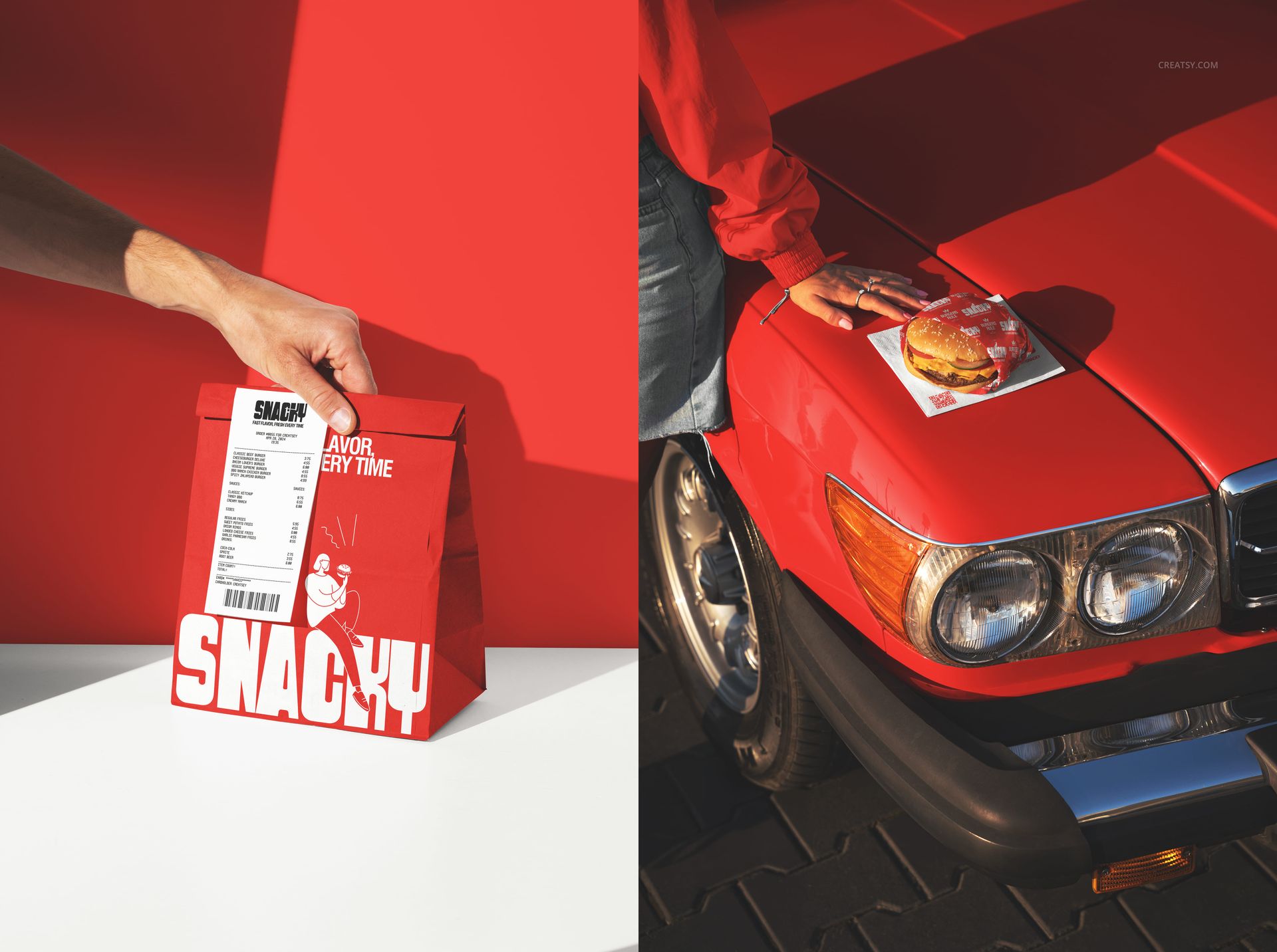
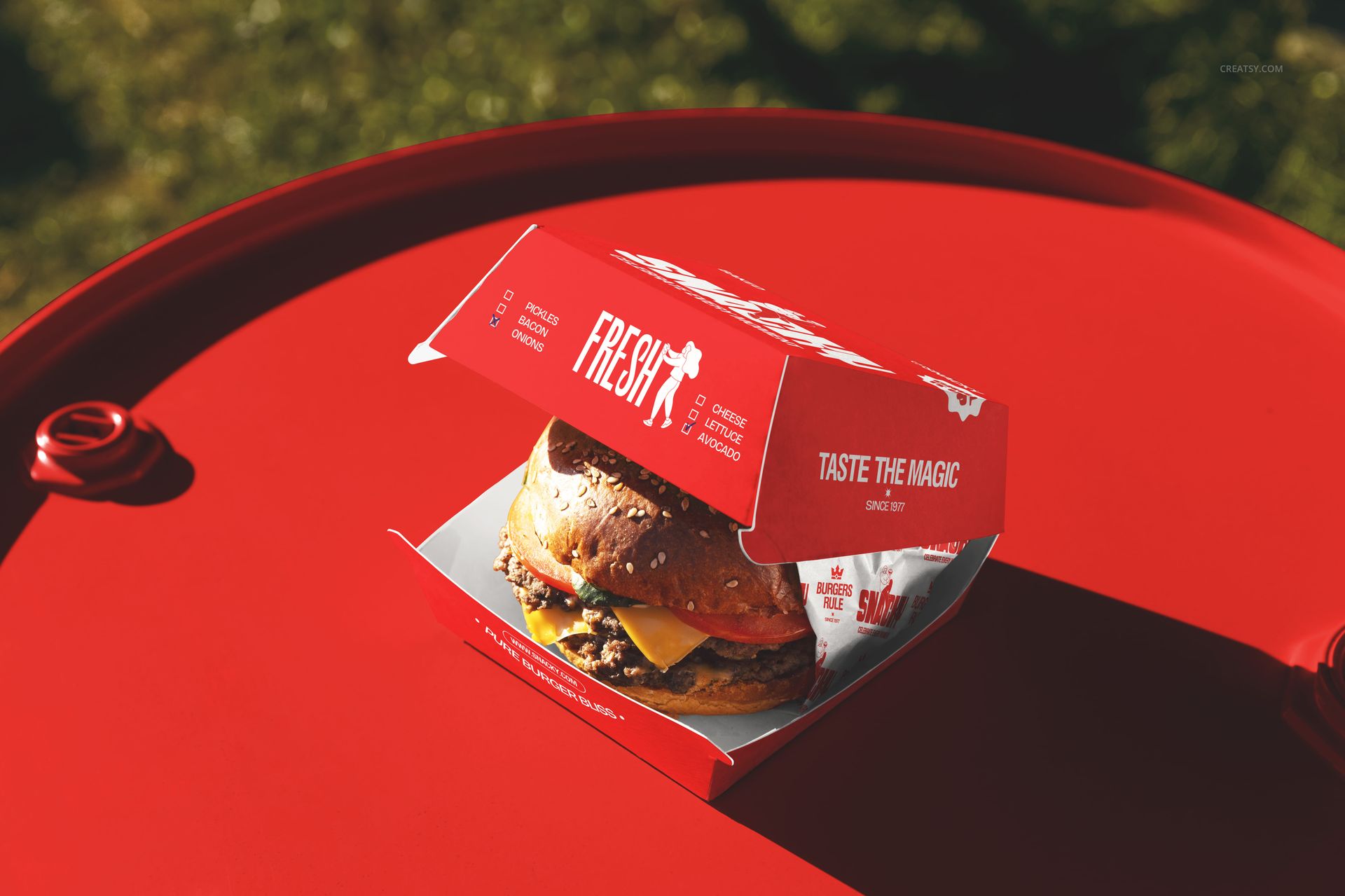
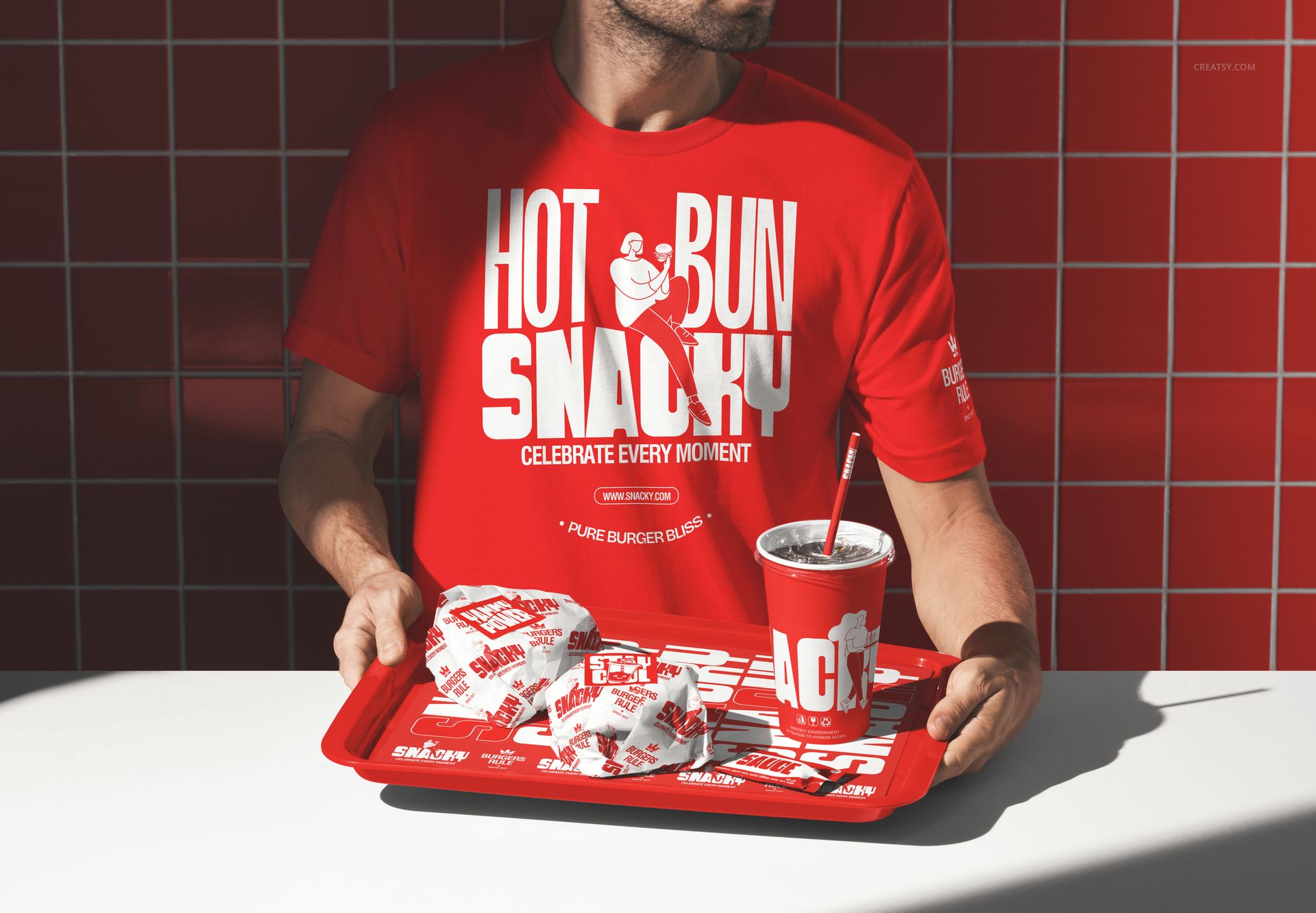
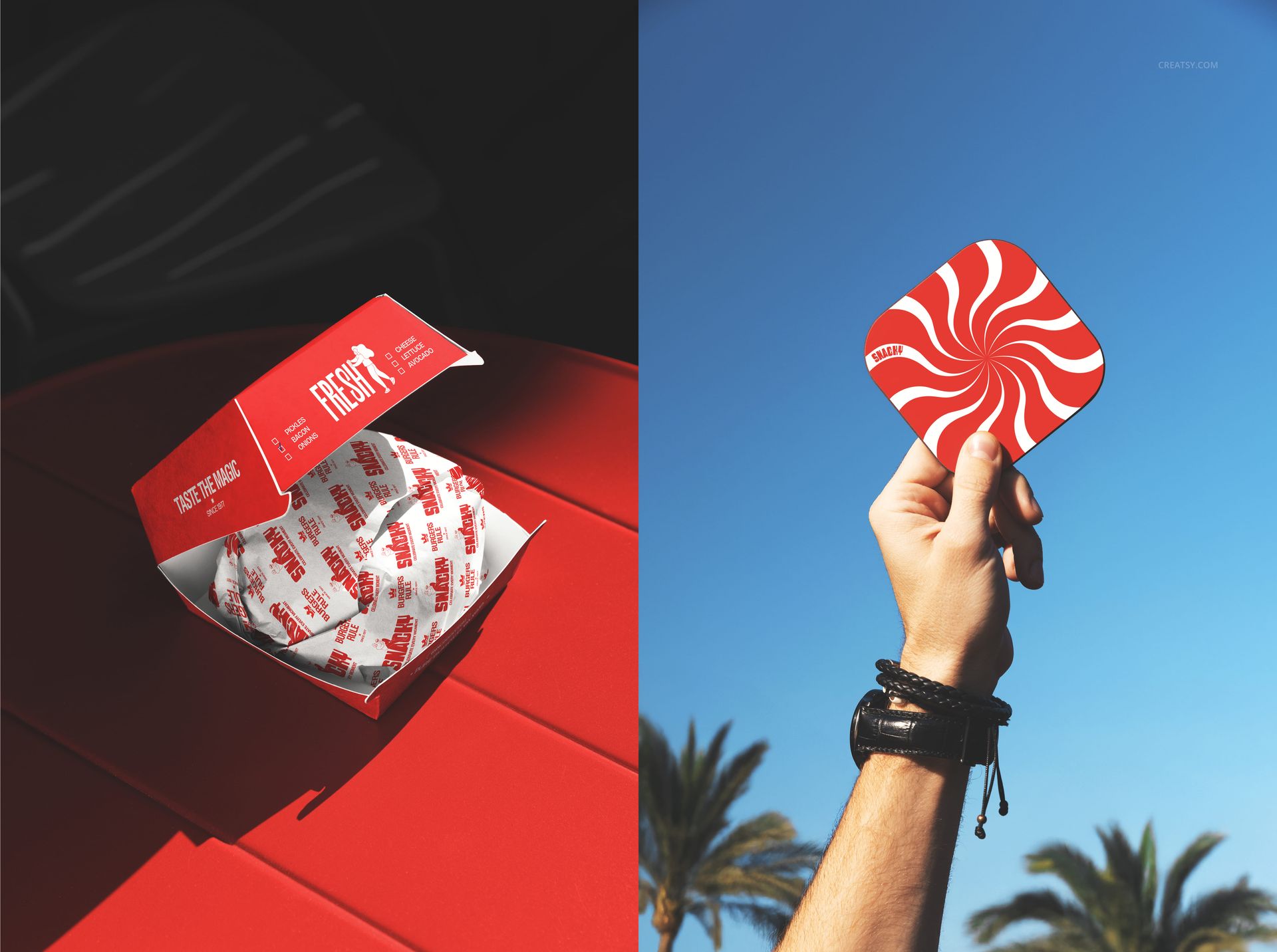
INCLUDED/69
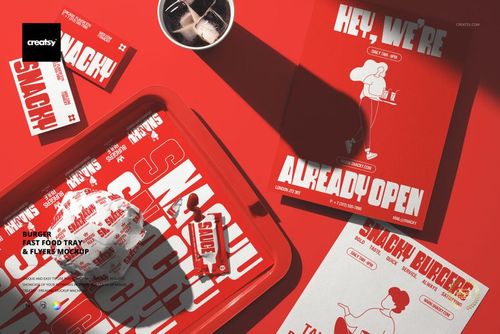
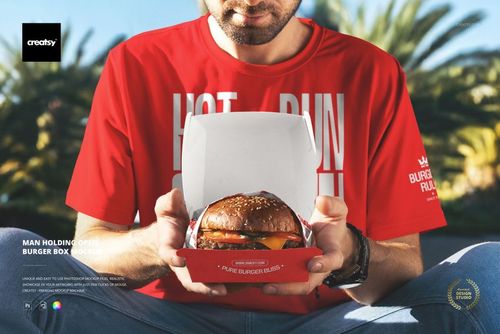
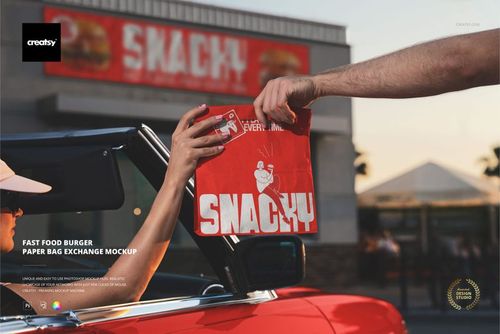
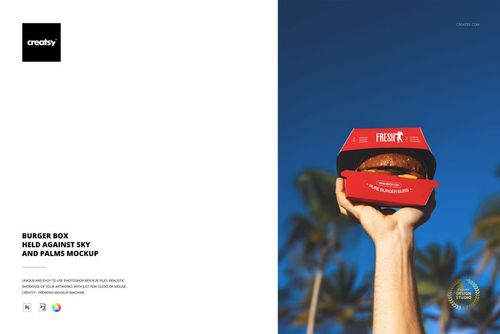
All 69 products in this bundle
Made with Creatsy
Real designs. Real customers. See how creatives use Creatsy mockups to turn their artwork, branding, and product ideas into polished visuals.


MEET THE SHOP

Creatsy
Poland
Bring your ideas to life.
We're a family-run studio in Katowice, Poland, making PSD mockups by hand since 2016. Everything in this shop starts in our own studio. We shoot the photography, build the 3D, and put together every Smart Object PSD ourselves - then we test it, organize the layers, and only ship it once it actually works...
 $2100
$2100

HOW IT WORKS
3 clicks. That's it.
No tutorial needed. If you can copy-paste, you can use this.
- 1OpenDouble-click the smart object inside the PSD - in Adobe Photoshop, or free in your browser with Photopea.
- 2PasteDrop in your pattern, print, or artwork. Any design, any style.
- 3SaveHit save and the mockup wraps it in for you - shadows, folds, and lighting included.
FROM IDEA TO IMAGE
Built for real workflows
You just finished a print collection and need portfolio-ready shots - without booking a $2,000 photo shoot or waiting two weeks.
Your client wants to see the pattern on a real dress before approving. Send them a photorealistic mockup, not a flat swatch and a "trust me."
You're launching a summer drop on Etsy or Shopify and need listing images that actually convert.
You're pitching resort wear to a brand and your lookbook needs to feel like a million bucks. This gets you there for the price of lunch.
Smart Objects
Edit once and you're done. Your artwork drops into a smart object and the mockup updates itself - no masking, no warping by hand.
Perfectly Organized
Named layers and folders you can actually navigate. Find what you need, change what you want, and get out fast.
Print-Ready
High-resolution files built to hold up on screen and in print. Exact size and DPI are in this product's Details above.