

 $2200
$2200


 $2700
$2700

 $2700
$2700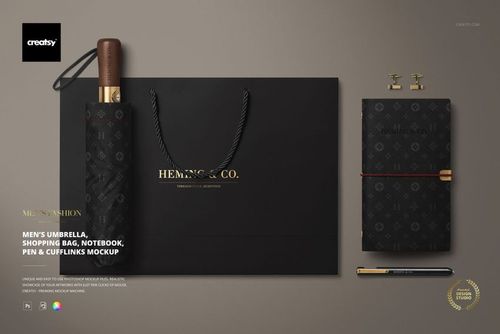
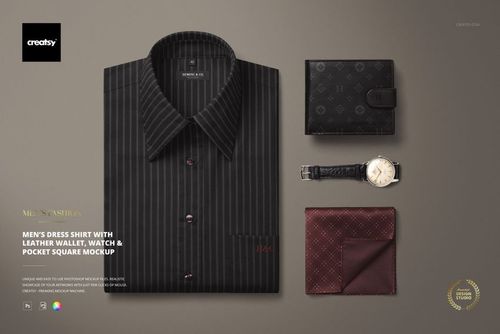
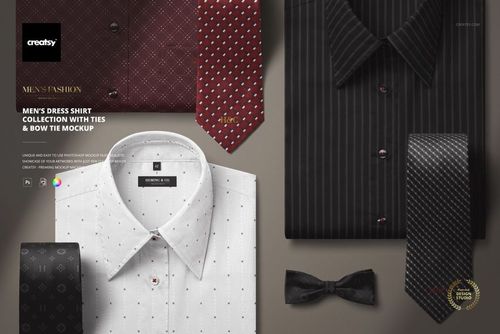
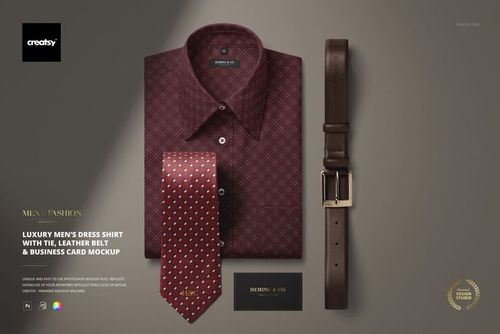
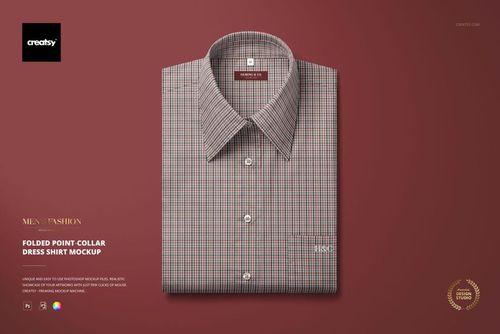
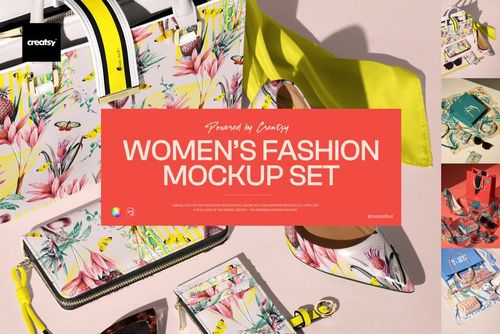
Apparel & Fashion Mockups
Show clothing, bags, footwear and accessories in realistic product and lifestyle scenes. Swap in new logos, patterns and colorways to build ecommerce listings, presentations and campaigns without photographing every design.

Reviews
What designers and brand owners say after using these PSD mockups in real client work.
0
Sort by:


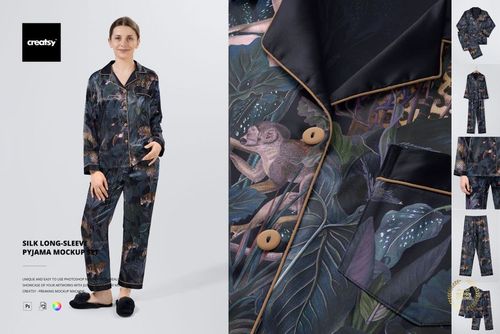
I’ve been waiting for this mockup to come from Creatsy for ages, and it is perfect! Mockup has every angle/shot I need, and some extras, and it’s fully customizable so I can really visualize what the pajamas will look like. Very happy!
 Silk Long-sleeve Pyjama Mockup Set View product
Worth the wait - thank you so much! 🧡 Happy creating!

I love Creatsy's mockups! They are clean, easy to use and display my art in a professional manner.
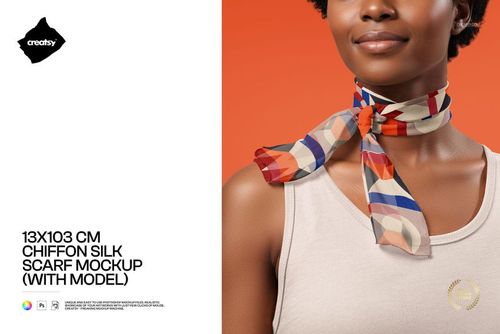
 Free 13x103 cm Chiffon Silk Neck Scarf On-Model PSD Mockup View product
 That’s exactly what we’re going for - thank you so much! 🧡
I love working with creatsy mockups. They are easy to work with and of high quality. This mockup in particularly compliments my designs on many levels.
Free 13x103 cm Chiffon Silk Neck Scarf On-Model PSD Mockup View product So happy to hear it complements your designs! Thank you 🧡


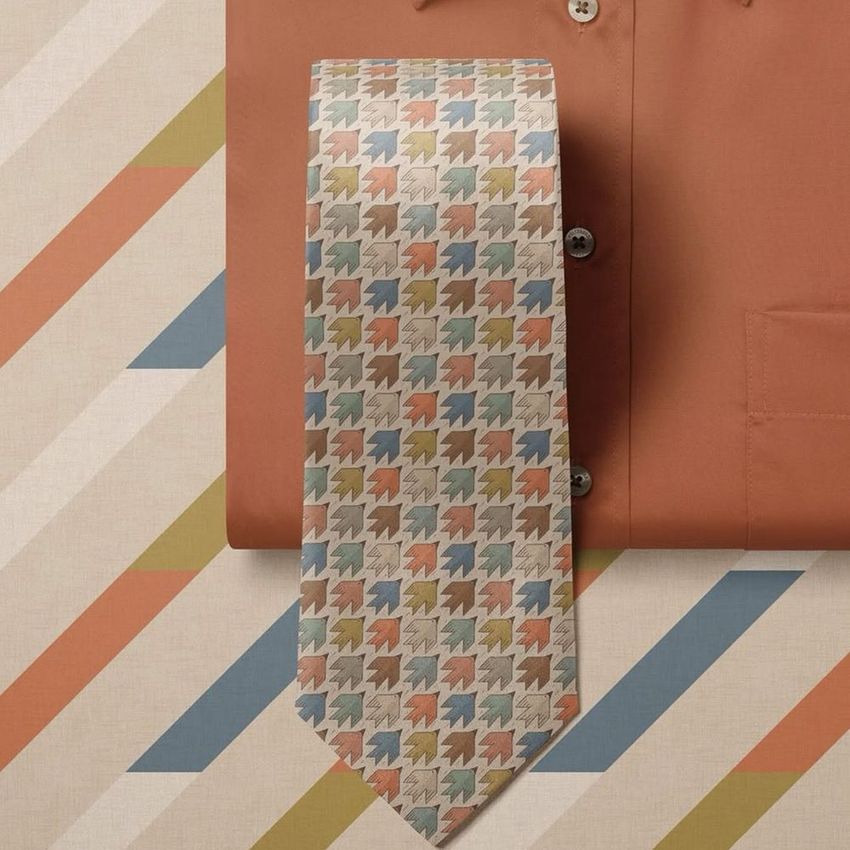
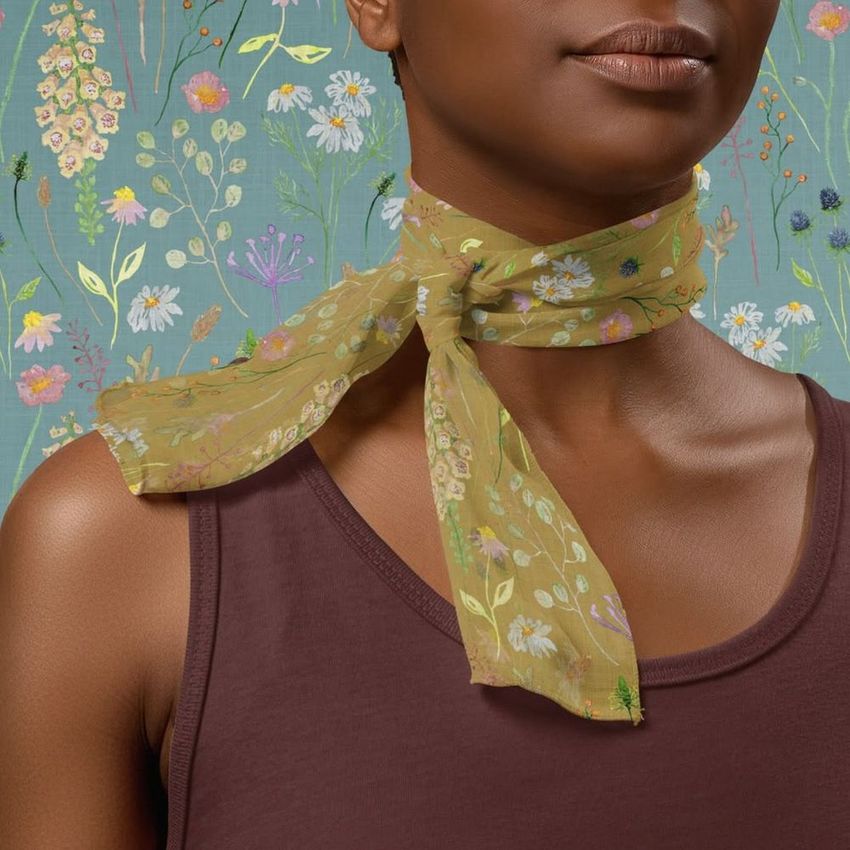


What you get
Professional PSD mockups built in-house - editable, realistic, high-resolution, and supported by real people.
Layered PSD Files
Creatsy mockups are delivered as fully layered Photoshop .psd files, with layers sorted into clearly named groups. Shadows, highlights, and the background each sit on their own editable layer, and nothing is flattened into a single image. Open it in Photoshop or the free browser editor Photopea and get to work.
- Clearly named, organized layer groups
- Shadows and highlights on separate layers
- Editable background, never flattened
- Works in Photoshop or free Photopea
Smart Objects
Open the smart object, paste your artwork, and save. The design lands on the product with the perspective, warp, and wrap already worked out. Scene lighting and shadows fall back on top, so it reads as a photograph, not a flat paste-in. Swapping a design takes seconds, so one file can carry a whole run of variants and colorways.
- Double-click, paste your design, save
- Perspective, warp, and wrap pre-built
- Scene lighting and shadows sit back on top
- One file covers many variants and colorways
High-Resolution Output
Many scenes are built from real product photography rather than 3D renders, so the fabric and surface read like a studio shot. Files export at high resolution and stay sharp at full zoom, with clean edges where the print sits. The same file works for a hero banner, a paid ad or a product listing.
- Real product photography in many scenes
- Exports ready for print
- Holds detail at full zoom
- Works for banners, ads and listings
Easy to Edit
Colors, backgrounds, and artwork sit on separate, clearly named layers, so you swap a color or background without disturbing the rest of the scene. There is no relighting or shadow work to redo, and the same file works for your next project.
- Edit color and background layers directly
- No relighting or shadow rework needed
- No masking or layer skills required
- One file reused across projects
Fast Support
There is a real in-house team behind every file, not a ticket bot. Before you buy, ask whether a specific mockup fits what you have in mind, and we will tell you. When a smart object or a layer group is tripping you up, send the question and you usually get a reply within 48 hours.
- Real in-house team behind every file
- Replies within 48 hours
- Pre-purchase help picking the right mockup
- Answers on smart objects and layer setup
Who are these mockups for?
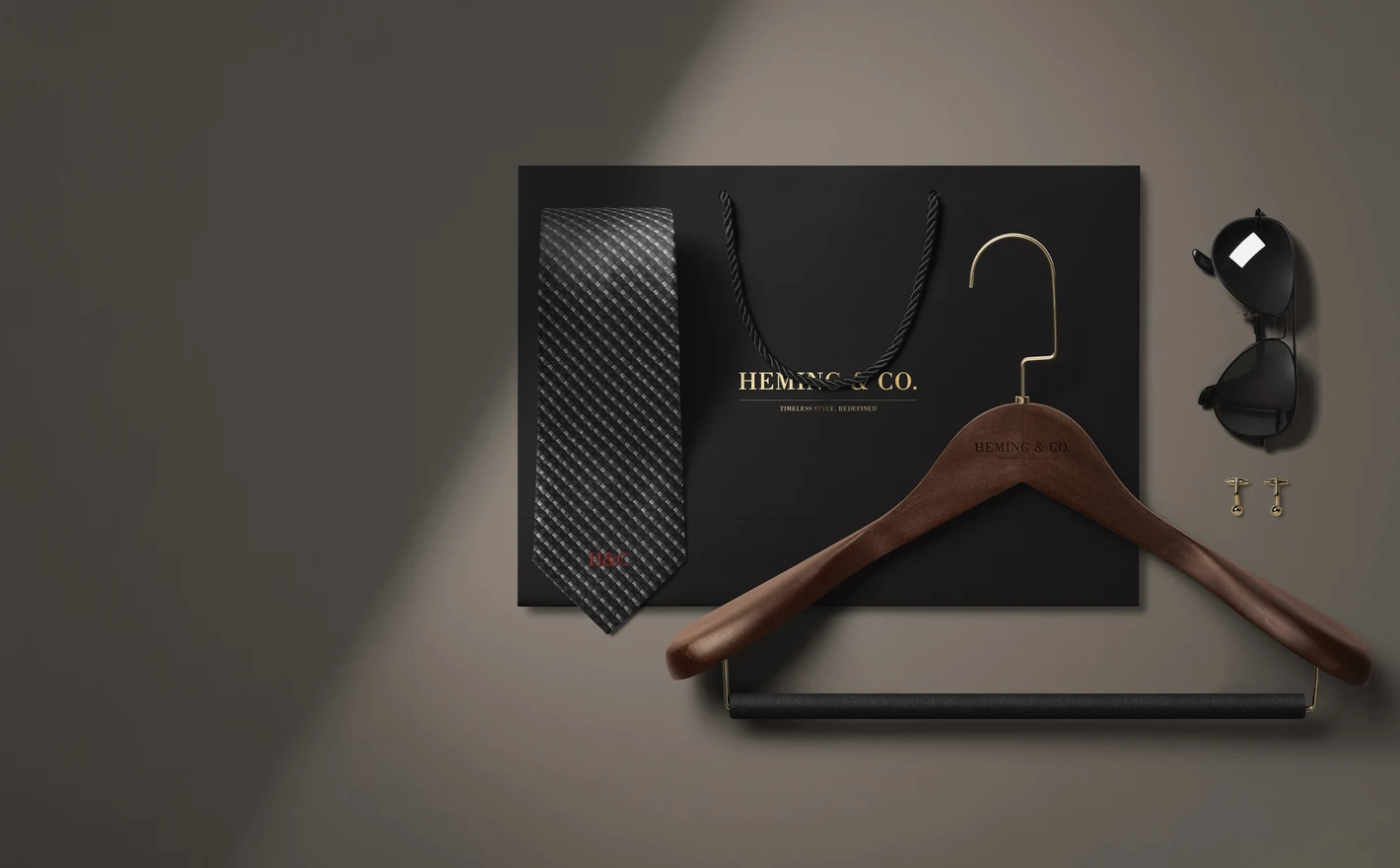
For apparel branding teams
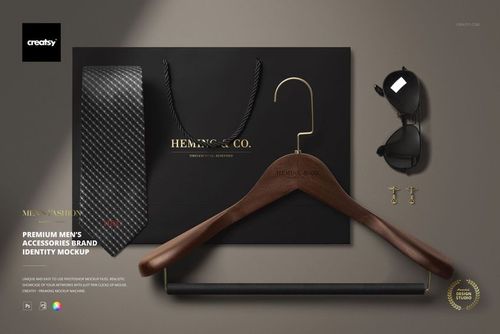
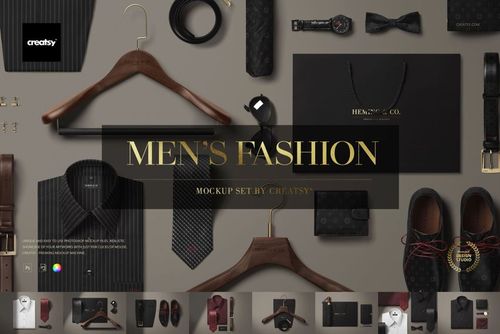
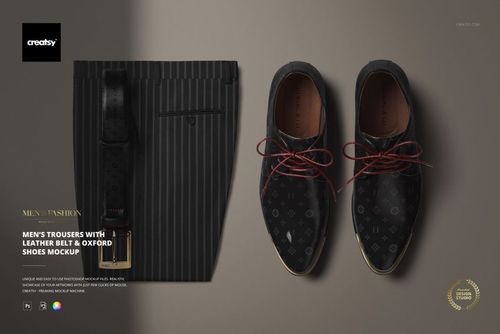
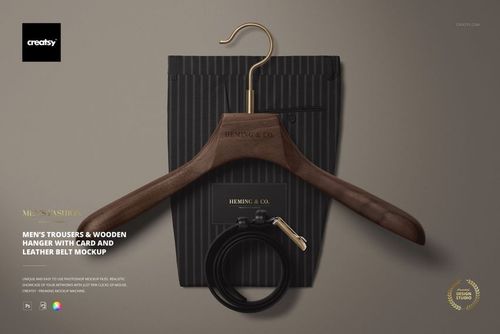
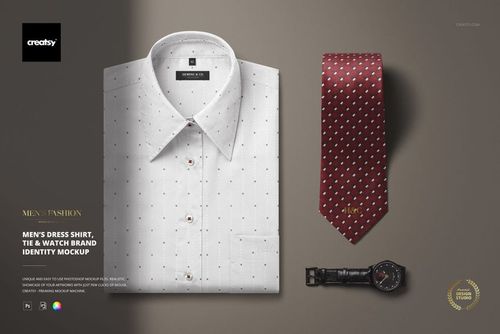
Roll one identity across shirts, labels, hangtags and accessories to see how the brand system holds up on real garments. Start with the Premium Men's Accessories Brand Identity Mockup, then extend the same logo and palette into hoodies, tees and sleepwear - without booking a single photoshoot.
Building the identity beyond clothing? Browse brand identity mockups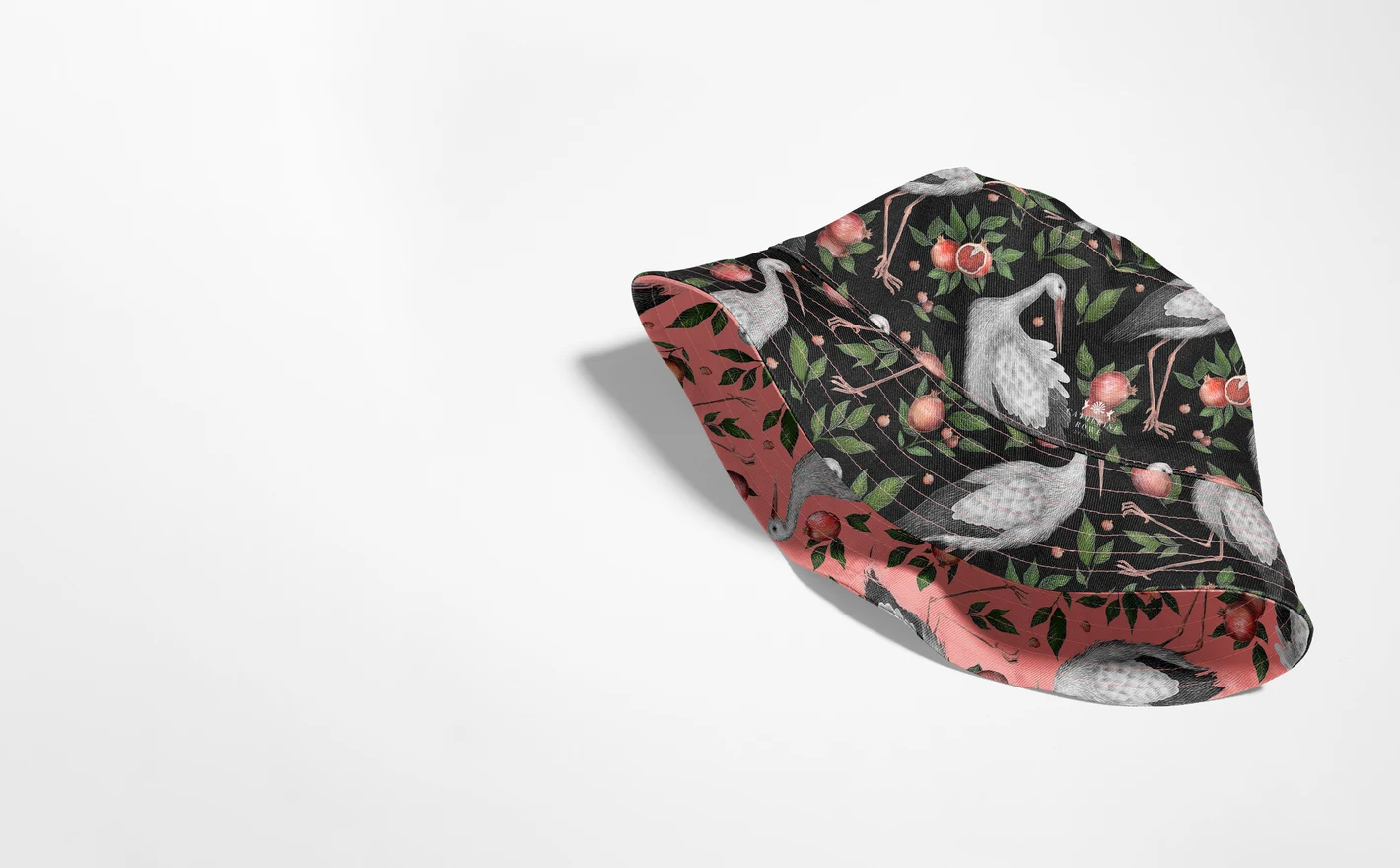
For fashion agencies and marketing teams
Build a full apparel campaign from one library of layered PSDs: hero shots for the landing page, cropped details for ads, styled scenes for social. Client artwork swaps through smart objects in seconds, so one pitch deck can show three creative directions instead of one - across menswear, womenswear, headwear and every apparel category in between.
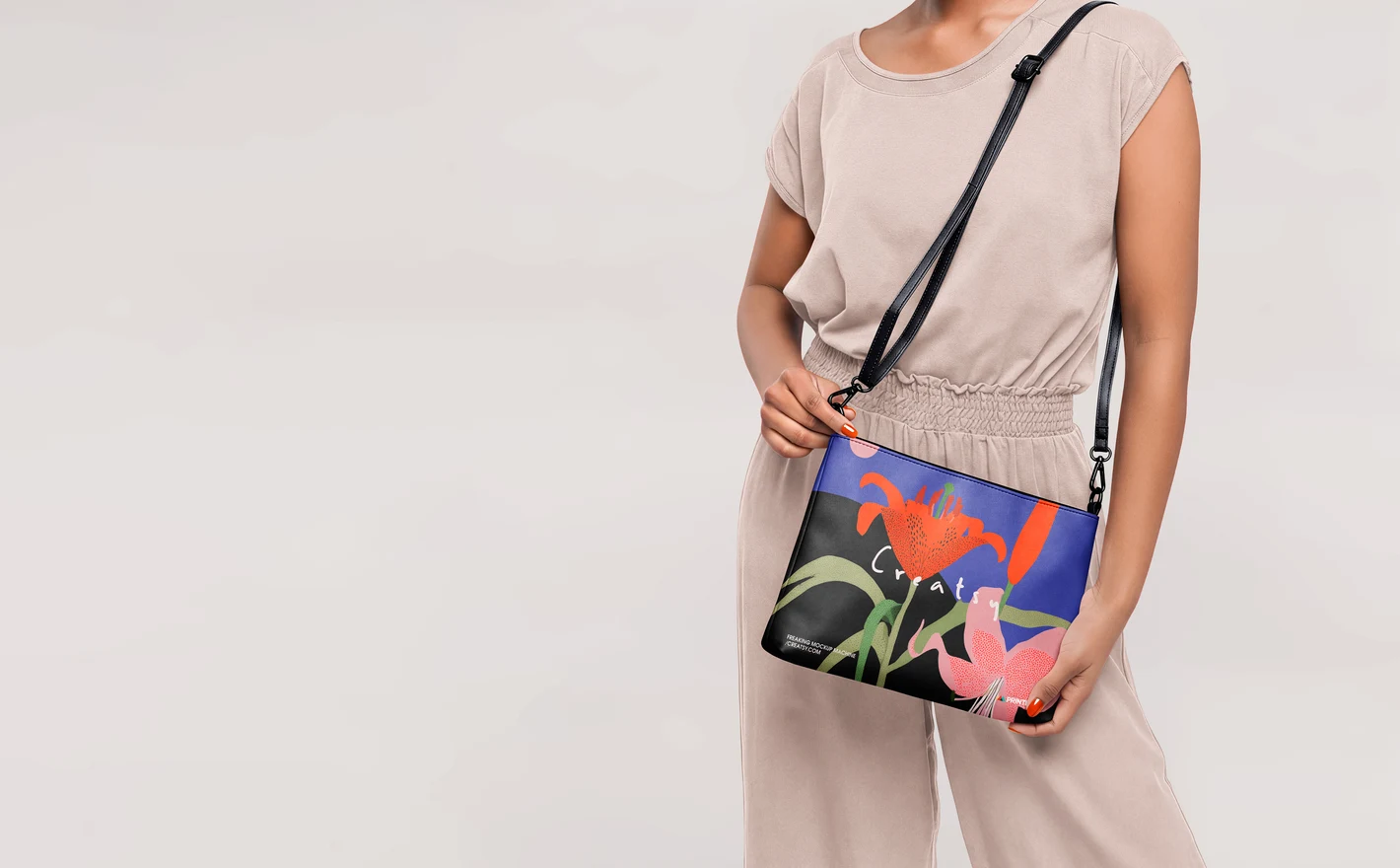
For print-on-demand apparel sellers
Preview a design on the exact blank you sell - tees, tanks, hoodies, socks or totes - before the listing goes live. Consistent lighting and angles across every mockup keep the storefront looking like one brand, even when the catalog spans fifty designs and five garment types.
Starting with tees? Browse t-shirt & tank top mockups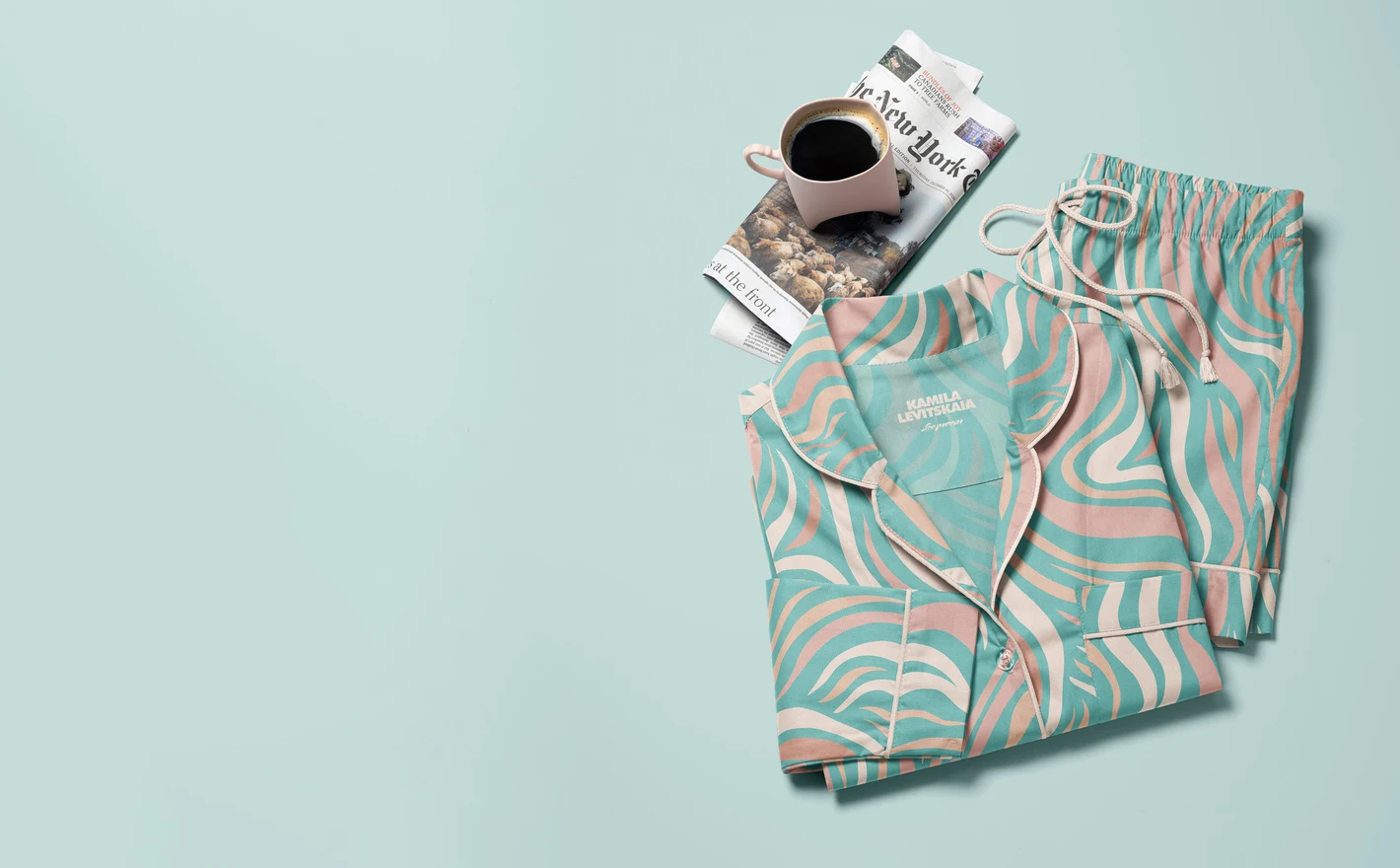
For sleepwear and lifestyle brands
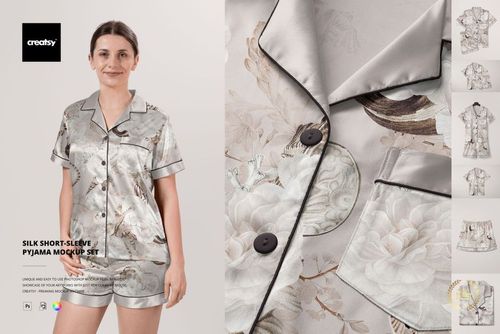
Show a print collection the way customers buy it: matching pajama sets, nightdresses and silk pyjamas presented as one coordinated range. Built for gift-season edits and lookbooks where the pattern, not the garment, is the hero of the shot.
Planning a pajama collection? Browse sleepwear mockups
FAQs
Start with the type of product you sell, such as T-shirts & Tank Tops, Hoodies & Sweatshirts or Tote Bags. Then compare the garment shape, fabric and available views. For a named blank, check the model number as well as the photos; a similar silhouette may have different details.
Yes. Apply your own design and export a finished JPG or PNG for your product listing. You must follow the license terms and keep the editable mockup files private. Using a mockup to make listing images is different from letting customers upload designs and generate their own previews, which Standard and Extended licenses do not permit.
Choose a product that lists Photopea compatibility. Photopea is a free browser-based editor, and the Gildan 18500 Hoodie Mockup Set is one supported example. Compatibility varies between products, so check the individual listing rather than assuming every apparel set works in the same software.
Yes, where those options are included. Your artwork goes into a Smart Object, while color controls change the garment or its individual parts. The product's feature images show whether details such as cuffs, drawstrings or handles have separate controls. Changing a color does not change the garment's fabric or cut.
A single mockup usually presents one scene. A set offers several views or related scenes, and a bundle combines multiple products or sets. Check the included-file list for the exact contents. Separate scene files generally need separate edits; buying a bundle does not automatically synchronize your design across them.
Check the package size on the product page before downloading. Some sets are several gigabytes, and the extracted files can take up more space than the download. Keep room for both the archive and your working copies. Extract the complete package before opening it, rather than working inside the ZIP preview.
Why use Apparel & Fashion mockups?
Fit, fabric and construction affect how a design looks on clothing and accessories. A seam can interrupt a repeat, a fold can hide part of an illustration, and a different cut can change the space around a logo. Mockups help you review these details before making samples for every design and color. Clothing brands, pattern designers, print-on-demand sellers and agencies can use the scenes to compare print placement, scale and cropping across garments, bags, shoes and accessories. Seeing the designs together also helps when choosing which pieces to include in a collection. Try the same artwork on a T-shirt, sweatshirt, tote, scarf or pair of socks, adjusting it for each product. The layered Photoshop files use Smart Objects to fit your design to the surface while retaining the scene's fabric texture, folds, lighting and shadows. Keep the scenes for future collections and export images for your shop, buyer presentations, licensing pitches, client reviews and campaigns. Each product page lists the editable features, software requirements and license options, so you can choose the files that suit your project.
FreeCreatsy® Mockups
Very easy to use and it looks great!
Thank you so much! We’re glad you found it easy to use and love the result! 😊