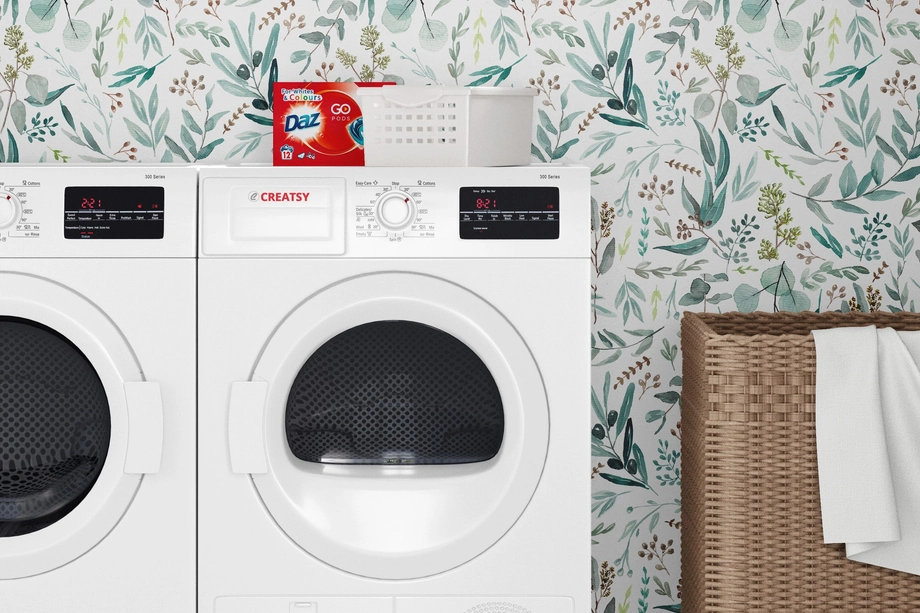
Laundry Room & Utility Space Mockups
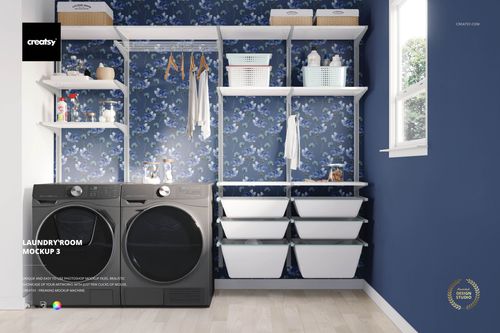
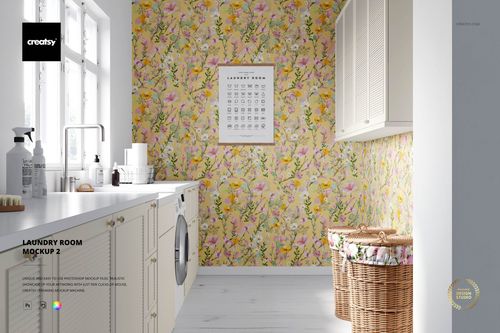
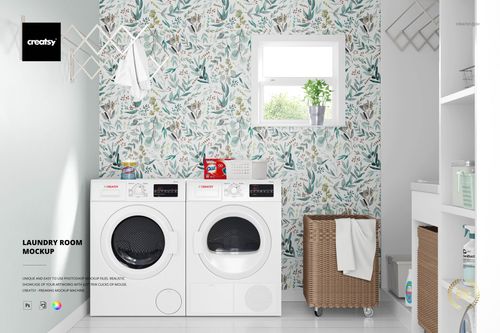
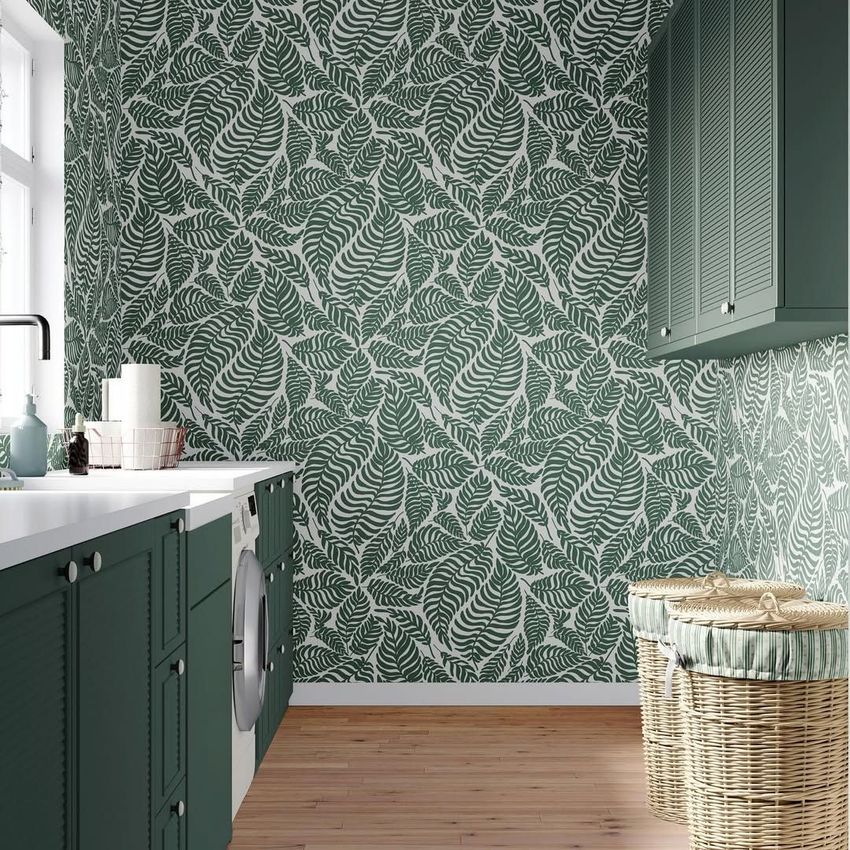
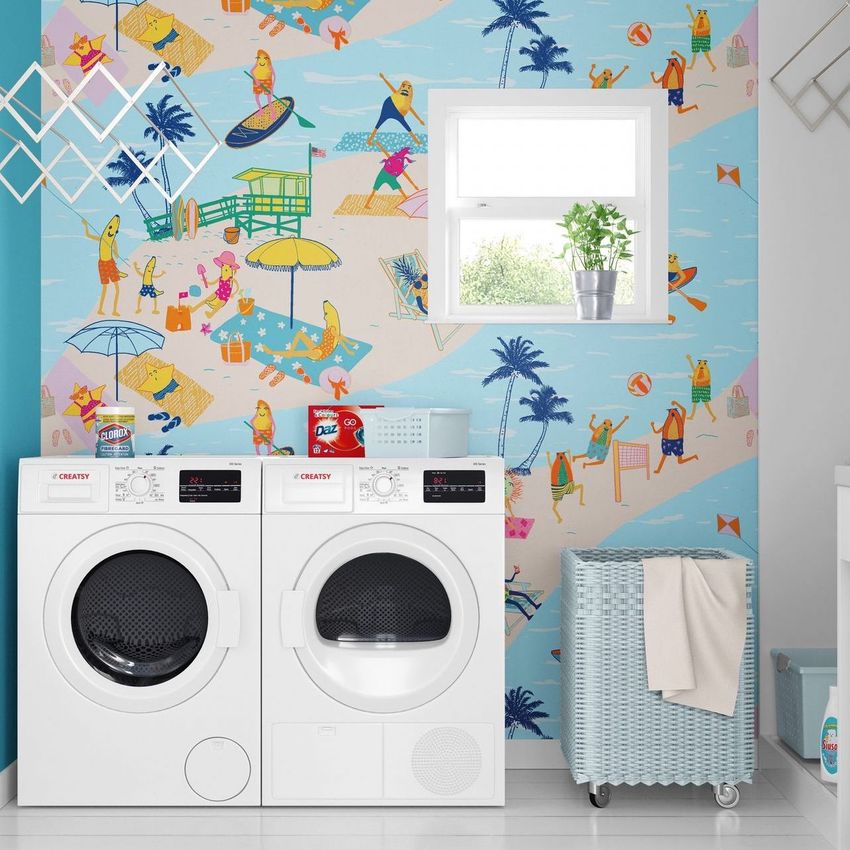
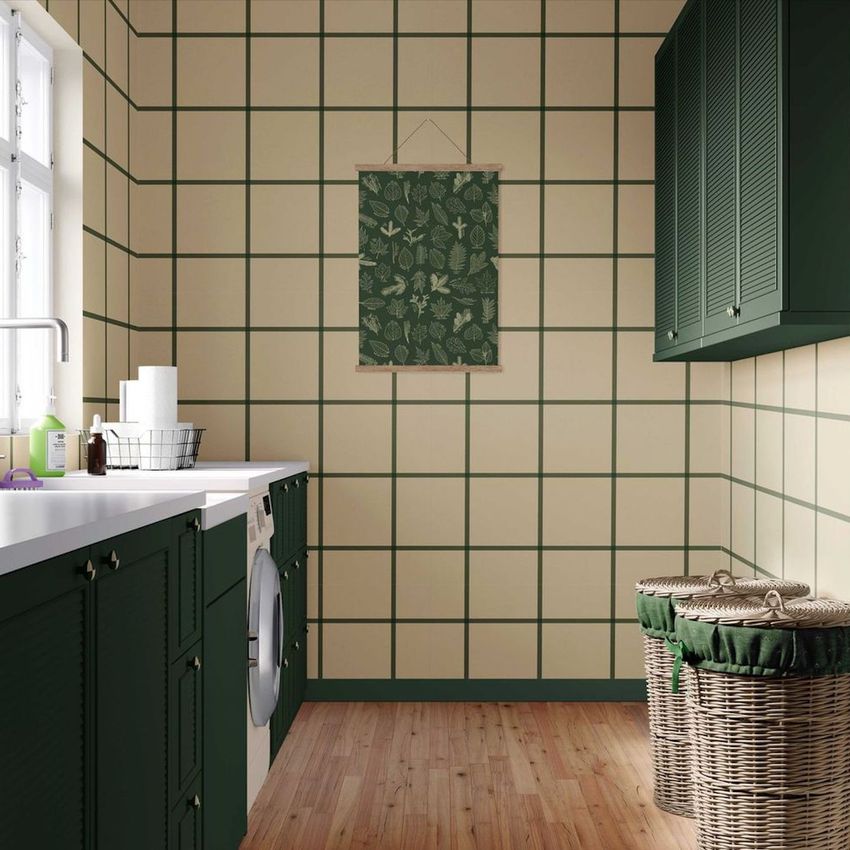
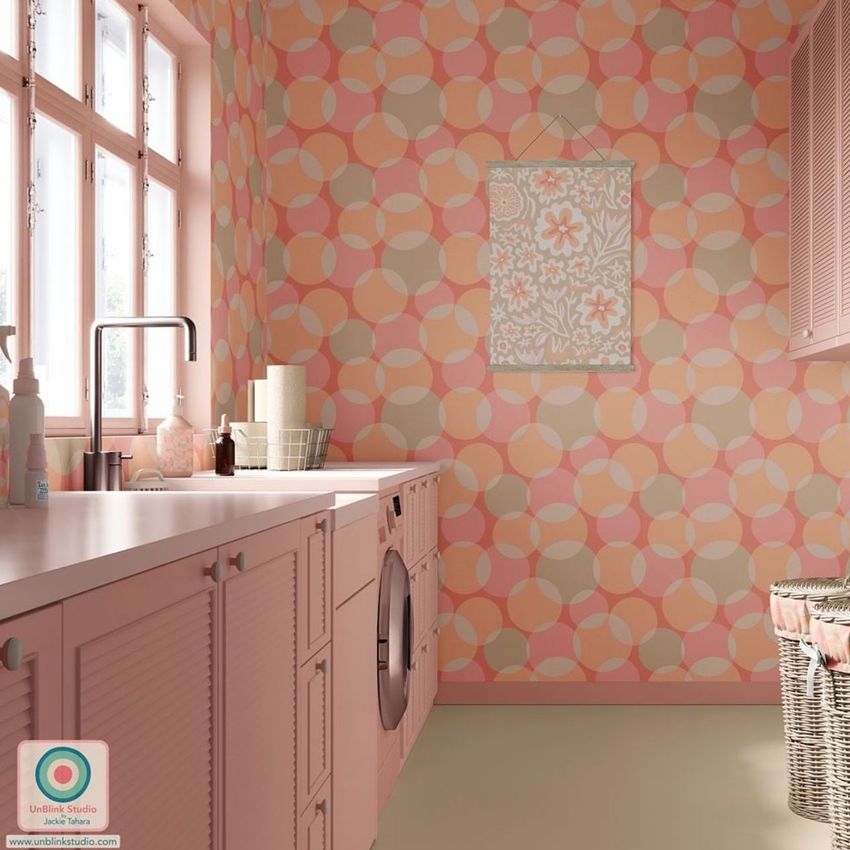
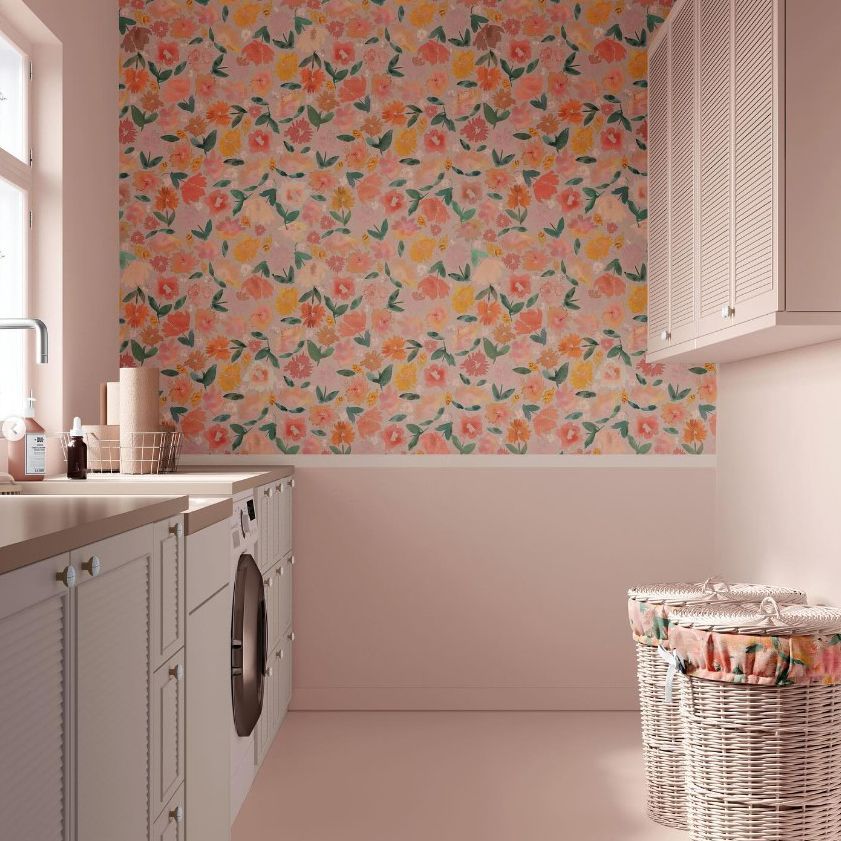
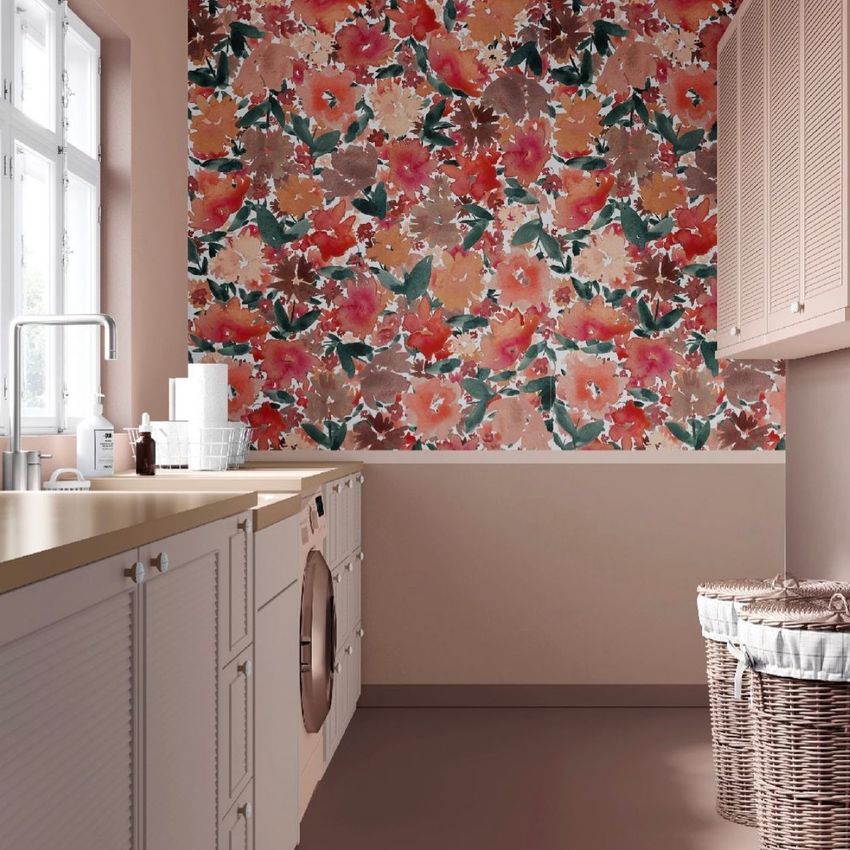
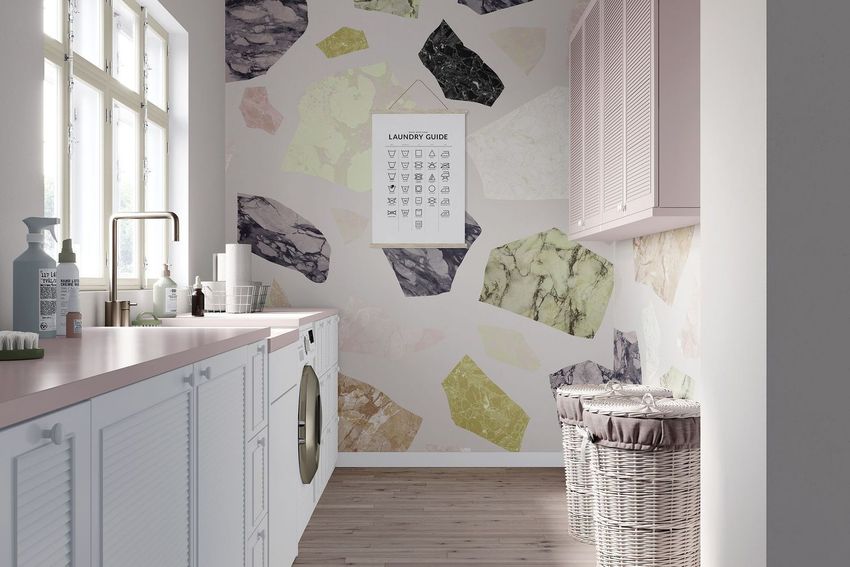
Explore editable laundry room interior mockups for wallpaper, wall patterns, selected surface designs, and coordinated room-color concepts. Present artwork in several residential laundry-room compositions featuring appliances, cabinetry, shelving, baskets, and utility decor. Use layered Photoshop files and Smart Objects to create realistic visuals for licensing portfolios, wallpaper collections, client presentations, interior concepts, catalogs, advertising, and social media.

What you get
Professional PSD mockups built in-house - editable, realistic, high-resolution, and supported by real people.
Layered PSD Files
Creatsy mockups are delivered as fully layered Photoshop .psd files, with layers sorted into clearly named groups. Shadows, highlights, and the background each sit on their own editable layer, and nothing is flattened into a single image. Open it in Photoshop or the free browser editor Photopea and get to work.
- Clearly named, organized layer groups
- Shadows and highlights on separate layers
- Editable background, never flattened
- Works in Photoshop or free Photopea
Smart Objects
Open the smart object, paste your artwork, and save. The design lands on the product with the perspective, warp, and wrap already worked out. Scene lighting and shadows fall back on top, so it reads as a photograph, not a flat paste-in. Swapping a design takes seconds, so one file can carry a whole run of variants and colorways.
- Double-click, paste your design, save
- Perspective, warp, and wrap pre-built
- Scene lighting and shadows sit back on top
- One file covers many variants and colorways
High-Resolution Output
Many scenes are built from real product photography rather than 3D renders, so the fabric and surface read like a studio shot. Files export at high resolution and stay sharp at full zoom, with clean edges where the print sits. The same file works for a hero banner, a paid ad or a product listing.
- Real product photography in many scenes
- Exports ready for print
- Holds detail at full zoom
- Works for banners, ads and listings
Easy to Edit
Colors, backgrounds, and artwork sit on separate, clearly named layers, so you swap a color or background without disturbing the rest of the scene. There is no relighting or shadow work to redo, and the same file works for your next project.
- Edit color and background layers directly
- No relighting or shadow rework needed
- No masking or layer skills required
- One file reused across projects
Fast Support
There is a real in-house team behind every file, not a ticket bot. Before you buy, ask whether a specific mockup fits what you have in mind, and we will tell you. When a smart object or a layer group is tripping you up, send the question and you usually get a reply within 48 hours.
- Real in-house team behind every file
- Replies within 48 hours
- Pre-purchase help picking the right mockup
- Answers on smart objects and layer setup
Who are these mockups for?
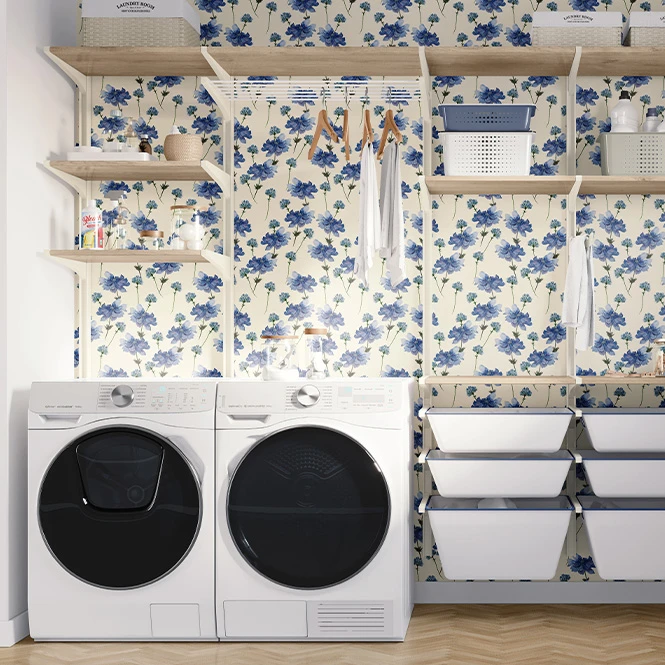
For home organization & utility-space brands
Use the scenes as visual contexts for utility-room styling, storage concepts, organization campaigns, and coordinated home collections. Only claim individual editable products when the selected PSD explicitly includes the required Smart Object.
Need product-specific storage or packaging scenes? Browse Boxes & Tubes mockups.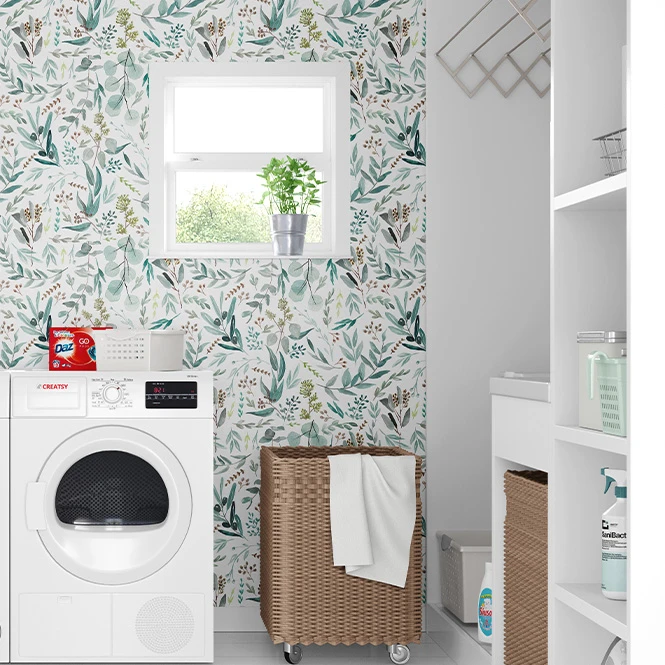
For interior designers & home decor studios
Use laundry-room scenes to communicate wall, cabinetry, color, and utility-space concepts in residential proposals, renovation presentations, mood boards, portfolios, and client pitches.
Building a wider interior presentation? Browse Home & Living mockups.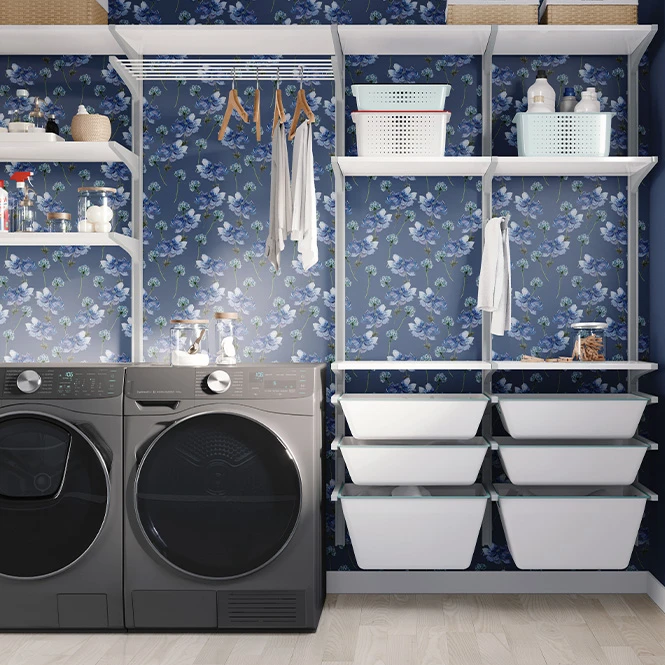
For surface pattern designers & licensing studios
Present repeating patterns on laundry-room walls and selected decorative surfaces. Use the room context to show how artwork works within a practical home interior in licensing decks, buyer presentations, portfolios, and social media.
Presenting wallpaper as a product? Browse Wallpaper mockups.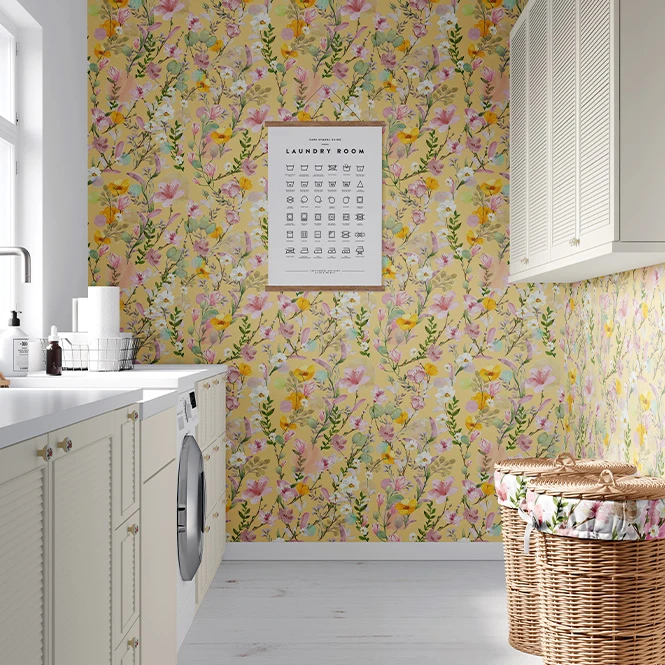
For wallpaper & wall-covering brands
Create interior visuals for wallpaper collections, colorways, murals, and coordinated wall concepts. Use several laundry-room layouts to add variety to product listings, catalogs, showroom materials, and campaigns.
Need bathroom settings too? Browse Bathroom Textiles & Accessories.
FAQs
The collection currently contains several separate residential laundry-room scenes with different room layouts, cabinetry, appliances, shelving, baskets, walls, and camera compositions. Each product is supplied as an independent Photoshop file.
The product pages document design and color changes, with the primary visual use focused on wall and surface-pattern presentations. The exact editable areas vary between the three files. Check the screenshots and layer information to confirm whether walls, cabinetry, panels, frames, or other surfaces can be customized.
Only when the selected product explicitly includes a dedicated Smart Object for that item. The current category pages do not document separate editable detergent-bottle, packaging, laundry-bag, or rug products as a standard feature of all three scenes. For product-specific bottle, label, textile, or rug mockups, use the corresponding dedicated category.
No. The three products are separate PSD files. Add the artwork to each selected document individually and export every scene separately. Changes made in one file do not update the other laundry-room mockups.
The current product pages list Adobe Photoshop as the required editor. These mockups are visual presentation files, not architectural, renovation, cabinetry, appliance-placement, or interior-construction plans. They do not replace room measurements, material specifications, installation drawings, or physical samples.
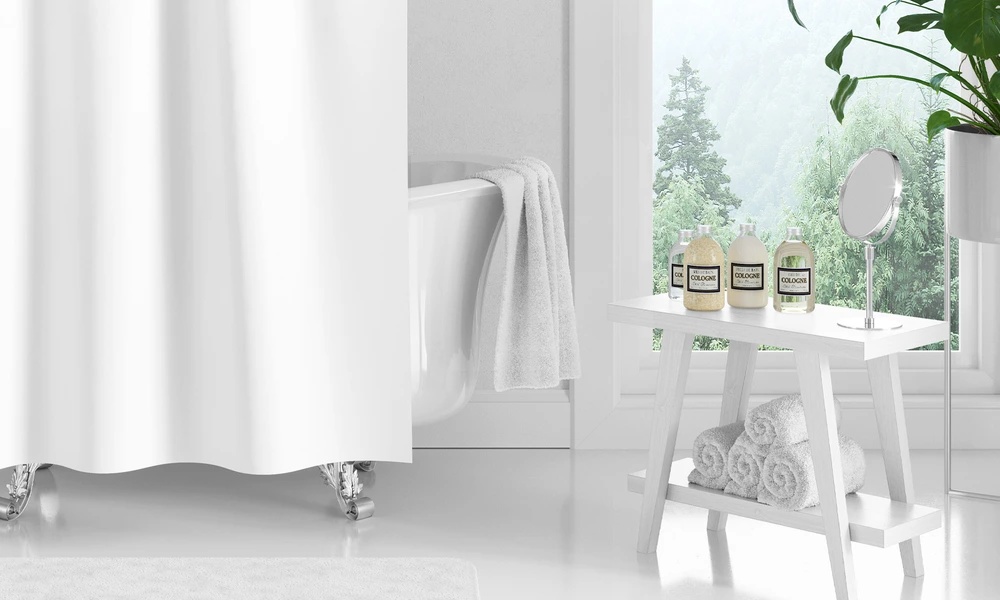
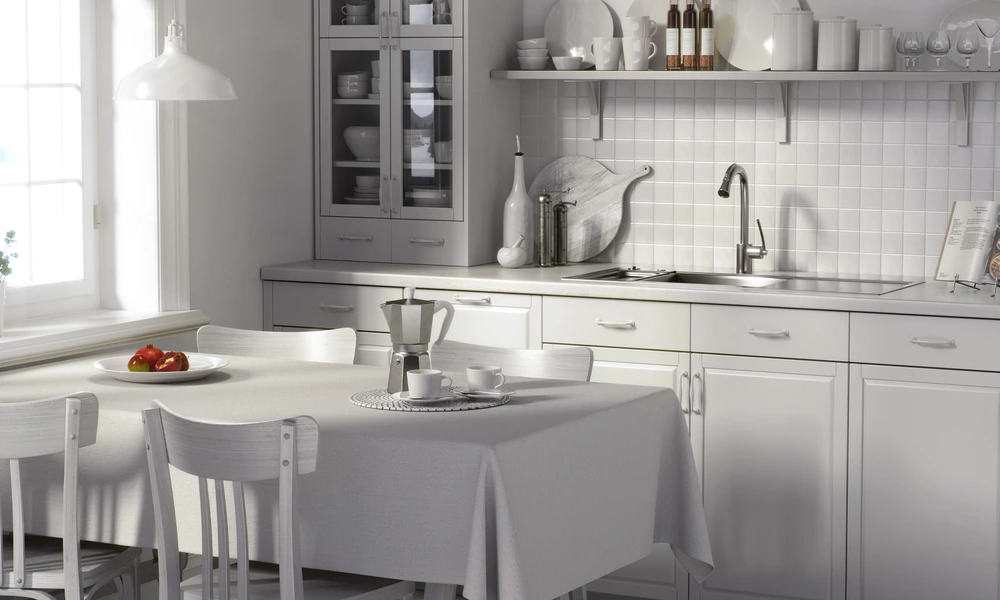
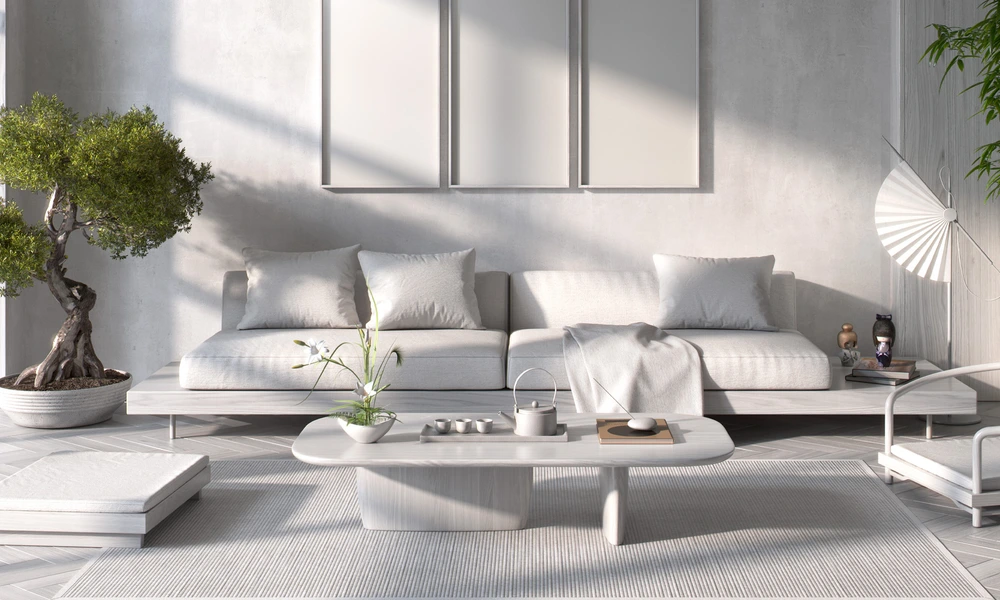
Why use Laundry Room & Utility Space mockups?
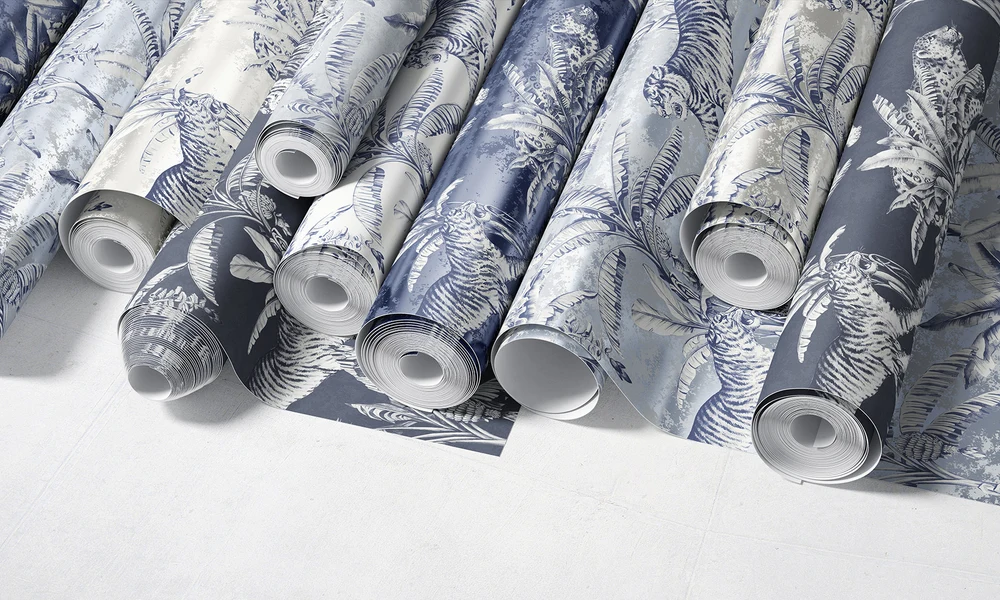
Laundry rooms offer a distinctive interior context with cabinetry, appliances, shelves, baskets, wall surfaces, and practical storage details. A wallpaper or surface pattern shown in this setting communicates a different mood from the same design presented in a bedroom or living room. Use the separate room variants to compare pattern scale, color direction, wall placement, and the relationship between artwork and cabinetry or utility fixtures. The scenes can support wallpaper presentations, interior proposals, home-organization campaigns, and surface-design portfolios. Layered Photoshop files and Smart Objects preserve the prepared room perspective, lighting, shadows, appliances, furniture, and wall context while the editable design is replaced. Customization beyond the documented artwork and color layers depends on the individual file. Export the finished visuals for wallpaper listings, licensing decks, client presentations, renovation concepts, catalogs, portfolios, advertising, and social media. Use the mockups to communicate the intended visual direction, not as proof of exact room dimensions, materials, installations, or product packaging.
FreeCreatsy® Mockups