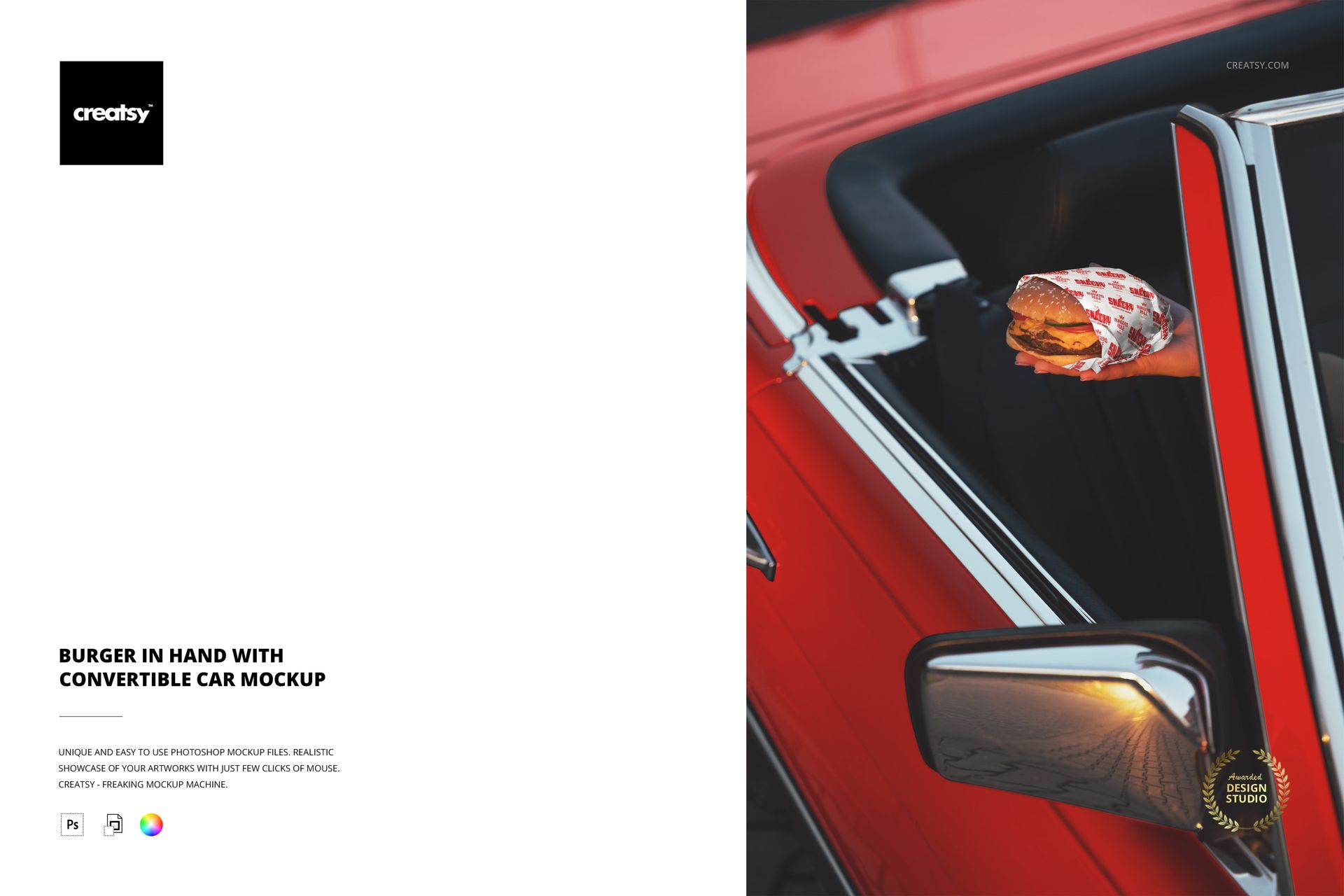
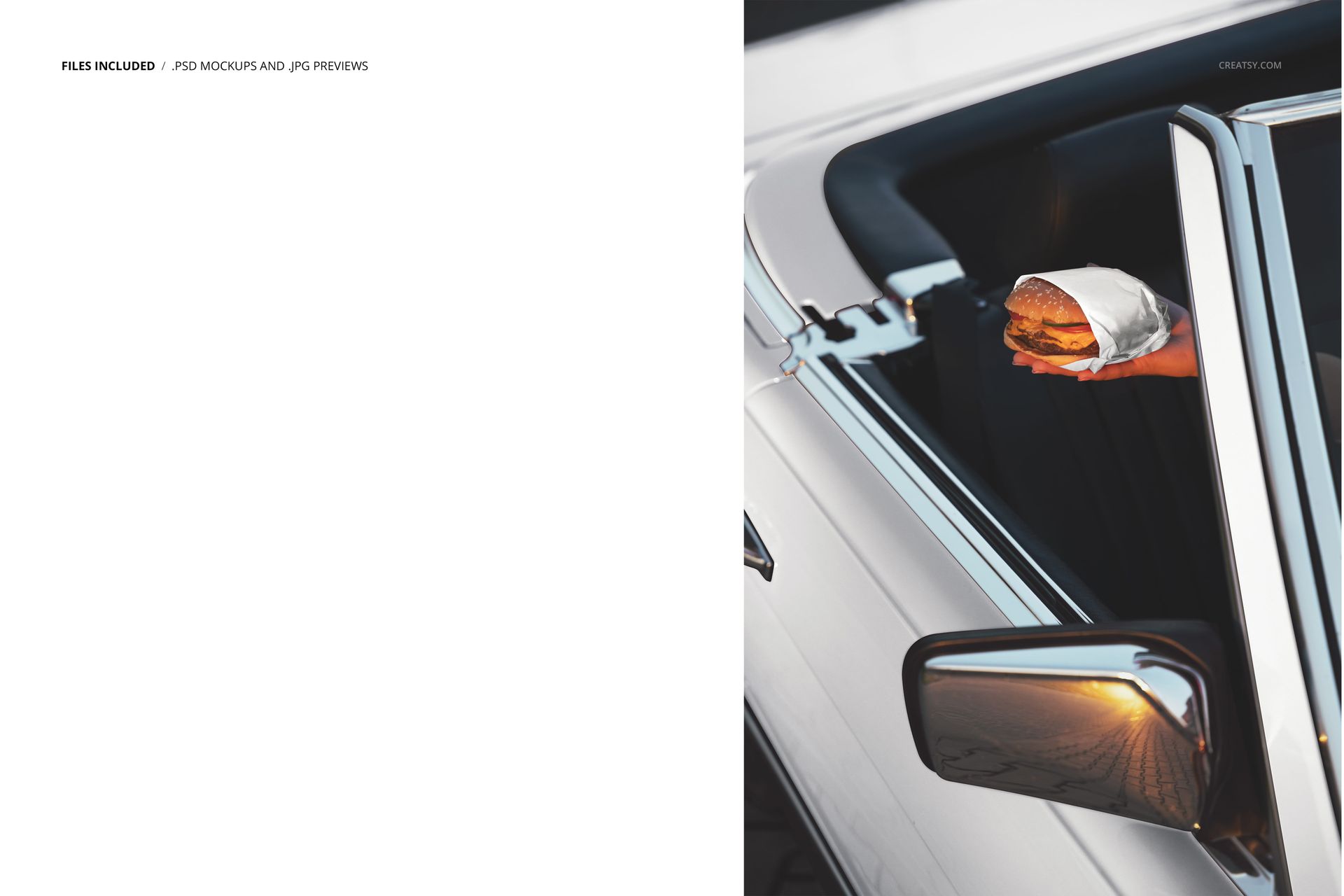
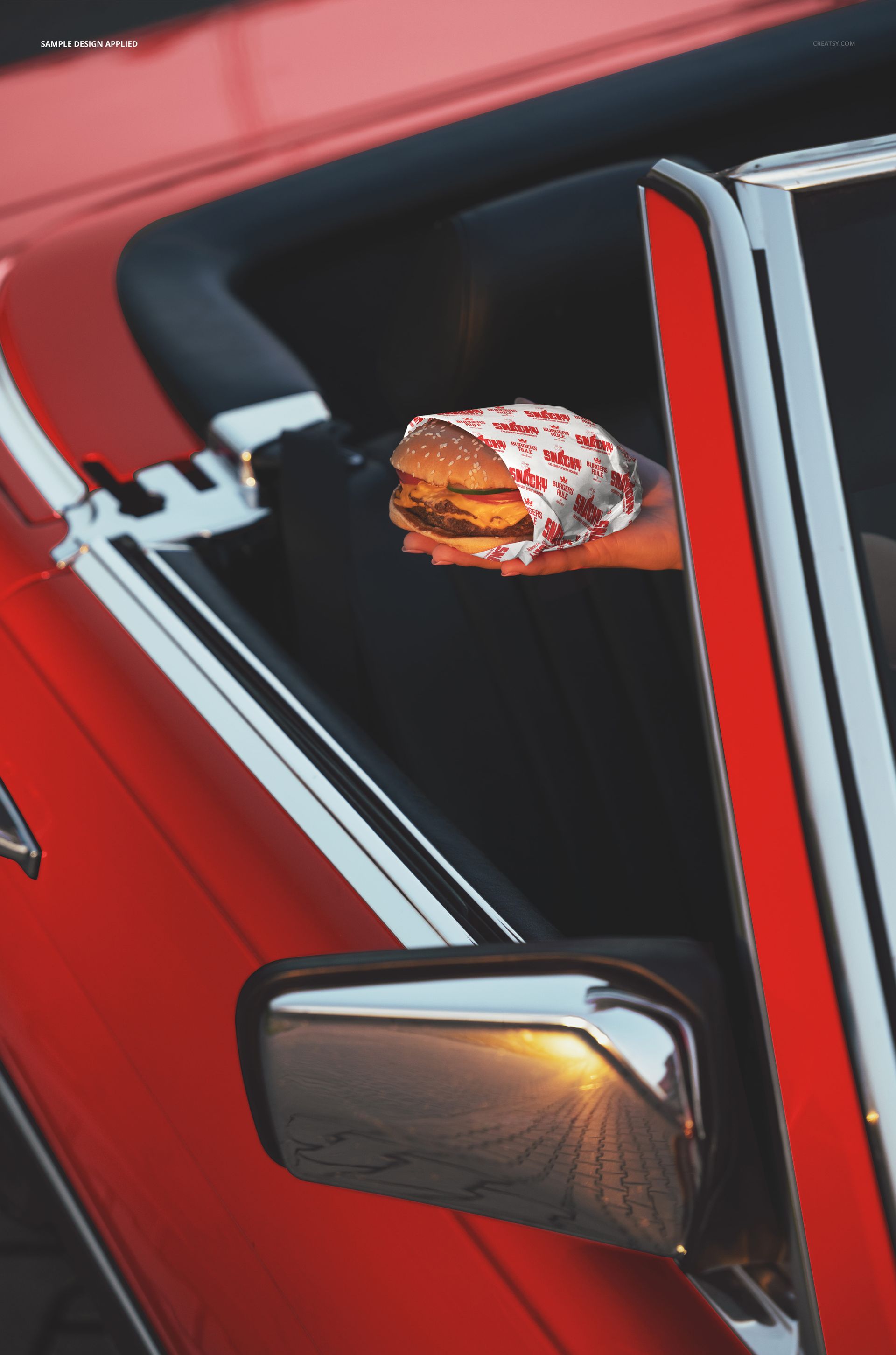
One PSD file at 6000 x 4000 pixels and 300 DPI showing a hand holding a wrapped burger with a convertible car in the background. This is packaging design at its moment of truth. The wrapper is no longer sitting flat in a design file or folded on a counter - it is being held, gripped, compressed by the fingers of someone who is about to take a bite. Every design decision you made about logo placement, color choice, and pattern coverage is now being tested by the physics of a human hand squeezing a burger through branded paper. The file opens in Adobe Photoshop CC 2020 or newer and in Photopea, the free browser-based PSD editor.
Why the Hand Changes Everything
Most food packaging mockups show the package at rest. On a table, on a counter, on a styled surface. The package looks perfect because nothing is touching it. This mockup shows the package in use - crumpled slightly by a grip, folded where the hand wraps around the burger, partially obscured by fingers. That imperfection is the point. It reveals how your wrapper design performs under the conditions where customers actually see it. A logo that reads beautifully when the wrapper is flat might disappear entirely when a hand covers the center panel. A pattern that tiles perfectly on a die-line template might break awkwardly where the wrapper creases around the burger's shape. This mockup catches those problems before you print ten thousand wrappers.
The Convertible as Freedom Symbol
The convertible car in the background is not accidental scenery. It is a lifestyle declaration. A burger held in front of a convertible says road trip, says summer, says spontaneity, says the kind of meal that happens between destinations rather than at a destination. For food brands that position themselves as part of the adventure rather than the routine - food trucks, highway burger joints, beach-town eateries, drive-through operations where the car is integral to the dining experience - this scene communicates their brand territory without a single word of copy.
Smart Object Workflow
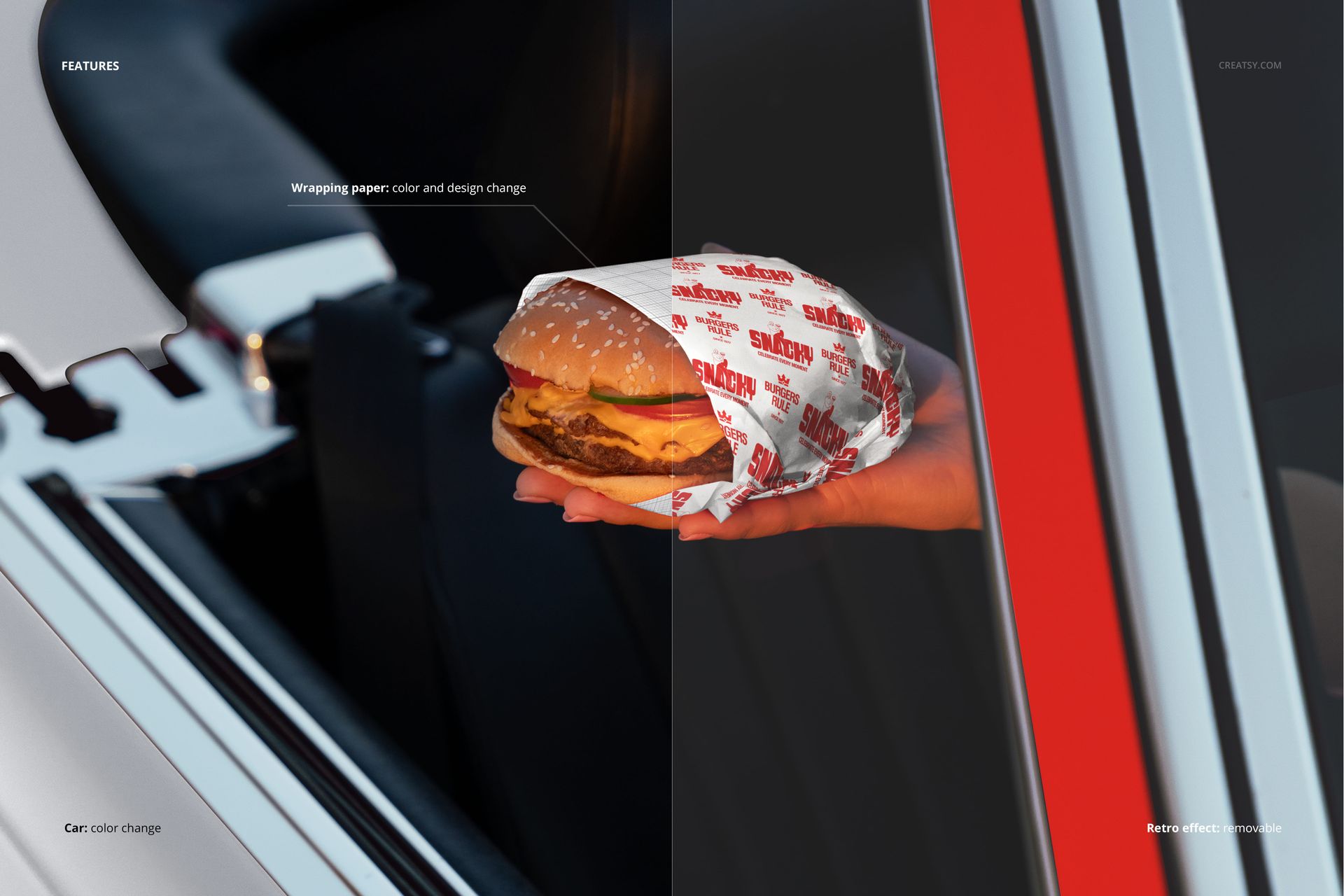
The PSD file contains smart object layers for the burger wrapper surfaces. Open the file in Photoshop CC 2020 or Photopea, locate the smart object layer in the layers panel, and double-click the thumbnail to access the design canvas. Place your wrapper artwork, branded pattern, or logo layout, and save. The main document updates with your design mapped onto the wrapper surface, including the natural creases where the paper bends around the burger, the shadow areas between the fingers, and the lighting variations across the curved wrapper surface that make the inserted design look physically printed rather than digitally placed.
In-Hand Packaging Evaluation
Food packaging designers use in-hand mockups as the final quality check before approving a wrapper design for production. The question is not whether the design looks good flat - it always does. The question is whether the design communicates effectively when the wrapper is being held, partially folded, and viewed from the customer's perspective rather than the designer's. This mockup answers that question by showing the wrapper in the exact position and condition where the customer first reads the branding: in their own hand, at arm's length, with the food inside it.
Technical Specifications
The single PSD file measures 6000 x 4000 pixels at 300 DPI in landscape orientation. The download size is 163.35 MB. Layers are organized and labeled for efficient navigation between the hand, burger, wrapper smart objects, convertible car backdrop, and environmental lighting layers. The landscape format exports directly to website banners, social media posts, delivery app headers, and printed marketing materials.