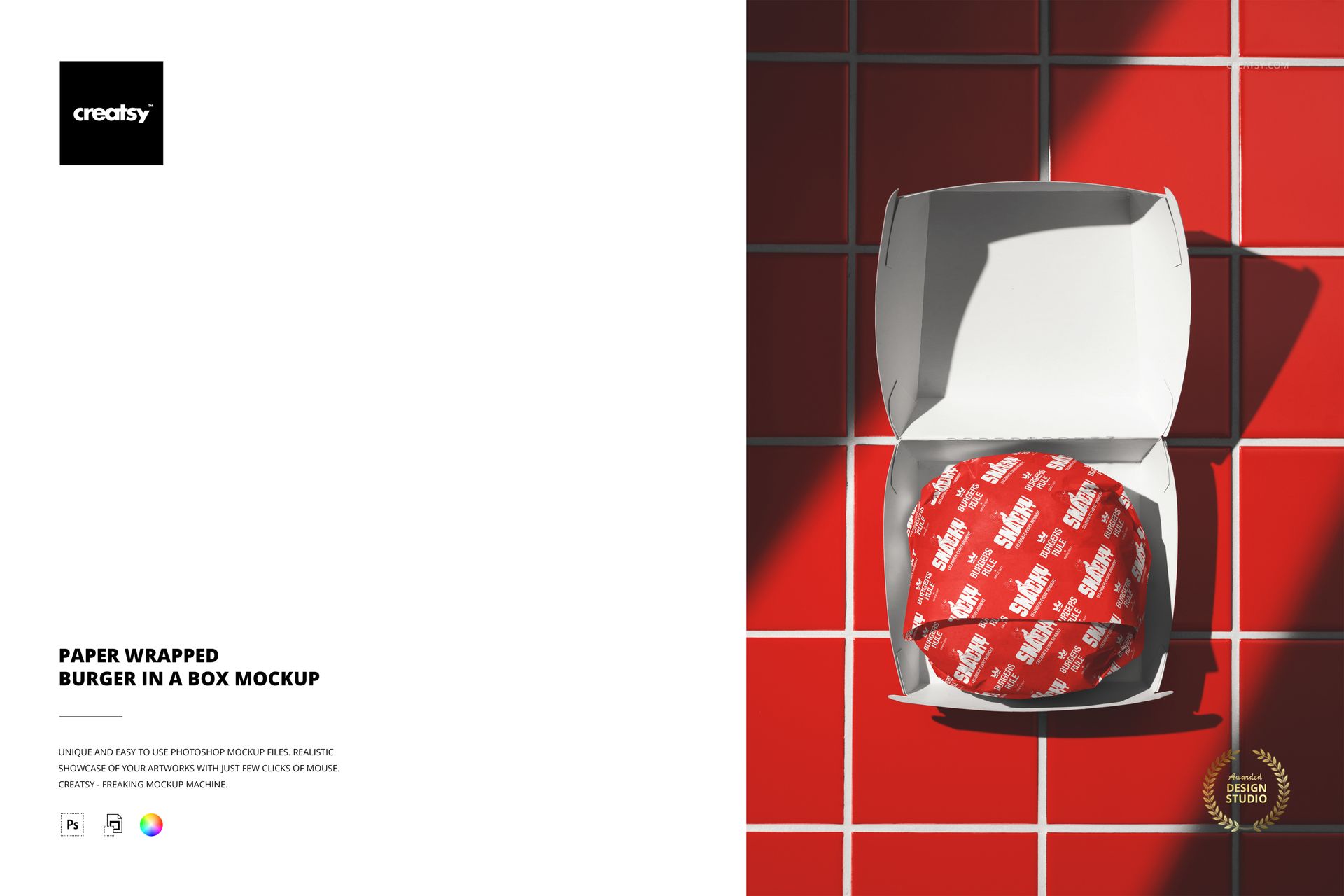
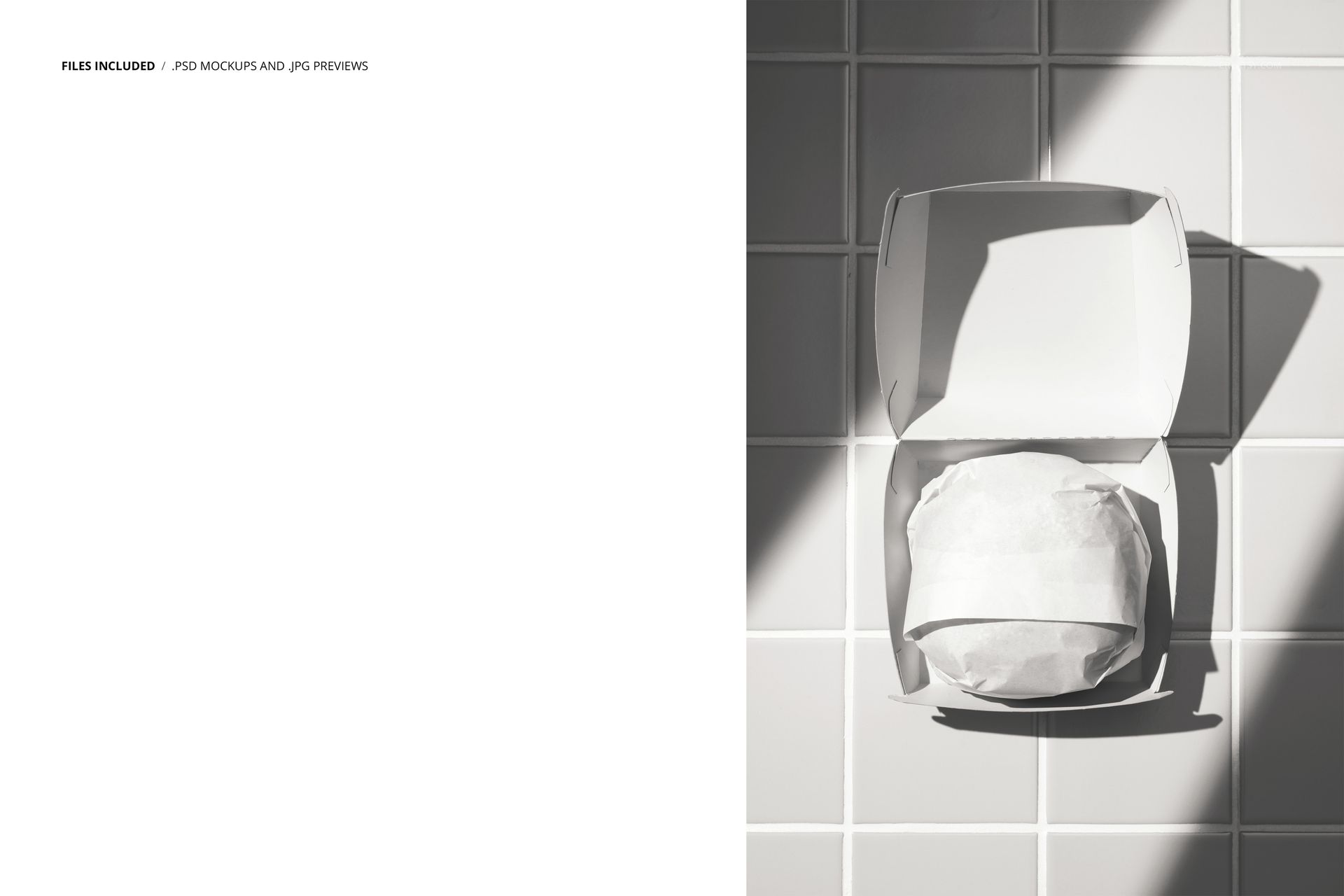
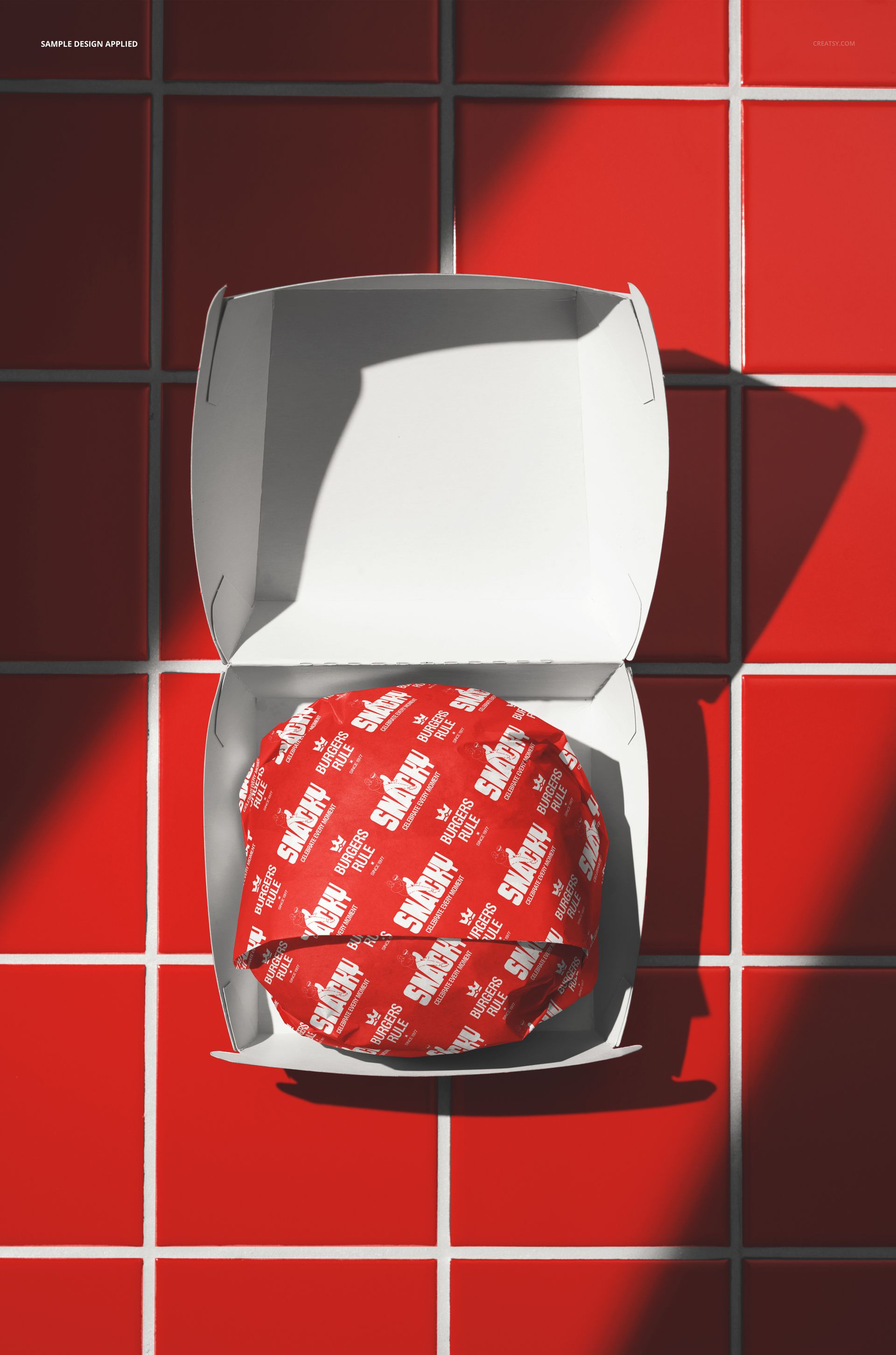
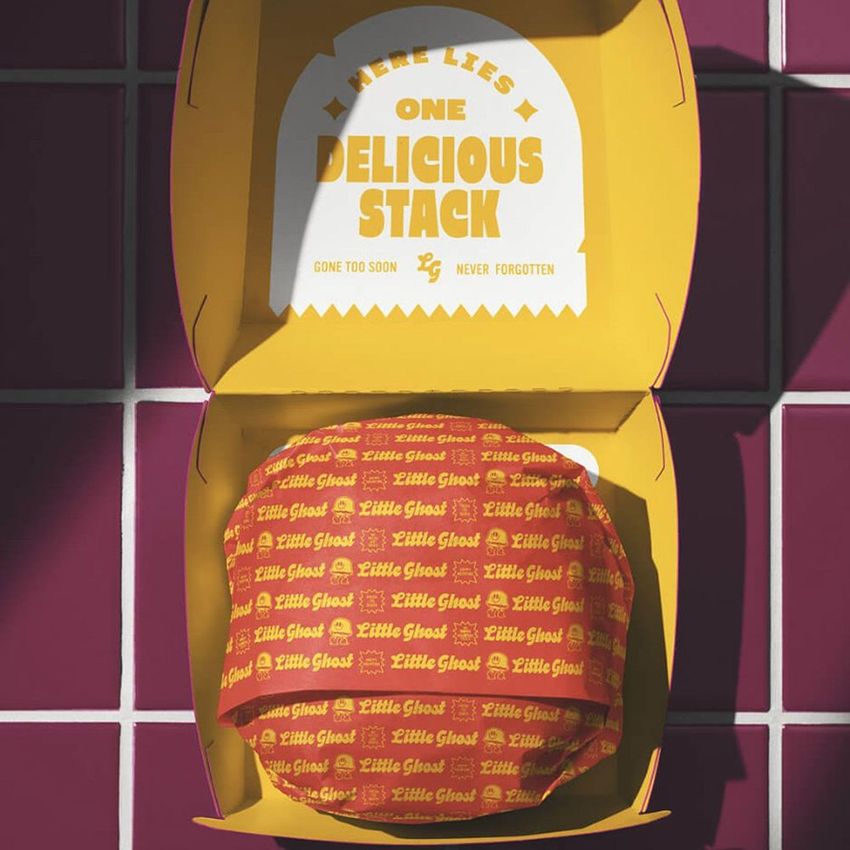
The Paper Wrapped Burger in a Box Mockup shows a burger wrapped in branded paper and placed inside an open box. The scene captures a common takeout moment: the box is open, the burger is visible inside with its paper wrapping partially folded back, and both surfaces are ready for your branding. The paper wrap and the box exterior function as two separate design areas, giving you control over the packaging experience from the outside of the box to the paper that touches the food. This setup is directly applicable to burger restaurant branding, takeout packaging design, and food delivery marketing where the unboxing moment is the first physical contact a customer has with the brand. The file measures 6000x4000px at 300 DPI with smart object layers and works in Adobe Photoshop CC 2020 or newer and Photopea.
Why This Mockup Works
Most burger mockups show the food without packaging. This one shows the complete takeout experience: a burger inside a box, wrapped in paper, ready to be handed to a customer. That distinction matters because packaging design is where restaurant brands compete for recognition in delivery and takeout contexts. When the food arrives at someone's door, the box and the paper wrapping are the only brand surfaces available. This mockup lets you present both of those surfaces together in a realistic setting, which makes it immediately useful for packaging pitches, brand identity presentations, and marketing materials that need to show the full customer experience rather than just the food. The open box with the wrapped burger inside also creates a natural focal point that draws attention to the paper design first and the box design second, which mirrors how customers actually experience the packaging when they open their order.
What Is Included
The download contains 1 layered PSD file. The scene shows a burger wrapped in paper and sitting inside an open box. The paper wrapping and the box have dedicated smart object layers, allowing you to apply different designs to each surface independently. The lighting is controlled and even, designed to show the paper texture and box structure clearly while keeping the burger looking appetizing. The layer structure is organized and labeled for quick access to the paper smart object, the box smart object, and the adjustment controls.
What You Can Customize
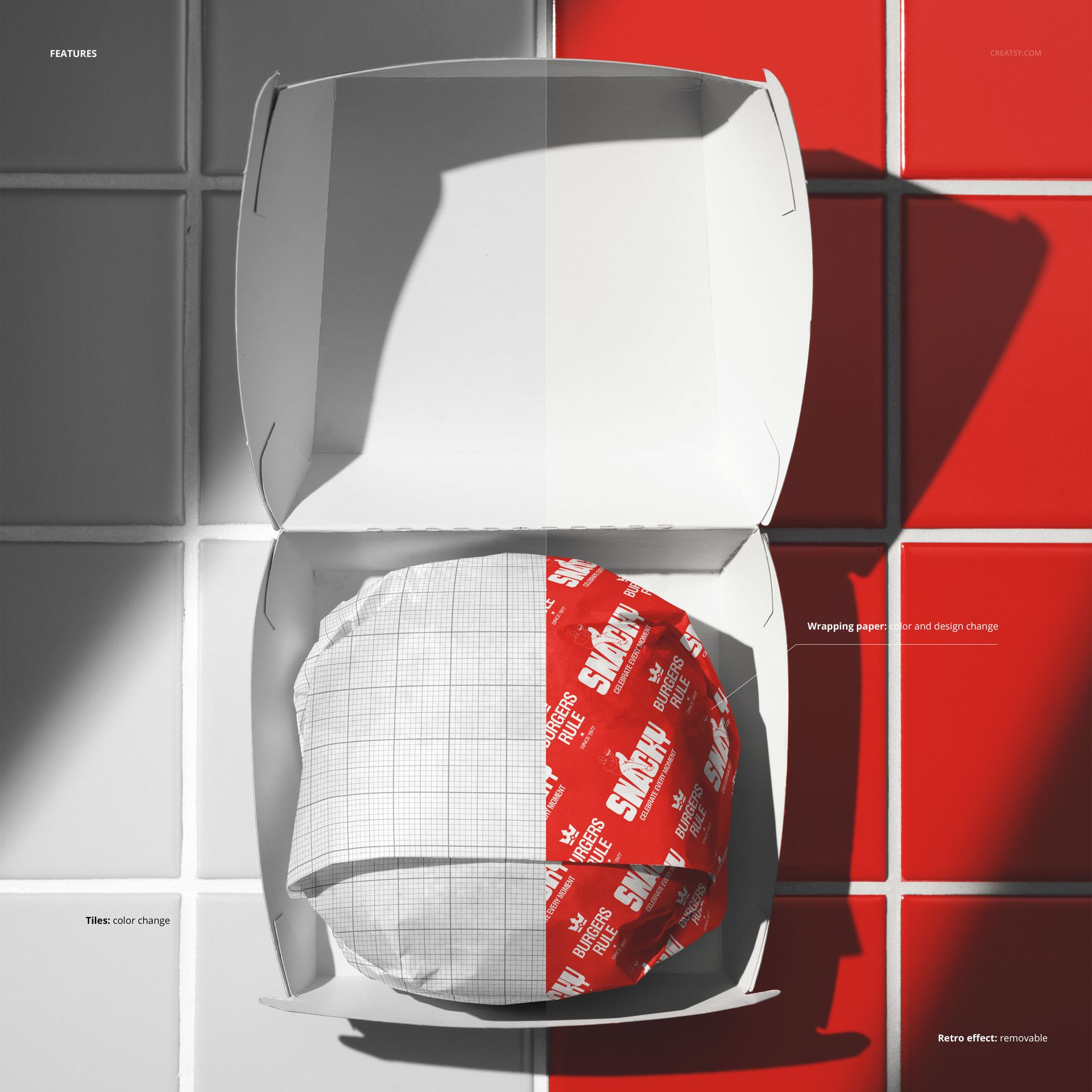
The smart objects control the paper wrapping and the box. Double-click the paper smart object to place your pattern, logo, or branded design on the wrapper. Open the box smart object to apply your packaging design to the box exterior. Each element updates independently with accurate paper texture, fold lines, and lighting response. The adjustment layers let you modify overall brightness, contrast, and color temperature to match your brand aesthetic or to adapt the image for different marketing channels. You can present the same burger with different paper and box designs to compare packaging options, test seasonal variations, or show a client how their brand translates from digital design to physical packaging.
Who This Mockup Is For
Burger restaurants and fast food brands that need to preview takeout packaging designs before production, showing how the paper wrap and box work together as a branded experience. Packaging designers presenting wrapper and box concepts to restaurant clients who need to see both surfaces in a realistic food context rather than flat dielines. Marketing agencies building social media content, delivery app visuals, and promotional materials for restaurant clients where the unboxing moment is the key visual. Food delivery platforms and aggregators that need professional, standardized packaging images for restaurant partner profiles and promotional spotlights. Brand identity studios developing complete restaurant identity systems that include packaging touchpoints like wrapping paper and takeout boxes.
File Specifications
Files: 1 PSD. Dimensions: 6000x4000 px. Resolution: 300 DPI. Color mode: RGB. File size: 256.7 MB. Compatibility: Adobe Photoshop CC 2020 or newer, Photopea.