The Employee as Billboard
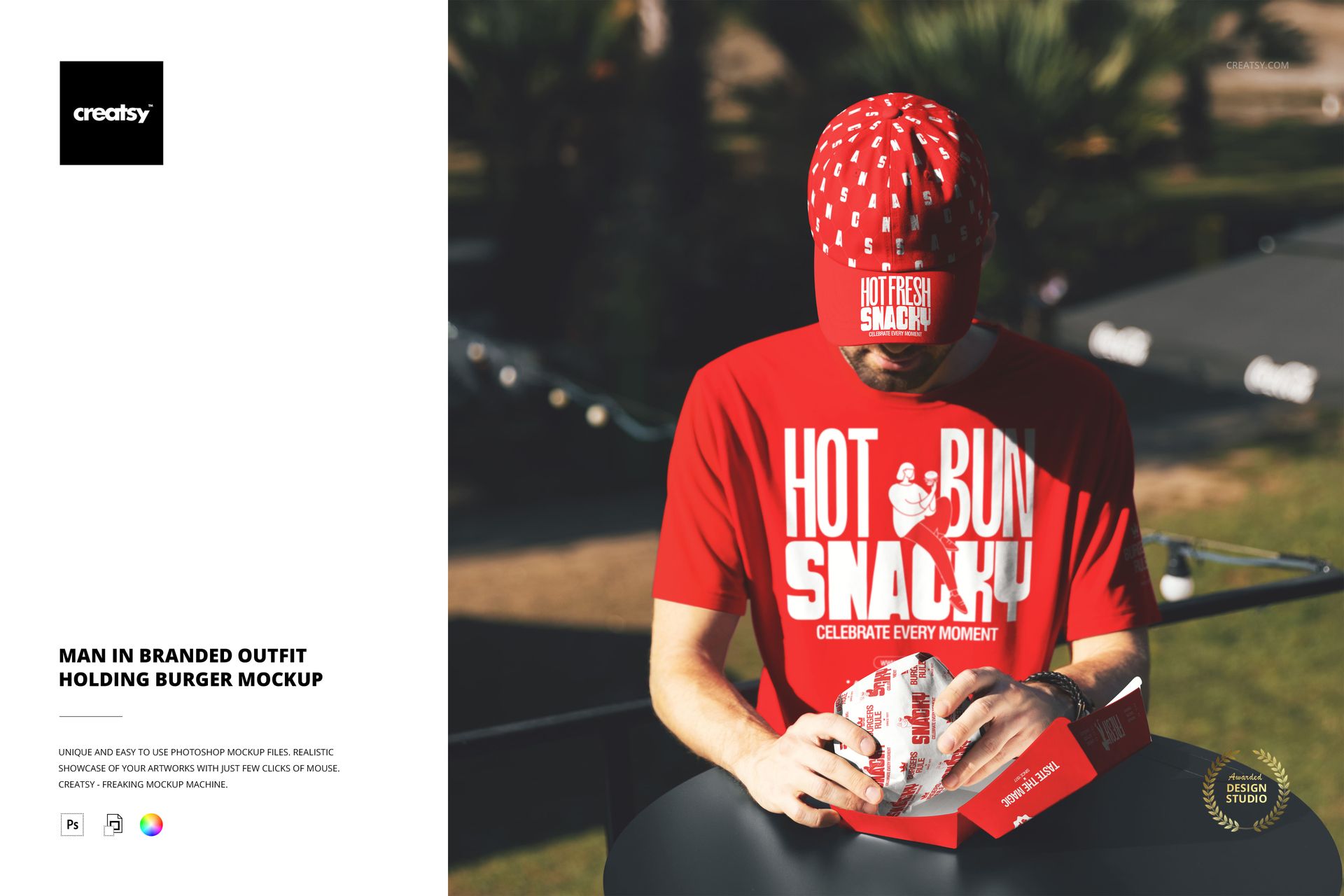
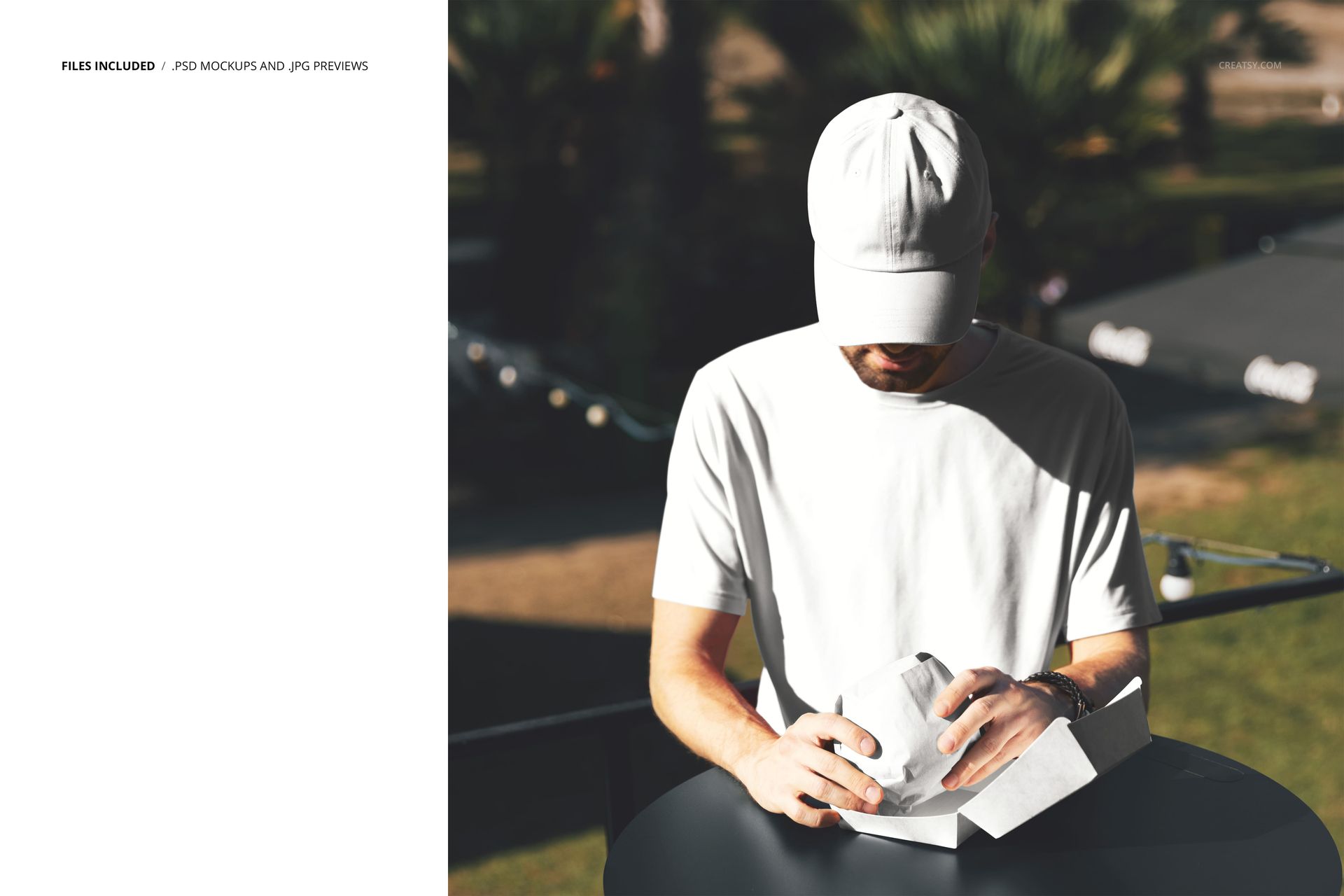
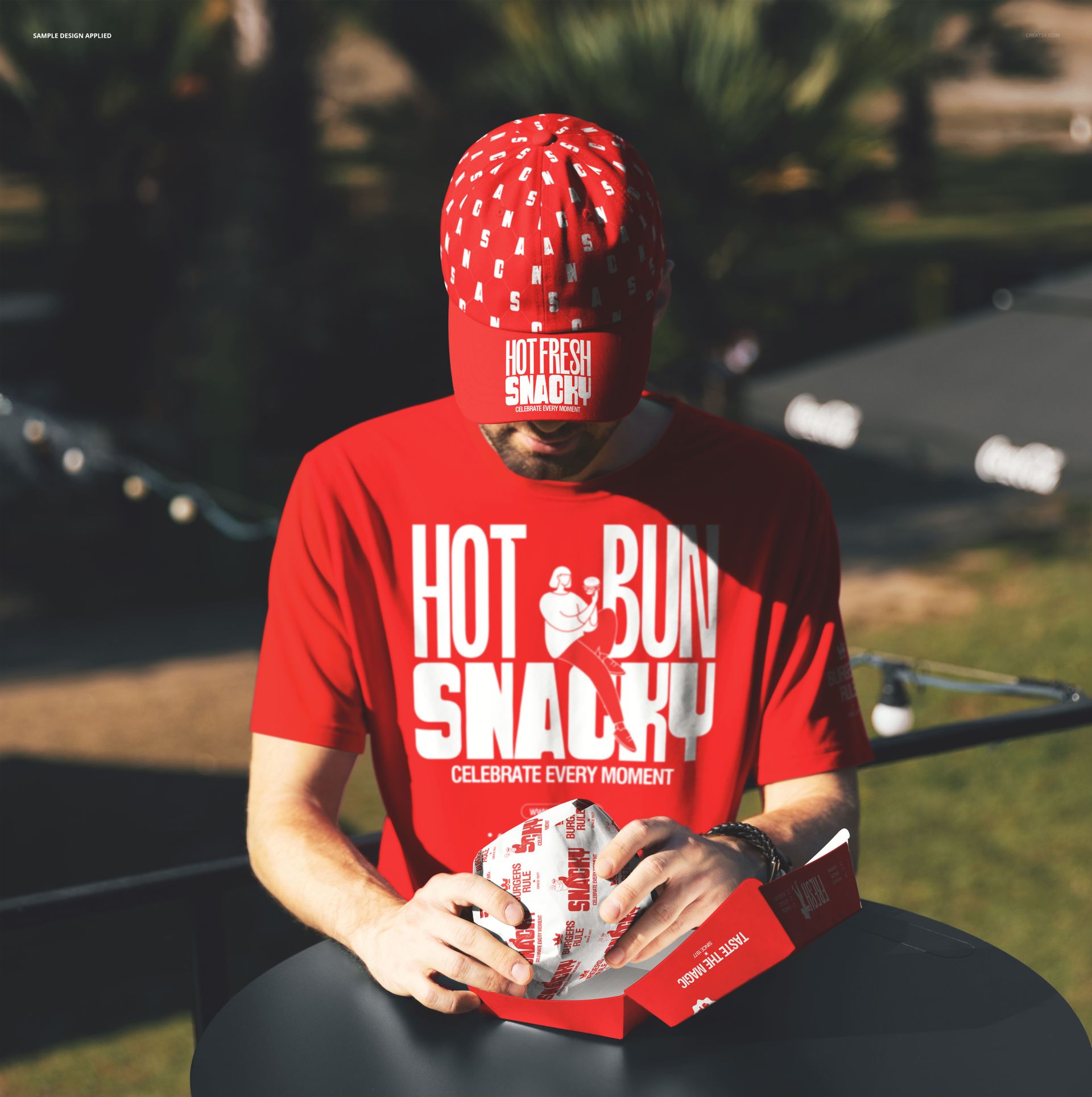
A man wearing a branded t-shirt and cap holds a burger in an outdoor setting. This is not a packaging mockup or a signage mockup - it is a human branding mockup. The person in the photograph represents your staff, your brand ambassador, your delivery driver, or your food truck crew member. The branded outfit turns a person into a walking advertisement, and the burger in their hand connects that advertisement directly to the product. Your logo, brand colors, and graphics go onto the t-shirt and cap through smart object layers. The result is a photograph that shows your brand being worn and your product being held by the same person in the same frame. One PSD file at 5400 by 5400 pixels, 300 DPI, square format. Works in Adobe Photoshop CC 2020 or newer and in Photopea, the free browser-based editor.
What Gets Branded
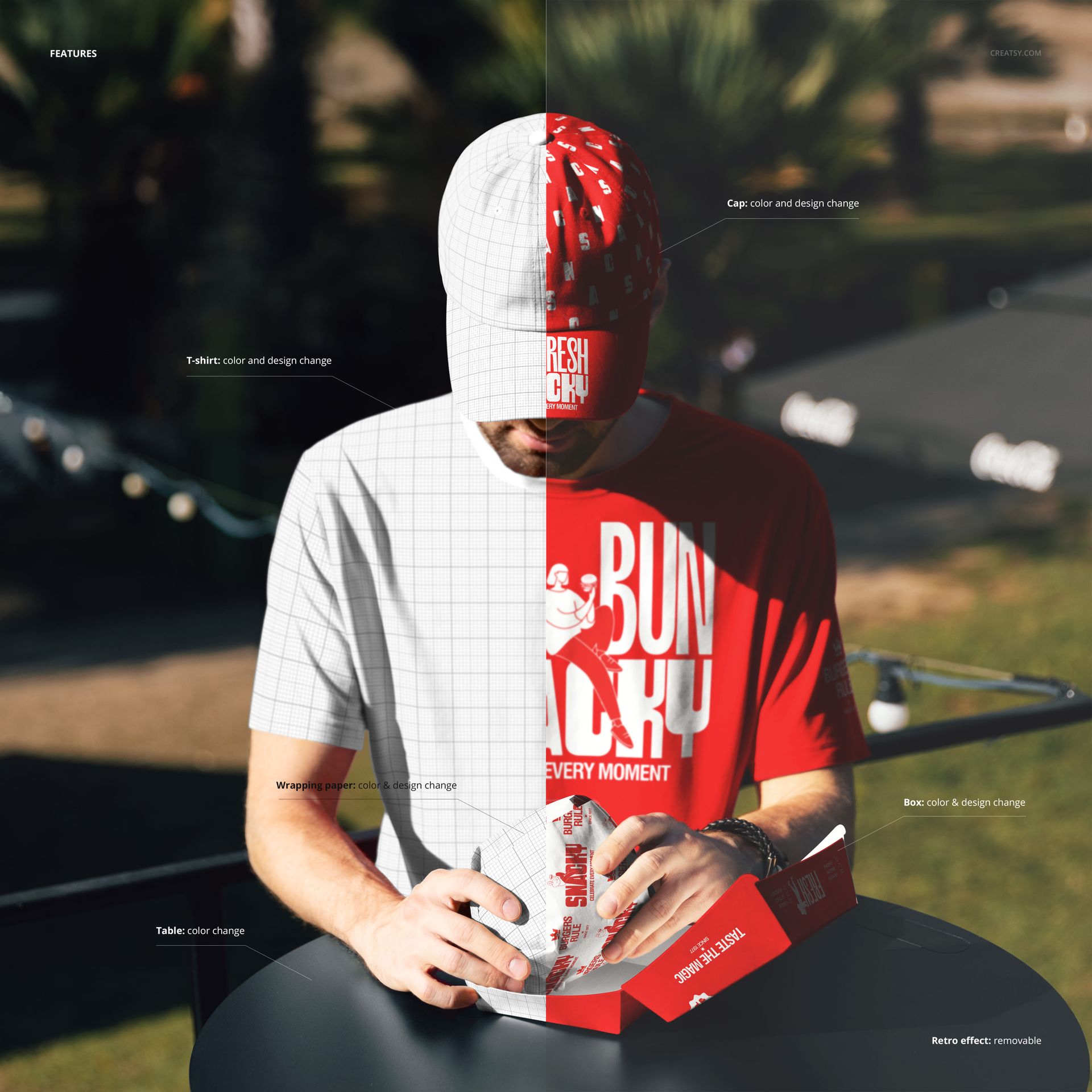
The t-shirt is the primary branding surface - a large, flat area where your logo, tagline, menu graphic, or promotional artwork will be clearly visible to anyone standing nearby. The cap adds a second branded touchpoint at head level, which is significant because caps are visible from a distance and in crowd situations where the torso may be partially obscured by a counter or other people. Together, the shirt and cap create a head-to-chest branding zone that replicates how restaurant uniforms function in real life. Each surface has its own smart object, so you can apply different designs to each piece or use a coordinated color scheme across both. The burger in the model's hand is the product anchor - it tells the viewer this is a food brand, not a generic apparel company.
Why People in Mockups Matter
Packaging mockups show your brand on objects. Signage mockups show your brand on walls. This mockup shows your brand on a person, which changes the viewer's emotional response entirely. A human holding food creates an immediate association with appetite, service, and personal interaction. When a potential franchise investor sees your brand on a person rather than on a flat surface, they imagine real employees in real locations serving real customers. When a social media follower sees a person in your branded gear holding your product, they see a lifestyle rather than a logo. This human element makes the mockup useful in contexts where object-only mockups feel cold or incomplete - pitch decks, social media campaigns, hiring posts, and brand identity presentations all benefit from showing the brand on a living person.
Square Format for Social Platforms
The 5400 by 5400 pixel square canvas is built for Instagram feeds, Facebook posts, and any platform where square images display without cropping. The square format also centers the subject naturally, placing the branded person and their burger in the middle of the frame with balanced negative space on all sides. You will not need to crop or reformat the image for social media use, which saves time when you are producing content for multiple platforms from a single mockup export.
Specifications
Format: PSD (Adobe Photoshop). Dimensions: 5400 x 5400 pixels, square. Resolution: 300 DPI. Color mode: RGB. Download size: 177.53 MB. Smart objects: t-shirt surface, cap surface, labeled. Layer organization: grouped with named folders. Adjustment layers: included for color and lighting. Compatible with: Adobe Photoshop CC 2020+, Photopea (free, browser-based).