 $2700
$2700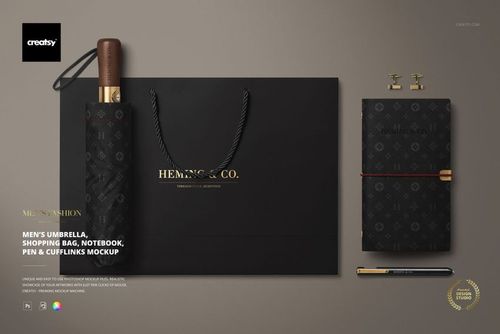
 $2000
$2000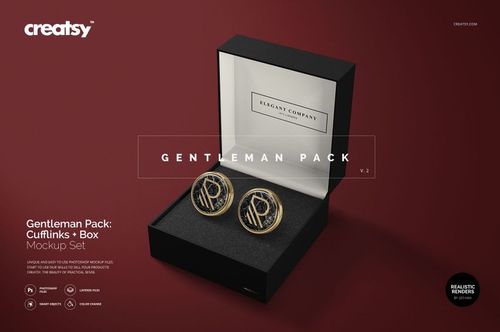
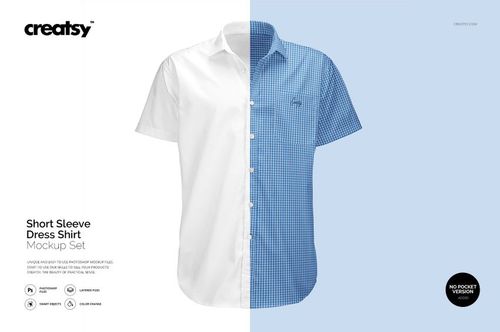
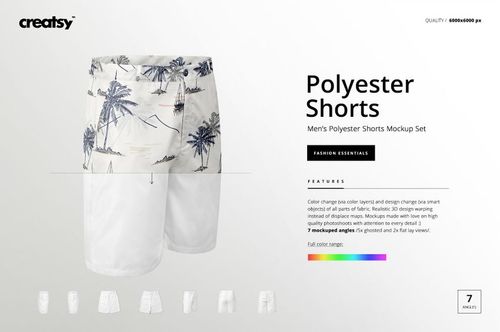
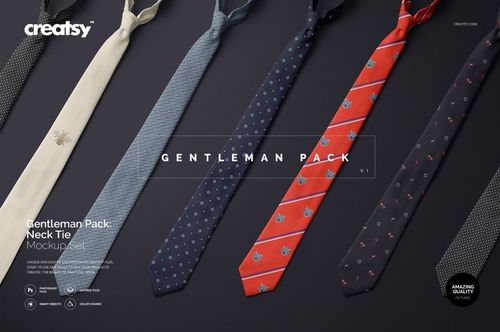 $2700
$2700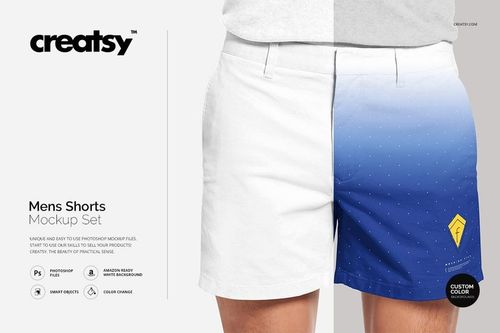 $1900
$1900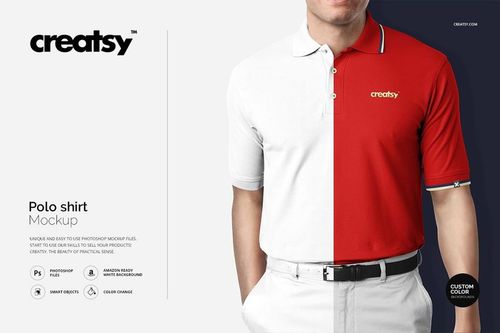 $1900
$1900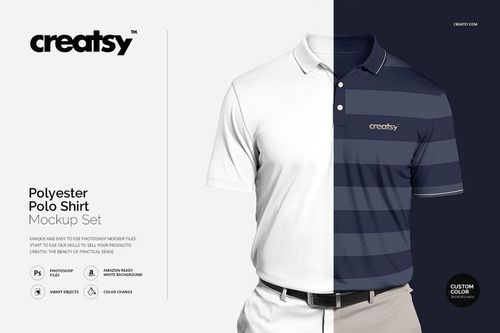
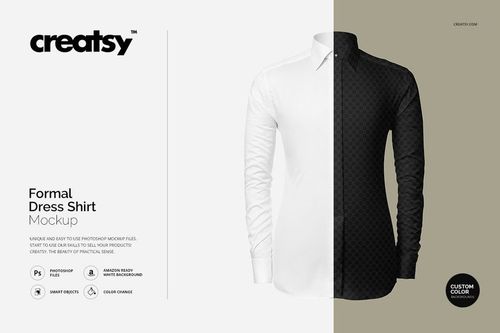 $1900
$1900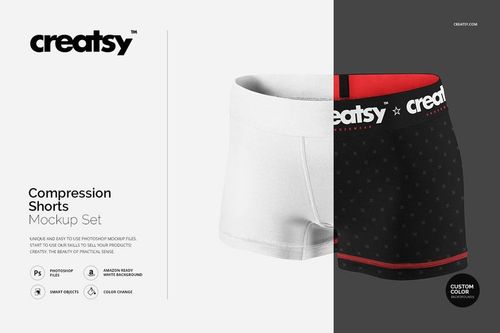 $1900
$1900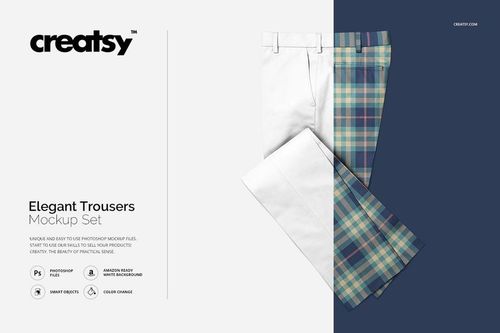 $1900
$1900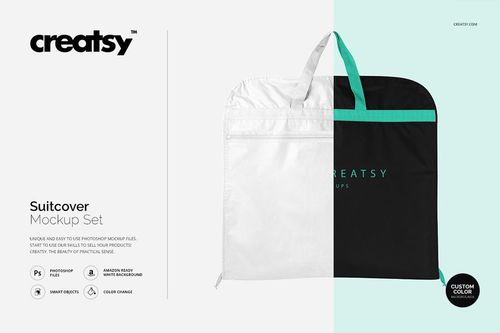 $1900
$1900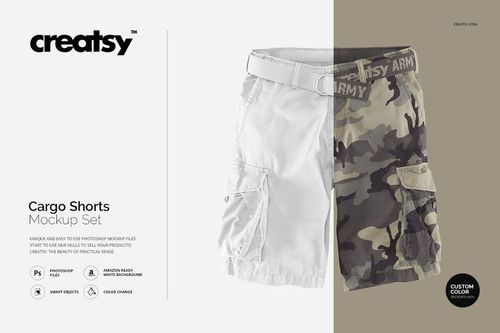 $1900
$1900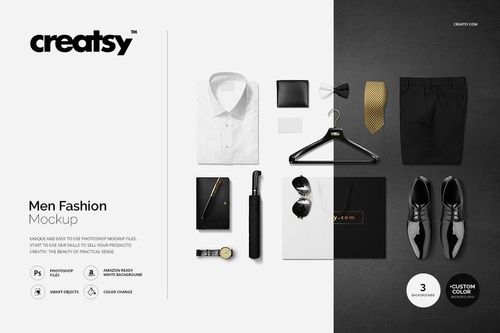 $1900
$1900
Menswear Mockups
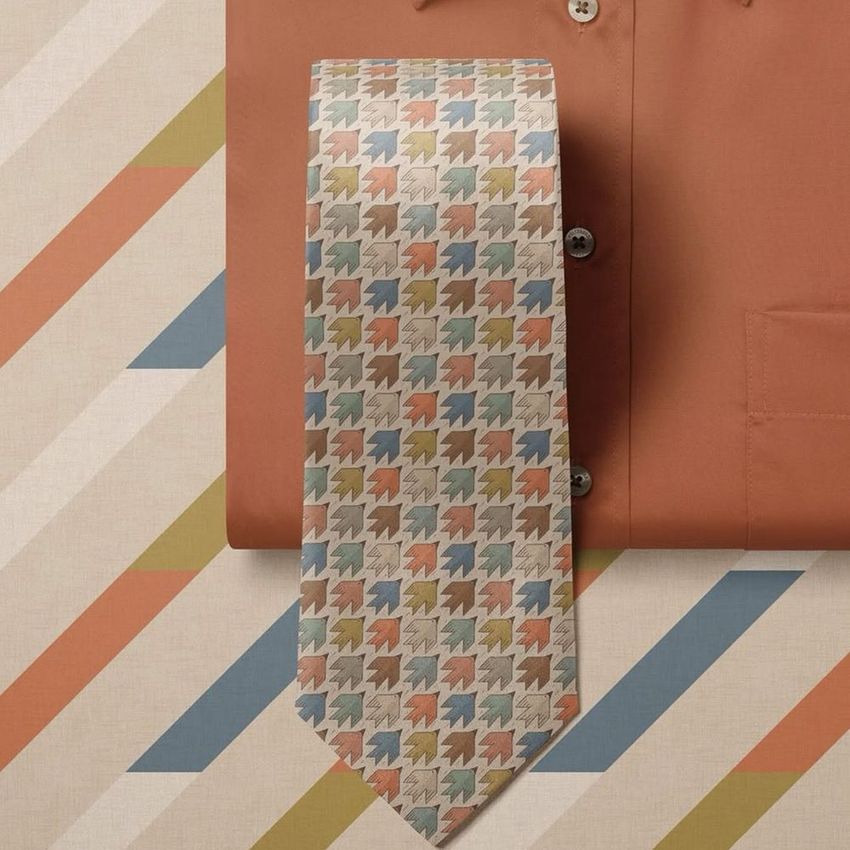
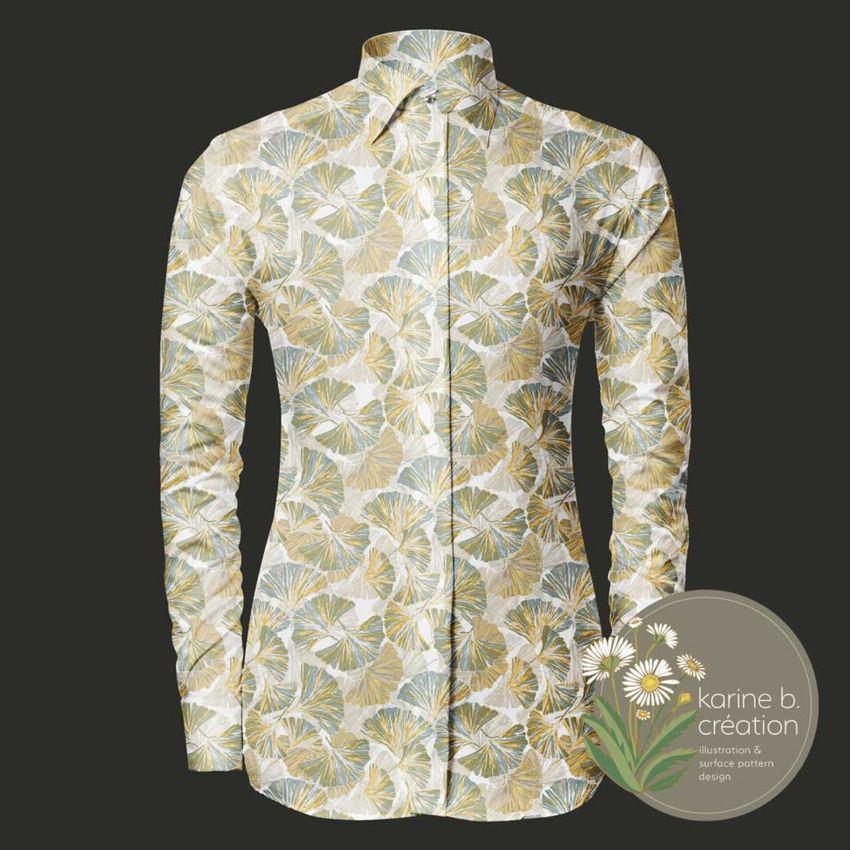
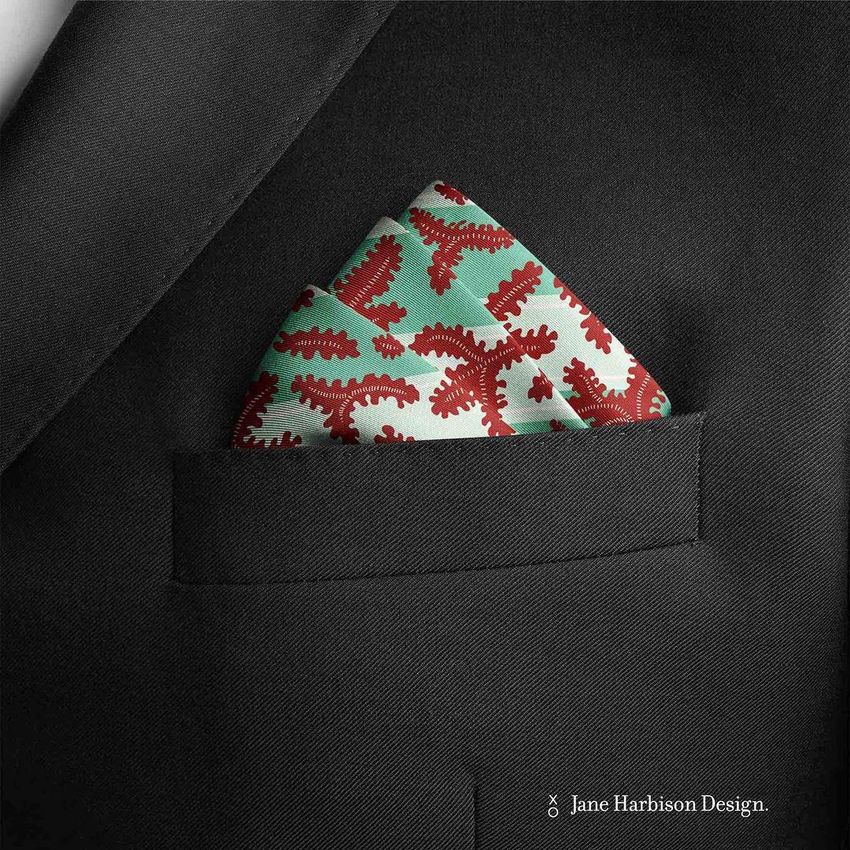
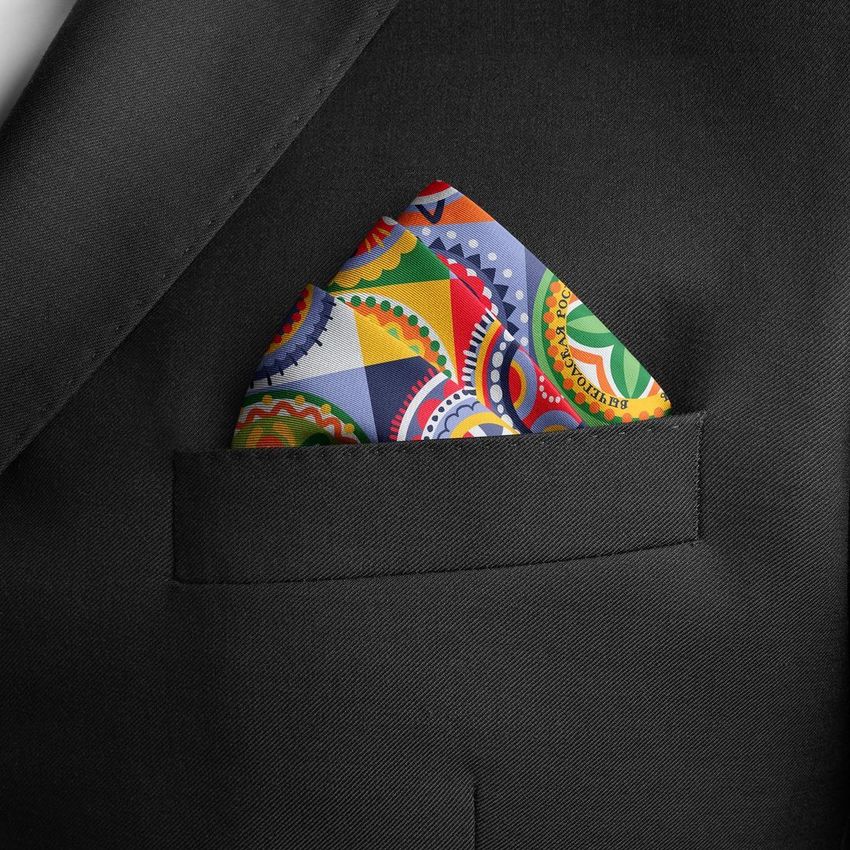
Present patterns, logos and colorways across shirts, suits, jackets, trousers and accessories. Reusable menswear mockups build cohesive buyer decks, ecommerce collections and campaigns before samples are photographed.

Reviews
What designers and brand owners say after using these PSD mockups in real client work.





What you get
Professional PSD mockups built in-house - editable, realistic, high-resolution, and supported by real people.
Layered PSD Files
Creatsy mockups are delivered as fully layered Photoshop .psd files, with layers sorted into clearly named groups. Shadows, highlights, and the background each sit on their own editable layer, and nothing is flattened into a single image. Open it in Photoshop or the free browser editor Photopea and get to work.
- Clearly named, organized layer groups
- Shadows and highlights on separate layers
- Editable background, never flattened
- Works in Photoshop or free Photopea
Smart Objects
Open the smart object, paste your artwork, and save. The design lands on the product with the perspective, warp, and wrap already worked out. Scene lighting and shadows fall back on top, so it reads as a photograph, not a flat paste-in. Swapping a design takes seconds, so one file can carry a whole run of variants and colorways.
- Double-click, paste your design, save
- Perspective, warp, and wrap pre-built
- Scene lighting and shadows sit back on top
- One file covers many variants and colorways
High-Resolution Output
Many scenes are built from real product photography rather than 3D renders, so the fabric and surface read like a studio shot. Files export at high resolution and stay sharp at full zoom, with clean edges where the print sits. The same file works for a hero banner, a paid ad or a product listing.
- Real product photography in many scenes
- Exports ready for print
- Holds detail at full zoom
- Works for banners, ads and listings
Easy to Edit
Colors, backgrounds, and artwork sit on separate, clearly named layers, so you swap a color or background without disturbing the rest of the scene. There is no relighting or shadow work to redo, and the same file works for your next project.
- Edit color and background layers directly
- No relighting or shadow rework needed
- No masking or layer skills required
- One file reused across projects
Fast Support
There is a real in-house team behind every file, not a ticket bot. Before you buy, ask whether a specific mockup fits what you have in mind, and we will tell you. When a smart object or a layer group is tripping you up, send the question and you usually get a reply within 48 hours.
- Real in-house team behind every file
- Replies within 48 hours
- Pre-purchase help picking the right mockup
- Answers on smart objects and layer setup
Who are these mockups for?
For agencies and ecommerce teams
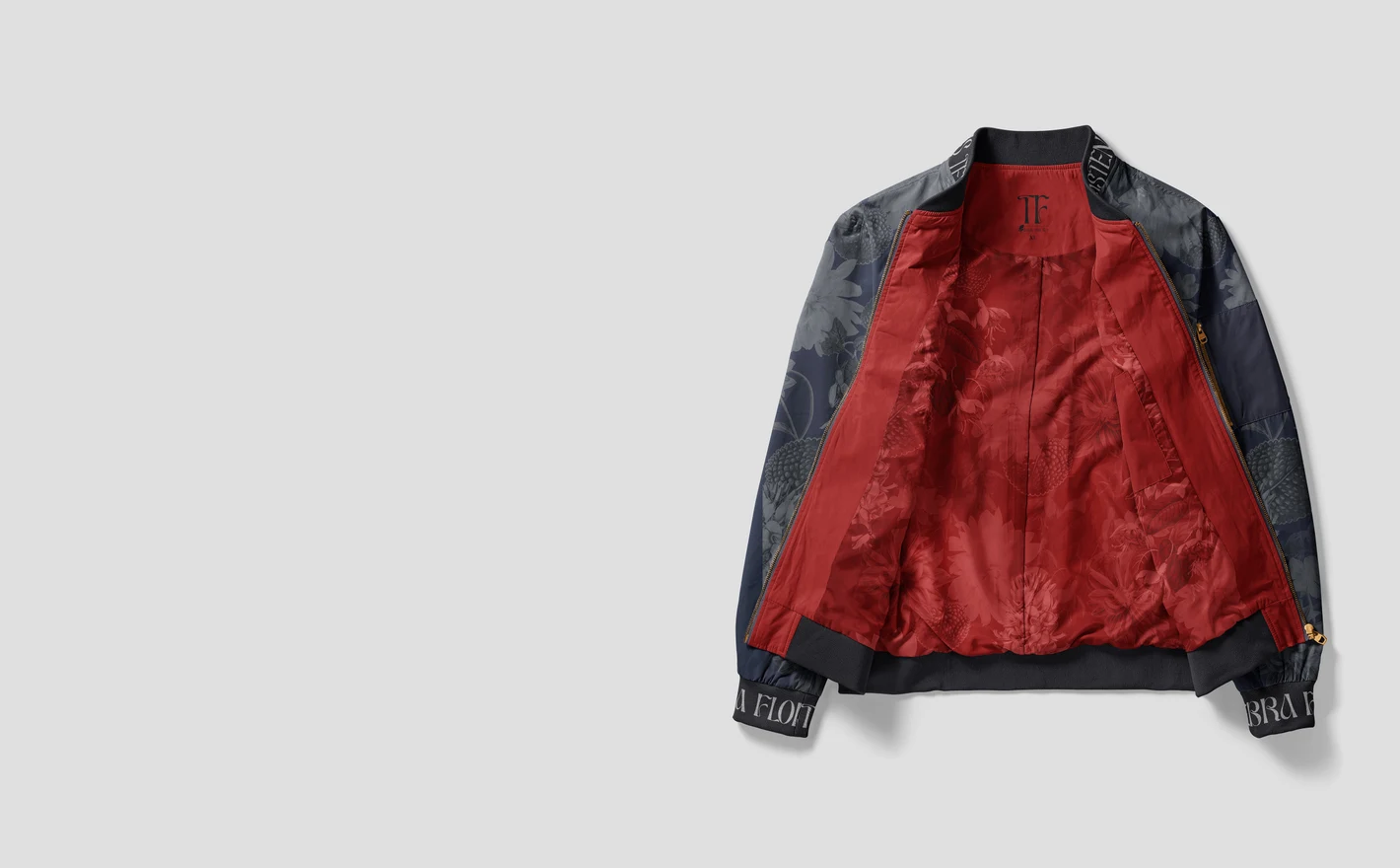
Produce a season of menswear content from one PSD library: product images for the store, identity scenes for the brand page, campaign crops for ads. Same shirts, same light, every channel - and a rebrand is one smart-object swap away.
For brand identity designers
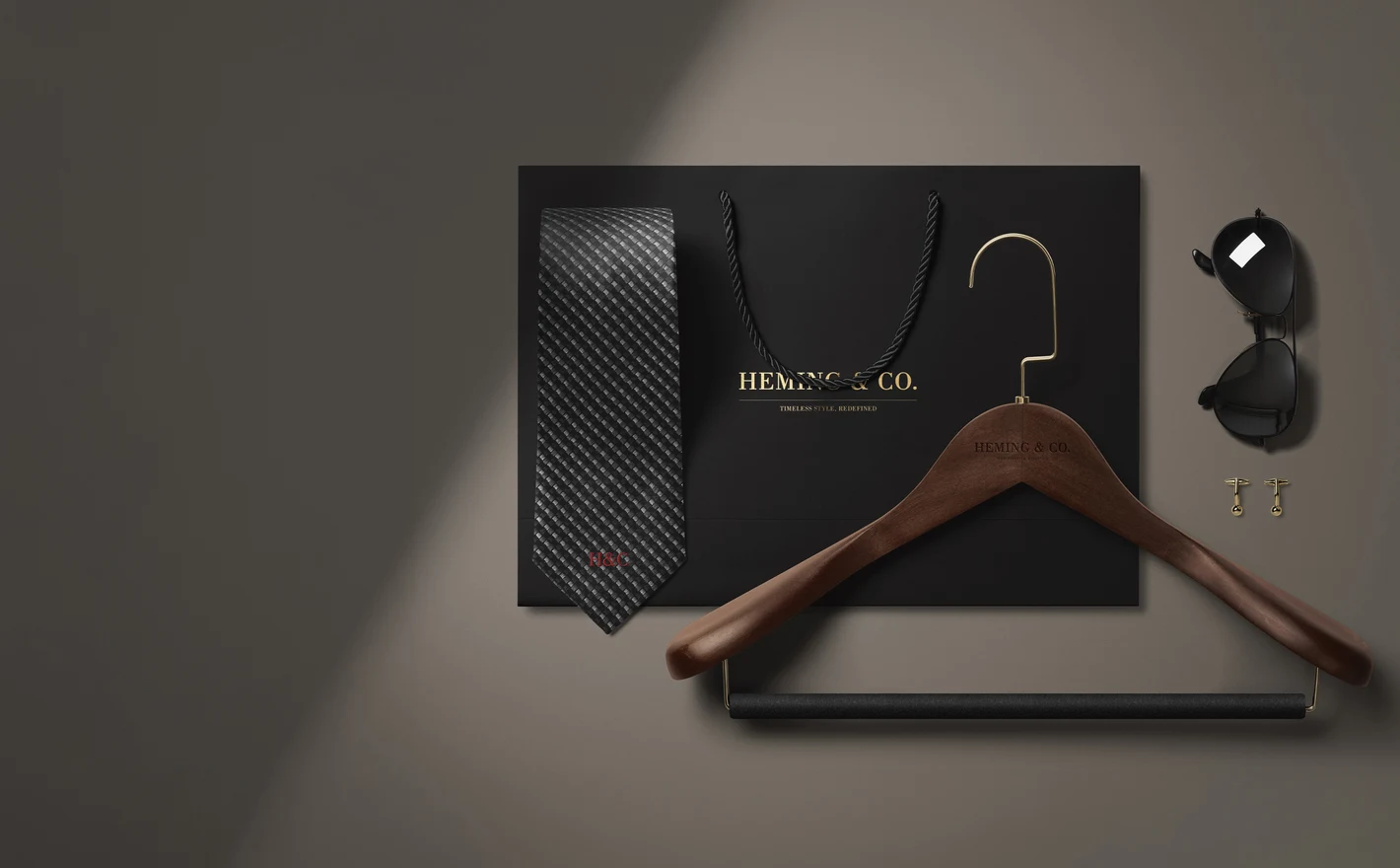
Compose full identity scenes from dress shirts, ties, pocket squares, cufflinks, wallets and business cards - the details that make a menswear brand feel established. Swap the monogram once and it carries across the whole arrangement.
Designing the brand's stationery too? Browse brand stationery mockups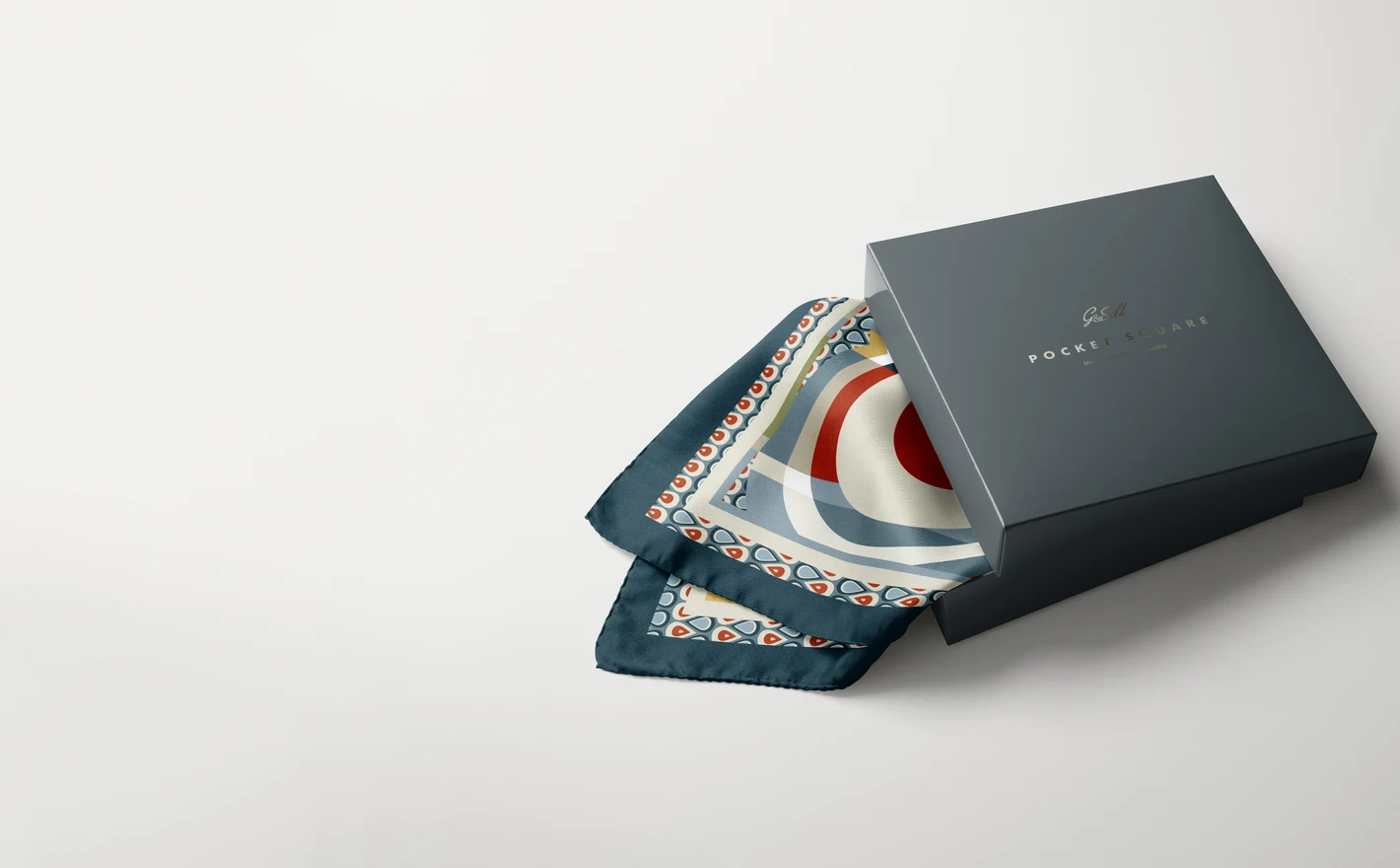
For menswear brand founders
Present a first collection like an established label: garments, accessories and colorways arranged as one range for buyer decks and launch pages. Mockups carry the line until the sample rack exists.
For shirting and formalwear collections
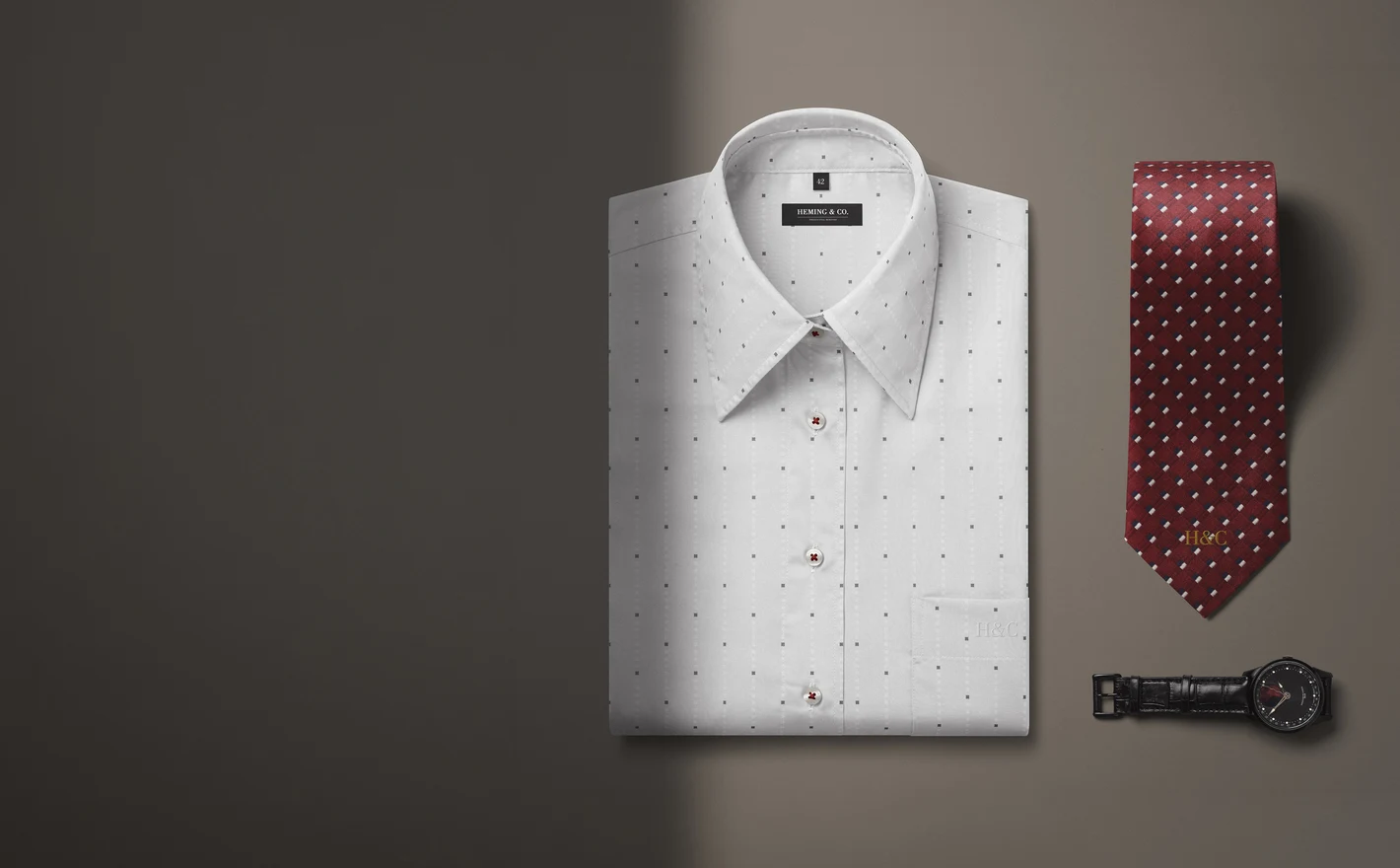
Preview dress shirts, collars, ties and trousers as a coordinated formal range - folded, hung and styled with leather goods. Built for collection pages and seasonal edits where consistency across garments is what sells the line.
Presenting the fabrics behind the collection? Browse fabric mockups
FAQs
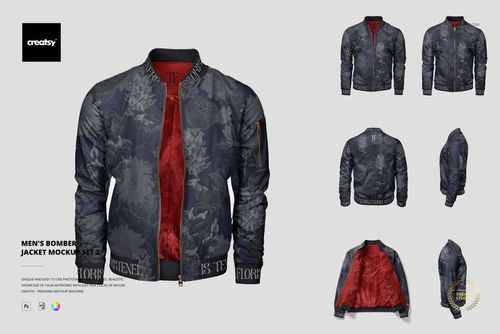
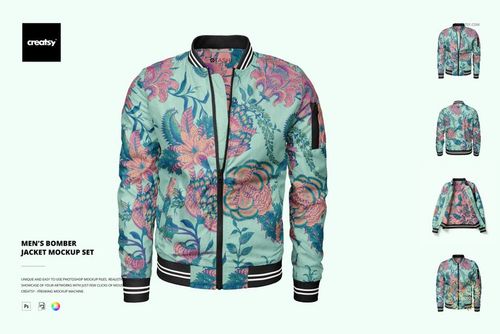
The category covers dress shirts, polo shirts, trousers, shorts, bomber jackets and garment bags, along with scenes combining clothing and accessories. T-shirts and hoodies have their own categories. Choose a standalone garment for a product presentation or a styled scene for a broader brand concept.
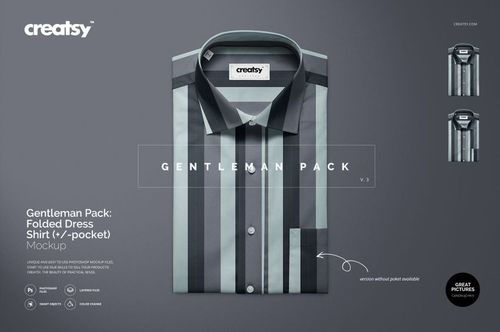
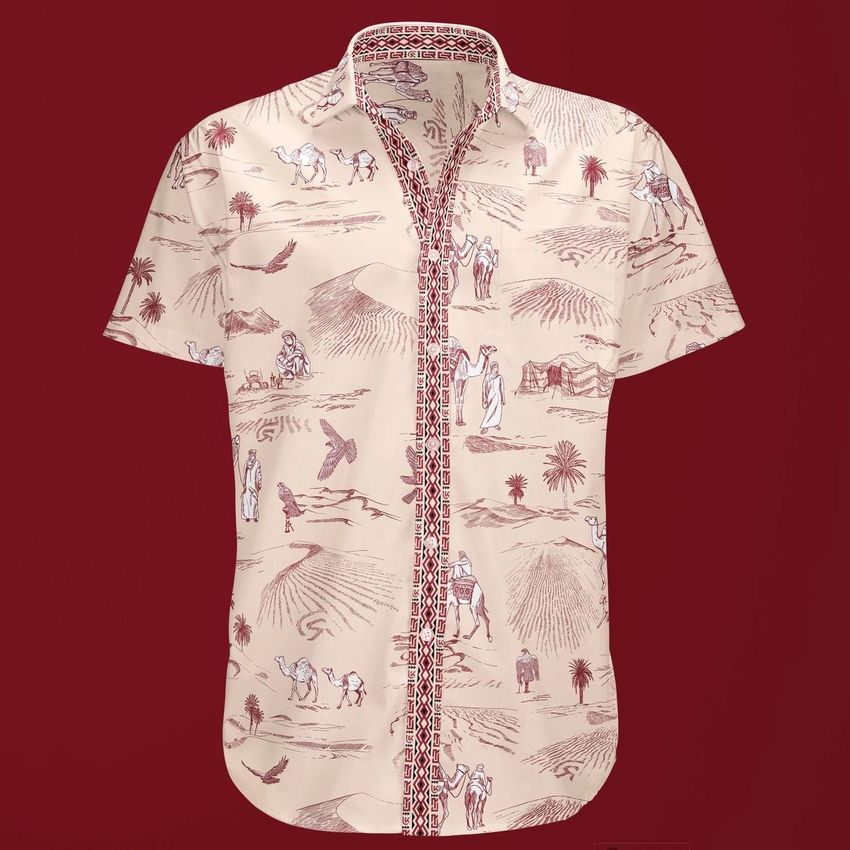
A clear front or folded view helps you compare the pattern around the collar, placket and cuffs. A close-up is useful for checking the motif size. Look at more than one view when placement matters, and use the maker's sewing pattern to plan actual matching across panels.
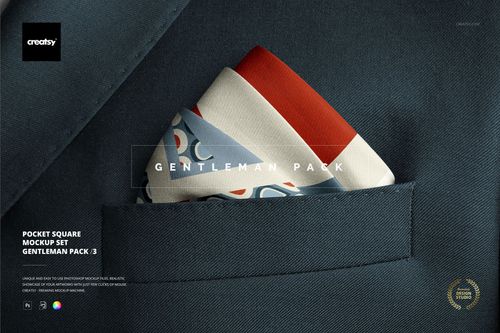
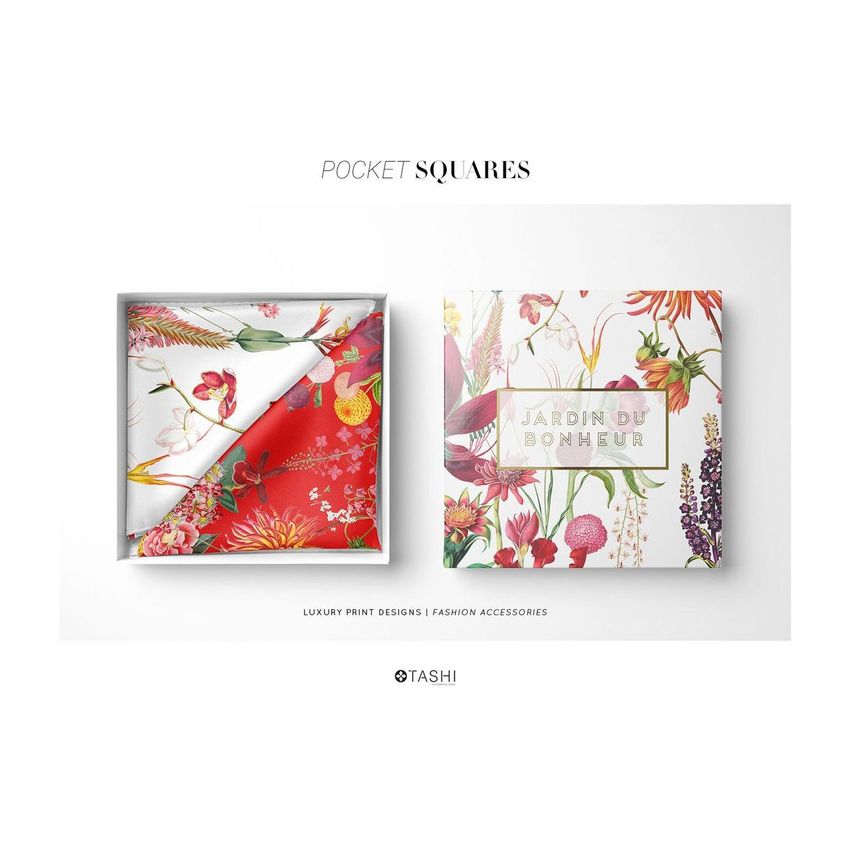
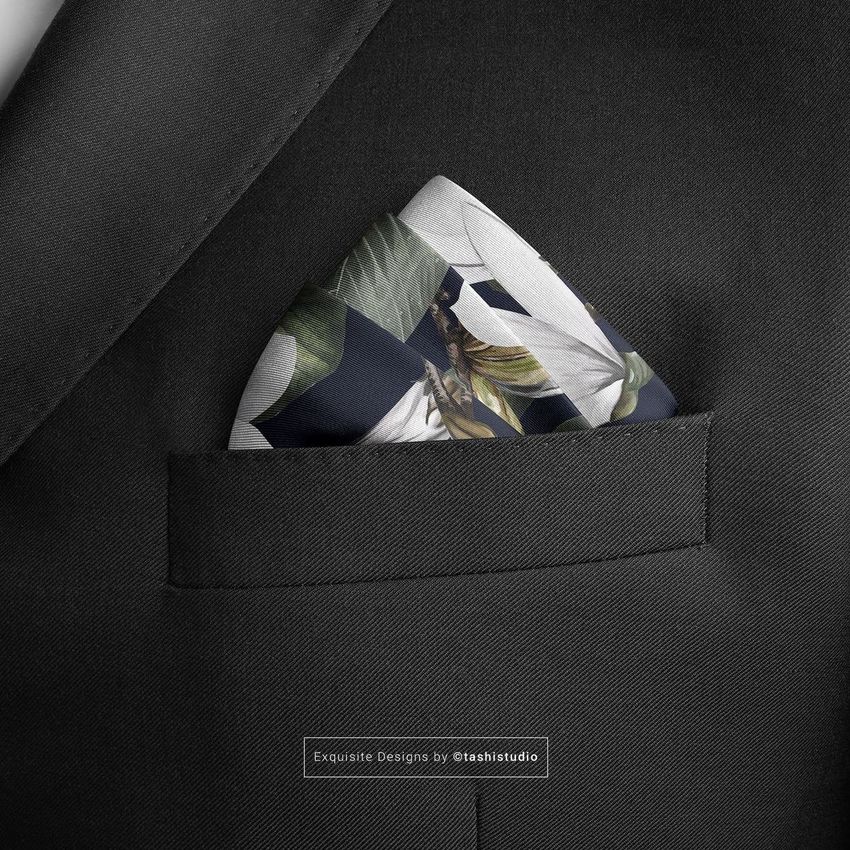
Standalone tie, pocket square and cufflink sets let you focus on those products. In a combined scene, the editable accessories depend on the file. Check the feature preview before planning the presentation; a watch, belt or other prop may be present without offering an editable design area.
It places clothing alongside related items, such as a tie, a card or other accessories, so you can present a coordinated look. Choose it when the relationship between the pieces matters. For a close look at the garment alone, a simpler product scene may be more useful.
The current selection includes separate shirts and trousers, but not a clearly listed matching men's blazer-and-trousers set. The Suitcover Mockup Set shows a garment bag, not a suit. Check the product gallery before using any similarly named item for a tailoring presentation.
Why use Menswear mockups?
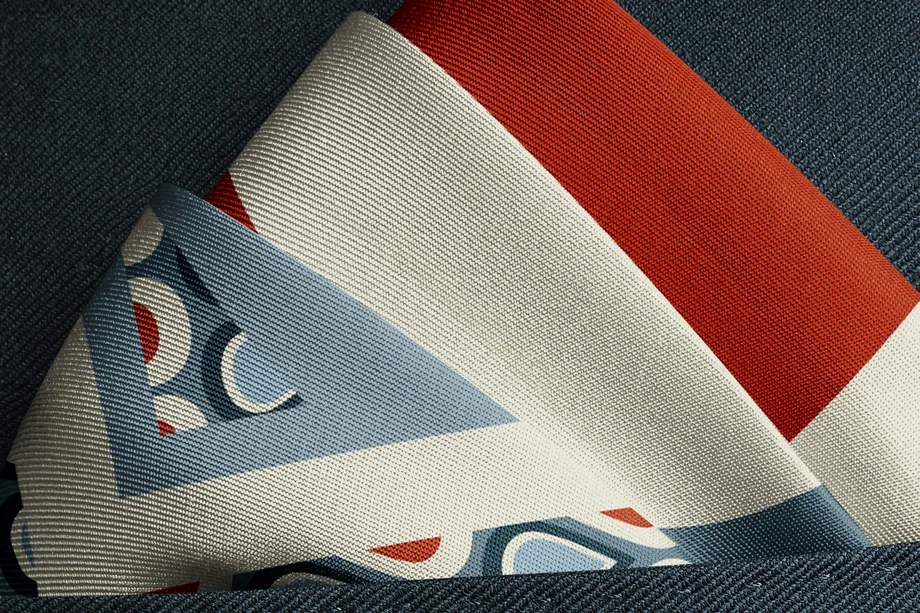
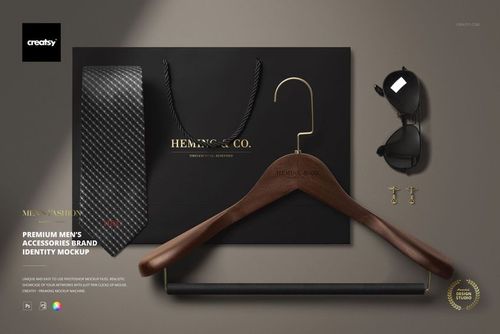
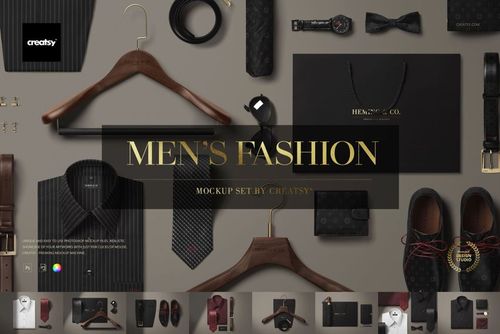
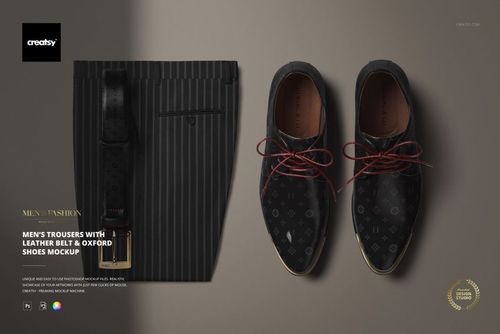
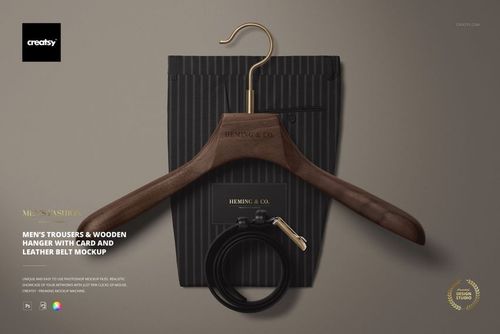
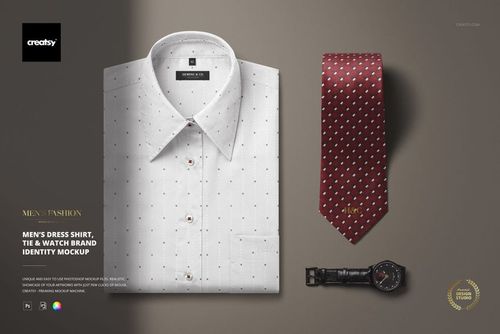
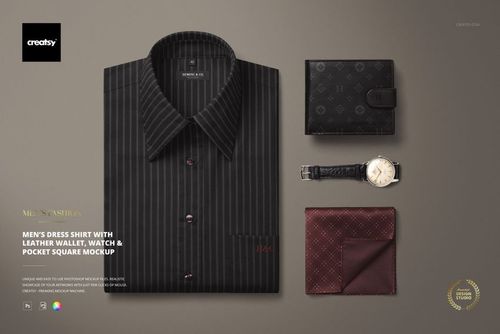
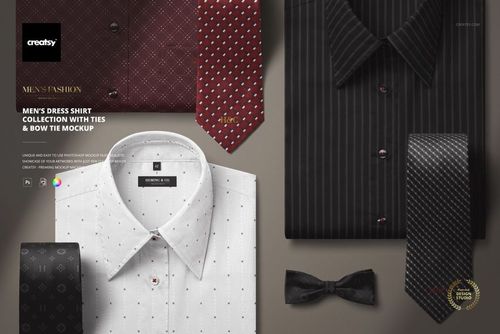
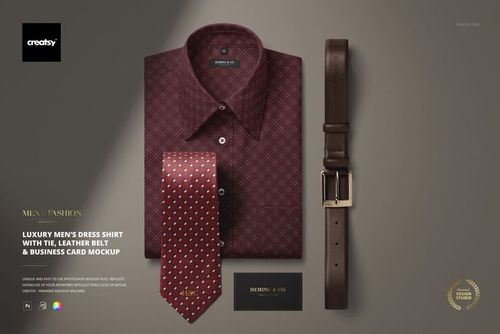
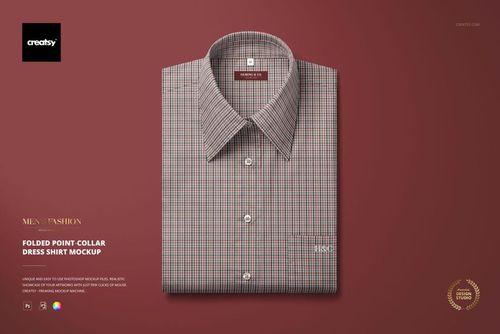
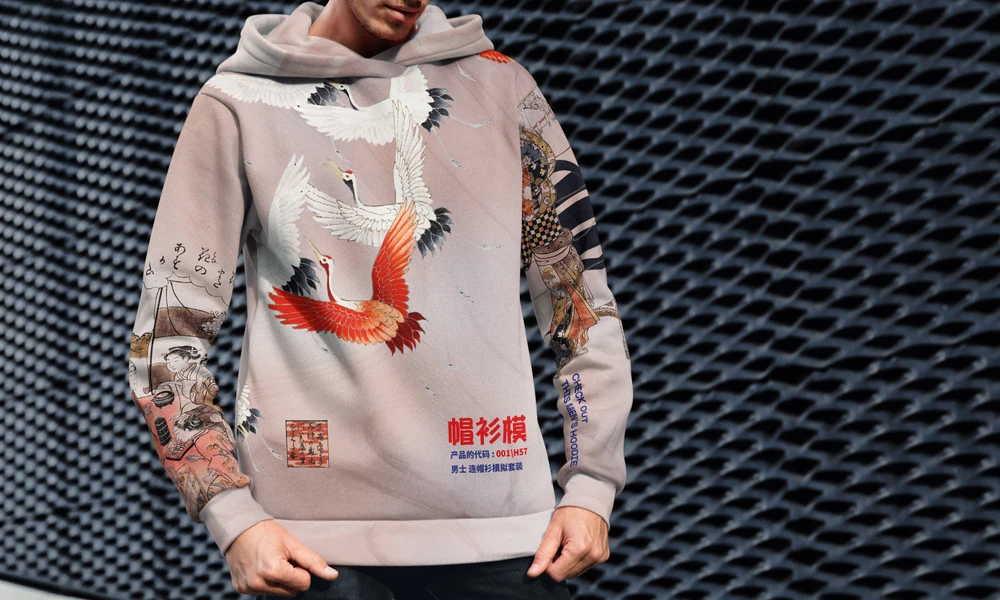
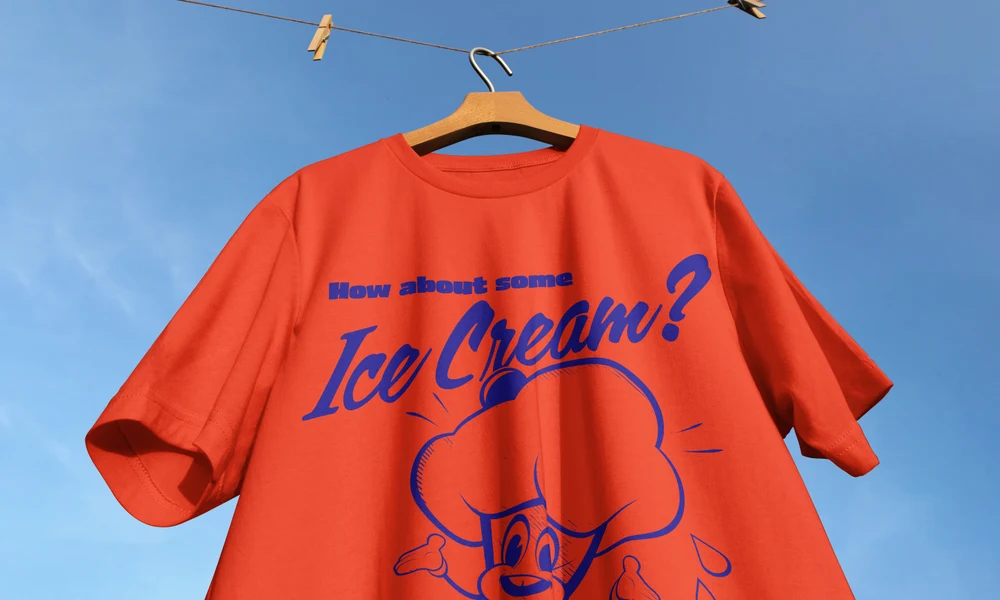
Shirts, trousers and jackets are often presented with ties, belts, shoes and other accessories. Mockups let you review those combinations without producing every pattern and color as a sample. You can compare the garments individually or show several pieces as an outfit. Folded and styled shirt scenes help textile designers, clothing labels and tailors check repeats around collars, cuffs and ties. Trouser compositions with belts and Oxford shoes show how the colors work together. Pocket square and cufflink details give smaller accessories their own space in the presentation. The brand identity scenes extend the range to shopping bags, umbrellas, notebooks, pens and business cards. Apply the relevant artwork to each editable item to present a menswear label across clothing and packaging. The Smart Objects keep the material texture, folds and lighting already in the scene. Use the exported images in buyer decks, wholesale catalogs, online shops, bespoke clothing proposals and lookbooks. They also suit client reviews and portfolio case studies, where a garment close-up can sit alongside an outfit or accessory scene. Reuse the compositions to compare later designs under the same lighting.
FreeCreatsy® Mockups
Love this simple mockup! It's easy to use and very clean-looking too. It was perfect to show off my pattern designs!