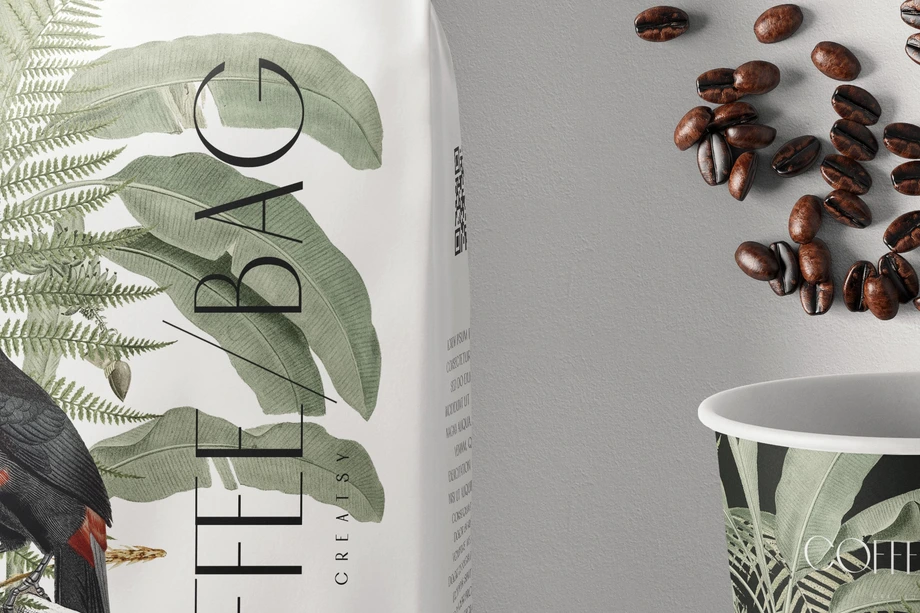
Food & Beverage Packaging Mockups
Explore editable food and beverage packaging mockups for beverage cans, glass bottles, jars, coffee and tea packaging, stand-up pouches, snack bags, chocolate and confectionery packs, paper tubes, food boxes, takeaway bags, printed food wraps, and restaurant-branding scenes. Add labels, logos, typography, patterns, ingredient-panel concepts, and coordinated colorways through layered Photoshop files and Smart Objects, then create realistic visuals for product listings, client presentations, retailer pitches, portfolios, catalogs, advertising, and social media.


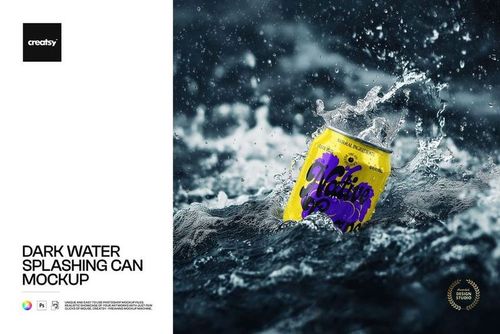
Reviews
What designers and brand owners say after using these PSD mockups in real client work.
0
Sort by:


Creatsy has the best mockups!
 Paper Tubes in Jungle Jellies Packaging Mockup View product
Thank you so much for your lovely review! We’re so happy to hear you love our mockups. Your support truly means a lot to us.

awesome mockups i will use it on my next branding project
 Raspberry Jam Jar Mockup Set View product
 Thank you! Can’t wait to see how it turns out 🧡

love it
 Classic Corked Glass Bottle Mockup View product
 Thank you! So glad you love the bottle mockup.

Thank you
Classic Corked Glass Bottle Mockup View product You’re very welcome, Ceci! Enjoy creating with it.


Great mockup but i had a few problems downloading and opening the file on windows.
Classic Corked Glass Bottle Mockup View product Thank you so much for your review! We’re so glad you liked the mockup, and we truly appreciate your support.

Works perfectly on my latest project. Like it!
 Energy Drink Can Mockup Set View product
 Thank you so much! We’re so happy to hear the mockup worked perfectly for your latest project. We truly appreciate your support.
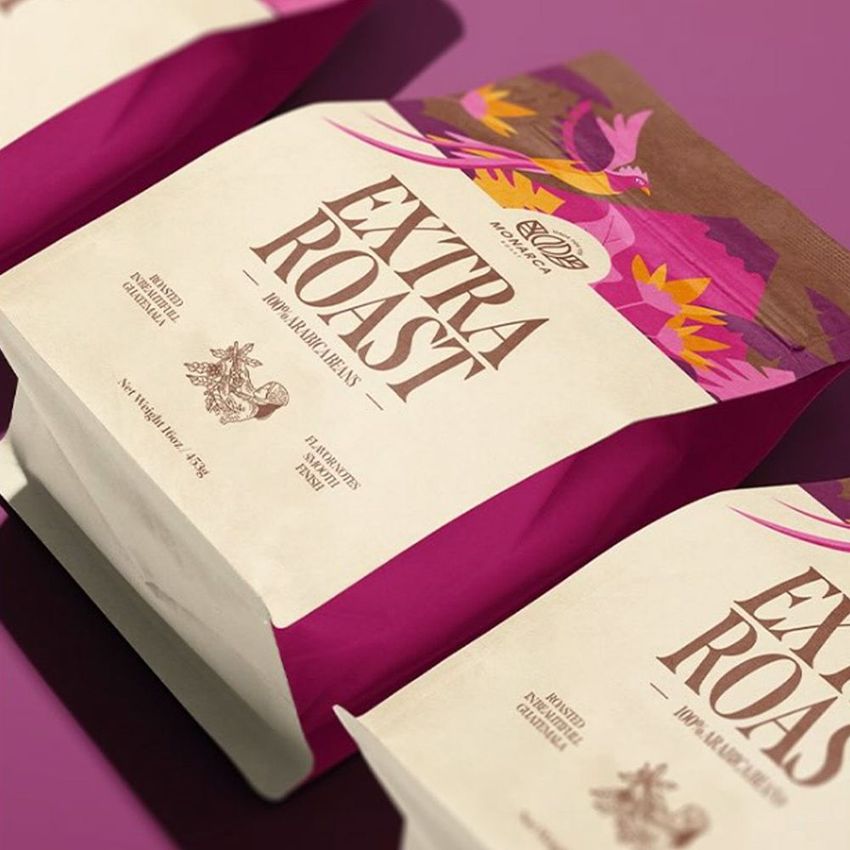
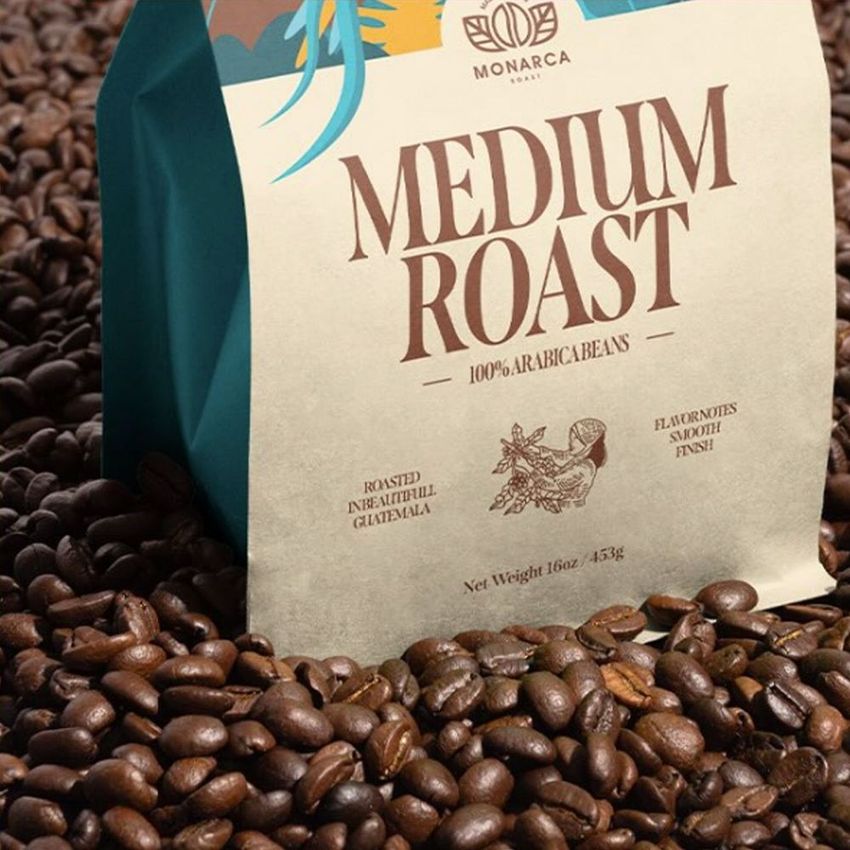
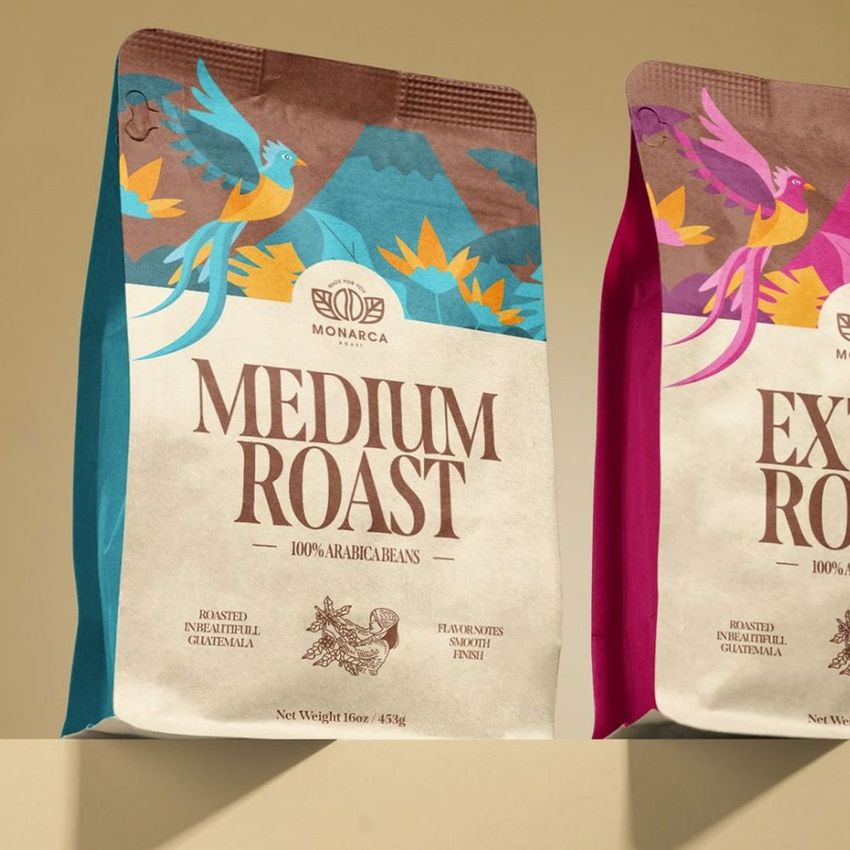
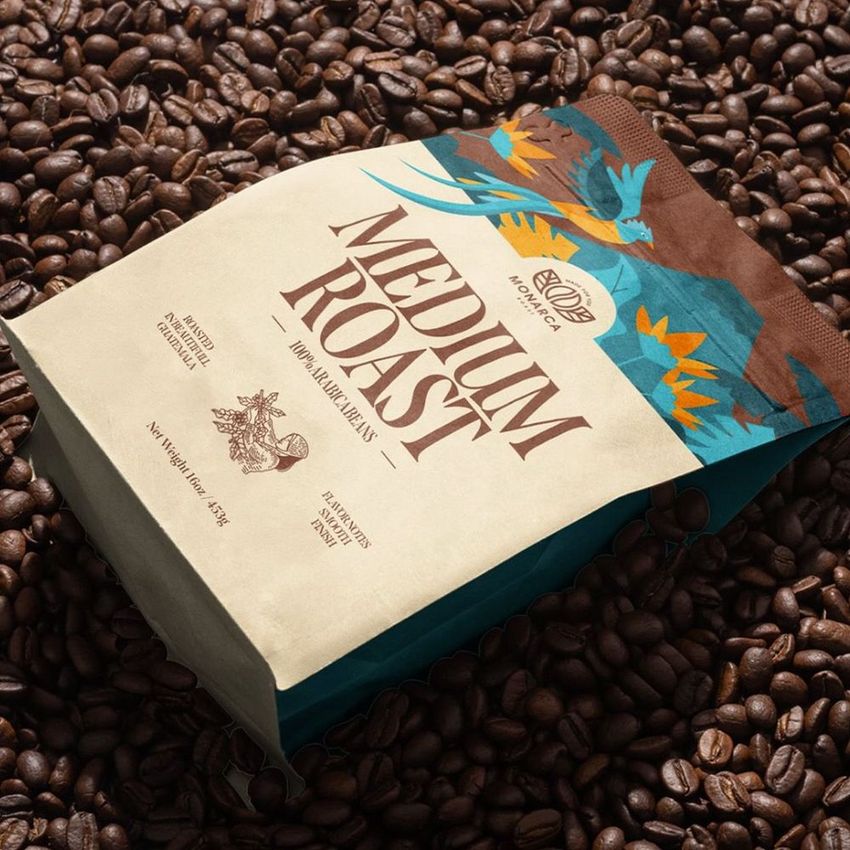
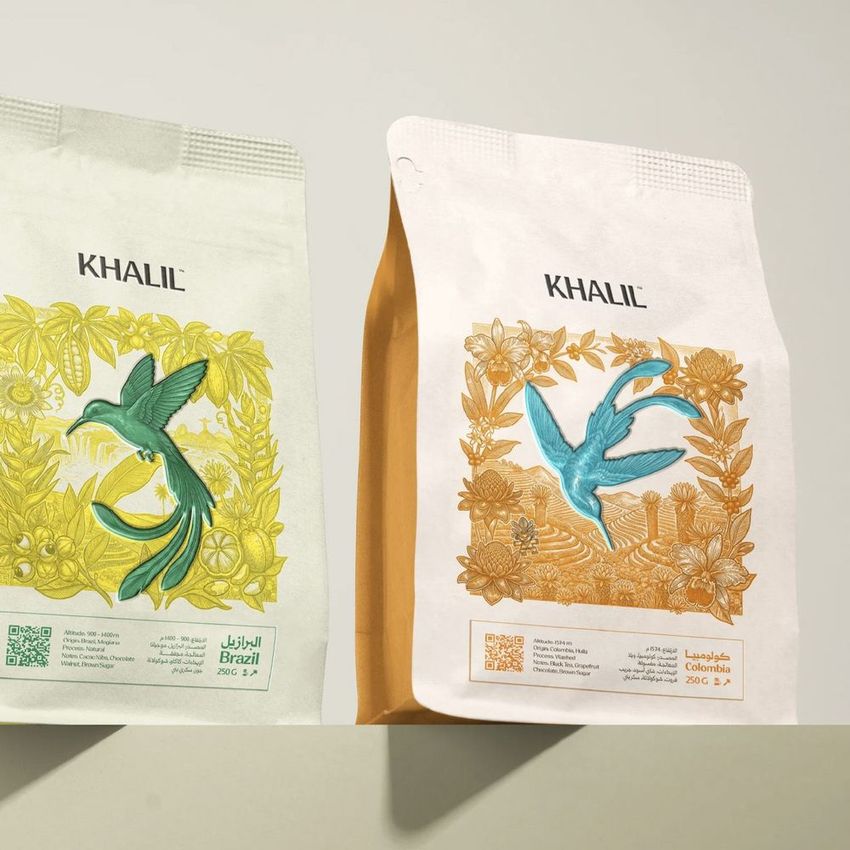
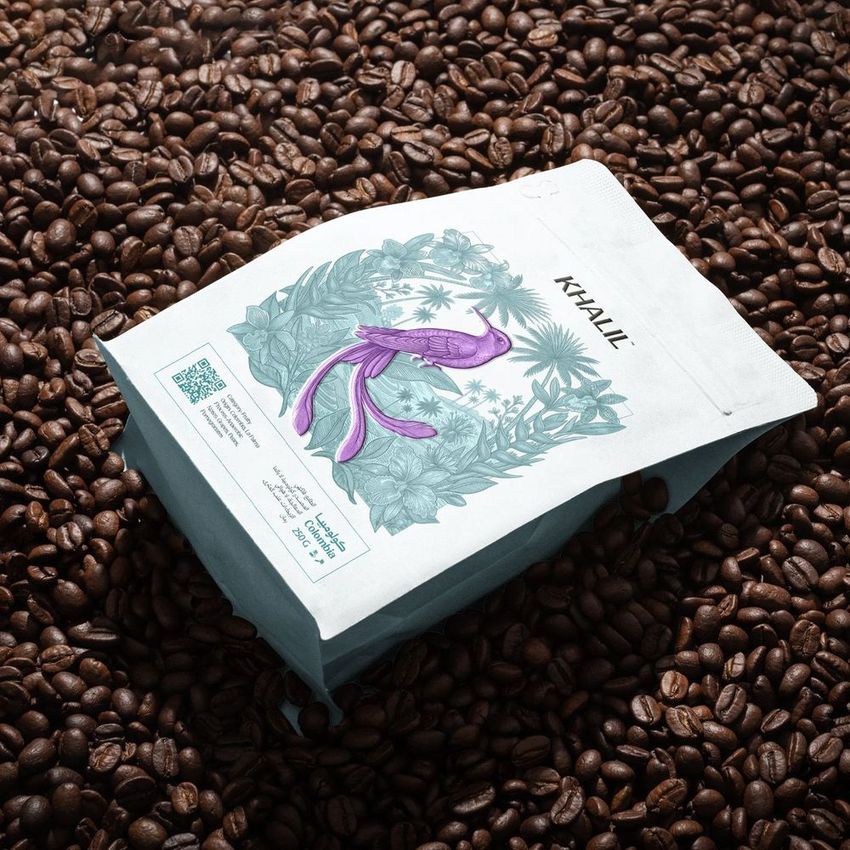
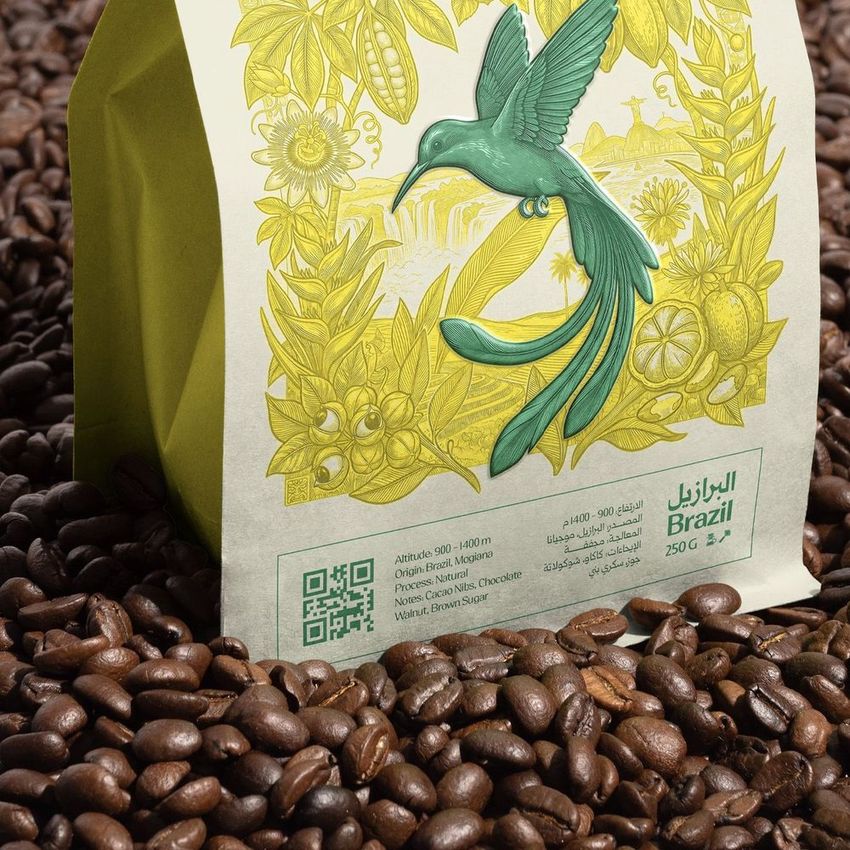
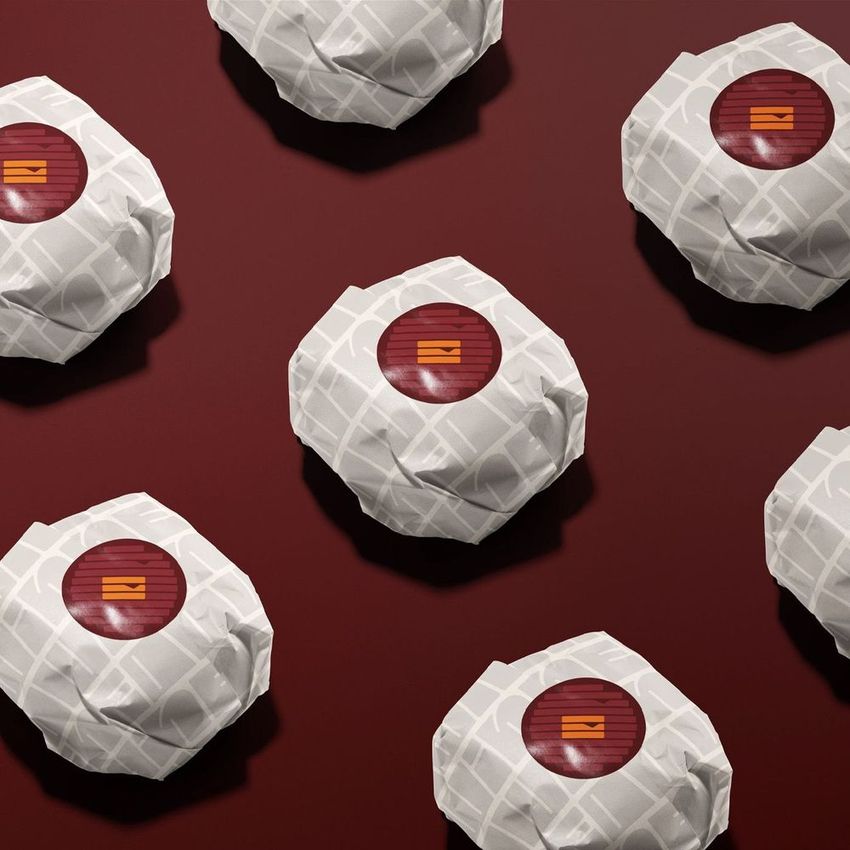
What you get
Professional PSD mockups built in-house - editable, realistic, high-resolution, and supported by real people.
Layered PSD Files
Creatsy mockups are delivered as fully layered Photoshop .psd files, with layers sorted into clearly named groups. Shadows, highlights, and the background each sit on their own editable layer, and nothing is flattened into a single image. Open it in Photoshop or the free browser editor Photopea and get to work.
- Clearly named, organized layer groups
- Shadows and highlights on separate layers
- Editable background, never flattened
- Works in Photoshop or free Photopea
Smart Objects
Open the smart object, paste your artwork, and save. The design lands on the product with the perspective, warp, and wrap already worked out. Scene lighting and shadows fall back on top, so it reads as a photograph, not a flat paste-in. Swapping a design takes seconds, so one file can carry a whole run of variants and colorways.
- Double-click, paste your design, save
- Perspective, warp, and wrap pre-built
- Scene lighting and shadows sit back on top
- One file covers many variants and colorways
High-Resolution Output
Many scenes are built from real product photography rather than 3D renders, so the fabric and surface read like a studio shot. Files export at high resolution and stay sharp at full zoom, with clean edges where the print sits. The same file works for a hero banner, a paid ad or a product listing.
- Real product photography in many scenes
- Exports ready for print
- Holds detail at full zoom
- Works for banners, ads and listings
Easy to Edit
Colors, backgrounds, and artwork sit on separate, clearly named layers, so you swap a color or background without disturbing the rest of the scene. There is no relighting or shadow work to redo, and the same file works for your next project.
- Edit color and background layers directly
- No relighting or shadow rework needed
- No masking or layer skills required
- One file reused across projects
Fast Support
There is a real in-house team behind every file, not a ticket bot. Before you buy, ask whether a specific mockup fits what you have in mind, and we will tell you. When a smart object or a layer group is tripping you up, send the question and you usually get a reply within 48 hours.
- Real in-house team behind every file
- Replies within 48 hours
- Pre-purchase help picking the right mockup
- Answers on smart objects and layer setup
Who are these mockups for?
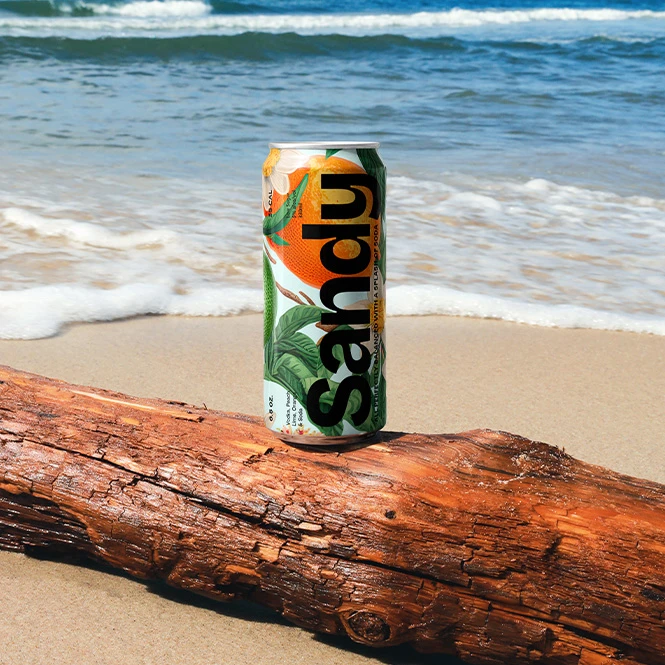
For beverage, coffee & drinks brands
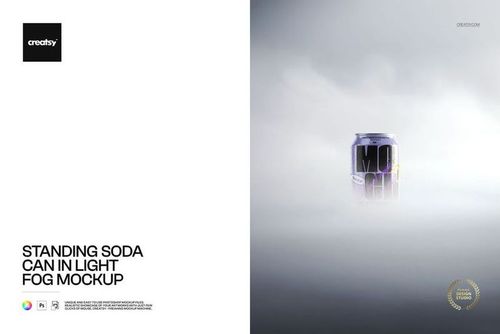
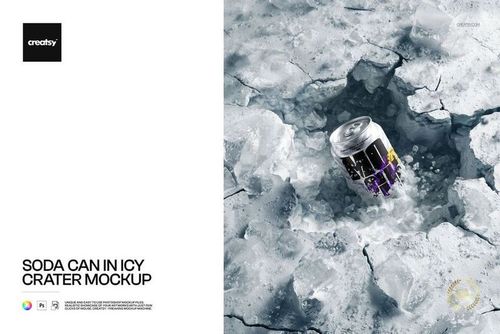
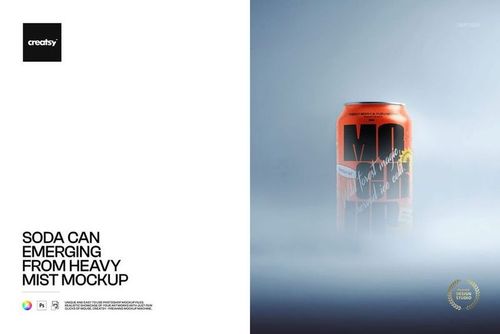
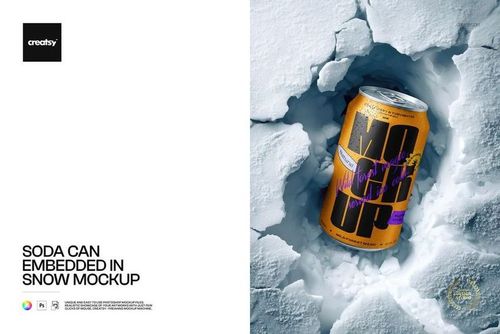
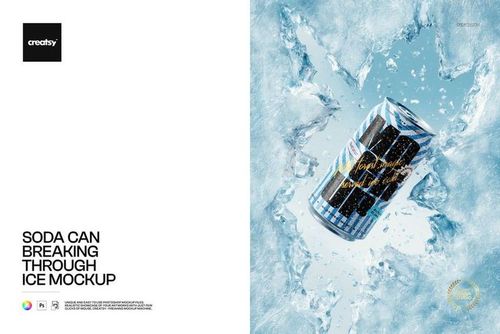
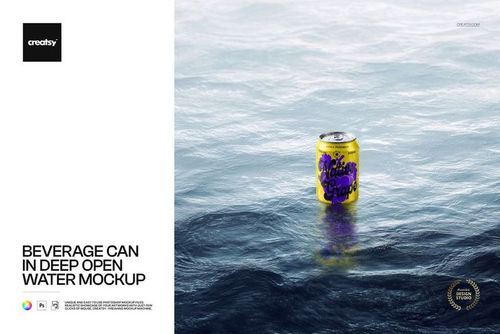
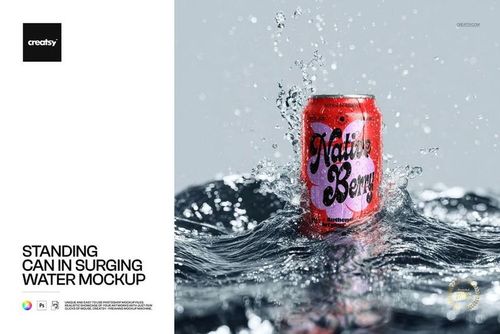
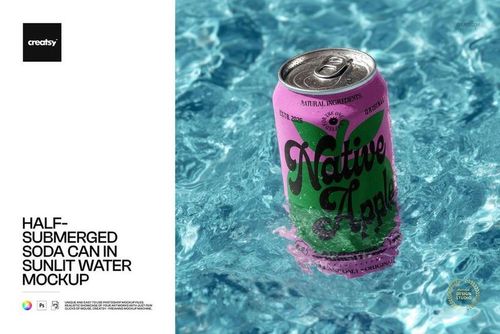
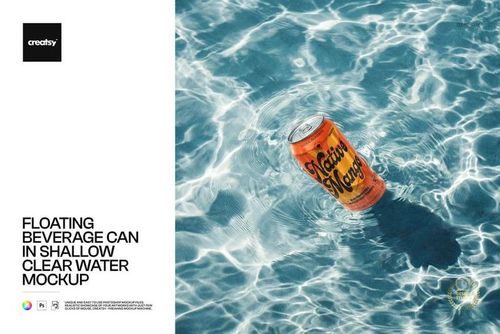
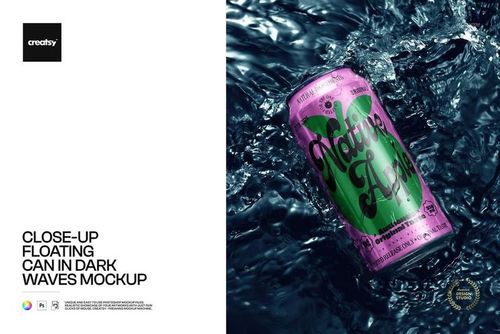
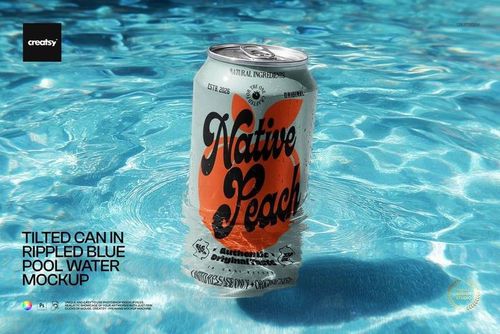
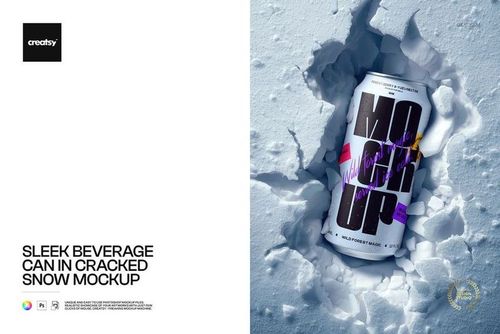
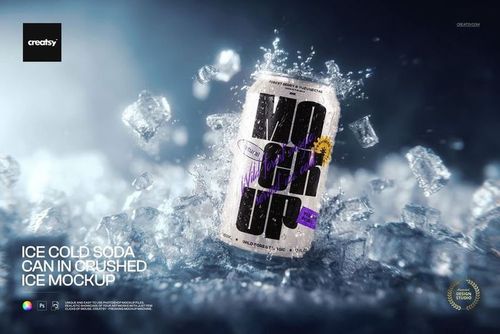
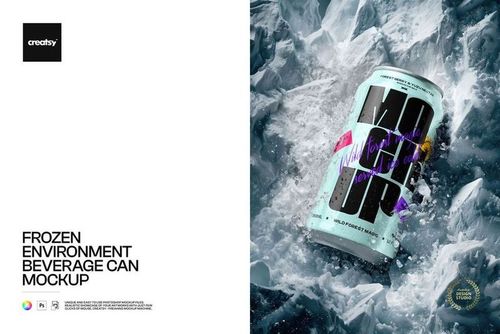
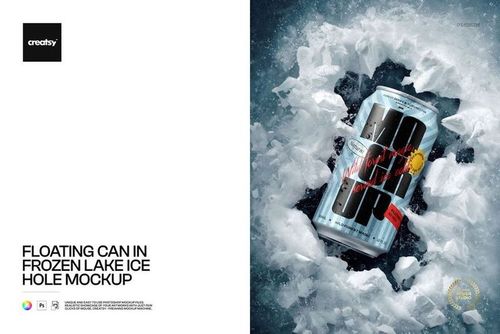
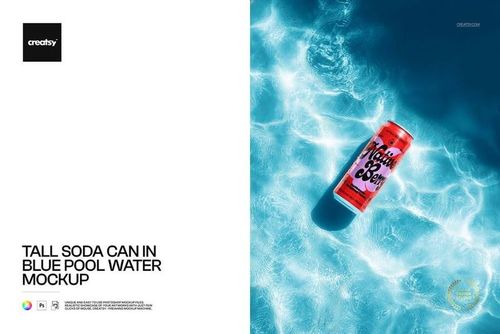
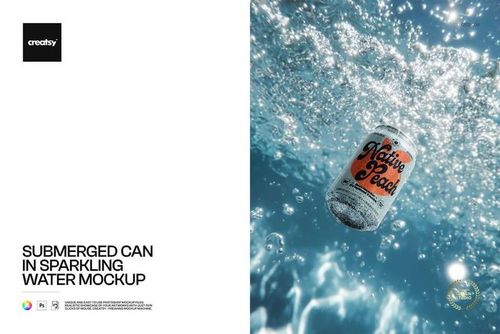
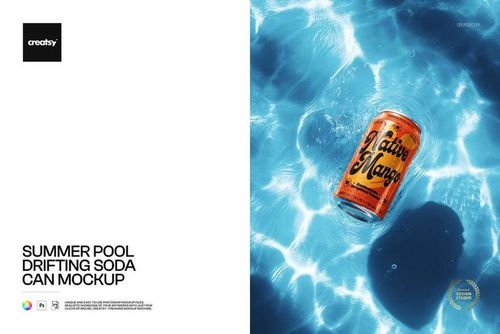
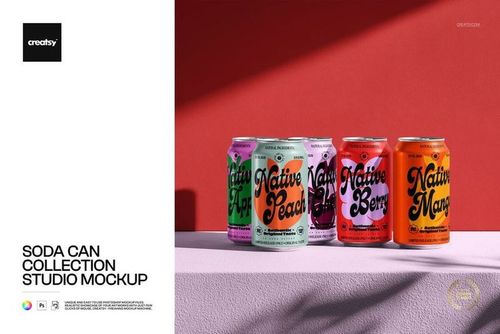
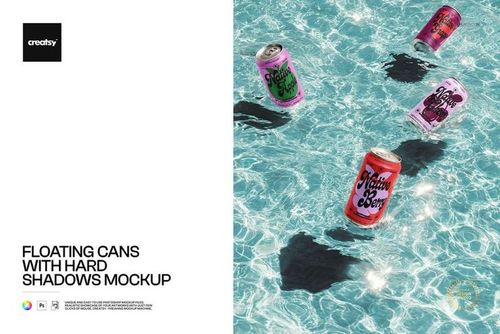
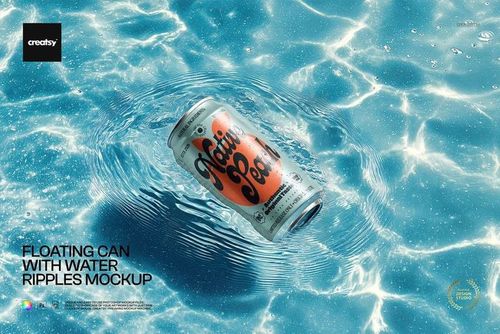
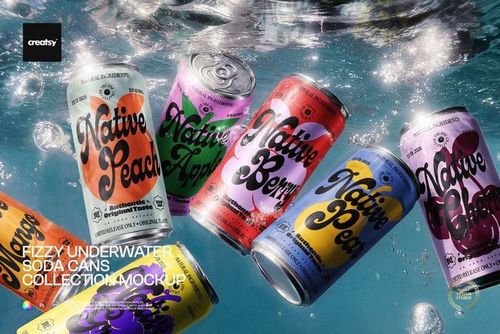
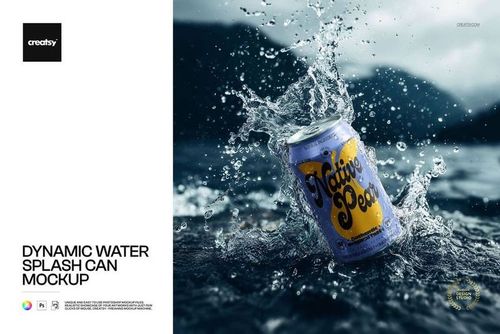
Create visuals for soda cans, tall cans, glass bottles, bottle caps, champagne, coffee bags, tea boxes, and other beverage concepts. Use studio, hand-held, water, ice, pool, forest, seasonal, and lifestyle scenes for launches, retailer decks, advertising, and social media.
Creating branded takeaway cups? Browse Paper Cup mockups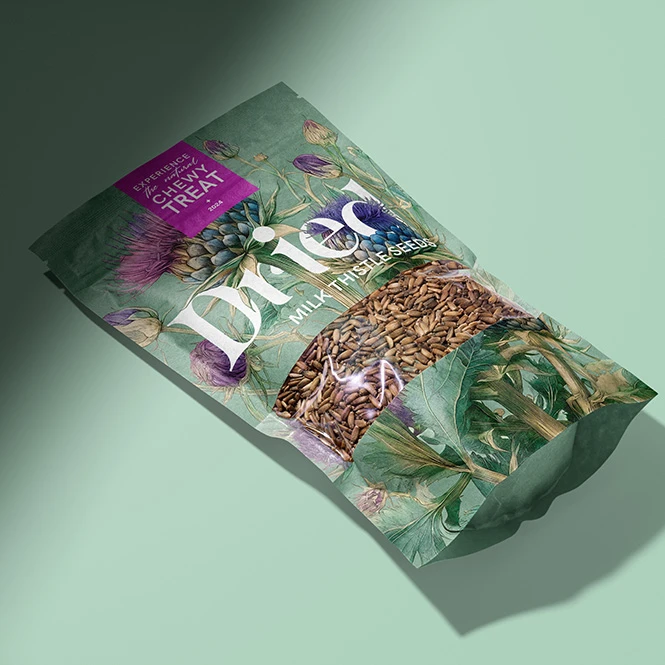
For food, snack & confectionery brands
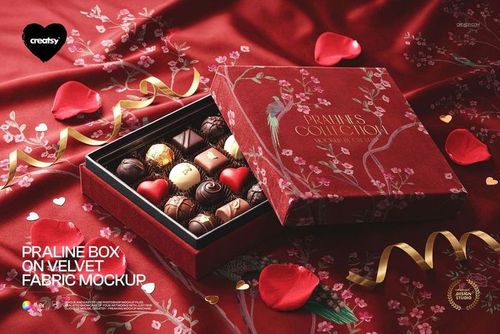
Present packaging for chips, candy, chocolate, tea, nuts, seeds, bakery products, sauces, preserves, honey, specialty foods, and dry goods. Use clean product views and styled scenes to compare label directions, package artwork, colorways, and coordinated product ranges.
Need structural cartons and folding boxes? Browse Boxes & Tubes mockups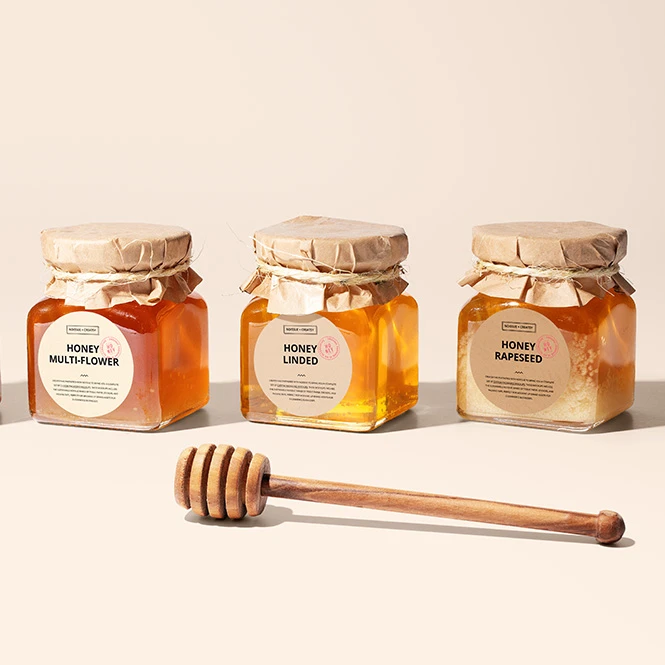
For packaging designers & branding studios
Show one identity across jars, cans, bottles, pouches, boxes, bags, food wraps, labels, and related retail touchpoints. Use the finished visuals in client pitches, brand guidelines, retailer presentations, portfolio case studies, and pre-launch campaigns.
Need labels and packaging seals? Browse Stickers & Labels mockups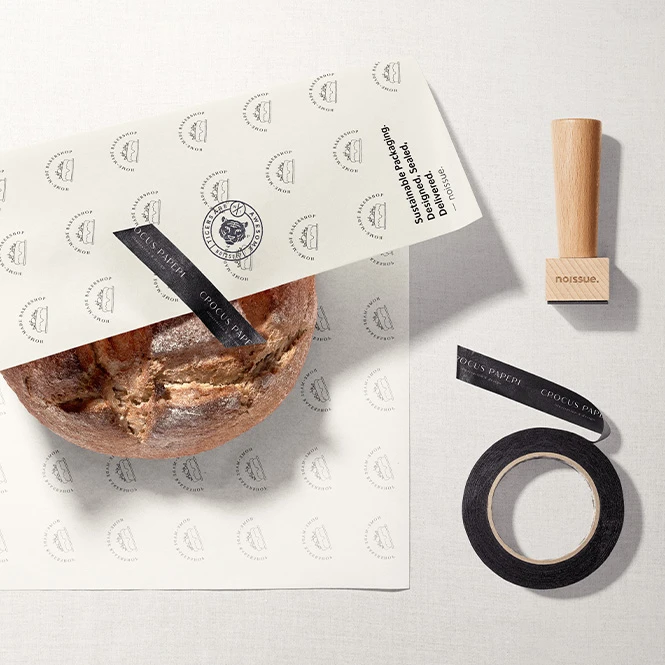
For restaurants, cafes & takeaway brands
Present burger, pizza, takeaway-bag, food-wrap, fast-food, bakery, and restaurant-packaging concepts. Build coordinated visuals for menus, delivery launches, franchise presentations, online ordering, advertising, and customer-facing campaigns.
Building a complete venue identity? Browse Restaurant & Cafe Branding mockups
FAQs
The collection includes beverage cans, tall cans, glass bottles, bottle caps, champagne bottles, jam and honey jars, coffee bags, tea boxes, paper and plastic pouches, doypacks, snack and chips bags, chocolate and candy packaging, food boxes, paper tubes, takeaway bags, printed food wraps, olive-oil tins, and restaurant-branding scenes. Product availability, sizes, materials, and editable areas vary between individual mockups.
Customization varies by product. You can generally replace the sample label or package artwork and adjust selected colors. Depending on the mockup, additional editable elements may include front and back panels, side gussets, jar lids, bottle caps, can surfaces, transparent windows, paper textures, backgrounds, props, shadows, reflections, condensation, or other scene details.
Smart Objects apply the artwork to the prepared product curve, perspective, and visible surface. They help visualize the intended placement and overall wrap direction, but they do not replace the manufacturer's exact label dimensions, seam position, taper, printable area, bleed, safe zones, barcode requirements, or production tolerances. Sets and bundles may contain separate Photoshop files or several independent Smart Objects that must be edited individually.
No. A mockup only visualizes artwork on a representation of food wrapping or packaging. It does not certify the paper, coating, ink, adhesive, printing process, or finished product for direct or indirect food contact. Confirm all material, migration, hygiene, labeling, and compliance requirements with the selected manufacturer and the regulations applicable to the market where the product will be sold. The current category includes a Noissue Food Safe Paper series covering several food presentation types, but the mockup itself remains a design-visualization file.
The mockups are designed for Adobe Photoshop. Selected products may also work in Photopea, but compatibility varies, so check the individual product page. Mockup exports are presentation images, not manufacturing or regulatory files. They do not replace a supplier's dieline, label template, dimensions, color profile, legal copy review, barcode verification, food-contact documentation, or physical proof. Finished visuals can be used for permitted listings, presentations, catalogs, advertising, and social media according to the selected license. Source files may not be resold or sublicensed.
Why use Food & Beverage Packaging mockups?
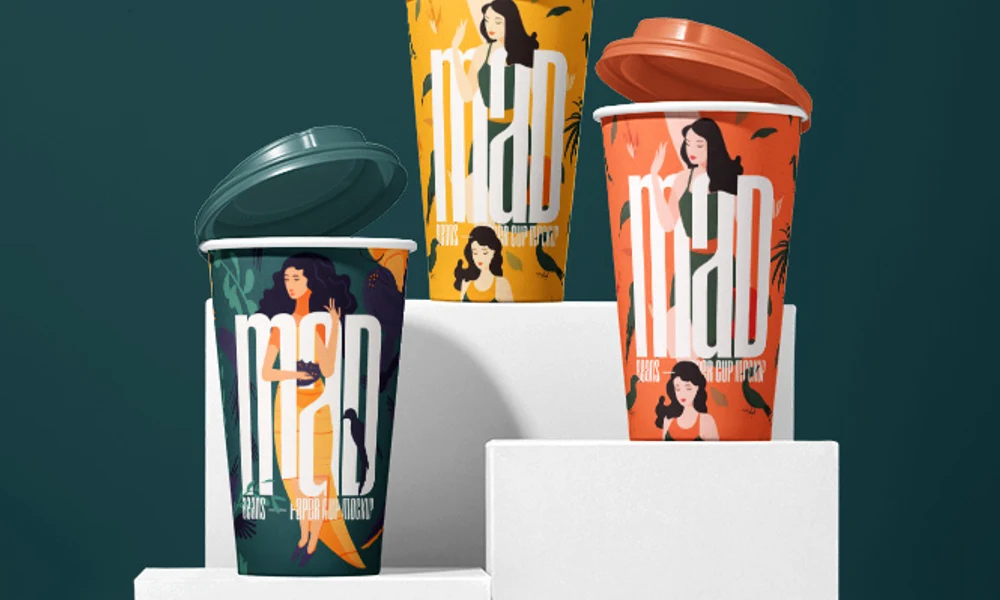
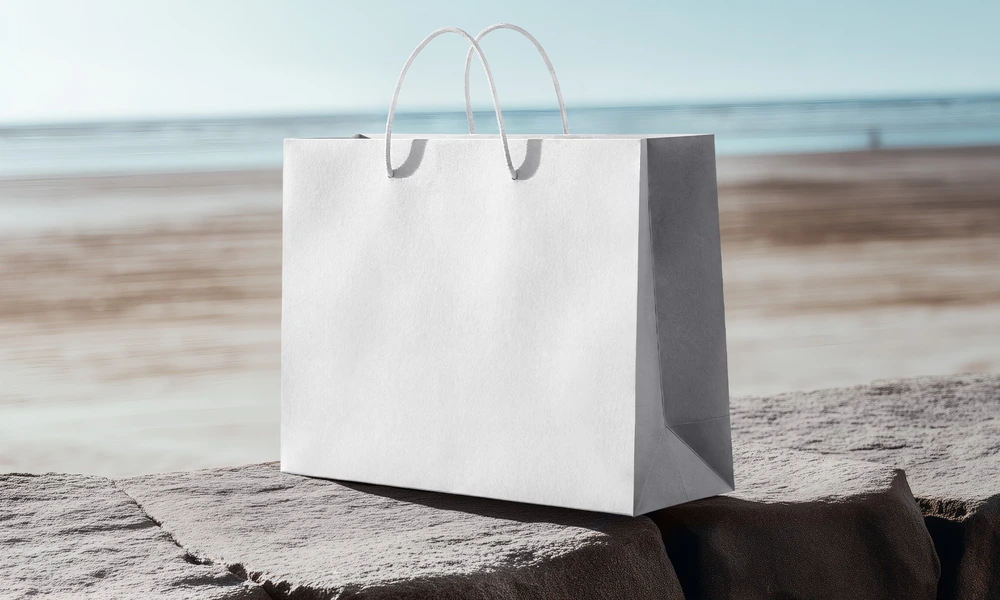
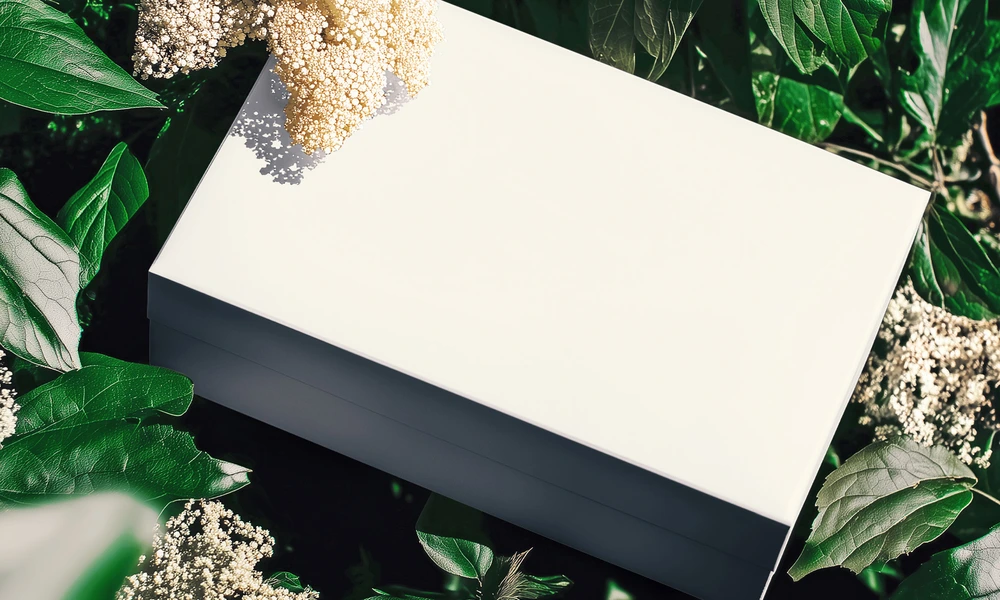
Food and beverage packaging places artwork on curved jars, tapered bottles, cylindrical cans, flexible pouches, folded bags, paper wraps, windows, lids, caps, and boxes with several visible panels. A flat label or dieline does not communicate the complete product presentation. Mockups help transform that artwork into a clearer visual concept. Use can and bottle scenes to present labels, full-surface artwork, cap colors, product ranges, and seasonal variants. Jar mockups add curved glass, lids, reflections, and hand-held or food-based contexts. Pouches and coffee-bag scenes help visualize flexible materials, gussets, folds, matte or glossy directions, and different package shapes. Food boxes, snack bags, confectionery packaging, tubes, takeaway bags, and printed food-wrap scenes extend the presentation across retail, hospitality, and restaurant applications. Clean views are useful for listings and retailer decks, while water, ice, forest, street, restaurant, and seasonal scenes add campaign context. Layered Photoshop files and Smart Objects preserve the prepared product shape, perspective, folds, highlights, reflections, shadows, and material appearance while the artwork is replaced. Depending on the selected file, you may also be able to adjust packaging colors, lids, caps, backgrounds, props, or other scene details. Separate files and independent Smart Objects must be edited individually. Export the finished visuals for product listings, retailer presentations, client approvals, portfolios, menus, catalogs, advertising, launch campaigns, and social media. Mockups can reduce the need to manufacture and photograph every early concept variation, but they do not replace final samples, compliance checks, production artwork, color proofs, or photographs of the finished product.
FreeCreatsy® Mockups
Creatsy continue to supply great mockup files.
Thank you so much, Lisa! We’re so happy to hear you’re enjoying our mockup files! 😊