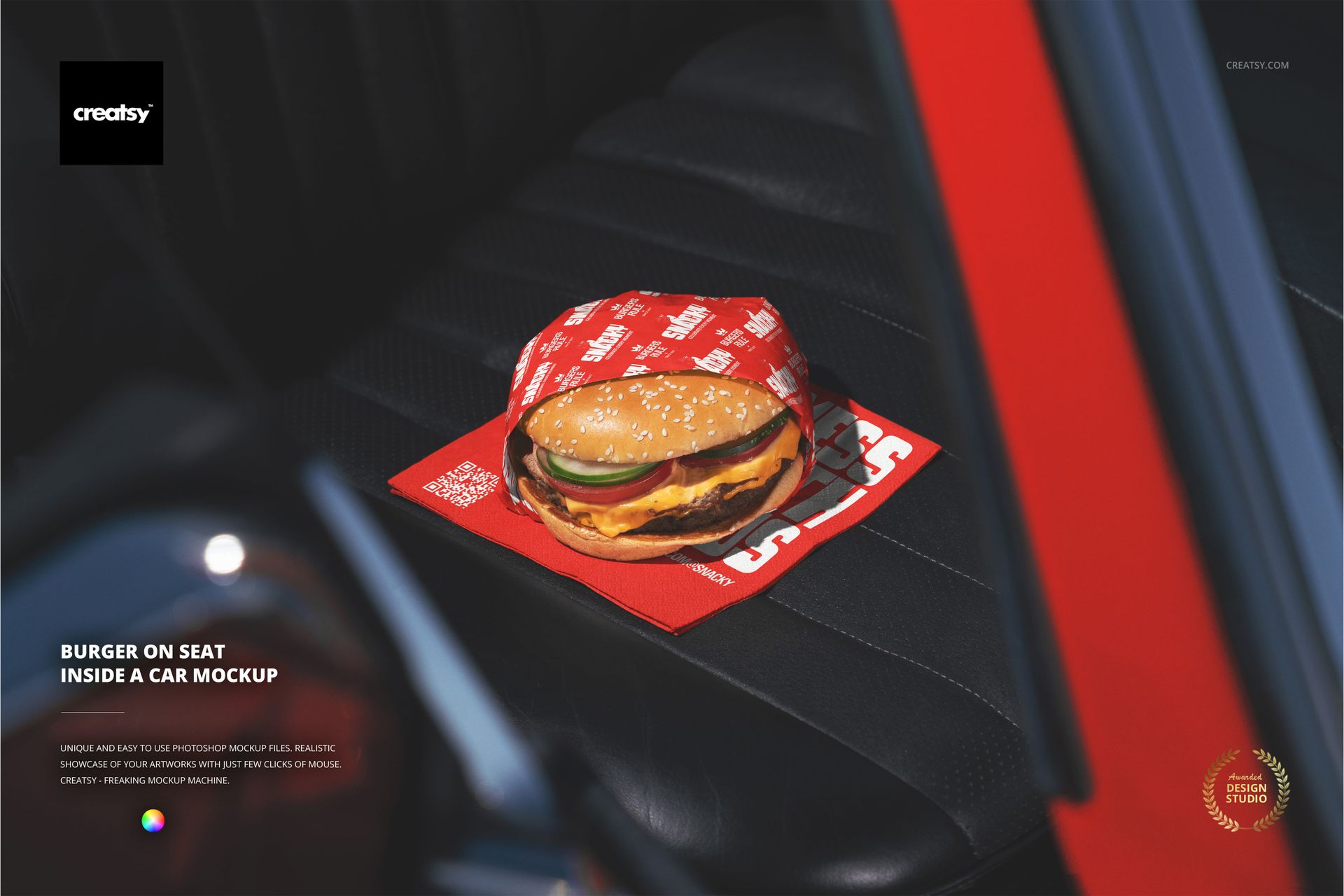
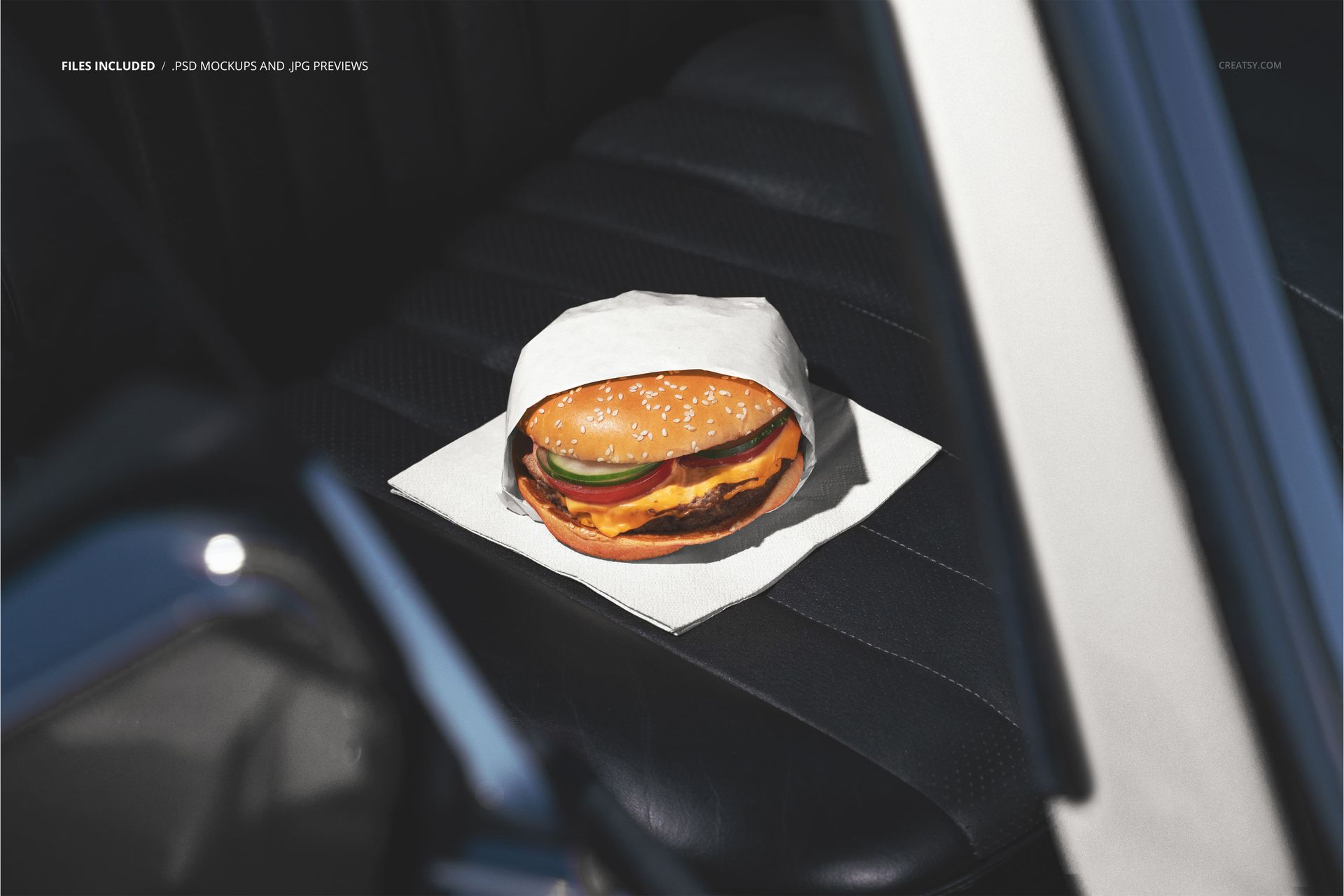
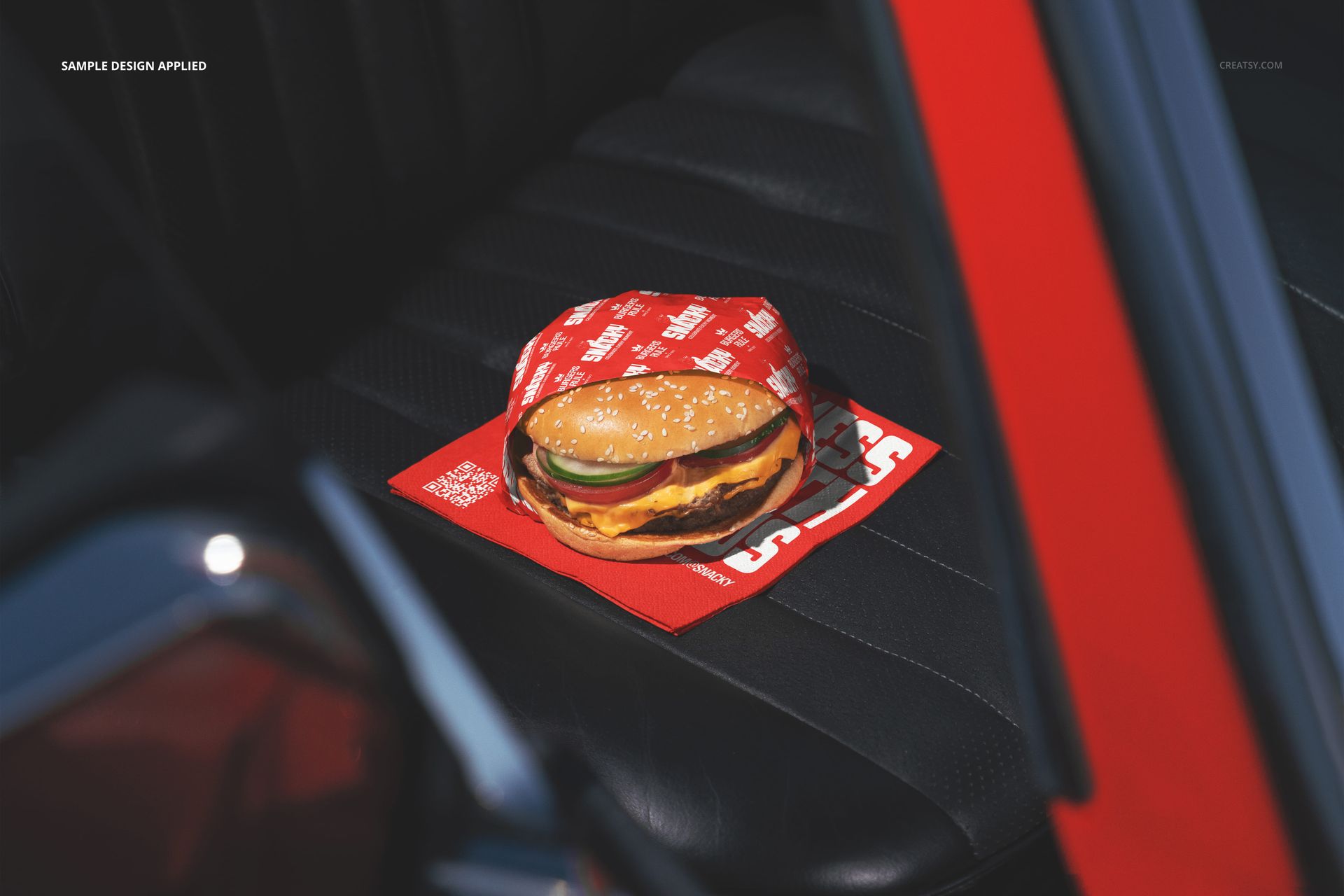
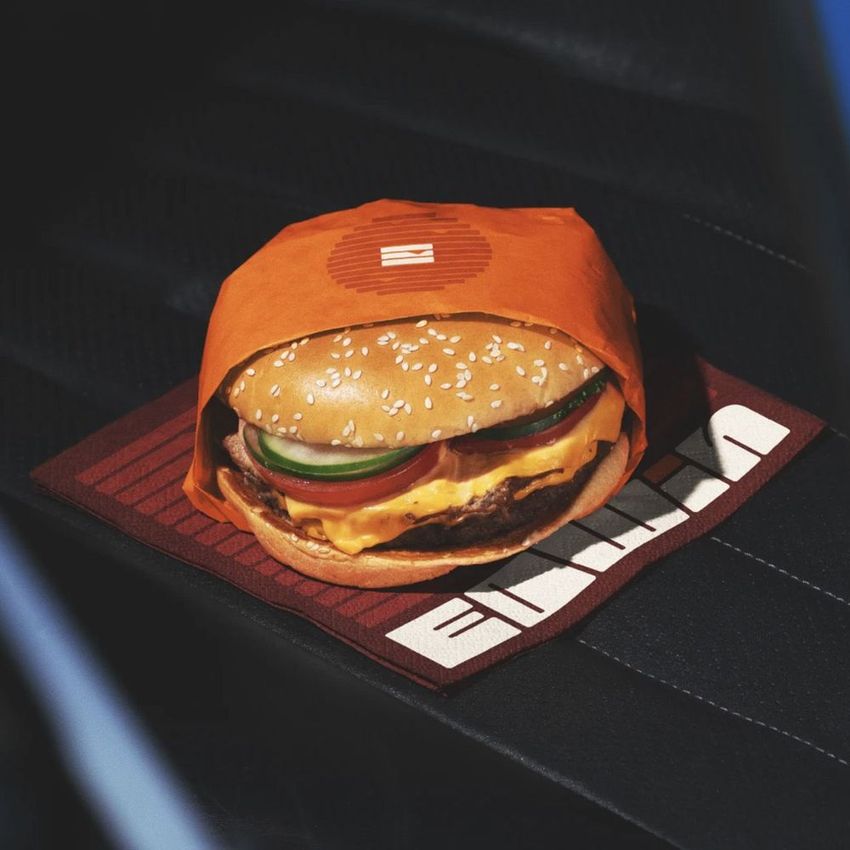
One PSD file at 6000 x 4000 pixels and 300 DPI. A wrapped burger sits on the passenger seat of a car interior. The car seat becomes a table, the dashboard glow becomes ambient lighting, and the packaging design is the only branding visible in the entire frame. This is what your wrapper looks like when nobody else is watching - when the customer is alone in their car, eating between errands or on a late-night drive, and the wrapper is sitting on the leather seat beside them like a passenger. The file opens in Adobe Photoshop CC 2020 or newer and in Photopea, the free browser-based PSD editor.
The Packaging as Sole Visual Anchor
Inside a car, visual competition drops to nearly zero. There are no other brands, no competing products, no retail displays fighting for attention. The burger wrapper is the only designed surface in the frame. That isolation gives the packaging design an importance it never gets in a restaurant setting where menus, signage, napkins, and counter displays all compete for the viewer's eye. In this mockup, every detail of your wrapper design - the logo placement, the color palette, the typography weight, the pattern density - receives undivided attention because there is nothing else to look at.
The Dark Interior Mood
The car interior creates a naturally dark, moody environment that makes the burger and its wrapper the brightest elements in the composition. Dark food photography has dominated visual trends on Instagram and Pinterest for years because it creates contrast, drama, and a sense of premium quality that bright white backgrounds cannot replicate. This mockup gives your burger packaging that editorial food photography treatment without requiring a studio shoot, a professional food stylist, or hours of post-production color grading.
Smart Object Integration
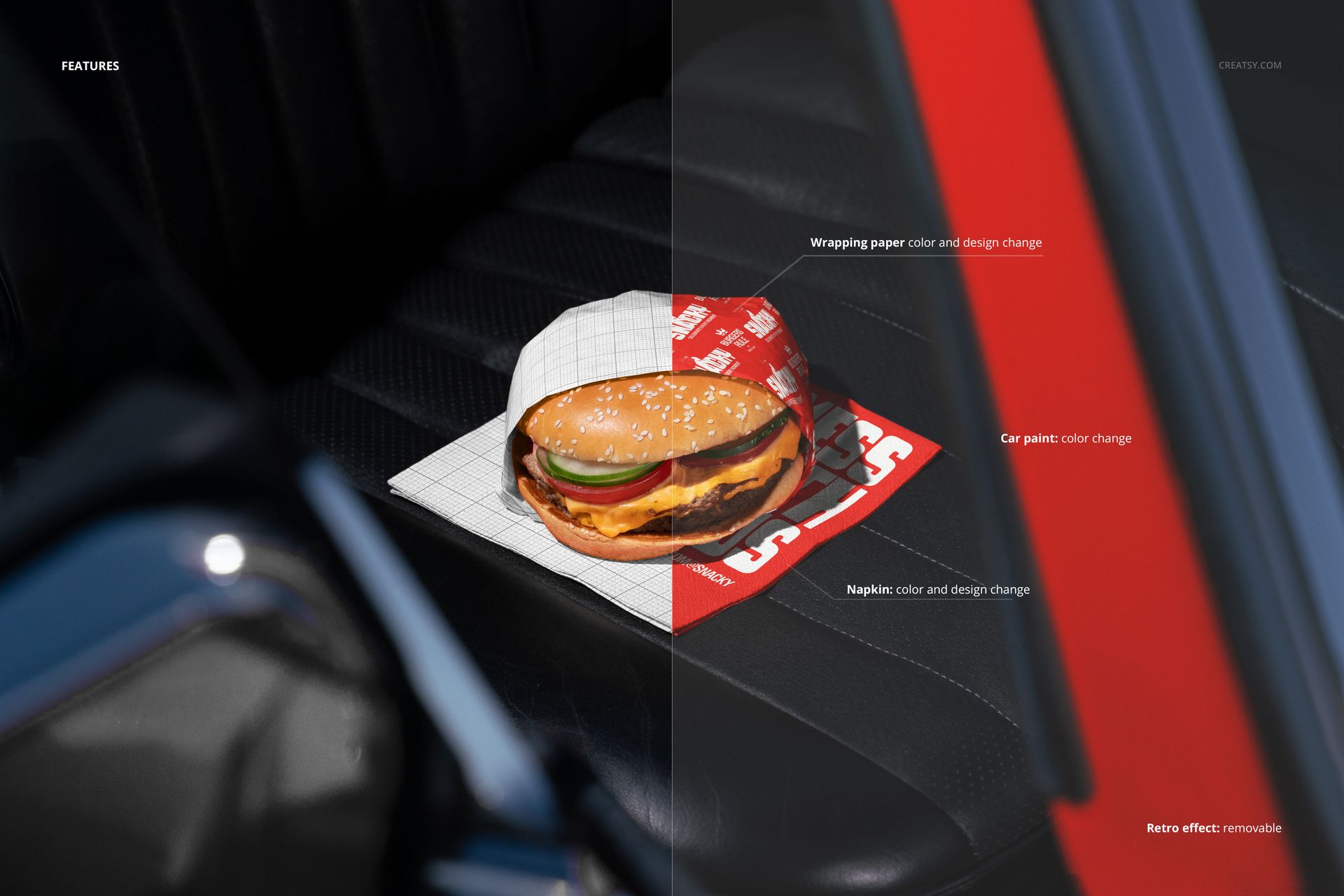
The PSD file contains organized smart object layers for the wrapper and packaging surfaces. Double-click the smart object thumbnail in the layers panel, place your wrapper design or branded pattern into the canvas that opens, and save. The main document updates automatically with your artwork mapped to the wrapper surfaces, preserving the natural shadows cast by the car interior lighting, the subtle reflections from the dashboard, and the material texture of the paper wrapper as it sits on the seat upholstery.
Drive-Through and Delivery Context
For restaurants where the majority of orders leave the building - drive-throughs, delivery-first operations, ghost kitchens, food trucks - the car interior is where most customers first unwrap the food and evaluate the brand experience. The dining room is the car. The table is the seat. The lighting is whatever comes through the windshield. This mockup recreates that exact scenario, letting designers preview how their packaging performs in the environment where most of their customers actually encounter it. It is a design validation tool disguised as a lifestyle photograph.
File Details
The single PSD file measures 6000 x 4000 pixels at 300 DPI. The download weighs 123.21 MB. Layers are organized and labeled for quick navigation between the burger, wrapper smart objects, car seat surface, interior lighting, and background depth layers. The landscape orientation works directly as a website hero banner, social media post, delivery platform header, or printed menu insert. Example artwork by Yusra Tahir and Chavi Design.