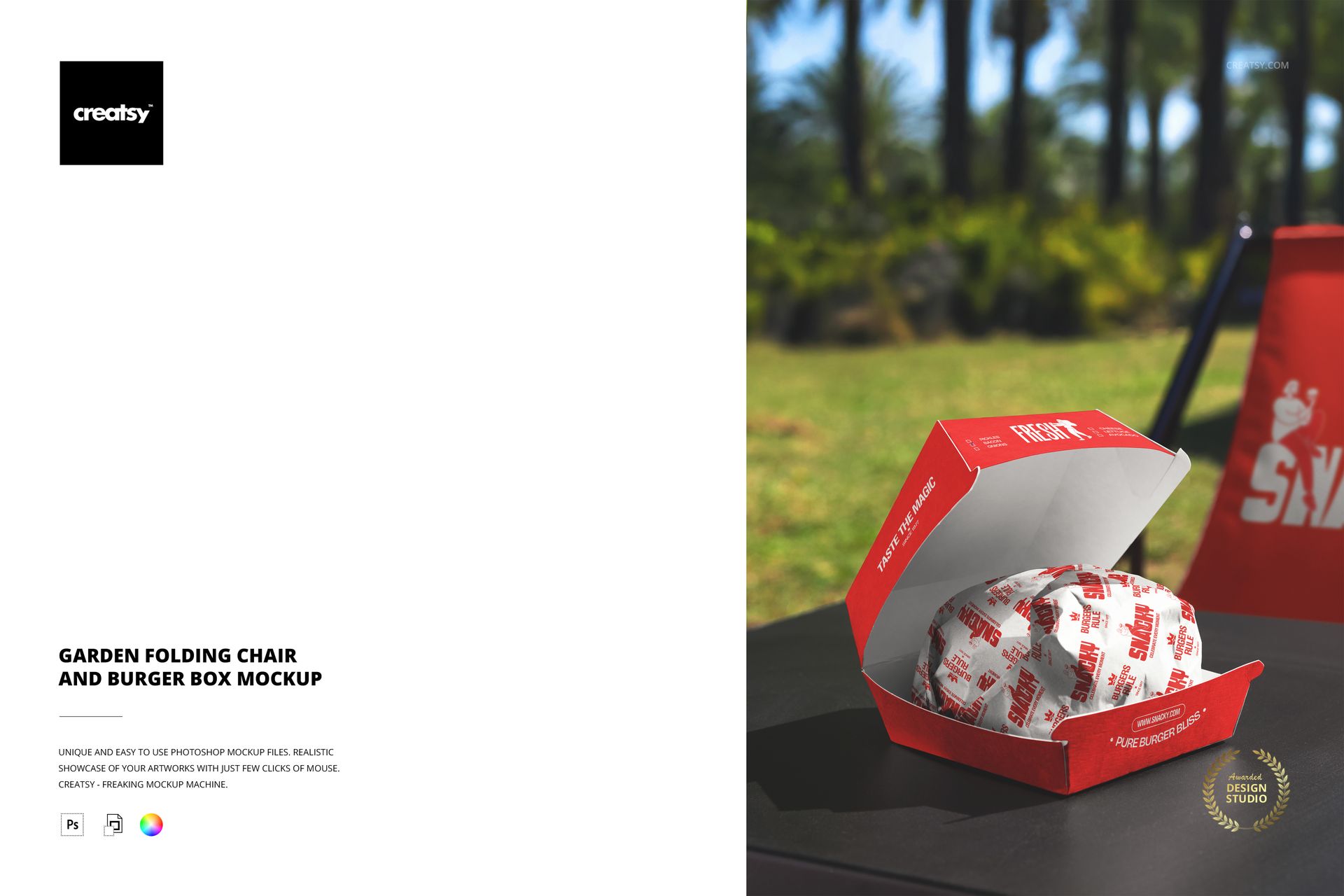
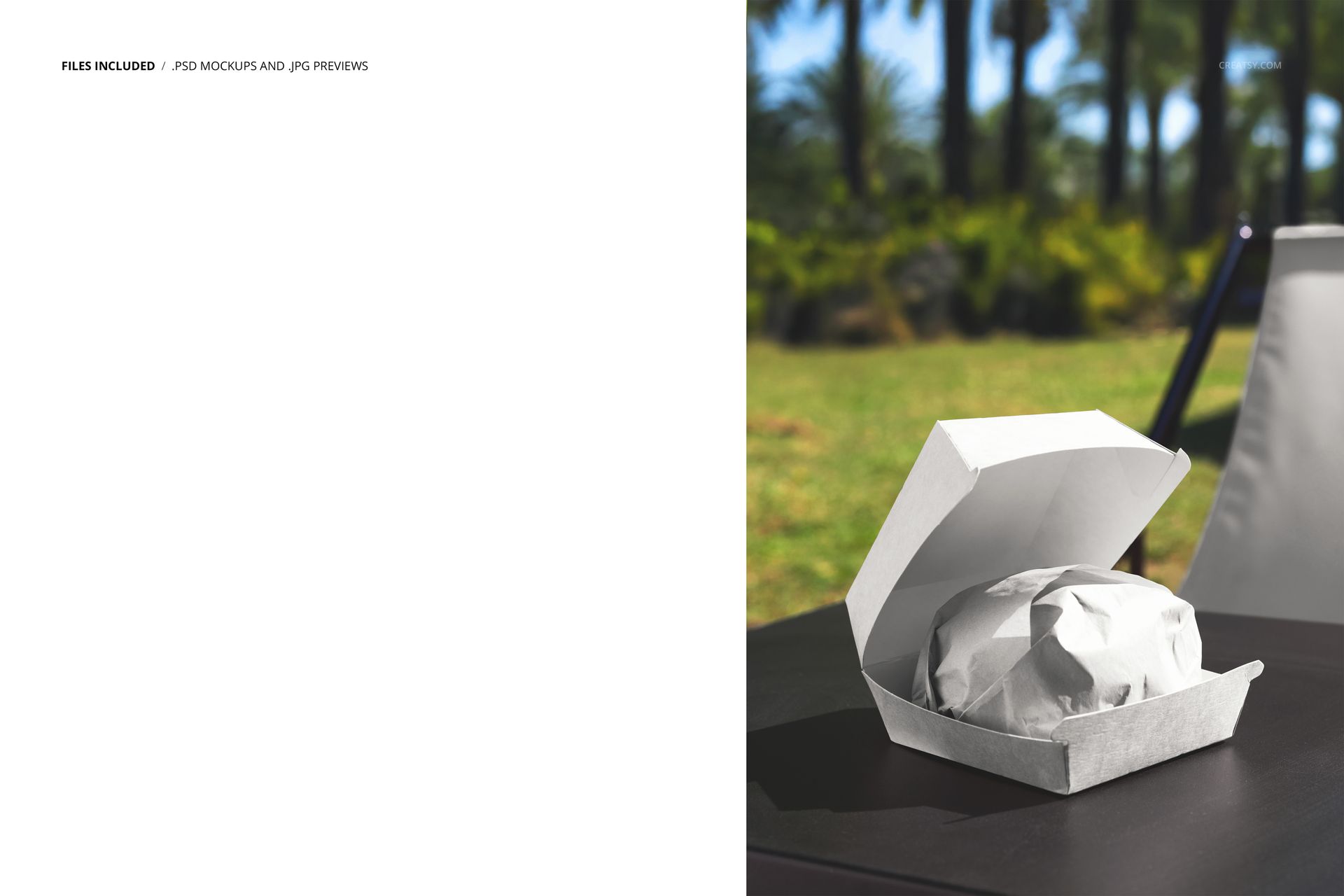
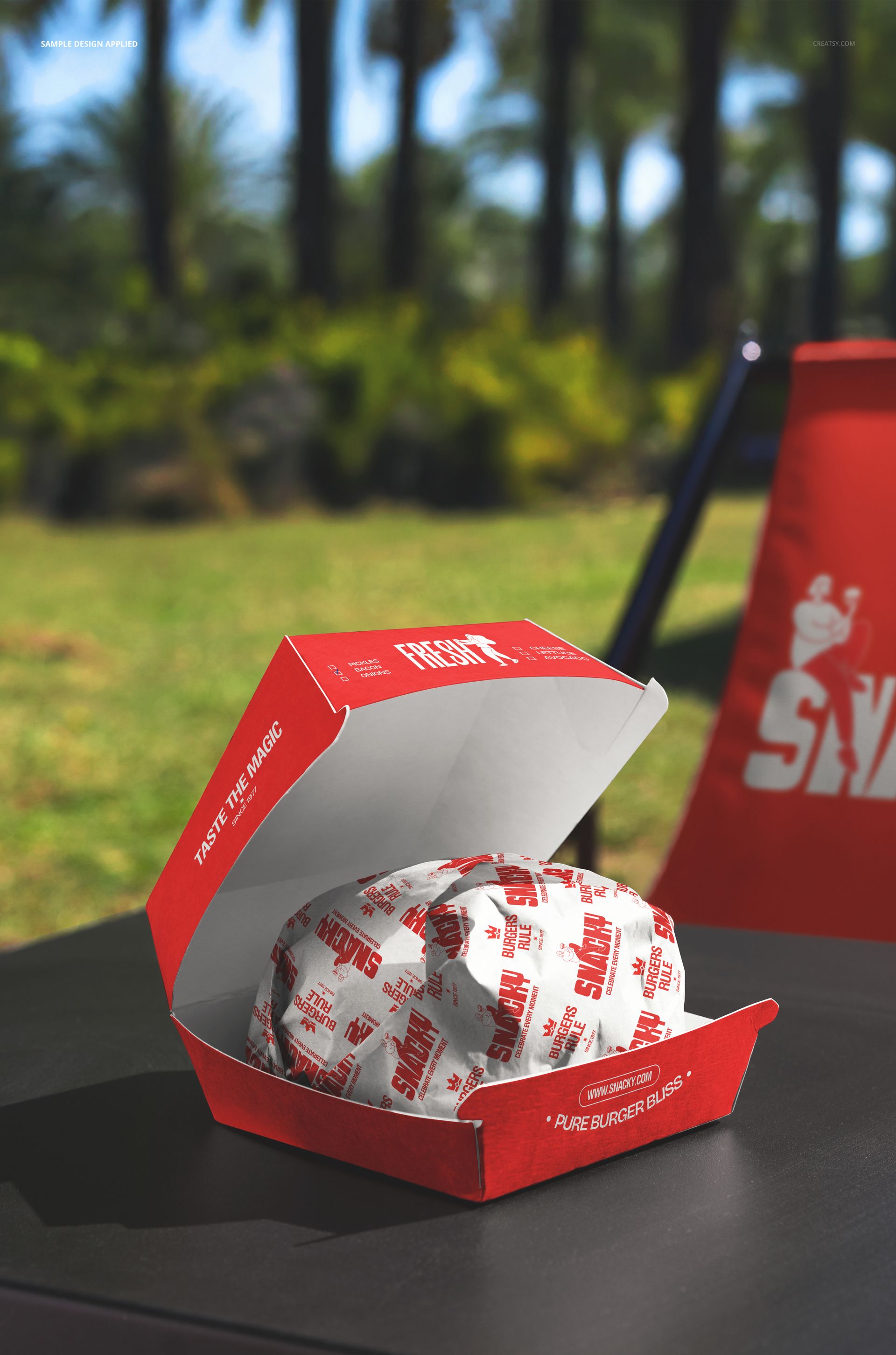
The Garden Folding Chair and Burger Box Mockup shows an open burger box sitting on a folding chair in a garden setting with greenery in the background. The composition captures a specific, relatable moment: a meal placed on whatever surface is available at an outdoor gathering, a garden party, a backyard barbecue, a catered outdoor event. That casual, imperfect placement makes the scene feel genuine and lived-in, which is exactly the kind of context that builds trust in food branding. The file measures 6000x4000px at 300 DPI with smart object layers and works in Adobe Photoshop CC 2020 or newer and Photopea.
Why This Mockup Works
Food packaging mockups typically show boxes on tables, counters, or neutral studio surfaces. This mockup breaks that pattern by placing the burger box on a folding chair in a garden, which is an unexpected but completely authentic scenario that anyone who has attended an outdoor event will immediately recognize. That specificity makes the image memorable and gives marketing materials a candid, lifestyle quality that staged studio shots cannot replicate. The garden background adds color and organic texture, while the folding chair grounds the scene in the kind of casual, outdoor setting where fast food and catered meals are frequently enjoyed. The result is a packaging presentation that feels like a snapshot from a real event rather than a marketing setup.
What Is Included
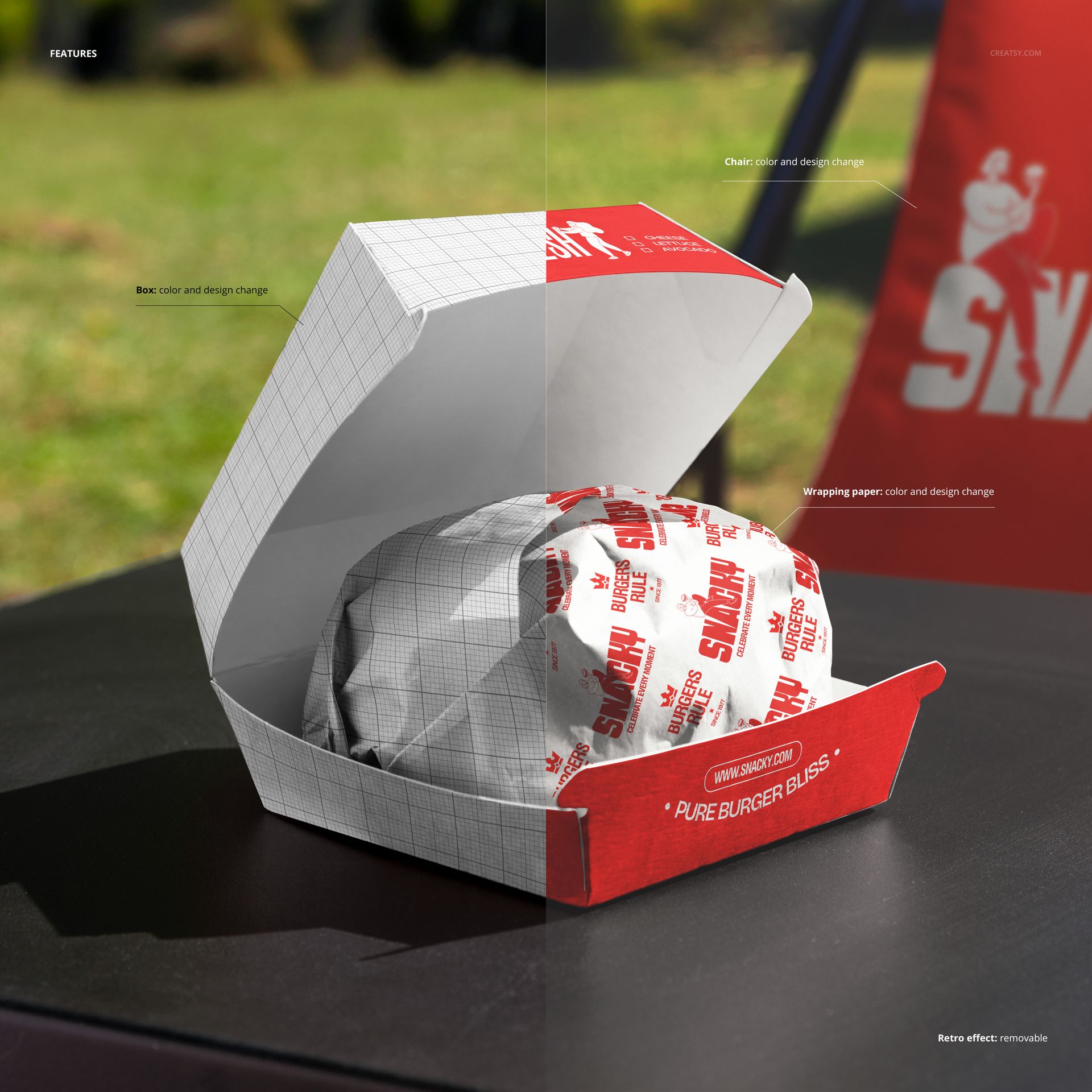
The download contains 1 layered PSD file. The scene shows an open burger box resting on a garden folding chair with natural greenery visible in the background. The burger box has a dedicated smart object layer that accepts your artwork and maps it onto the box surface with accurate perspective, paper texture, and lighting interaction. The natural outdoor light creates soft, even illumination across the box and chair, with gentle shadows that add depth without harsh contrast. The layer structure is organized and labeled for quick access to the box smart object and adjustment controls.
What You Can Customize
The smart object controls the burger box surface. Double-click the smart object layer to open its embedded canvas, place your logo, brand pattern, or full box artwork, then save and close. The design maps onto the box with accurate perspective, fold lines, and paper texture response under natural garden lighting. The adjustment layers let you modify overall brightness, contrast, and color temperature to match your brand aesthetic or adapt the image for different seasonal campaigns. You can generate multiple versions with different box designs by swapping the smart object content and exporting each variation, which is efficient for comparing design options or building a seasonal campaign series.
Who This Mockup Is For
Burger restaurants and fast casual brands that cater outdoor events, garden parties, or corporate picnics and need packaging visuals that reflect those settings. Catering companies and event food service providers who deliver branded meals to outdoor venues and want marketing images that show their packaging in a realistic event context. Packaging designers creating burger box concepts for clients who serve at outdoor gatherings and need to see how the design performs outside of a controlled studio environment. Food truck operators and pop-up vendors who serve at garden markets, outdoor festivals, and community events where folding chairs and casual seating are the norm. Marketing agencies building lifestyle campaign visuals for food brands that want to position themselves as part of outdoor socializing and casual dining culture.
File Specifications
Files: 1 PSD. Dimensions: 6000x4000 px. Resolution: 300 DPI. Color mode: RGB. File size: 171.91 MB. Compatibility: Adobe Photoshop CC 2020 or newer, Photopea.