
 $2200
$2200


 $2400
$2400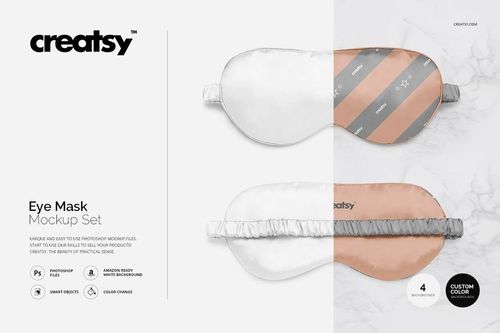 $1900
$1900
Sleepwear Mockups
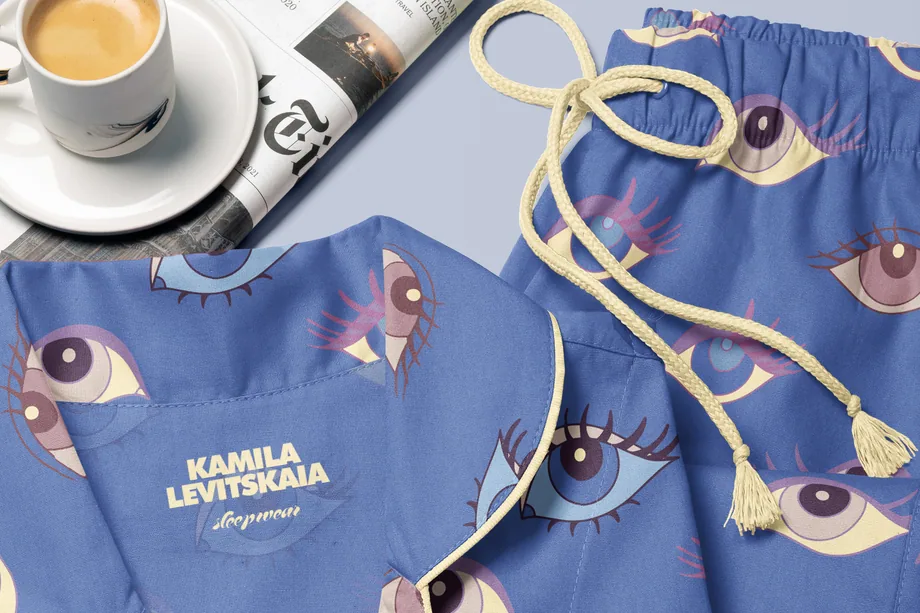
Show coordinated patterns and colorways across pajama sets, nightdresses and loungewear. Reusable sleepwear mockups keep ecommerce, buyer and seasonal campaign visuals consistent while the collection is still evolving.

Reviews
What designers and brand owners say after using these PSD mockups in real client work.
0
Sort by:


These pajama mockups are beautifully done — clean, stylish, and super easy to work with. They instantly make the designs look great, no extra effort needed. One of my favorite mockups so far!
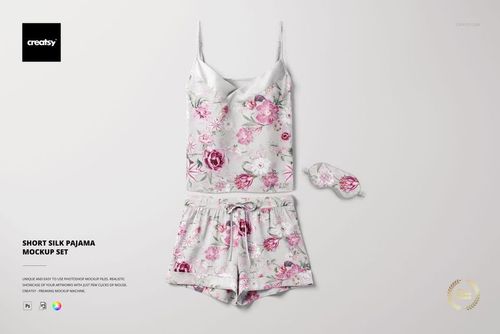
 Short Silk Pajama Mockup Set View product
I cant access my files in downloads, the file does not work and does not download properly.
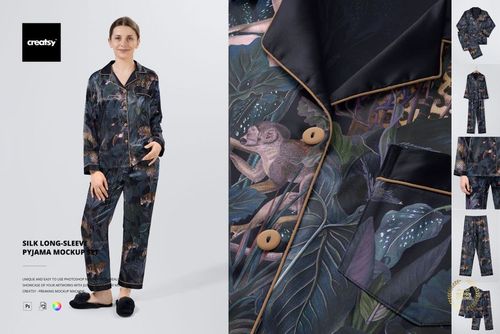
 Silk Long-sleeve Pyjama Mockup Set View product
Hi Isabella, I’m really sorry for the trouble. We’ve re-tested the files on our side and they’re working, so this is most likely due to an incomplete download or the ZIP not being extracted correctly. Please make sure the files finish downloading fully and are extracted per our guide: https://creatsy.com/help-center/troubleshooting-downloading-and-unzipping-issues To get you working immediately, I’m also sending the assets as individual, unzipped files via WeTransfer, please check your inbox for the link. If anything still misbehaves, tell me which file name is failing and I’ll resend another way right away. Thanks for your patience!


What you get
Professional PSD mockups built in-house - editable, realistic, high-resolution, and supported by real people.
Layered PSD Files
Creatsy mockups are delivered as fully layered Photoshop .psd files, with layers sorted into clearly named groups. Shadows, highlights, and the background each sit on their own editable layer, and nothing is flattened into a single image. Open it in Photoshop or the free browser editor Photopea and get to work.
- Clearly named, organized layer groups
- Shadows and highlights on separate layers
- Editable background, never flattened
- Works in Photoshop or free Photopea
Smart Objects
Open the smart object, paste your artwork, and save. The design lands on the product with the perspective, warp, and wrap already worked out. Scene lighting and shadows fall back on top, so it reads as a photograph, not a flat paste-in. Swapping a design takes seconds, so one file can carry a whole run of variants and colorways.
- Double-click, paste your design, save
- Perspective, warp, and wrap pre-built
- Scene lighting and shadows sit back on top
- One file covers many variants and colorways
High-Resolution Output
Many scenes are built from real product photography rather than 3D renders, so the fabric and surface read like a studio shot. Files export at high resolution and stay sharp at full zoom, with clean edges where the print sits. The same file works for a hero banner, a paid ad or a product listing.
- Real product photography in many scenes
- Exports ready for print
- Holds detail at full zoom
- Works for banners, ads and listings
Easy to Edit
Colors, backgrounds, and artwork sit on separate, clearly named layers, so you swap a color or background without disturbing the rest of the scene. There is no relighting or shadow work to redo, and the same file works for your next project.
- Edit color and background layers directly
- No relighting or shadow rework needed
- No masking or layer skills required
- One file reused across projects
Fast Support
There is a real in-house team behind every file, not a ticket bot. Before you buy, ask whether a specific mockup fits what you have in mind, and we will tell you. When a smart object or a layer group is tripping you up, send the question and you usually get a reply within 48 hours.
- Real in-house team behind every file
- Replies within 48 hours
- Pre-purchase help picking the right mockup
- Answers on smart objects and layer setup
Who are these mockups for?
For gifting and seasonal campaign teams
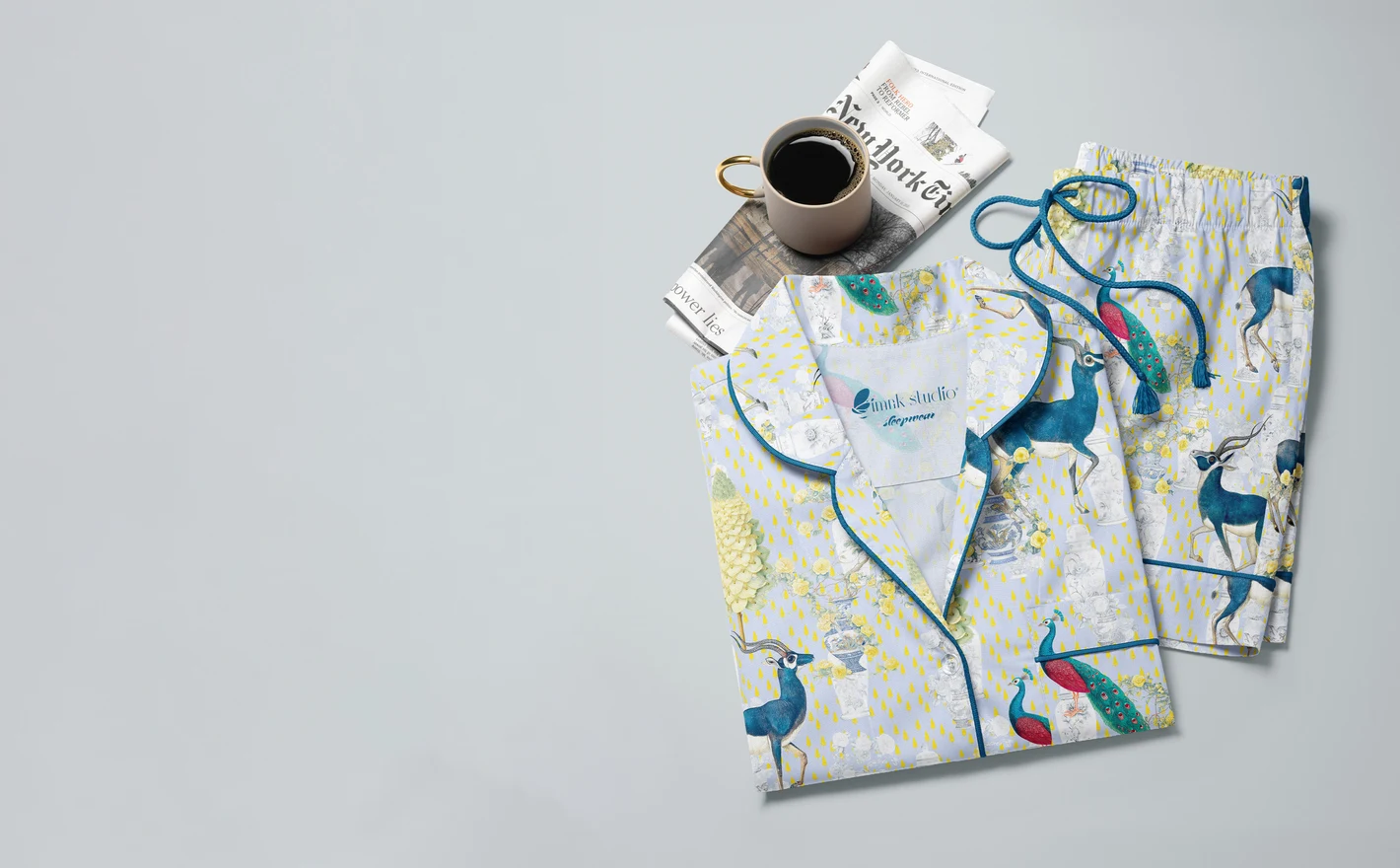
Build holiday edits and gift guides from coordinated pajama imagery: long-sleeve sets, short sets and nightdresses in matching prints, rendered in the same warm styling. Seasonal artwork swaps take minutes, so the Valentine's edit follows Christmas without a new shoot.
Wrapping a pajama gift set? Browse gift packaging & wrapping paper mockups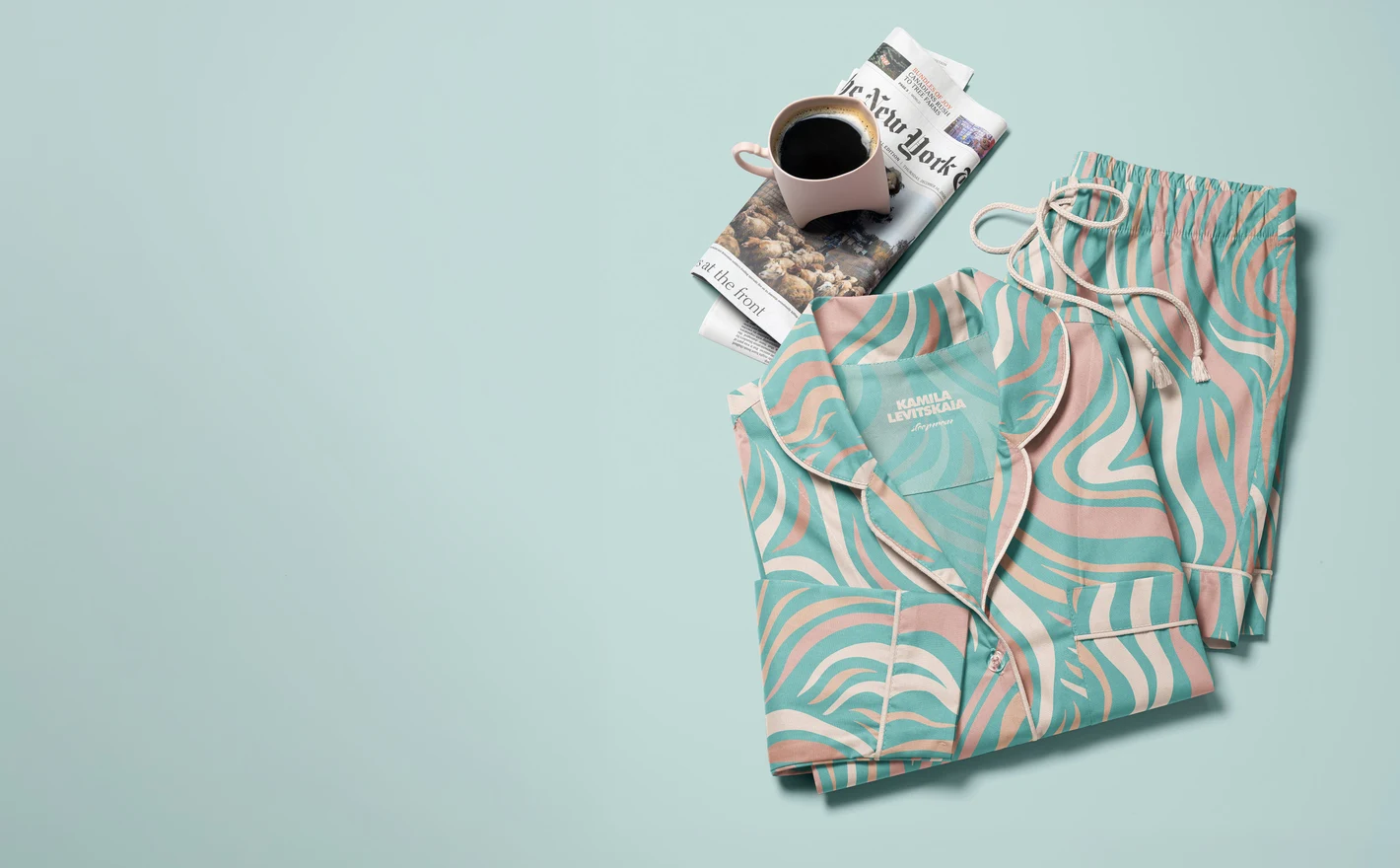
For pajama and loungewear brands
Present a print across a full pajama set - top, shorts, piping details - the way it will sit on the shelf and in the gift box. Matching-set imagery is what sleepwear customers search for; this is the fastest way to produce it.
For sleepwear ecommerce teams
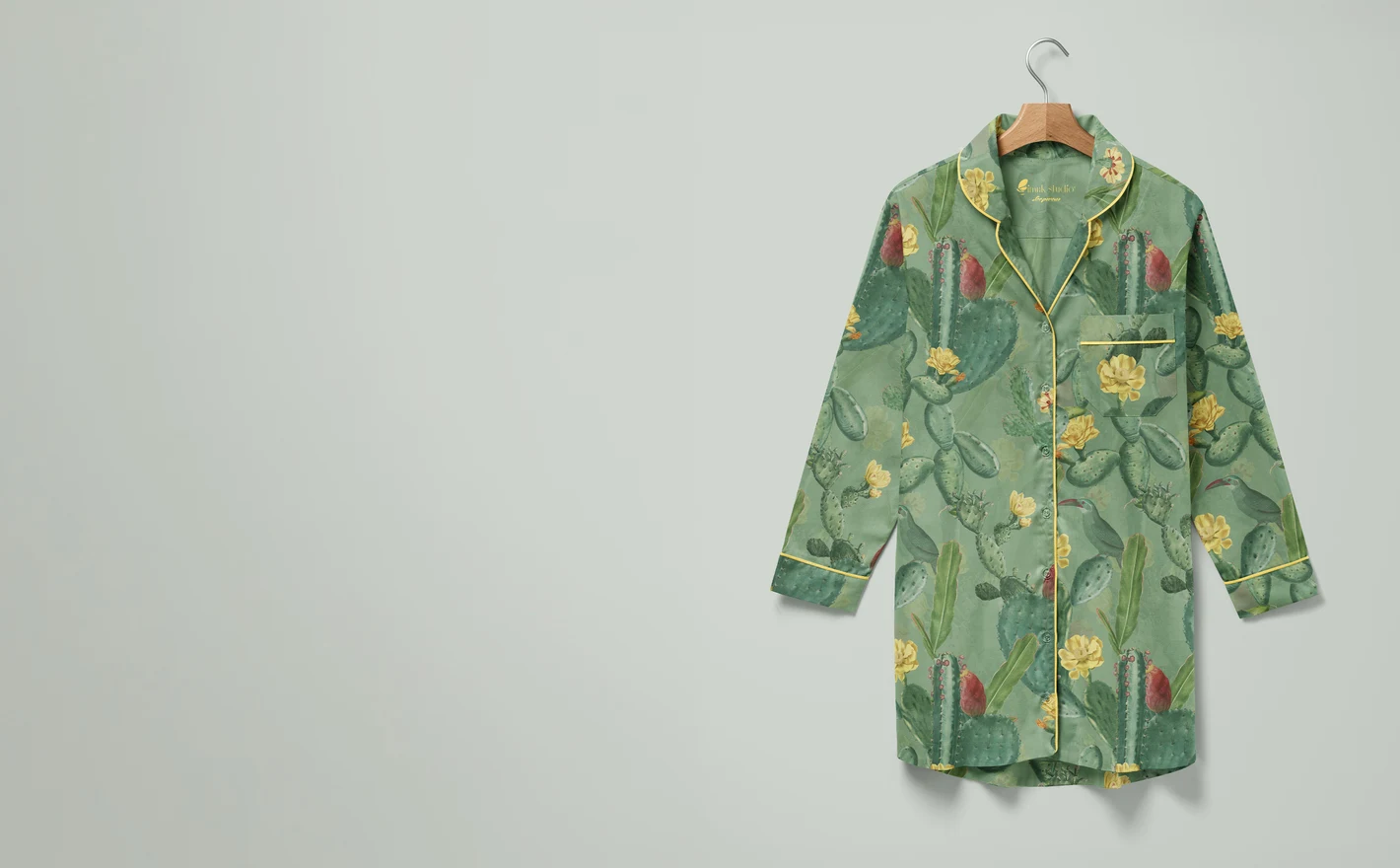
Show drape, pattern placement and color direction on a nightdress silhouette that photographs like silk. The listing image, the email banner and the social crop all come from one layered PSD.
Adding bedding to the collection? Browse bedding & bedroom textile mockups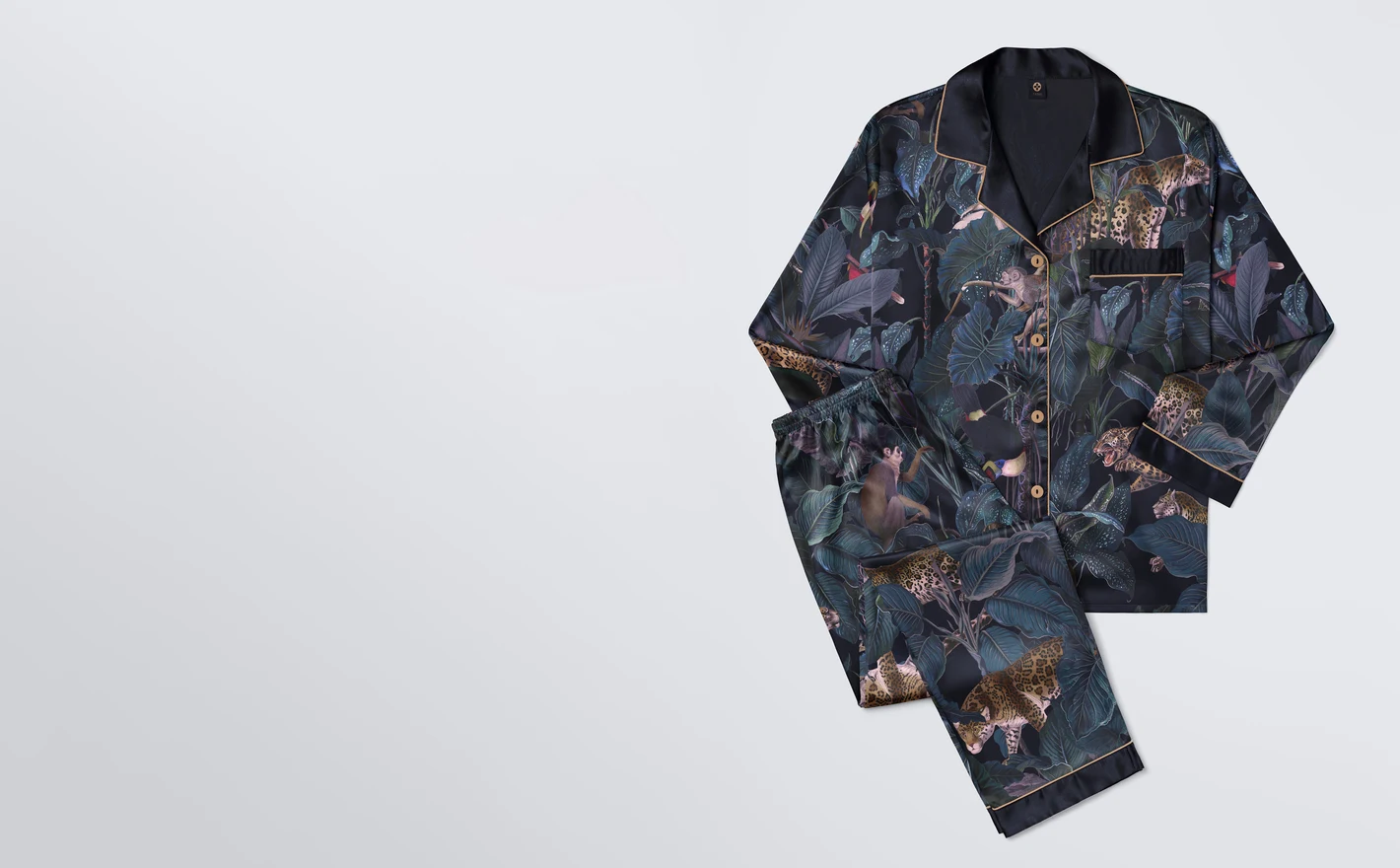
For surface pattern designers
Sleepwear is a matching-set category - a repeat has to survive a top, shorts, pants and trim at once. Preview motif scale across coordinated garments and export licensing visuals that show the collection story, not a single swatch.
Presenting the print on fabric too? Browse fabric mockups
FAQs
The range includes pajama sets with short or long sleeves and shorts or pants, silk pajama styles, a nightdress and an eye mask. Check the views for the outfit combination you need. Some scenes focus on the full set, while others show a particular garment or detail.
Choose a set with separate design controls for those pieces. Apply the top artwork and bottom artwork to their respective Smart Objects, then save and inspect the complete outfit. Check the product's feature preview for piping, buttons and other details; their editability is not the same in every set.
Compare the surface and folds in the preview with your actual fabric. Silk-style scenes emphasize sheen and drape, while other sets have a more matte appearance. Do not assume that every non-silk set represents cotton, or that changing the color will turn one fabric finish into another.
It contains two PSDs showing the front and back, at 1500 × 1500 px, with editable color and design. Photoshop CS6 or newer and Photopea are listed. It can support an eye-mask listing or a coordinated sleepwear presentation; check the pixel dimensions against the size of the image you need.
Yes, you can apply a name or design yourself and export a finished image for a listing or customer preview, subject to the license. Keep the editable file private. A customer-facing tool that uses the mockup to generate personalized previews is not covered by Standard or Extended.
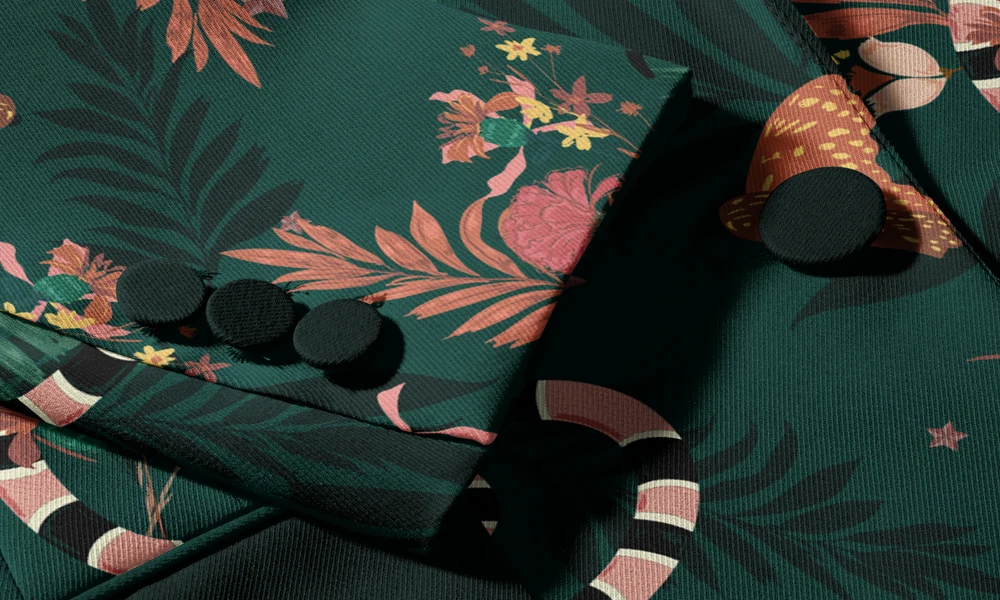
Why use Sleepwear mockups?
A pajama print needs to work across both pieces of the set. The top, shorts and pants provide different amounts of space, while collars, cuffs, pockets and piping break up the surface. Mockups help you compare the pattern's size and placement across the outfit. The category covers long- and short-sleeve sets with pants or shorts, silk pajamas, nightdresses and eye masks. Try matching prints, contrasting pieces or a small chest motif. Check each set's features before planning changes to details such as piping, buttons or trims. The same collection can be shown on a short summer set, a longer style and a matching accessory. Smart Objects fit the design to the garment while preserving its folds, fabric texture and lighting. This makes it possible to review several color combinations in the same setting. Export the images for online shops, buyer presentations, personalized gift listings, lookbooks and seasonal campaigns. They are also useful for discussing top-and-bottom combinations with a client. Seeing both pieces together can help you notice an awkward change in repeat scale or direction before preparing samples.
FreeCreatsy® Mockups
I’ve been waiting for this mockup to come from Creatsy for ages, and it is perfect! Mockup has every angle/shot I need, and some extras, and it’s fully customizable so I can really visualize what the pajamas will look like. Very happy!
Worth the wait - thank you so much! 🧡 Happy creating!