What Is on the Table
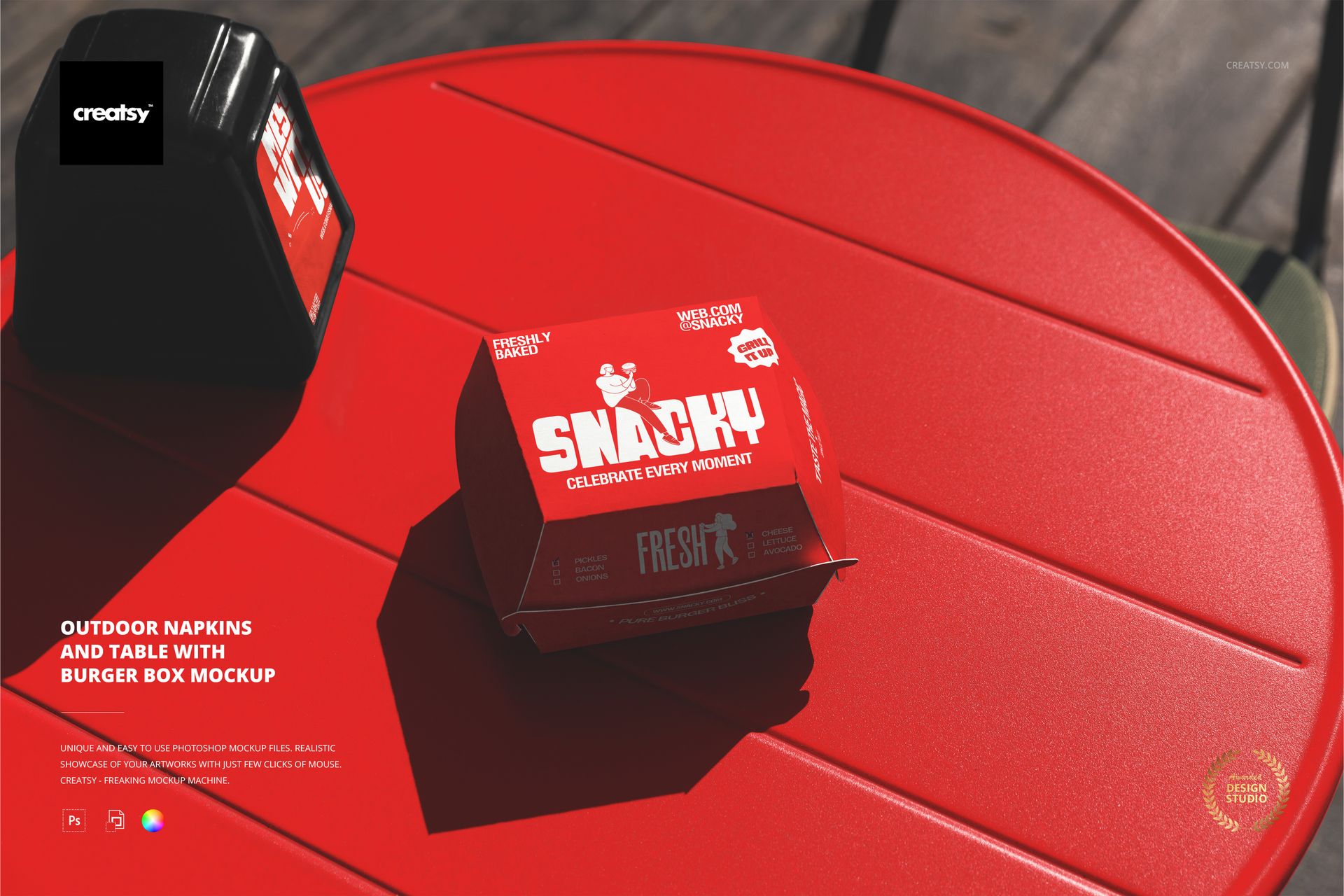
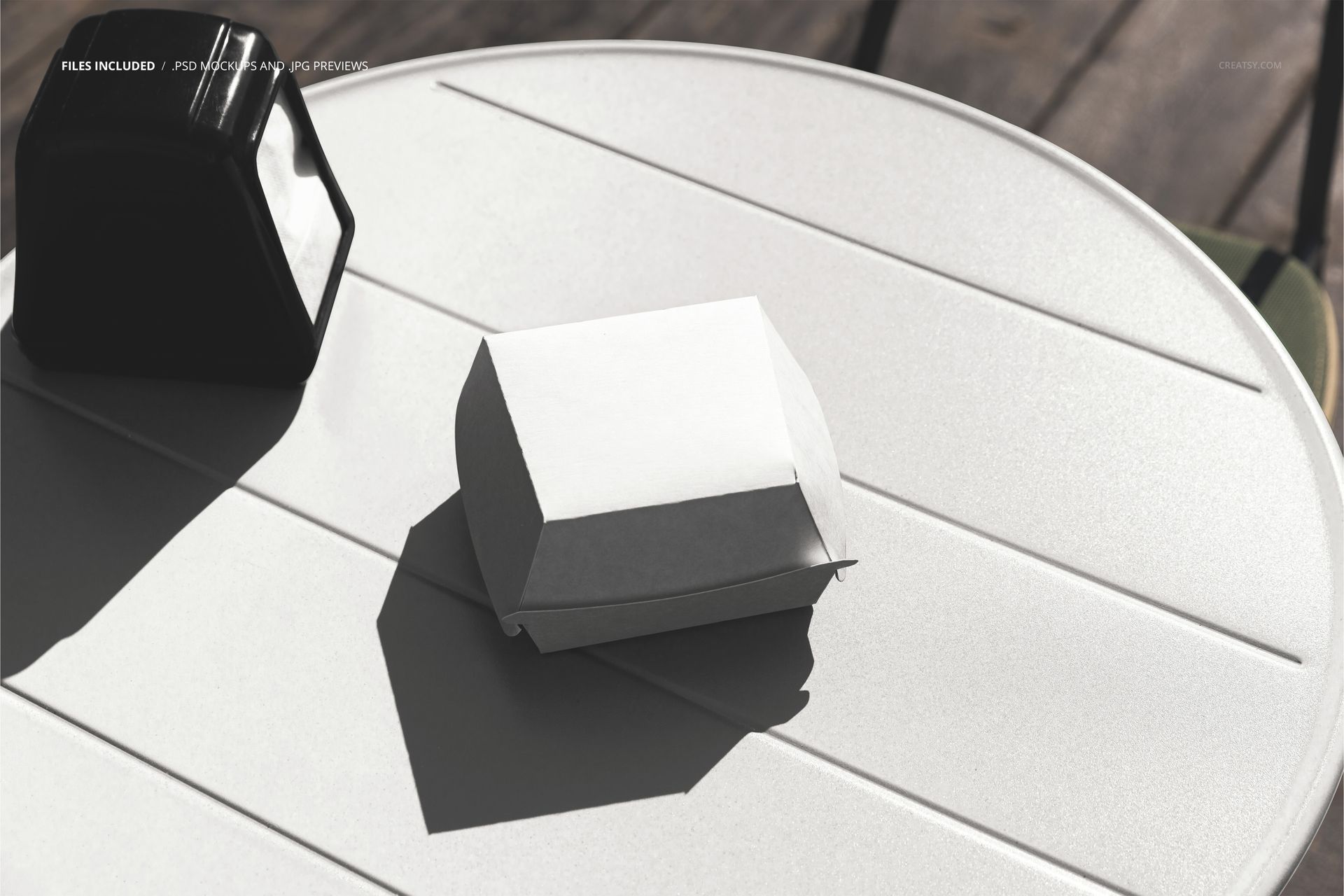
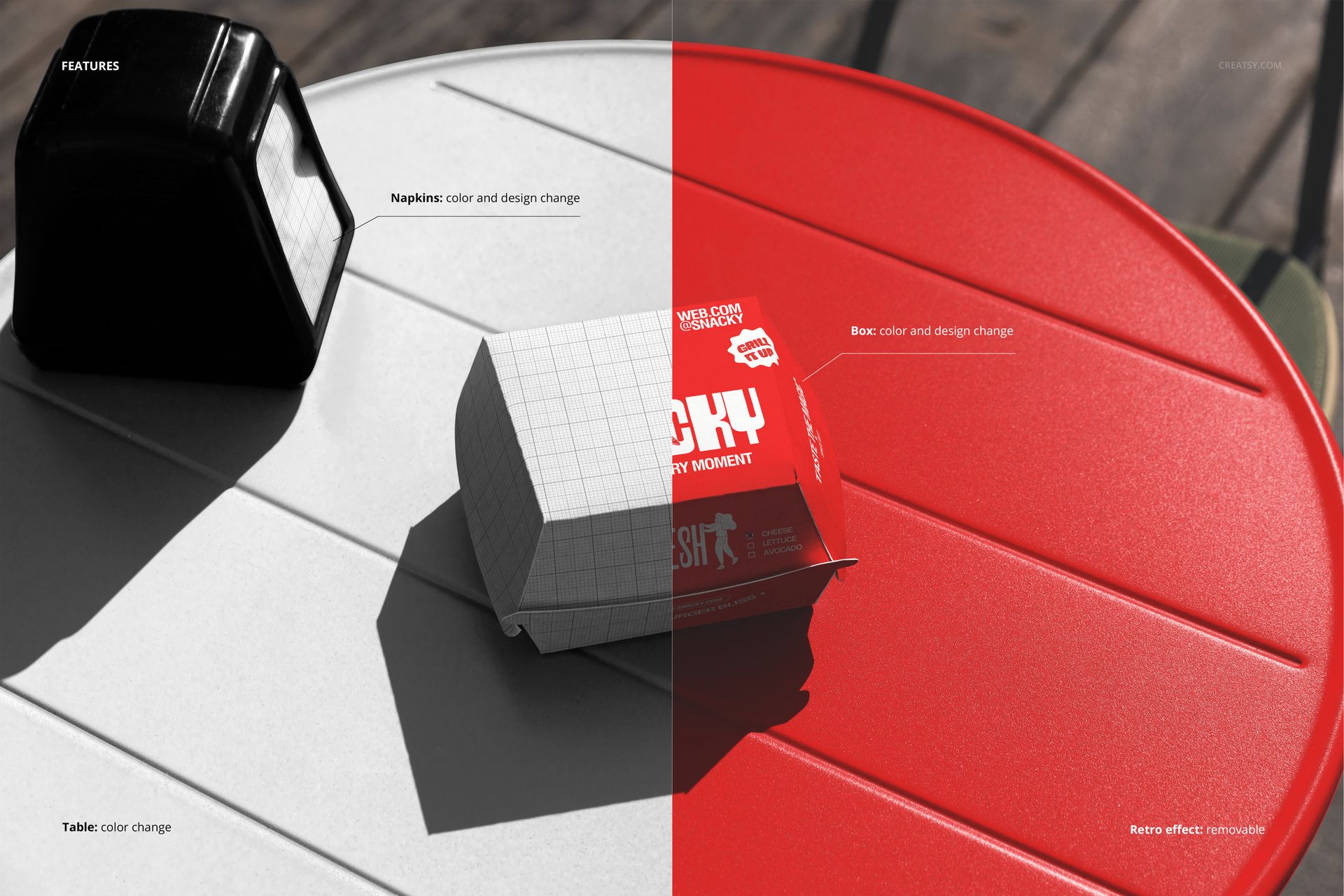
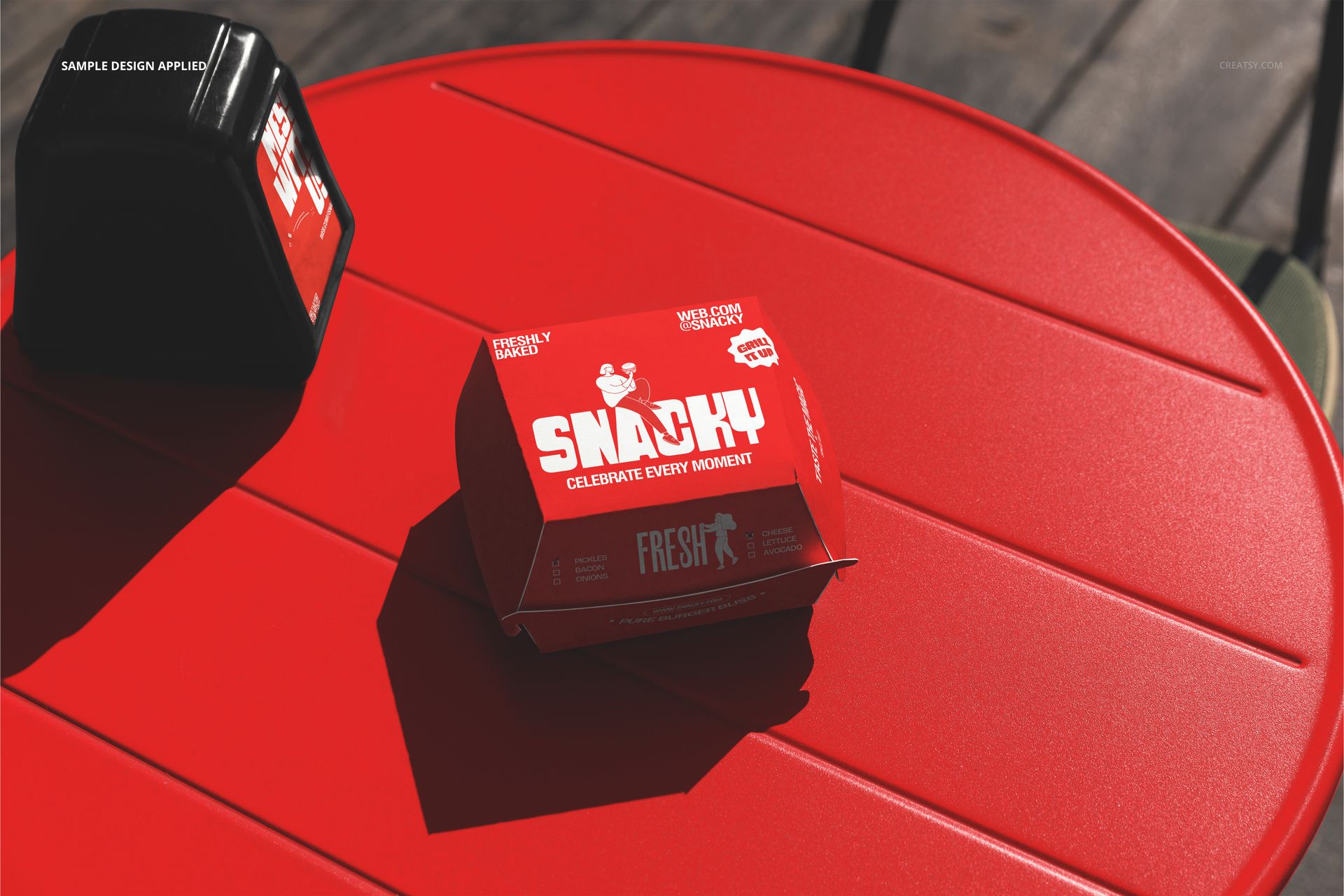
An outdoor dining table photographed from above with branded napkins and a burger box arranged as if a customer just sat down to eat. The scene captures the moment between ordering and eating - the packaging is present, the napkins are placed, the table surface is visible. Your brand identity goes onto both the napkins and the burger box through smart object layers, so every branded item in the frame carries your logo, pattern, or color scheme simultaneously. One PSD file at 6000 by 4000 pixels, 300 DPI, ready for Adobe Photoshop CC 2020 or newer and for Photopea, the free browser-based editor.
The Napkin as Brand Canvas
Restaurant napkins occupy an unusual position in the branding hierarchy. They sit directly in front of the customer for the entire duration of a meal. Unlike a menu that gets handed back or a poster that hangs on a distant wall, the napkin is a tactile brand touchpoint that the customer holds, unfolds, and places on their lap. A branded napkin with a well-placed logo or a repeating pattern communicates attention to detail and brand consistency at the most intimate scale of the dining experience. This mockup lets you show a client what their logo looks like printed on a napkin sitting on a real outdoor table next to actual food packaging - not floating on a white background in a brand guidelines document.
Outdoor Dining Context
The photograph is taken outdoors, which immediately separates this image from the majority of restaurant branding mockups that use studio setups or flat lay compositions on neutral surfaces. Outdoor dining scenes carry specific visual cues - natural light, table textures that suggest a patio or terrace, the ambient feel of eating outside. These cues matter because many fast food and casual dining brands operate outdoor seating areas, food truck patios, or pop-up dining setups where the brand needs to hold up in daylight on a real table rather than under controlled studio lighting. The mockup places your brand in that environment so the presentation matches the actual context where customers will encounter your packaging and paper goods.
Not Just for Burger Brands
The burger box is a standard takeout container shape that works for any fast food or quick-service concept. Chicken sandwiches, fish tacos, falafel wraps, veggie burgers - any packaged food item that ships in a hinged-lid box fits this container form. The napkins are equally category-neutral. A pizza brand, a BBQ joint, a poke bowl chain, or a bakery cafe can all use this mockup to present their napkin and packaging branding in an outdoor dining context. The scene reads as casual outdoor dining, not specifically as a burger restaurant, which makes it versatile enough for any food service brand that uses disposable packaging and paper napkins.
Who Benefits
Brand designers presenting a full restaurant identity system to a client who wants to see how the brand performs on disposable items at the table level. Packaging designers who need to show a burger box design in context rather than as an isolated flat die-cut template. Marketing teams at restaurant chains building campaign materials that demonstrate the dining experience from the customer perspective. Print shops pitching custom napkin and packaging printing services to restaurant clients who need to visualize the finished product before committing to a print run.
Specifications
Format: PSD. Dimensions: 6000 x 4000 pixels. Resolution: 300 DPI. Color mode: RGB. Download: 304.08 MB. Smart objects: labeled, controlling napkin and burger box surfaces. Layers: organized groups. Adjustment layers: included for color and lighting. Software: Adobe Photoshop CC 2020+, Photopea.