
 $3200
$3200
Nail Art & Nail Polish Mockups
Preview nail art, nail-wrap designs, nail tips, polish branding and nail-care graphics in realistic product and lifestyle scenes. Browse the available formats and choose a scene that fits your product, collection or campaign.

What you get
Professional PSD mockups built in-house - editable, realistic, high-resolution, and supported by real people.
Layered PSD Files
Creatsy mockups are delivered as fully layered Photoshop .psd files, with layers sorted into clearly named groups. Shadows, highlights, and the background each sit on their own editable layer, and nothing is flattened into a single image. Open it in Photoshop or the free browser editor Photopea and get to work.
- Clearly named, organized layer groups
- Shadows and highlights on separate layers
- Editable background, never flattened
- Works in Photoshop or free Photopea
Smart Objects
Open the smart object, paste your artwork, and save. The design lands on the product with the perspective, warp, and wrap already worked out. Scene lighting and shadows fall back on top, so it reads as a photograph, not a flat paste-in. Swapping a design takes seconds, so one file can carry a whole run of variants and colorways.
- Double-click, paste your design, save
- Perspective, warp, and wrap pre-built
- Scene lighting and shadows sit back on top
- One file covers many variants and colorways
High-Resolution Output
Many scenes are built from real product photography rather than 3D renders, so the fabric and surface read like a studio shot. Files export at high resolution and stay sharp at full zoom, with clean edges where the print sits. The same file works for a hero banner, a paid ad or a product listing.
- Real product photography in many scenes
- Exports ready for print
- Holds detail at full zoom
- Works for banners, ads and listings
Easy to Edit
Colors, backgrounds, and artwork sit on separate, clearly named layers, so you swap a color or background without disturbing the rest of the scene. There is no relighting or shadow work to redo, and the same file works for your next project.
- Edit color and background layers directly
- No relighting or shadow rework needed
- No masking or layer skills required
- One file reused across projects
Fast Support
There is a real in-house team behind every file, not a ticket bot. Before you buy, ask whether a specific mockup fits what you have in mind, and we will tell you. When a smart object or a layer group is tripping you up, send the question and you usually get a reply within 48 hours.
- Real in-house team behind every file
- Replies within 48 hours
- Pre-purchase help picking the right mockup
- Answers on smart objects and layer setup
Who are these mockups for?
For nail polish brands
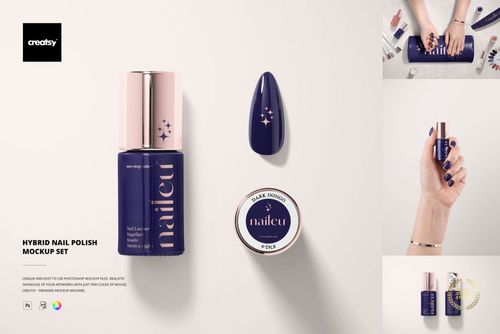
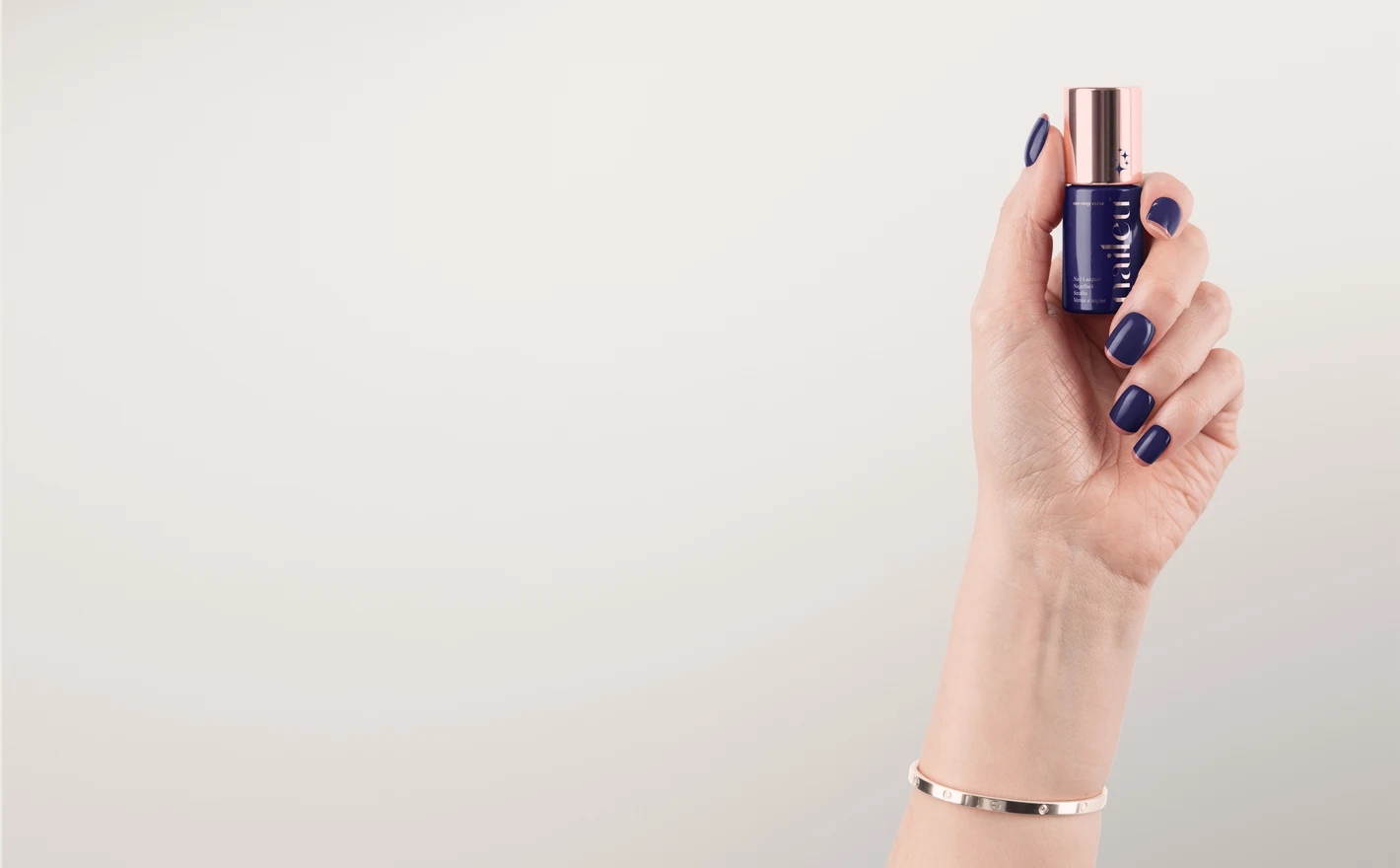
Drop the bottle label and cap color into the Hybrid Nail Polish Mockup Set and compare two label directions side by side before the bottle supplier needs final artwork. Show the shade on a hand with the Nails Mockup Sets, so the listing has the bottle and the result in the same gallery.
Boxing the bottles? Browse boxes & tubes mockups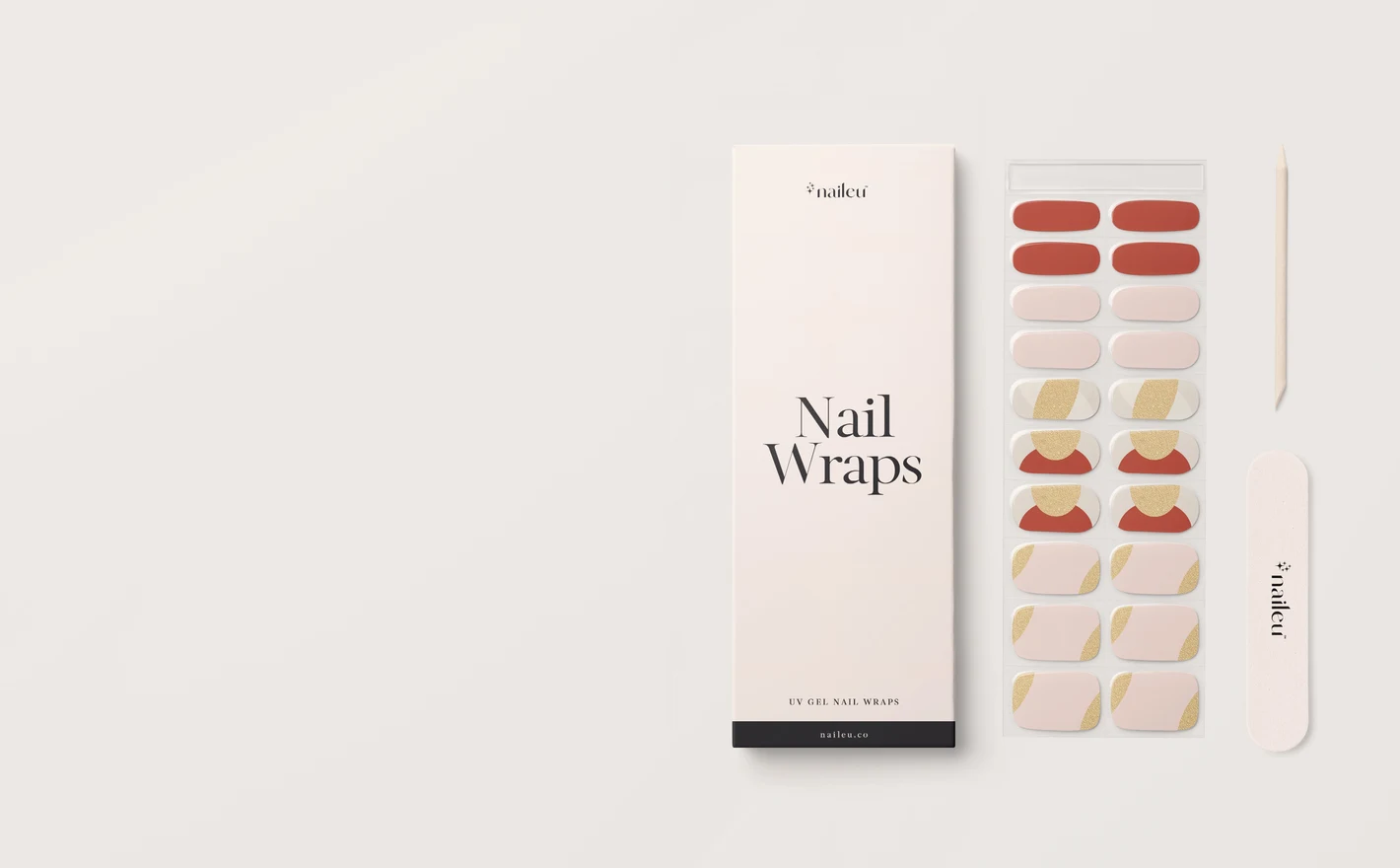
For nail wrap & gel strip brands
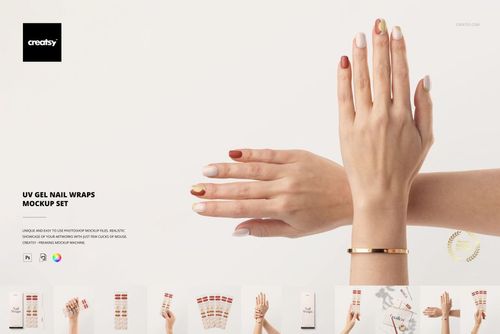
Put the pattern into the UV Gel Nail Wraps Mockup Set and it's shown on nails at nail scale, which is how a customer judges it, rather than on the sheet it ships on. Reuse the same artwork in the Nail Tips set to see whether the design also works as a press-on.
Packaging the wrap sheets? Browse packaging & wrapping mockups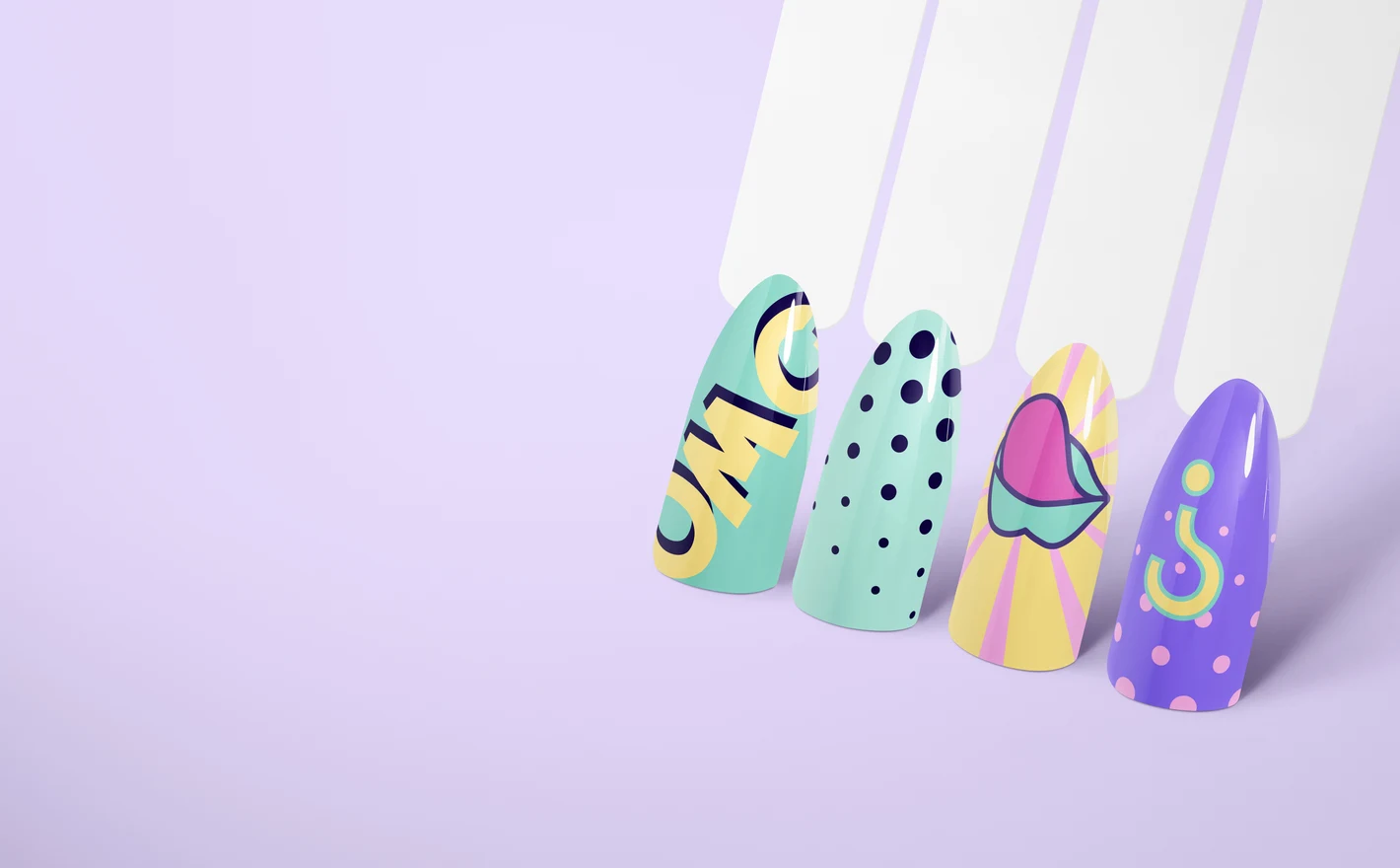
For press-on & nail tip brands
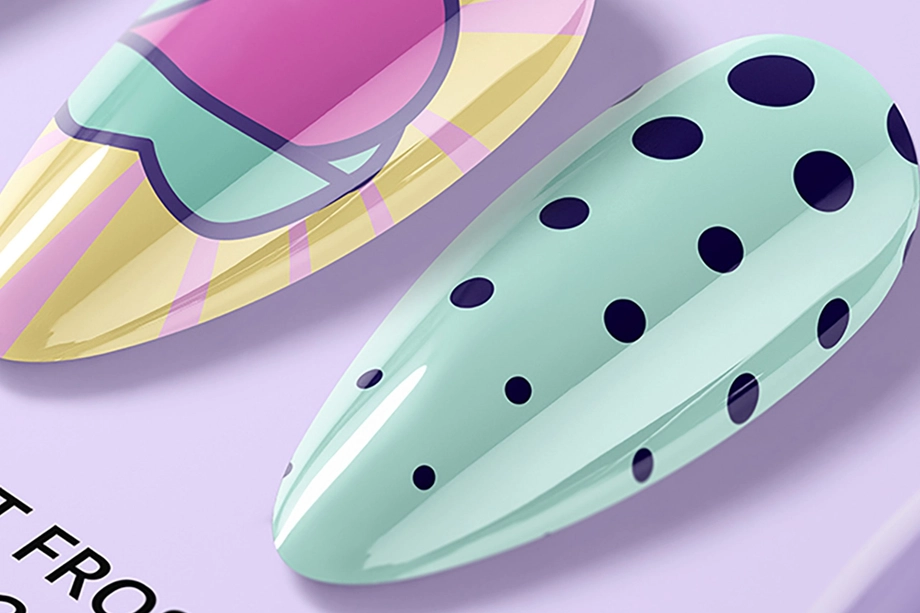
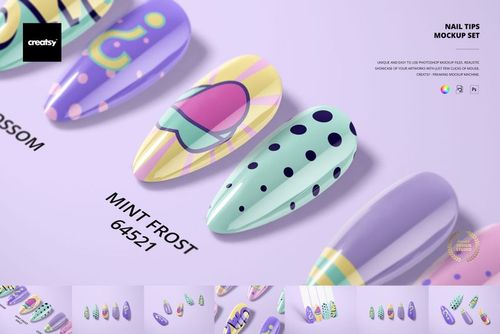
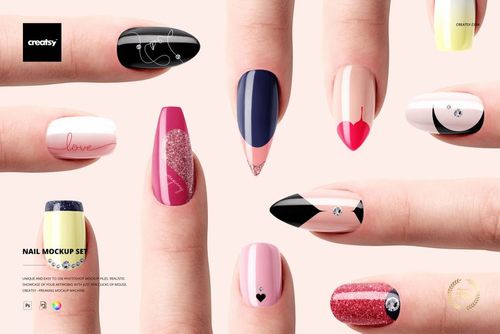
Preview a press-on drop with the Nail Tips Mockup Set, then check the same design on the Stiletto and Squoval shapes so shoppers who buy by shape first see their shape with your pattern on it. Smart objects keep each shape swap to a few seconds.
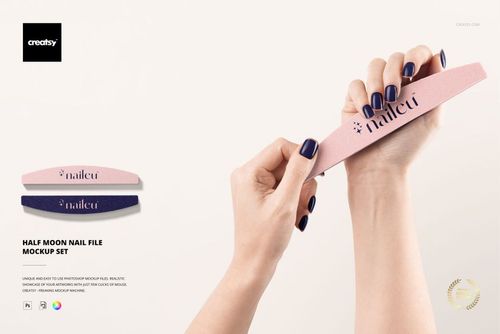
Adding a nail file to the kit? View the Half Moon Nail File Mockup Set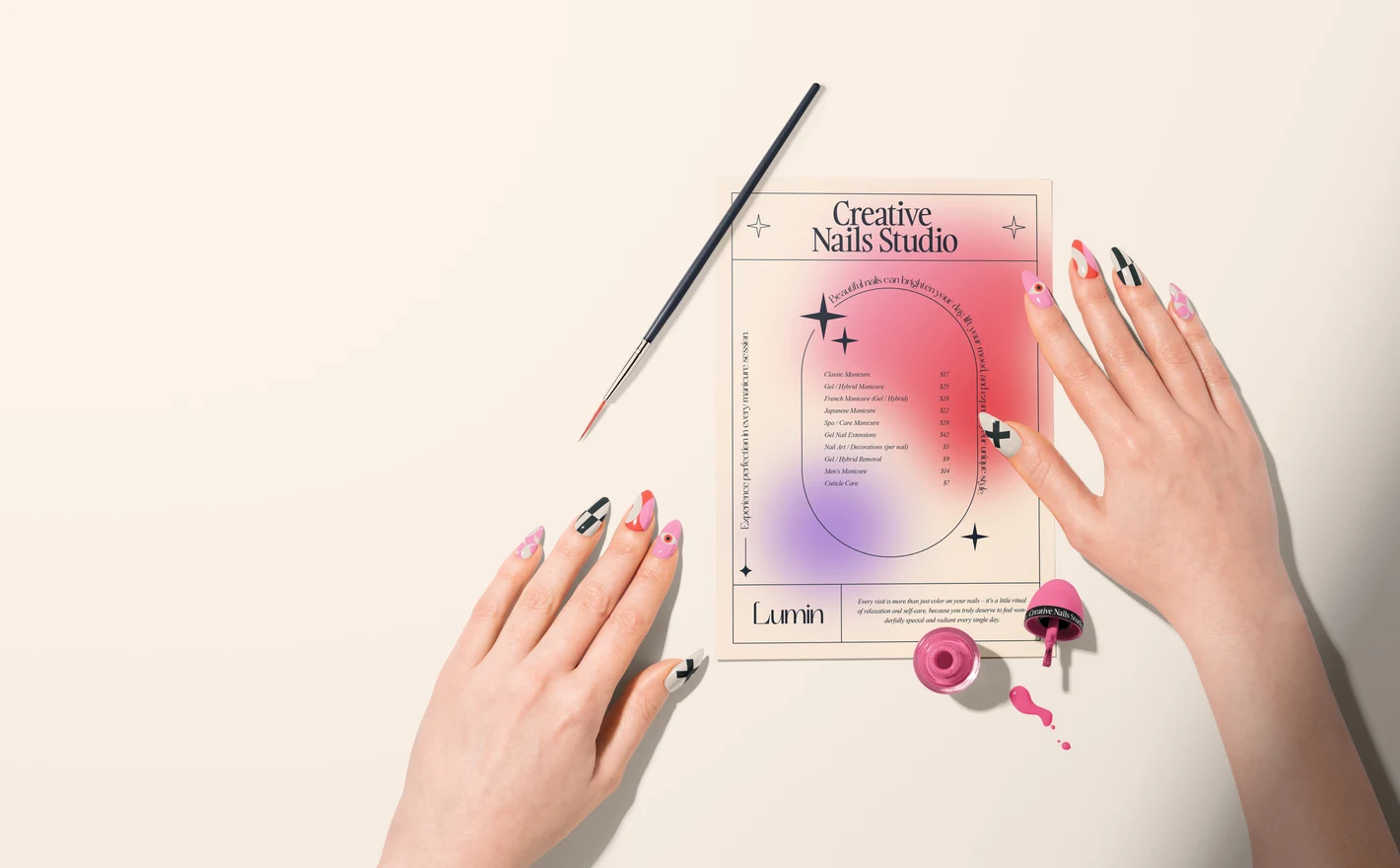
For nail artists & salon owners
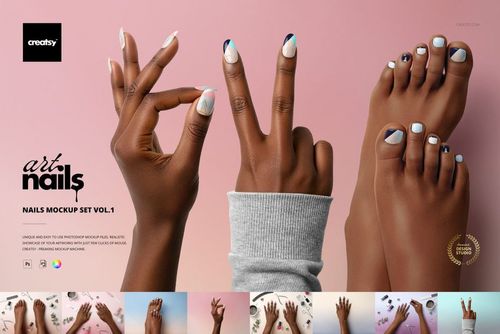
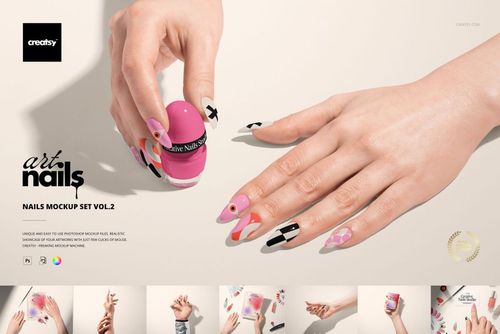
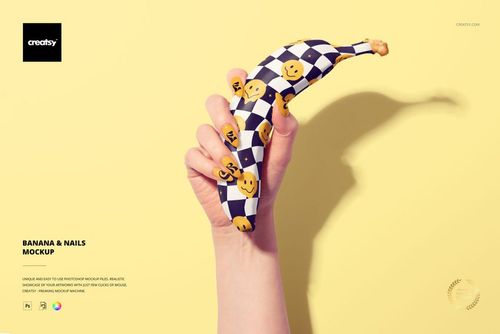
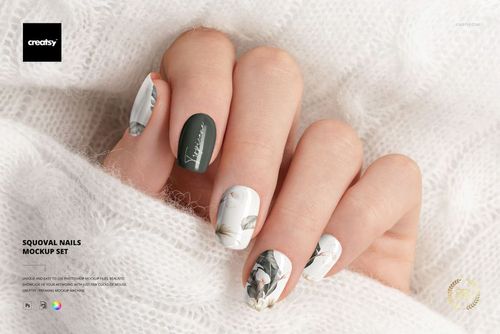
Put a new design into Nails Mockup Set vol. 1 or vol. 2 and it's on a finished set under studio light the day you draw it, no client hands and no phone lighting. Use the Banana & Nails scene when the booking page needs something less like a catalog.
Branding the salon itself? Browse brand identity mockups
FAQs
The category includes nail and nail-tip scenes, stiletto and squoval shapes, UV gel nail wraps, polish packaging and nail files. Choose the format that matches what you sell. A design shown on a hand, a sheet of wraps and a bottle label each need a different type of mockup.
Open the Smart Object for the nail or design area, place your artwork, save it and return to the main scene. The mockup applies its prepared shape and surface effects. Check how much artwork remains visible around the tip and sides, and use separate design controls where the file provides them.
UV Gel Nail Wraps Mockup Set is for wraps, not rigid press-on nails. For press-ons, look at the nail and nail-tip scenes and compare their shapes and presentation with your product. Do not use a wrap sheet to represent a different product format just because both carry nail art.
It is intended for gel-polish branding and shade presentations. Check the gallery for the included container and nail views, then use the appropriate artwork and color controls. Keep the packaging image separate from any claim about the actual polish's coverage or color accuracy.
Choose a set that explicitly lists Photopea support. UV Gel Nail Wraps Mockup Set is one confirmed option and includes 11 PSD files. Other nail products can have different requirements. Do not assume that Photopea or Affinity compatibility for one set applies to all nail mockups.
Why use Nail Art & Nail Polish mockups?
The nail range includes stiletto and squoval shapes, nail sets, tips, UV gel wraps, hybrid polish packaging and a half-moon nail file. There is also the Banana & Nails scene for a different presentation setting. Choose the shape and product format that suit the design you want to show. Nails provide a small, curved surface for artwork. The layered PSDs place your design beneath the prepared gloss and highlights, so you can review how fine lines, repeats and larger motifs look within that shape. Check the listing for the supported software and editable elements. Compare the design on different nail shapes, or carry related artwork onto wrap packaging, tips and a polish label. These are separate files unless the product listing shows the items together in one scene. The images can be used for nail design concepts, salon presentations, online shops and seasonal collections. They let you show proposed artwork and color options without creating a physical example of every design. Keep the selected views for later updates, changing each scene's artwork and colors as needed.
FreeCreatsy® Mockups