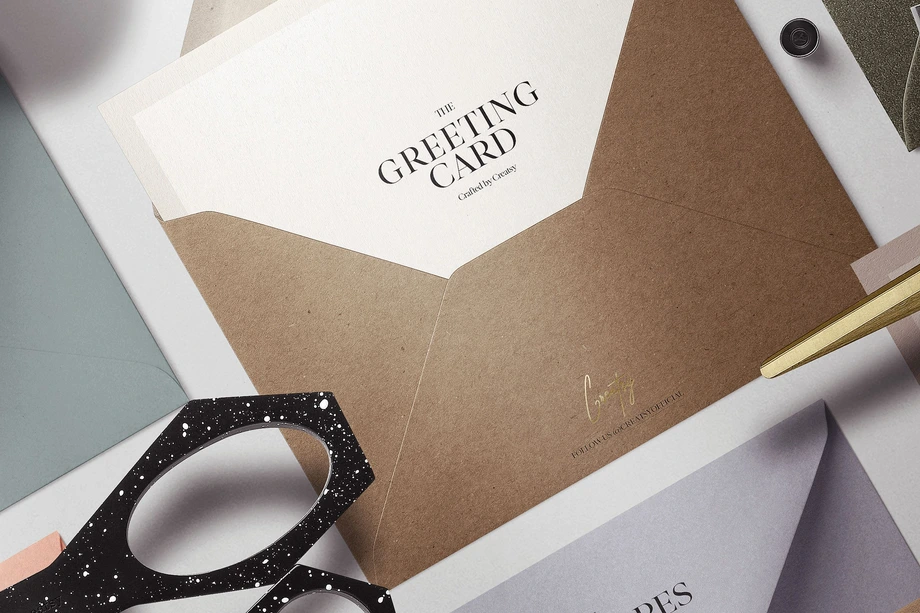
Greeting Card & Envelope Mockups
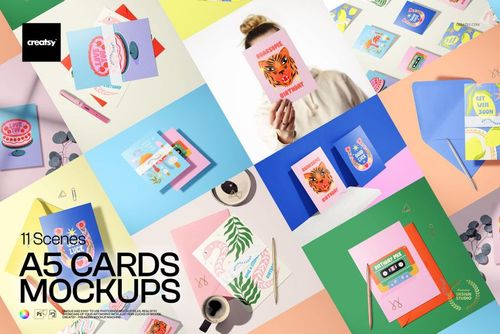
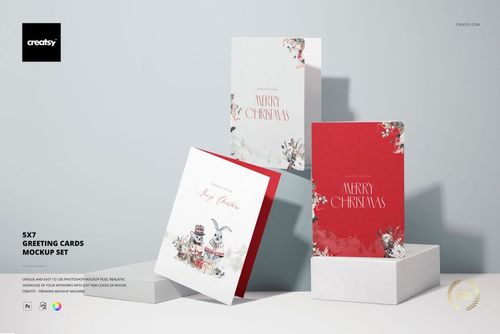
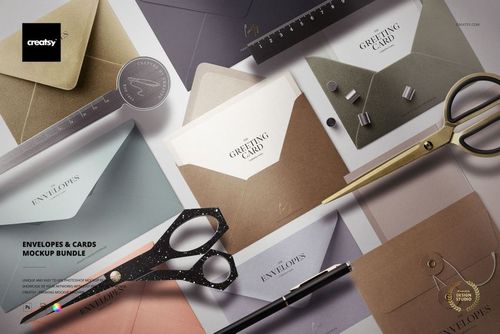
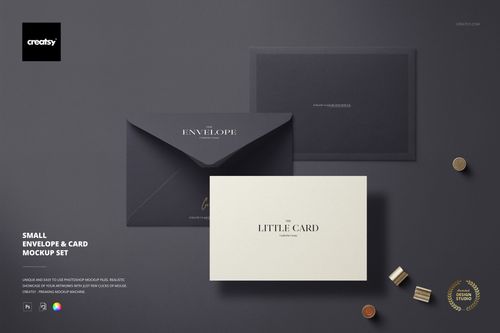
Explore editable greeting card and envelope mockups for 5 x 7 portrait and landscape cards, A5 formats, square and small-square cards, flat and folded cards, C6 and DL envelopes, kraft-paper and metallic finishes, sticker seals, and styled stationery scenes. Add card fronts, interiors, envelope artwork, patterns, labels, and coordinated colorways through layered Photoshop files and Smart Objects, then create realistic visuals for product listings, client presentations, portfolios, advertising, and social media.









Reviews
What designers and brand owners say after using these PSD mockups in real client work.
0
Sort by:


Creatsy mockups are a true 5-star experience in every detail -refined, distinctive, and visually striking. Each piece feels thoughtfully crafted, with a unique aesthetic that elevates any project into something memorable.
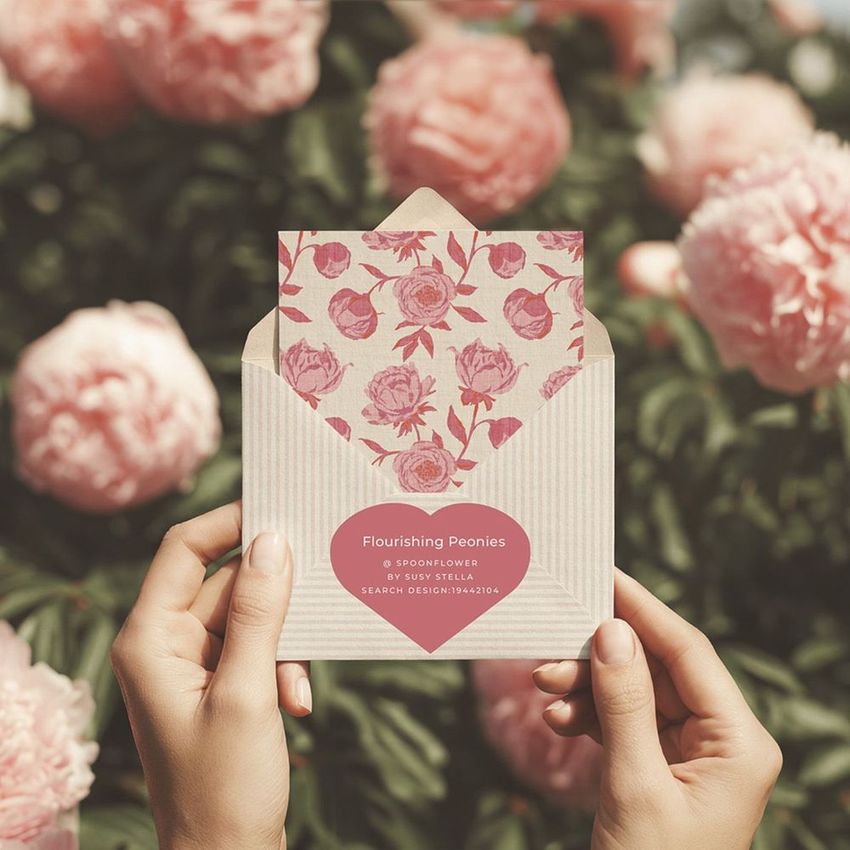
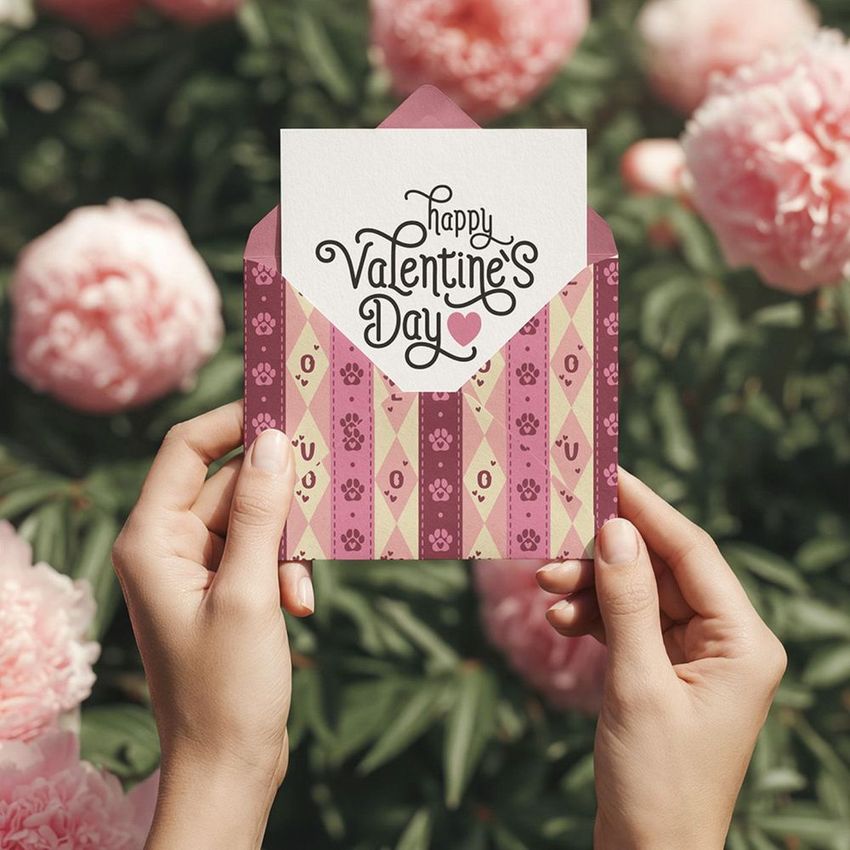
 Hands Holding Envelope and Card Mockup with Peonies View product
Thank you so much, mes! Your beautiful words truly mean a lot to us. We’re so happy to hear that our mockups feel refined, distinctive and thoughtfully crafted. It’s wonderful to know that this envelope and card mockup with peonies helps elevate your projects and make them feel memorable. Thank you for your kind review and support!

Good mock-up bundle. I have used it only once, and I was missing a square card or card set. But all in all, it was very useful for my project!
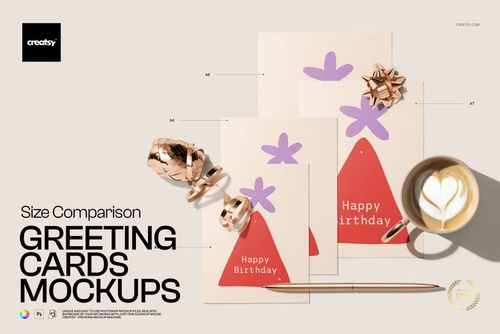
 Greeting Cards Size Comparison Mockup Set View product
 Thank you, Christel! We're glad the set was useful for your project, and we really appreciate your note about adding a square card option. Feedback like this helps us plan future updates and collections.

So cute!
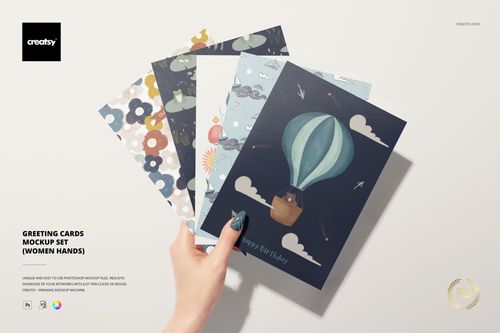
 Greeting Cards Mockup Set (women hands) View product
 Thank you so much! We’re delighted you find the mockup cute and hope you enjoy using it to present your card designs.

Nothing but perfection! Once again.
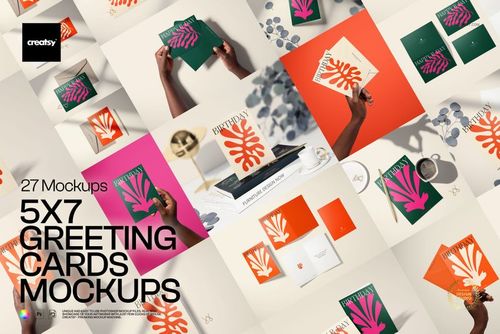
 5x7 Greeting Cards Mockup Set View product
 Thank you so much, Kyle! We're delighted you enjoyed the mockup once again, and we truly appreciate your continued support.


BAD EXPERIENCE. THE FILE IS TOO HEAVY AND I CAN´T DOWNLOAD IT.
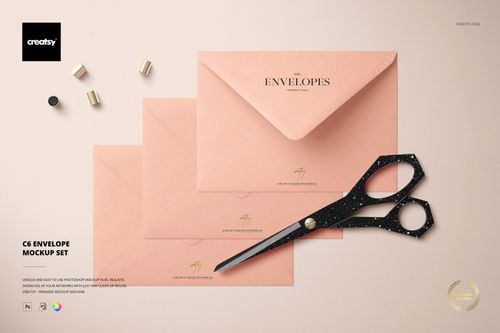
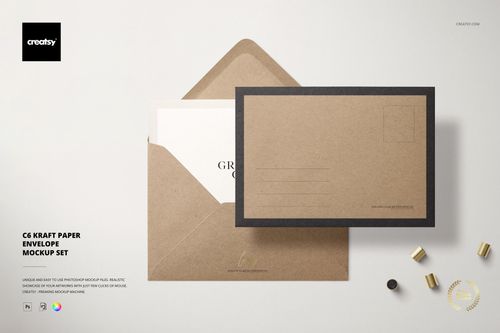
 C6 Envelope Mockup Set View product
 Hi Nits_Arts, we’re sorry you had trouble downloading the files. This set is 3.47 GB because it contains seven high-resolution 6000 × 4000 px PSD scenes. Please contact Creatsy support with your order details so our team can help you complete the download. Thank you for letting us know.


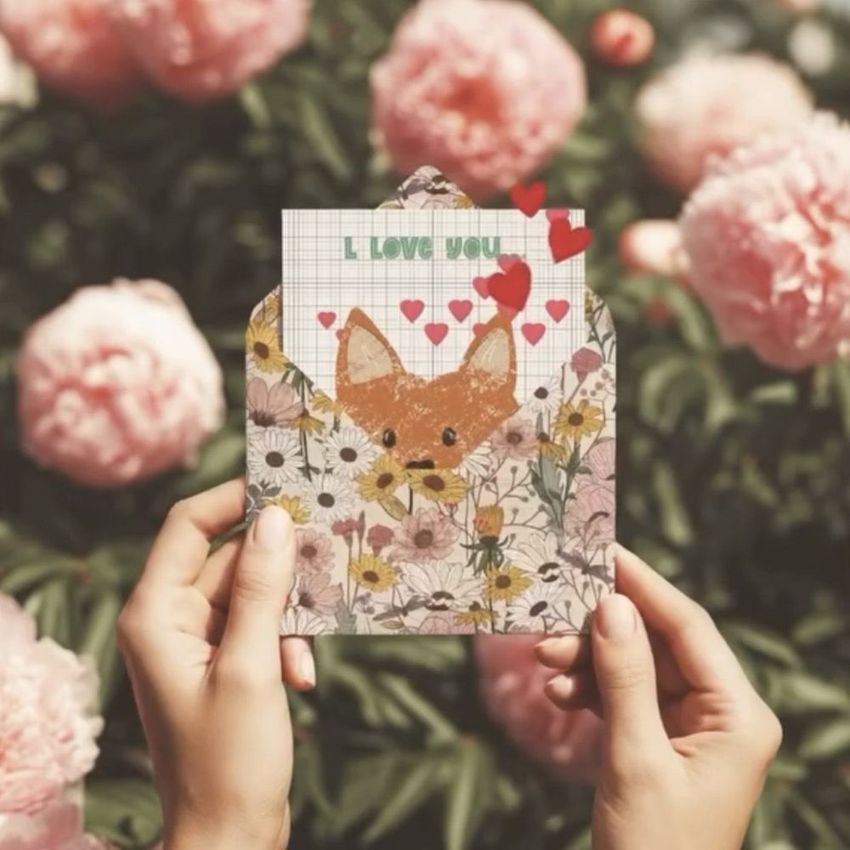
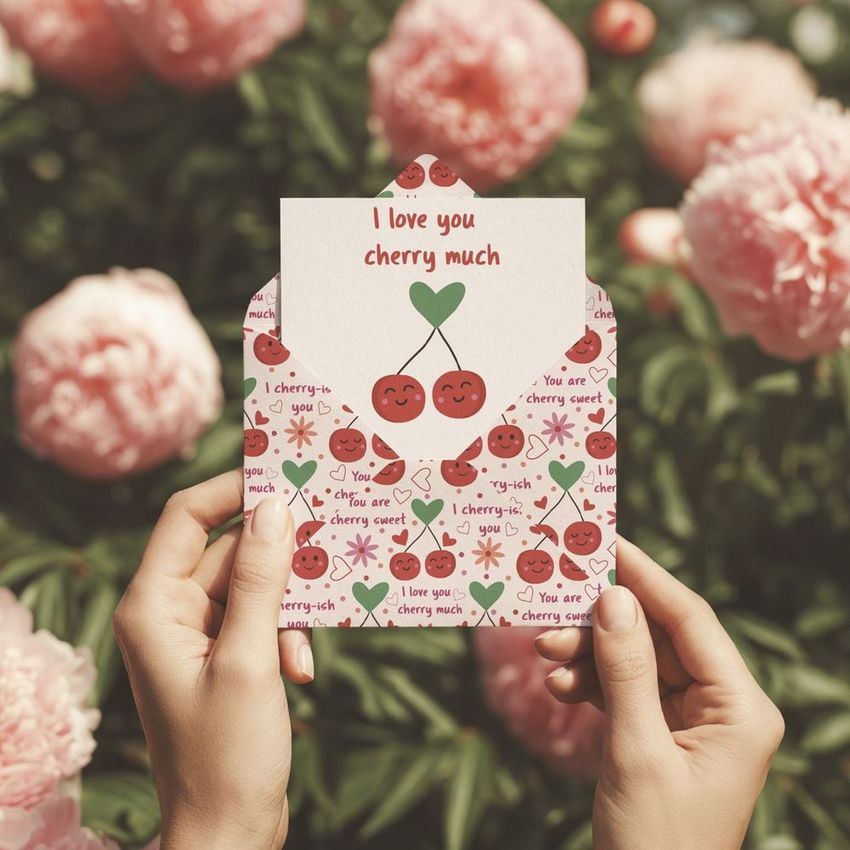
What you get
Professional PSD mockups built in-house - editable, realistic, high-resolution, and supported by real people.
Layered PSD Files
Creatsy mockups are delivered as fully layered Photoshop .psd files, with layers sorted into clearly named groups. Shadows, highlights, and the background each sit on their own editable layer, and nothing is flattened into a single image. Open it in Photoshop or the free browser editor Photopea and get to work.
- Clearly named, organized layer groups
- Shadows and highlights on separate layers
- Editable background, never flattened
- Works in Photoshop or free Photopea
Smart Objects
Open the smart object, paste your artwork, and save. The design lands on the product with the perspective, warp, and wrap already worked out. Scene lighting and shadows fall back on top, so it reads as a photograph, not a flat paste-in. Swapping a design takes seconds, so one file can carry a whole run of variants and colorways.
- Double-click, paste your design, save
- Perspective, warp, and wrap pre-built
- Scene lighting and shadows sit back on top
- One file covers many variants and colorways
High-Resolution Output
Many scenes are built from real product photography rather than 3D renders, so the fabric and surface read like a studio shot. Files export at high resolution and stay sharp at full zoom, with clean edges where the print sits. The same file works for a hero banner, a paid ad or a product listing.
- Real product photography in many scenes
- Exports ready for print
- Holds detail at full zoom
- Works for banners, ads and listings
Easy to Edit
Colors, backgrounds, and artwork sit on separate, clearly named layers, so you swap a color or background without disturbing the rest of the scene. There is no relighting or shadow work to redo, and the same file works for your next project.
- Edit color and background layers directly
- No relighting or shadow rework needed
- No masking or layer skills required
- One file reused across projects
Fast Support
There is a real in-house team behind every file, not a ticket bot. Before you buy, ask whether a specific mockup fits what you have in mind, and we will tell you. When a smart object or a layer group is tripping you up, send the question and you usually get a reply within 48 hours.
- Real in-house team behind every file
- Replies within 48 hours
- Pre-purchase help picking the right mockup
- Answers on smart objects and layer setup
Who are these mockups for?
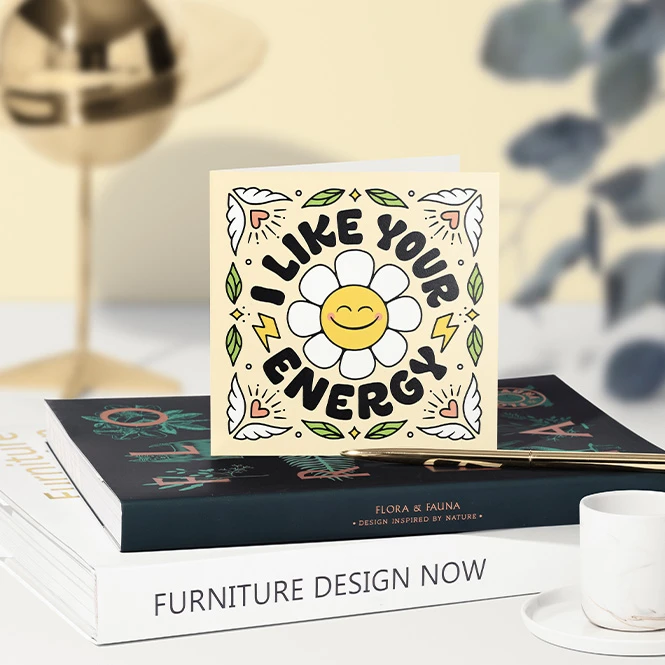
For greeting card brands & online sellers
Present birthday cards, thank-you cards, congratulations cards, sympathy cards, announcements, and everyday stationery in flat, folded, open, standing, stacked, and hand-held views. Create consistent images for online shops, wholesale catalogs, custom-order previews, launch campaigns, and social media.
Building a wider paper-goods range? Browse Stationery mockups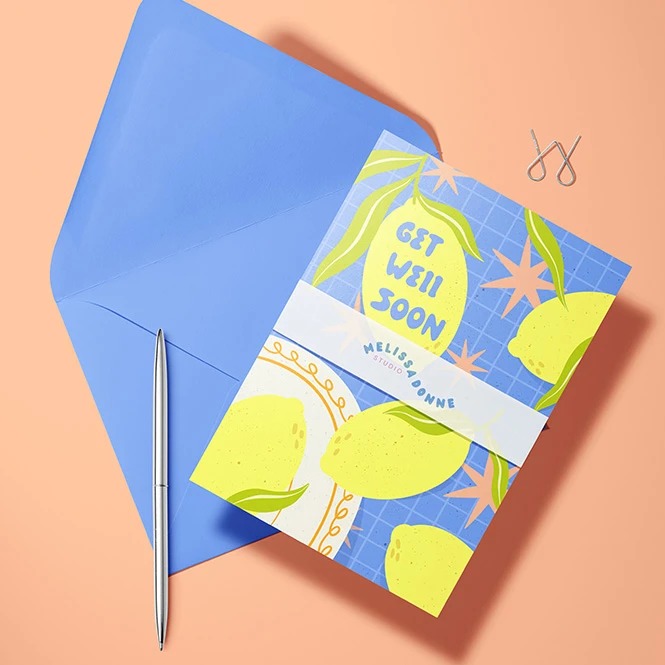
For illustrators, artists & licensing studios
Show illustrations, lettering, and surface patterns across card fronts, interiors, envelopes, liners, stickers, and coordinated seasonal collections. Use the finished visuals in portfolios, licensing decks, agent presentations, trade-show materials, and client pitches without printing every early design variation.
Presenting seasonal artwork? Browse Holidays & Seasonal mockups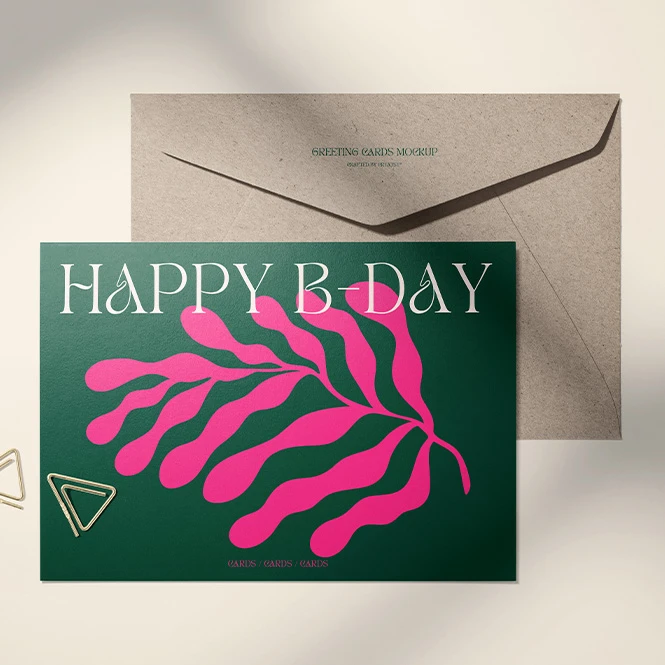
For stationery, branding & paper-product studios
Build coordinated presentations using C6 and DL envelopes, folded cards, square cards, kraft-paper surfaces, metallic finishes, string closures, and sticker seals. Compare visual directions across several separately edited mockups for brand guidelines, client presentations, catalogs, and case studies.
Designing seals or labels? Browse Stickers & Labels mockups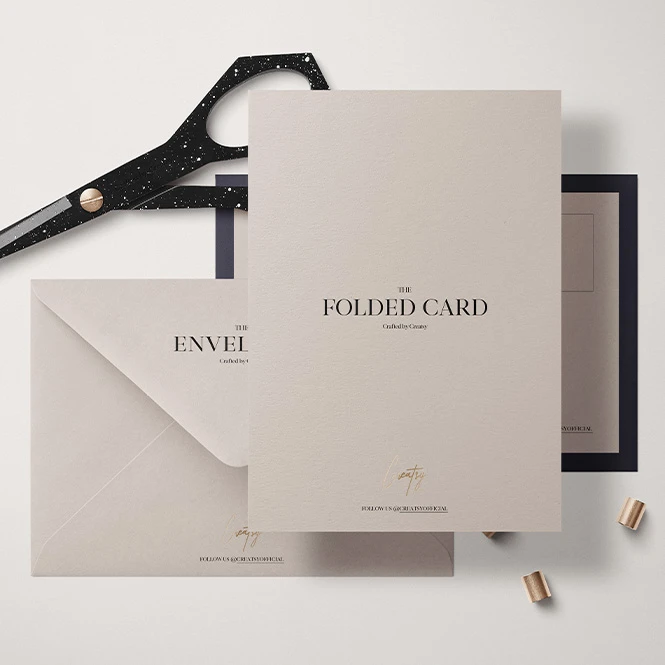
For wedding & event stationers
Present invitations, save-the-date cards, RSVP cards, thank-you cards, announcements, and matching envelopes in realistic stationery scenes. Use card-and-envelope views for client approvals and online listings, then browse the Wedding category for dedicated menu cards, guest books, planners, and other ceremony products.
Creating a complete wedding suite? Browse Wedding mockups
FAQs
The collection includes 5 x 7 and 7 x 5 cards, A5 cards, square and small-square cards, flat cards, folded cards, folded A4 products, and additional size-comparison scenes. Envelope options include C6, DL, small, string-closure, kraft-paper, metallic, and sticker-sealed formats. Check the exact finished width and height on the individual product page before purchasing. Card-size names can differ between North American stationery and ISO paper systems, so physical dimensions should always take priority over the format name.
Customization varies by product. You can generally replace card and envelope artwork through Smart Objects and adjust selected colors. Depending on the mockup, additional editable elements may include card interiors, envelope flaps and liners, stickers, ribbons, paper reflections, backgrounds, props, clips, shadows, and other stationery details. Check the screenshots and Product Details section for the exact controls included in each file.
Yes. General card-and-envelope mockups can be used to present wedding invitations, save-the-date cards, RSVP cards, thank-you notes, birthday cards, holiday cards, announcements, and other occasion stationery. This category also includes selected Christmas, New Year, Valentine's, party, and back-to-school scenes. For wedding menu cards, guest books, planners, and ceremony-specific products, browse Wedding. For a wider selection of Christmas, Easter, Halloween, and Valentine's Day products, browse Holidays & Seasonal.
No. Sets and bundles usually contain separate Photoshop files, and individual scenes may also contain more than one independent Smart Object. Add the required artwork to each selected file and editable surface separately, then export each scene. Changes do not automatically synchronize between independent PSD or PSB documents unless the product explicitly states otherwise. For example, the Envelopes & Cards Mockup Bundle contains multiple products and 37 PSD files, while the 5 x 7 Greeting Card Creator contains multiple separate PSD mockups.
The editable products are designed for Adobe Photoshop. Many also work in Photopea, but compatibility varies between files. Most products use PSD format, while selected larger documents may use Photoshop's PSB format. Check the Compatibility and File Details sections on the individual product page before purchasing. These mockups are presentation files. They do not replace the printer's dimensions, dieline, bleed, fold and score lines, safe area, paper specifications, envelope template, physical proof, or postal requirements. Square, rigid, or unusually shaped mail may also require different postage or processing, depending on the destination and postal provider.
Why use Greeting Card & Envelope mockups?
A flat card design does not show the complete stationery product. The artwork may continue across a folded cover, appear inside the card, sit partly inside an envelope, interact with a flap or liner, or be presented together with a sticker, ribbon, and matching paper elements. Greeting card and envelope mockups turn the original artwork into a clearer and more realistic product presentation. Use 5 x 7, A5, square, flat, and folded card scenes to compare visual hierarchy, perceived artwork scale, orientation, front-and-interior consistency, and coordinated colorways. Clean flat lays work well for product listings and catalogs, while standing, hand-held, styled, and seasonal scenes provide additional context for launches, portfolios, and social media. Envelope mockups help present front and back artwork, flap designs, liners, kraft-paper surfaces, metallic effects, string closures, sticker seals, and matching cards where supported. Individual scenes may show several editable surfaces, while sets and bundles contain separate files that must be customized independently. Layered Photoshop files and Smart Objects let you replace the sample artwork while preserving the prepared perspective, folds, lighting, shadows, reflections, and paper texture. Depending on the selected product, you may also be able to adjust colors, backgrounds, props, stickers, clips, ribbons, or reflection strength. Export the finished visuals for product listings, custom-order approvals, client presentations, portfolios, licensing decks, wholesale catalogs, advertising, launch campaigns, and social media. Use mockups to communicate the intended visual direction. For final printing and mailing, rely on the printer's exact templates, physical proofs, finished-product measurements, and current postal requirements.
FreeCreatsy® Mockups
This product, like all of their products, was such a time saver, and it looks so gorgeous to see my cards' mock-up; plus, it will help me to become a better greeting card designer.
Thank you so much for your lovely review! We’re so happy the mockup saves you time and helps your greeting card designs look their best. Wishing you lots of creativity and success with your future collections! ❤️