Phone Case Mockups
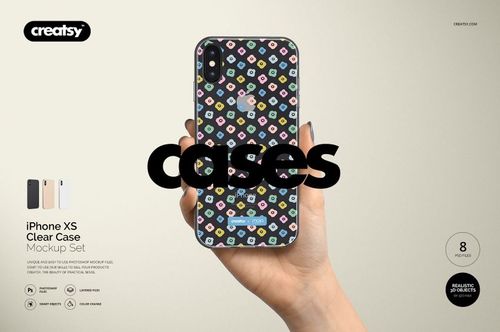
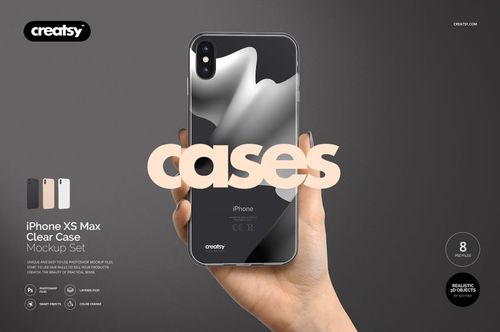
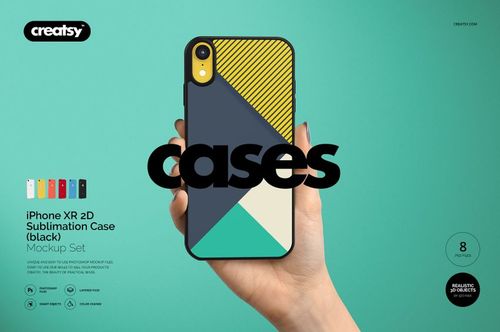
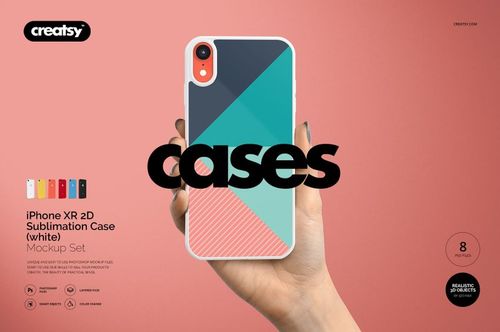
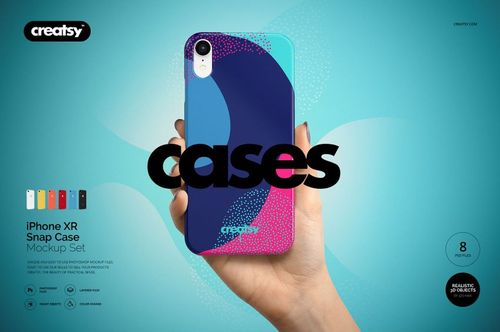
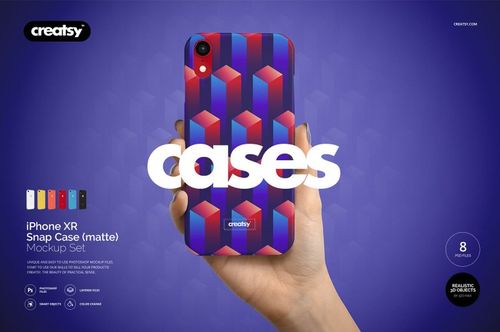
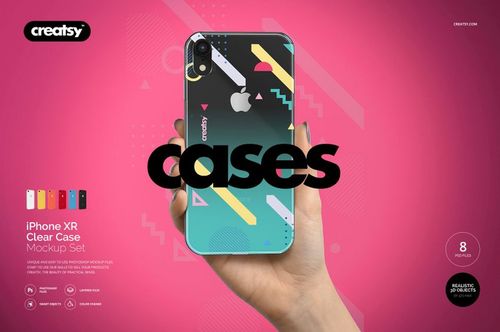
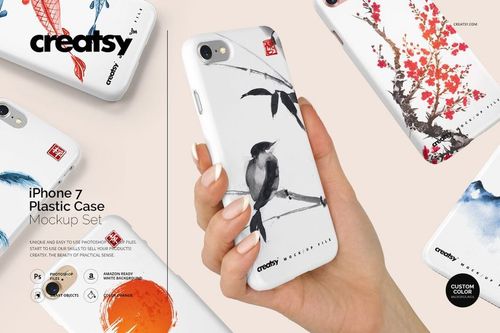
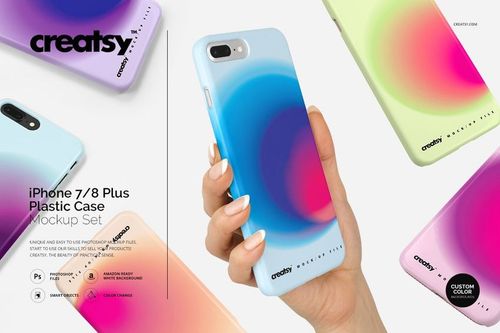
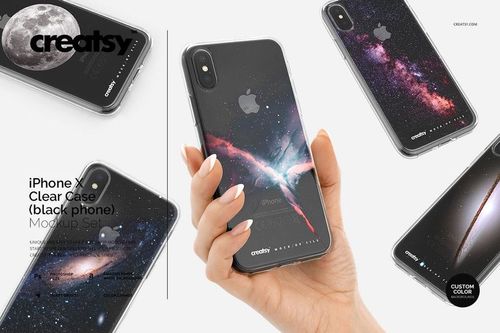
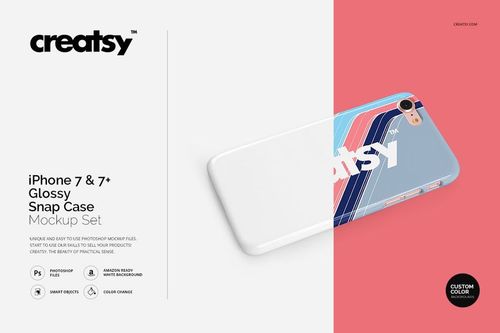
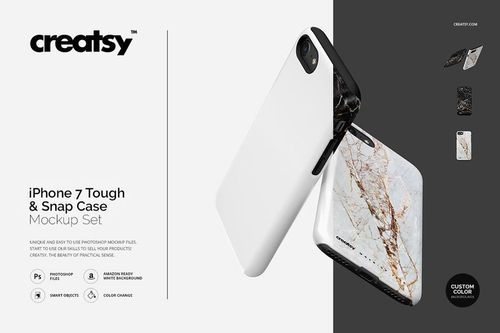
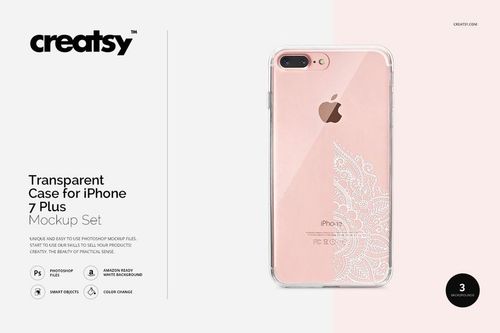
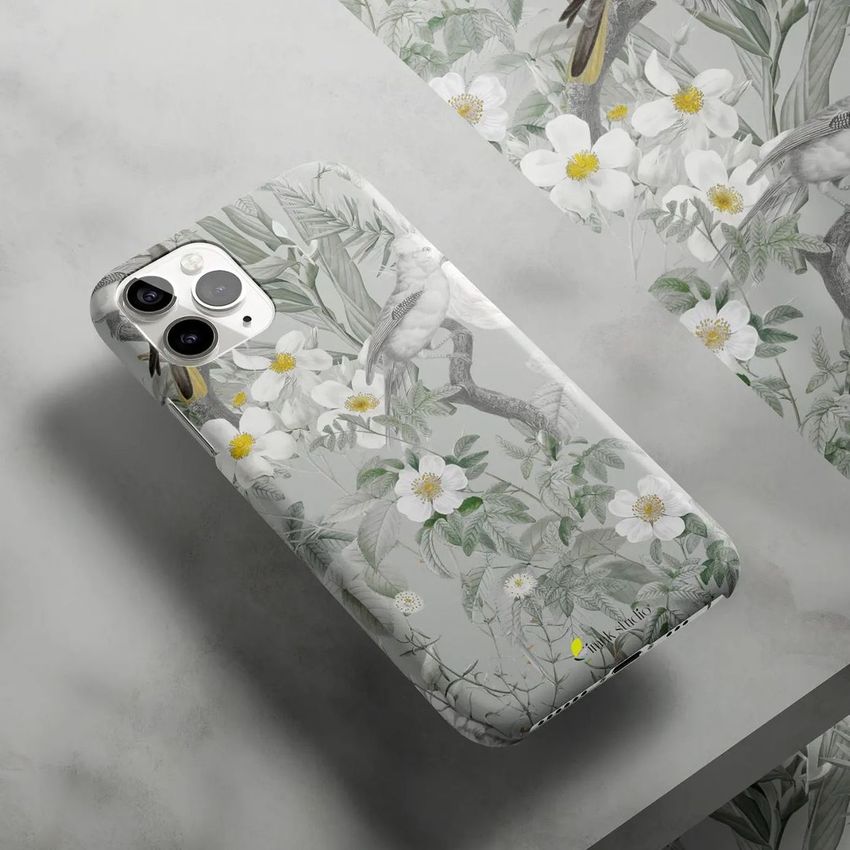
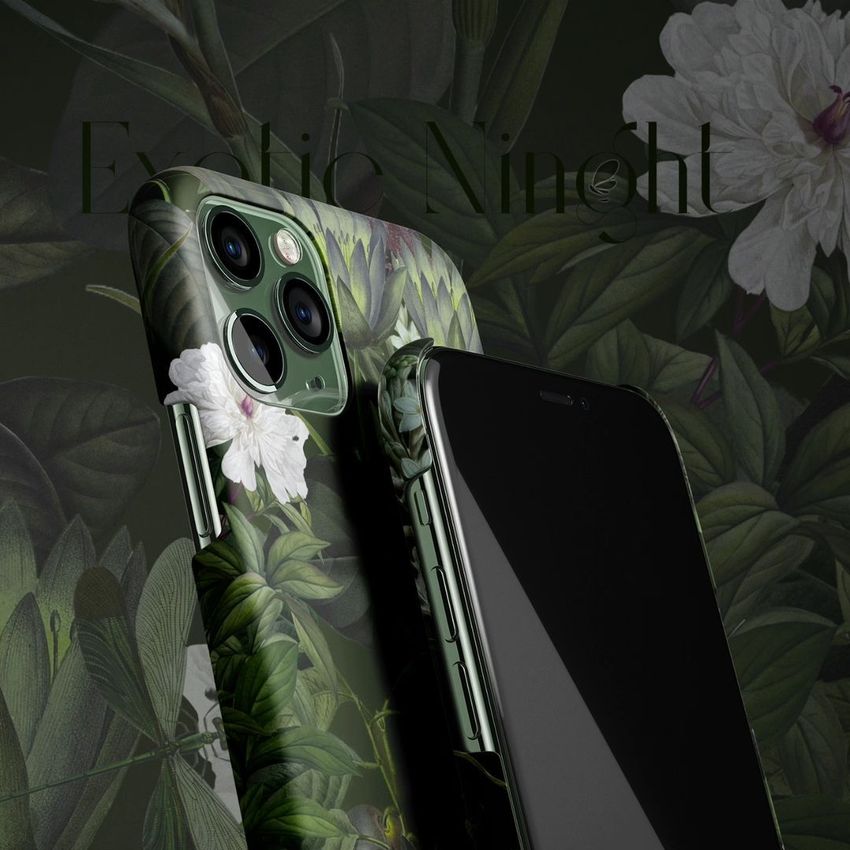
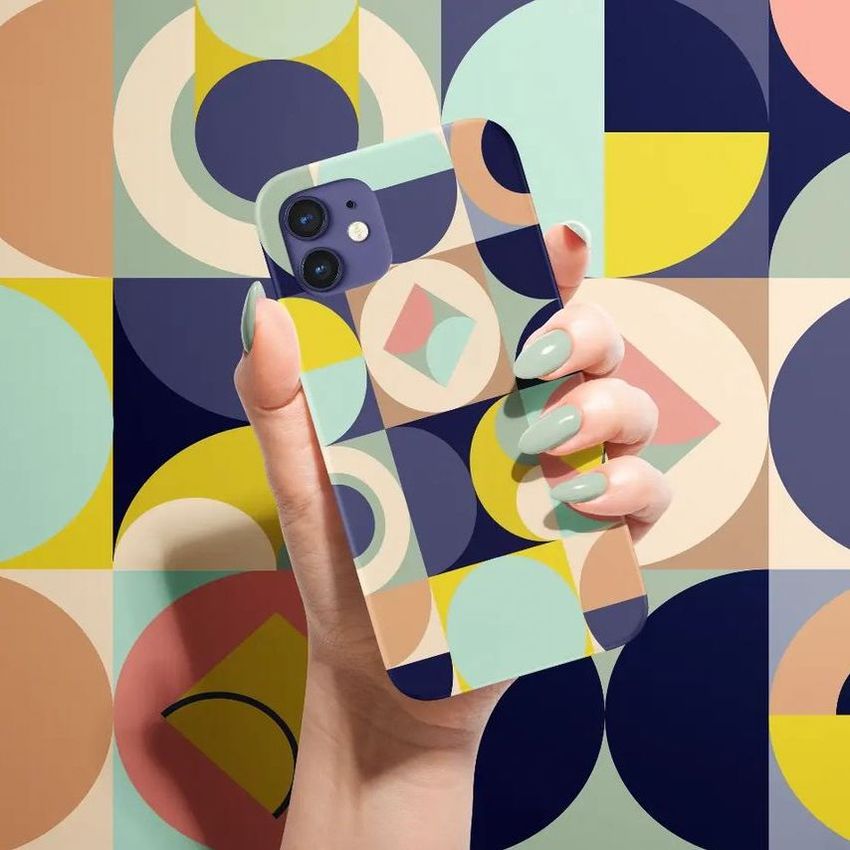
Showcase custom artwork on realistic phone case mockups. Model-specific scenes use 3D case geometry based on real device specs, preserving proportions, camera placement and case shape for listings, ads and presentations.

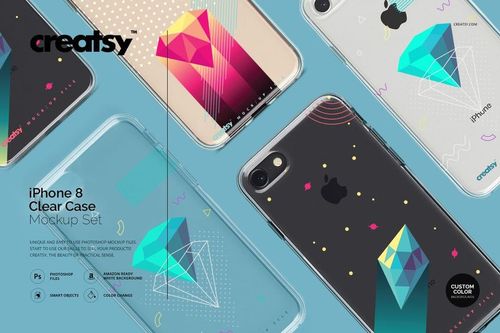
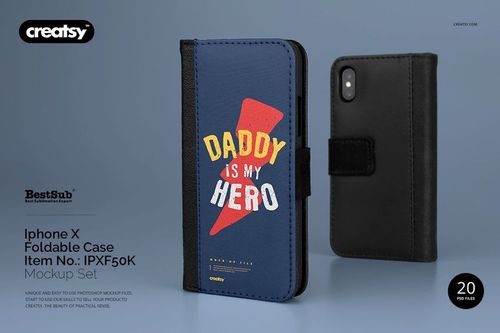
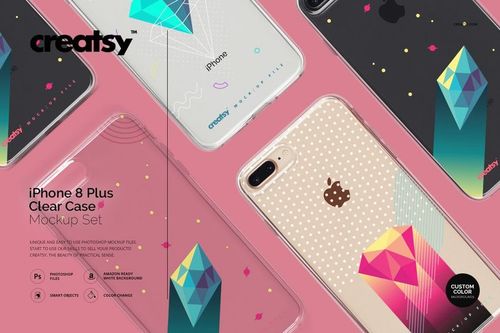
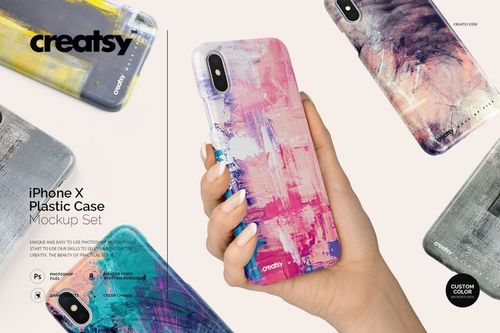



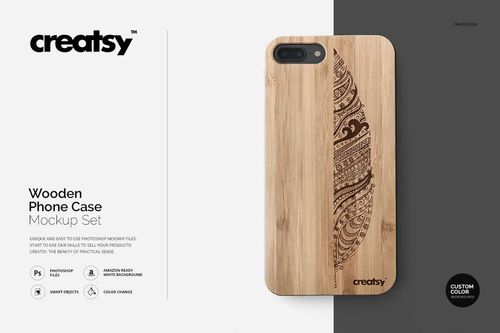
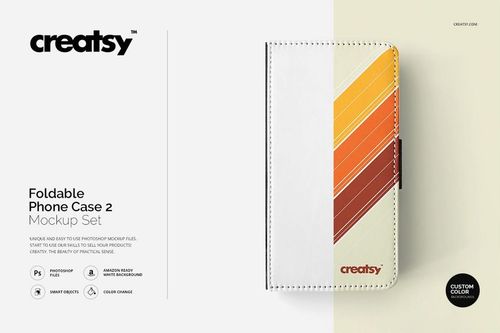
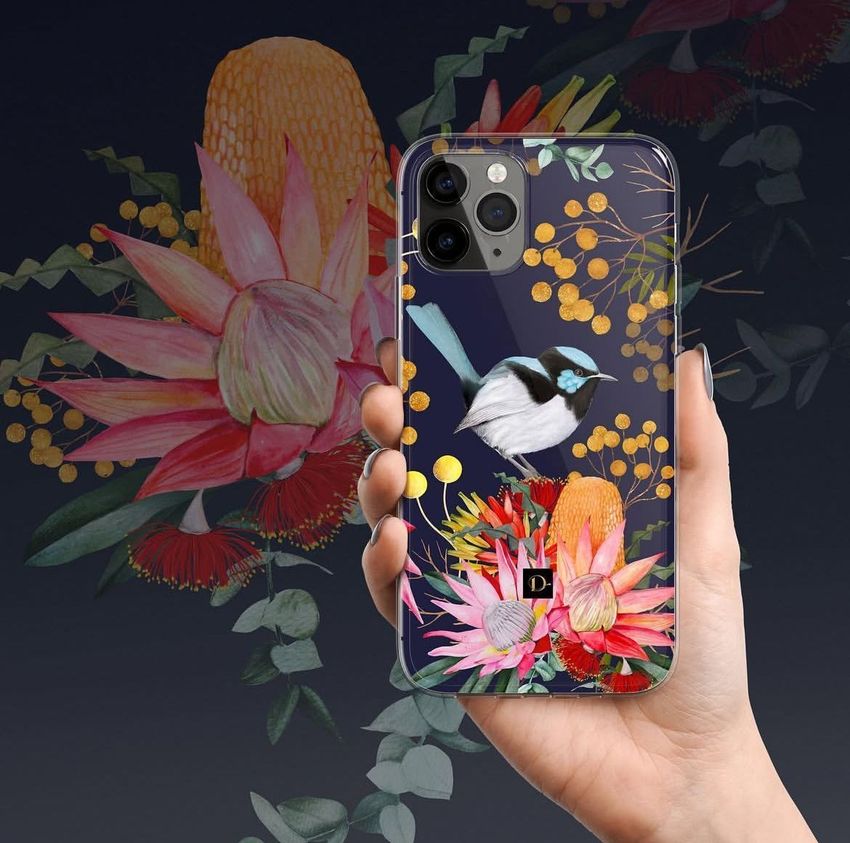
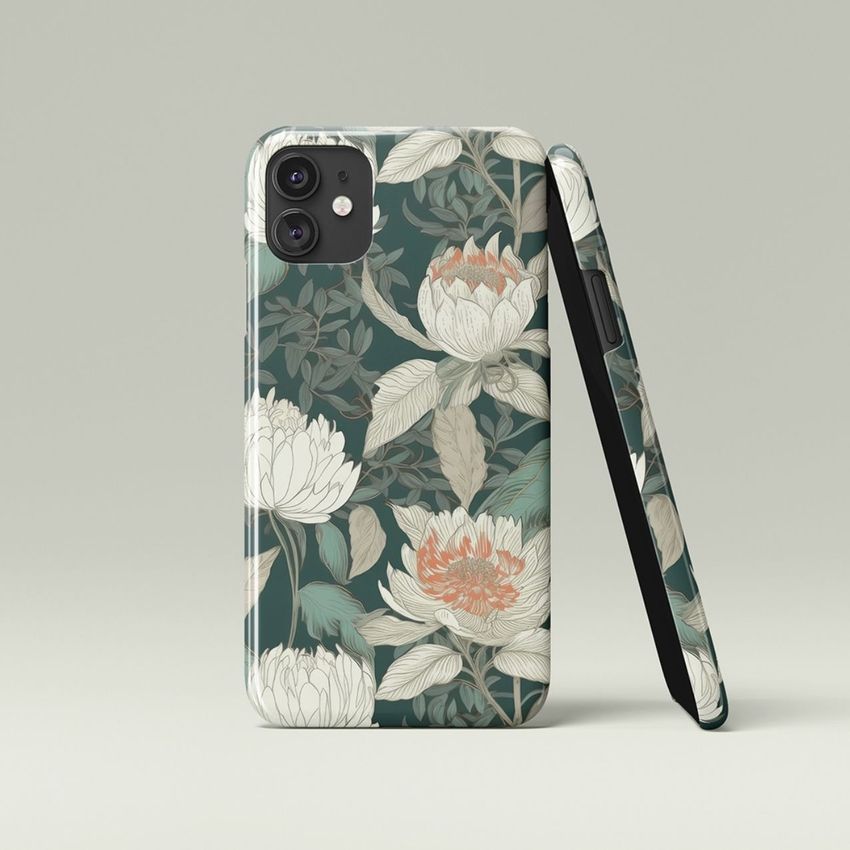
What you get
Professional PSD mockups built in-house - editable, realistic, high-resolution, and supported by real people.
Layered PSD Files
Creatsy mockups are delivered as fully layered Photoshop .psd files, with layers sorted into clearly named groups. Shadows, highlights, and the background each sit on their own editable layer, and nothing is flattened into a single image. Open it in Photoshop or the free browser editor Photopea and get to work.
- Clearly named, organized layer groups
- Shadows and highlights on separate layers
- Editable background, never flattened
- Works in Photoshop or free Photopea
Smart Objects
Open the smart object, paste your artwork, and save. The design lands on the product with the perspective, warp, and wrap already worked out. Scene lighting and shadows fall back on top, so it reads as a photograph, not a flat paste-in. Swapping a design takes seconds, so one file can carry a whole run of variants and colorways.
- Double-click, paste your design, save
- Perspective, warp, and wrap pre-built
- Scene lighting and shadows sit back on top
- One file covers many variants and colorways
High-Resolution Output
Many scenes are built from real product photography rather than 3D renders, so the fabric and surface read like a studio shot. Files export at high resolution and stay sharp at full zoom, with clean edges where the print sits. The same file works for a hero banner, a paid ad or a product listing.
- Real product photography in many scenes
- Exports ready for print
- Holds detail at full zoom
- Works for banners, ads and listings
Easy to Edit
Colors, backgrounds, and artwork sit on separate, clearly named layers, so you swap a color or background without disturbing the rest of the scene. There is no relighting or shadow work to redo, and the same file works for your next project.
- Edit color and background layers directly
- No relighting or shadow rework needed
- No masking or layer skills required
- One file reused across projects
Fast Support
There is a real in-house team behind every file, not a ticket bot. Before you buy, ask whether a specific mockup fits what you have in mind, and we will tell you. When a smart object or a layer group is tripping you up, send the question and you usually get a reply within 48 hours.
- Real in-house team behind every file
- Replies within 48 hours
- Pre-purchase help picking the right mockup
- Answers on smart objects and layer setup
Who are these mockups for?
For print-on-demand phone-case sellers & shops
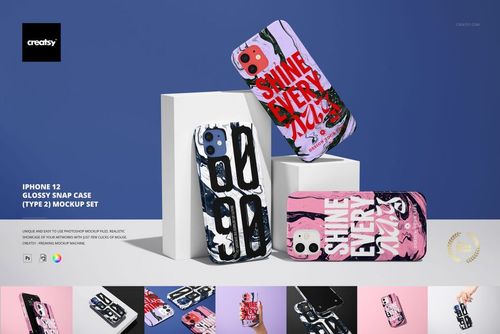
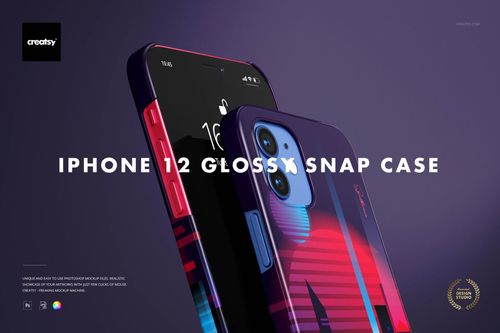
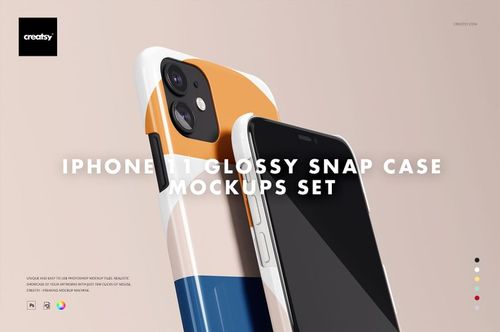
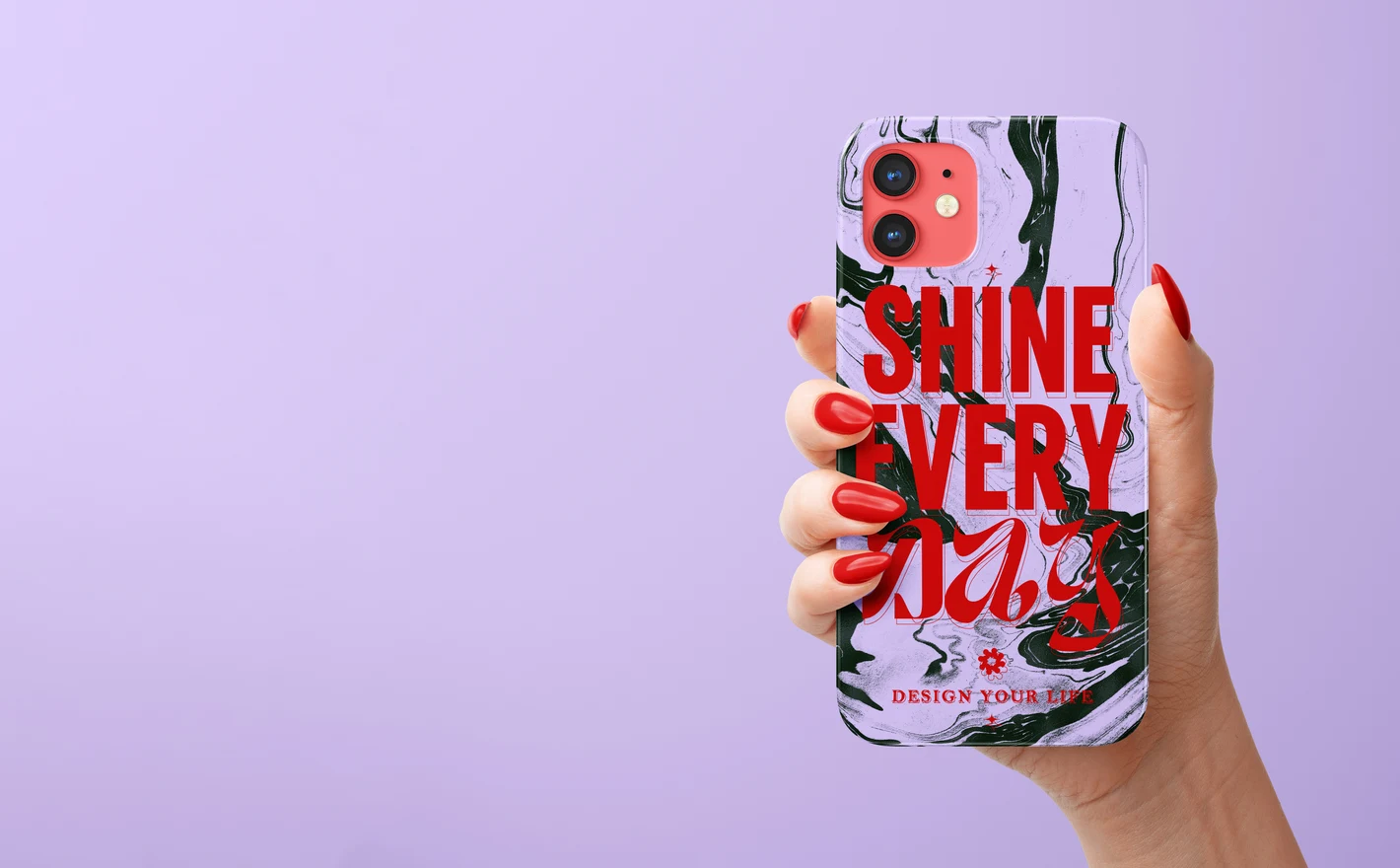
Drop the artwork into the iPhone 12 Glossy Snap Case Mockup Set (type 2) and look at the edges and the camera cutout first, because that's where a case print fails. The listing photo then shows the case the customer gets, and a misplaced motif dies in the mockup instead of in a review.
Listing iPhone 12 cases? View the iPhone 12 Glossy Snap Case Mockup Set (type 2)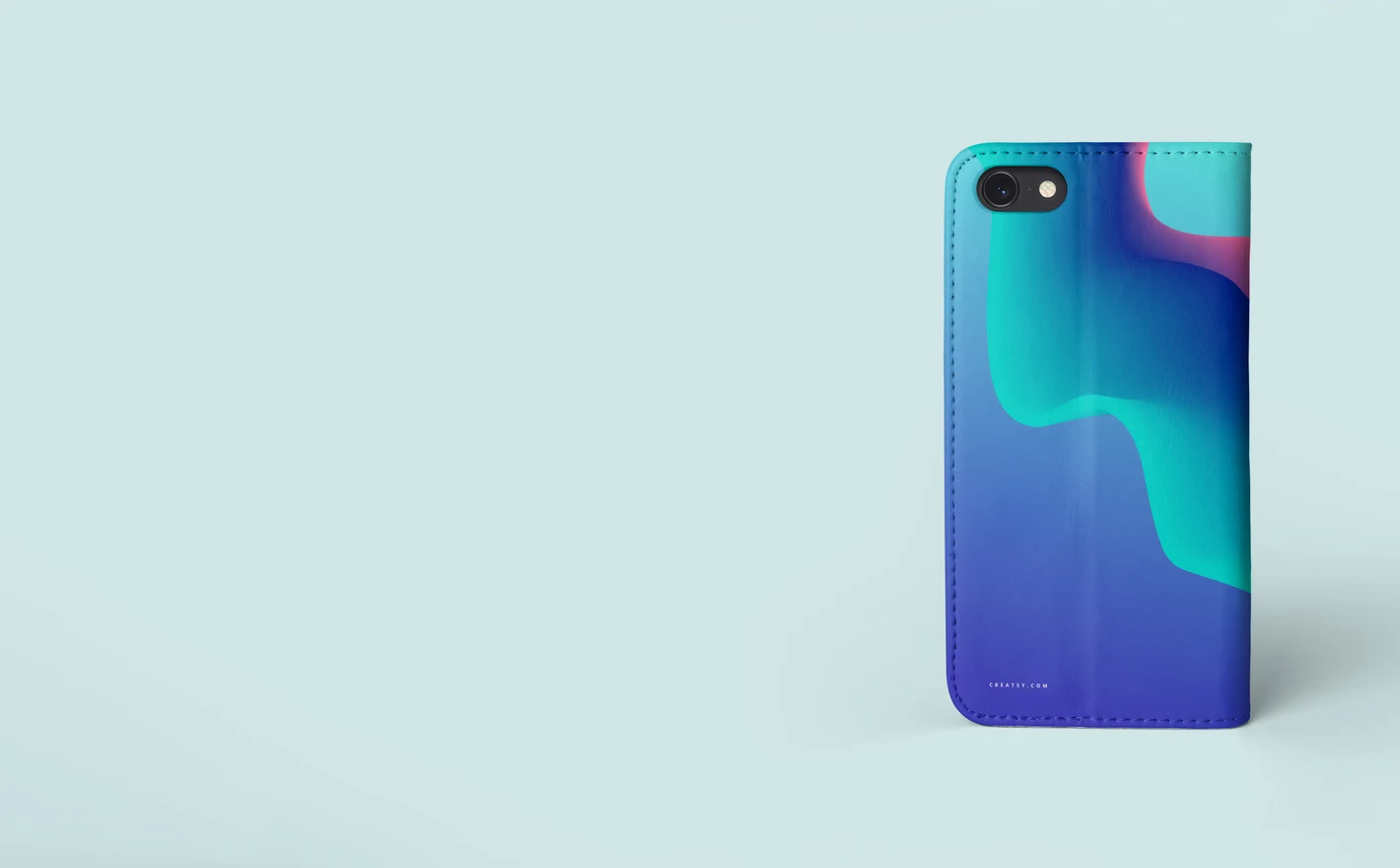
For wallet-case & folio brands
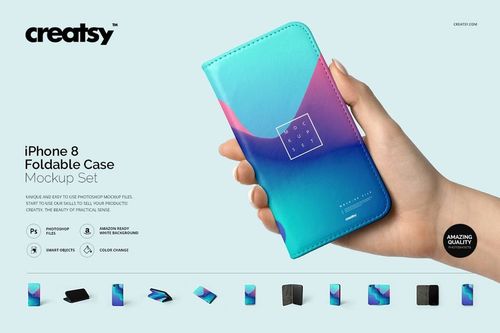
Put the cover artwork into the iPhone 8 Foldable Case Mockup Set and the case shows closed, open and in hand, with the hinge in the frame. Customers buying a wallet case are buying the mechanism, so the listing has to show it working.
Selling wallet cases? View the iPhone 8 Foldable Case Mockup Set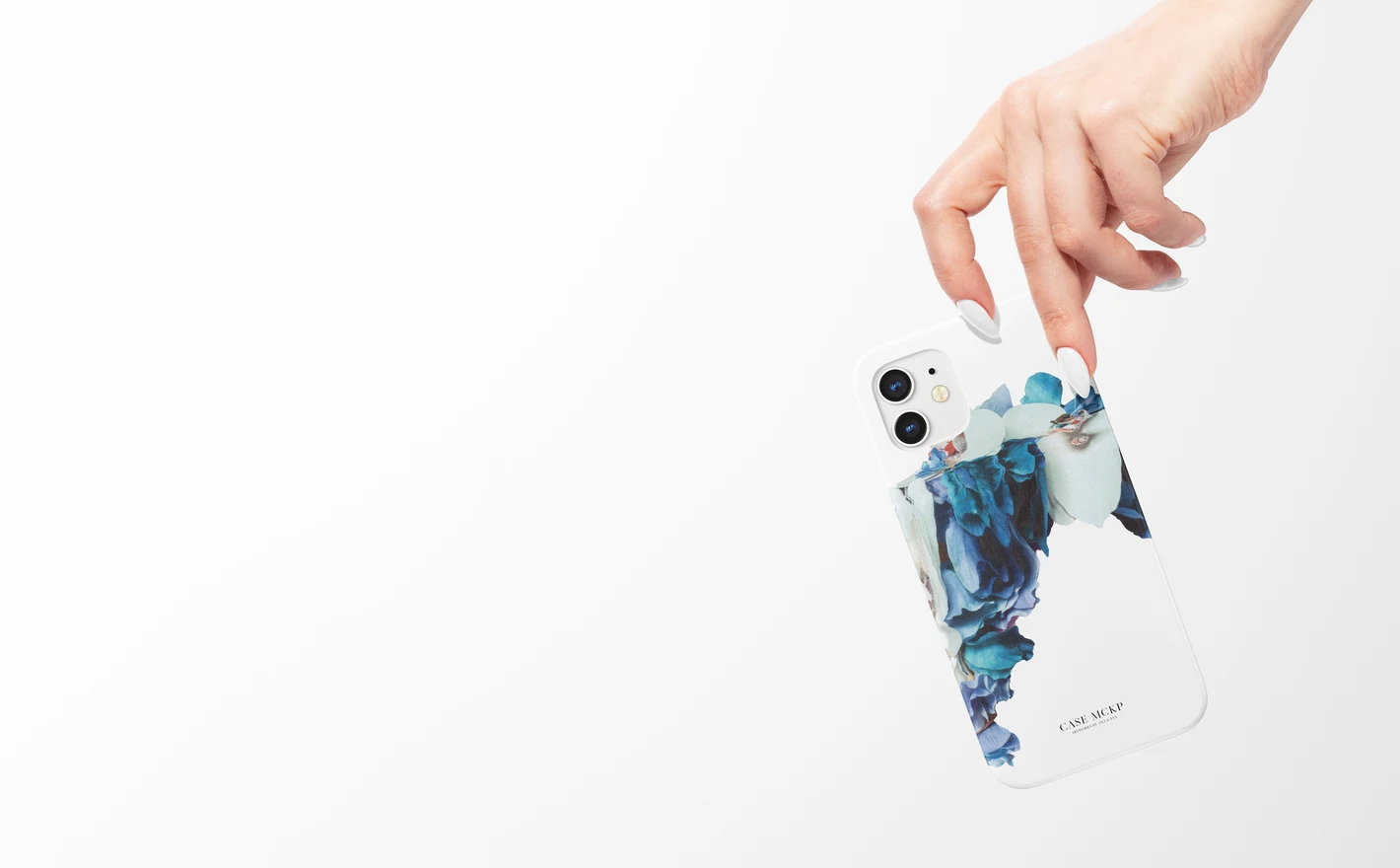
For ecommerce & phone accessory brands
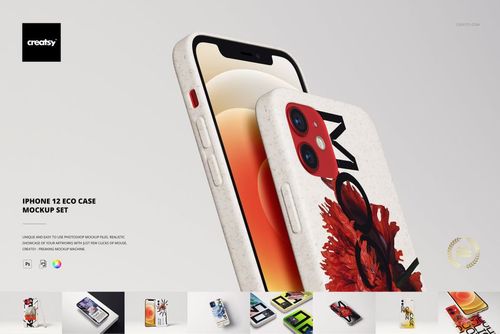
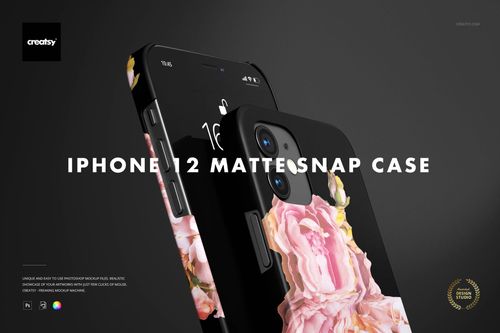
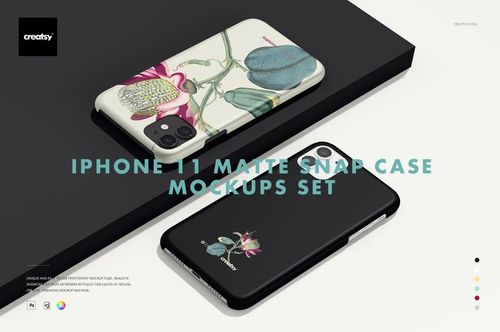
Run the same design through the iPhone 12 Glossy Snap Case Mockup Set, the iPhone 12 Matte Snap Case 1 set and the iPhone 12 Bio Eco Case Mockup Set and the product options sit side by side in matching scenes. The catalog reads as one brand however many finishes it offers.
Offering the eco option? View the iPhone 12 Bio Eco Case Mockup Set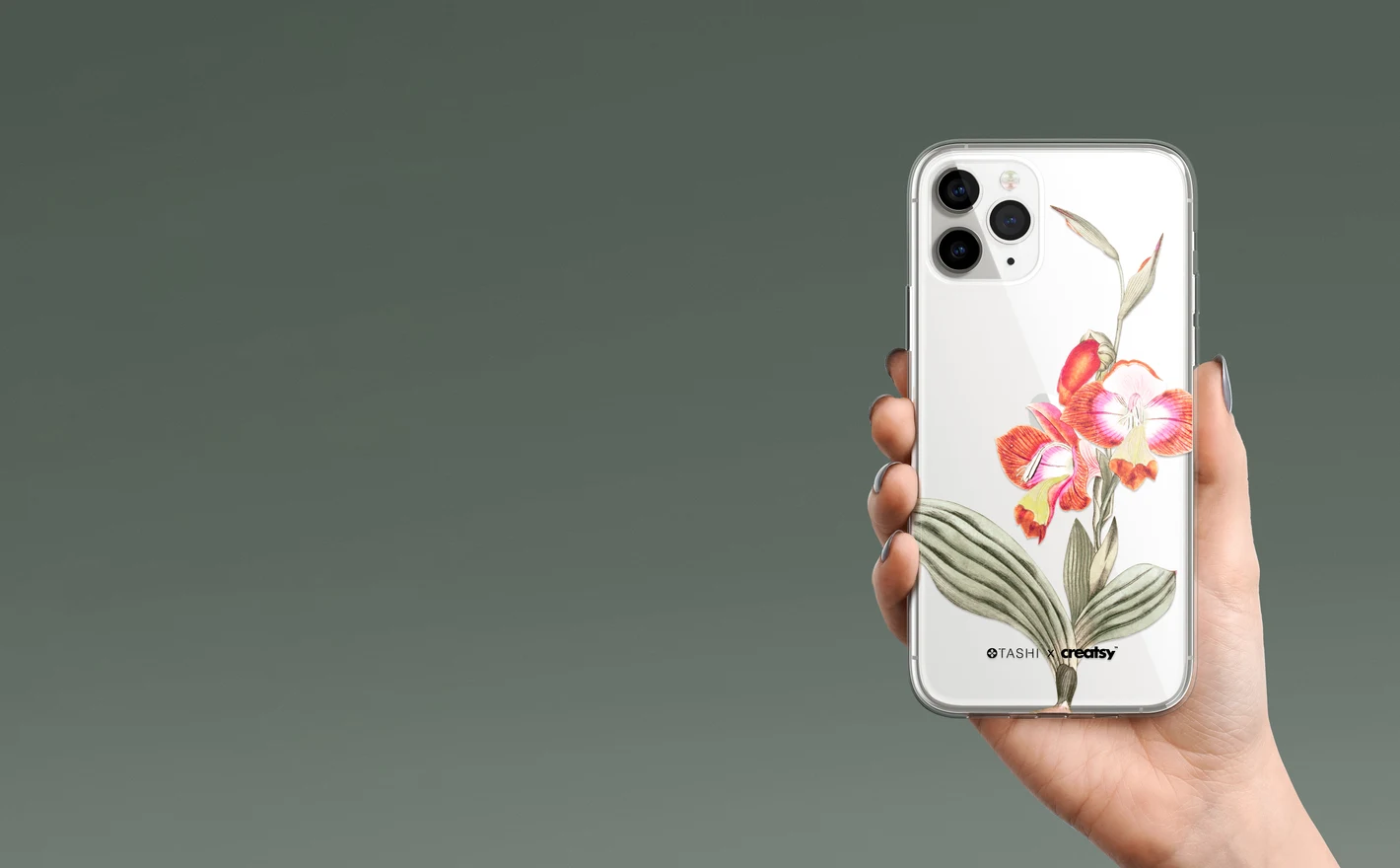
For surface pattern designers & illustrators
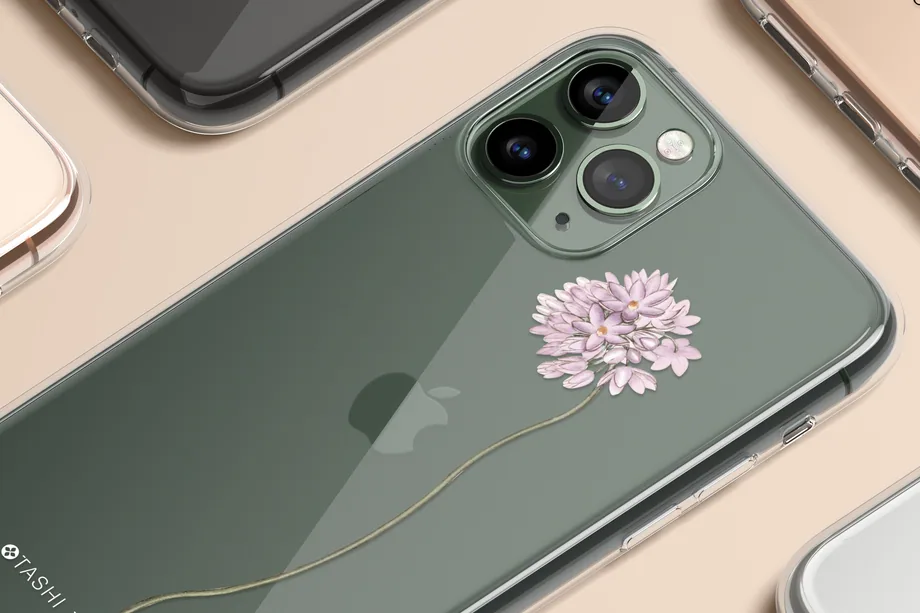
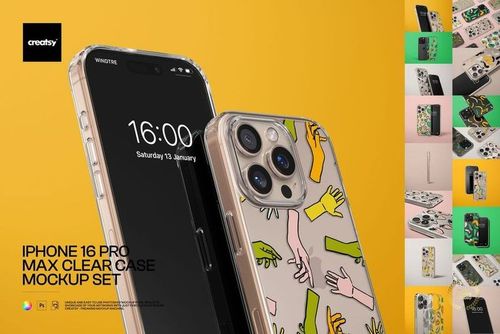
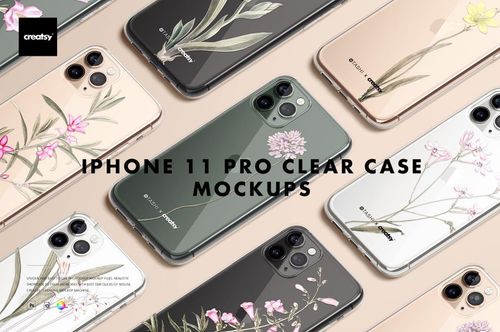
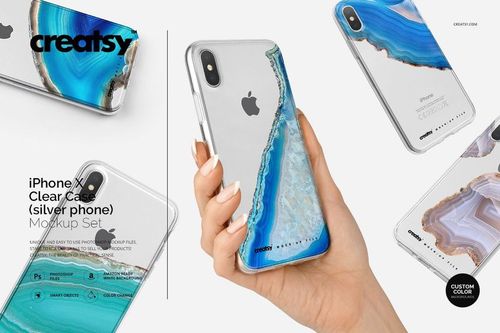
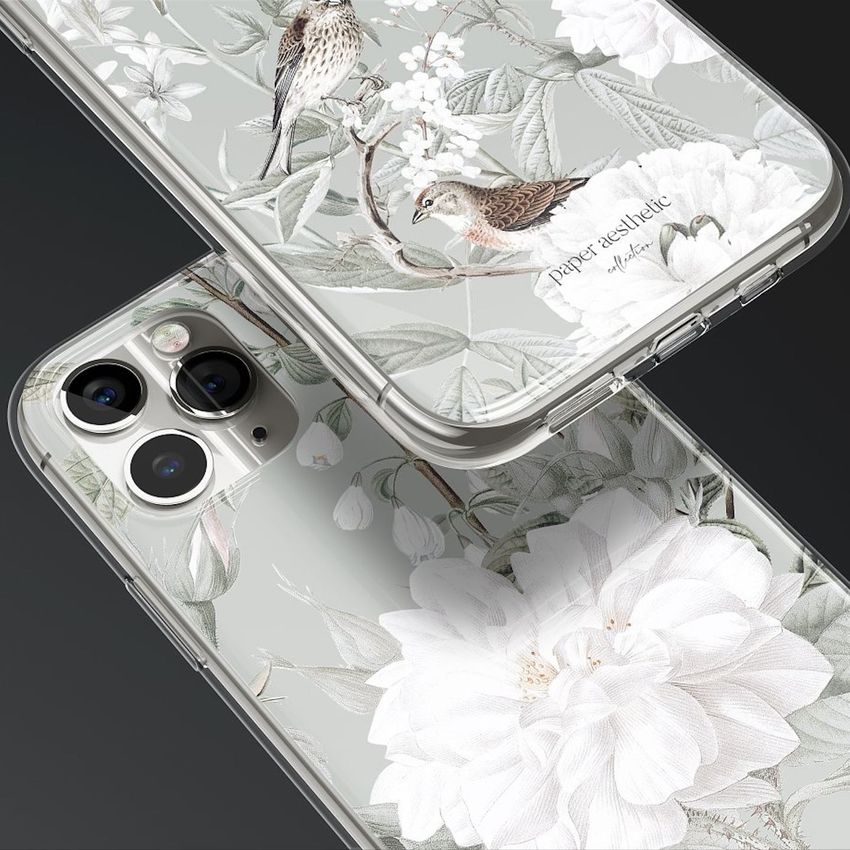
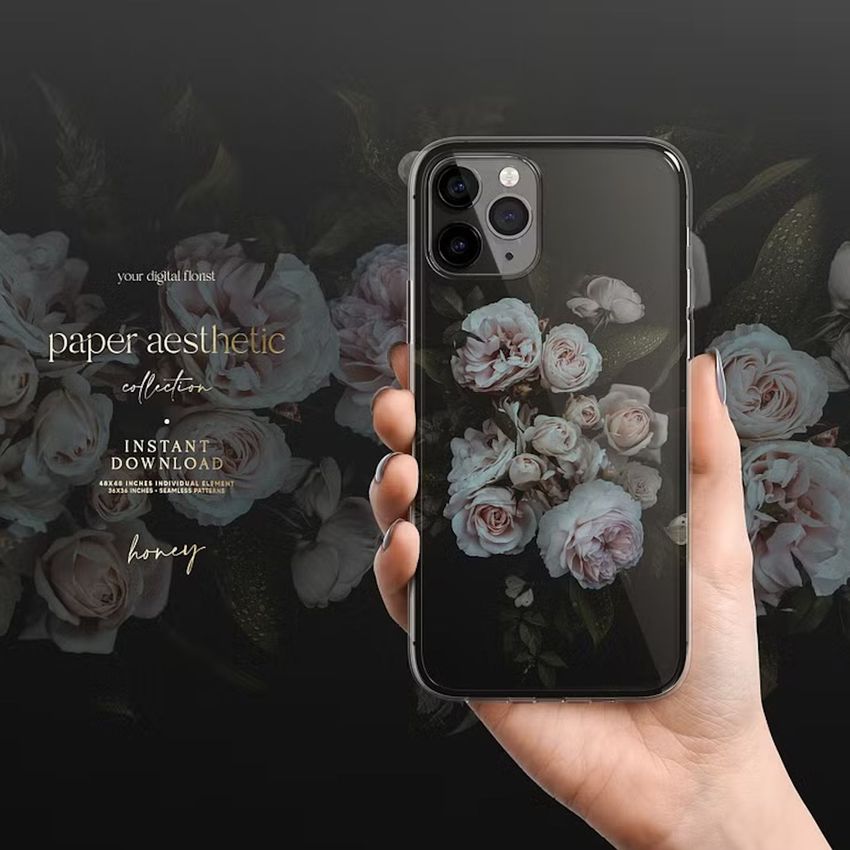
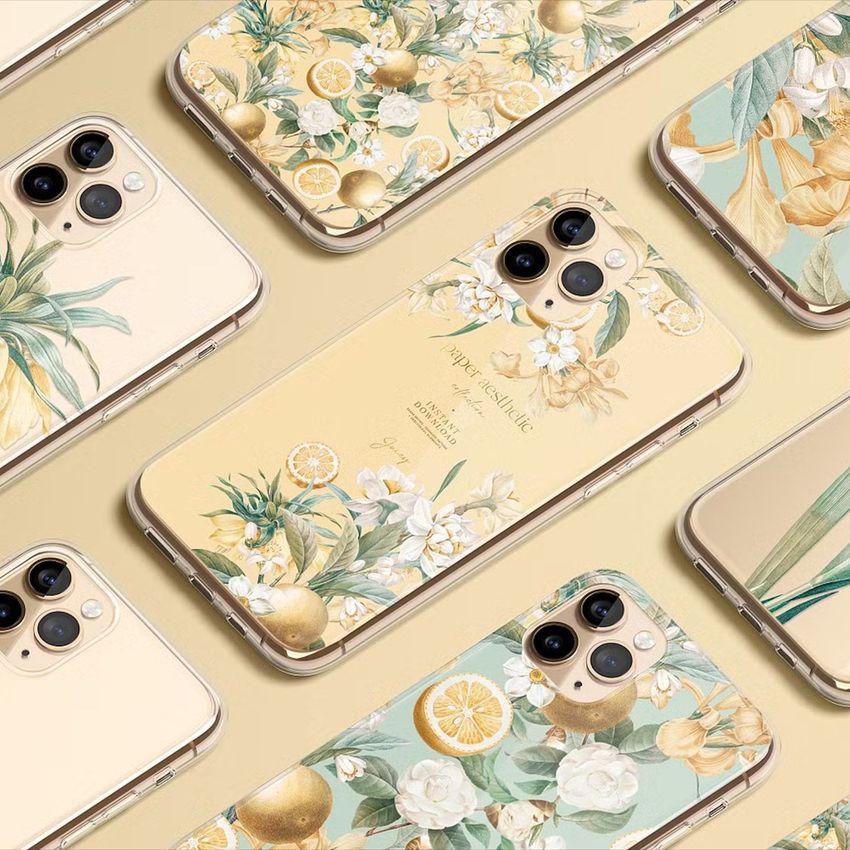
Drop the repeat into the iPhone 11 Pro Clear Case Mockup Set and see how the edges wrap, the corners curve and the camera cuts through the middle of the composition, with the phone color showing through the clear shell. If the motif survives that, it's ready for the licensing deck.
Testing a repeat on a case? View the iPhone 11 Pro Clear Case Mockup Set
FAQs
The catalogue includes glossy, matte, clear and other case styles for named iPhone models, as well as some different cover formats. Check the exact model in the product title and compare the camera opening, edges and buttons. Do not assume that a case for one phone fits or accurately represents another.
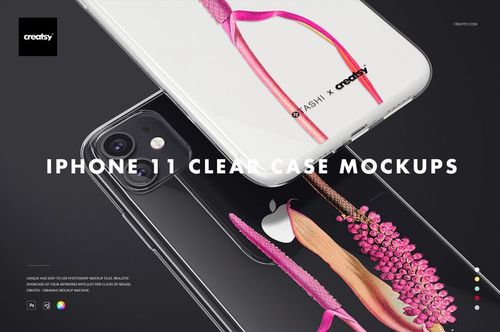
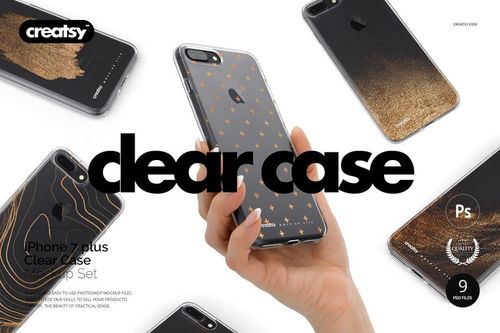
The phone remains visible through the transparent parts of the case. Check the artwork against the underlying phone color and compare the result with the real printing method. White underprinting can change opacity substantially, so do not use a transparent preview when your actual design is printed opaquely.
Choose the finish you sell. Glossy scenes emphasize reflections, while matte scenes present a different surface appearance. A color change alone does not reliably switch between the two. Review the product gallery to see whether highlights obscure any important detail in your design.
For the preview, use the mockup's prepared artwork area and masks rather than cutting a hole by eye. Check that important design elements are not hidden by the camera or edges. For production, follow the case supplier's template, including the actual cutouts, bleed and printable area.
Open the exact product listing and read both the compatibility section and the description. Support can differ between models and file versions. When the information conflicts or Photopea is not mentioned, contact Creatsy with the product name before buying rather than assuming the whole category has the same requirements.
Why use Phone Case mockups?
The phone case range includes iPhone models from the 7 and 8 families through X, XR, XS, 11, 11 Pro and 12, with glossy, matte, clear, bio-eco, plastic and folding wallet styles across the collection. Check the exact model and finish on the product page, alongside the file details, supported software and license options. A camera opening can hide part of an illustration, and curved edges change how a repeat appears toward the sides. Smart Objects place your artwork around the case's shape while retaining its reflections and surface details. Compare the crop, logo position and colors on the model you intend to show. Clear and opaque finishes may call for different artwork, so preview each relevant option. Use the exported images for marketplace listings, ads, social posts and client presentations. A model-specific file should correspond to the case being offered, including its camera cutout and proportions. Each separate model or finish needs its own edit; the same view can then be reused for new patterns and color variations within that product range.
FreeCreatsy® Mockups