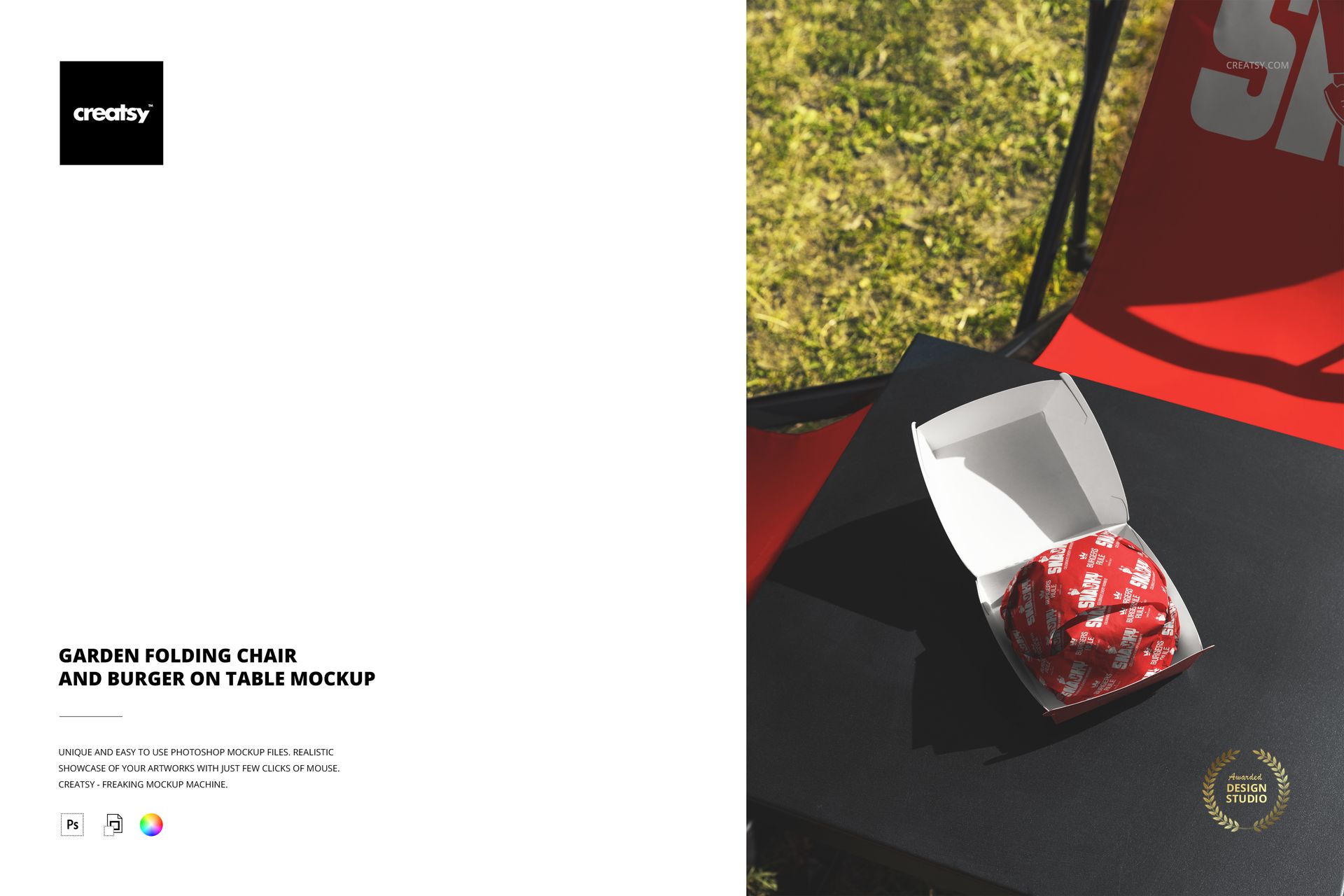
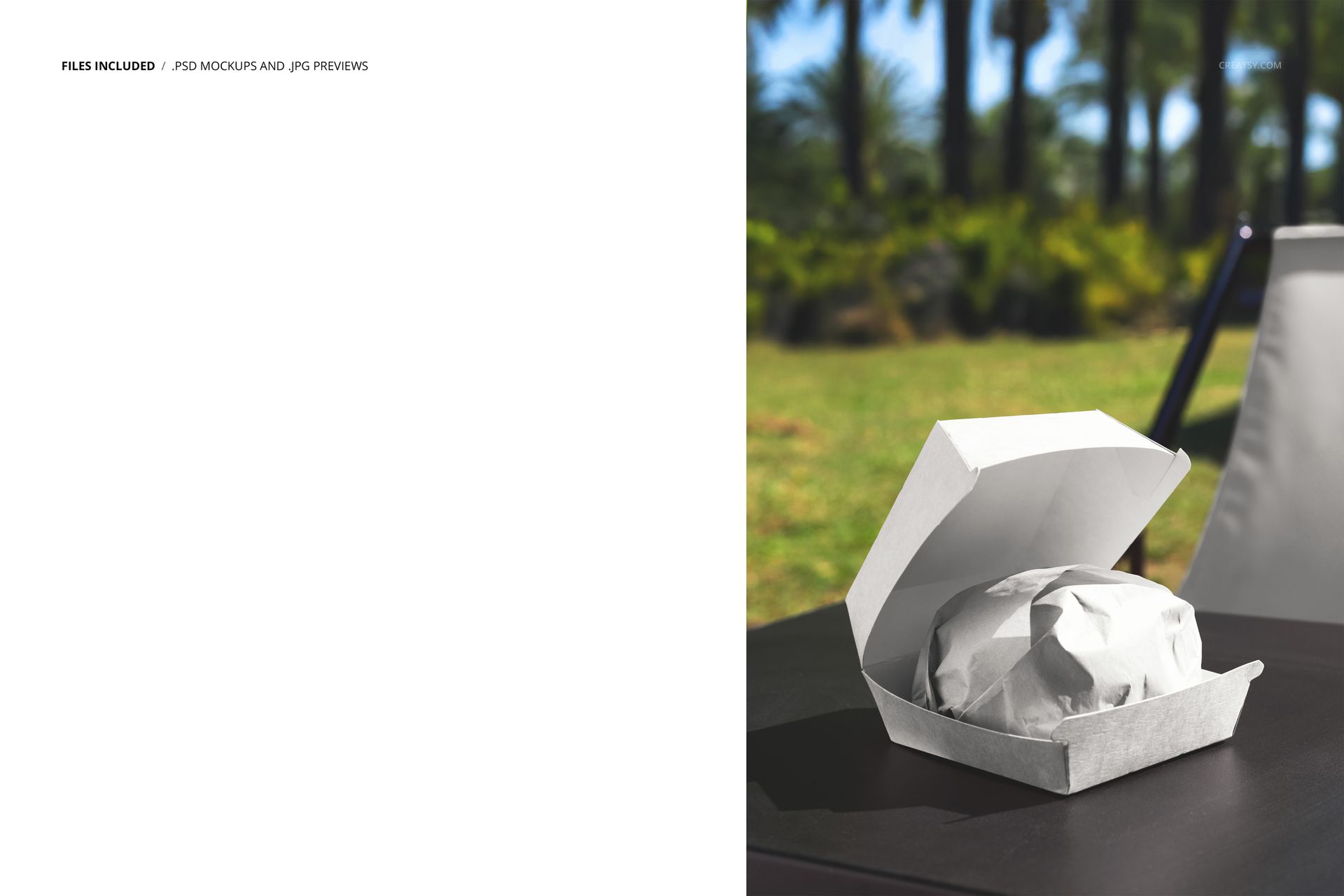
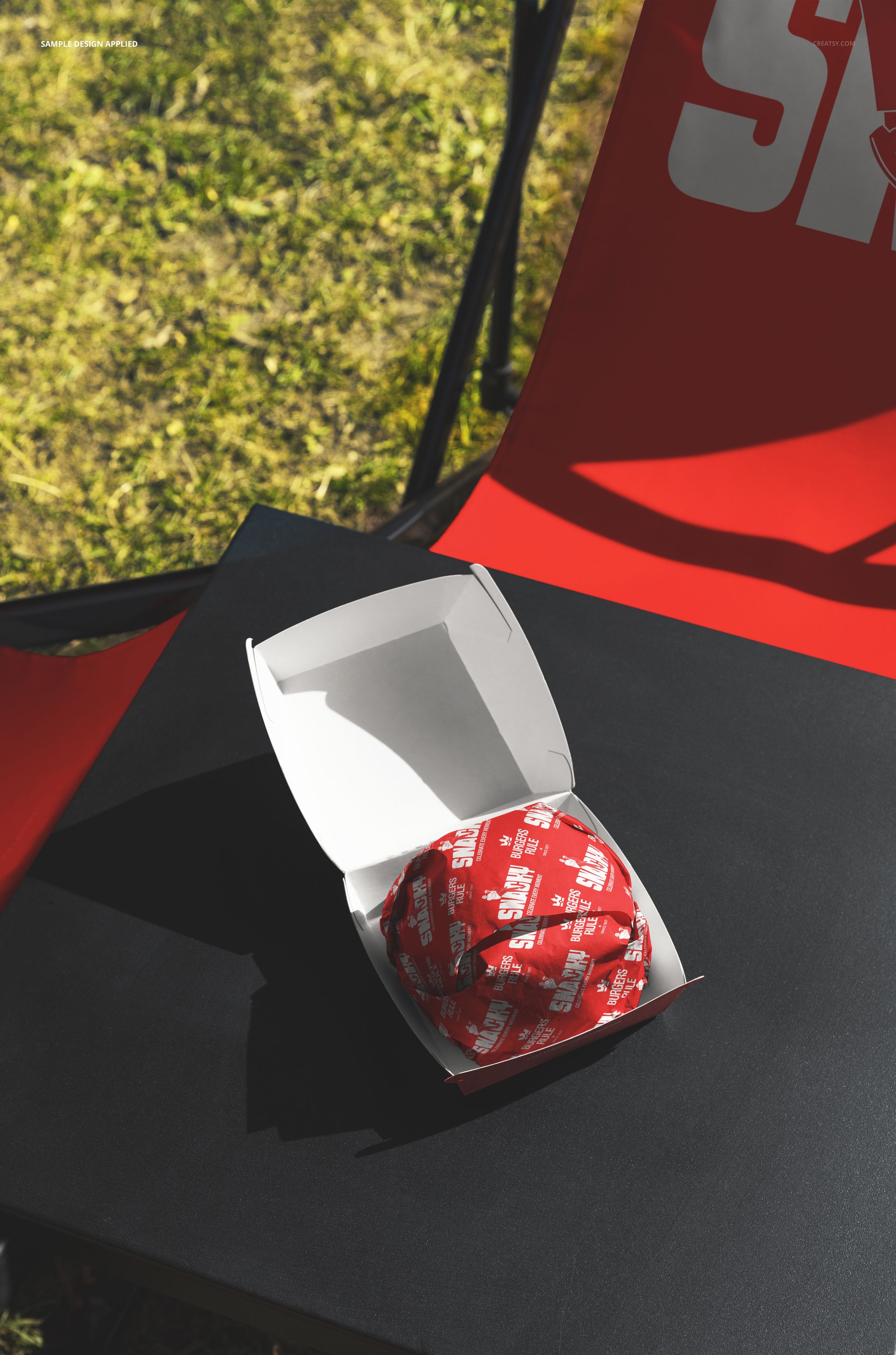
One PSD file at 6000 x 4000 pixels and 300 DPI showing a branded burger box on a table beside a garden folding chair in an outdoor setting. The empty chair is the most important element in this composition. It implies a person who just sat down, who is about to eat, who chose this spot specifically. The burger box on the table in front of that chair is no longer a packaging design exercise - it is the opening frame of a meal that is about to happen. This narrative tension between the food waiting and the person arriving is what separates lifestyle mockups from product photography. The file opens in Adobe Photoshop CC 2020 or newer and in Photopea, the free browser-based PSD editor.
The Empty Chair as Storytelling Device
Product mockups that include furniture create an implied human presence. A burger box on a white surface is a product. A burger box on a table next to a chair is someone's lunch. That distinction matters for food brands because customers do not buy products - they buy the experience of eating. The garden folding chair in this scene signals outdoor leisure: a patio behind a cafe, a sidewalk table at a bistro, a garden party where the catering arrived. Each of these interpretations positions the food brand within a specific lifestyle context that resonates with different audience segments, and all of them are more commercially useful than an isolated packaging shot.
Outdoor Dining Context
The outdoor setting in this mockup places the burger box in the fastest-growing segment of restaurant dining. Patio seating, sidewalk tables, rooftop dining, and garden eating areas have become permanent features of the restaurant landscape rather than seasonal additions. Brands that show their packaging in outdoor dining contexts signal that they understand where their customers actually eat. For restaurants with patio seating, food trucks with nearby table setups, and cafes with garden areas, this mockup reflects their actual service environment rather than an idealized studio version of it.
Brandable Surfaces
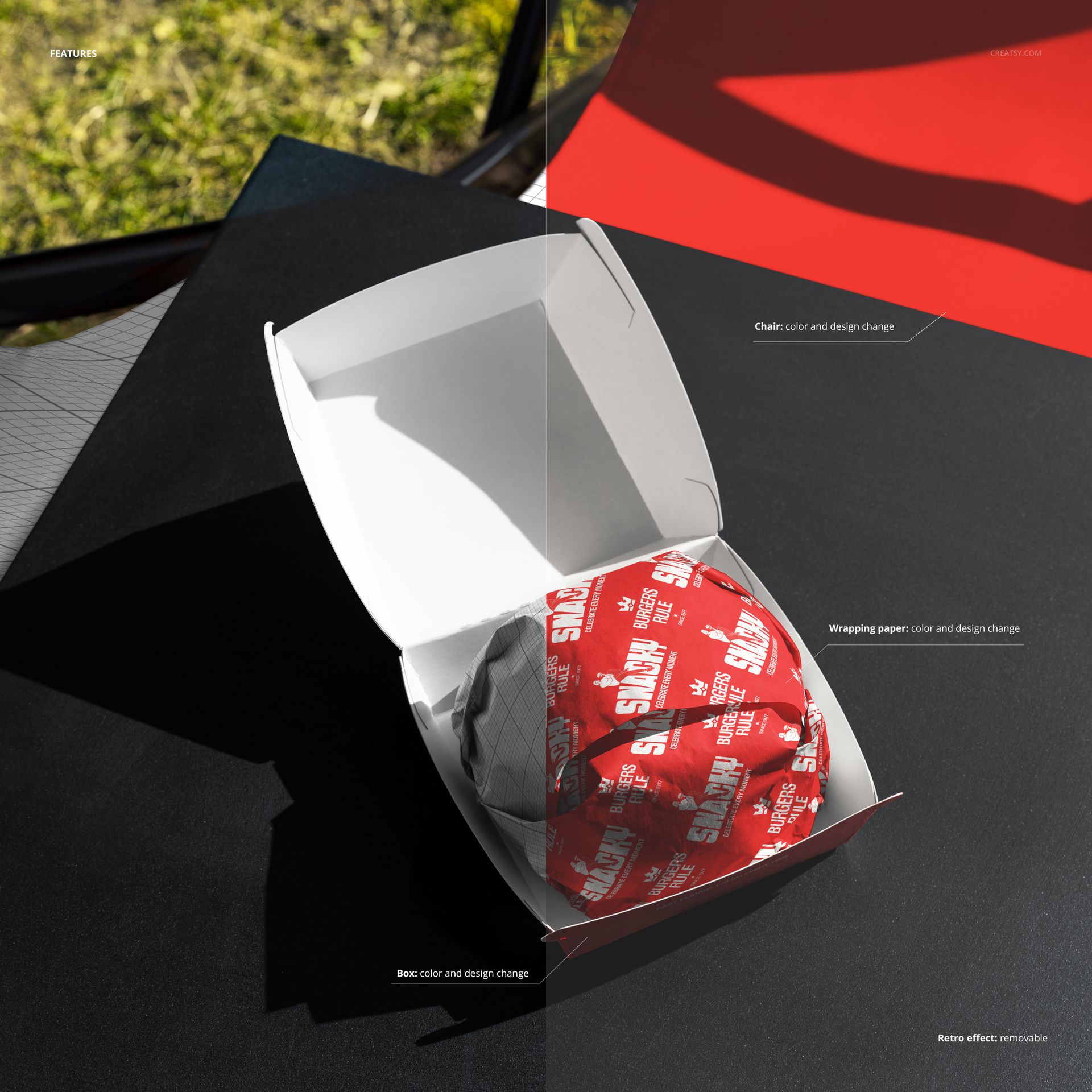
The burger box in the scene accepts your packaging design through the smart object workflow. Open the PSD file in Photoshop CC 2020 or Photopea, double-click the smart object thumbnail in the layers panel, place your box artwork or branded pattern into the embedded canvas, and save. The main document updates with your design mapped onto the box surfaces, incorporating the natural shadows, ambient outdoor lighting, and perspective angles that make the branding appear physically printed on the packaging rather than digitally composited.
Cafe and Restaurant Marketing Applications
This mockup produces images suitable for cafe websites, restaurant social media profiles, Google Business Profile photos, and printed promotional materials. The outdoor dining scene communicates a specific brand promise: we serve food you can enjoy outside, in the sun, in a garden, on a patio. For restaurants promoting their outdoor seating areas, this image becomes a marketing asset that simultaneously showcases the packaging design and the dining experience. For food delivery brands, it shows the packaging in a destination context - the place where the delivered food will actually be consumed.
Technical Specifications
The single PSD file measures 6000 x 4000 pixels at 300 DPI in landscape orientation. The download size is 158.24 MB. Layers are organized and labeled for navigation between the burger box smart objects, table surface, folding chair, background environment, and lighting elements. The file opens in Adobe Photoshop CC 2020 or newer and in Photopea at photopea.com, making it accessible to designers with or without a Photoshop subscription.