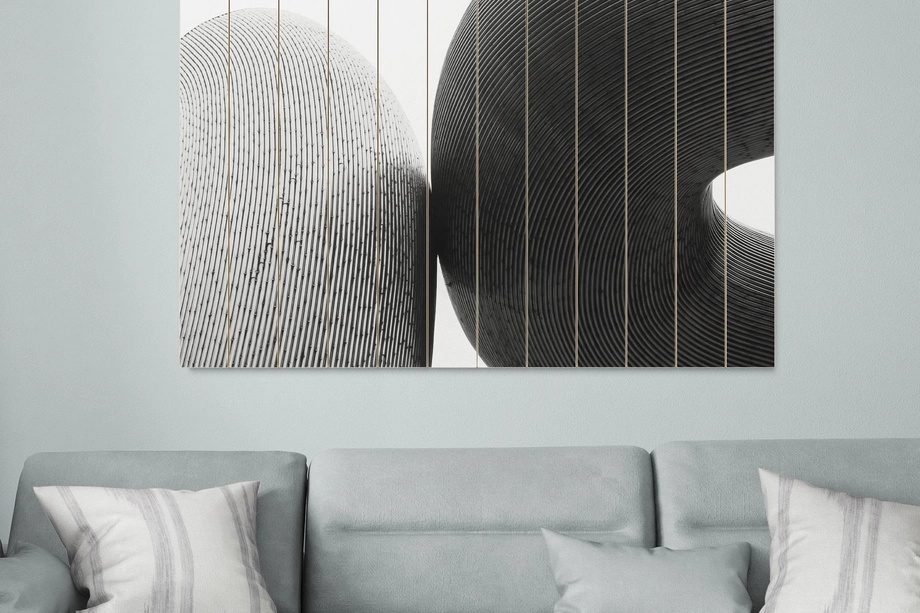
Wood Print Mockups
Explore editable wood print mockups for plywood panels, horizontal and vertical planked wood, and printed wall plaques. Present square, round, portrait, and landscape artwork in clean studio views, detailed close-ups, and selected interior scenes, including concepts with visible wood grain or a simulated white underbase. Add photography, illustrations, typography, or patterns through layered Photoshop files and Smart Objects, then create realistic visuals for product listings, client presentations, portfolios, catalogs, advertising, and social media.
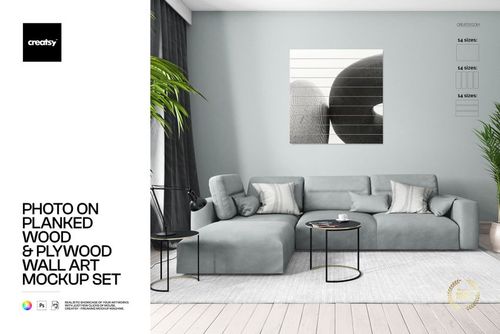

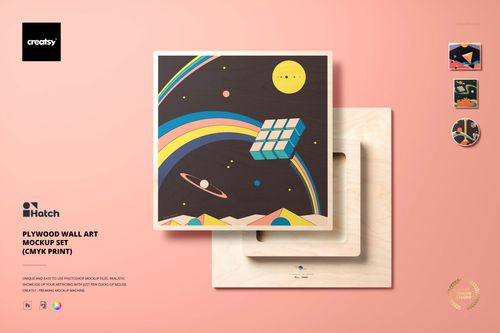
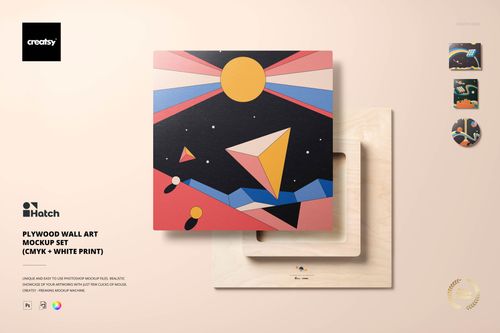
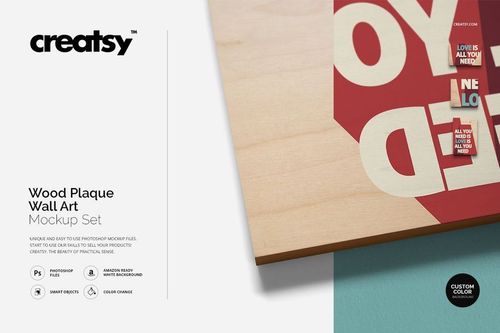
What you get
Professional PSD mockups built in-house - editable, realistic, high-resolution, and supported by real people.
Layered PSD Files
Creatsy mockups are delivered as fully layered Photoshop .psd files, with layers sorted into clearly named groups. Shadows, highlights, and the background each sit on their own editable layer, and nothing is flattened into a single image. Open it in Photoshop or the free browser editor Photopea and get to work.
- Clearly named, organized layer groups
- Shadows and highlights on separate layers
- Editable background, never flattened
- Works in Photoshop or free Photopea
Smart Objects
Open the smart object, paste your artwork, and save. The design lands on the product with the perspective, warp, and wrap already worked out. Scene lighting and shadows fall back on top, so it reads as a photograph, not a flat paste-in. Swapping a design takes seconds, so one file can carry a whole run of variants and colorways.
- Double-click, paste your design, save
- Perspective, warp, and wrap pre-built
- Scene lighting and shadows sit back on top
- One file covers many variants and colorways
High-Resolution Output
Many scenes are built from real product photography rather than 3D renders, so the fabric and surface read like a studio shot. Files export at high resolution and stay sharp at full zoom, with clean edges where the print sits. The same file works for a hero banner, a paid ad or a product listing.
- Real product photography in many scenes
- Exports ready for print
- Holds detail at full zoom
- Works for banners, ads and listings
Easy to Edit
Colors, backgrounds, and artwork sit on separate, clearly named layers, so you swap a color or background without disturbing the rest of the scene. There is no relighting or shadow work to redo, and the same file works for your next project.
- Edit color and background layers directly
- No relighting or shadow rework needed
- No masking or layer skills required
- One file reused across projects
Fast Support
There is a real in-house team behind every file, not a ticket bot. Before you buy, ask whether a specific mockup fits what you have in mind, and we will tell you. When a smart object or a layer group is tripping you up, send the question and you usually get a reply within 48 hours.
- Real in-house team behind every file
- Replies within 48 hours
- Pre-purchase help picking the right mockup
- Answers on smart objects and layer setup
Who are these mockups for?
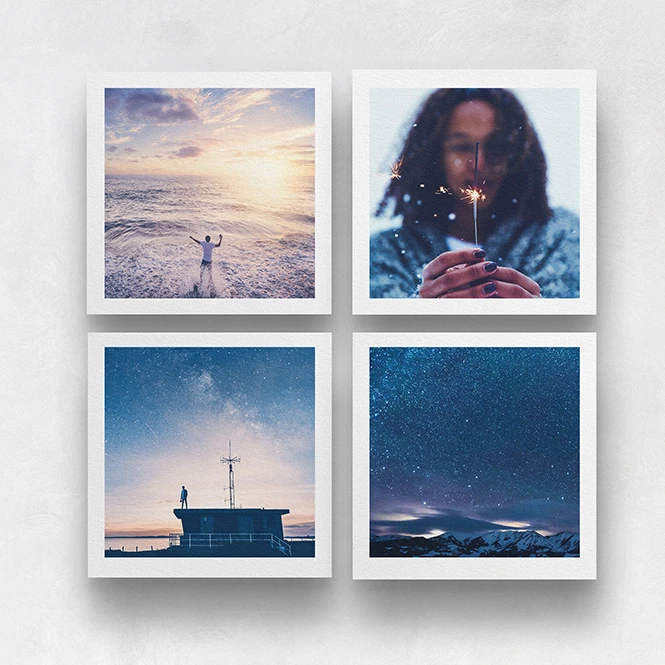
For artists, photographers & illustrators
Present photography, paintings, illustrations, and typographic artwork on plywood, planked wood, and printed wall plaques. Use studio views, close-ups, and interior scenes for portfolios, online shops, gallery proposals, client approvals, launch campaigns, and social media.
Offering paper editions too? Browse Photo & Fine Art Print mockups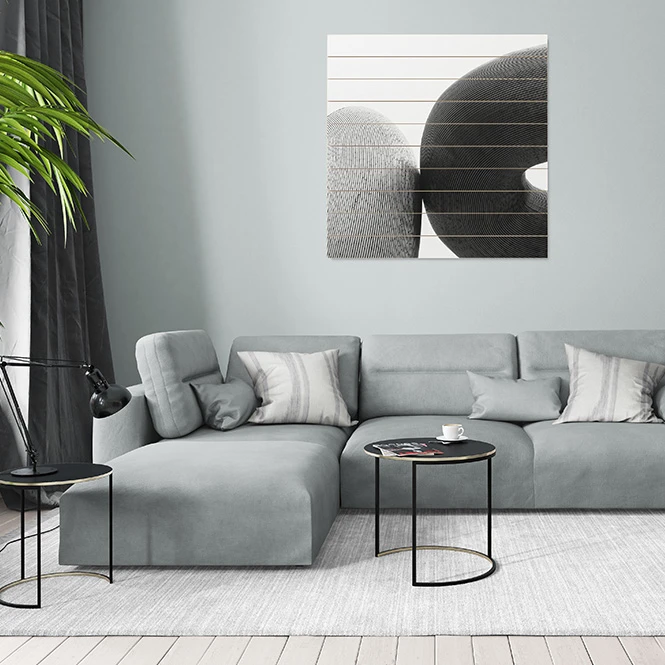
For interior designers, galleries & home decor brands
Use selected room scenes to communicate the intended mood and relative visual scale of wood artwork in context. Combine product-focused views with interior presentations for client proposals, lookbooks, exhibition concepts, catalogs, and social media.
Need a wider selection of styled rooms? Browse Living Room & Decor Scenes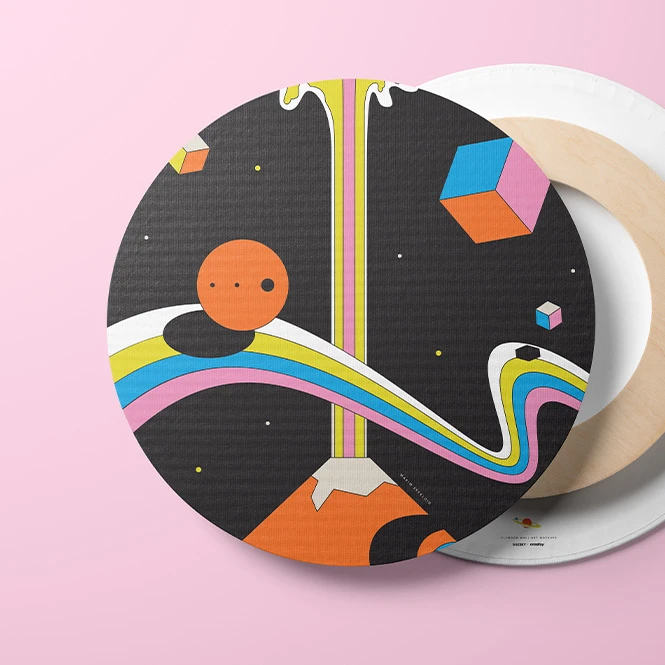
For online wall-art & print-on-demand sellers
Create coordinated listing images across square, round, portrait, landscape, plywood, planked, and plaque formats. Present several artwork directions without producing and photographing every early design variation.
Building a wider wall-art collection? Browse Canvas Print mockups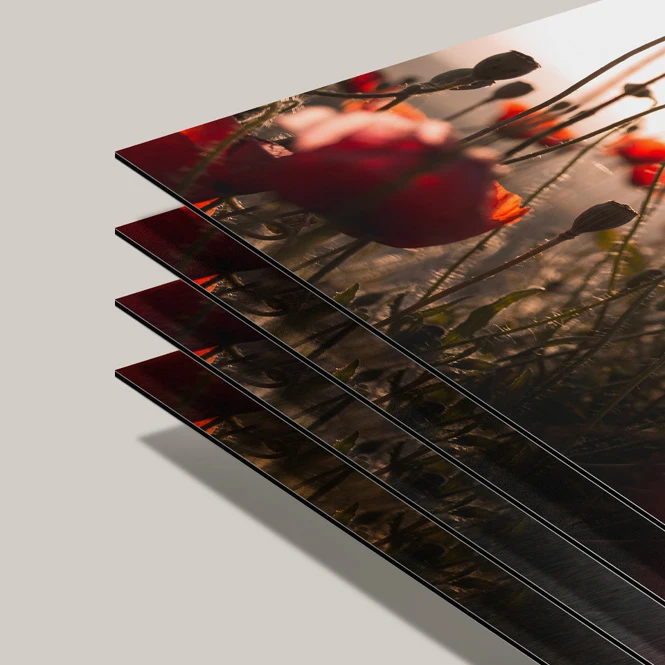
For wood print shops & personalized decor brands
Show customers the intended format, shape, grain direction, panel construction, and visual difference between direct-color and white-underbase concepts. Use the finished visuals in product pages, catalogs, consultations, custom-order previews, and retailer presentations before the final production artwork is prepared.
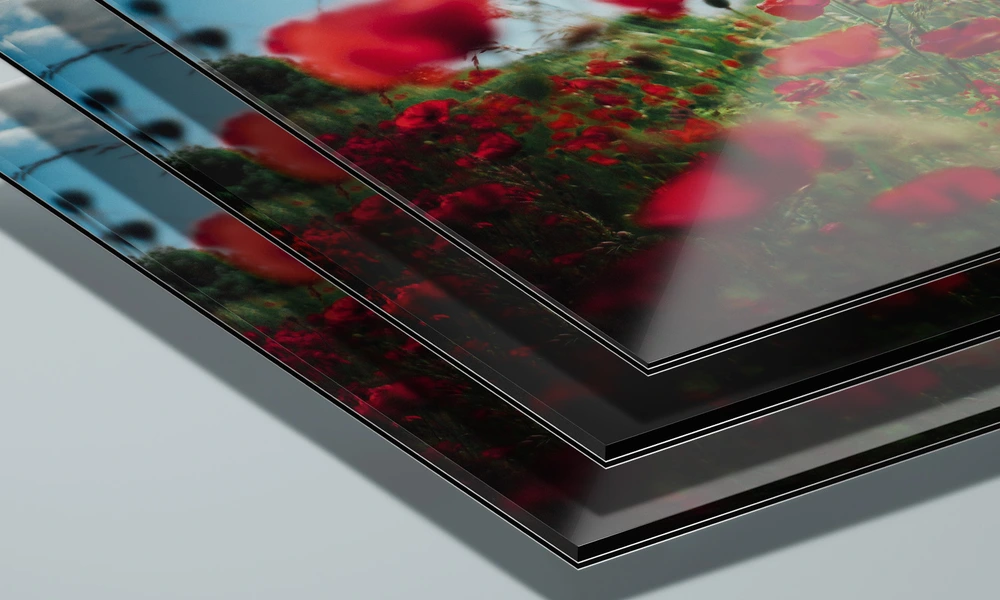
Offering additional premium surfaces? Browse Metal & Acrylic Photo Print mockups
FAQs
The collection includes plywood wall art, horizontal and vertical planked wood panels, and printed wood plaque mockups. Available presentations include square, round, portrait, and landscape formats, together with studio views, close-ups, multiple panel sizes, and selected interior scenes. Exact dimensions, viewing angles, and editable elements vary between products, so check the individual preview gallery before purchasing.
The CMYK-only version is designed to visualize artwork printed directly over a visible wood surface, allowing the natural tone and grain to influence the overall appearance. The CMYK + white-underbase version visualizes a white layer beneath selected color areas, which can reduce the influence of the wood tone and create a more opaque or brighter presentation. These are visual concepts, not calibrated production proofs. The actual result depends on the printer, ink, white-layer density, substrate, coating, color profile, and production settings used by the selected manufacturer.
In these mockups, planked wood uses several visible boards with horizontal or vertical seams, creating a more rustic and segmented surface. Plywood is presented as one continuous panel face without the same plank divisions. The Wood Plaque Wall Art Mockup Set focuses on smaller square, portrait, and landscape wall-plaque formats shown in product-focused views. The plaque mockup visualizes printed artwork. It should not be used to represent engraving, carving, etching, or wood-burning effects unless those effects are explicitly included and shown on the product page.
Artwork is added through editable Smart Objects. Depending on the selected product, you may also be able to change the wood-panel design, background color or artwork, selected room surfaces, furniture colors, curtains, rugs, pillows, walls, or other scene details. The files are designed for Adobe Photoshop. Selected products also list Photopea compatibility, but the current product descriptions and compatibility icons are not fully consistent. Check the individual product page before purchasing. Sets contain separate PSD files, so artwork must be added to each required scene and editable surface individually.
No. A mockup visualizes the intended product format, wood character, grain direction, seams, edges, white-underbase concept, and overall artwork presentation. It does not guarantee the final printed color, opacity, grain visibility, gloss, texture, material construction, or durability. Use the manufacturer's exact dimensions, production template, white-ink instructions, color profile, material specifications, sample, and physical proof for final approval. A wood appearance also does not prove that the final product is environmentally responsible. Claims such as FSC-certified, reclaimed, recycled, responsibly sourced, or sustainable must be supported by the actual supplier, material documentation, and applicable chain-of-custody certification.
Why use Wood Print mockups?
Wood changes the way artwork is perceived. Natural tone, grain, knots, plank seams, panel edges, and surface construction can remain visible around or beneath the design, creating a different result from paper, canvas, acrylic, or metal. Wood print mockups help transform a flat artwork file into a clearer product presentation. Use plywood mockups to compare square, round, and rectangular wall-art concepts. The CMYK-only and white-underbase versions can communicate two different intended relationships between the artwork and the visible wood surface. They should be treated as presentation directions rather than exact predictions of the final printing process. Planked wood scenes help show how photography, illustration, or typography interacts with horizontal or vertical board seams. Product-focused views are useful for listings and catalogs, while selected interior scenes add context for client presentations, gallery proposals, advertising, and social media. Wood plaque mockups provide additional square, portrait, landscape, and close-up views for printed decor products. Layered Photoshop files and Smart Objects let you replace sample artwork while preserving the prepared perspective, wood texture, seams, lighting, shadows, and panel depth. Depending on the selected product, you may also be able to adjust backgrounds, room surfaces, furniture colors, props, and other scene details. Separate PSD files and independent Smart Objects must be edited individually. Export the finished visuals for product listings, custom-order approvals, client presentations, portfolios, catalogs, galleries, advertising, and social media. Use the mockups to communicate the intended visual direction. For final manufacturing, rely on the supplier's exact substrate, dimensions, coating, white-ink setup, print profile, samples, and production proofs. Environmental claims must be based on the actual material and sourcing documentation, not on the wood appearance shown in the mockup.
FreeCreatsy® Mockups