Footwear & Shoe Box Mockups
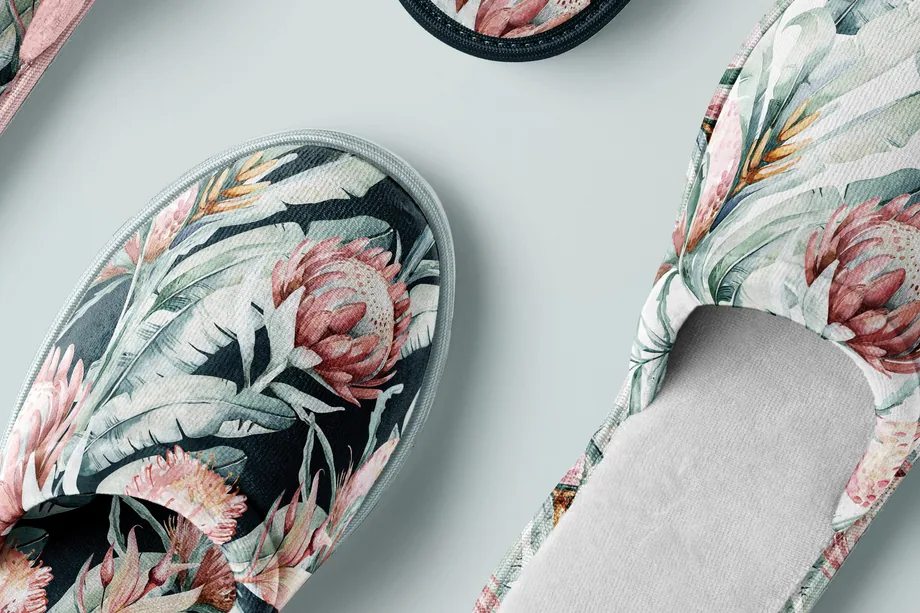
Present sneaker, sandal, boot and heel designs with coordinated shoe-box artwork in realistic scenes. Reusable mockups make it faster to compare colorways and build polished ecommerce and launch visuals.





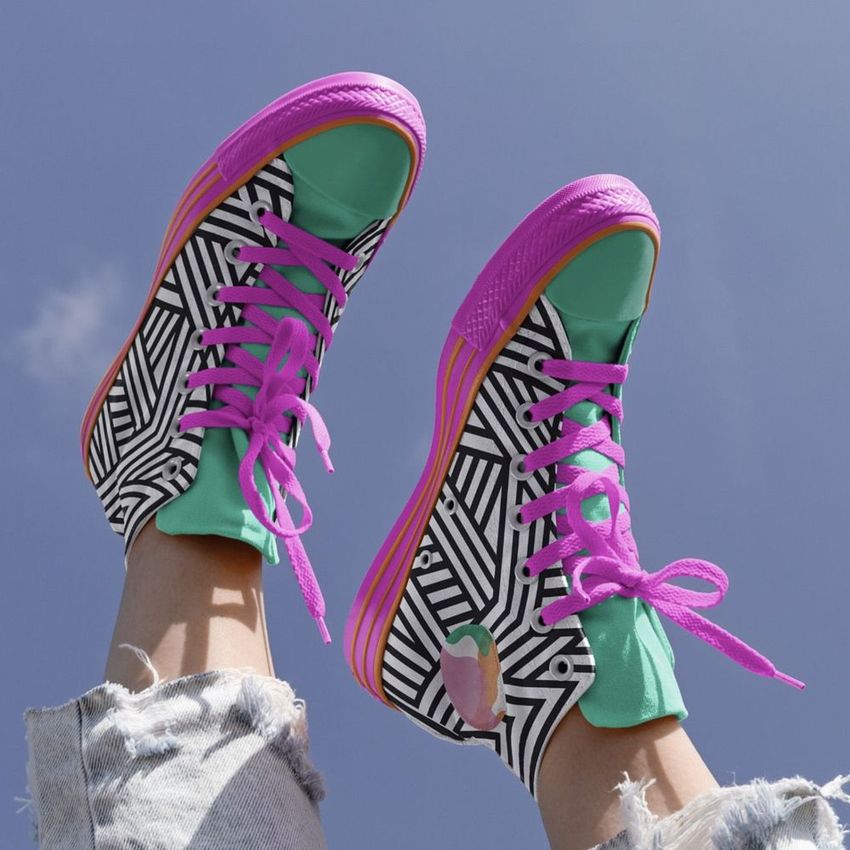
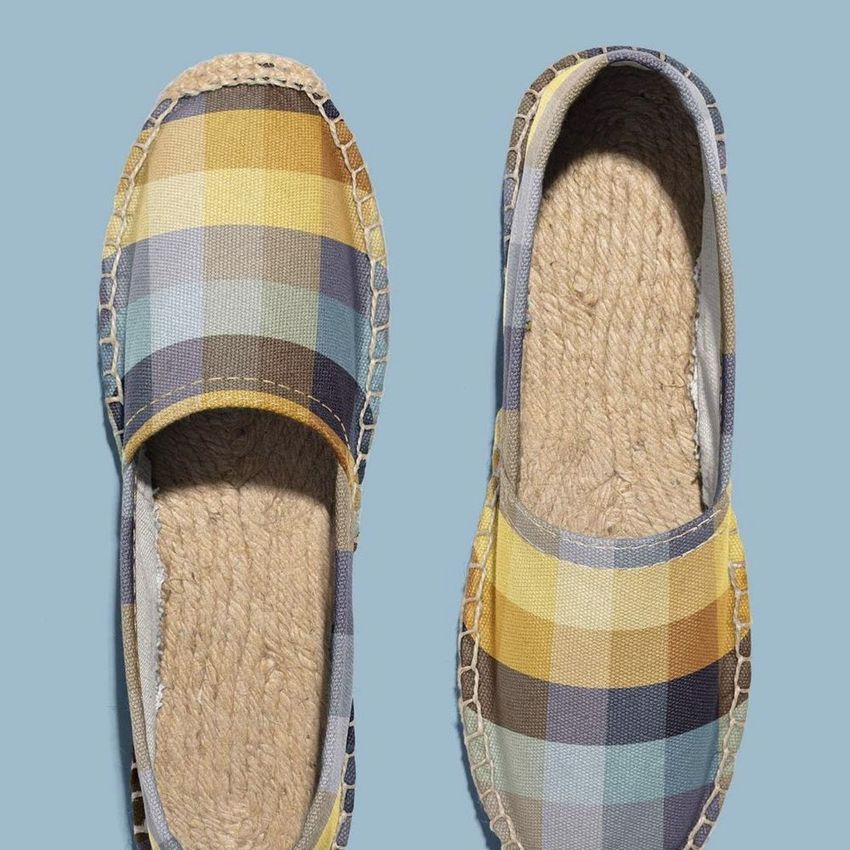
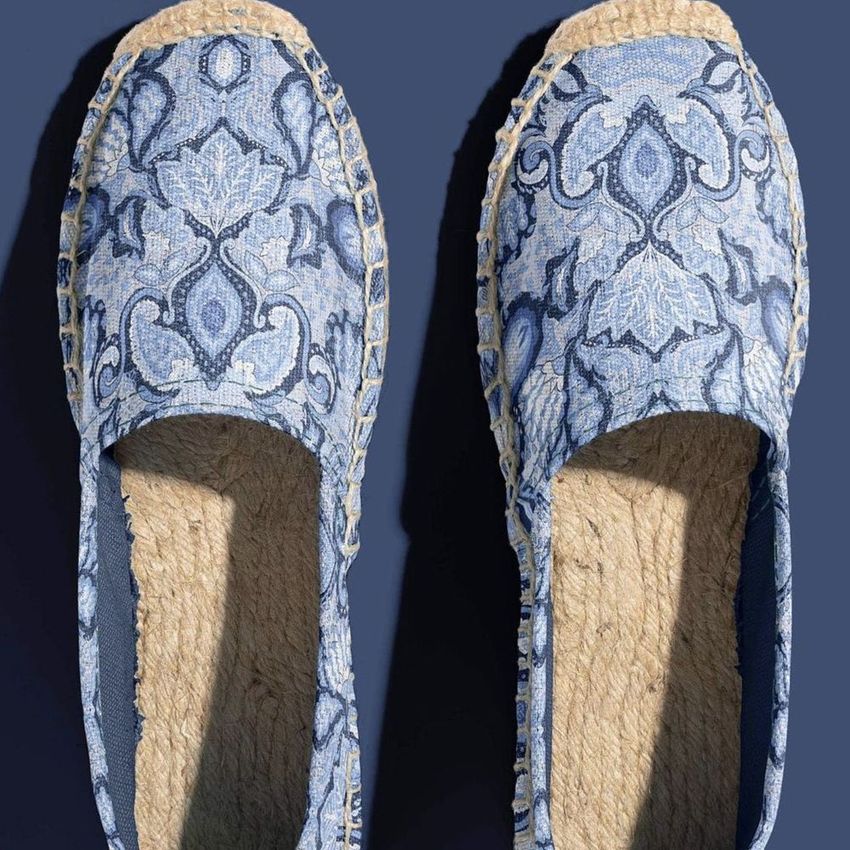
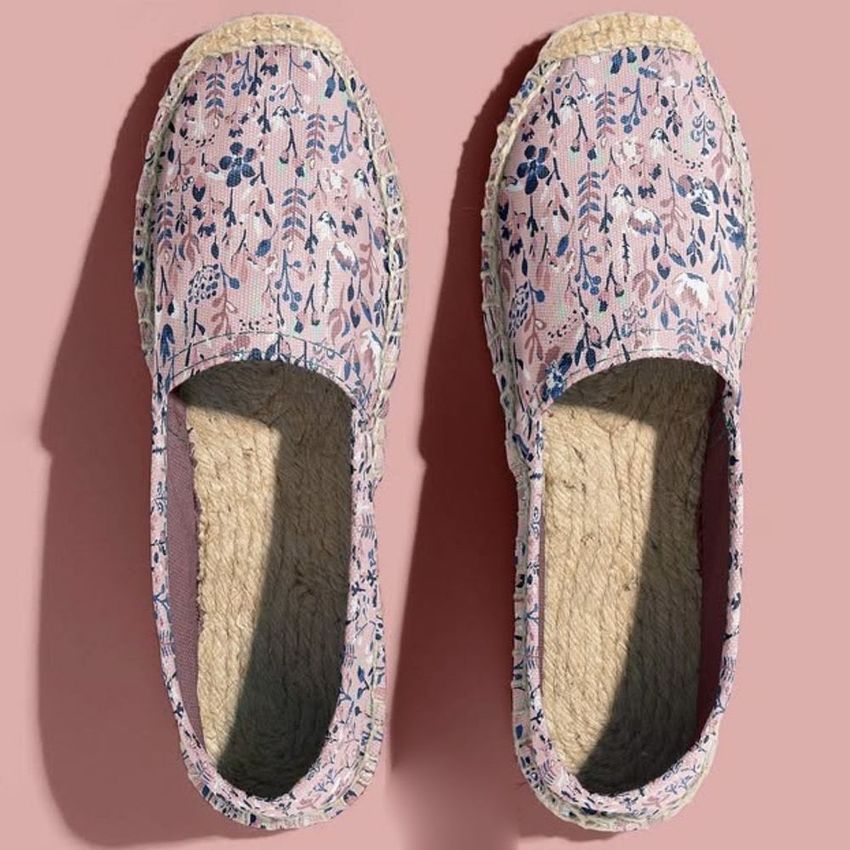
What you get
Professional PSD mockups built in-house - editable, realistic, high-resolution, and supported by real people.
Layered PSD Files
Creatsy mockups are delivered as fully layered Photoshop .psd files, with layers sorted into clearly named groups. Shadows, highlights, and the background each sit on their own editable layer, and nothing is flattened into a single image. Open it in Photoshop or the free browser editor Photopea and get to work.
- Clearly named, organized layer groups
- Shadows and highlights on separate layers
- Editable background, never flattened
- Works in Photoshop or free Photopea
Smart Objects
Open the smart object, paste your artwork, and save. The design lands on the product with the perspective, warp, and wrap already worked out. Scene lighting and shadows fall back on top, so it reads as a photograph, not a flat paste-in. Swapping a design takes seconds, so one file can carry a whole run of variants and colorways.
- Double-click, paste your design, save
- Perspective, warp, and wrap pre-built
- Scene lighting and shadows sit back on top
- One file covers many variants and colorways
High-Resolution Output
Many scenes are built from real product photography rather than 3D renders, so the fabric and surface read like a studio shot. Files export at high resolution and stay sharp at full zoom, with clean edges where the print sits. The same file works for a hero banner, a paid ad or a product listing.
- Real product photography in many scenes
- Exports ready for print
- Holds detail at full zoom
- Works for banners, ads and listings
Easy to Edit
Colors, backgrounds, and artwork sit on separate, clearly named layers, so you swap a color or background without disturbing the rest of the scene. There is no relighting or shadow work to redo, and the same file works for your next project.
- Edit color and background layers directly
- No relighting or shadow rework needed
- No masking or layer skills required
- One file reused across projects
Fast Support
There is a real in-house team behind every file, not a ticket bot. Before you buy, ask whether a specific mockup fits what you have in mind, and we will tell you. When a smart object or a layer group is tripping you up, send the question and you usually get a reply within 48 hours.
- Real in-house team behind every file
- Replies within 48 hours
- Pre-purchase help picking the right mockup
- Answers on smart objects and layer setup
Who are these mockups for?
For footwear brand founders
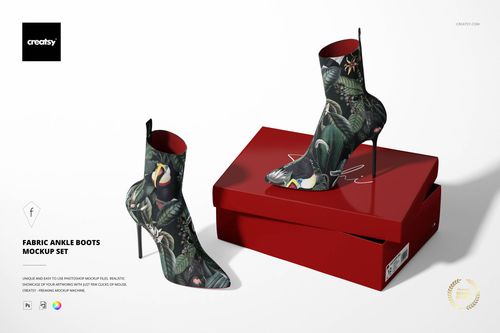
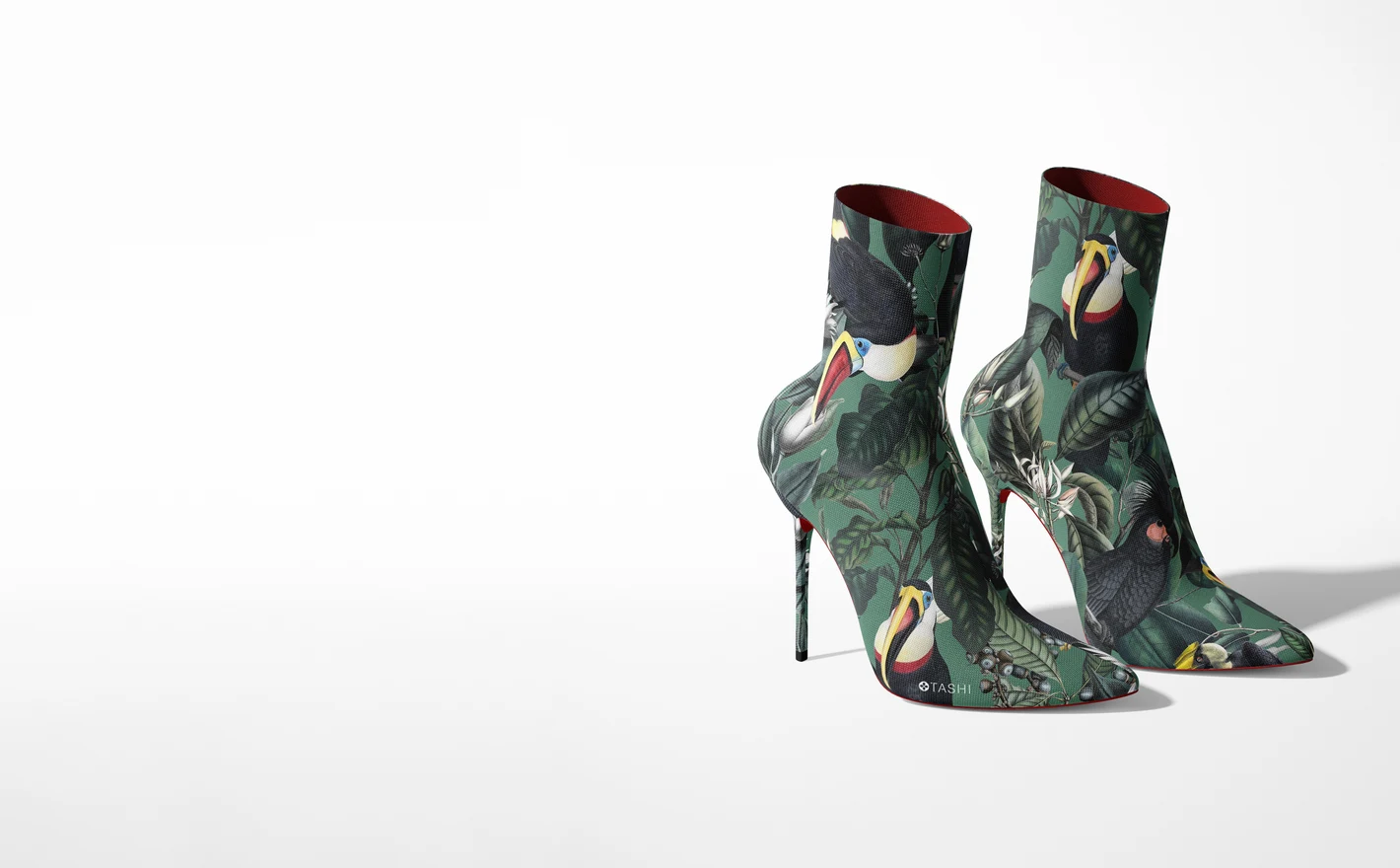
Put colorways and prints on fabric ankle boots and present the line to buyers before the factory run is confirmed. A realistic mockup range answers the first buyer question - how does the collection hang together - without sampling costs.
For footwear e-commerce teams
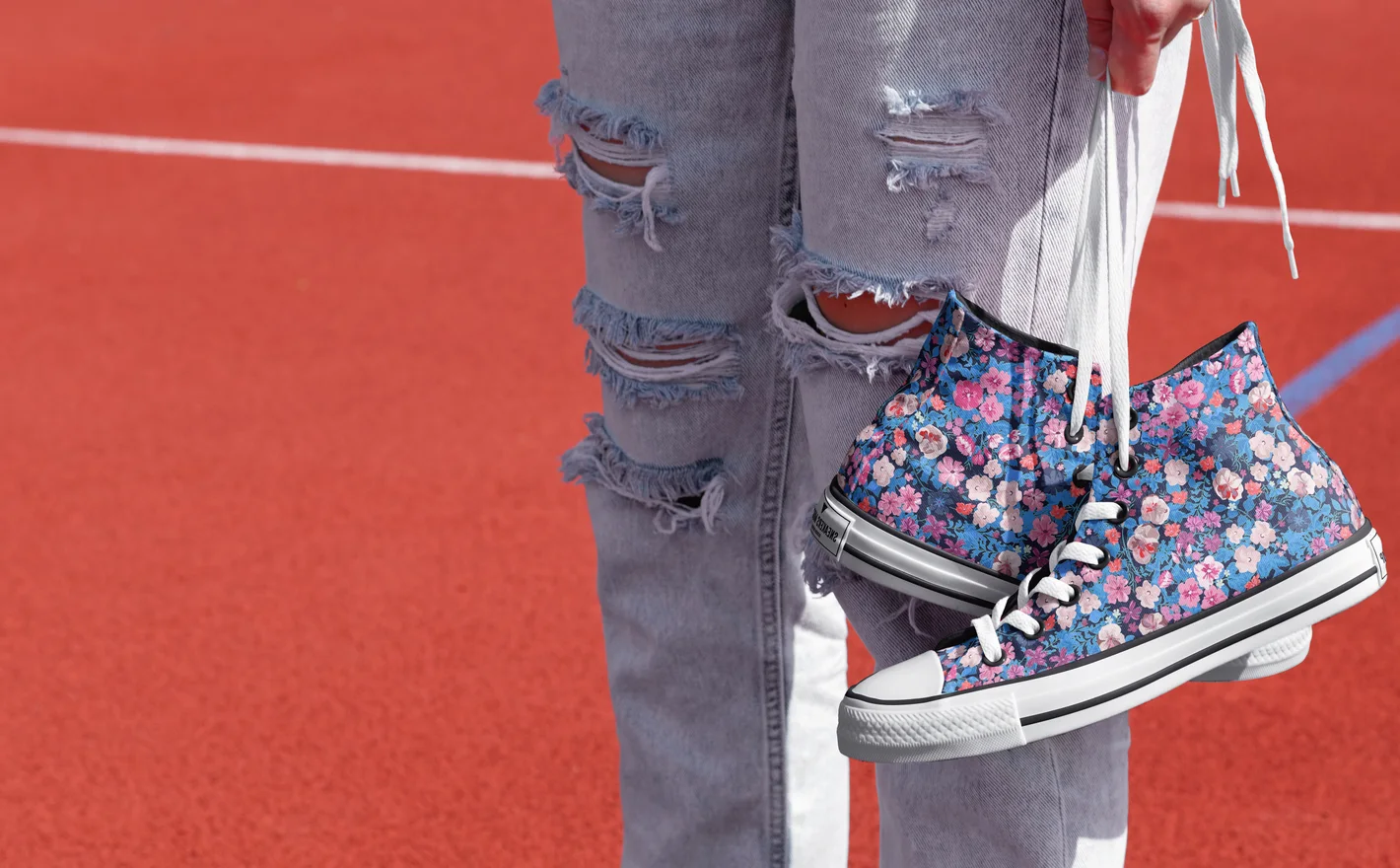
Keep product listings consistent - same angle, same light, every colorway - then add an outdoor sneaker scene when a campaign needs lifestyle context. One PSD set covers the store page, the ad crop and the email banner.
Adding matching socks? Browse sock mockups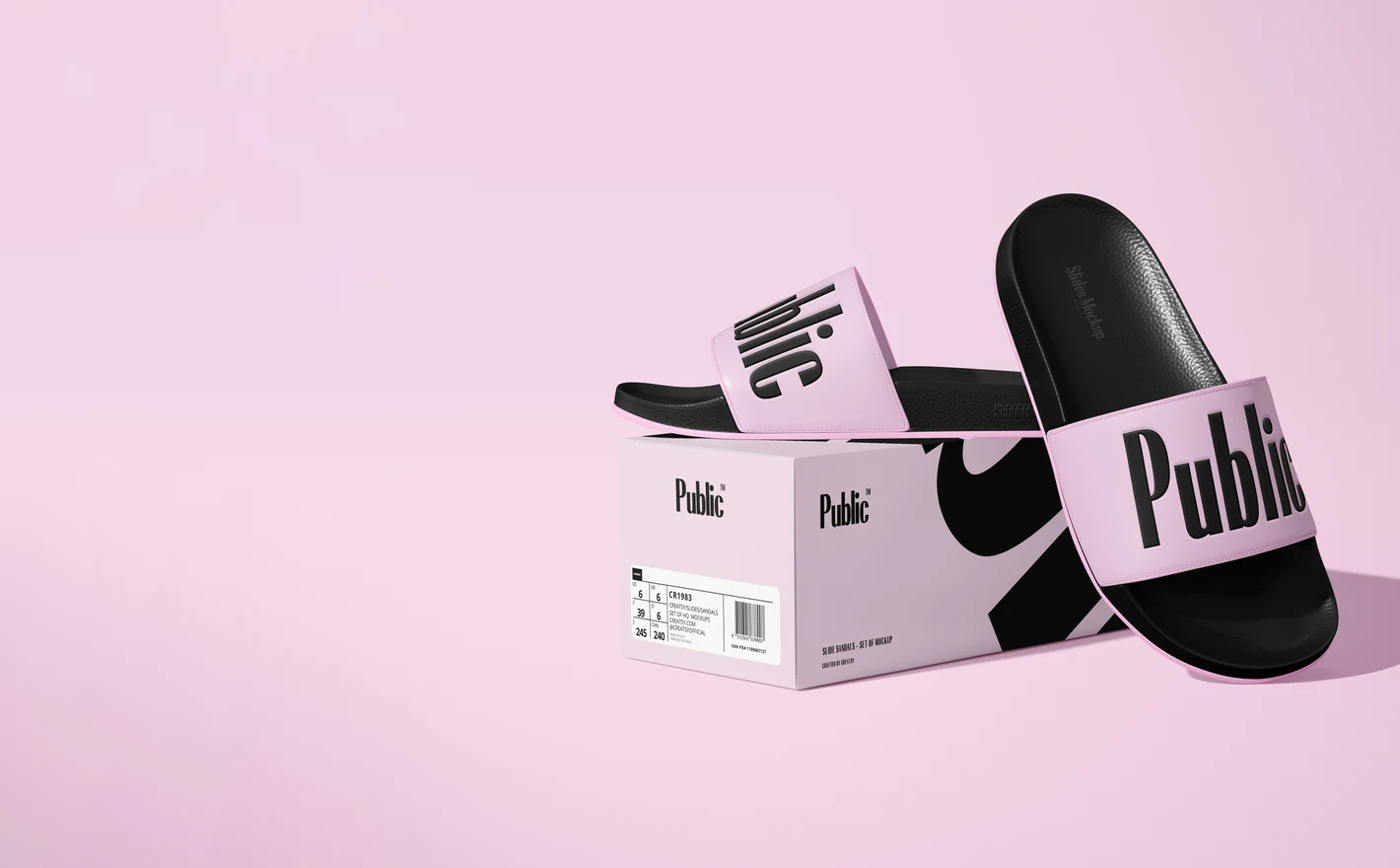
For footwear launch and campaign teams
Plan a launch where product shots, shoe-box packaging and lifestyle scenes all match: the unboxing photo agrees with the ad, the ad agrees with the store page. Layered PSDs let you rework one visual identity across the whole set in an afternoon.
Designing the wrapping too? Browse gift packaging & wrapping paper mockups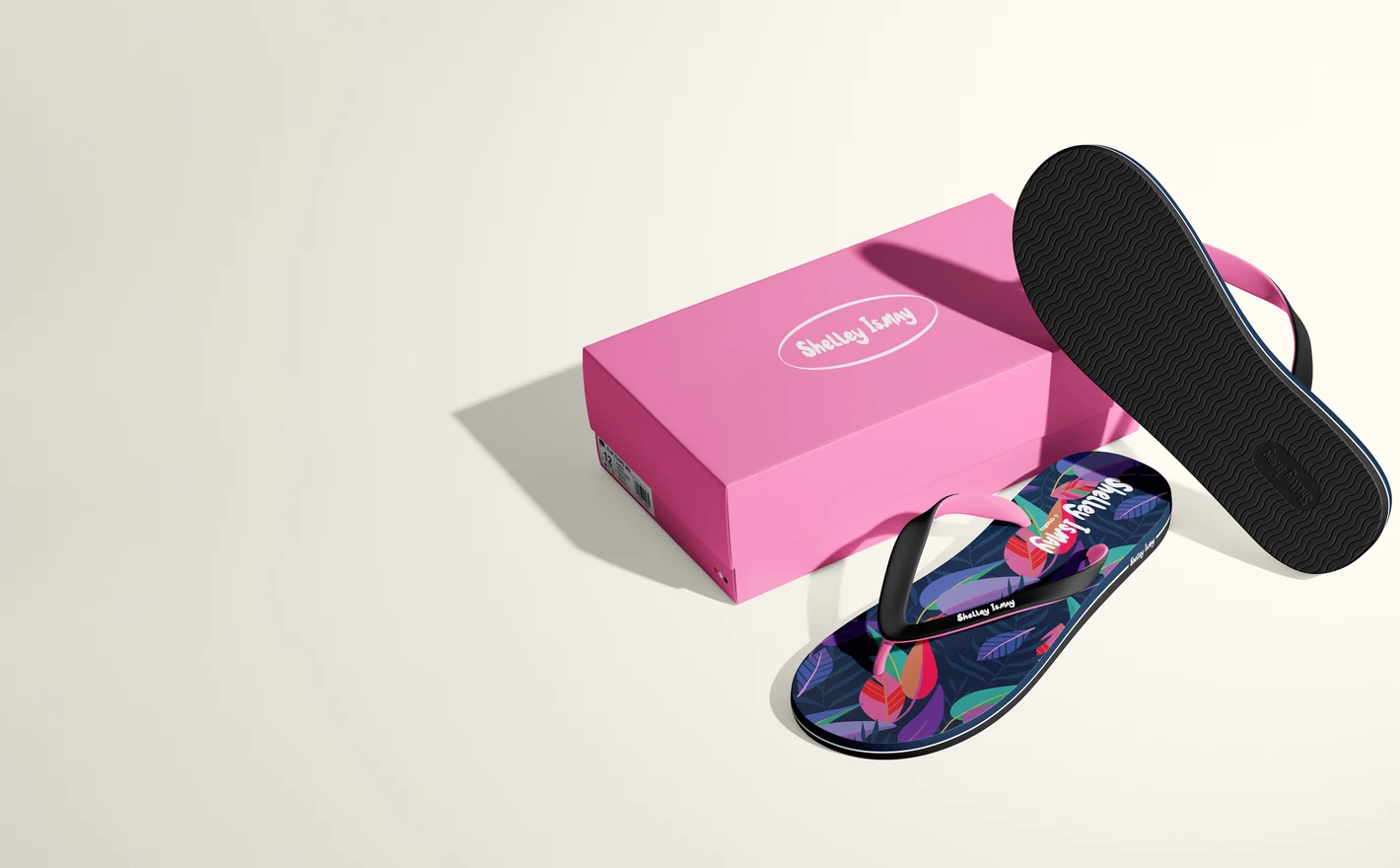
For pattern and licensing designers
Uppers, straps, soles and box lids each crop artwork differently. Previewing a repeat across a full shoe-and-box presentation shows licensors how the design survives real product geometry - and gives a portfolio a finished product story.
FAQs
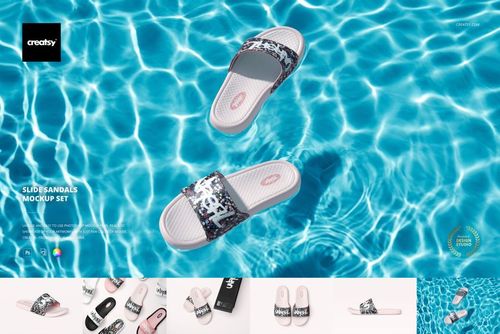
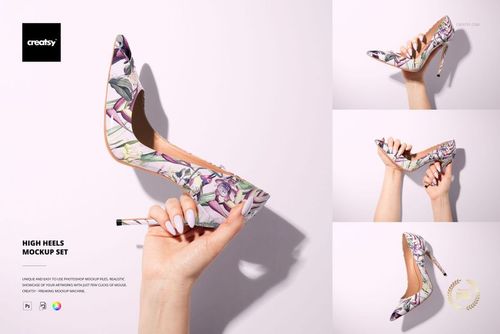
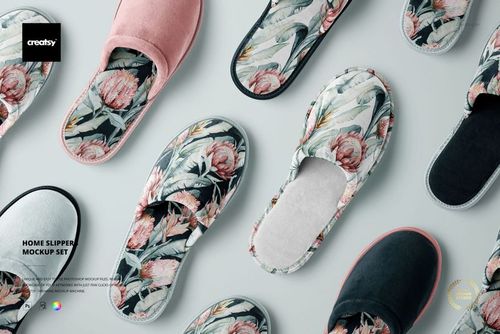
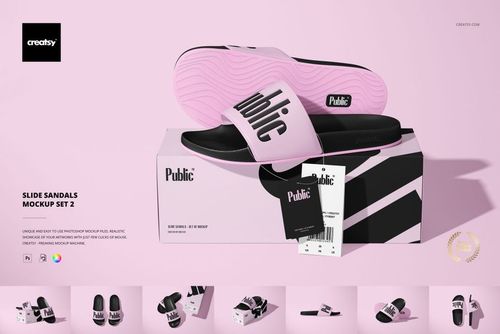
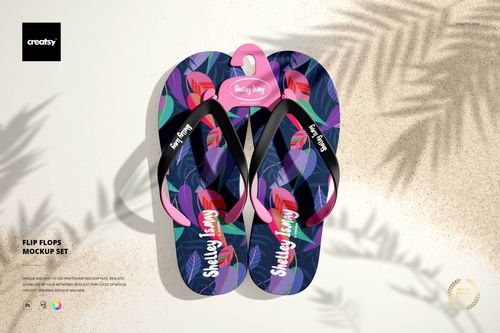
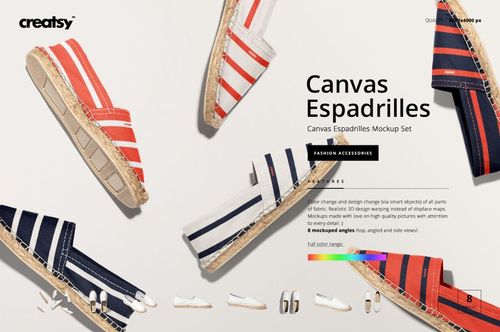
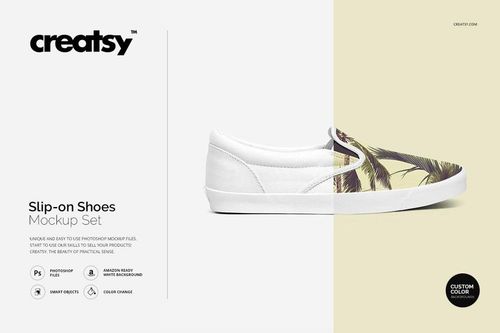
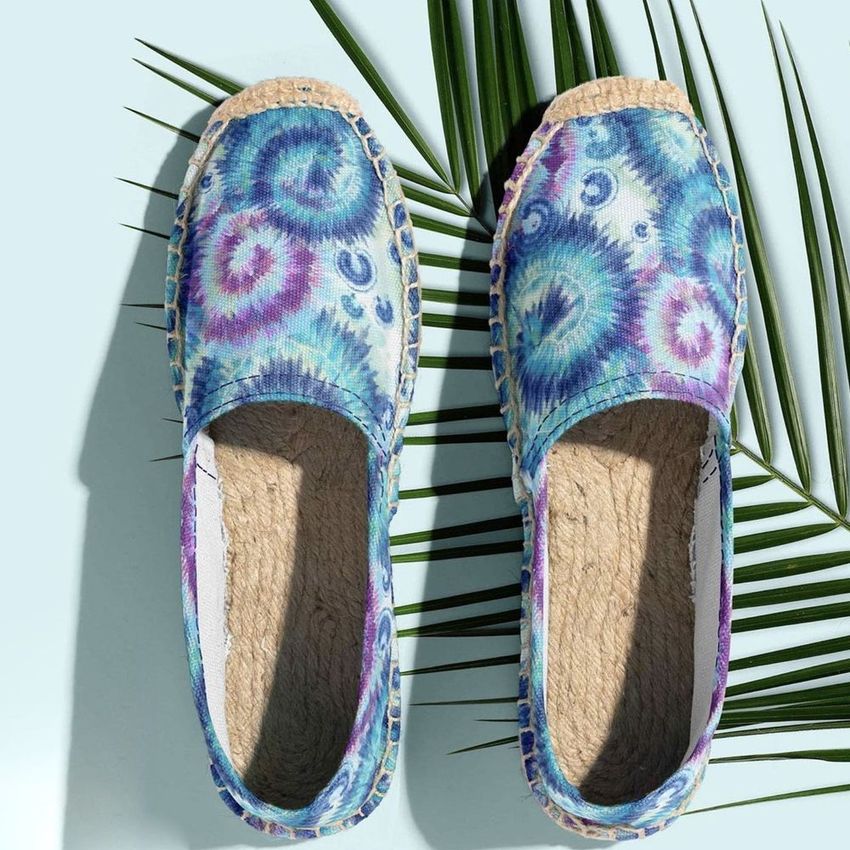
The range includes sneakers, slide sandals, flip-flops, espadrilles, slip-on shoes, ankle boots, slippers and high heels, along with shoe boxes. Choose by the shoe's shape and material, then check whether the views show the pair, an individual shoe or footwear being worn.
Fill the shoe's editable design area with your repeat and save the Smart Object. Check where the artwork meets seams, eyelets and the sole in each view. For production, use the manufacturer's panel templates; the mockup is a visual preview, not a guide to cutting or printing the fabric.
The listing includes 16 PSD views at 4000 × 2800 px, with editable box artwork and colors, a removable sticker and background options. Check the included views for the box surfaces you need. Photopea appears in the compatibility section, but the description says Photoshop only, so contact us to confirm browser editing before buying.
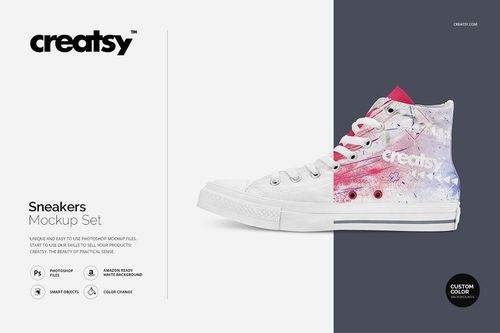
Yes. The Sneakers Mockup Set (outdoor) places the shoes outside, while the High-Top Sneakers on Feet Against Sky Mockup shows them being worn. Choose a clear product view when construction details matter, and a lifestyle view when you want to show the shoes in use.
That depends on the product. Some files separate these details, while others provide fewer color controls. Check the feature preview for the parts you need before buying. A changeable upper does not automatically mean the sole, laces and stitching are independently editable.
Why use Footwear & Shoe Box mockups?
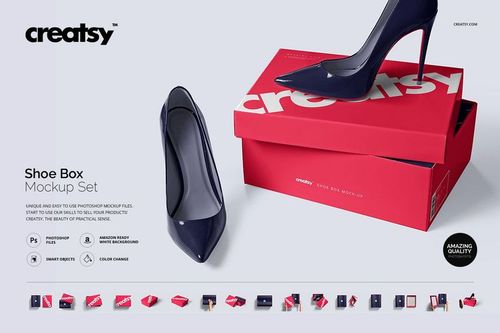
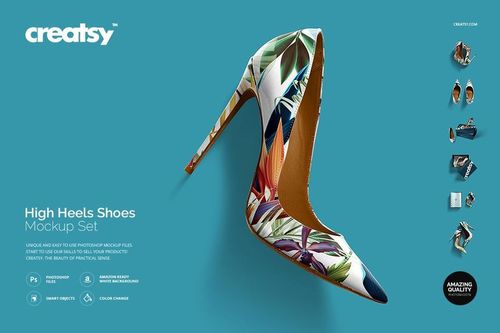
Shoe artwork has to fit around toe panels, heels, straps, seams and soles. The relationship between the left and right shoe matters too, especially with directional patterns. Mockups show these details on sneakers, slides, flip flops, slip-ons, espadrilles, ankle boots, slippers and heels. Use the available angles to compare an all-over print, a color-blocked design or a small logo. You can see which parts of a motif remain visible around seams and straps, and how the two shoes look as a pair. Shoe box scenes add packaging artwork and labels to the presentation. Smart Objects fit your design to the shoe while the scene retains its material texture, shadows and reflections. Reuse a view for several colors or graphics, then export images for listings, buyer presentations, custom orders, lookbooks or campaigns. The product gallery shows which areas are editable. Showing the footwear and packaging together helps a client review the collection before samples or a dedicated shoot. Consistent views also make it easier to compare options, since the artwork changes without a different camera angle distracting from it.
FreeCreatsy® Mockups