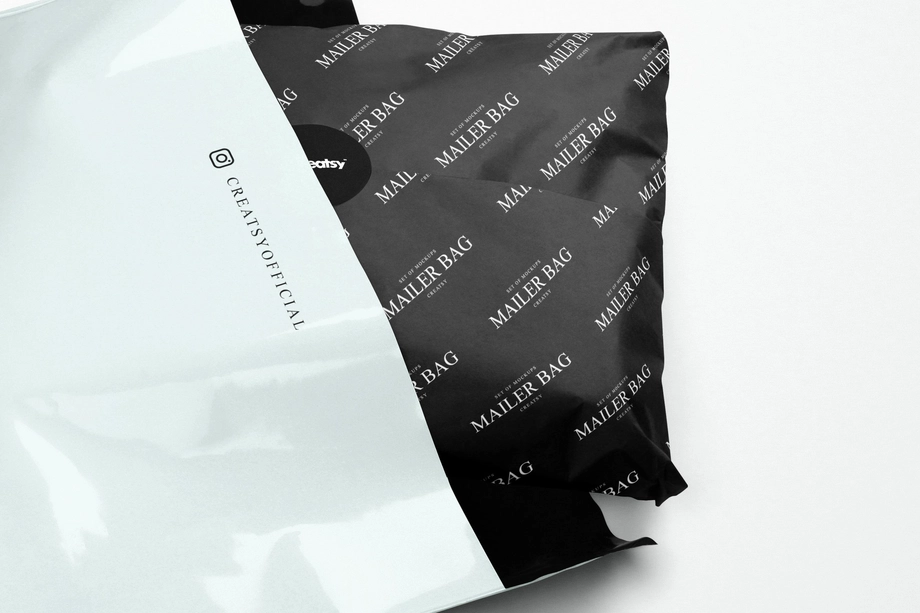
Mailer & Shipping Envelope Mockups
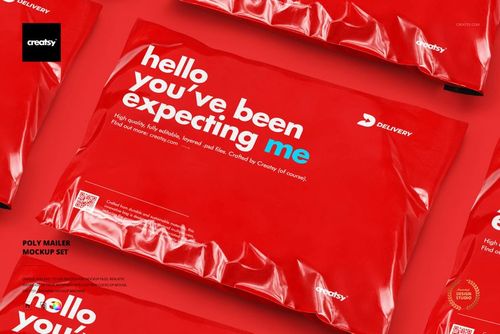
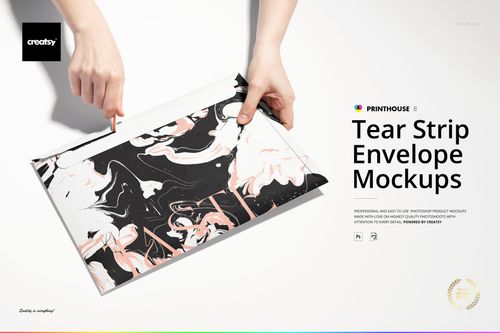
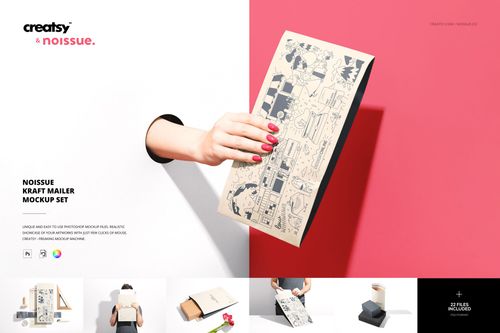
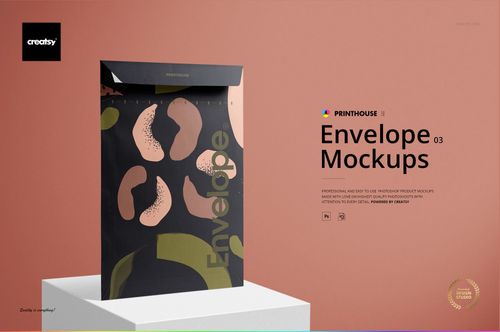
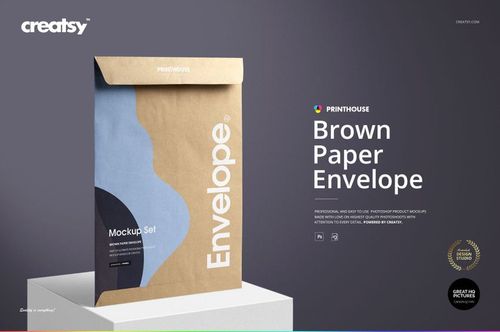
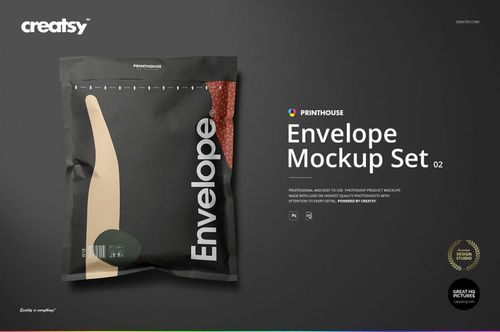
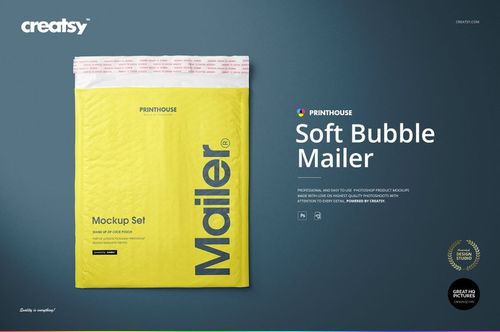
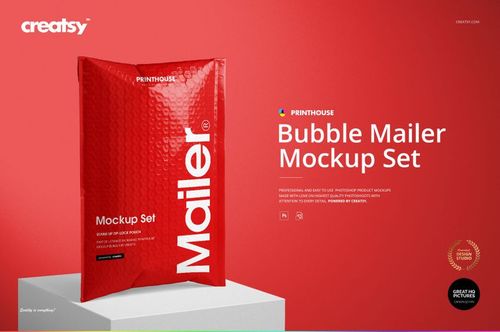
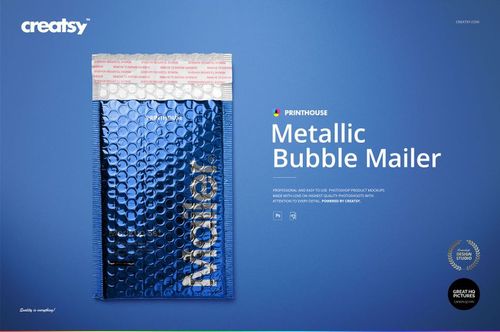
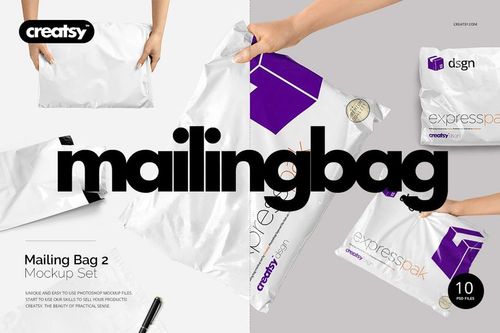
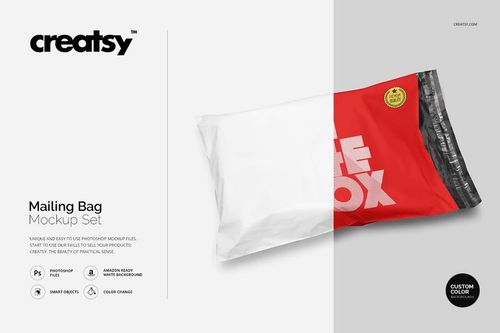
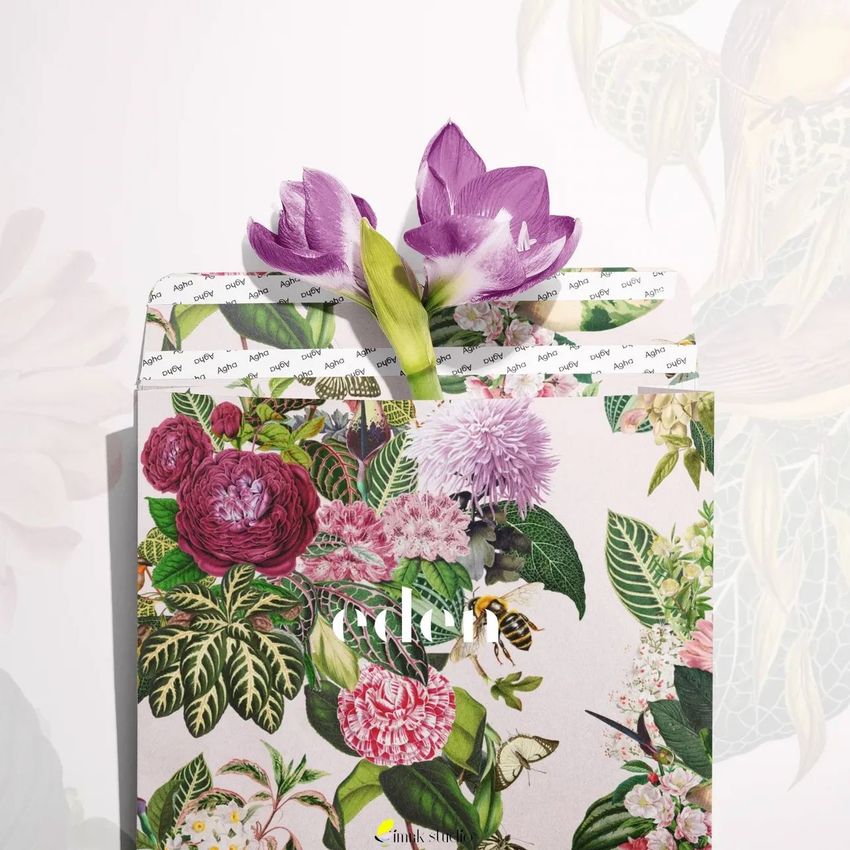
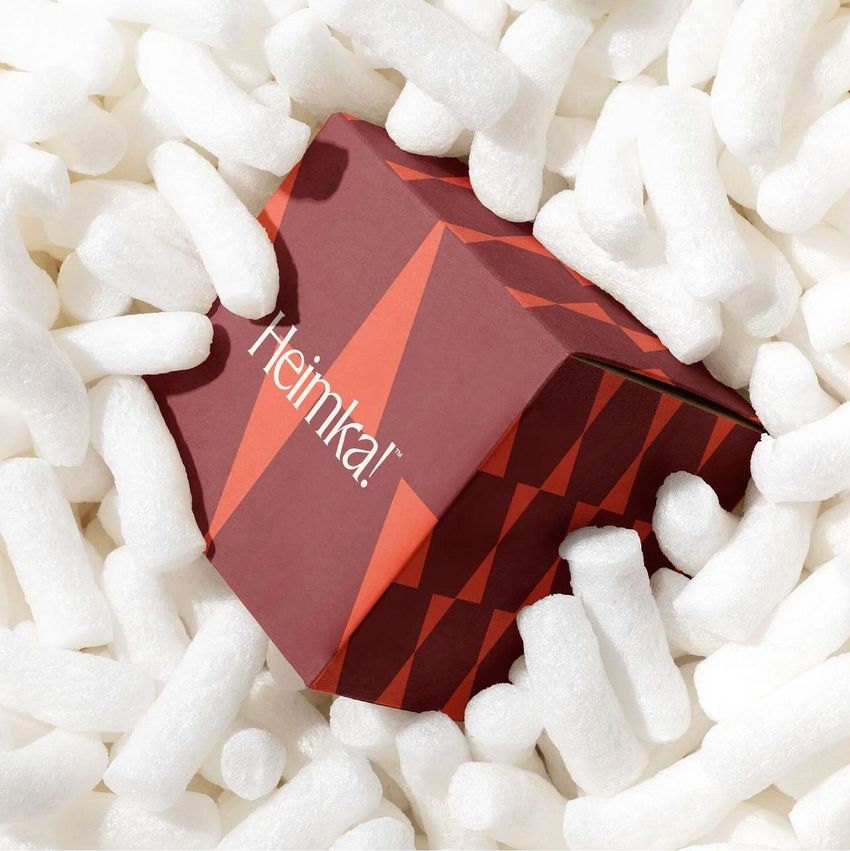
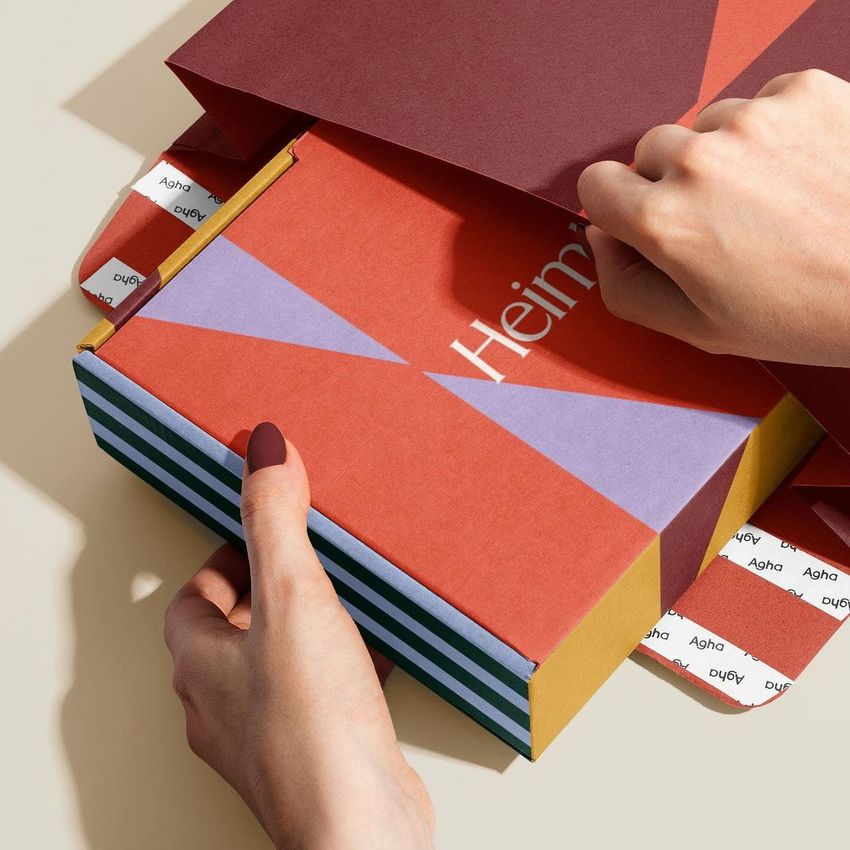
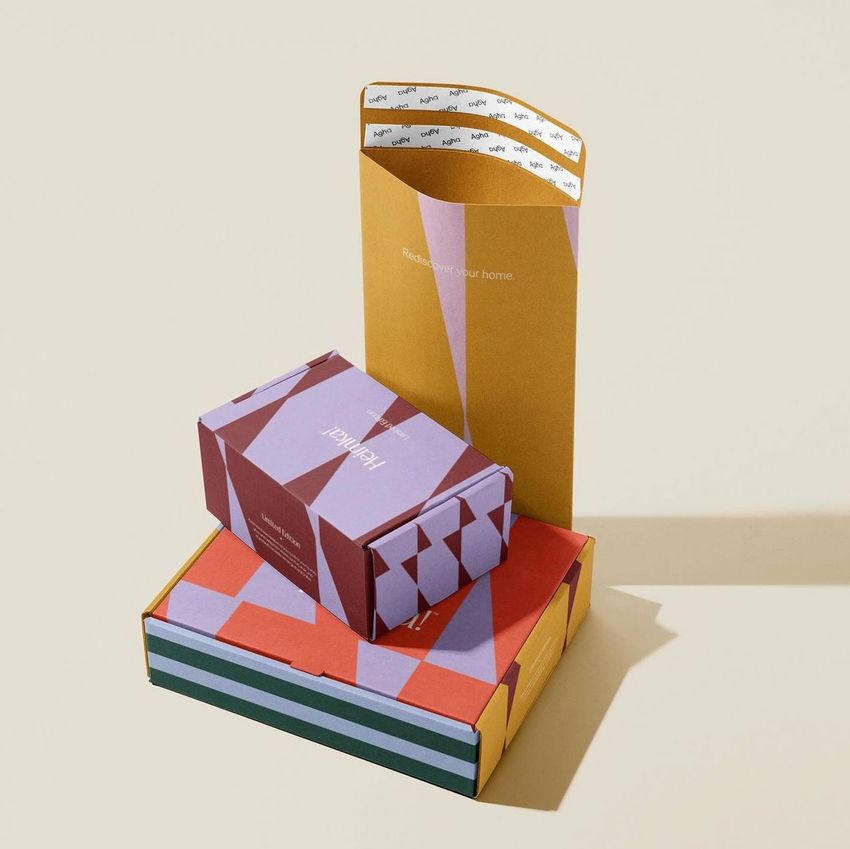
Explore editable mailer and shipping envelope mockups for poly mailers, soft and structured bubble mailers, kraft padded envelopes, metallic mailers, tear-strip envelopes, brown paper envelopes, cloth-lined products, mailing bags, tissue-paper packaging, and decorative ribbon presentations. Add logos, patterns, typography, address areas, and coordinated colorways through layered Photoshop files and Smart Objects, then create realistic visuals for e-commerce listings, client presentations, unboxing concepts, catalogs, advertising, and social media.

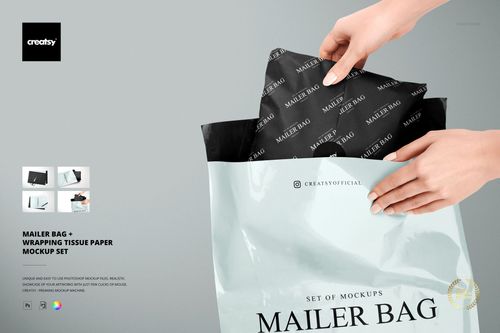
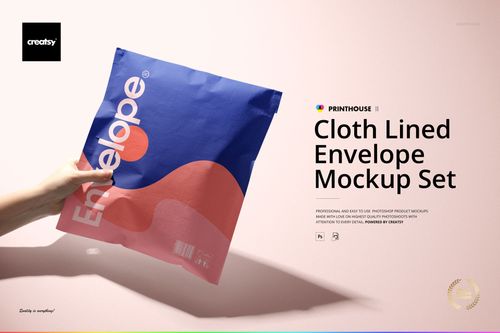
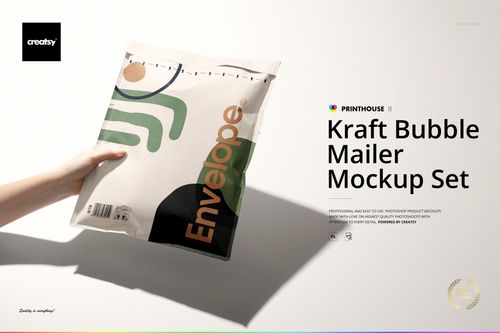
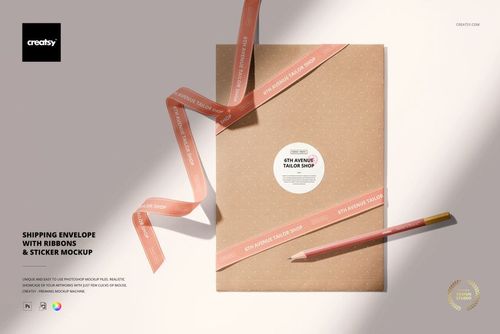


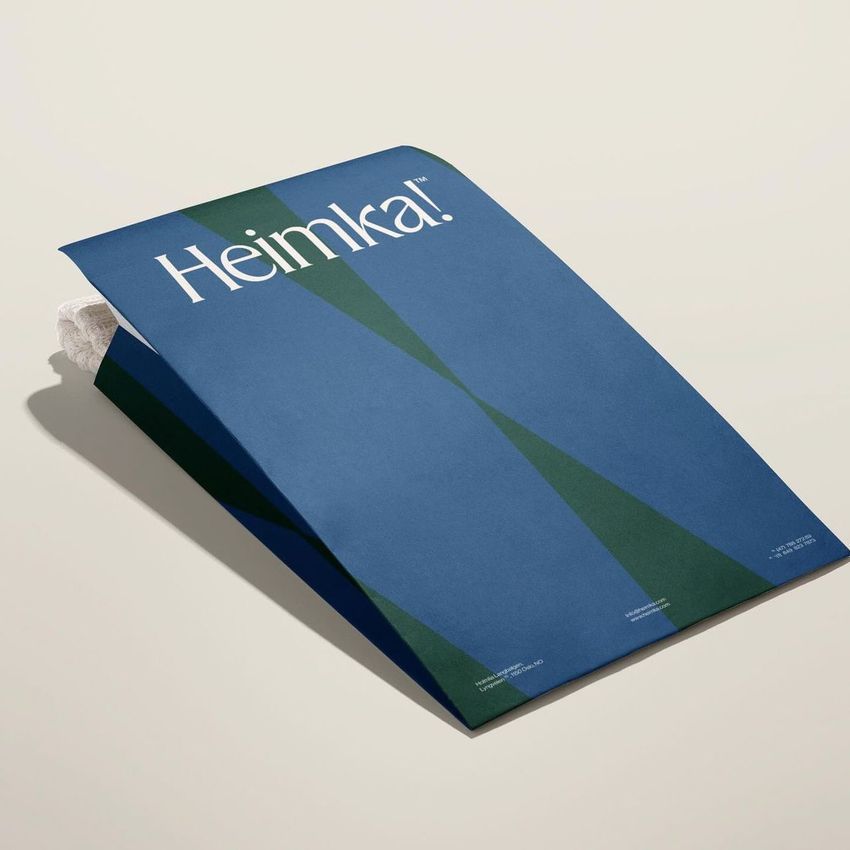
What you get
Professional PSD mockups built in-house - editable, realistic, high-resolution, and supported by real people.
Layered PSD Files
Creatsy mockups are delivered as fully layered Photoshop .psd files, with layers sorted into clearly named groups. Shadows, highlights, and the background each sit on their own editable layer, and nothing is flattened into a single image. Open it in Photoshop or the free browser editor Photopea and get to work.
- Clearly named, organized layer groups
- Shadows and highlights on separate layers
- Editable background, never flattened
- Works in Photoshop or free Photopea
Smart Objects
Open the smart object, paste your artwork, and save. The design lands on the product with the perspective, warp, and wrap already worked out. Scene lighting and shadows fall back on top, so it reads as a photograph, not a flat paste-in. Swapping a design takes seconds, so one file can carry a whole run of variants and colorways.
- Double-click, paste your design, save
- Perspective, warp, and wrap pre-built
- Scene lighting and shadows sit back on top
- One file covers many variants and colorways
High-Resolution Output
Many scenes are built from real product photography rather than 3D renders, so the fabric and surface read like a studio shot. Files export at high resolution and stay sharp at full zoom, with clean edges where the print sits. The same file works for a hero banner, a paid ad or a product listing.
- Real product photography in many scenes
- Exports ready for print
- Holds detail at full zoom
- Works for banners, ads and listings
Easy to Edit
Colors, backgrounds, and artwork sit on separate, clearly named layers, so you swap a color or background without disturbing the rest of the scene. There is no relighting or shadow work to redo, and the same file works for your next project.
- Edit color and background layers directly
- No relighting or shadow rework needed
- No masking or layer skills required
- One file reused across projects
Fast Support
There is a real in-house team behind every file, not a ticket bot. Before you buy, ask whether a specific mockup fits what you have in mind, and we will tell you. When a smart object or a layer group is tripping you up, send the question and you usually get a reply within 48 hours.
- Real in-house team behind every file
- Replies within 48 hours
- Pre-purchase help picking the right mockup
- Answers on smart objects and layer setup
Who are these mockups for?
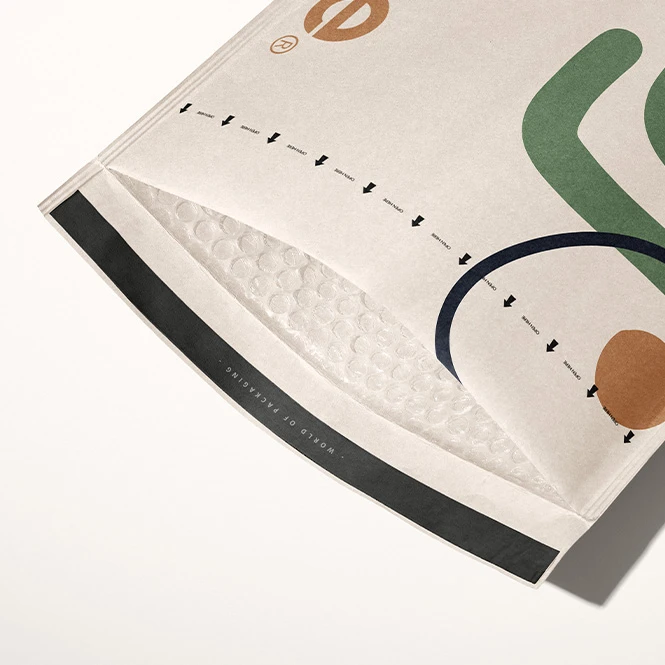
For apparel, accessories & e-commerce brands
Present poly mailers, mailing bags, bubble envelopes, and branded shipping packaging for clothing, textiles, accessories, stationery, and other online orders. Create consistent visuals for product launches, store listings, fulfillment concepts, and social campaigns.
Need rigid shipping packaging too? Browse Mailing Boxes & Shipping Labels mockups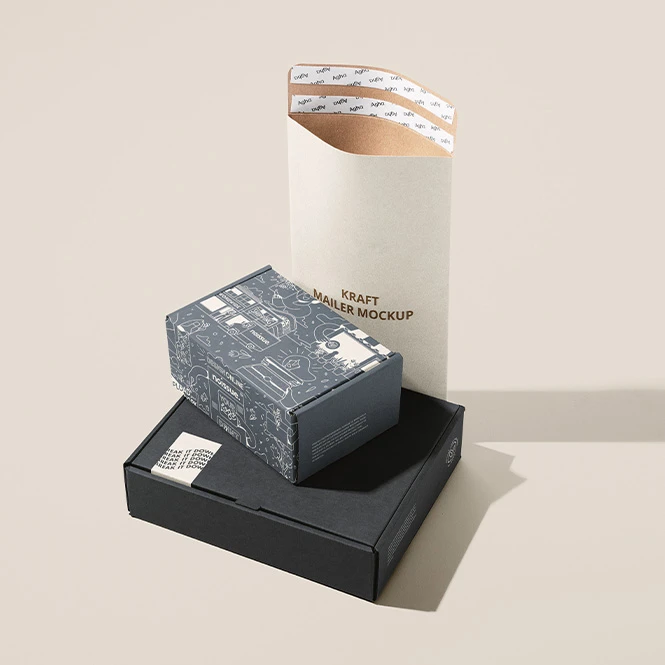
For gift, beauty & subscription brands
Use kraft, metallic, soft padded, cloth-lined, tissue-paper, and ribbon-based scenes to communicate premium or gift-oriented mailer concepts. Create visuals for subscription products, beauty orders, stationery, gifts, limited editions, and seasonal campaigns.
Developing a wider gift-packaging collection? Browse Gift Packaging & Wrapping Paper mockups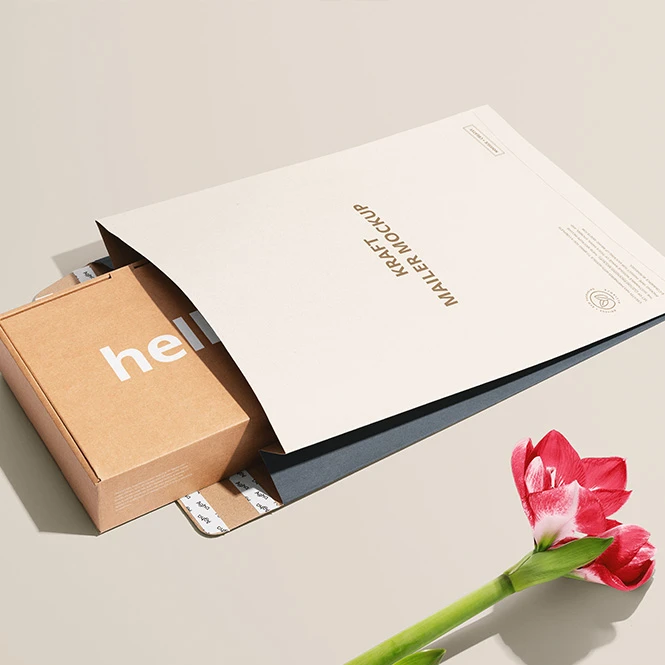
For independent shops & handmade-product sellers
Create branded mailer concepts using logos, patterns, thank-you messages, stickers, tissue paper, and selected address areas. Use the finished visuals for online stores, custom-order presentations, launch campaigns, packaging guides, and customer communications.
Adding seals or thank-you stickers? Browse Stickers & Labels mockups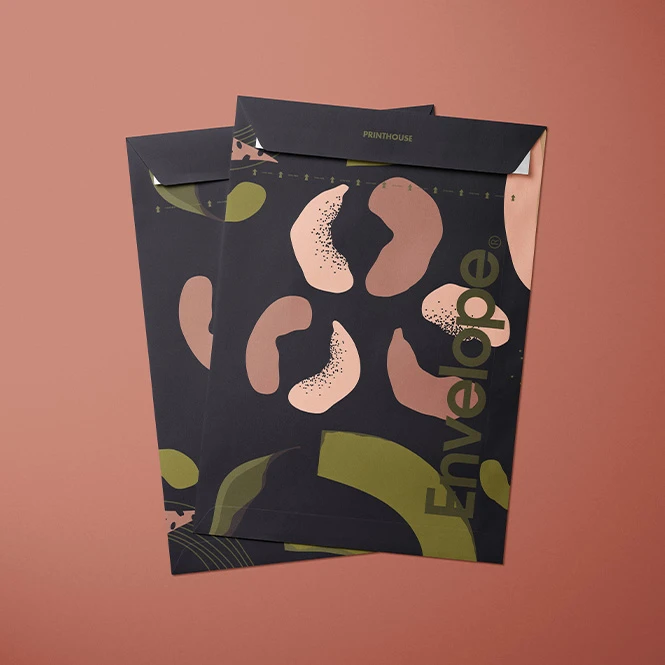
For packaging designers & branding studios
Present a complete shipping identity across poly bags, padded envelopes, kraft mailers, tissue paper, ribbons, labels, tape, and boxes. Use the images in client pitches, packaging guidelines, case studies, portfolios, and campaign decks.
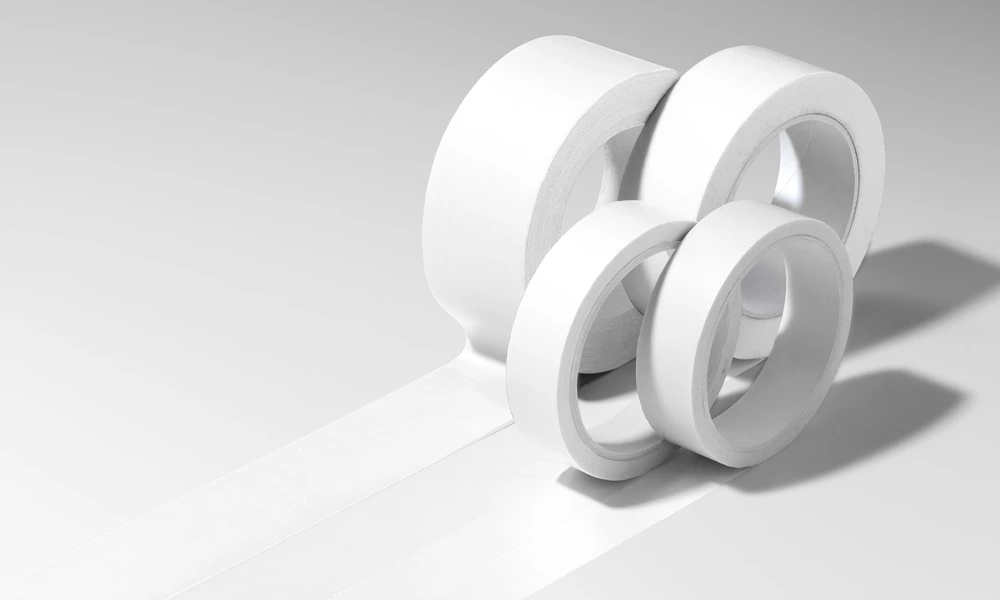
Creating matching branded tape? Browse Packaging Tapes mockups
FAQs
The collection includes flat poly mailers, mailing bags, kraft mailers, padded kraft envelopes, soft and structured bubble mailers, metallic bubble mailers, tear-strip envelopes, brown paper envelopes, cloth-lined envelopes, tissue-paper packaging, and decorative ribbon scenes. Available views may include open and closed mailers, grouped products, stacks, folded bags, filled packages, hand interaction, and product-focused studio scenes.
A poly mailer is a lightweight flexible shipping bag commonly used for soft or non-fragile products. A bubble mailer includes a padded interior and has a thicker, cushioned appearance. A kraft padded envelope uses a paper-style exterior with internal protection. Other products in the category include unpadded paper envelopes, cloth-lined envelopes, tear-strip constructions, and decorative mailing bags. Choose the mockup that most closely matches the physical packaging supplied by your manufacturer.
Customization varies by product. You can generally replace the sample artwork and adjust selected mailer colors. Depending on the mockup, additional editable elements may include front and back panels, flaps, tear strips, address areas, tissue paper, ribbons, interior linings, labels, backgrounds, shadows, props, or other scene details. Not every visible label or accessory is necessarily editable.
No. Sets normally contain separate Photoshop files, and scenes with several mailers may contain independent Smart Objects. The same artwork can be reused across poly mailers, bubble envelopes, boxes, tape, and labels, but it must be added separately to each selected file and editable surface.
The mockups are designed for Adobe Photoshop. Selected products may also work in Photopea, but compatibility varies. These are presentation files, not manufacturing or fulfillment templates. They do not replace the supplier's dimensions, seam construction, padding specification, closure, adhesive strip, tear-strip position, address-label requirements, material tests, shipping regulations, or production proof.
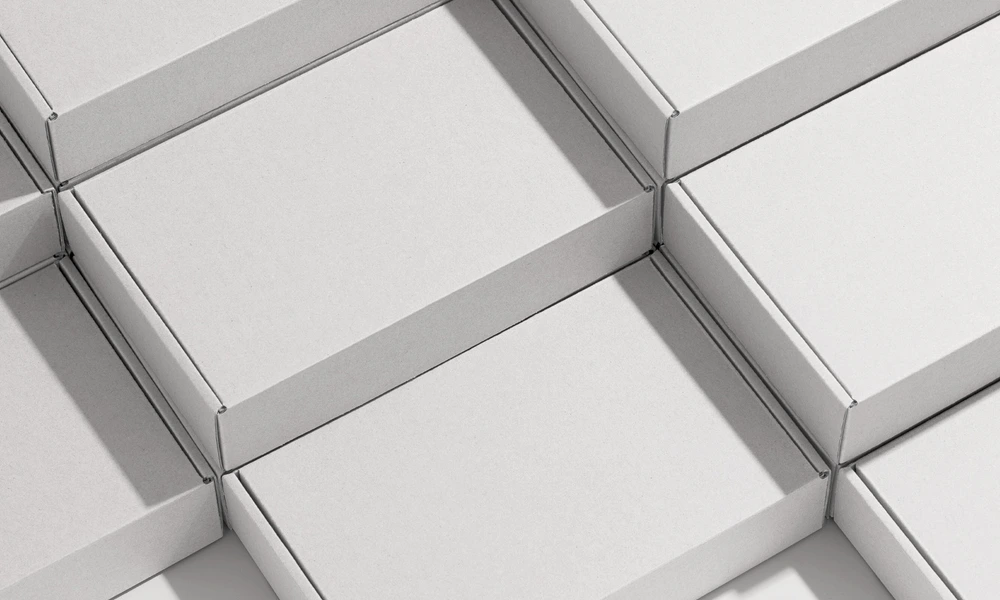
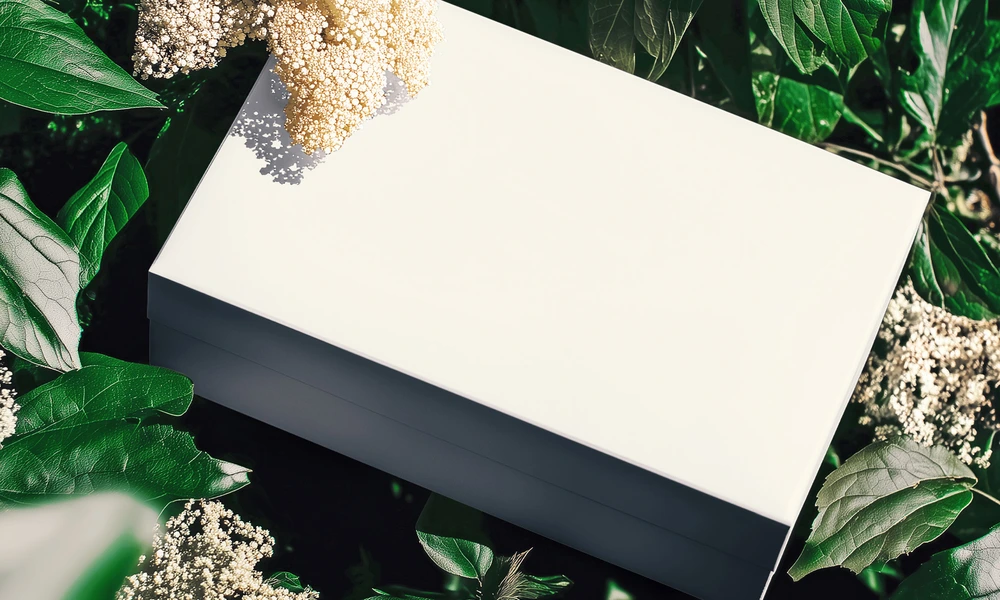
Why use Mailer & Shipping Envelope mockups?
Shipping mailers combine flexible materials, folded seams, padded surfaces, flaps, closures, tear strips, labels, and areas that change shape when the package is filled. A flat design file does not show how branding will appear on a sealed poly mailer, cushioned bubble envelope, kraft padded mailer, or decorative shipping package. Mockups turn the original design into a clearer presentation. Use flat poly-mailer and mailing-bag scenes for clothing, accessories, textiles, and lightweight e-commerce packaging. Bubble and kraft padded mailers communicate a thicker protected format, while metallic, cloth-lined, tissue-paper, and ribbon scenes support premium, gift, beauty, or subscription concepts. Open and closed views help present front, back, flap, lining, closure, and interior artwork where those surfaces are editable. Coordinated labels, stickers, tissue paper, tape, and boxes can be shown across separately edited mockups to build a wider unboxing identity. Layered Photoshop files and Smart Objects preserve the prepared folds, padding, reflections, material texture, lighting, and shadows while the artwork is replaced. Depending on the selected product, you may also be able to adjust mailer colors, interiors, labels, tissue paper, ribbons, backgrounds, or other scene elements. Export the finished visuals for e-commerce listings, custom-order approvals, client presentations, packaging guidelines, portfolios, catalogs, advertising, subscription concepts, and social media. Use the mockups to communicate the intended visual direction. For final production and fulfillment, rely on the manufacturer's exact dimensions, materials, closure specifications, printable areas, samples, and shipping requirements.
FreeCreatsy® Mockups