

 $1900
$1900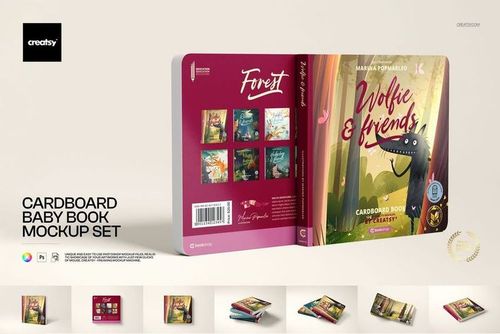

Book & Magazine Mockups
Present cover, spine and page artwork with editable PSD mockups for books, magazines and publishing projects. Browse hardcover, board book, artbook, bookplate and shelf scenes and choose the format that fits your design.

Reviews
What designers and brand owners say after using these PSD mockups in real client work.
0
Sort by:




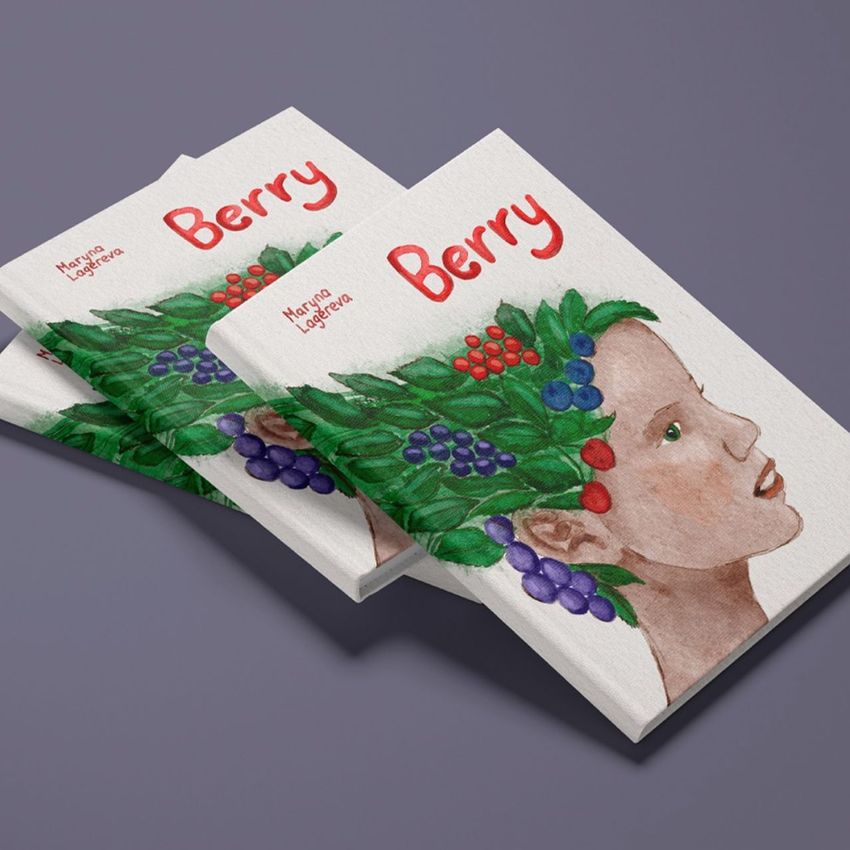
Very nice mockup. A rare find of good mockup for children's book illustrators.
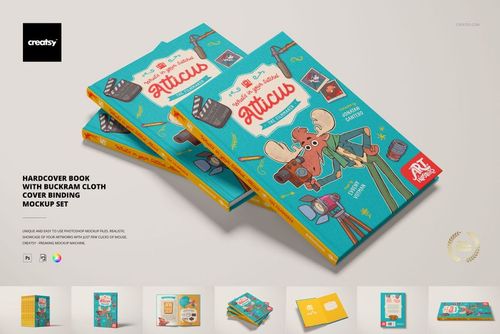
 Hardcover Book with Buckram Cloth Cover Binding Mockup Set View product

What you get
Professional PSD mockups built in-house - editable, realistic, high-resolution, and supported by real people.
Layered PSD Files
Creatsy mockups are delivered as fully layered Photoshop .psd files, with layers sorted into clearly named groups. Shadows, highlights, and the background each sit on their own editable layer, and nothing is flattened into a single image. Open it in Photoshop or the free browser editor Photopea and get to work.
- Clearly named, organized layer groups
- Shadows and highlights on separate layers
- Editable background, never flattened
- Works in Photoshop or free Photopea
Smart Objects
Open the smart object, paste your artwork, and save. The design lands on the product with the perspective, warp, and wrap already worked out. Scene lighting and shadows fall back on top, so it reads as a photograph, not a flat paste-in. Swapping a design takes seconds, so one file can carry a whole run of variants and colorways.
- Double-click, paste your design, save
- Perspective, warp, and wrap pre-built
- Scene lighting and shadows sit back on top
- One file covers many variants and colorways
High-Resolution Output
Many scenes are built from real product photography rather than 3D renders, so the fabric and surface read like a studio shot. Files export at high resolution and stay sharp at full zoom, with clean edges where the print sits. The same file works for a hero banner, a paid ad or a product listing.
- Real product photography in many scenes
- Exports ready for print
- Holds detail at full zoom
- Works for banners, ads and listings
Easy to Edit
Colors, backgrounds, and artwork sit on separate, clearly named layers, so you swap a color or background without disturbing the rest of the scene. There is no relighting or shadow work to redo, and the same file works for your next project.
- Edit color and background layers directly
- No relighting or shadow rework needed
- No masking or layer skills required
- One file reused across projects
Fast Support
There is a real in-house team behind every file, not a ticket bot. Before you buy, ask whether a specific mockup fits what you have in mind, and we will tell you. When a smart object or a layer group is tripping you up, send the question and you usually get a reply within 48 hours.
- Real in-house team behind every file
- Replies within 48 hours
- Pre-purchase help picking the right mockup
- Answers on smart objects and layer setup
Who are these mockups for?
For Self-Publishing Authors and Photographers
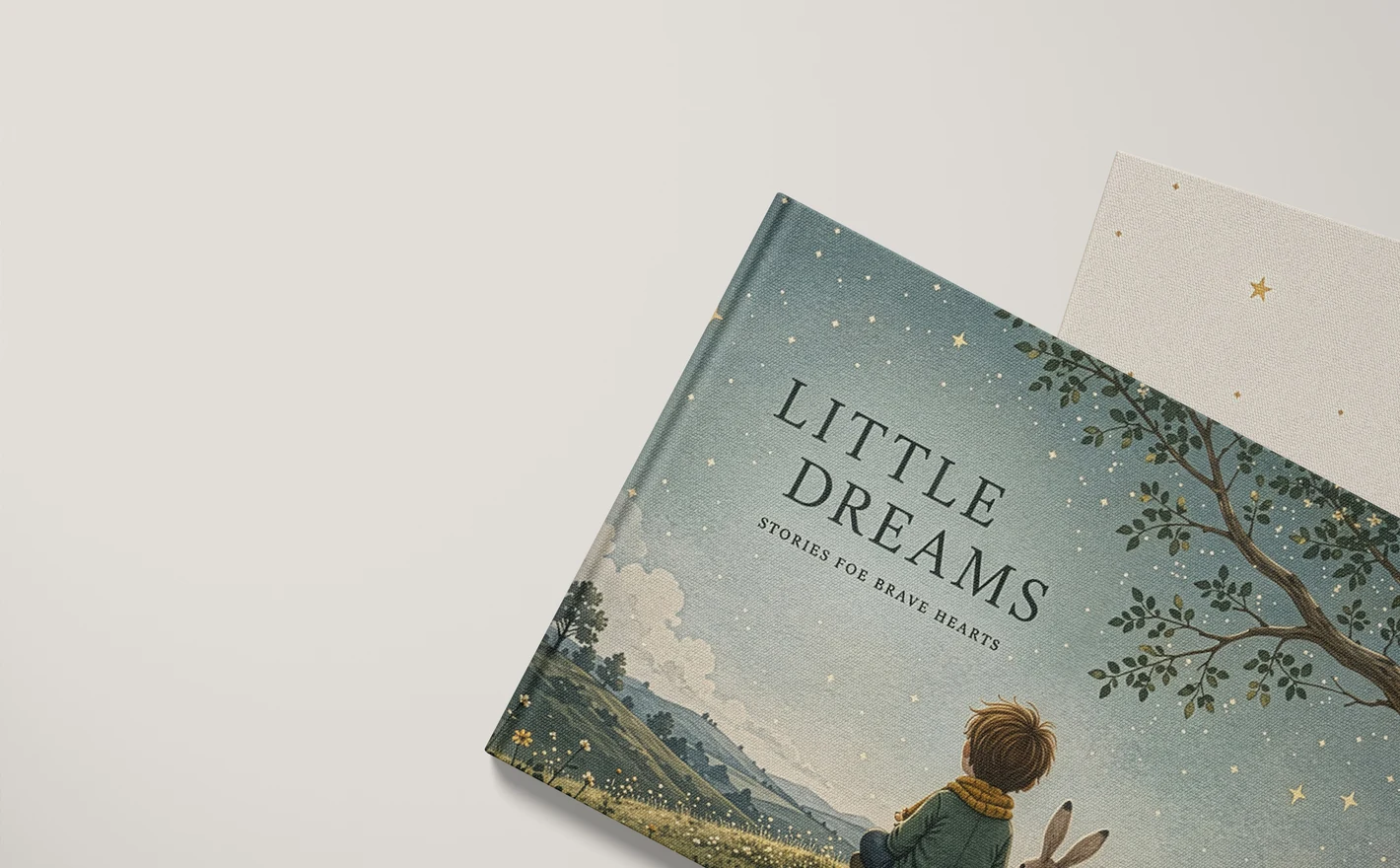
A proof copy still has to be photographed before it can go in a listing. The A4 landscape set covers four scenes, an open book, an angled shot, a pair and a front-facing view, so a cover approval, a store image and a launch post come out of one file.
Launching your own title? View the A4 Landscape Book Mockup Set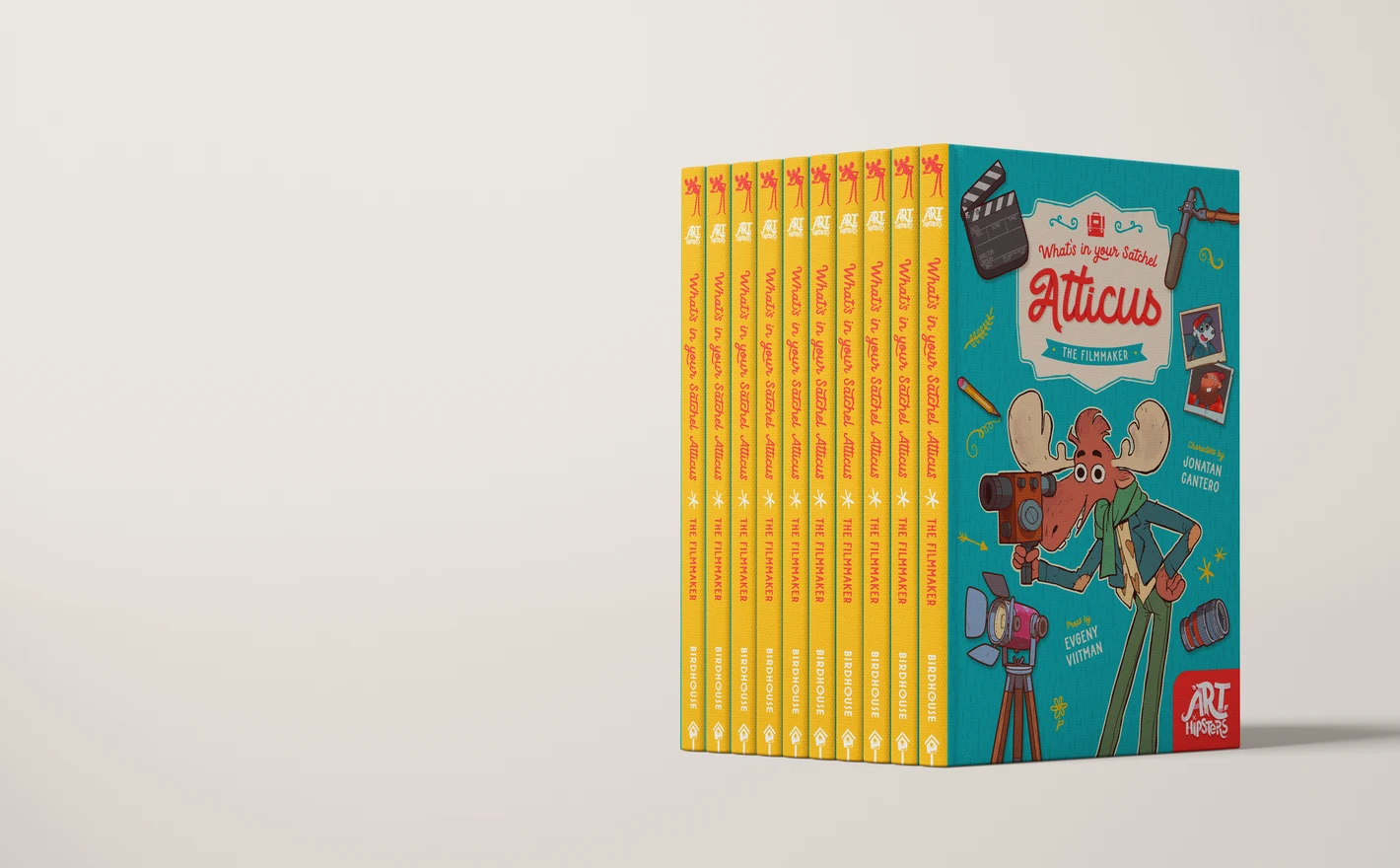
For Publishers and Book Designers
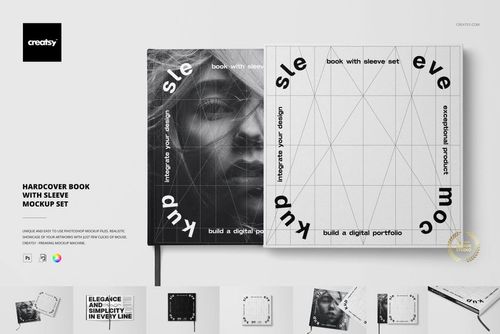
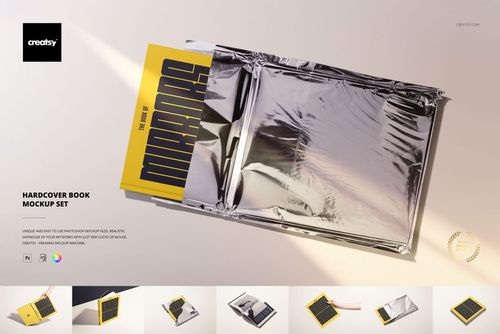
Show the same title as buckram cloth, printed hardcover and a sleeved edition before anything reaches a printer. Cloth binding, jacket and sleeve are three separate production decisions, and 17 buckram scenes let the format argument happen over an image instead of a description.
Comparing bindings? View the Hardcover Book with Buckram Cloth Cover Binding Mockup Set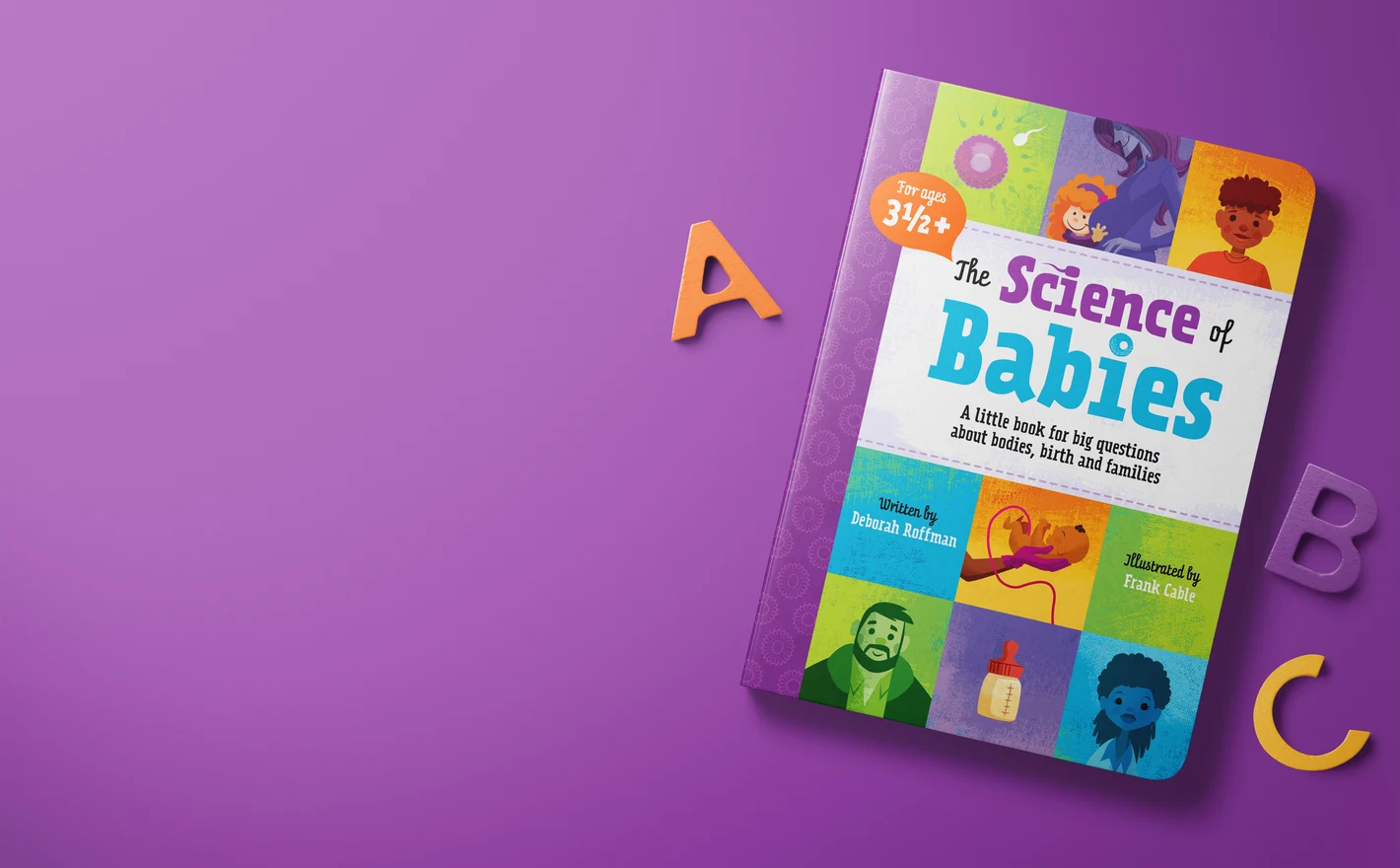
For Children's Book Illustrators and Authors
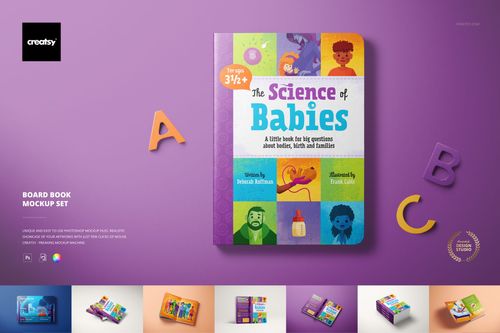
Nothing on screen shows that a board book is a thick-page object. Put the illustrated cover and a spread on portrait, landscape or cardboard baby board books instead, which is the version a publisher pitch or a portfolio page needs.
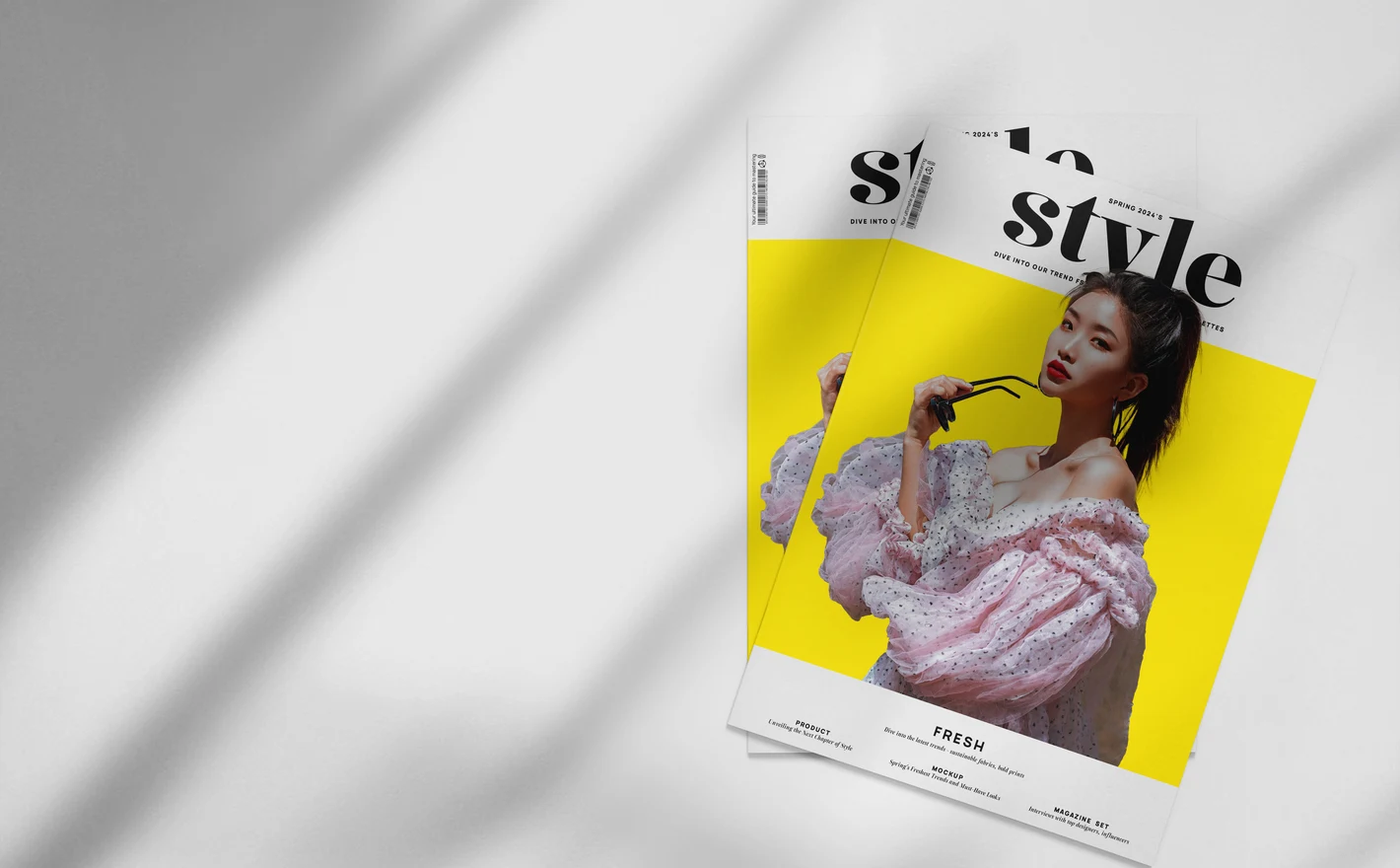
For Magazine and Editorial Designers
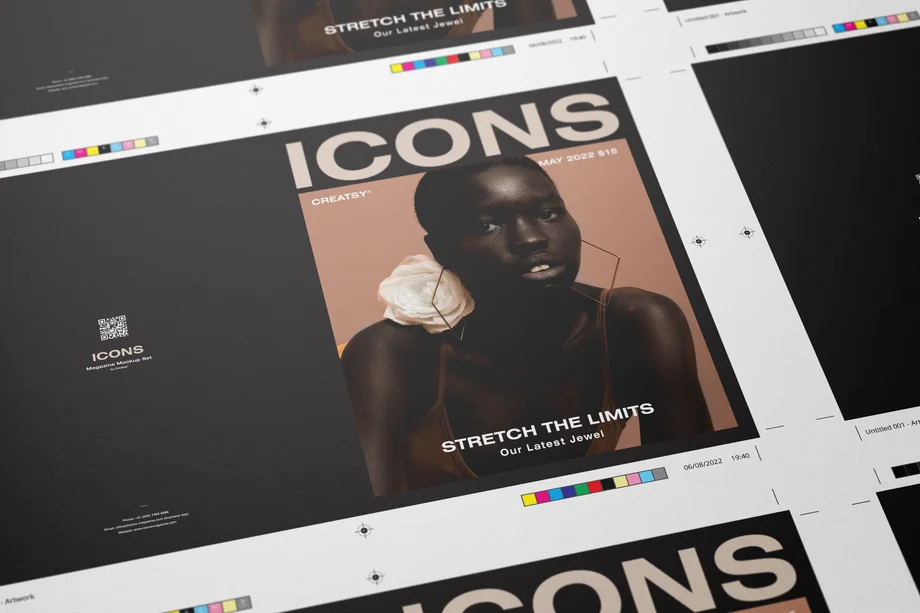
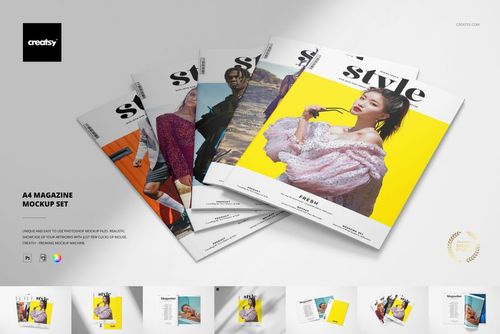
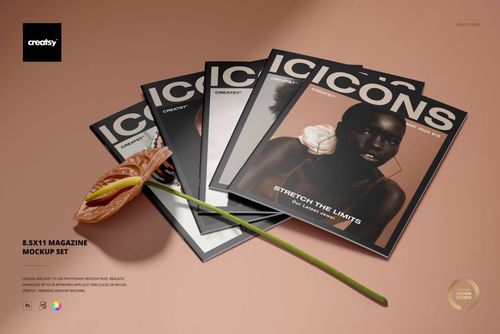
A4 and 8.5x11 are not the same shape, so a cover that sits right in one crops differently in the other. Both sizes have their own set here, which settles the question before a media kit or a first issue goes out to advertisers.
FAQs
The category includes hardcover books, books with cloth binding or sleeves, board books, an artbook, magazines and bookplates. There are also styled scenes with books on shelves. Choose by cover type, page proportions and the views you need, rather than treating every book mockup as interchangeable.
Choose a set with views of those surfaces, and check that they have editable artwork areas. Some sets also include pages, endpapers or a sleeve. Prepare separate layouts where needed and match the proportions shown in the file; a front-cover scene alone cannot show a back-cover design.
Choose the format you are publishing. A4 and US Letter, which is 8.5 × 11 inches, have different proportions. Using the matching mockup helps you show the layout without squeezing or stretching it. Your printer's specification still determines the final trim size, bleed and page setup.
They present the illustrated or typographic ownership labels placed inside books, often called ex libris labels. Use them to show a bookplate design as its own product or as a detail in a book or stationery collection. They are not a replacement for a full cover or interior-page mockup.
Yes. A finished image showing your own cover can be used to promote your book, subject to the Creatsy license and the publishing platform's image rules. Choose a mockup that represents your book's format accurately. The mockup does not supply the platform's cover template or replace its production specifications.
Yes. Free Hardcover Book in Metallic Foil Pouch Packaging PSD Mockup is available in Freebies with a free account. It shows a book in packaging, so it is useful for that presentation rather than for every cover view. Review its gallery before choosing it as your main book image.
Why use Book & Magazine mockups?
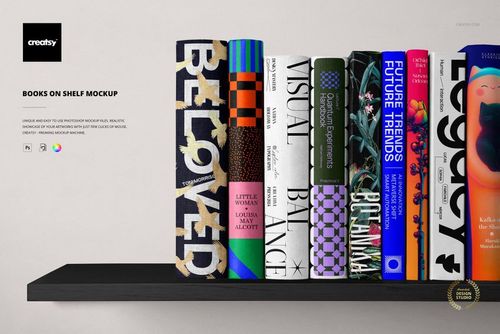
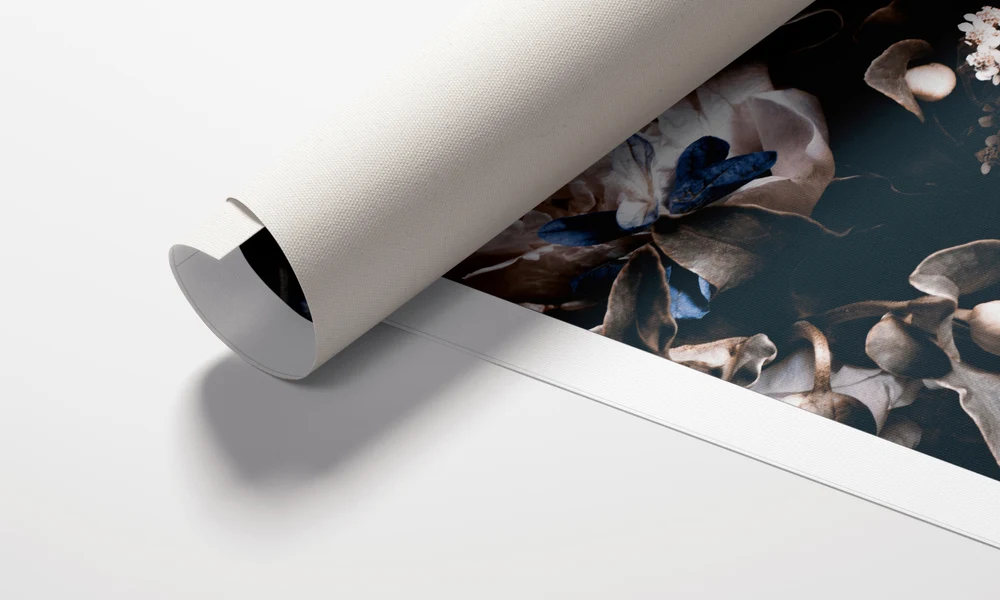
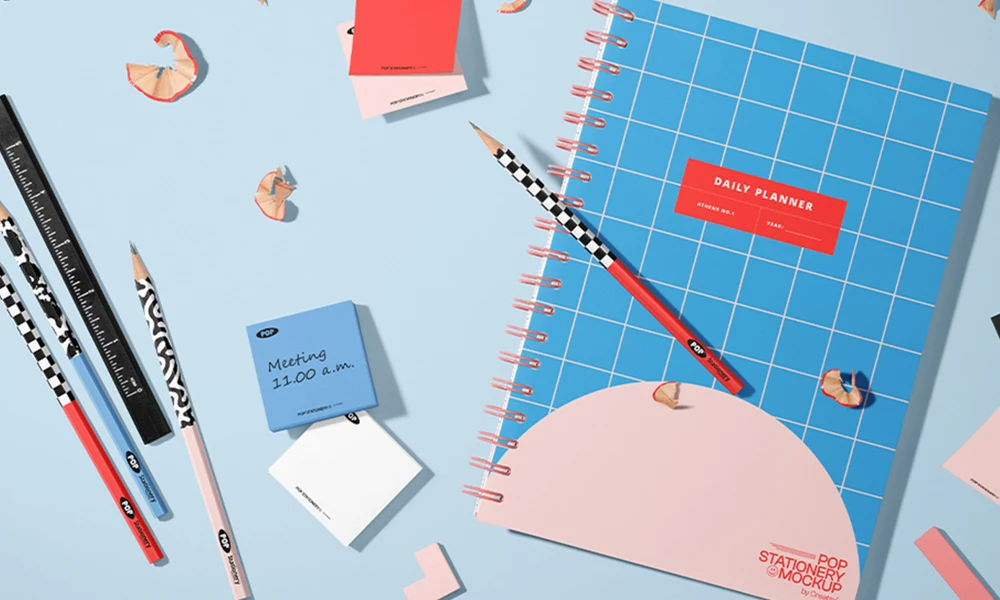
The book and magazine scenes cover hardcovers, buckram cloth bindings, books with sleeves, artbooks, portrait and landscape board books, cardboard baby books, A4 and 8.5 × 11-inch magazines, bookplates and bookshelves. Artwork is added through Smart Objects in layered PSD files. The listings provide the software requirements and license options for each set. Seeing the front, spine and back as a bound object helps you review how the layout works across those surfaces. Paper, cloth, folds and lighting give the design context for a cover presentation or campaign. Reuse the same views for the next title in a series, a revised edition or a backlist collection to keep the images consistent. Some sets also provide space for the interior. The artbook scenes include editable pages, inside covers, endpapers and binding details, as shown in the gallery. The shelf scene has nine individually editable spines, so you can present several titles together. Choose the views that show the parts of the book you need a reader, publisher or client to see.
FreeCreatsy® Mockups
j