Mailing Box & Shipping Label Mockups
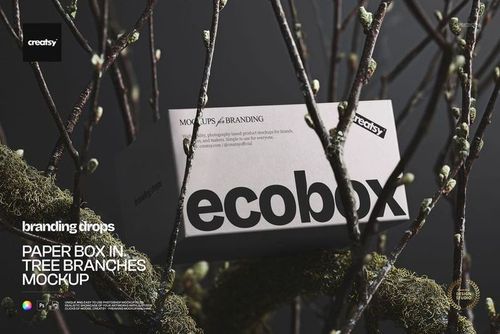
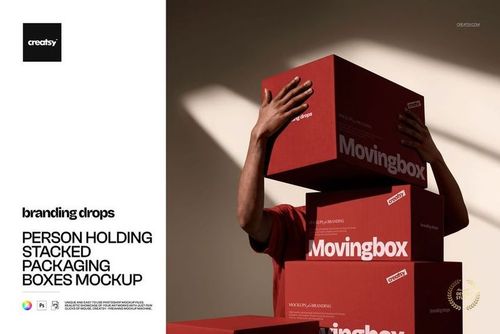
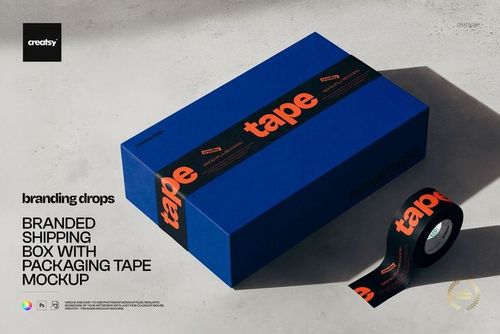
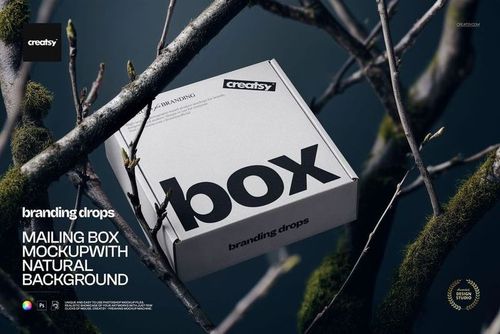
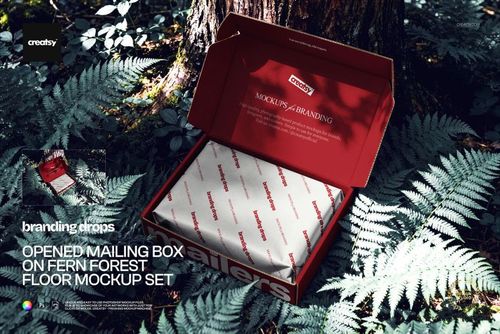
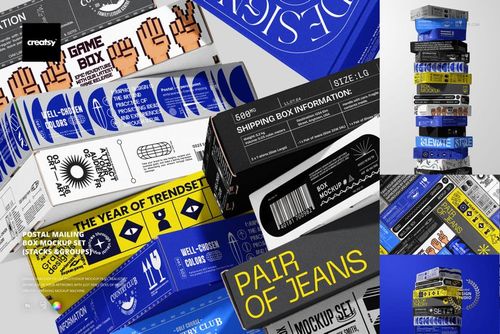
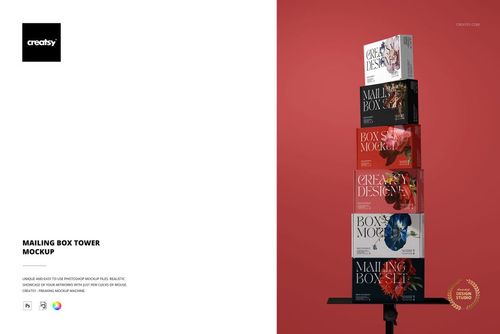
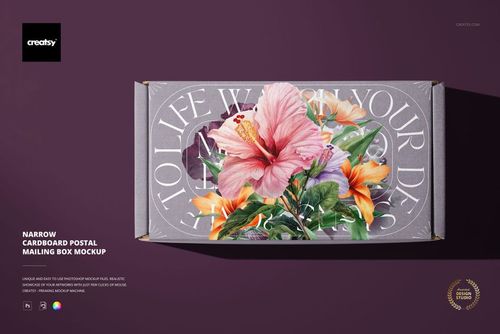
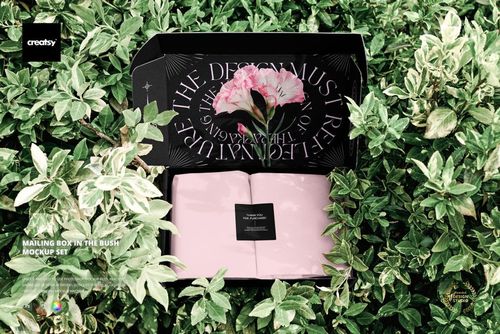
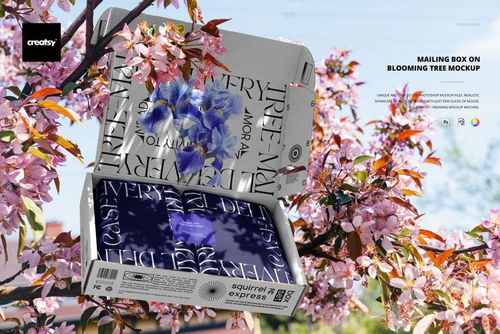
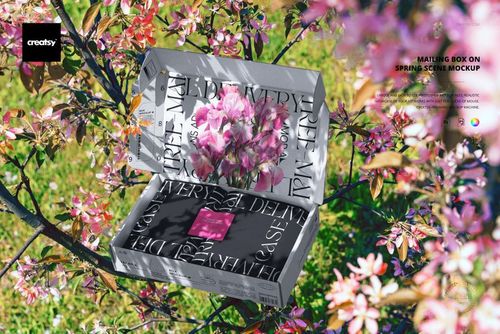
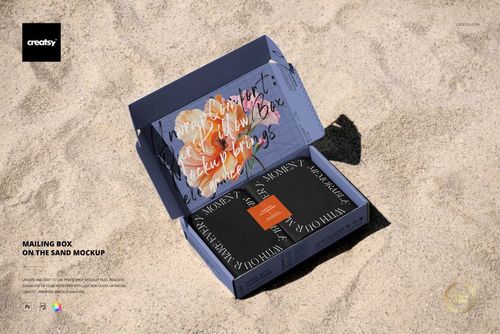
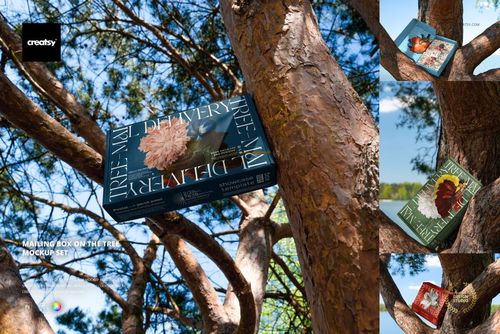
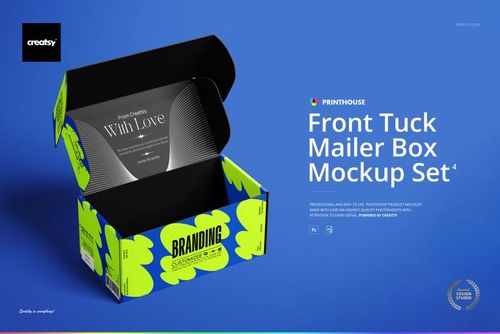
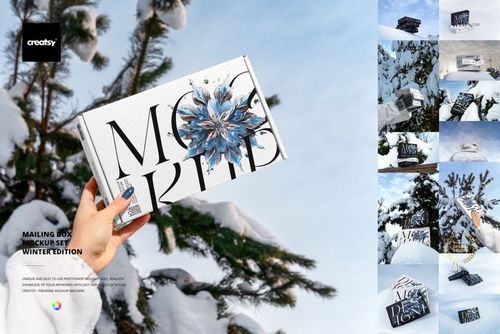
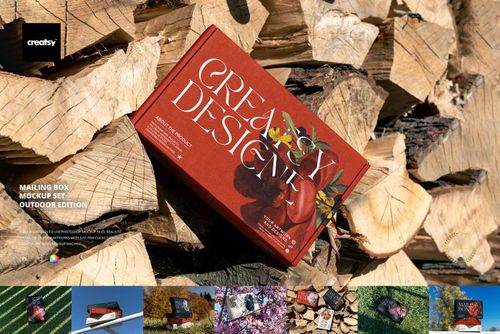
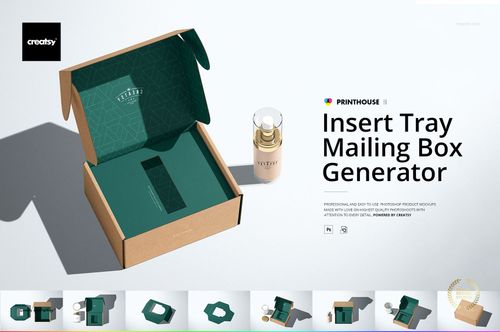
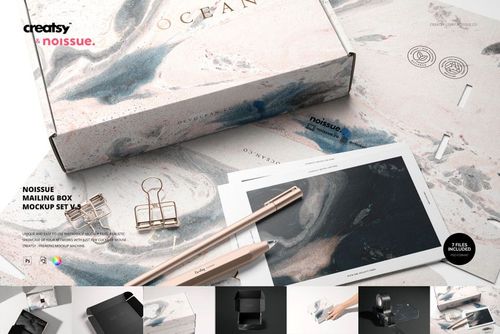
Explore editable mailing box and shipping label mockups for front-tuck mailers, kraft boxes, postal boxes, moving boxes, mailing tubes, inserts, tissue paper, stickers, packaging tape, and shipping labels. Present branding on open and closed boxes, stacked arrangements, hand-held views, close-ups, studio scenes, forests, grass, sand, rocky coastlines, winter settings, and spring locations. Use layered Photoshop files and Smart Objects to create realistic visuals for product listings, unboxing concepts, client presentations, catalogs, advertising, and social media.


Reviews
What designers and brand owners say after using these PSD mockups in real client work.
0
Sort by:


extra!
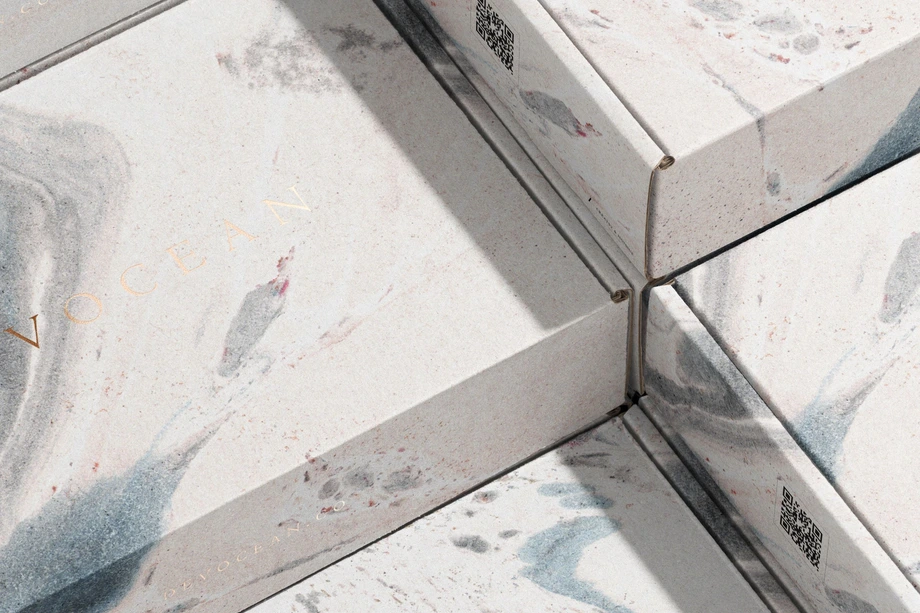
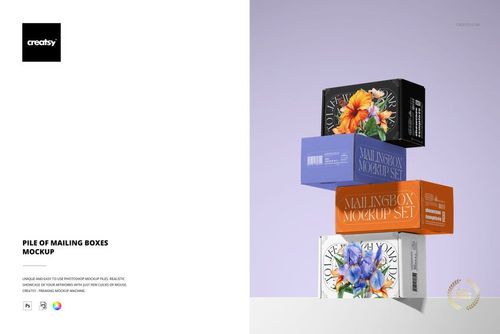
 Pile of Mailing Boxes Mockup View product
Thank you so much! We’re so happy you like it. We truly appreciate your support.

Thank you! It's work for my current project. Rad mockup set with fair price.
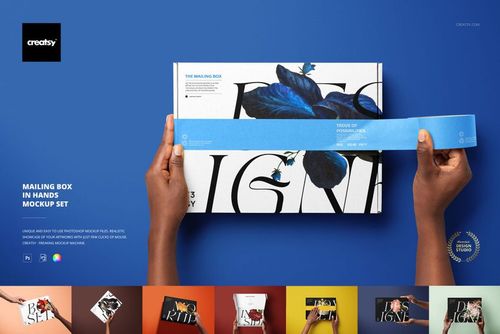
 Mailing Box Mockup Set 4 View product
 Thank you so much for your review! We’re really glad the set worked well for your project and that you found it a great value.
Great product. Very high quality. There are quiet a few files in this pack. High Res. Really well made
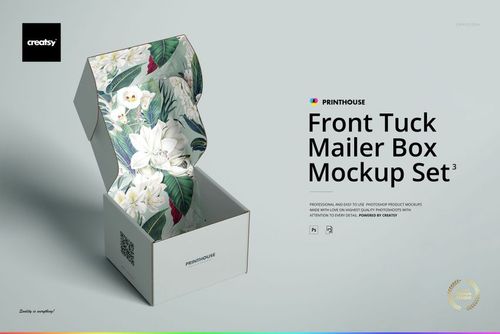
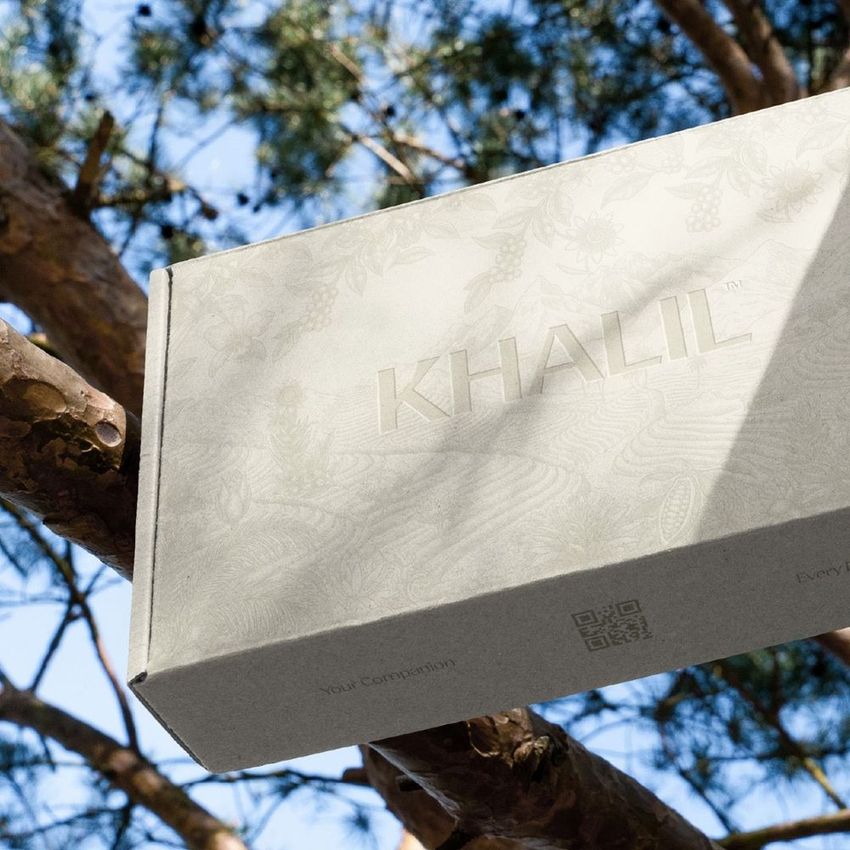
 Mailing Box Mockup Set 03 View product
Thank you for the great review! We aim to provide top-quality products with a variety of high-resolution files. Enjoy your creative projects!


The file has too many layers, a nightmare to edit certain parts, and the resolution is not great.
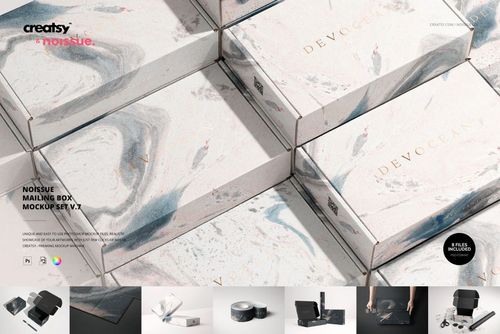
 Noissue Mailing Box Mockup Set v.7 View product
Thank you for your review, and we’re sorry to hear about your experience. Due to the inclusion of multiple boxes in this mockup, each box has its own design layer to allow for individual editing. However, the process can be automated so that designs are applied automatically, saving time and effort. Unfortunately, this level of layer complexity is necessary to provide flexibility, such as editing each box individually. Could you clarify if the resolution issue you’re experiencing is with the JPG preview files or the PSD files? The JPG files are only provided as thumbnails for systems that may not display PSD previews automatically. The mockup is based on photos taken with a high-end Canon EOS R5 camera, and the resolution of the PSD files is 6000x4000px, ensuring high quality for most design needs. If you have any further questions or concerns, please don’t hesitate to contact us directly via email. We’re happy to help!


What you get
Professional PSD mockups built in-house - editable, realistic, high-resolution, and supported by real people.
Layered PSD Files
Creatsy mockups are delivered as fully layered Photoshop .psd files, with layers sorted into clearly named groups. Shadows, highlights, and the background each sit on their own editable layer, and nothing is flattened into a single image. Open it in Photoshop or the free browser editor Photopea and get to work.
- Clearly named, organized layer groups
- Shadows and highlights on separate layers
- Editable background, never flattened
- Works in Photoshop or free Photopea
Smart Objects
Open the smart object, paste your artwork, and save. The design lands on the product with the perspective, warp, and wrap already worked out. Scene lighting and shadows fall back on top, so it reads as a photograph, not a flat paste-in. Swapping a design takes seconds, so one file can carry a whole run of variants and colorways.
- Double-click, paste your design, save
- Perspective, warp, and wrap pre-built
- Scene lighting and shadows sit back on top
- One file covers many variants and colorways
High-Resolution Output
Many scenes are built from real product photography rather than 3D renders, so the fabric and surface read like a studio shot. Files export at high resolution and stay sharp at full zoom, with clean edges where the print sits. The same file works for a hero banner, a paid ad or a product listing.
- Real product photography in many scenes
- Exports ready for print
- Holds detail at full zoom
- Works for banners, ads and listings
Easy to Edit
Colors, backgrounds, and artwork sit on separate, clearly named layers, so you swap a color or background without disturbing the rest of the scene. There is no relighting or shadow work to redo, and the same file works for your next project.
- Edit color and background layers directly
- No relighting or shadow rework needed
- No masking or layer skills required
- One file reused across projects
Fast Support
There is a real in-house team behind every file, not a ticket bot. Before you buy, ask whether a specific mockup fits what you have in mind, and we will tell you. When a smart object or a layer group is tripping you up, send the question and you usually get a reply within 48 hours.
- Real in-house team behind every file
- Replies within 48 hours
- Pre-purchase help picking the right mockup
- Answers on smart objects and layer setup
Who are these mockups for?
For e-commerce & retail brands
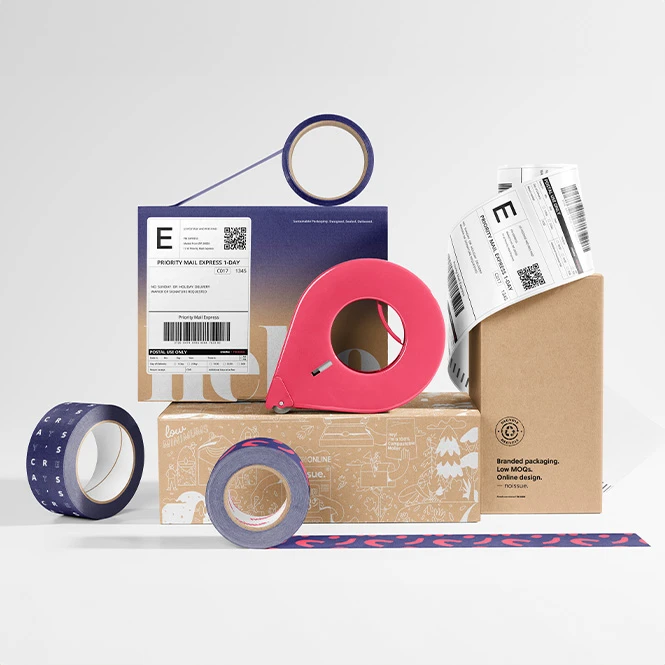
Present branded shipping boxes, labels, tape, stickers, and tissue paper as one coordinated customer touchpoint. Create visuals for online shops, product launches, fulfillment concepts, advertising, customer communications, and social media.
Need flexible shipping bags too? Browse Mailers & Shipping Envelopes mockups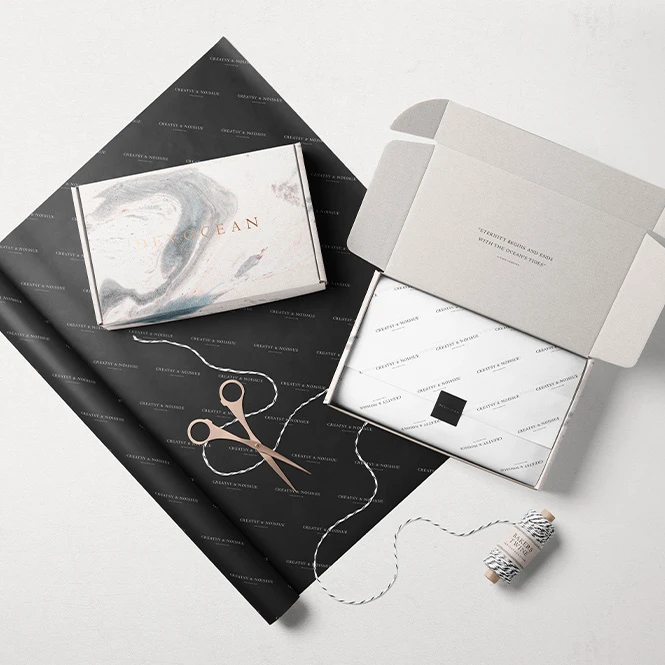
For packaging designers & branding studios
Develop coordinated packaging presentations across mailer boxes, shipping labels, branded tape, stickers, and other shipping components. Use clean scenes, outdoor views, and seasonal compositions in client pitches, brand guidelines, portfolios, and case studies.
Building the full packaging system? Browse Packaging Tapes and Stickers & Labels mockups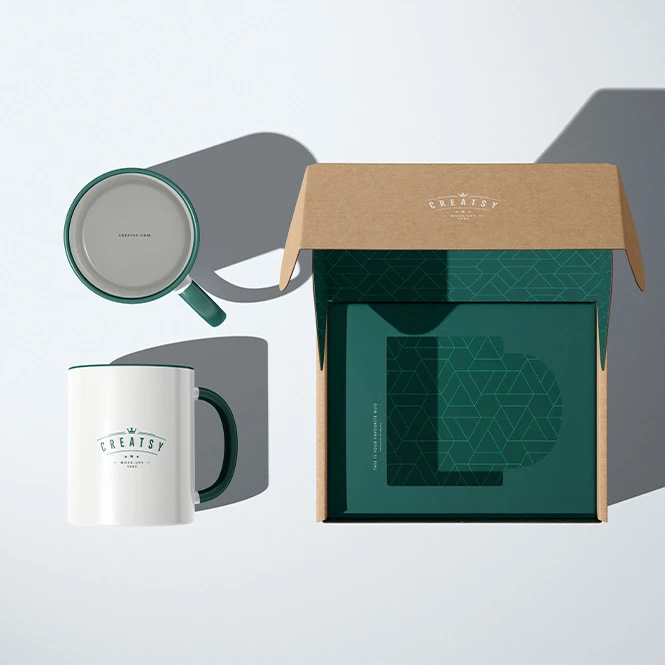
For print suppliers, fulfillment teams & packaging manufacturers
Use product-focused views, stacked boxes, labels, inserts, tubes, and open-box scenes to explain available formats and visual concepts in catalogs, customer consultations, retailer decks, and sales presentations.
Need general folding cartons or tubes? Browse Boxes & Tubes mockups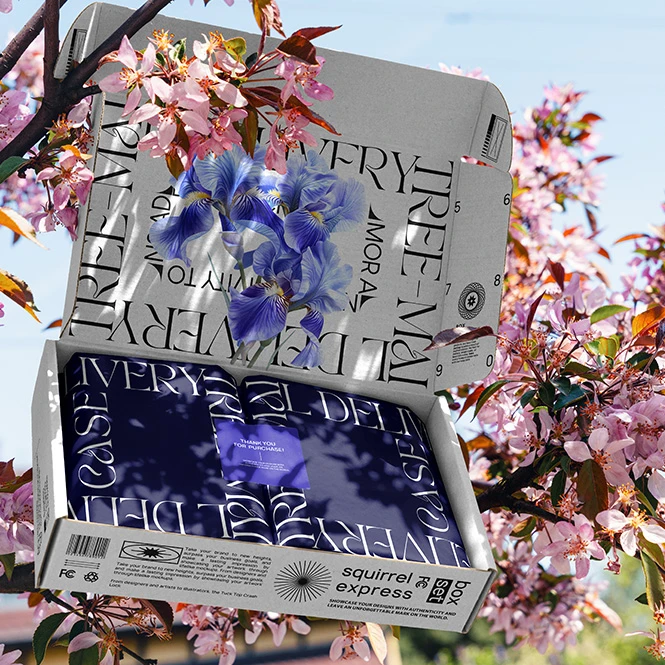
For subscription-box & gift-box brands
Show exterior artwork, interior printing, inserts, tissue paper, labels, stickers, and unboxing arrangements where supported. Use open and closed views to communicate the intended subscription or gift experience before final production.
Creating a wider gift experience? Browse Gift Packaging & Wrapping Paper mockups
FAQs
The collection includes front-tuck mailer boxes, kraft and postal boxes, narrow boxes, moving boxes, mailing tubes, insert trays, box stacks, shipping labels, stickers, tissue paper, packaging tape, and larger bundles. Scenes include open and closed boxes, interiors, hand-held views, towers, piles, grouped arrangements, studio compositions, forests, grass, sand, trees, rocky coastlines, winter settings, and spring locations.
Customization varies by product. You can generally replace the sample artwork and adjust selected box colors. Depending on the file, additional editable elements may include exterior panels, interiors, lids, side walls, inserts, tissue paper, shipping labels, stickers, packaging tape, backgrounds, shadows, props, or other scene details. Check the screenshots and Product Details section for the exact options included.
No. The Noissue products, other sets, and bundles contain separate Photoshop files. Consistent naming or similar Smart Object proportions do not create a live connection between independent documents. Add the required artwork to every selected PSD and editable panel separately, then export each scene individually.
Yes. The category includes dedicated shipping-label mockups, while selected box scenes may also contain a label, sticker, or branded tape area. The exact layer structure varies by product, so check whether the label is an independent Smart Object before purchasing. For a broader selection of stickers and seals, browse Stickers & Labels.
No. A mockup is used to visualize the intended box and unboxing presentation. It does not replace the manufacturer's dieline, panel dimensions, folds, cut lines, bleed, safe areas, corrugated material, insert construction, tape location, shipping-label requirements, print profile, or physical proof. The files are designed for Adobe Photoshop, while selected products may also support Photopea. Check the individual product page for compatibility.
Why use Mailing Box & Shipping Label mockups?
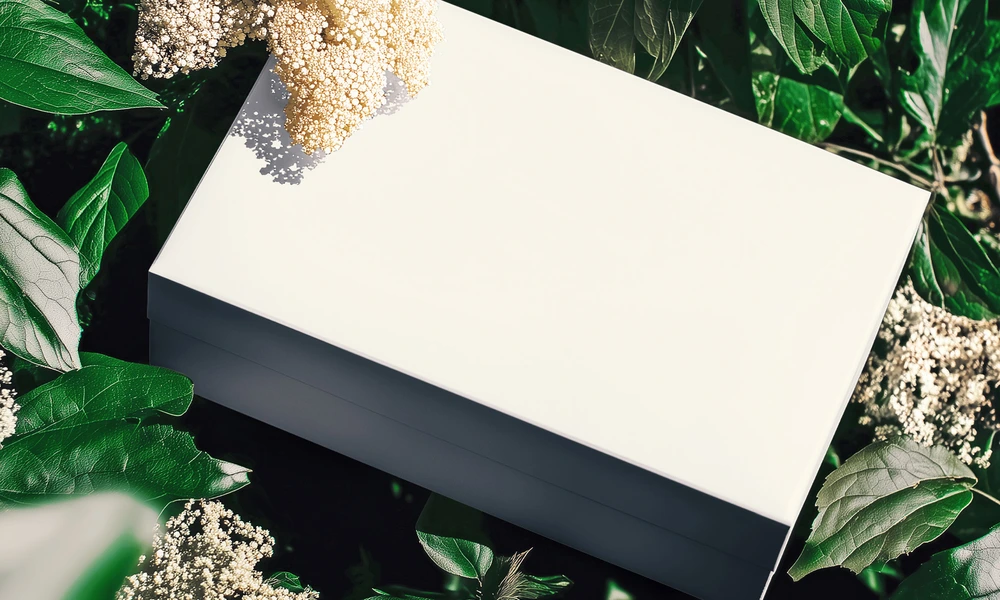
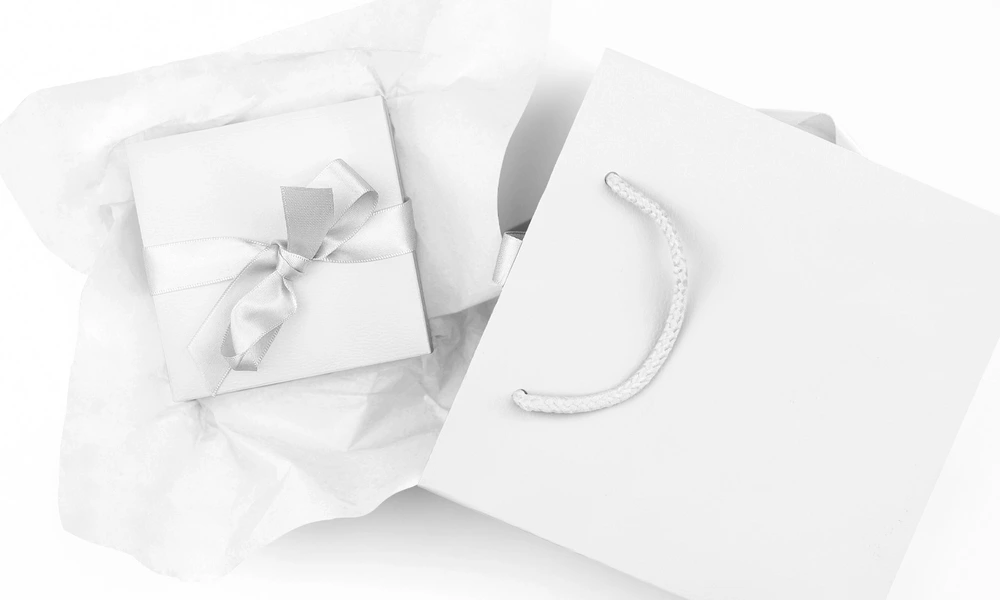
Mailing boxes contain lids, side panels, folds, seams, interiors, inserts, labels, tape, and areas that become hidden or partially covered when the box is closed. A flat dieline does not communicate how the complete package will look in a product listing, unboxing presentation, or campaign. Mockups turn the artwork into a clearer visual concept. Use open and closed box scenes to present exterior and interior branding, lid artwork, side panels, stickers, tissue paper, inserts, and shipping labels where supported. Stacked, grouped, tower, and hand-held arrangements help communicate product ranges or larger order volumes. Outdoor, forest, grass, sand, coastal, winter, and spring scenes add context for launch campaigns, social media, portfolio projects, and lifestyle-oriented packaging presentations. They are marketing visuals, not technical production proofs. Layered Photoshop files and Smart Objects preserve the prepared box shape, folds, perspective, lighting, shadows, cardboard texture, and environmental interaction while the artwork is replaced. Depending on the selected product, you may also be able to adjust interiors, labels, tape, tissue paper, inserts, backgrounds, or other scene details. Separate files and independent Smart Objects must be edited individually. Export the finished visuals for product listings, subscription-box concepts, client approvals, retailer presentations, catalogs, brand guidelines, advertising, and social media. For final manufacturing and fulfillment, rely on the packaging supplier's exact dieline, dimensions, materials, labels, inserts, print requirements, samples, and proofs.
FreeCreatsy® Mockups
genial
Thank you so much! We’re so happy you like the mockup and truly appreciate your support.