Stroller & Car Seat Accessory Mockups
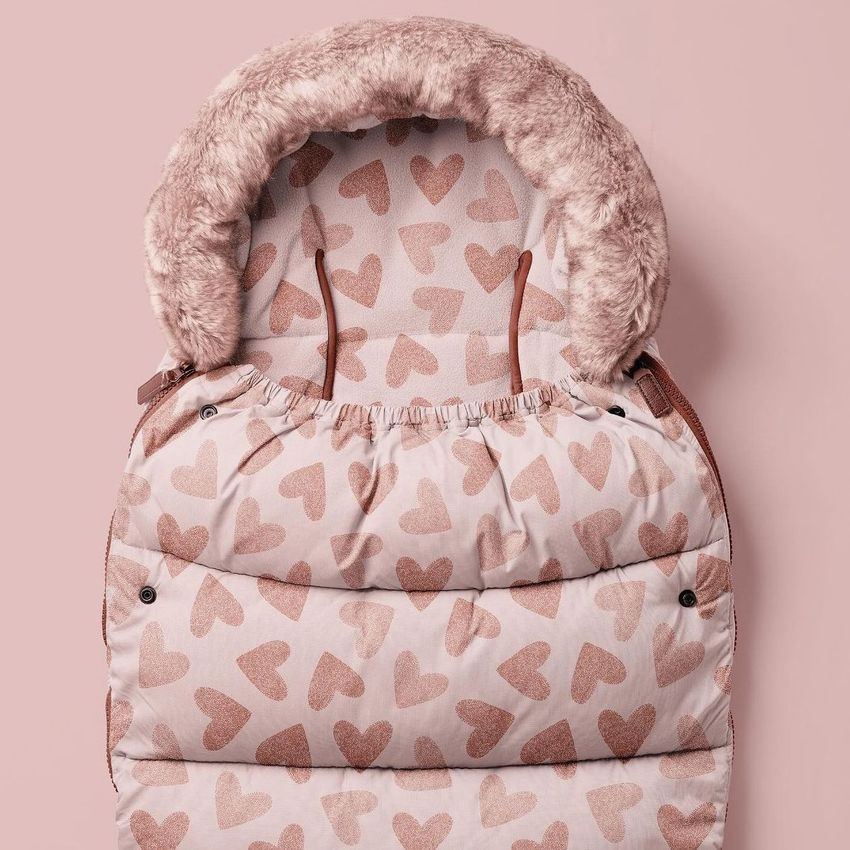
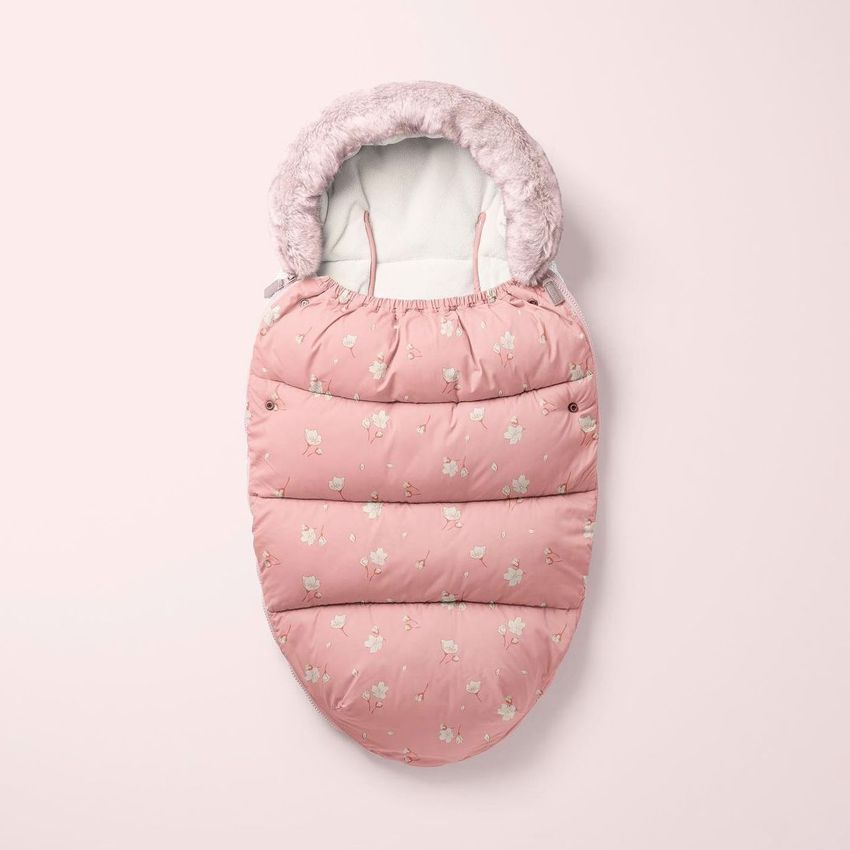
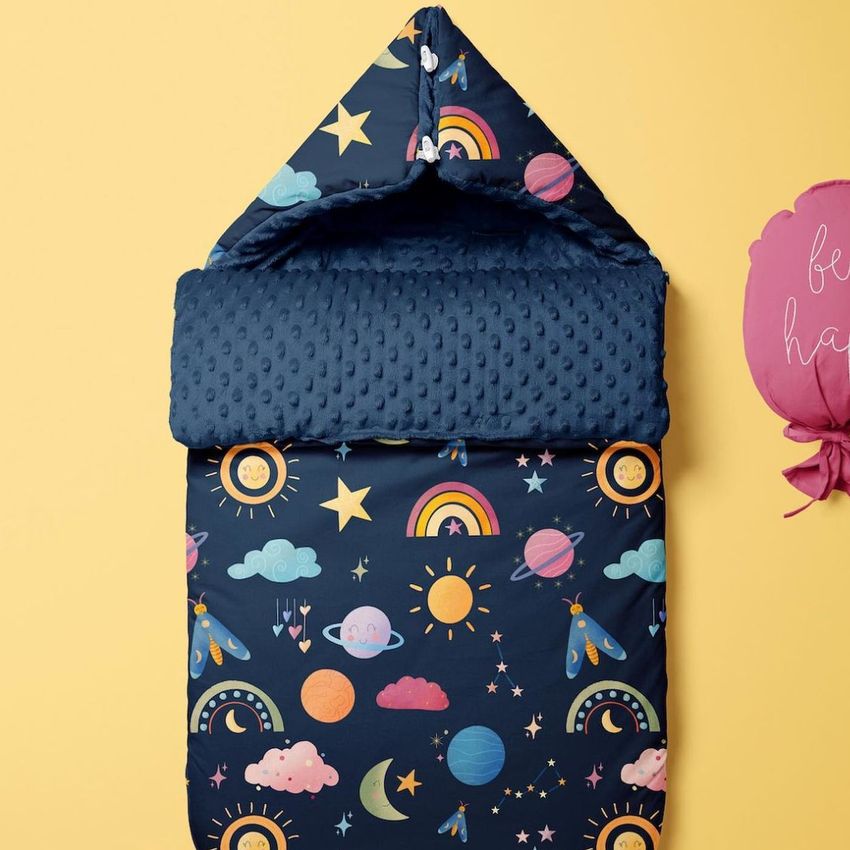
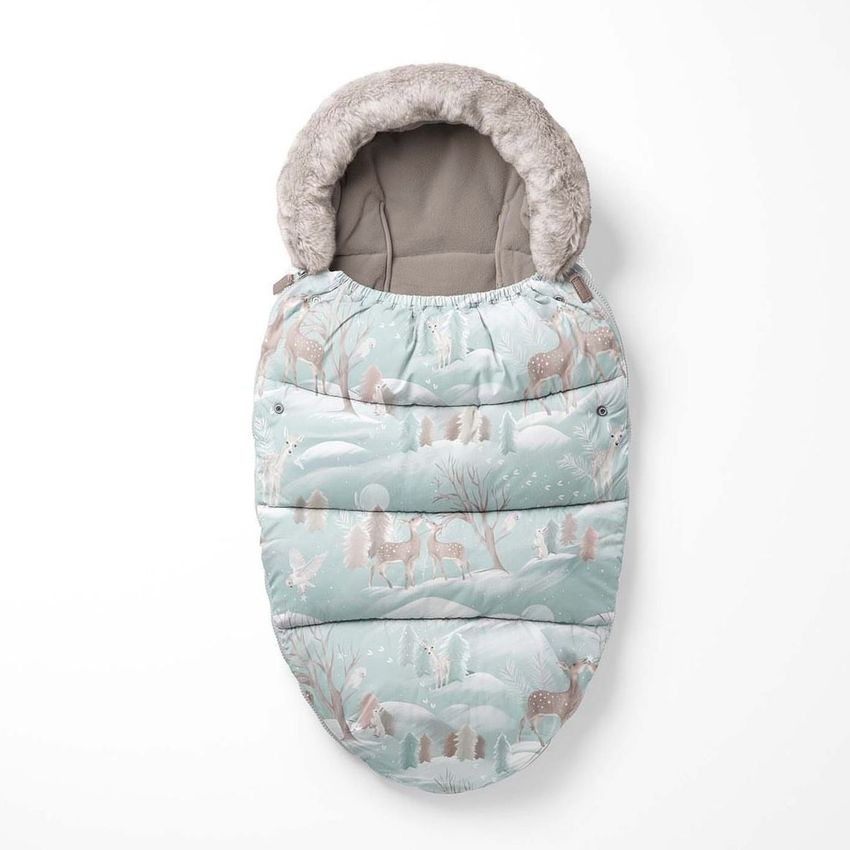
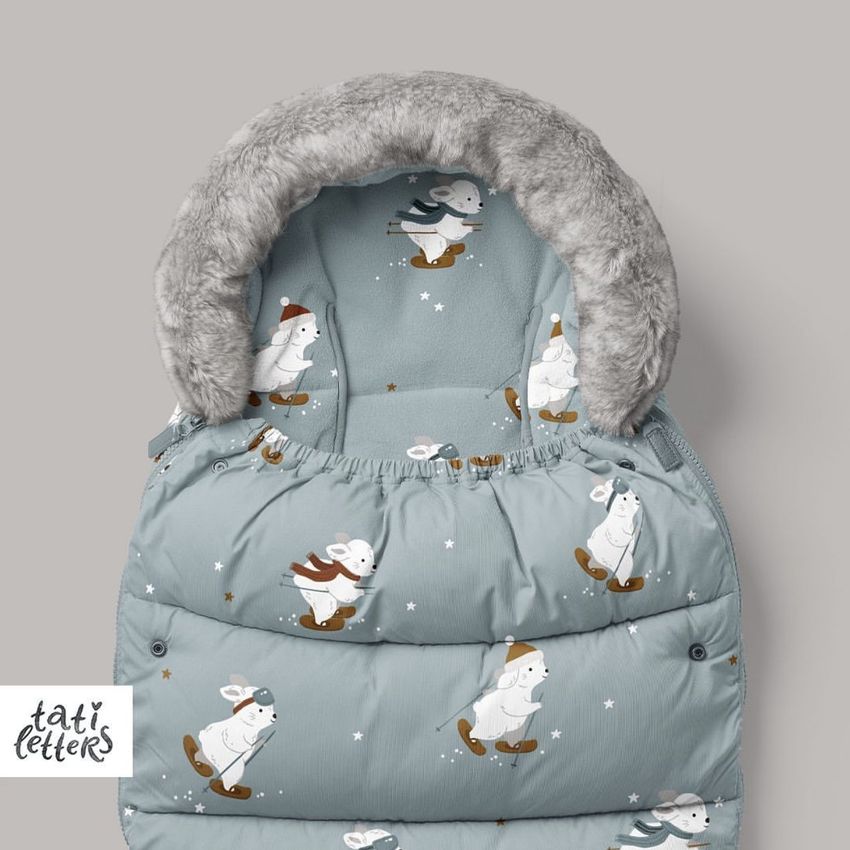
Explore editable stroller and car seat accessory mockups for baby sleeping bags, footmuffs, car seat canopies, multi-use covers, and pacifier clips. Add repeating patterns, illustrations, logos, labels, and coordinated colorways through layered Photoshop files and Smart Objects, then create realistic visuals for product listings, client presentations, licensing portfolios, catalogs, advertising, and social media.

Reviews
What designers and brand owners say after using these PSD mockups in real client work.
0
Sort by:
What you get
Professional PSD mockups built in-house - editable, realistic, high-resolution, and supported by real people.
Layered PSD Files
Creatsy mockups are delivered as fully layered Photoshop .psd files, with layers sorted into clearly named groups. Shadows, highlights, and the background each sit on their own editable layer, and nothing is flattened into a single image. Open it in Photoshop or the free browser editor Photopea and get to work.
- Clearly named, organized layer groups
- Shadows and highlights on separate layers
- Editable background, never flattened
- Works in Photoshop or free Photopea
Smart Objects
Open the smart object, paste your artwork, and save. The design lands on the product with the perspective, warp, and wrap already worked out. Scene lighting and shadows fall back on top, so it reads as a photograph, not a flat paste-in. Swapping a design takes seconds, so one file can carry a whole run of variants and colorways.
- Double-click, paste your design, save
- Perspective, warp, and wrap pre-built
- Scene lighting and shadows sit back on top
- One file covers many variants and colorways
High-Resolution Output
Many scenes are built from real product photography rather than 3D renders, so the fabric and surface read like a studio shot. Files export at high resolution and stay sharp at full zoom, with clean edges where the print sits. The same file works for a hero banner, a paid ad or a product listing.
- Real product photography in many scenes
- Exports ready for print
- Holds detail at full zoom
- Works for banners, ads and listings
Easy to Edit
Colors, backgrounds, and artwork sit on separate, clearly named layers, so you swap a color or background without disturbing the rest of the scene. There is no relighting or shadow work to redo, and the same file works for your next project.
- Edit color and background layers directly
- No relighting or shadow rework needed
- No masking or layer skills required
- One file reused across projects
Fast Support
There is a real in-house team behind every file, not a ticket bot. Before you buy, ask whether a specific mockup fits what you have in mind, and we will tell you. When a smart object or a layer group is tripping you up, send the question and you usually get a reply within 48 hours.
- Real in-house team behind every file
- Replies within 48 hours
- Pre-purchase help picking the right mockup
- Answers on smart objects and layer setup
Who are these mockups for?
For baby branding studios & retailers
Present one visual direction across travel accessories, nursery textiles, baby clothing, packaging, and related customer touchpoints by combining separately edited mockups. Use the finished visuals in client pitches, brand guidelines, retailer decks, portfolios, and case studies.
Developing matching nursery products? Browse Nursery & Kids Room mockups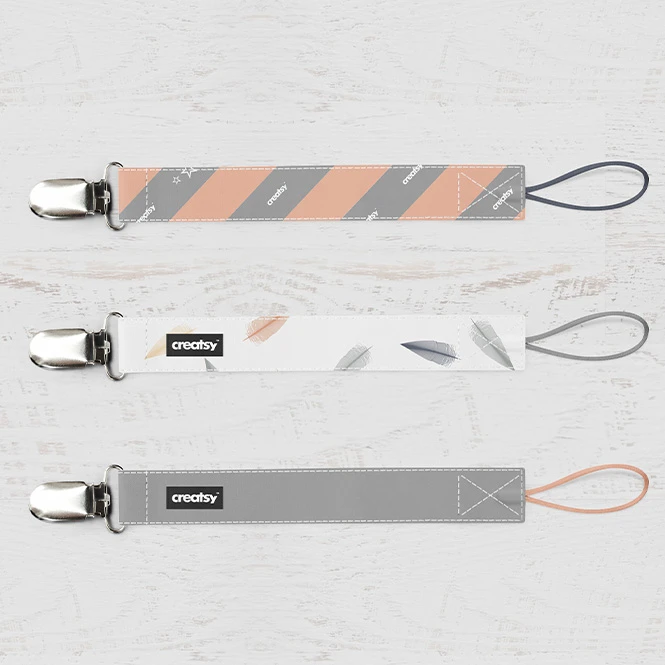
For personalized baby-product sellers
Create realistic previews for custom names, monograms, patterns, labels, and coordinated accessory collections. Use the images for online shops, custom-order approvals, gift concepts, advertising, and social campaigns.
Creating matching apparel? Browse Baby & Kids Clothing mockups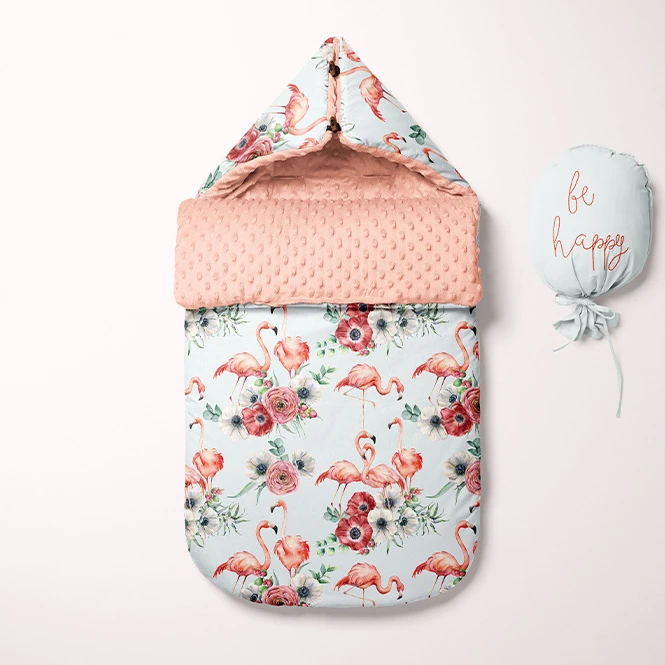
For stroller & baby travel accessory brands
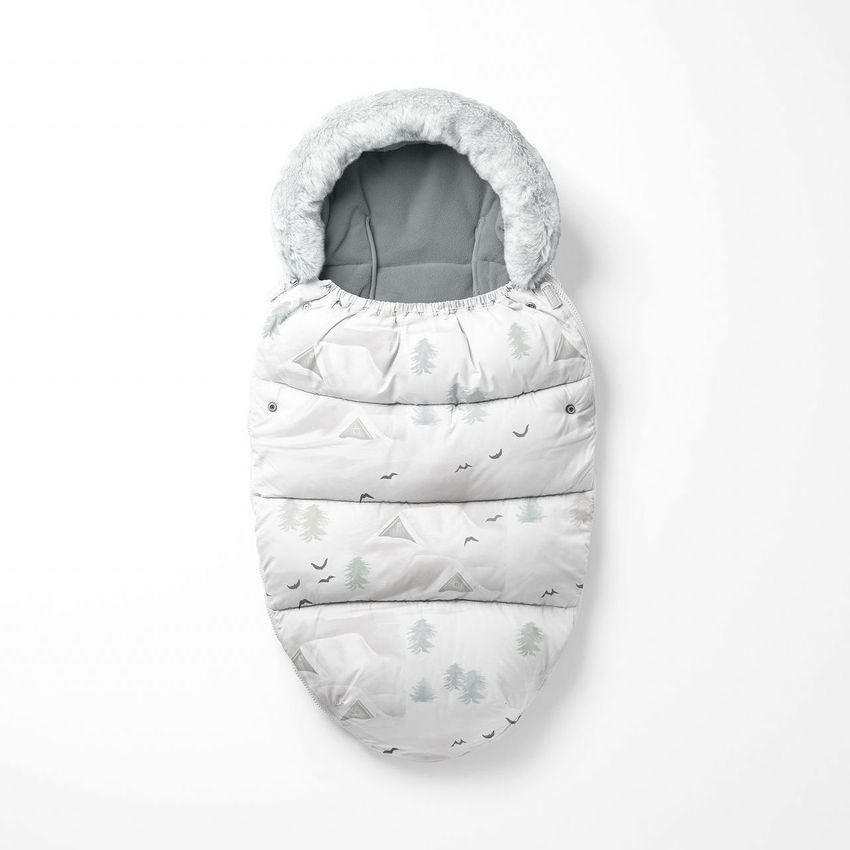
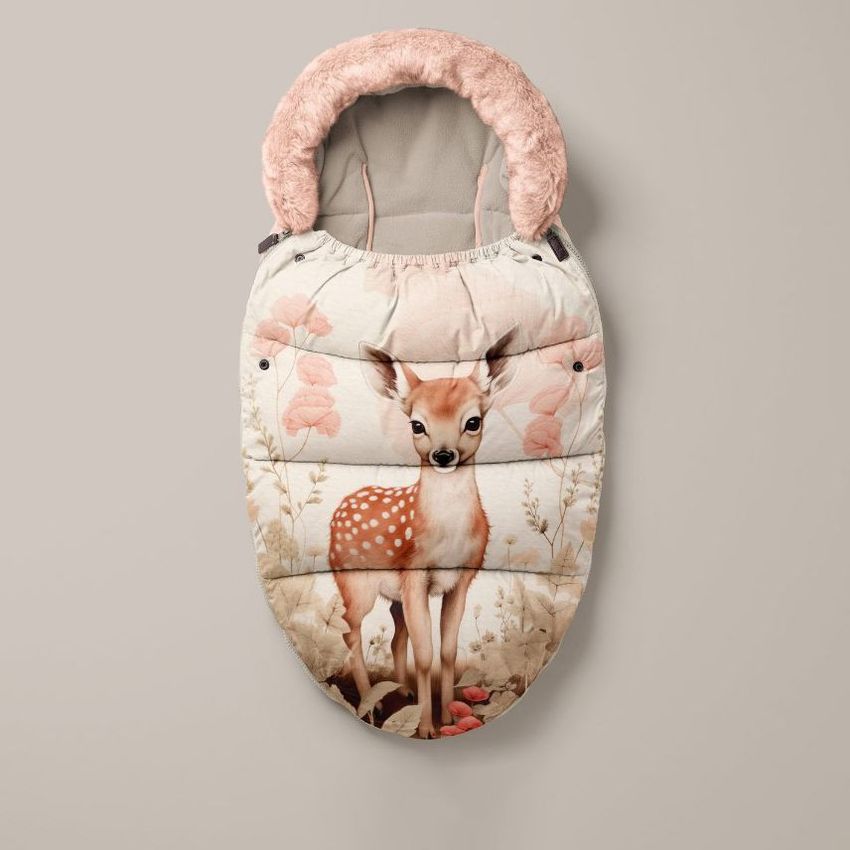
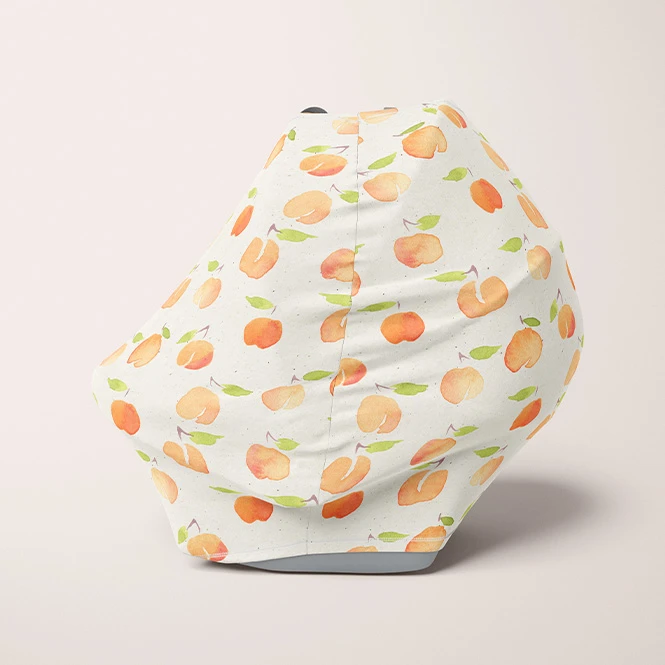
Present artwork on baby sleeping bags, footmuffs, car seat canopies, multi-use covers, and pacifier clips. Use several product views to create listing images, customer previews, catalogs, retailer presentations, and launch campaigns before every finished variation is photographed.
Building a wider baby accessory collection? Browse Nursery & Kids Room mockups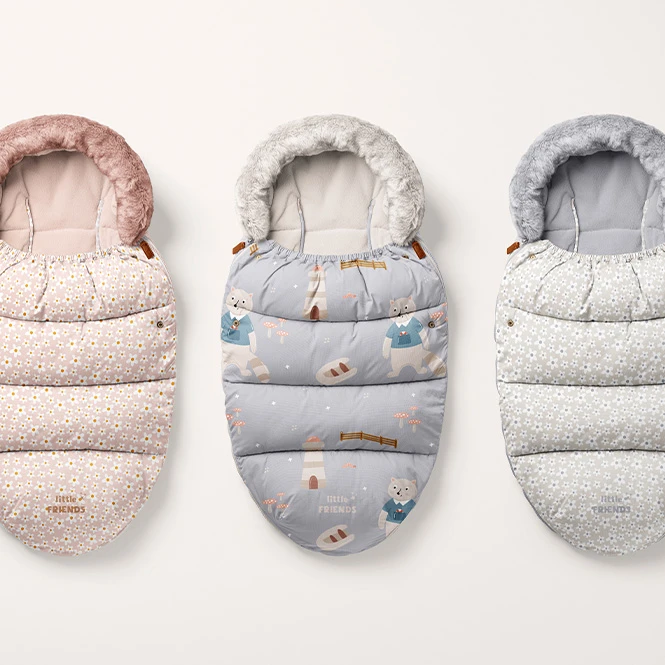
For surface pattern designers & licensing studios
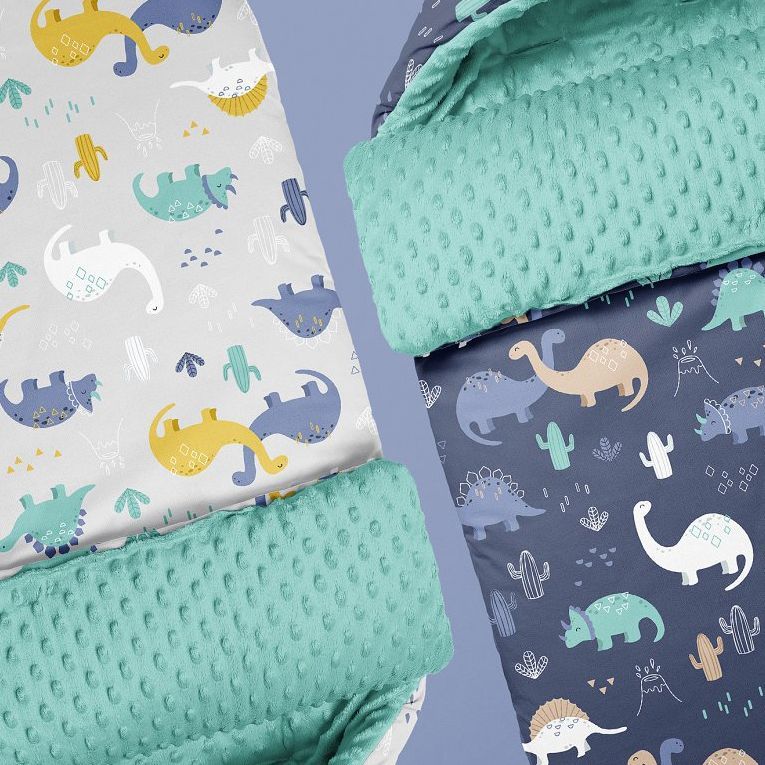
Show repeating patterns, illustrations, and coordinated color palettes across padded, quilted, minky, smooth, folded, and narrow textile surfaces. Use the finished visuals in licensing decks, buyer presentations, trade-show materials, portfolios, and social media.
Presenting repeat patterns separately? Browse Fabric mockups
FAQs
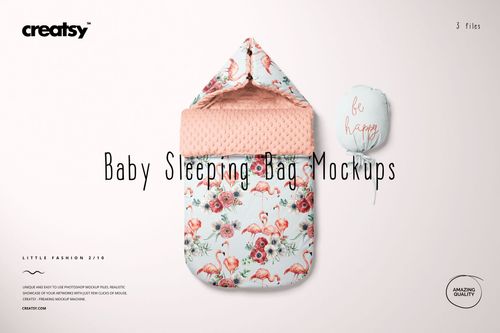
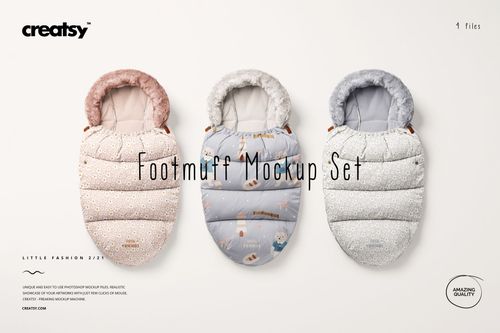
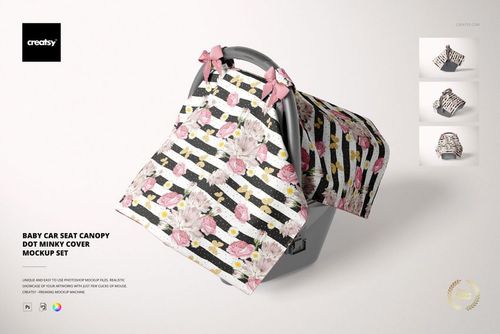
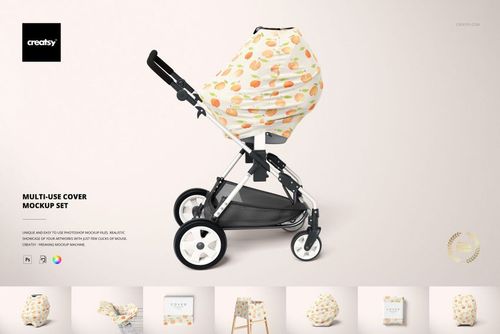
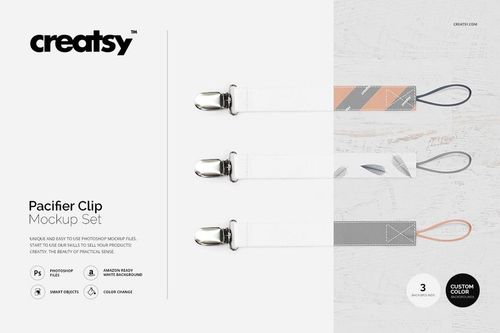
The current collection includes a Baby Sleeping Bag Mockup Set, Footmuff Mockup Set, Baby Car Seat Canopy Dot Minky Cover Mockup Set, Multi-Use Cover Mockup Set, and Pacifier Clip Mockup Set. Nursing pillows, changing pads, swaddles, and wearable blankets are available in Nursery & Kids Room rather than in this category. Use the product previews to compare the available constructions, materials, camera angles, file counts, and editable surfaces.
Customization varies by product. You can generally replace the sample textile artwork and adjust selected product colors. Depending on the file, additional editable elements may include linings, quilted sections, minky surfaces, labels, seams, gradients, background colors, individual product parts, or other scene details. Check the screenshots and Product Details section for the exact Smart Objects and controls included in each product.
No. Sets contain separate PSD files, and individual scenes may contain several independent Smart Objects. Add the required artwork to each selected file and editable surface separately. Changes made in one document do not automatically update the other scenes. For example, the current Baby Sleeping Bag Set contains multiple PSD files, Footmuff contains several, Car Seat Canopy contains several separate scenes, Multi-Use Cover contains several, and Pacifier Clip contains several.
No. The mockups visualize the intended artwork, colors, materials, and product presentation. They do not verify compatibility with a particular stroller or car seat, harness access, airflow, attachment method, dimensions, construction, durability, or safety performance. For car-seat-related accessories, follow the instructions supplied by the original car-seat manufacturer. In the United States, NHTSA advises against using aftermarket car-seat products unless they are made or expressly allowed by the original manufacturer.
The editable mockups are designed for Adobe Photoshop. Several current products also list Photopea compatibility, but support should be checked on the individual product page, especially when a set contains older or more complex files. Exported mockup visuals can be used in permitted product listings, client presentations, licensing decks, catalogs, advertising, and social media according to the selected license. Source Photoshop files may not be resold, sublicensed, redistributed, or made available for independent customer customization.
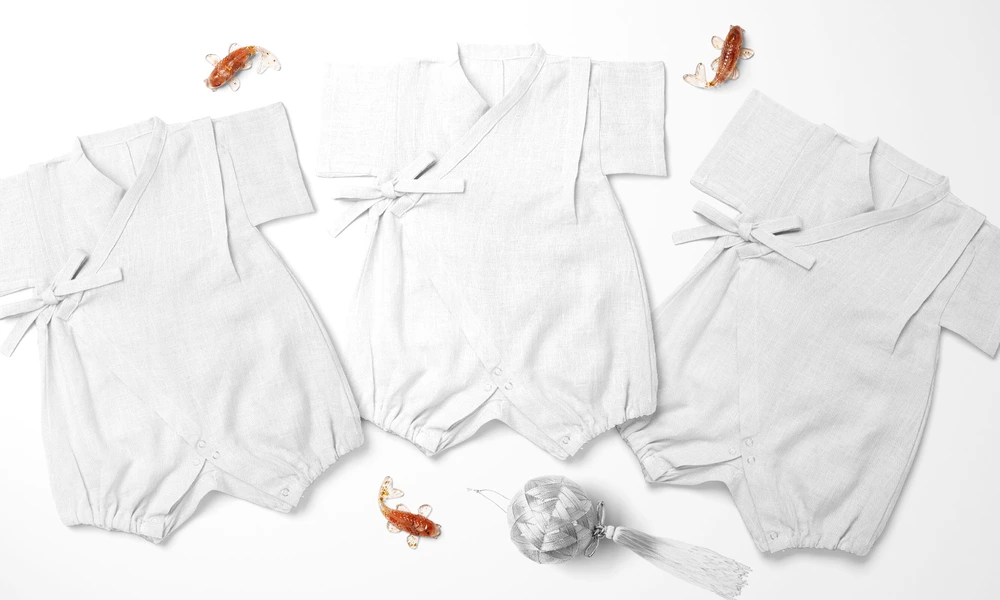
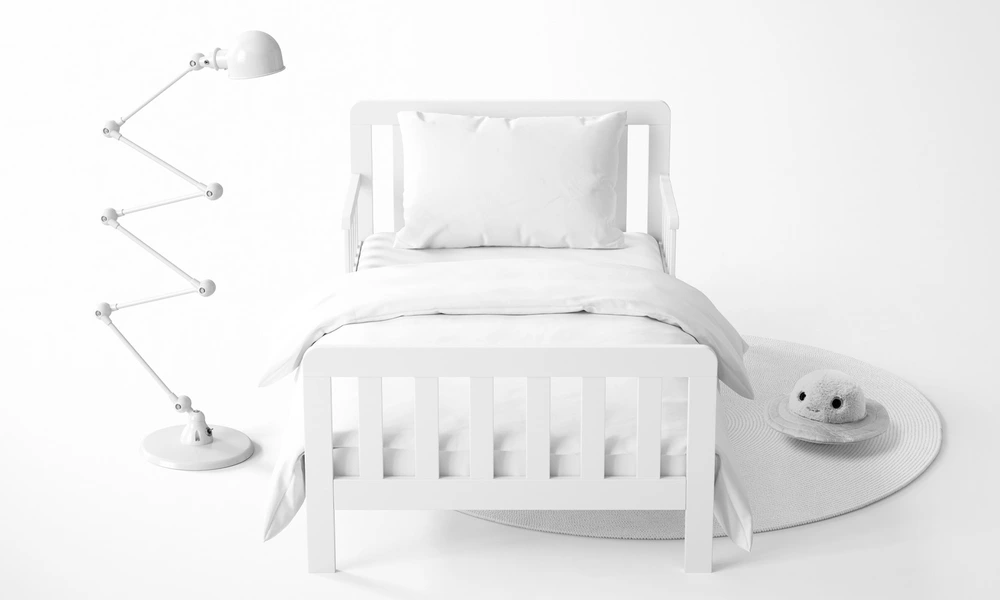
Why use Stroller & Car Seat Accessory mockups?
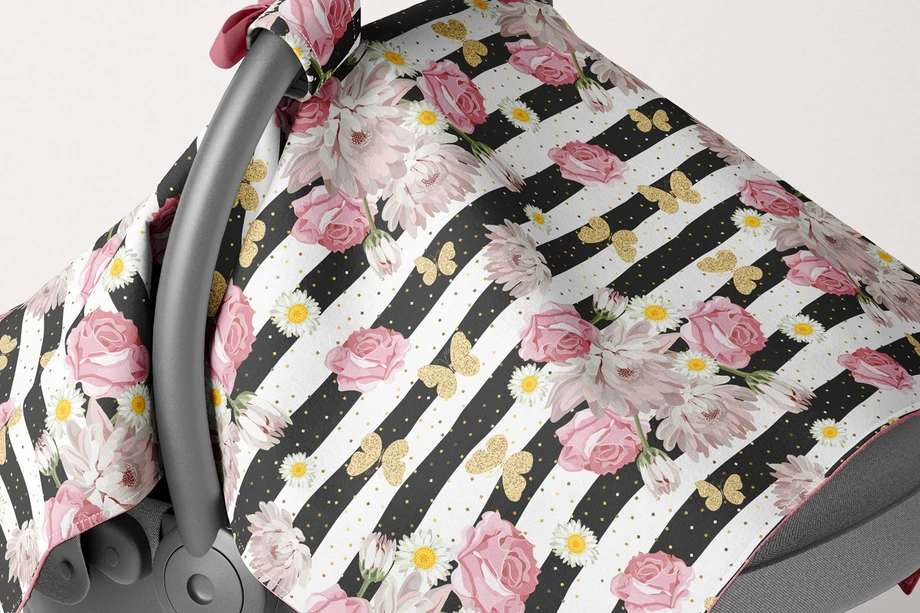
Baby travel accessories place artwork on padded, quilted, folded, gathered, curved, and narrow textile surfaces. A flat repeat tile does not show how a pattern will appear across a footmuff opening, around the volume of a sleeping bag, over a minky canopy, through the folds of a flexible cover, or along the narrow strap of a pacifier clip. Mockups turn the original artwork into a clearer product presentation. Use baby sleeping bag and footmuff mockups to compare pattern direction, perceived scale, lining colors, quilted sections, and coordinated designs. Car seat canopy scenes help present artwork across a curved textile surface, while the Multi-Use Cover Set shows the same type of fabric product in several different presentation contexts. Pacifier clip mockups provide focused views for smaller patterns, labels, seams, gradients, hardware, and personalized artwork. Larger products are useful for licensing and collection presentations, while cleaner views can support online listings and catalogs. Layered Photoshop files and Smart Objects preserve the prepared folds, padding, fabric texture, perspective, lighting, and shadows while the sample artwork is replaced. Depending on the selected product, additional colors, labels, backgrounds, linings, seams, or product sections may also be editable. Separate files and independent Smart Objects must be customized individually. Export the finished visuals for product listings, custom-order approvals, licensing decks, retailer presentations, catalogs, portfolios, advertising, and social media. Use the mockups to communicate the intended visual direction. For final production, rely on the manufacturer's exact dimensions, materials, construction specifications, compatibility requirements, testing, samples, and physical proofs.
FreeCreatsy® Mockups
Files are far too large, too many smart object layers in each file, no proper use of 3D objects or puppet warp but instead 30 copies of the smart object and warped frustratingly. Very frustrating and slow to work with. Would not have purchased if I had known the structure of these files.
Hi there, Thank you for your message, and we completely understand your frustration. Unfortunately, 3D layers are no longer reliably supported in Photoshop. The same applies to Puppet Warp for this kind of advanced distortion. In our experience, it is not able to handle such complex warping consistently, and Photoshop itself still has quite a few bugs with that tool. At this point, the only truly reliable solution is using Smart Objects. We understand why this is disappointing, and we want to make this right for you. I have just forwarded this mockup to our team, and they will start working on optimizing the files as soon as possible. Would this solution be satisfactory for you? We truly appreciate your patience, and we would love the chance to improve this experience for you. Regards, Jakub Creatsy Team