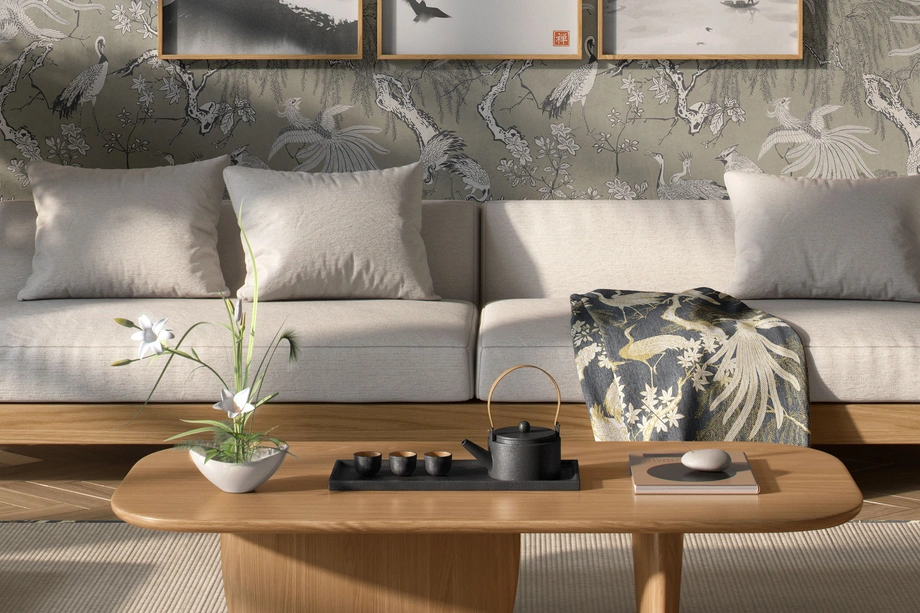
Living Room & Decor Scene Mockups
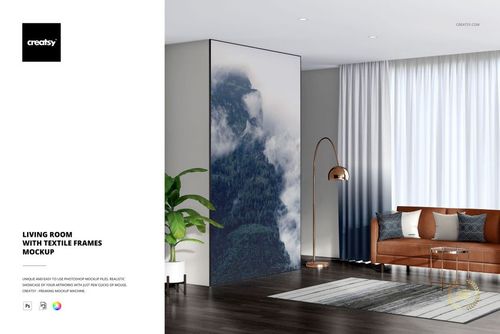
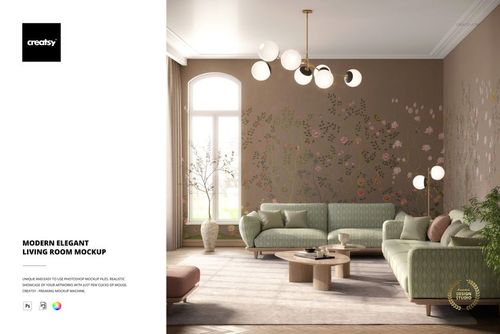
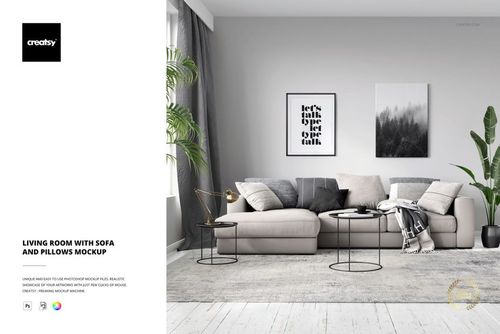
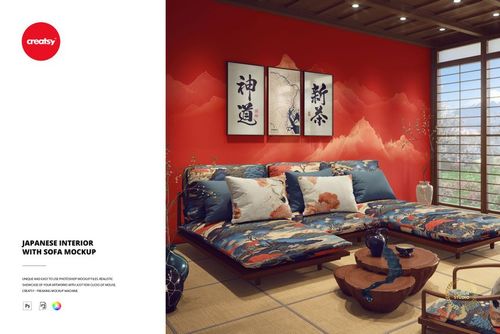
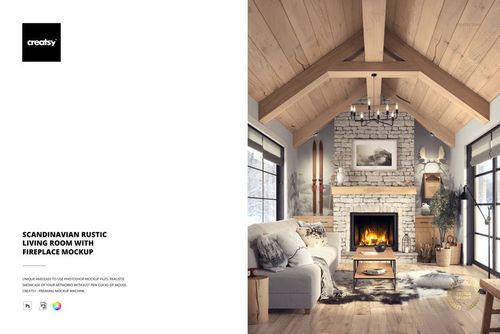
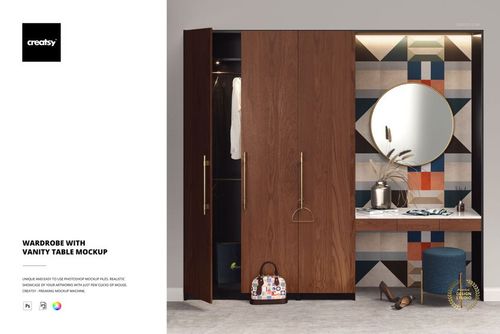
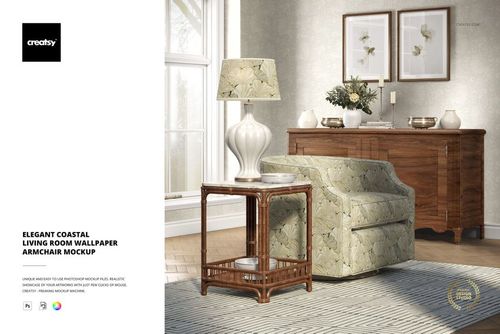
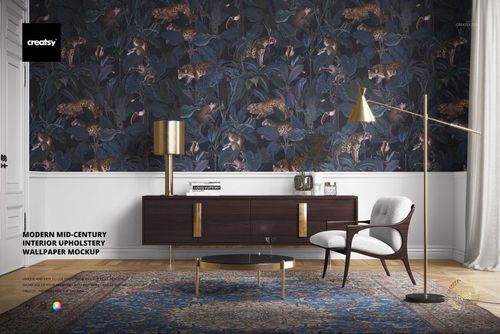
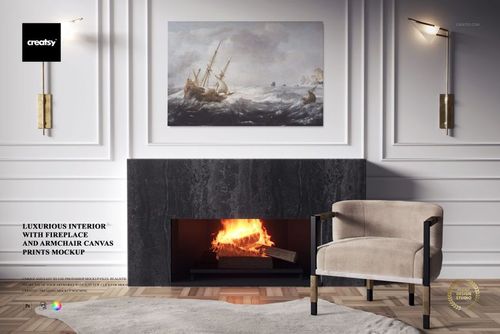
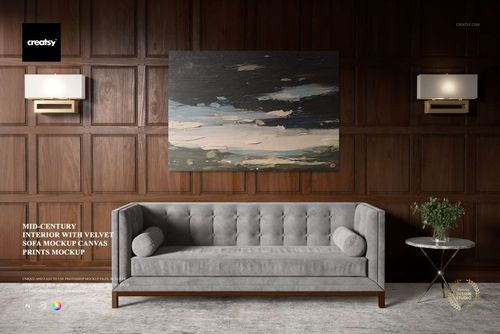
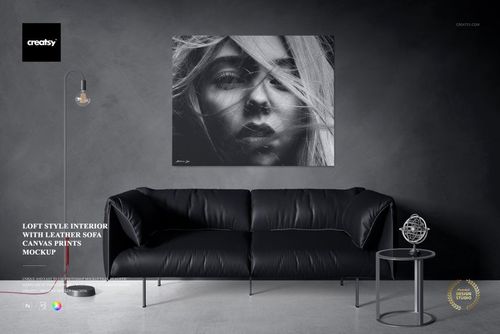
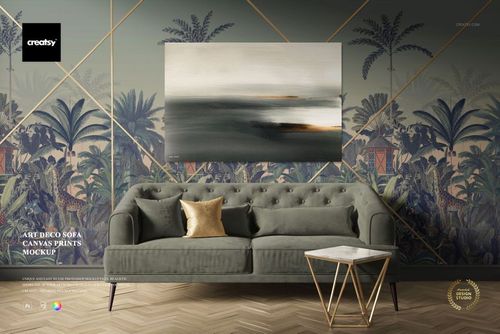
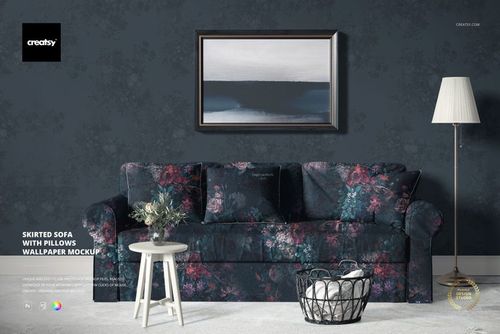
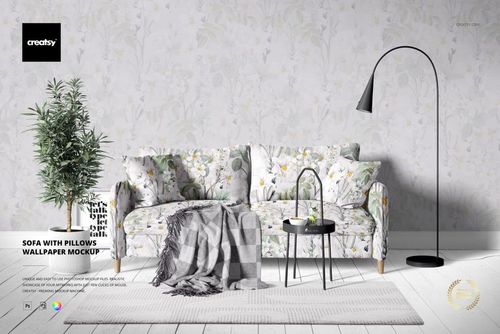
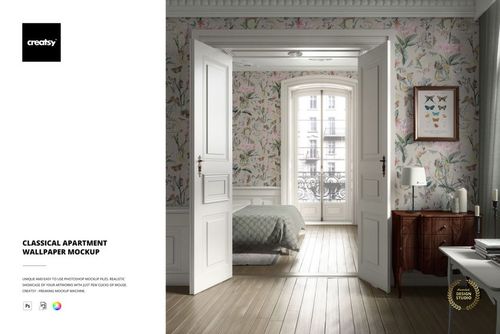
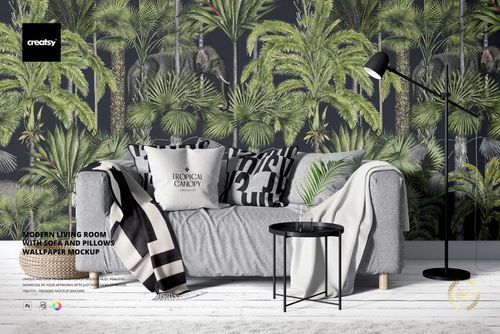
Explore editable living room and decor scene mockups for sofas, armchairs, pillows, wallpaper, curtains, rugs, tapestries, canvas prints, framed art, sideboards, lamps, and coordinated home-textile collections. Choose from modern, classic, Boho, Cottagecore, Japandi, Scandinavian, mid-century, Art Deco, Victorian, loft, coastal, and luxury interior styles. Add artwork and colorways through layered Photoshop files and Smart Objects, then create realistic visuals for licensing decks, product listings, client pitches, portfolios, catalogs, advertising, and social media.


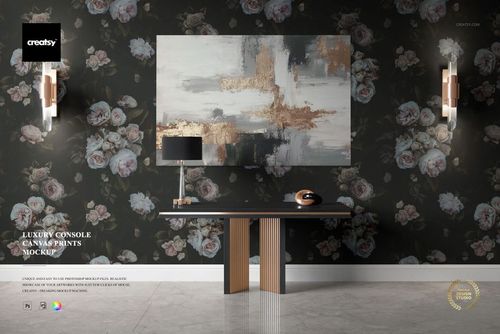
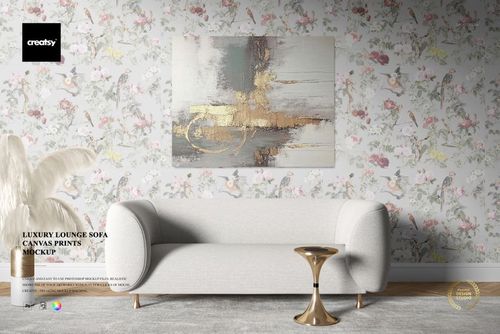
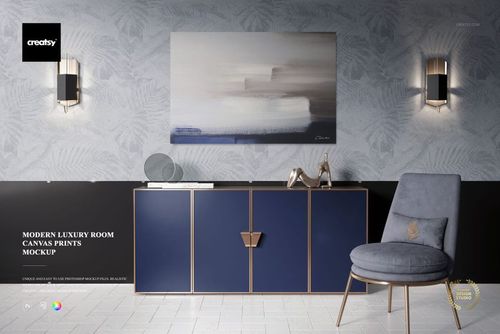
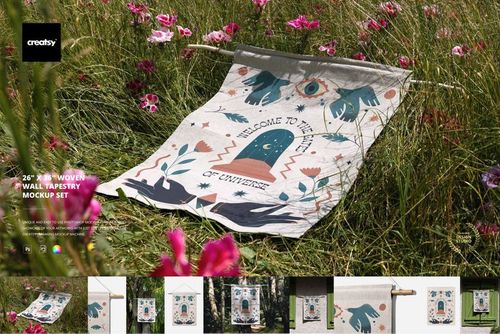
Reviews
What designers and brand owners say after using these PSD mockups in real client work.
0
Sort by:


You get a ton of value from this pack. The interiors are all luxurious with great lighting and come to life when you throw some textures into them. Top-tier quality collection of mockups.
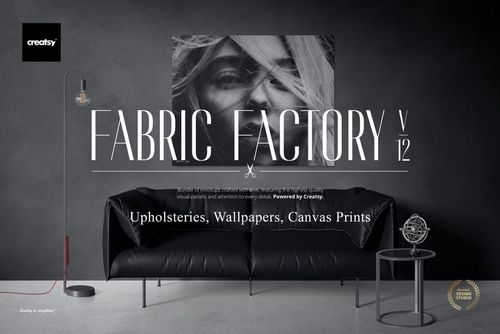
 Fabric Factory v.12 Mockup Bundle - Upholsteries, Wallpapers & Canvas Prints View product
Thank you so much for such a thoughtful review! It means a lot to hear that you’re pleased with the quality of the collection! 😊

Beautiful Mock up. Just what I was looking for and easy to use. Great quality as always from Creatsy
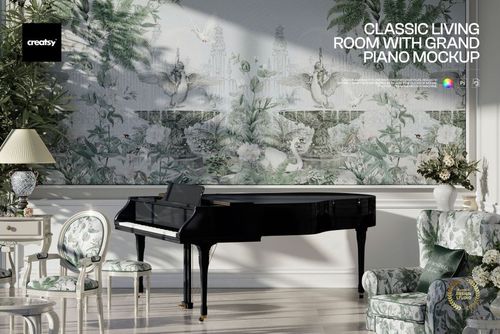
 Classic Living Room with Grand Piano Mockup View product
 Thank you so much! We’re delighted you found the mockup easy to use and exactly what you were looking for 😊
elegant mock up
 Fabric Factory v.10 Mockup Bundle View product
Thank you so much for your lovely review! We’re so happy to hear you found the mockup elegant. Your support truly means a lot to us.
Beautiful work! Will be buying again.
Fabric Factory v.10 Mockup Bundle View product Thank you so much for your lovely review! We’re so happy to hear you enjoyed the mockups, and we’ll be delighted to welcome you back anytime.
Creatsy make the best Mockups on the market, no matter what you need to showcase. These mockups are highly customizable, and the lighting in them makes everything look very realistic. You can keep or turn off many of the Items in the mockup, also a great feature giving control over the look you want. They have the most friendly and very helpful support. I highly recommend these mockups!
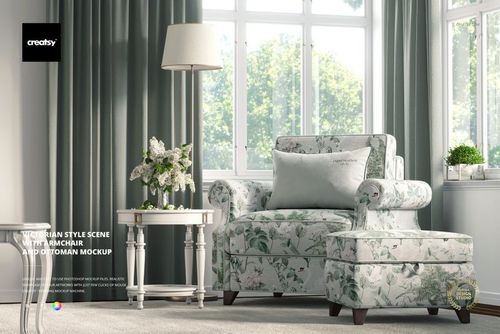
 Victorian Style Scene with Armchair and Ottoman Mockup View product
 Thank you so much for your amazing review! We’re delighted to hear you enjoy the realistic lighting, editable elements, and overall flexibility of the mockup. Your support truly means a lot to us.
Creatsy make the best Mockups on the market, no matter what you need to showcase. These mockups are highly customizable, and the lighting in them makes everything look very realistic. You can keep or turn off many of the Items in the mockup, also a great feature giving control over the look you want. They have the most friendly and very helpful support. I highly recommend these mockups!
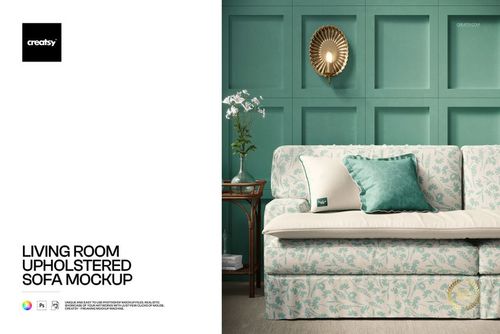
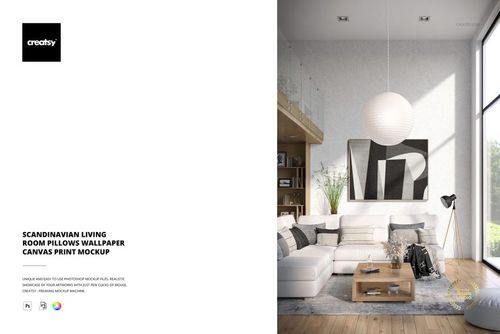
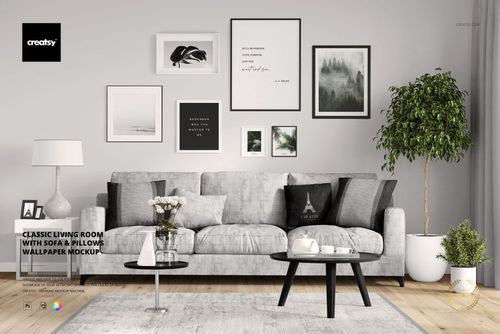
 Sofa with Pillows Wallpaper Mockup View product
 Thank you so much! We’re thrilled to hear you enjoy how customizable our mockups are and that they help you create exactly the look you want. Your support means so much to us.
Creatsy make the best Mockups on the market, no matter what you need to showcase. These mockups are highly customizable, and the lighting in them makes everything look very realistic. You can keep or turn off many of the Items in the mockup, also a great feature giving control over the look you want. They have the most friendly and very helpful support. I highly recommend these mockups!
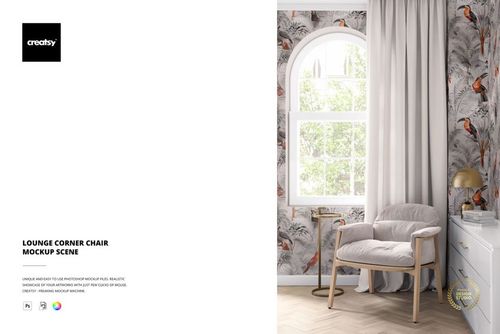
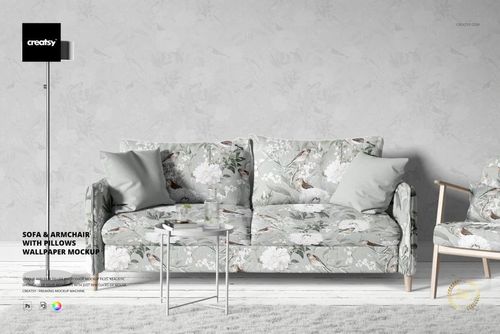
 Sofa & Armchair with Pillows Wallpaper Mockup View product
 Thank you so much for this beautiful review! We’re delighted that the lighting, atmosphere, and editable elements help you showcase your work so well. Your recommendation means the world to us.


What you get
Professional PSD mockups built in-house - editable, realistic, high-resolution, and supported by real people.
Layered PSD Files
Creatsy mockups are delivered as fully layered Photoshop .psd files, with layers sorted into clearly named groups. Shadows, highlights, and the background each sit on their own editable layer, and nothing is flattened into a single image. Open it in Photoshop or the free browser editor Photopea and get to work.
- Clearly named, organized layer groups
- Shadows and highlights on separate layers
- Editable background, never flattened
- Works in Photoshop or free Photopea
Smart Objects
Open the smart object, paste your artwork, and save. The design lands on the product with the perspective, warp, and wrap already worked out. Scene lighting and shadows fall back on top, so it reads as a photograph, not a flat paste-in. Swapping a design takes seconds, so one file can carry a whole run of variants and colorways.
- Double-click, paste your design, save
- Perspective, warp, and wrap pre-built
- Scene lighting and shadows sit back on top
- One file covers many variants and colorways
High-Resolution Output
Many scenes are built from real product photography rather than 3D renders, so the fabric and surface read like a studio shot. Files export at high resolution and stay sharp at full zoom, with clean edges where the print sits. The same file works for a hero banner, a paid ad or a product listing.
- Real product photography in many scenes
- Exports ready for print
- Holds detail at full zoom
- Works for banners, ads and listings
Easy to Edit
Colors, backgrounds, and artwork sit on separate, clearly named layers, so you swap a color or background without disturbing the rest of the scene. There is no relighting or shadow work to redo, and the same file works for your next project.
- Edit color and background layers directly
- No relighting or shadow rework needed
- No masking or layer skills required
- One file reused across projects
Fast Support
There is a real in-house team behind every file, not a ticket bot. Before you buy, ask whether a specific mockup fits what you have in mind, and we will tell you. When a smart object or a layer group is tripping you up, send the question and you usually get a reply within 48 hours.
- Real in-house team behind every file
- Replies within 48 hours
- Pre-purchase help picking the right mockup
- Answers on smart objects and layer setup
Who are these mockups for?
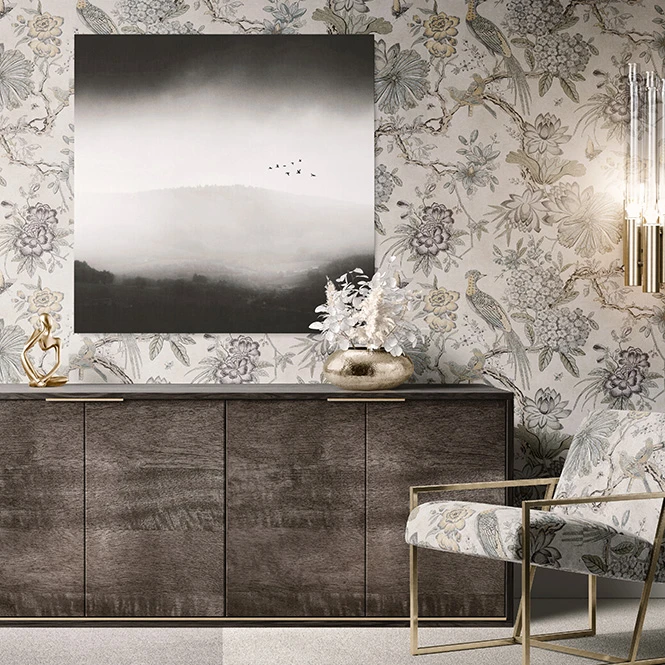
For artists, photographers & wall-art sellers
Present canvas prints, framed art, tapestries, and coordinated wall collections inside styled interiors. Use the finished visuals for online shops, gallery proposals, portfolios, catalogs, advertising, and social media.
Need product-focused wall-art views? Browse Prints & Wall Art mockups.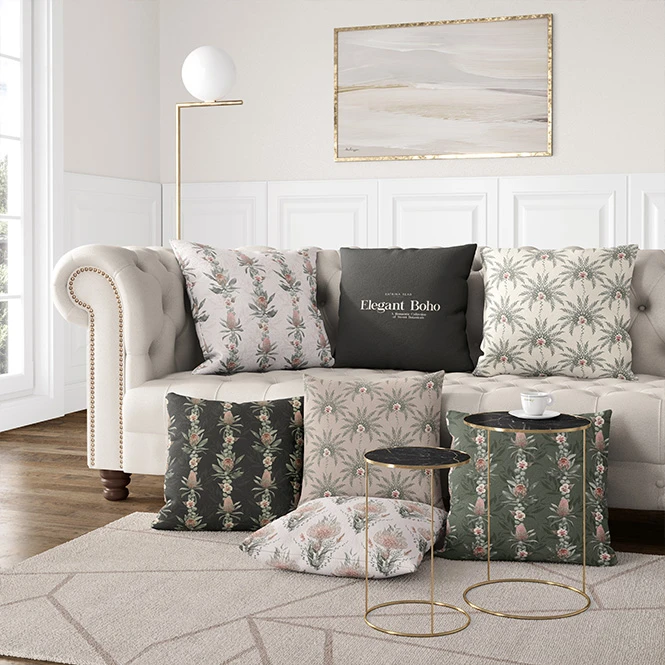
For home textile & decor brands
Create coordinated room visuals for sofas, cushions, rugs, curtains, blankets, wallpaper, wall art, and other products. Compare collection directions and colorways before manufacturing and photographing every finished variation.
Need focused cushion scenes? Browse Decorative Pillows & Cushions mockups.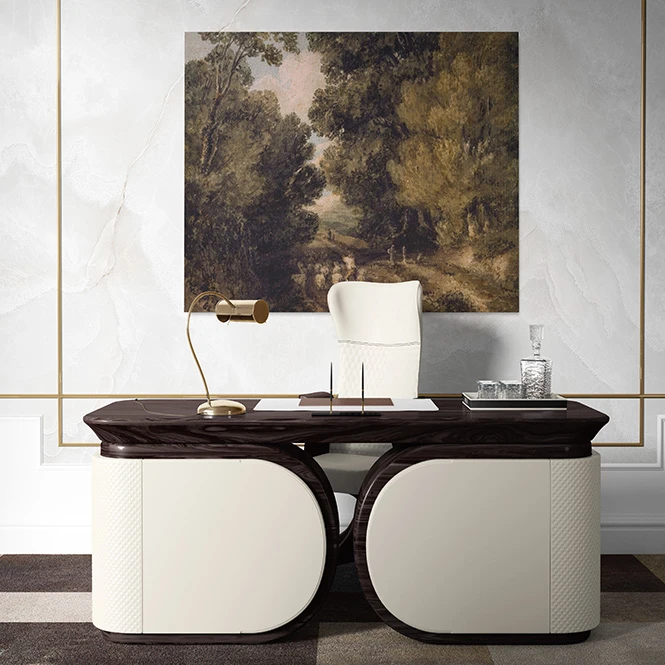
For interior, hospitality & styling studios
Use different room styles to communicate a design direction for residential, retail, hotel, lounge, office, and hospitality projects. Combine several separately edited surfaces into client proposals, lookbooks, mood boards, and campaign presentations.
Designing commercial interiors? Browse Commercial & Hospitality Spaces.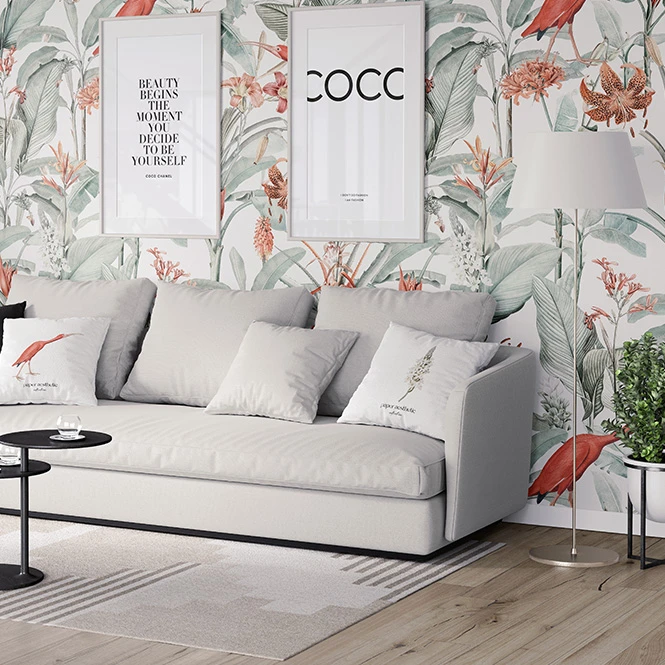
For surface pattern designers & licensing studios
Show one repeat collection across wallpaper, upholstery, pillows, rugs, curtains, tapestries, and selected decorative surfaces. Use multi-product scenes in licensing decks, agent submissions, buyer presentations, portfolio case studies, and trade-show materials.
Presenting patterns as flat textiles too? Browse Fabric mockups.
FAQs
The collection includes modern, classic, Boho, Cottagecore, Japandi, Scandinavian, mid-century, Art Deco, Victorian, loft, coastal, retro, minimalist, and luxury interiors. Depending on the scene, editable products may include sofas, armchairs, pillows, wallpaper, rugs, curtains, lamps, tapestries, canvas prints, framed art, sideboards, and other decor surfaces.
Yes. Selected scenes include several editable surfaces, allowing you to present combinations such as upholstery, pillows, wallpaper, rugs, curtains, or wall art in one shared interior. Other products focus primarily on one furniture item or one decorative surface. Check the preview gallery to confirm which objects are editable in the selected scene.
Customization varies by product. Editable elements may include upholstery, pillows, wallpaper, rugs, curtains, tapestries, canvas artwork, frames, furniture colors, walls, floors, lampshades, props, shadows, and other room details. Not every visible object is editable, and photographed or rendered decor may remain fixed.
No. Multi-product scenes normally use separate Smart Objects for different surfaces, while sets and bundles contain independent Photoshop files. Add the required artwork to each selected product and PSD separately. Changes do not automatically synchronize across the complete collection.
No. They help communicate relative visual scale and the intended relationship between products in the prepared scene. They do not verify exact furniture dimensions, room measurements, fabric construction, print scale, material texture, installation, lighting conditions, or final printed color. Use supplier specifications, physical samples, and proofs for production-critical decisions.
Why use Living Room & Decor Scene mockups?
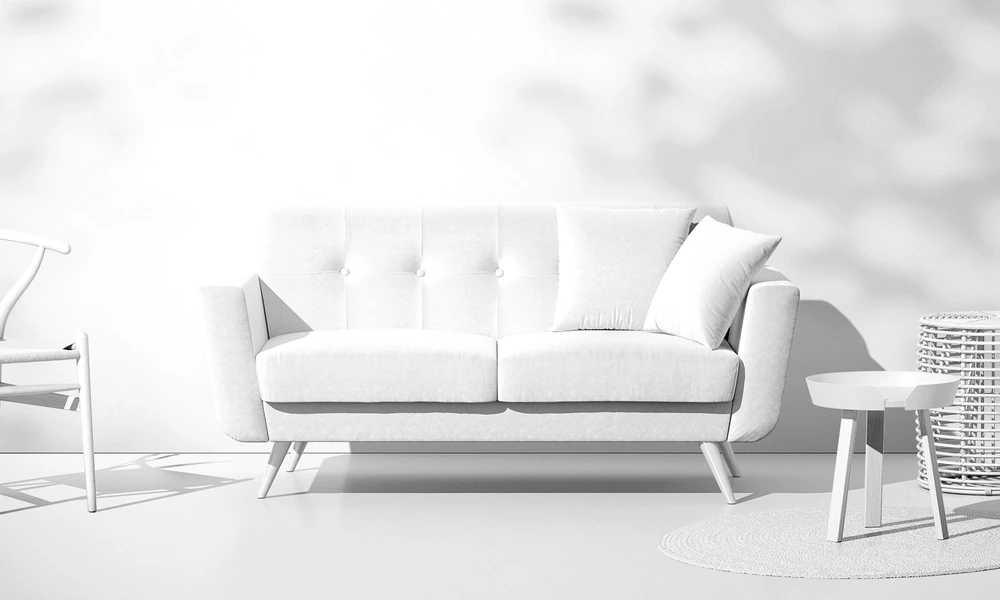
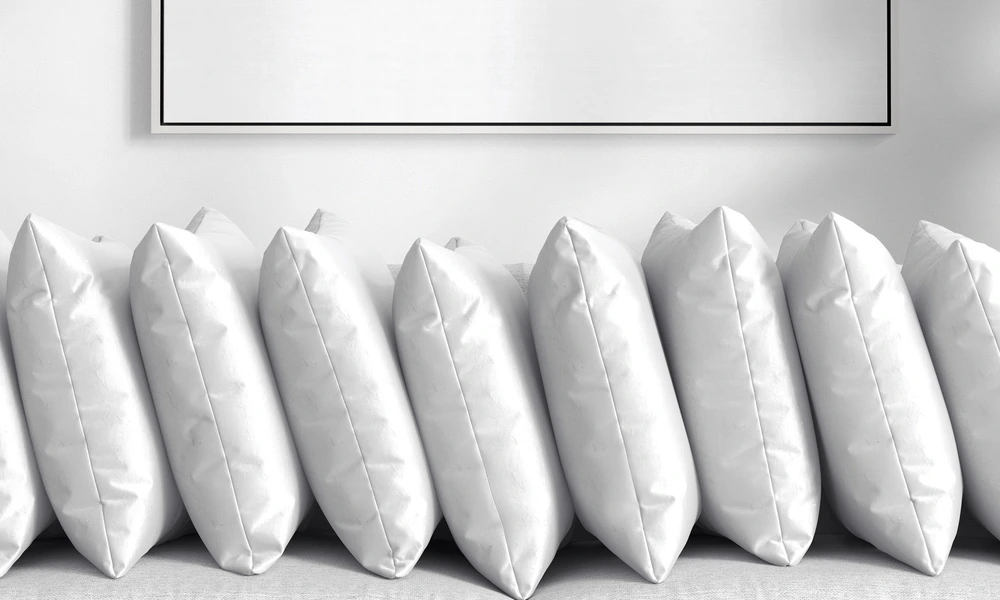
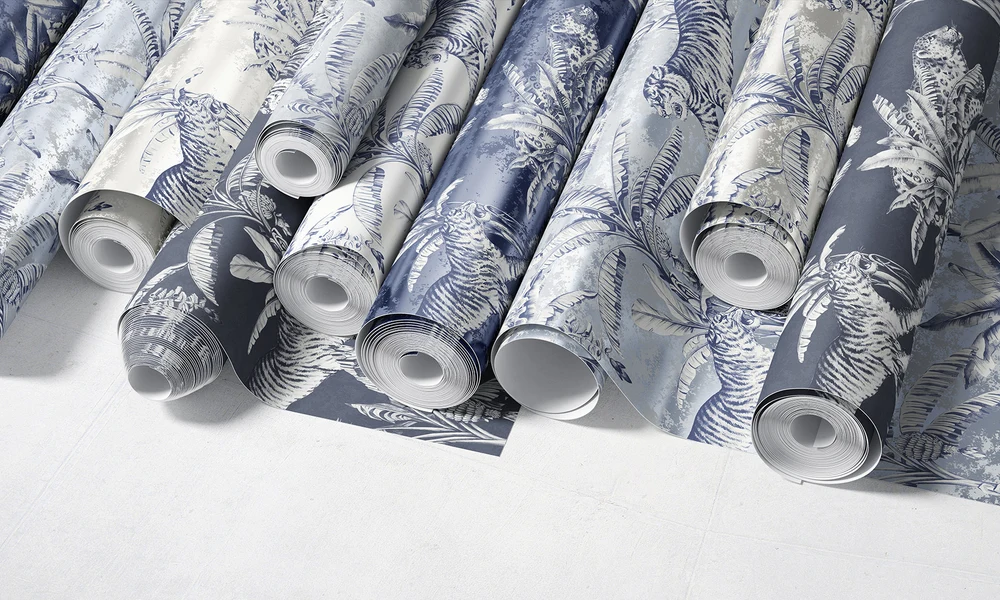
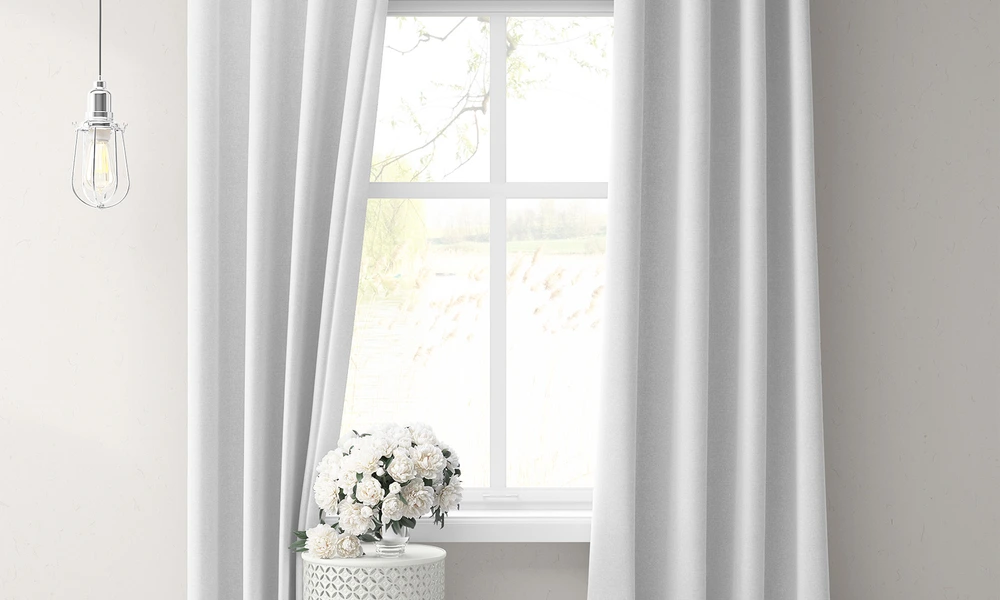
A single product image does not always communicate how an entire home collection works together. Living room scenes show artwork in relation to furniture, walls, textiles, lighting, and decorative objects, helping clients and buyers understand the intended mood rather than seeing isolated flat designs. Use multi-product scenes to compare color palettes, pattern relationships, visual hierarchy, and the balance between wallpaper, upholstery, cushions, rugs, curtains, and wall art. Style-specific interiors make it possible to position the same artwork direction within modern, classic, Boho, Japandi, Victorian, Art Deco, or other aesthetics. Product-focused scenes remain useful for listing images and catalogs, while wider rooms support licensing presentations, client pitches, mood boards, lookbooks, advertising, and social campaigns. Layered Photoshop files and Smart Objects preserve the prepared perspective, folds, furniture shapes, room lighting, shadows, and reflections while artwork is replaced. Depending on the selected scene, you may also be able to adjust walls, floors, furniture colors, frames, lamps, and other decorative elements. Export the finished visuals for product listings, client approvals, licensing decks, retailer presentations, interior proposals, portfolios, catalogs, advertising, and social media. For final product development, rely on exact manufacturing templates, physical dimensions, material samples, installation plans, and proofs.
FreeCreatsy® Mockups
I think this has to be one of my favorite mockups to date! This is easy to edit so you can add your own personality with either Photoshop or, my new preferred program, Photopea. This is eye candy for anyone who creates wallpaper and home decor. For me, I added framed wall prints from another Creatsy mockup set to the wall and couldn't be happier with how it elevates the look of my online shop. I hope we get more warm and cozy mockups like this in the future. Thank you to Creatsy for always making my products shine!
Thank you so much for this wonderful review! We’re thrilled that this mockup has become one of your favorites. We especially love that you combined it with framed prints from another Creatsy set to create your own unique scene. Thank you for choosing Creatsy and for letting our mockups help your products shine! 💖