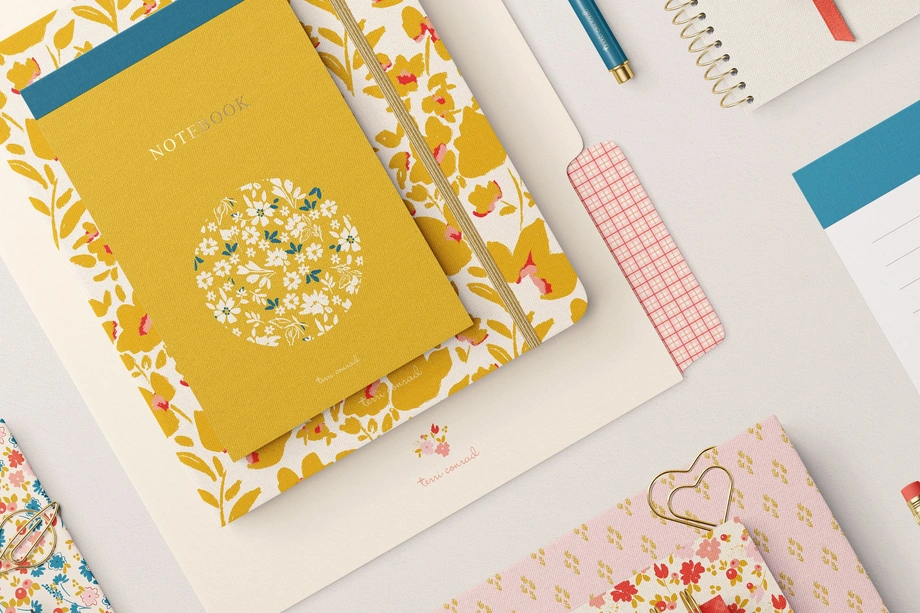
Stationery Set Mockups
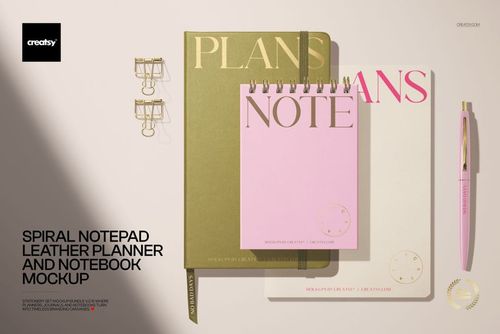
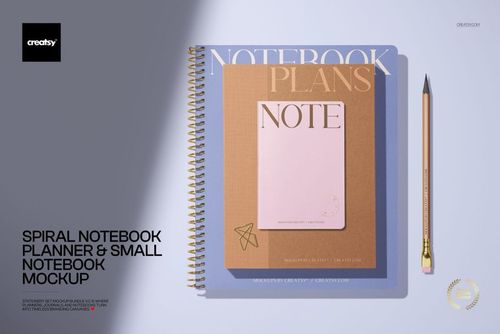
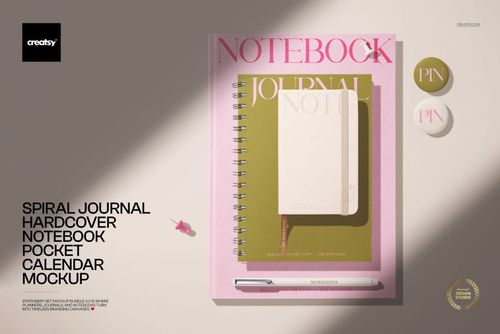
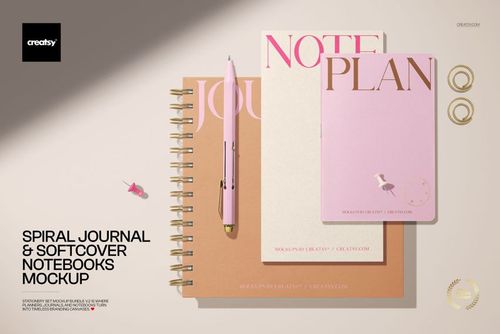
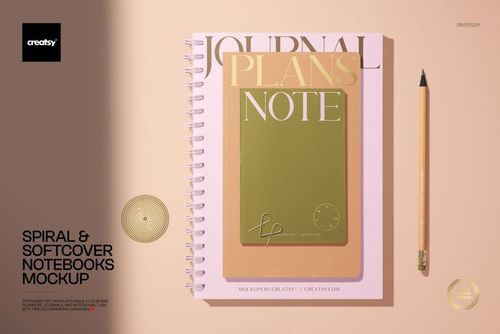
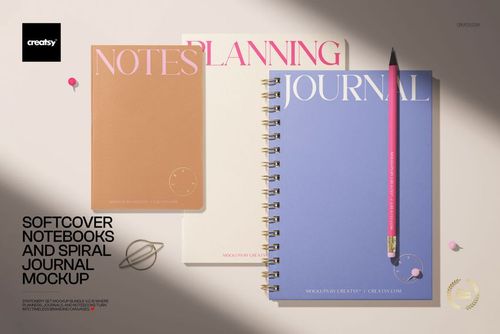
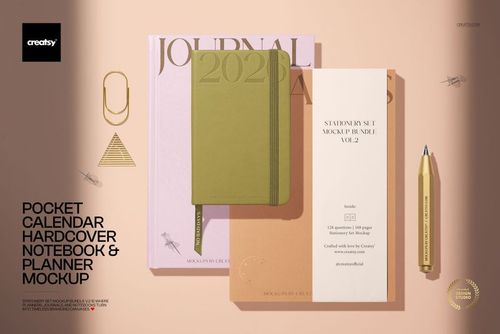
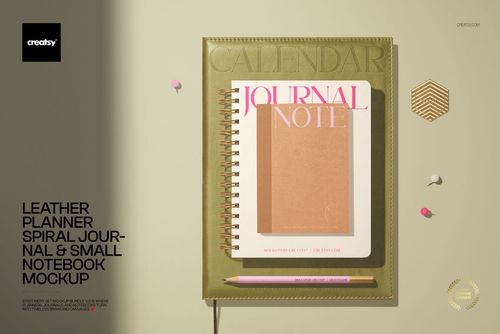
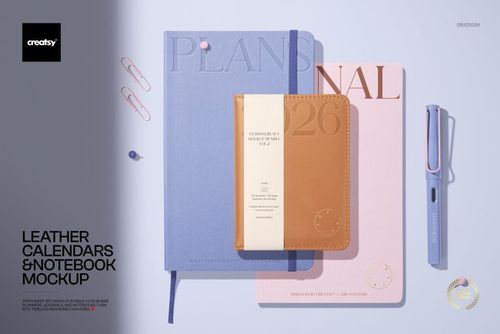
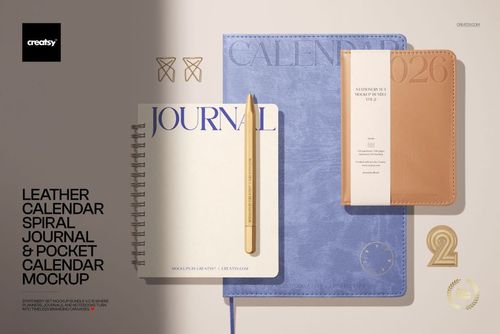
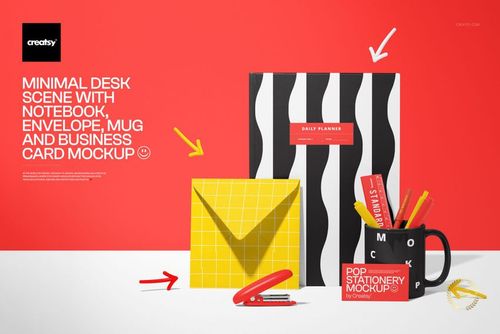
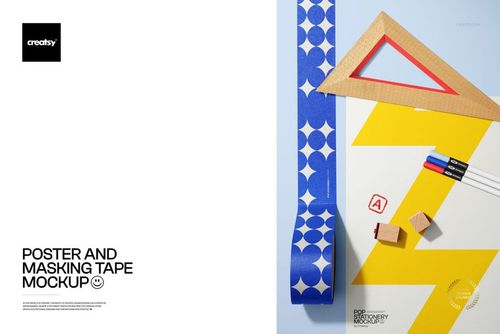
Explore editable stationery set mockups for coordinated notebooks, journals, planners, calendars, notepads, pencils, folders, envelopes, desk accessories, and selected drinkware. Add patterns, illustrations, logos, cover artwork, and colorways through layered Photoshop files and Smart Objects, then create realistic visuals for product listings, client presentations, licensing portfolios, catalogs, advertising, and social media.




Reviews
What designers and brand owners say after using these PSD mockups in real client work.
0
Sort by:


Awesome! I loved it
 Free Leather Planner Calendar and Notebook Stationery PSD Mockup View product
Thank you! 😊

This is the mockup I've been looking for for a while. Thanks a lot! It's perfect for me!
Free Leather Planner Calendar and Notebook Stationery PSD Mockup View product That’s wonderful to hear, thank you so much! We’re really glad the mockup was just what you needed. Hope you enjoy creating with it! 😊

I can't say enough good words about your mockups or how easy it is to add my design to them. The free mockups you've made available gave me the perfect chance to try them out and experience first-hand how well-organized these files are. In the past, I'd bought multiple mockup bundles with custom scenes but it always felt way too overwhelming or the style just didn't really fit me. Yours are next-level amazing. Truly. After trying out your mockups, I don't think there's any other website I'd recommend than Creatsy. And this has to be said: If you've won me over with your free mockup templates, I can only imagine how phenomenal all your premium bundles and other templates are. #NextNaturalStep Thank you for all you do! <3
Free Leather Planner Calendar and Notebook Stationery PSD Mockup View product 
Wow, this genuinely made our day - thank you so much for taking the time to write this! Comments like yours are the reason we keep pushing for better 🧡 Hope to see your designs out in the world soon!

This is probably my favorite mockup to date for stationery. It's easy to use and really shows my designs well.
 Stationery Set Mockup Bundle View product
 Thank you so much for your lovely review! We’re so happy to hear this is your favorite stationery mockup so far and that it shows your designs so well. We truly appreciate your support ✨

Creatsy has a wide range of products that allows me to showcase my designs to a variety of industries and potential buyers without the need of creating physical sample products. Files are easy to edit. What I like is that I can chose from more complex mock-ups and those that can be edited quickly in case the time gets scarce Not sure you can work with mock ups? No worries, I was there too and learned it with generous freebie offers by Creatsy. Once I was confident working with mock-ups, I purchased my first bundle.
Free Leather Planner Calendar and Notebook Stationery PSD Mockup View product This is such a thoughtful review - thank you! Love that the freebies helped you find your footing before diving in 🧡
Such a great mock-up, Creatsy. Just what I was looking for. Your mock-ups are always so organised and easy to use. Thanks!
Free Leather Planner Calendar and Notebook Stationery PSD Mockup View product So glad it was exactly what you needed - thank you! 🧡


What you get
Professional PSD mockups built in-house - editable, realistic, high-resolution, and supported by real people.
Layered PSD Files
Creatsy mockups are delivered as fully layered Photoshop .psd files, with layers sorted into clearly named groups. Shadows, highlights, and the background each sit on their own editable layer, and nothing is flattened into a single image. Open it in Photoshop or the free browser editor Photopea and get to work.
- Clearly named, organized layer groups
- Shadows and highlights on separate layers
- Editable background, never flattened
- Works in Photoshop or free Photopea
Smart Objects
Open the smart object, paste your artwork, and save. The design lands on the product with the perspective, warp, and wrap already worked out. Scene lighting and shadows fall back on top, so it reads as a photograph, not a flat paste-in. Swapping a design takes seconds, so one file can carry a whole run of variants and colorways.
- Double-click, paste your design, save
- Perspective, warp, and wrap pre-built
- Scene lighting and shadows sit back on top
- One file covers many variants and colorways
High-Resolution Output
Many scenes are built from real product photography rather than 3D renders, so the fabric and surface read like a studio shot. Files export at high resolution and stay sharp at full zoom, with clean edges where the print sits. The same file works for a hero banner, a paid ad or a product listing.
- Real product photography in many scenes
- Exports ready for print
- Holds detail at full zoom
- Works for banners, ads and listings
Easy to Edit
Colors, backgrounds, and artwork sit on separate, clearly named layers, so you swap a color or background without disturbing the rest of the scene. There is no relighting or shadow work to redo, and the same file works for your next project.
- Edit color and background layers directly
- No relighting or shadow rework needed
- No masking or layer skills required
- One file reused across projects
Fast Support
There is a real in-house team behind every file, not a ticket bot. Before you buy, ask whether a specific mockup fits what you have in mind, and we will tell you. When a smart object or a layer group is tripping you up, send the question and you usually get a reply within 48 hours.
- Real in-house team behind every file
- Replies within 48 hours
- Pre-purchase help picking the right mockup
- Answers on smart objects and layer setup
Who are these mockups for?
For branding studios & corporate stationery designers
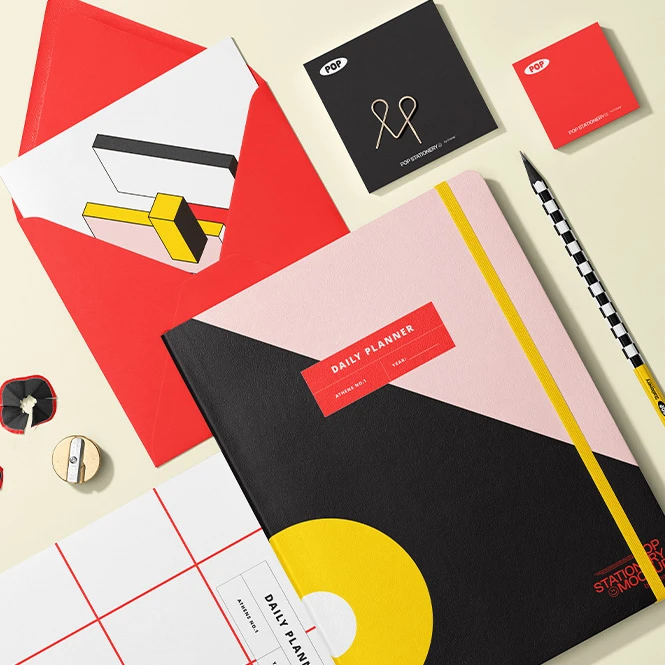
Use selected scenes containing notebooks, envelopes, business cards, folders, clipboards, mugs, bottles, and writing instruments to present a broader brand system. Create polished visuals for client pitches, identity guidelines, case studies, internal stationery concepts, and brand-launch campaigns.
Creating a traditional corporate stationery suite? Browse Brand Stationery mockups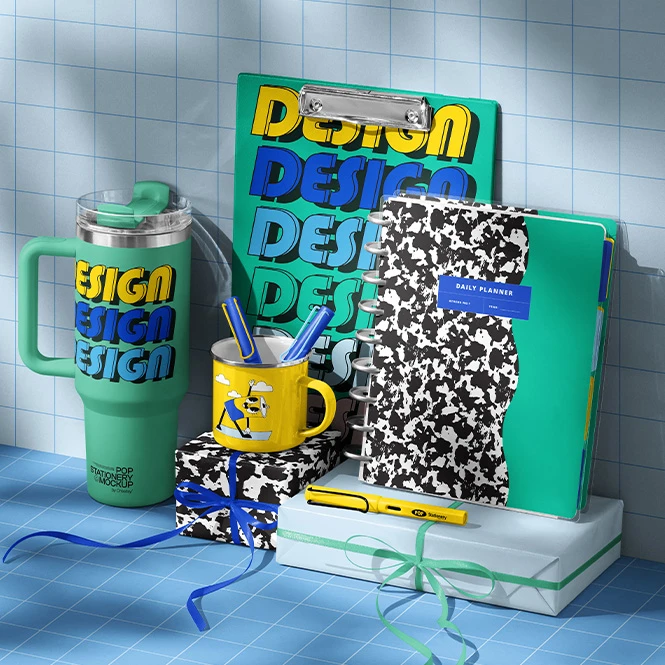
For school, office & promotional-product sellers
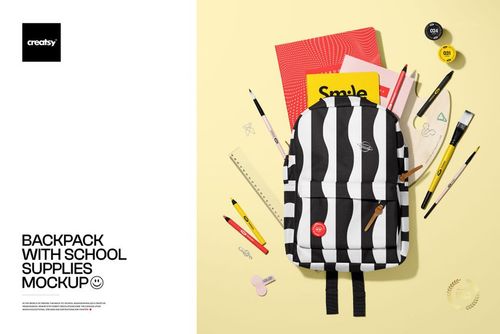
Present back-to-school collections, desk accessories, notebooks, calendars, writing instruments, drinkware, and coordinated office products in clean or styled scenes. Use the finished visuals for online shops, corporate gift concepts, catalogs, advertising, and seasonal campaigns.
Designing bags for a school collection? Browse Backpacks & Travel Bags mockups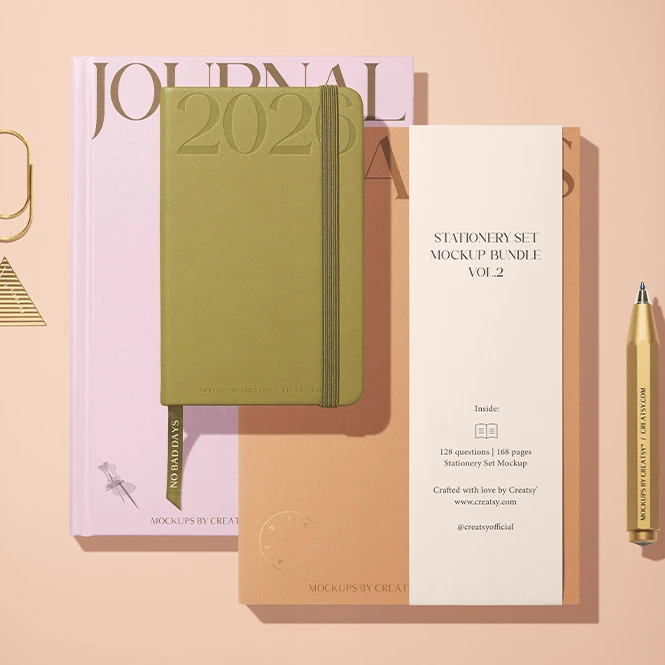
For stationery, planner & notebook brands
Create coordinated visuals for product listings, wholesale catalogs, launch campaigns, retailer presentations, and social media. Compare cover artwork and colorways across spiral notebooks, leather planners, journals, pocket calendars, notepads, and matching desk accessories before photographing every finished variation.
Need matching memo products? Browse Notepads & Sticky Notes mockups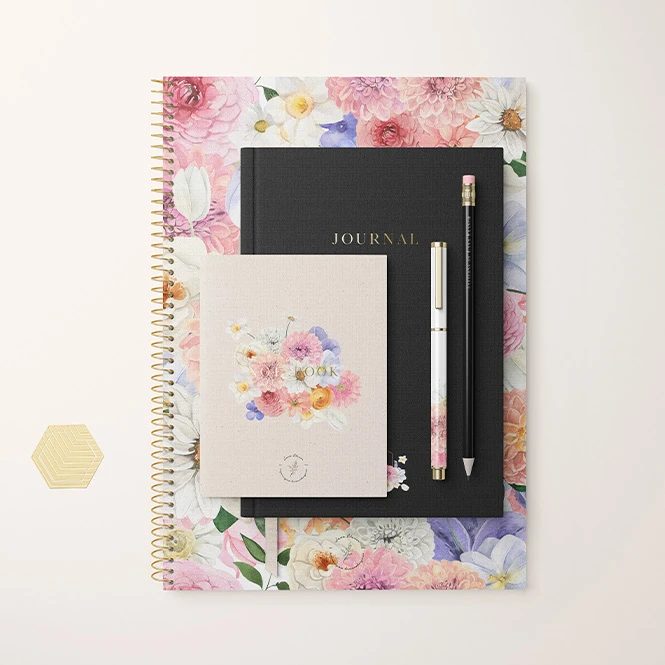
For surface pattern designers & licensing studios
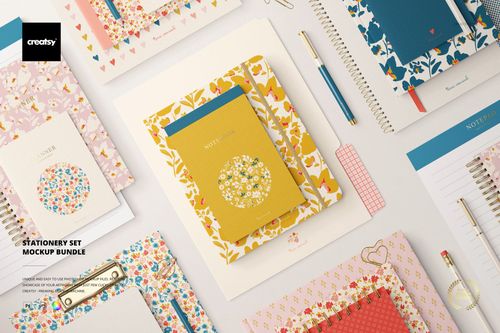
Show one artwork collection across notebooks, planners, journals, calendars, notepads, pencils, and coordinated paper goods. Use multi-item scenes to demonstrate how patterns, illustrations, and color palettes work across different product shapes in licensing decks, portfolios, buyer presentations, and trade-show materials.
Presenting individual notebook formats? Browse Notebooks, Journals & Planners mockups
FAQs
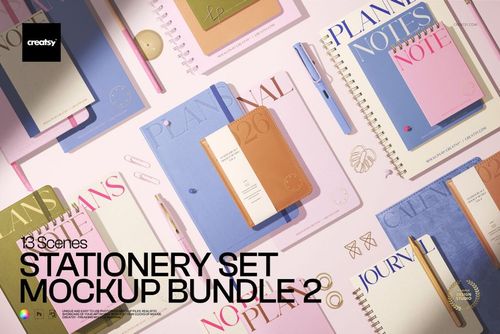
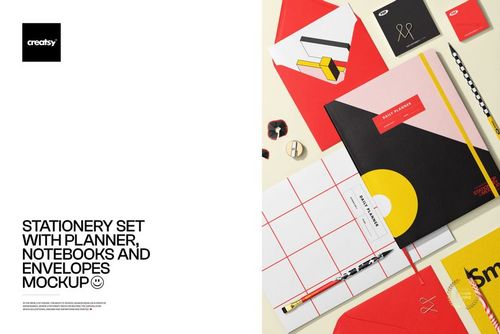
Product composition varies between scenes. The current collection focuses mainly on notebooks, planners, journals, calendars, notepads, pencils, and other coordinated paper goods. Selected products also include envelopes, business cards, folders, clipboards, mugs, tumblers, water bottles, backpacks, or additional desk accessories. Check the preview gallery and Product Details section to see the exact items included in each mockup.
Bundles contain several separate Photoshop files or individual mockup products. The v.1-v.6 collection consists of six separate stationery mockup sets, each with multiple PSD scenes and different product arrangements. Bundle 2 focuses mainly on planner, notebook, journal, and calendar compositions. Choose a single-scene product when you need one fixed arrangement, or a set or bundle when you need several viewing angles and compositions. Always check the Included section on the individual product page for the exact number of PSD files. Each document must be opened, customized, and exported separately.
No. Different stationery items usually have separate Smart Objects, and sets or bundles contain independent PSD files. Add the required artwork to each editable product or surface separately, then export every selected scene. Changes made in one PSD do not automatically update the remaining files. Using the same artwork across several products is possible, but it must be placed in the appropriate Smart Object for each notebook, planner, envelope, pencil, mug, bottle, or other editable item.
Customization depends on the selected product. You can generally replace sample artwork and adjust selected product colors. Additional editable elements may include notebook covers, planner surfaces, calendars, notepads, pencils, envelopes, business cards, clipboards, mugs, bottles, backgrounds, shadows, props, or other scene details. The mockups are designed for Adobe Photoshop. Many products also work in Photopea, but compatibility varies between older and newer files. Check the Compatibility and Product Details sections before purchasing.
Finished mockup images can be used in permitted product listings, client presentations, portfolios, catalogs, advertising, licensing decks, and social media according to the selected license. Commercial and Extended Commercial licenses have different limits, while resale, sublicensing, or redistribution of the source Photoshop files is prohibited. Stationery mockups are presentation files, not manufacturing templates. They do not replace exact product dimensions, cover templates, spine widths, binding specifications, print areas, bleed, safe zones, material requirements, or production proofs supplied by the manufacturer.
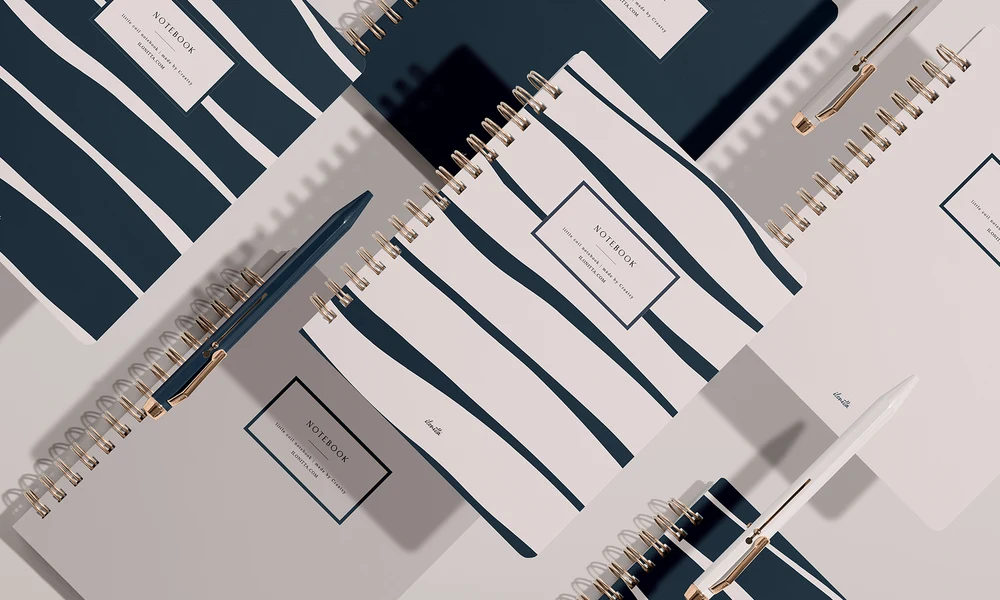
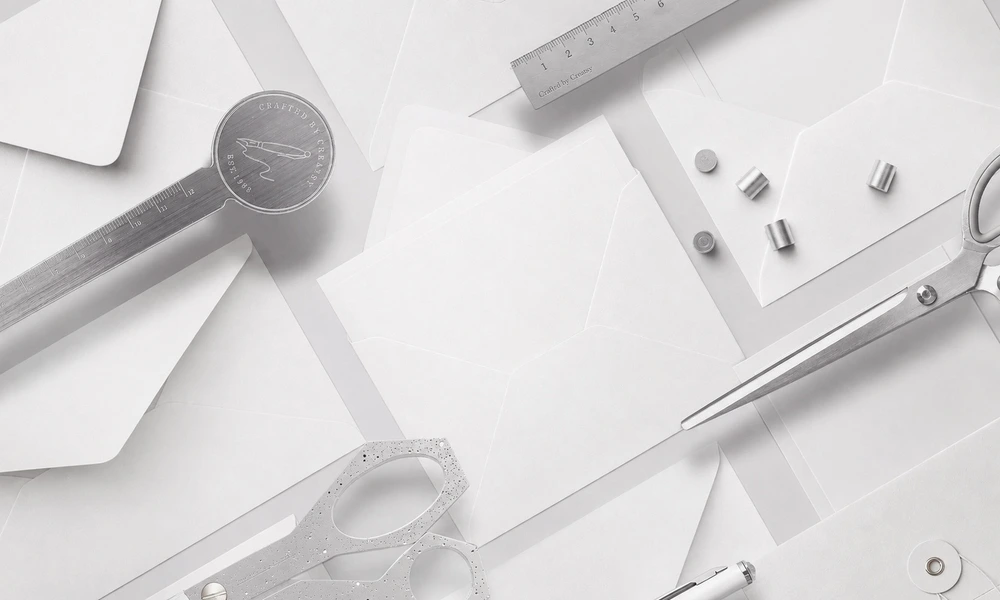
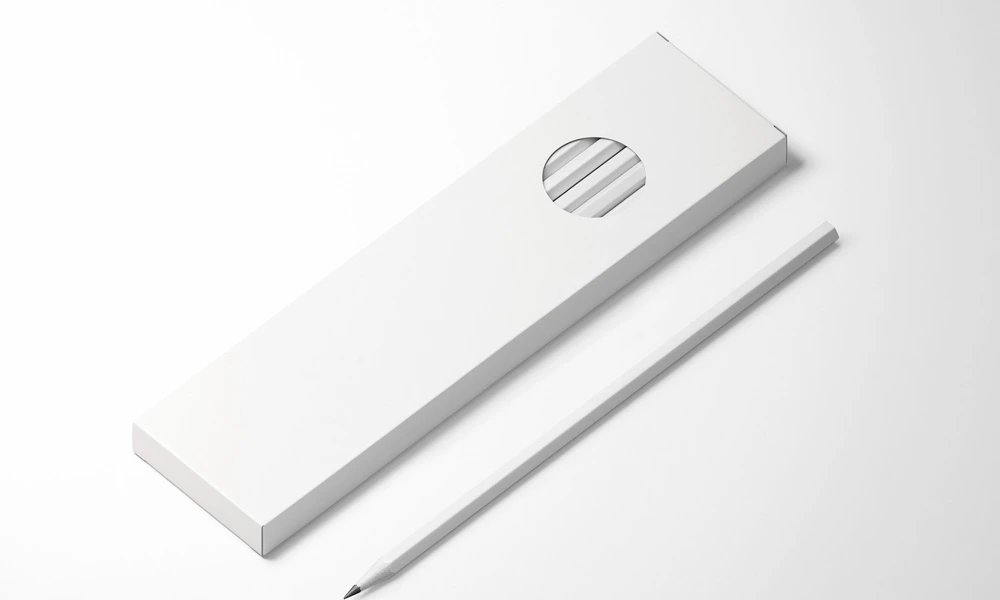

Why use Stationery Set mockups?
A single flat pattern or logo does not show how a complete stationery collection will look across different product shapes and proportions. Artwork may appear on a spiral notebook, leather planner, pocket calendar, notepad, pencil, envelope, clipboard, mug, or bottle, each with different edges, bindings, curves, and visible surfaces. Stationery set mockups turn the original artwork into a clearer and more realistic collection presentation. Use multi-item scenes to compare the perceived scale, placement, color direction, and visual consistency of artwork across several coordinated products. Notebook and planner combinations are useful for product listings and licensing portfolios, while selected business-card, envelope, folder, clipboard, and desk scenes can support broader brand identity presentations. Layered Photoshop files and Smart Objects let you replace the sample artwork while preserving the prepared perspective, lighting, shadows, paper texture, bindings, and product shape. Depending on the selected file, you may also be able to adjust colors, backgrounds, writing instruments, props, drinkware, or other scene details. Each editable item and separate PSD must be customized individually. Clean compositions work well for catalogs, online shops, and wholesale presentations, while fuller desk and back-to-school scenes add context for advertising, client pitches, campaigns, portfolios, and social media. Mockups can reduce the need to manufacture and photograph every early design variation, but final product samples and photography remain important for customer-facing accuracy. Export the finished visuals for product listings, client approvals, licensing presentations, retailer pitches, brand guidelines, portfolios, catalogs, advertising, and social media. Use the mockups to communicate the intended visual direction. For final production, rely on the manufacturer's exact dimensions, templates, materials, print specifications, samples, and proofs.
FreeCreatsy® Mockups
This is good mock up. It's a beautiful and easy to use and pays attention. Making my product look even better and more attractive. I'm very grateful for the free mock up. thank you
Thank you so much! We’re so glad you enjoyed the mockup. 😊