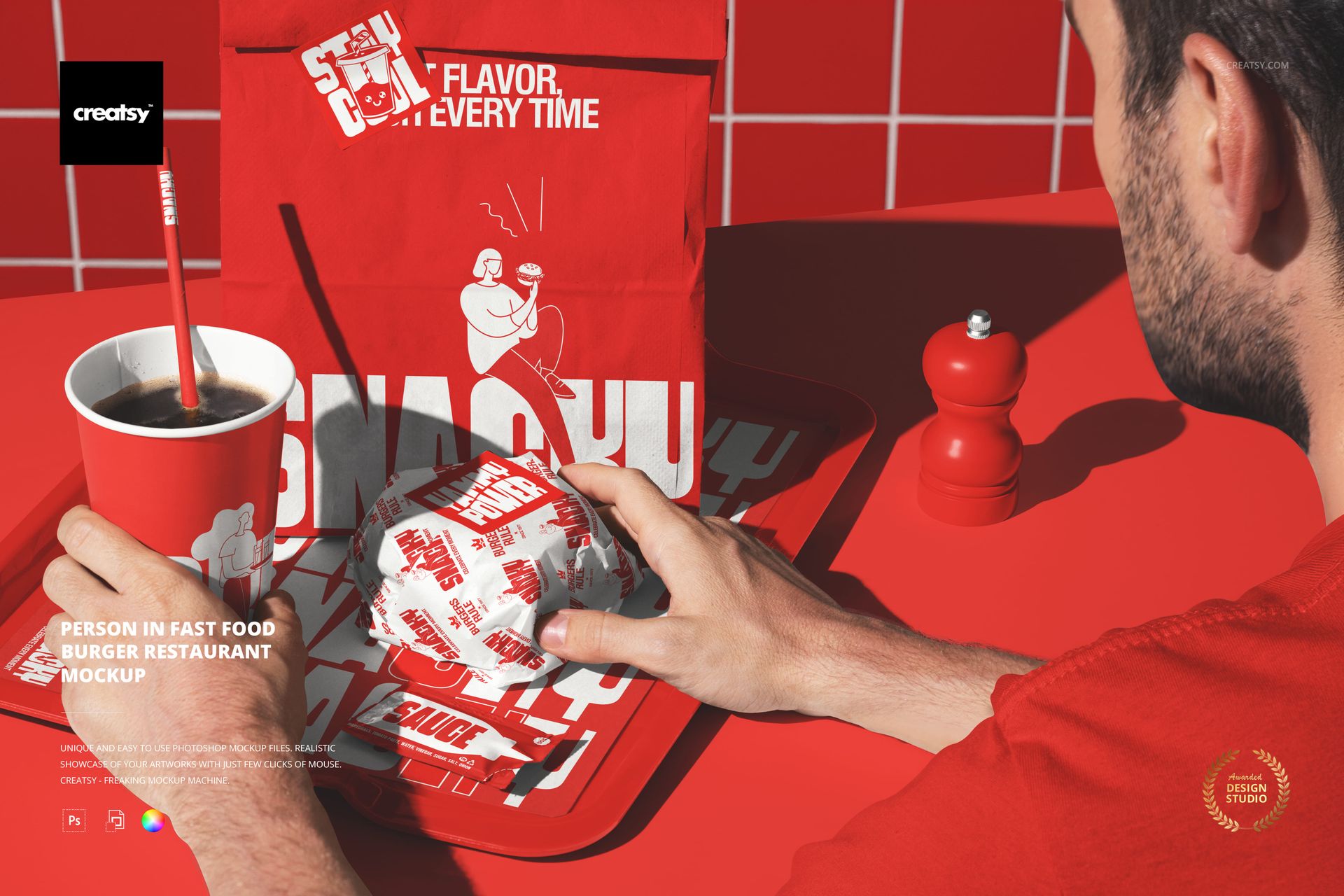
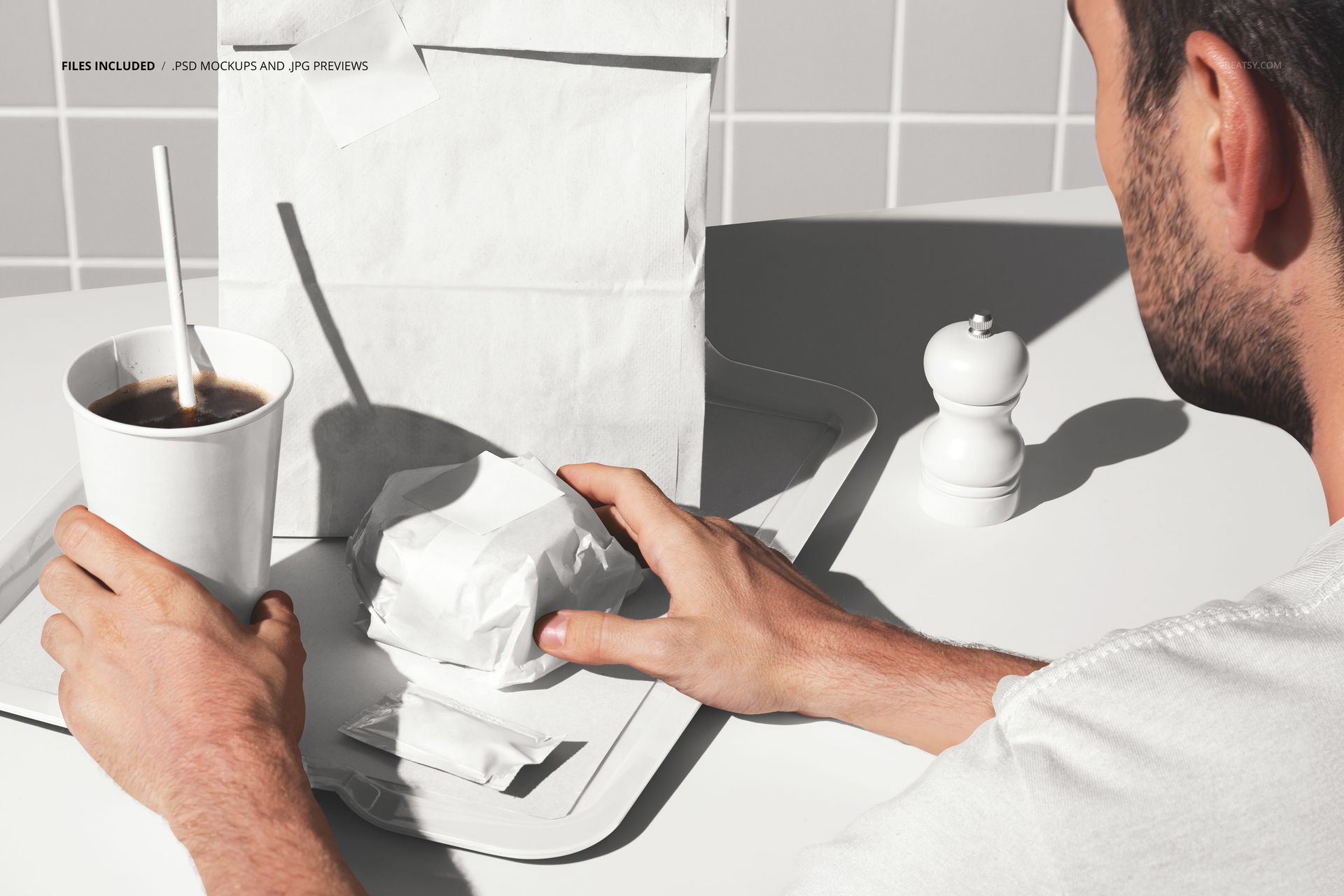
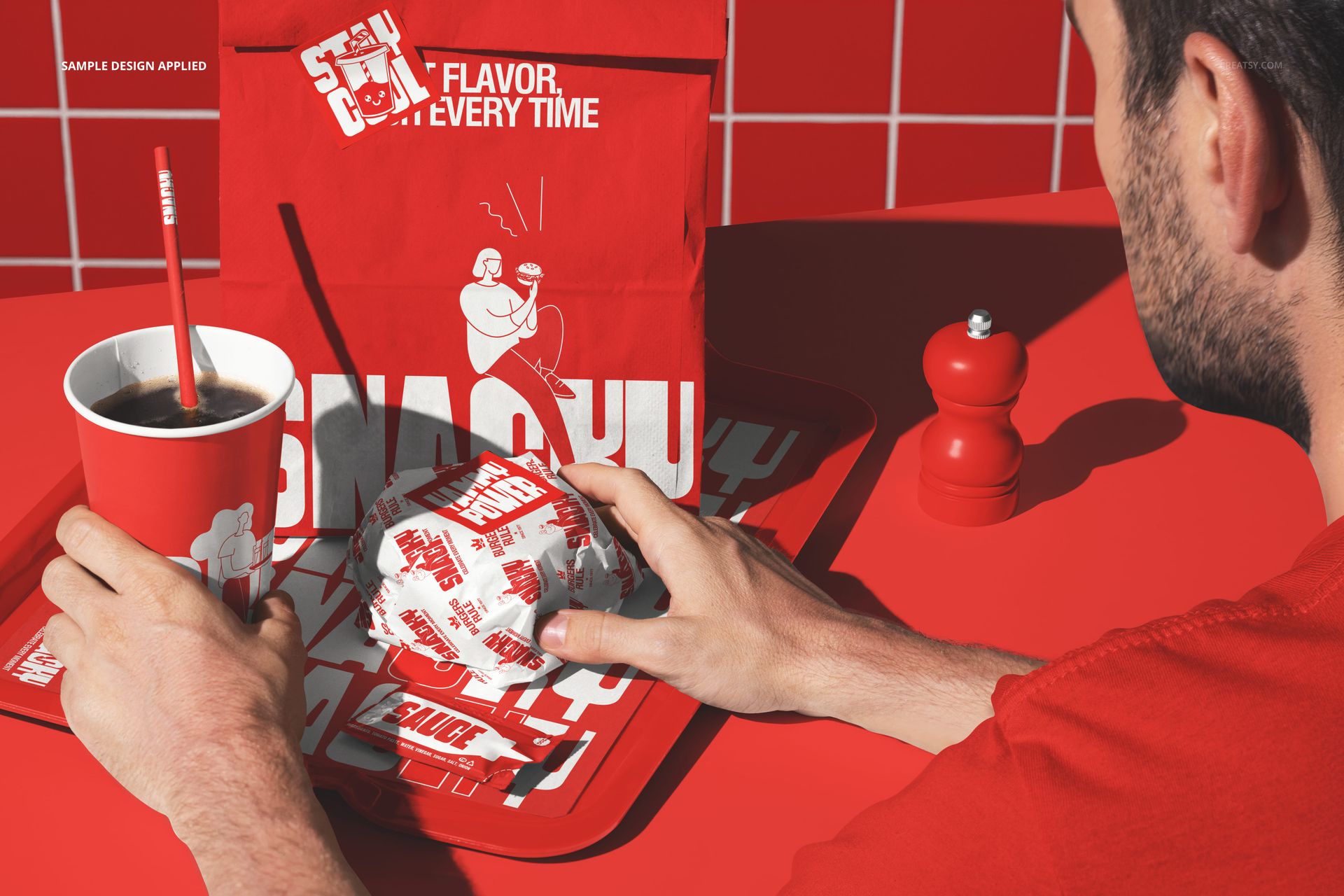
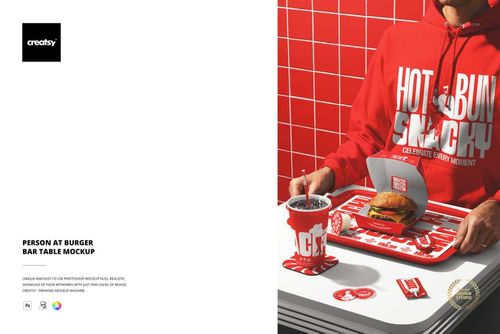
The Person in Fast Food Burger Restaurant Mockup places a customer inside a branded fast food environment. The scene shows a person seated in the restaurant with branded surfaces visible around them, including wall signage, packaging, cups, and interior elements. This is an environmental mockup: instead of showing individual items in isolation, it presents the complete restaurant experience as a customer would see it. The branding surfaces throughout the scene can be customized through smart objects, letting you show how a brand identity fills an entire dining space from the moment a customer walks in. The file measures 6000x4000px at 300 DPI with smart object layers and works in Adobe Photoshop CC 2020 or newer and Photopea.
Why This Mockup Works
Individual product mockups show how a logo looks on a cup or a bag. Environmental mockups show how a brand feels when you walk into the restaurant. That distinction is critical for brand identity presentations because clients need to understand the full spatial experience, not just isolated items. This mockup provides that spatial context by placing a real person inside a restaurant where the branding is visible on multiple surfaces simultaneously. The human figure adds scale and life to the scene, making the brand presentation feel like a snapshot from an actual operating restaurant rather than a flat design exercise. When a client sees a person sitting in their branded environment with signage on the walls, a branded cup on the table, and packaging within reach, the brand system becomes real in a way that individual mockups cannot achieve on their own.
What Is Included
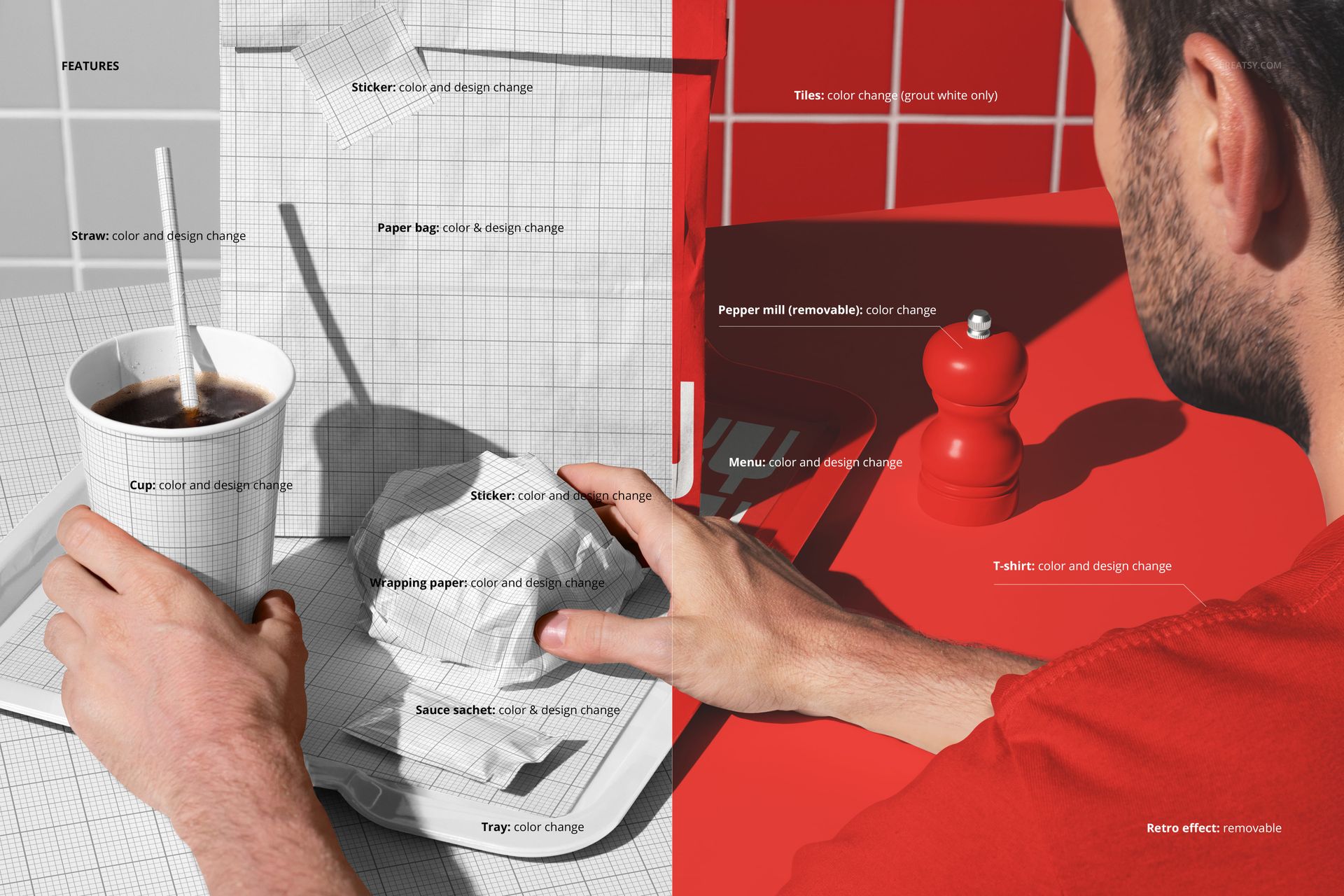
The download contains 1 layered PSD file. The scene shows a person in a fast food restaurant interior with multiple branding surfaces visible. The wall signage, packaging elements, and cups each have dedicated smart object layers, allowing you to apply your brand design across the entire environment. The lighting captures the warm, casual atmosphere of a fast food dining area. The layer structure is organized and labeled for quick access to each smart object and the adjustment controls.
What You Can Customize
The smart objects control the various branding surfaces throughout the restaurant environment. Double-click each smart object to place your logo, pattern, menu content, or promotional artwork on the respective surface. The wall signage, packaging, and cup elements update independently, so you can apply a cohesive brand identity across all surfaces or test different design options on individual elements. The adjustment layers let you modify overall brightness, contrast, and color temperature to match your brand aesthetic. You can present the same restaurant scene with different branding to compare identity directions, show how a rebrand would change the customer experience, or demonstrate seasonal campaign variations across the full environment.
Who This Mockup Is For
Fast food chains and burger restaurants preparing to launch or rebrand, who need to show investors, partners, or internal stakeholders how the complete branded environment will look and feel with a customer inside it. Brand identity agencies presenting full restaurant identity systems where the client needs to see signage, packaging, and environmental design working together in a single image. Franchise developers building pitch materials that show prospective franchisees the complete branded experience rather than isolated design elements. Architects and interior designers collaborating with brand teams on restaurant fit-outs who need realistic previews of how the brand surfaces integrate with the physical space. Marketing teams creating lifestyle content for social media and advertising where the presence of a real person in a branded setting adds authenticity and relatability.
File Specifications
Files: 1 PSD. Dimensions: 6000x4000 px. Resolution: 300 DPI. Color mode: RGB. File size: 388.44 MB. Compatibility: Adobe Photoshop CC 2020 or newer, Photopea.