 $1900
$1900


 $2300
$2300
Device Screen Mockups
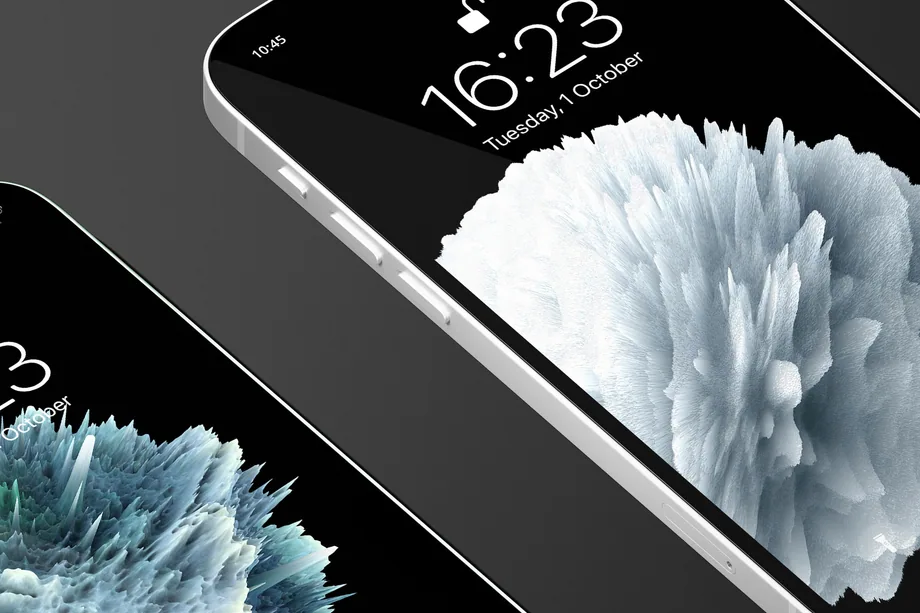
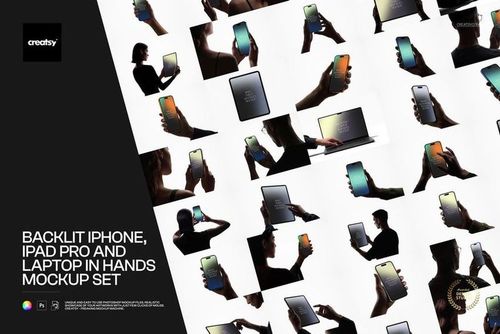
Showcase app interfaces, websites, wallpapers and campaign artwork on realistic phone and tablet screens. Create polished visuals for app launches, UI/UX portfolios, social campaigns and client presentations.

What you get
Professional PSD mockups built in-house - editable, realistic, high-resolution, and supported by real people.
Layered PSD Files
Creatsy mockups are delivered as fully layered Photoshop .psd files, with layers sorted into clearly named groups. Shadows, highlights, and the background each sit on their own editable layer, and nothing is flattened into a single image. Open it in Photoshop or the free browser editor Photopea and get to work.
- Clearly named, organized layer groups
- Shadows and highlights on separate layers
- Editable background, never flattened
- Works in Photoshop or free Photopea
Smart Objects
Open the smart object, paste your artwork, and save. The design lands on the product with the perspective, warp, and wrap already worked out. Scene lighting and shadows fall back on top, so it reads as a photograph, not a flat paste-in. Swapping a design takes seconds, so one file can carry a whole run of variants and colorways.
- Double-click, paste your design, save
- Perspective, warp, and wrap pre-built
- Scene lighting and shadows sit back on top
- One file covers many variants and colorways
High-Resolution Output
Many scenes are built from real product photography rather than 3D renders, so the fabric and surface read like a studio shot. Files export at high resolution and stay sharp at full zoom, with clean edges where the print sits. The same file works for a hero banner, a paid ad or a product listing.
- Real product photography in many scenes
- Exports ready for print
- Holds detail at full zoom
- Works for banners, ads and listings
Easy to Edit
Colors, backgrounds, and artwork sit on separate, clearly named layers, so you swap a color or background without disturbing the rest of the scene. There is no relighting or shadow work to redo, and the same file works for your next project.
- Edit color and background layers directly
- No relighting or shadow rework needed
- No masking or layer skills required
- One file reused across projects
Fast Support
There is a real in-house team behind every file, not a ticket bot. Before you buy, ask whether a specific mockup fits what you have in mind, and we will tell you. When a smart object or a layer group is tripping you up, send the question and you usually get a reply within 48 hours.
- Real in-house team behind every file
- Replies within 48 hours
- Pre-purchase help picking the right mockup
- Answers on smart objects and layer setup
Who are these mockups for?
For mobile app & UI designers
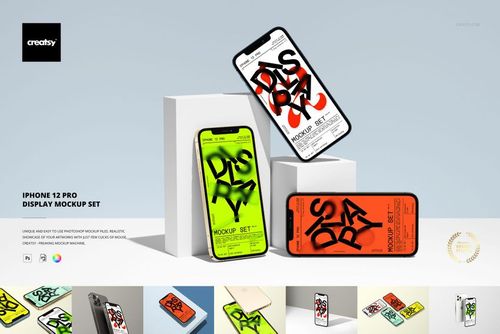
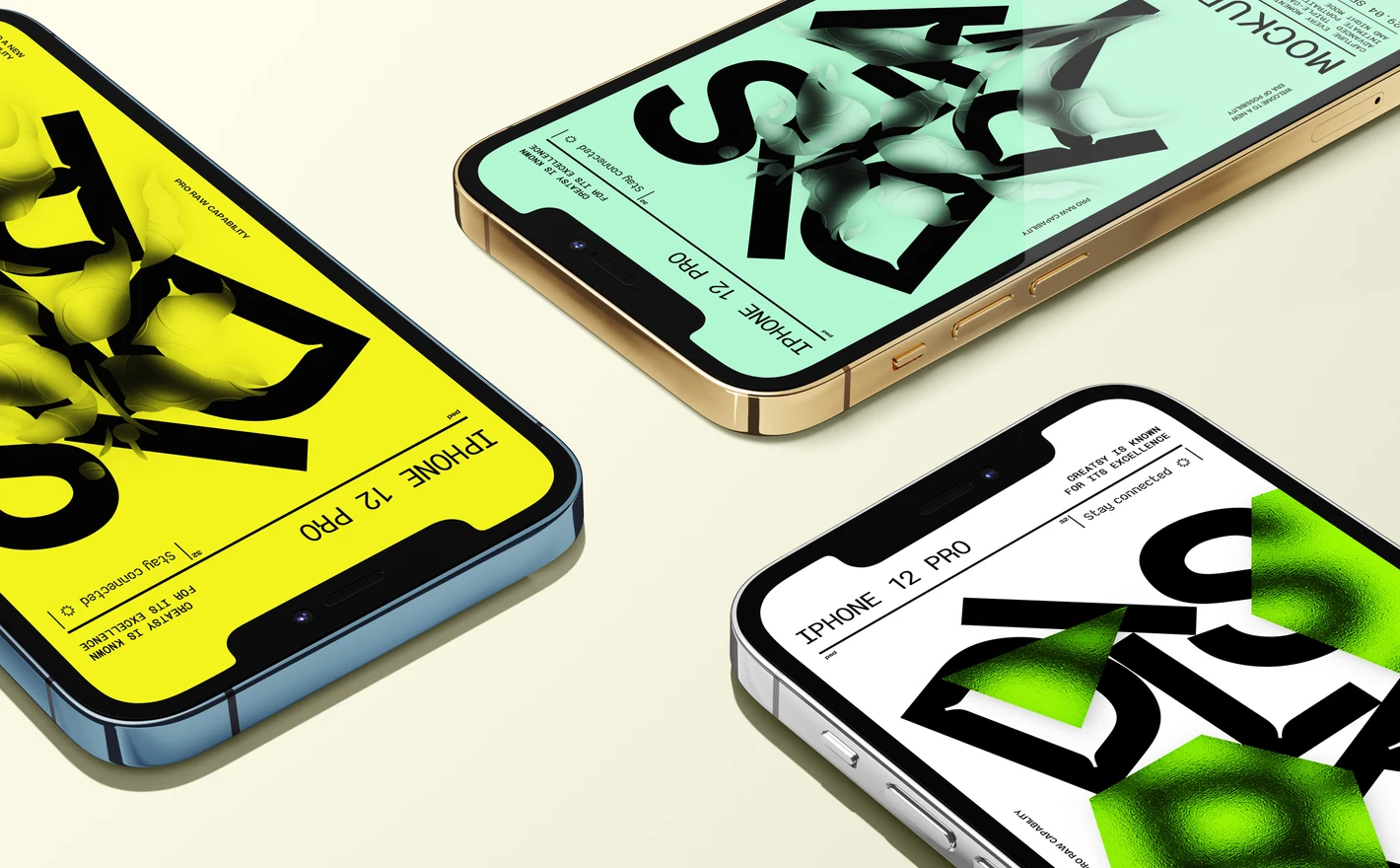
Drop the interface into the iPhone 12 Pro Display Mockup Set and pick the angle per slide: straight-on for the feature list, tilted for the hero, the device in gold, silver, blue or graphite to match the brand. Each scene is its own PSD, so paste the screenshot once per view you use.
Shipping an iPhone app? View the iPhone 12 Pro Display Mockup Set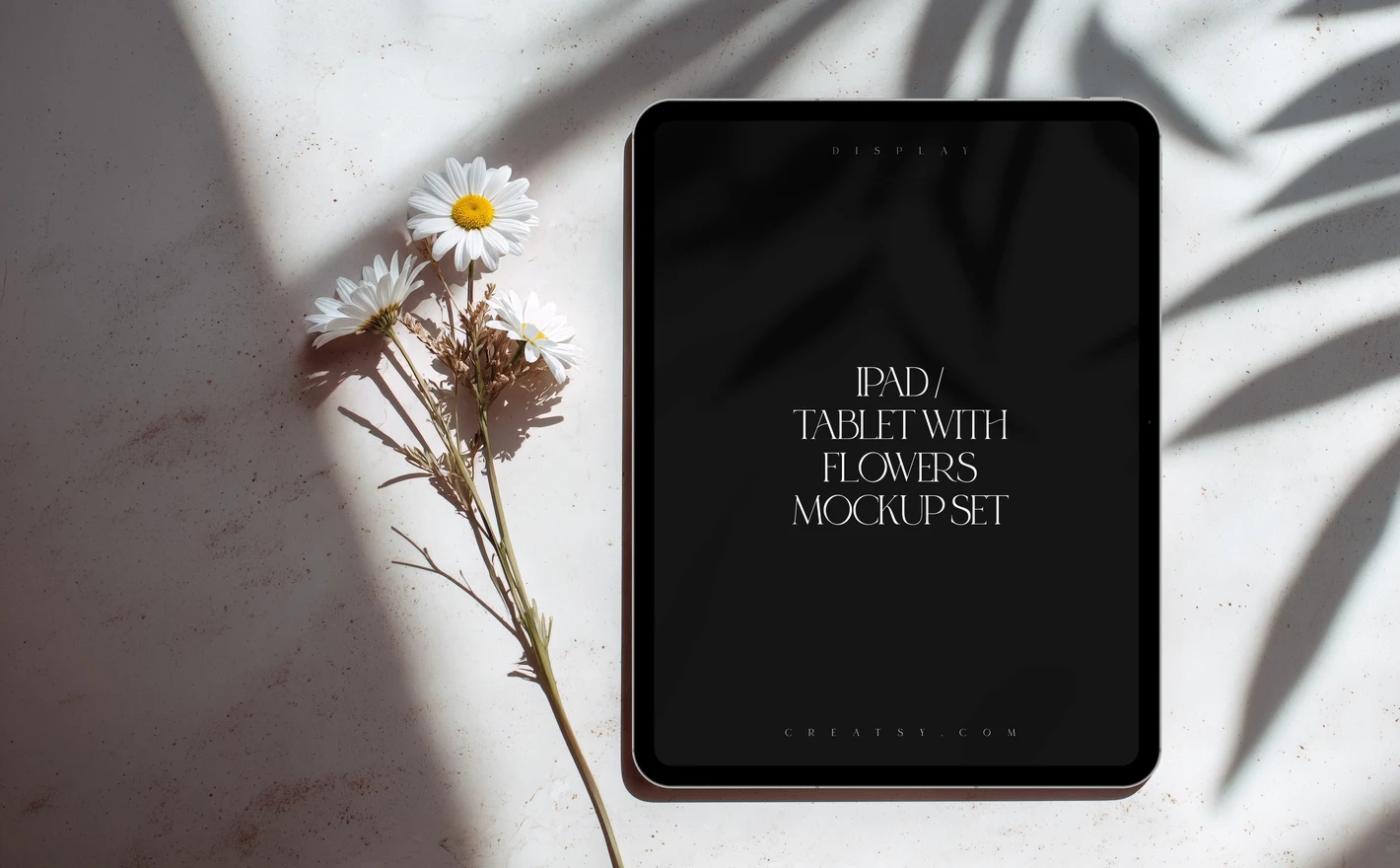
For SaaS & product marketing teams
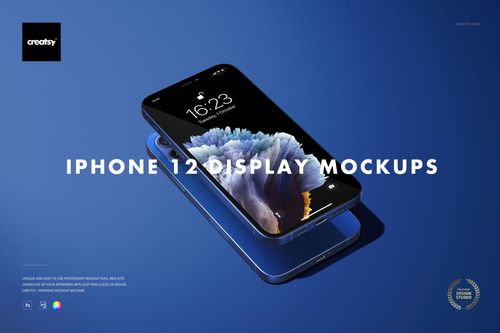
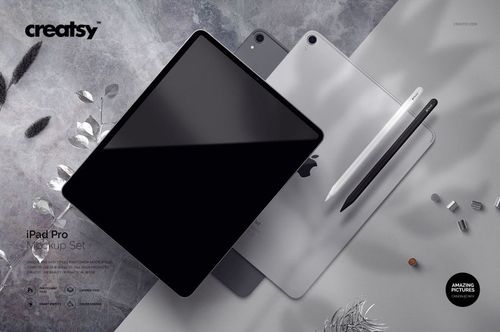
Put the dashboard screenshot into the iPad Pro Mockup Set for the landing page hero and into the iPhone 12 Display Mockup Set for the mobile view, and the release visuals are done without waiting on a designer. Next release, swap the screenshot in each smart object again.
Announcing a release? View the iPad Pro Mockup Set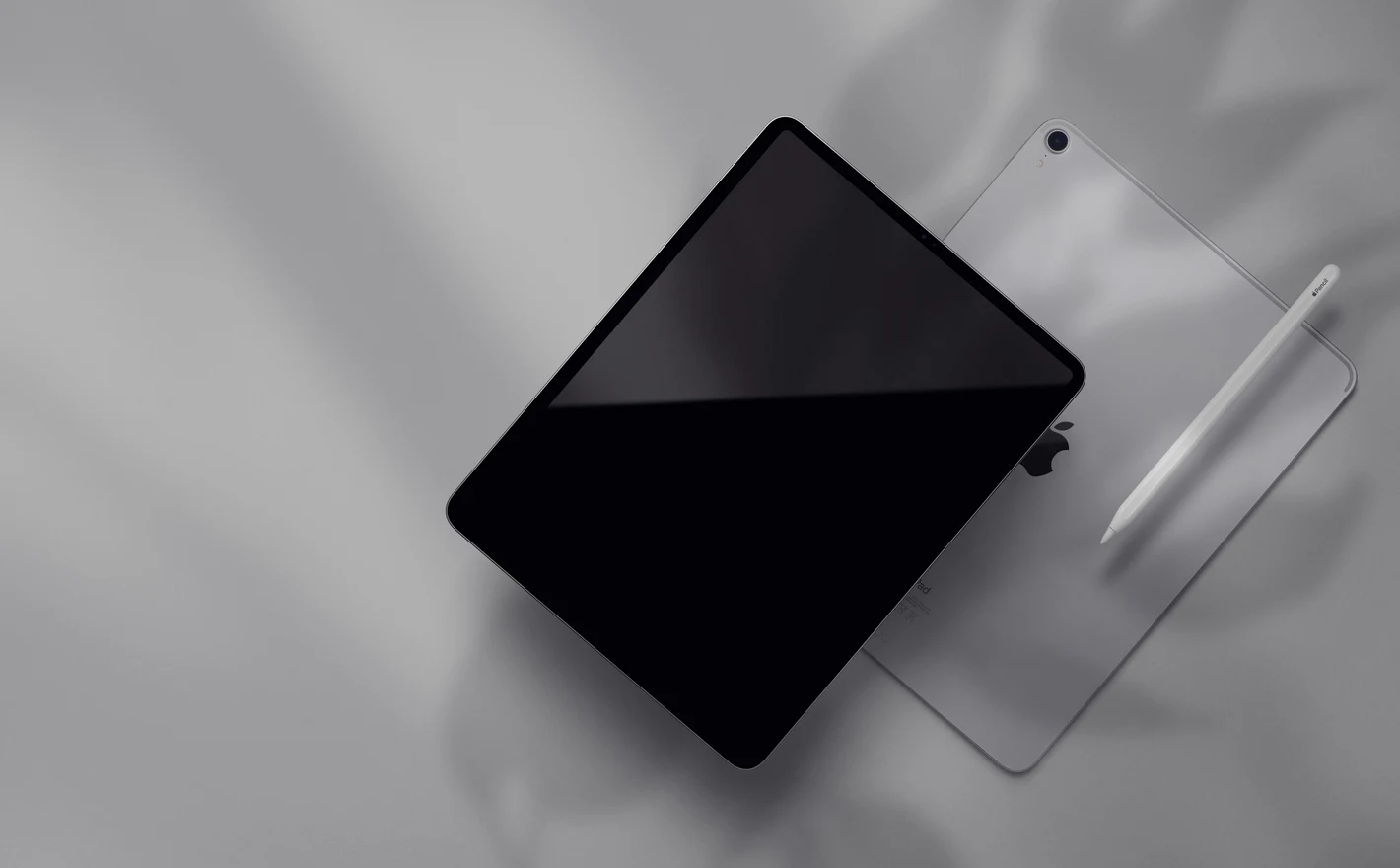
For tablet app & digital product designers
Drop the tablet UI or the digital artwork into the iPad Pro with Flowers Display Mockup Set or the iPad Pro on Sofa Mockup and it's shown at a real viewing angle in a real room. A reading app or a printable sells better on a sofa than on a white rectangle.
Selling a tablet app or a printable? View the iPad Pro with Flowers Display Mockup Set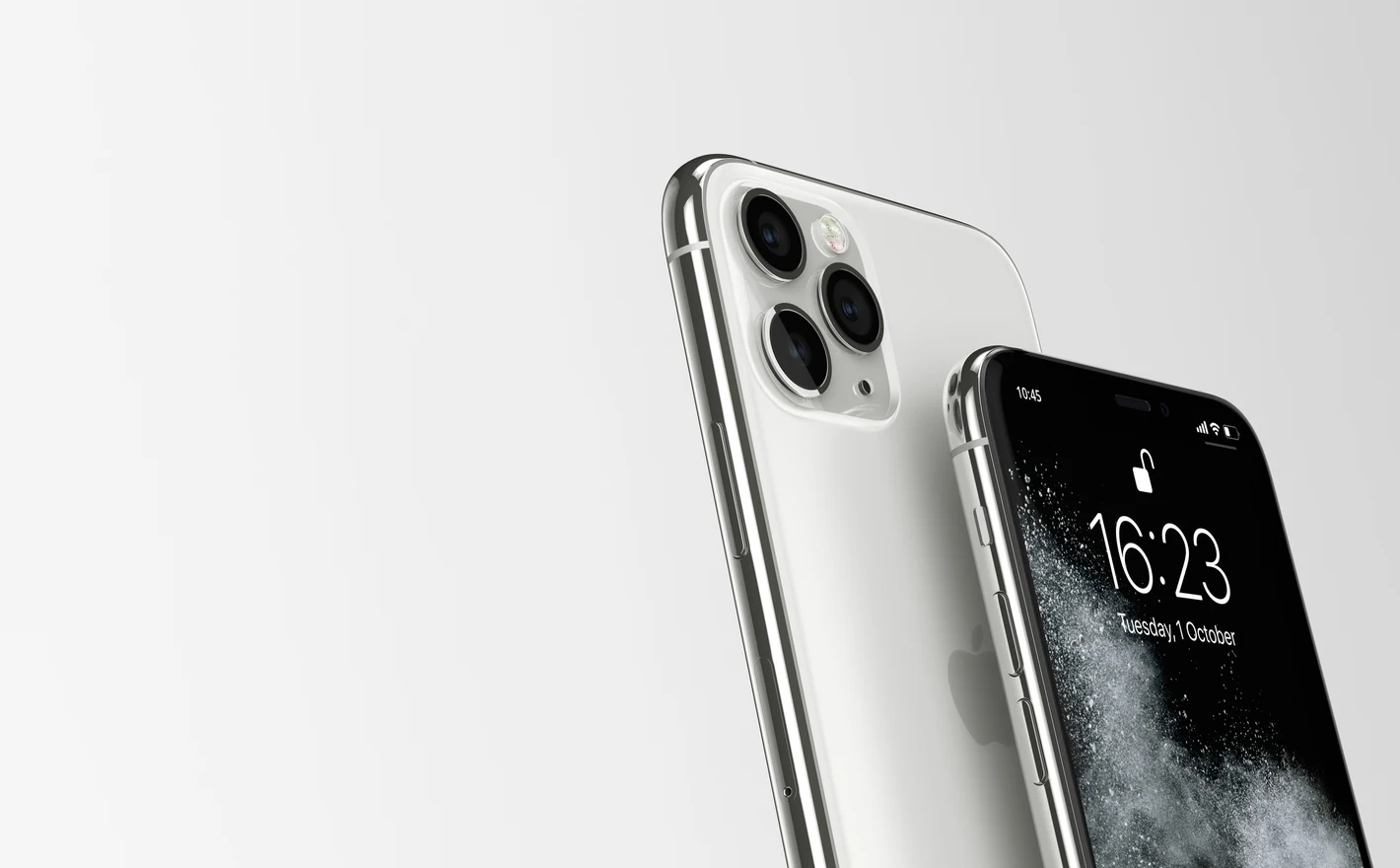
For UX portfolios & creative agencies
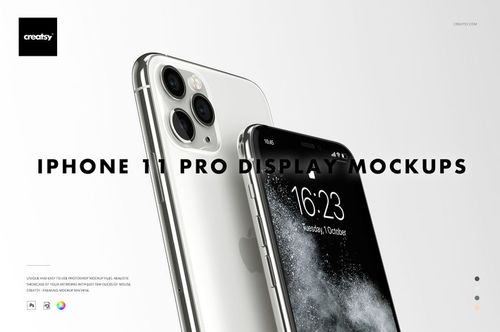
Run every screen of the case study through the iPhone 11 Pro Display Mockup Set and the portfolio reads as shipped product: same light, same angle, screen after screen. For the lifestyle shot, put the hero screen into the iPhone in Hand Against Ribbed Concrete Wall Mockup.
Building a case study? View the iPhone 11 Pro Display Mockup Set
FAQs
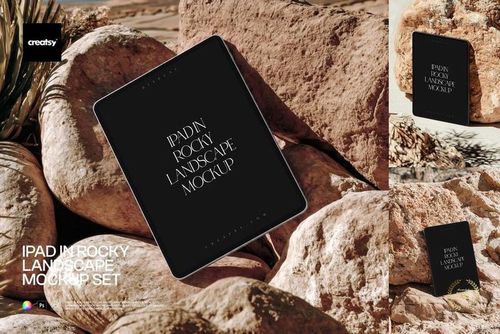
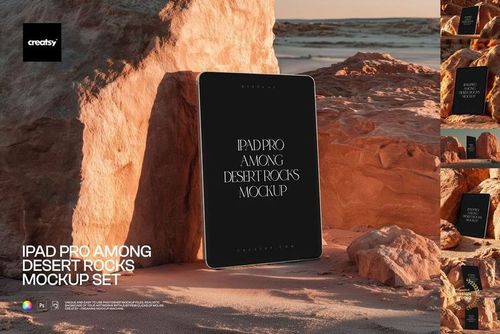
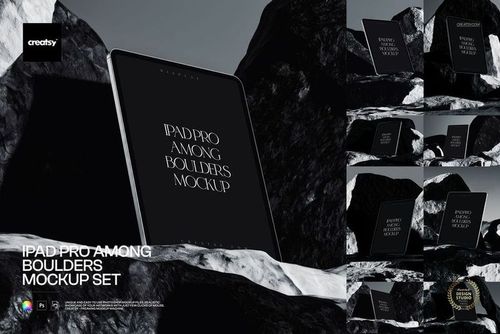
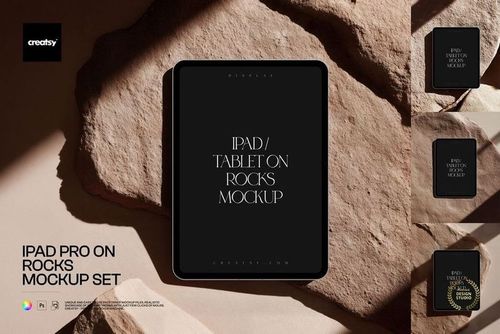
The category includes iPhone display sets, iPad Pro mockups and styled phone or tablet scenes, such as devices on a sofa, park bench or rocks. Choose the device proportions and orientation first. Then decide whether you need a clean interface presentation or a setting that adds context.
Check the individual product's included-file list. For example, iPhone 12 Pro Display Mockup Set contains 24 PSDs at 6000 × 4000 px. Its gallery includes both single-device and multi-device compositions, so the number of files is not the same as the number of devices you can show.
Yes. Choose a multi-device scene with the separate screen controls you need. The iPhone 12 Pro display set includes multi-device compositions, and Free iPhone 12 Pro Trio on Pedestals is another option. You can also combine finished exports in your own layout when you need a different arrangement.
Yes. Use a mobile or tablet screenshot that matches the device in the scene. For a desktop layout, use a suitable desktop display mockup or present the screenshot separately. Squeezing a desktop page onto a tablet does not show how the website actually behaves on either device.
The screen accepts your artwork, while body options depend on the product. Some display sets offer preset device colors; styled scenes may have fewer options and fixed surroundings. Check the feature list for the chosen scene before planning a custom body color or a rearranged composition.
Why use Device Screen mockups?
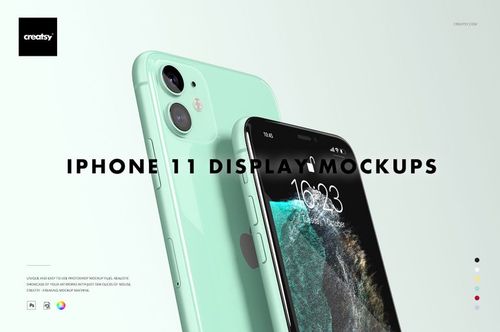
Screen scenes include iPhone 11, 11 Pro, 12 and 12 Pro, iPad Pro views and settings with flowers, rocks, a park bench, a concrete wall or a sofa. Studio and lifestyle compositions give you different ways to present an app or website. Each listing provides the device details, included views, software support and license options. Place a screenshot with the appropriate proportions in the Smart Object and the file fits it to the screen's perspective. A straighter view gives interface details more space, while an angled or lifestyle scene can be used in a wider campaign layout. Tablet views provide another format for showing the design. Compare the exported images at the size they will appear in your presentation. Use the scenes for app marketing, landing pages, ads, portfolios and client reviews. Separate views need separate screenshot updates, so select the images required for the project before editing a large set. Check the package size and included angles on the product page, then keep those files for future interface revisions or campaign images.
FreeCreatsy® Mockups