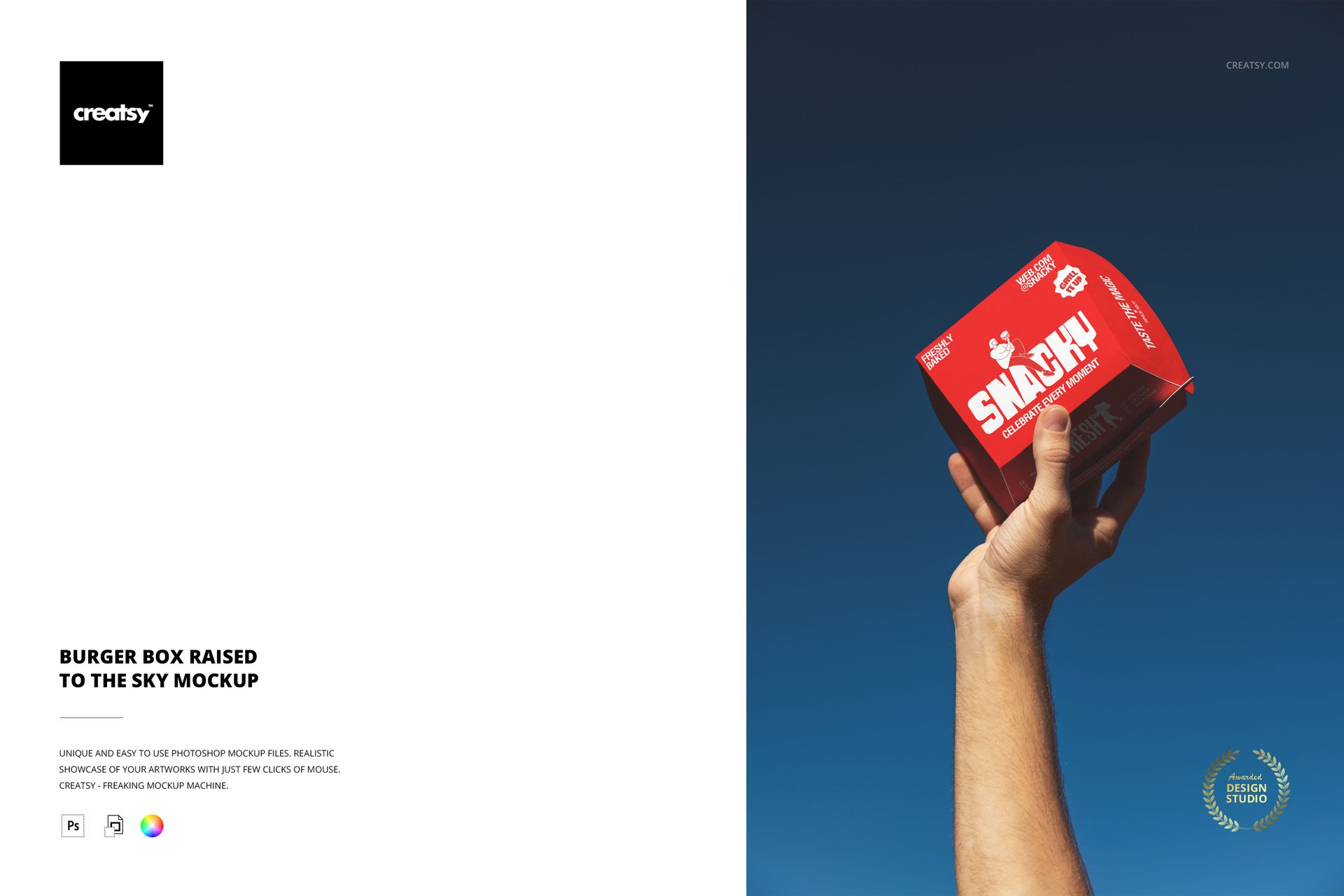
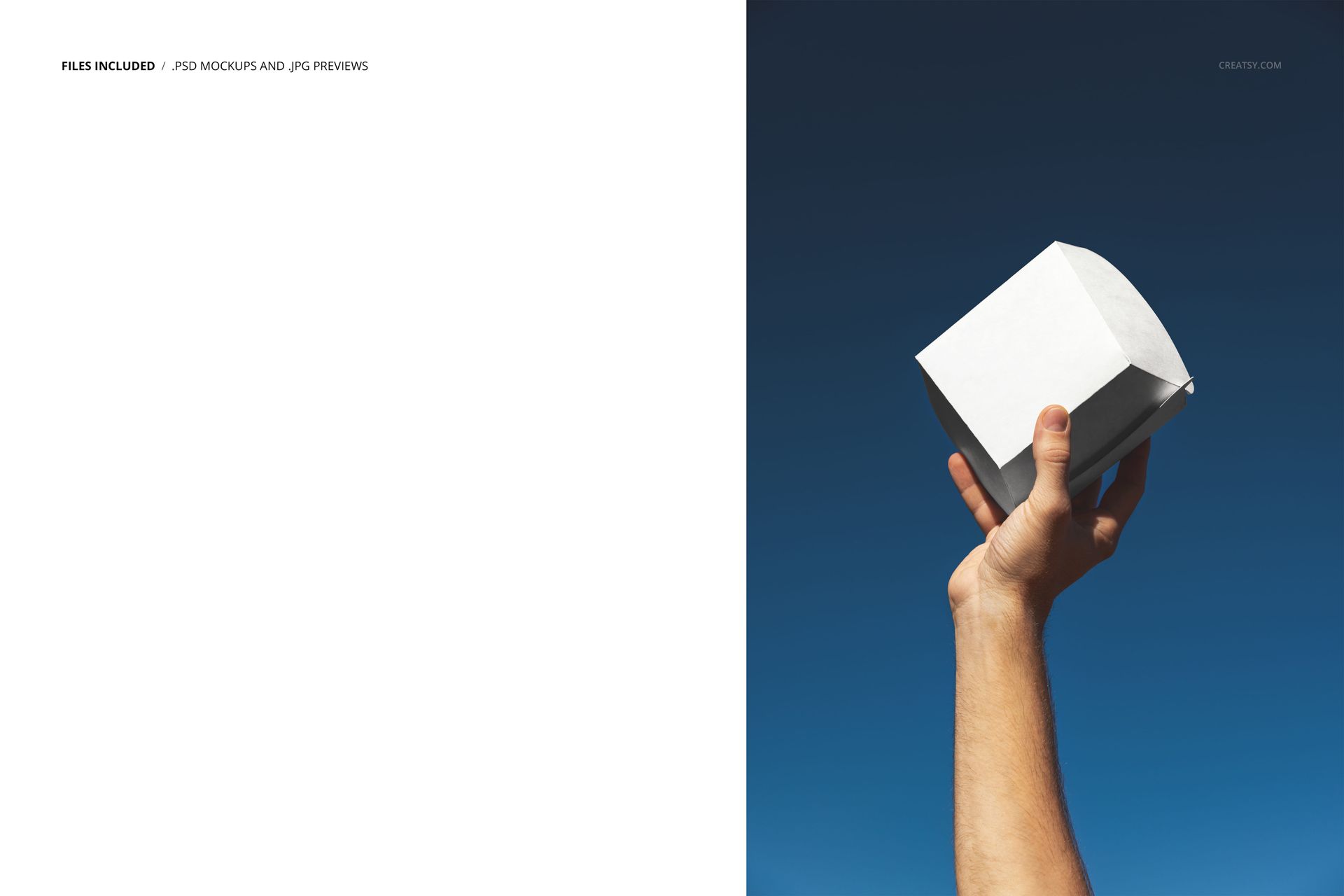
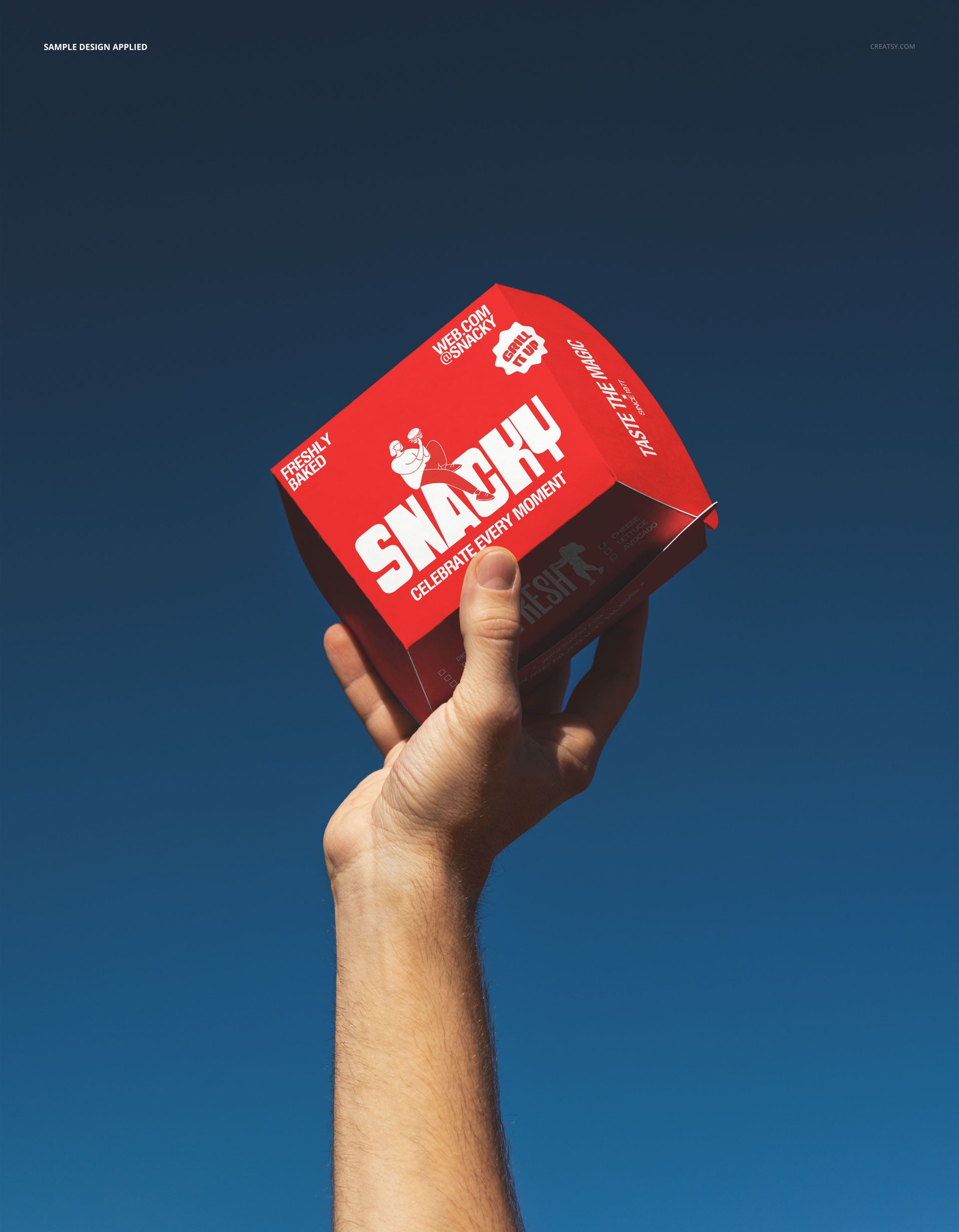
A branded burger box held high against a deep blue evening sky, photographed from below in a dramatic upward angle that turns fast-food packaging into a bold visual statement. This Burger Box Raised to the Sky Mockup captures a single takeaway box lifted by hand with the sky as a clean, atmospheric backdrop, creating an image that feels more like a brand campaign than a standard product shot. The low camera angle and natural outdoor lighting give the box real presence and scale, making this mockup a strong choice for restaurant branding presentations that need to communicate confidence and appetite appeal.
Why This Mockup Works
Most burger box mockups photograph the packaging from a tabletop perspective or against a neutral studio background. This one changes the dynamic entirely by shooting upward toward the sky, which gives the box a heroic, larger-than-life quality that immediately grabs attention in any portfolio or feed. The dark blue sky creates natural contrast against lighter packaging colors, while the hand holding the box provides scale and a human connection to the product. This angle is borrowed from advertising and editorial food photography where brands want their packaging to feel aspirational rather than utilitarian. The result is a mockup that produces images ready for social media campaigns, menu boards, outdoor advertising, and brand identity presentations without additional retouching or compositing work.
What Is Included
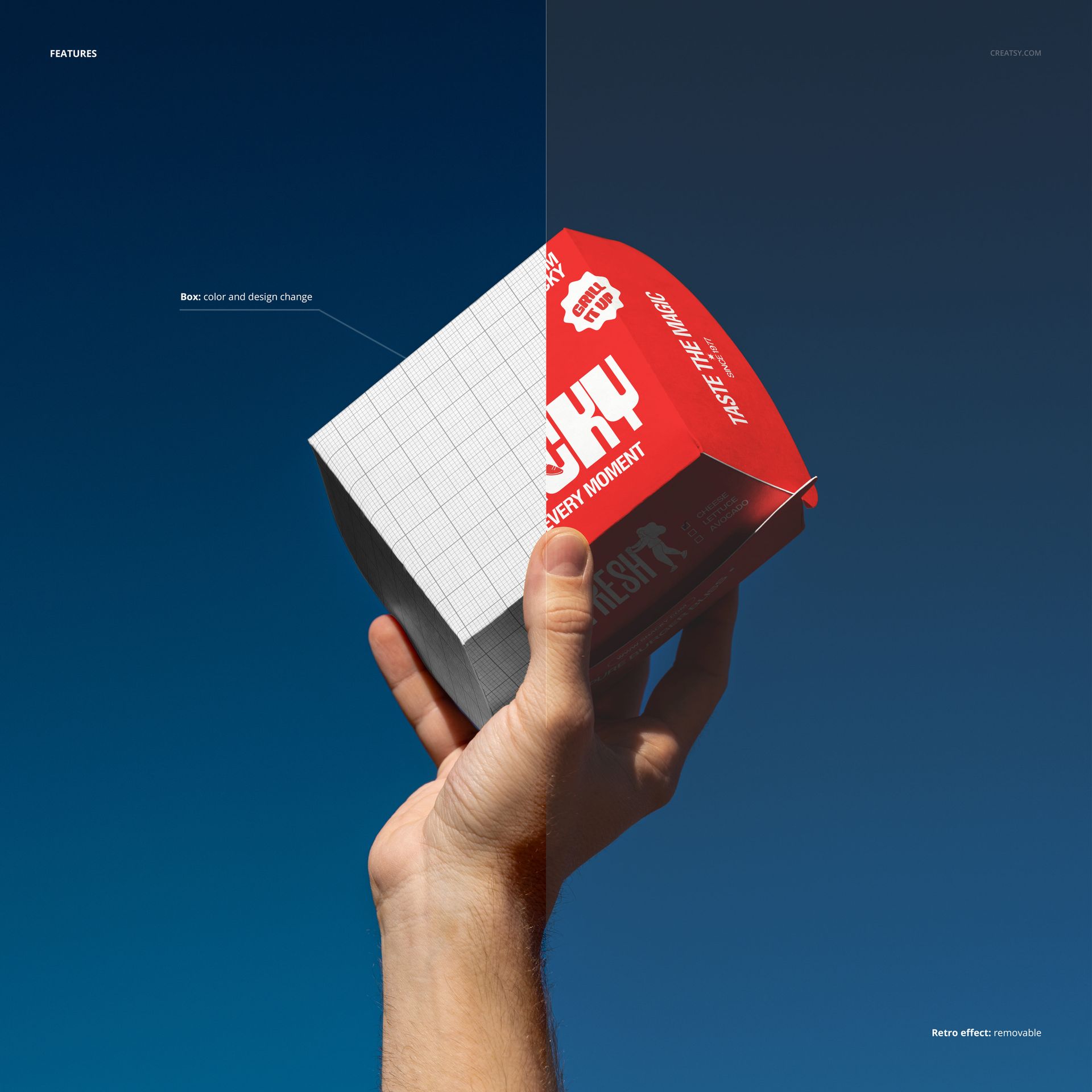
The download contains 1 PSD file at 6000x4000 pixels and 300 DPI resolution. The scene features a single burger box held upward against an outdoor sky background. The box surfaces are editable through organized smart object layers, allowing you to apply your restaurant branding, logo, patterns, or packaging artwork to the visible faces of the box. The total file size is 69.71 MB, and the file opens in Adobe Photoshop CC2020 or newer as well as in Photopea for browser-based editing.
What You Can Customize
Replace the artwork on the burger box surfaces using smart object layers. Apply your restaurant logo, brand colors, typography, menu graphics, or promotional messaging to each editable face of the box. The well-organized layer structure lets you isolate specific surfaces and apply different designs without affecting the rest of the composition. This makes it practical to test multiple branding concepts, seasonal promotions, or franchise variations quickly. The dramatic sky backdrop and hand positioning remain consistent across all design changes, so every variation maintains the same impactful visual quality.
Who This Mockup Is For
Restaurant brand designers and packaging studios working on fast-food, burger joint, or takeaway packaging projects will find this dramatic angle valuable for pitches and portfolio presentations that need to stand out from conventional packaging mockups. Marketing teams at restaurant chains can use this mockup to produce social media content, menu board graphics, or campaign visuals that highlight their packaging as a brand touchpoint. Freelance designers creating spec work or branding case studies for restaurant clients benefit from the editorial quality that this upward angle delivers without requiring a physical prototype or an outdoor photo shoot.
File Specifications
Format: PSD (Adobe Photoshop CC2020 or newer, also compatible with Photopea). Files included: 1. Resolution: 6000x4000 pixels at 300 DPI. File size: 69.71 MB. Layers: well organized with smart objects for box surfaces.