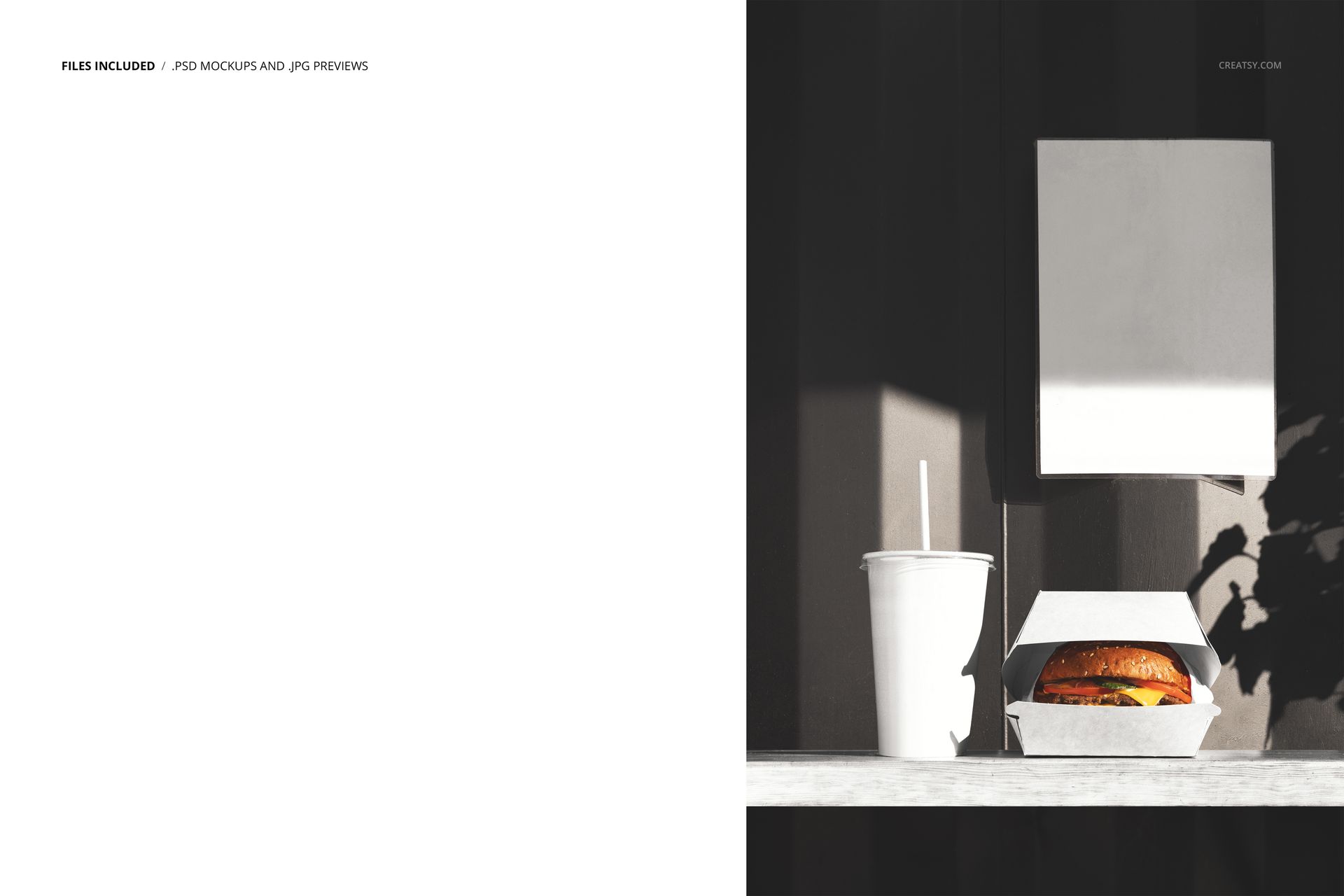
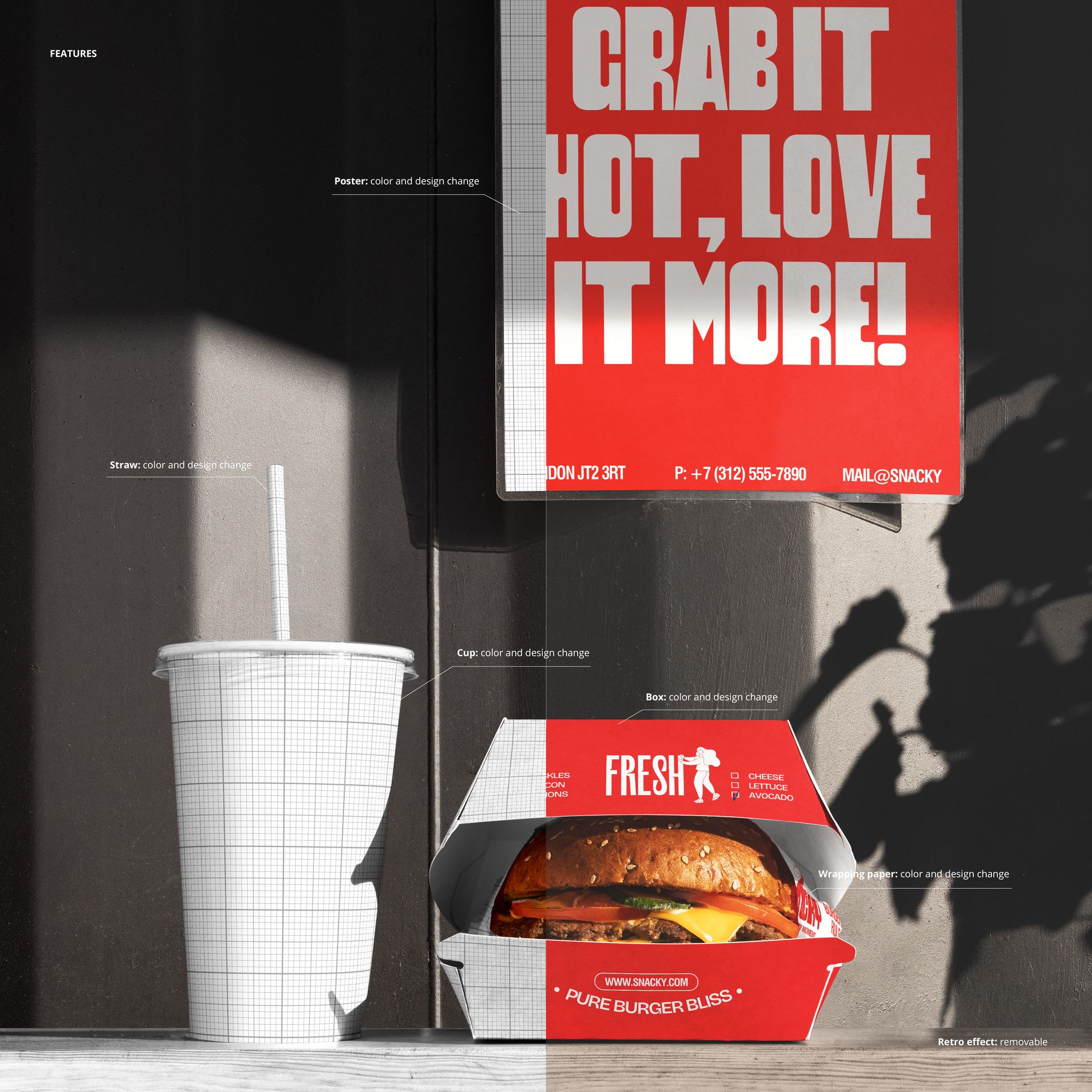
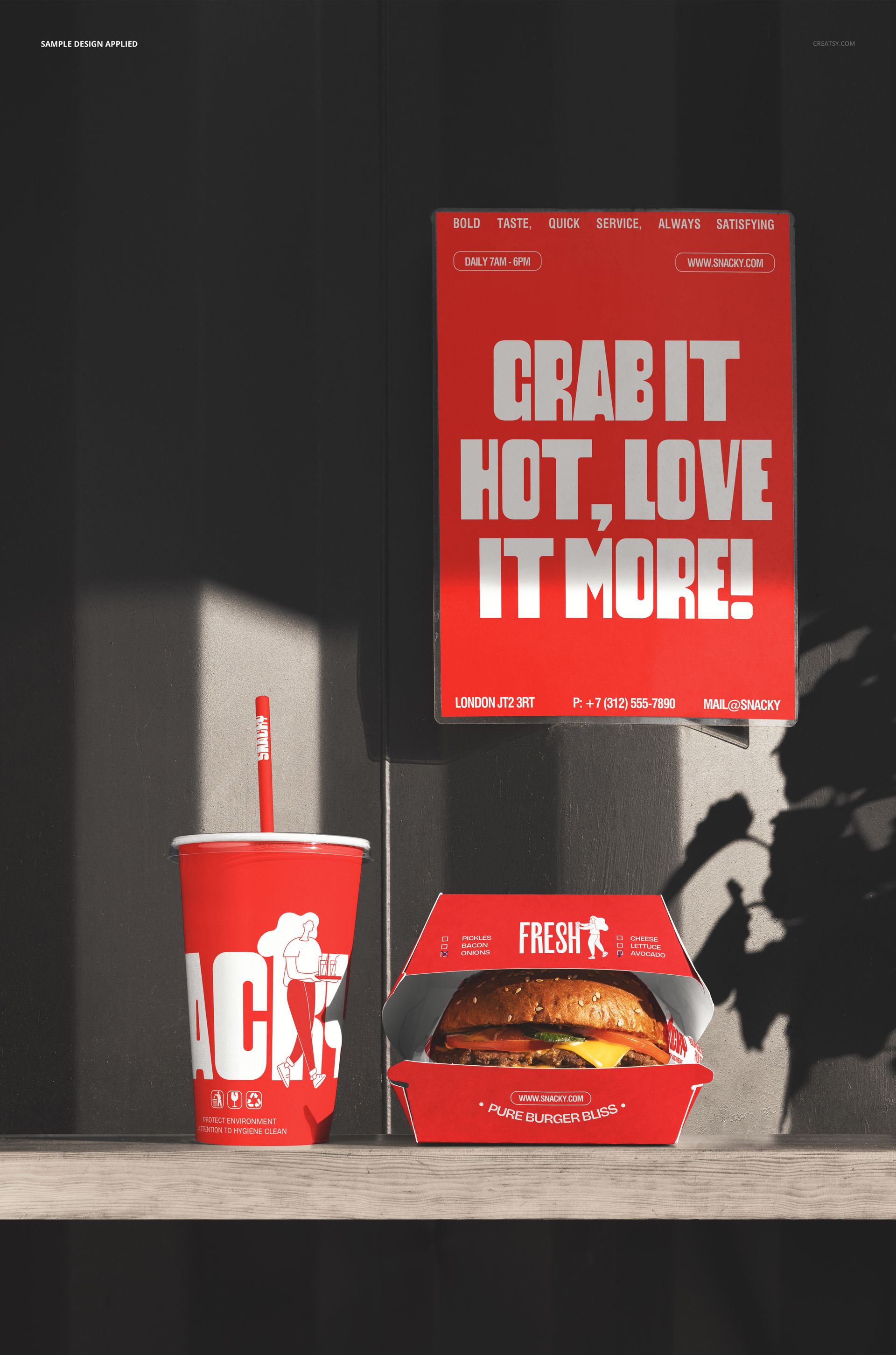
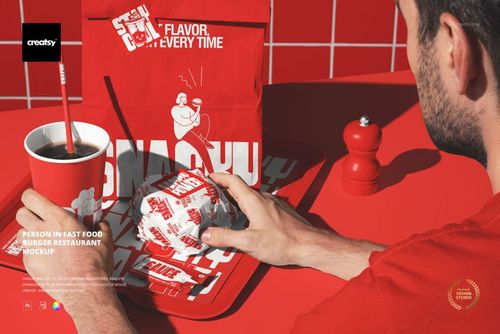
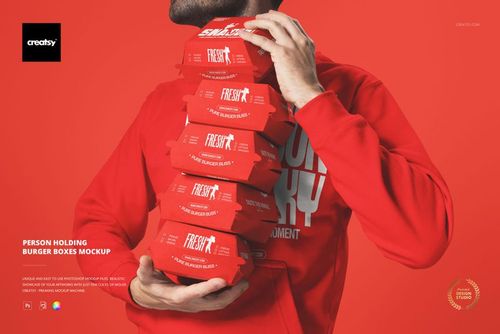
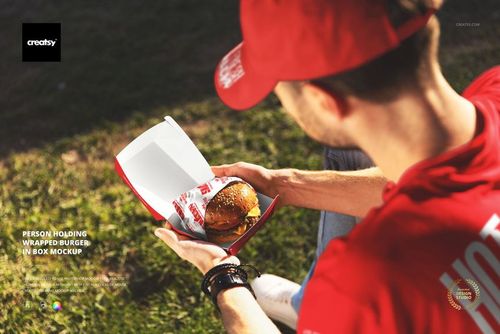
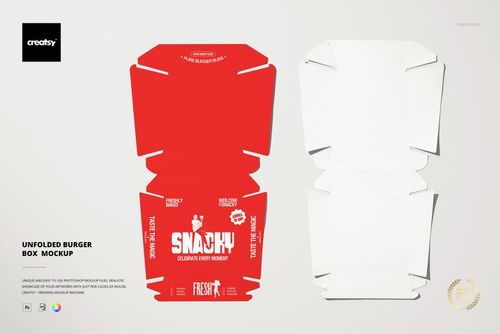
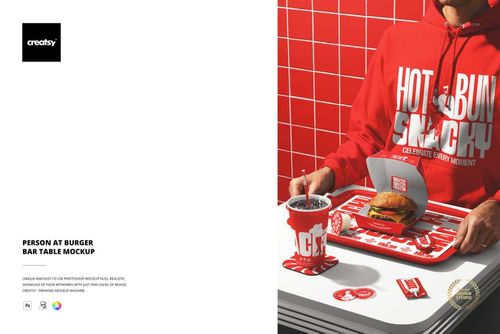
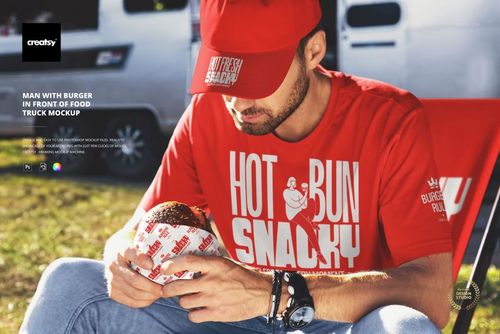
The Outdoor Burger Box Cup and Poster Mockup places a burger box, branded cup, and promotional poster together in an outdoor setting. The scene captures a complete fast food branding moment: packaging, beverage, and marketing material all visible in a single frame with natural outdoor lighting. Each branded element sits on its own smart object layer, letting you apply your restaurant design to the box, cup, and poster while the outdoor environment and food provide the context that makes the image work for real-world marketing. This is a multi-item branding mockup that shows how all the touchpoints of a fast food brand work together outside the restaurant, in the setting where customers actually experience the packaging. The file measures 6000x4000px at 300 DPI with organized smart object layers and works in Adobe Photoshop CC 2020 or newer and Photopea.
Why This Mockup Works
The strongest fast food branding images show multiple branded items together because that is how customers experience the brand: they see the box, the cup, and the poster at the same time. This mockup captures that complete brand impression in one frame, with the outdoor setting adding the lifestyle context that studio shots lack. The natural lighting makes the paper textures, print quality, and color accuracy look authentic rather than rendered, and the combination of packaging with a promotional poster demonstrates how the visual identity works across different formats and materials. For marketing and brand presentations, this multi-item outdoor scene communicates brand cohesion and real-world presence more effectively than individual product shots shown separately.
What Is Included
The download contains 1 layered PSD file. The scene shows a burger box, a branded cup, and a promotional poster arranged together in an outdoor setting. The smart object layers control the design on each branded item independently. The natural outdoor lighting captures paper texture, print quality, and material differences between the packaging and the poster surface.
What You Can Customize
The smart objects control the design on the burger box, cup, and poster independently. Double-click each smart object layer to place your logo, brand graphics, menu items, or promotional copy on each surface. The designs update separately, so you can show different messaging on the poster while keeping consistent branding on the packaging, or test how different color schemes work across all three items simultaneously. Adjustment layers let you modify overall brightness, contrast, and color temperature to match your brand aesthetic while maintaining the natural outdoor feel of the scene.
Who This Mockup Is For
Fast food restaurants and burger chains that need marketing visuals showing their complete brand identity across packaging and promotional materials in a realistic outdoor setting. Marketing teams at restaurant brands creating campaign presentations, social media content, and delivery platform imagery where showing multiple branded touchpoints together communicates brand consistency and professionalism. Brand identity designers presenting complete restaurant branding systems to clients who need to see how the logo, colors, and messaging work across a box, cup, and poster simultaneously rather than on individual items in isolation. Franchise developers documenting brand standards with imagery that shows how all packaging and marketing materials should look together in a real-world outdoor context.
File Specifications
Files: 1 PSD. Dimensions: 6000x4000 px. Resolution: 300 DPI. Color mode: RGB. File size: 303.1 MB. Compatibility: Adobe Photoshop CC 2020 or newer, Photopea.