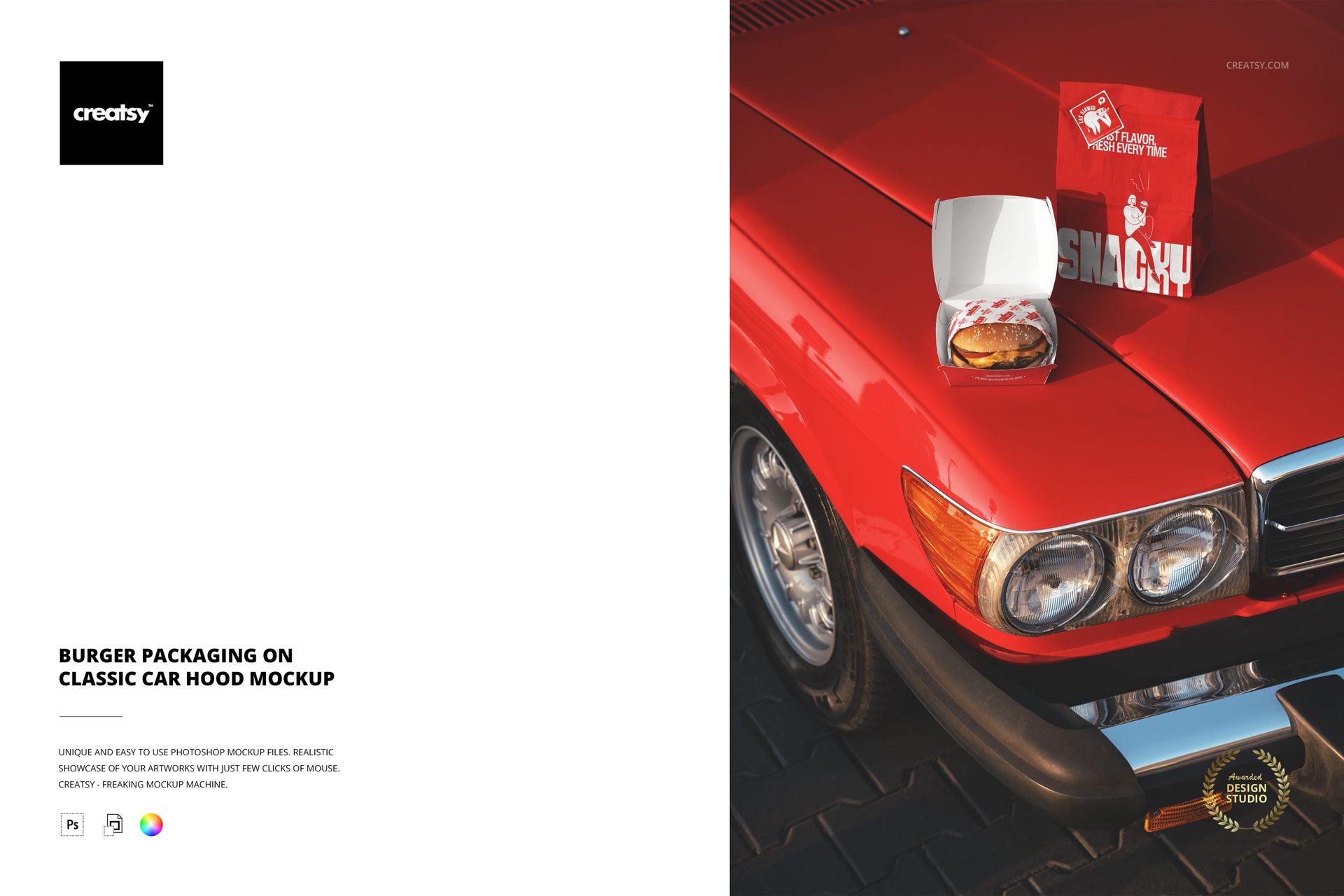
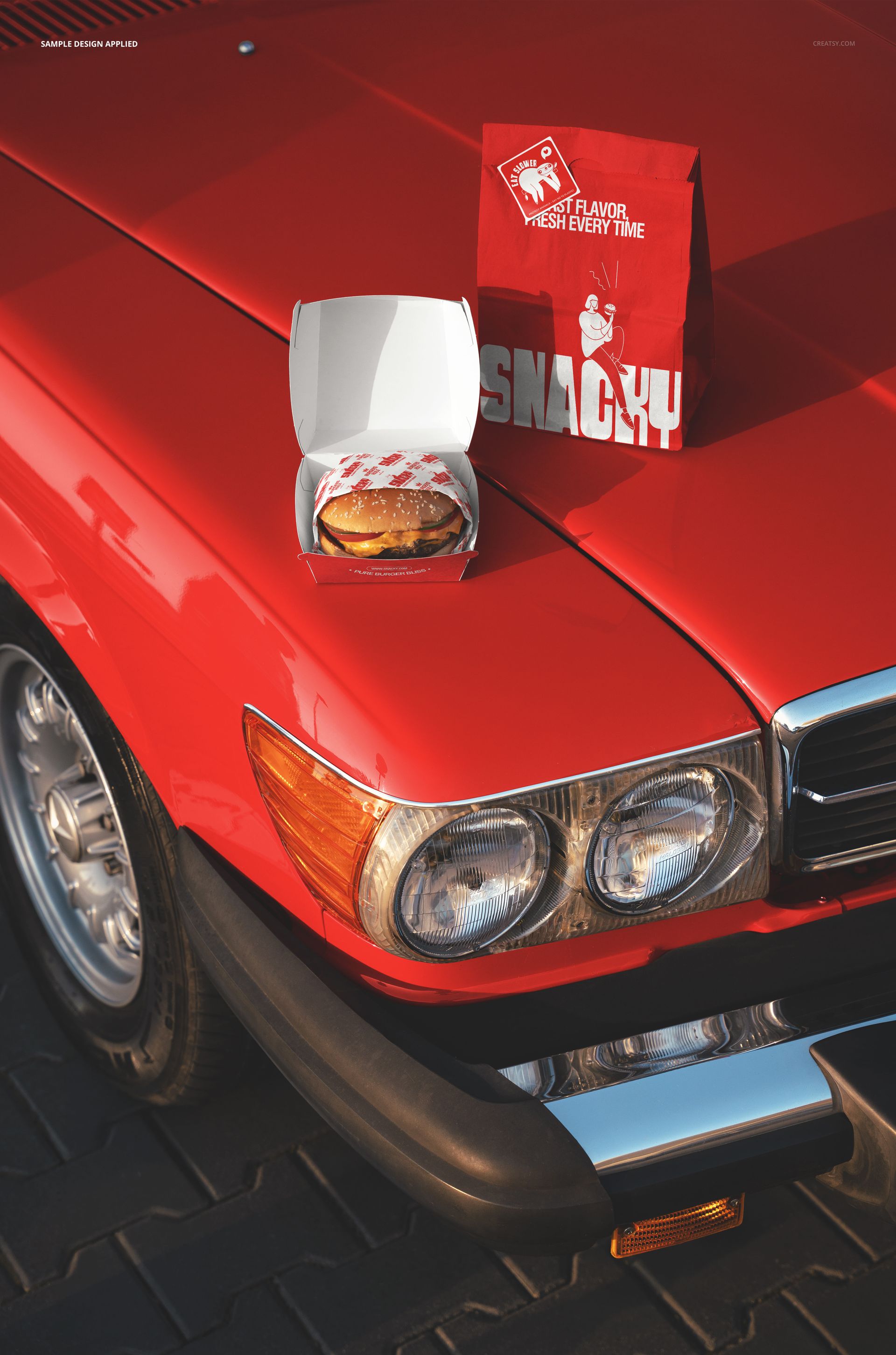
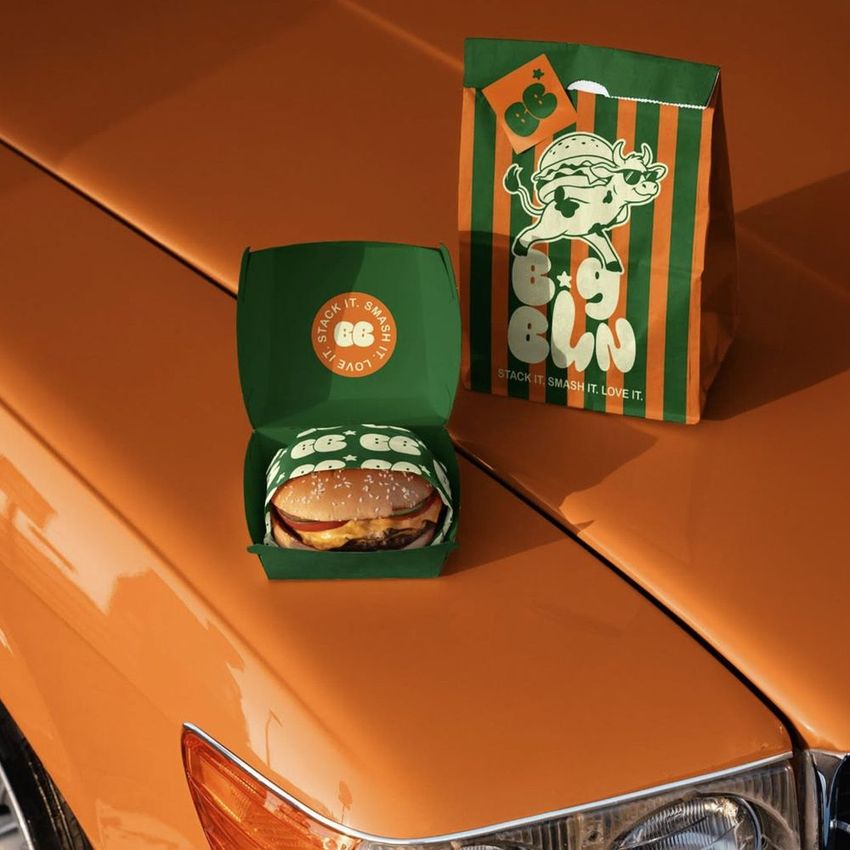
The Burger Packaging on Classic Car Hood Mockup places a collection of fast food packaging items on the hood of a vintage automobile, creating a retro-themed lifestyle scene for burger joints, diners, and food brands that lean into classic Americana styling. The composition includes burger boxes, paper bags, and drink cups arranged on the glossy car surface under warm, low-angle lighting that emphasizes the chrome details and paint finish of the vehicle. This PSD template delivers 6000x4000px resolution at 300 DPI with organized smart object layers for each packaging element and works in both Adobe Photoshop CC 2020 or newer and Photopea.
Why This Mockup Works
Most burger packaging mockups isolate the box or bag on a flat surface or a plain background. This scene tells a story instead. The classic car hood sets the packaging in a drive-in, carhop, or roadside diner context that immediately evokes nostalgia and Americana culture. For brands that build their identity around vintage aesthetics, hot rod culture, or retro diner vibes, this mockup communicates the brand personality in a single image rather than requiring a full photoshoot on location. The warm lighting and dark background create a cinematic quality that elevates takeout packaging from a functional item to a lifestyle statement, making it effective for social media campaigns, menu boards, and investor pitch decks.
What Is Included
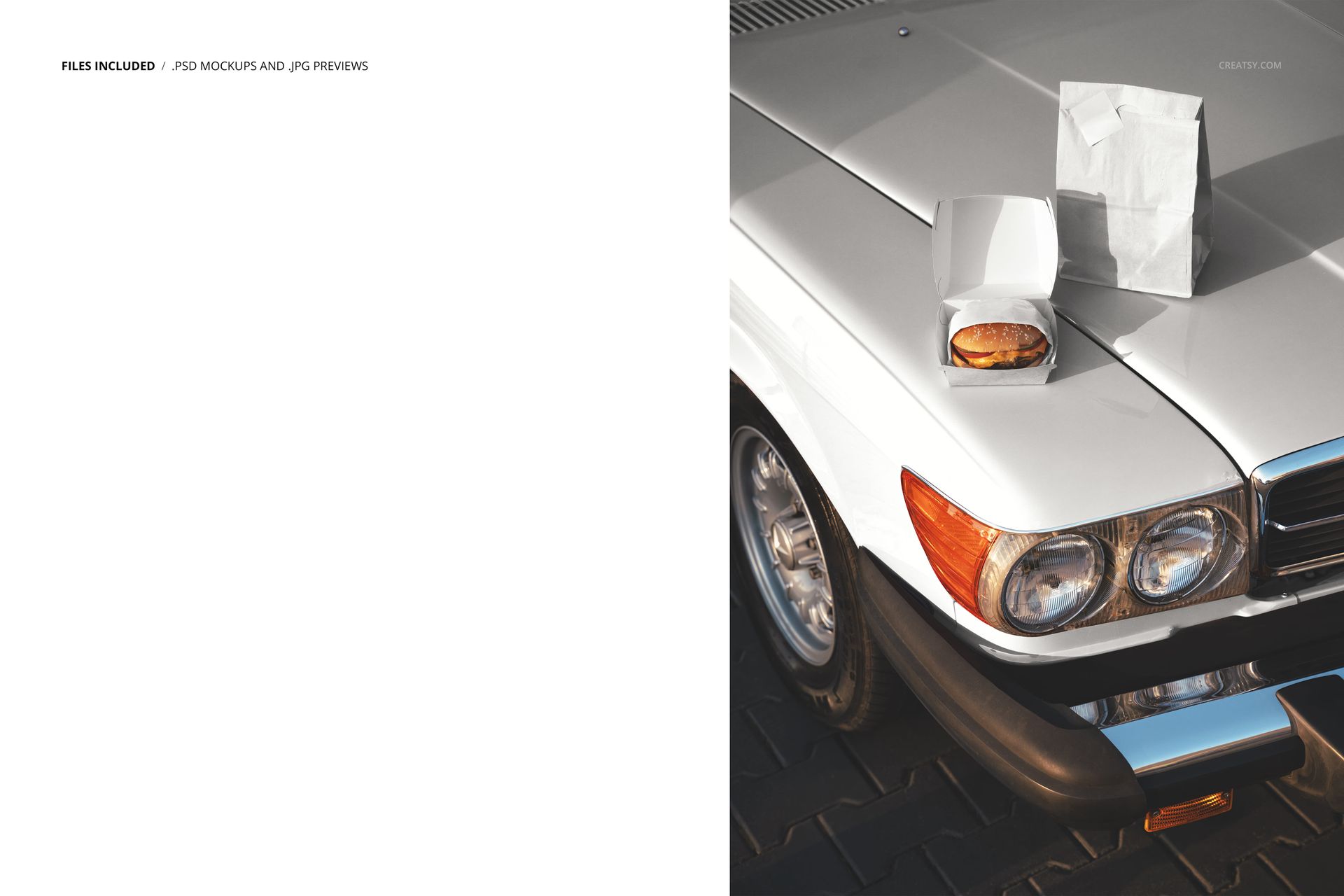
The download contains 1 layered PSD file. The scene features multiple packaging items arranged on a classic car hood: burger boxes, a paper takeout bag, and drink cups positioned as if placed there during a casual car meet or drive-in stop. Each packaging item has its own smart object layer, allowing you to apply different designs to the box, bag, and cup independently. The car hood surface, chrome trim, headlight reflections, and ambient lighting are all captured from an actual photograph, giving the scene a level of material realism that 3D-rendered alternatives cannot replicate. The layer structure is organized and clearly labeled for efficient navigation even on a first open.
What You Can Customize
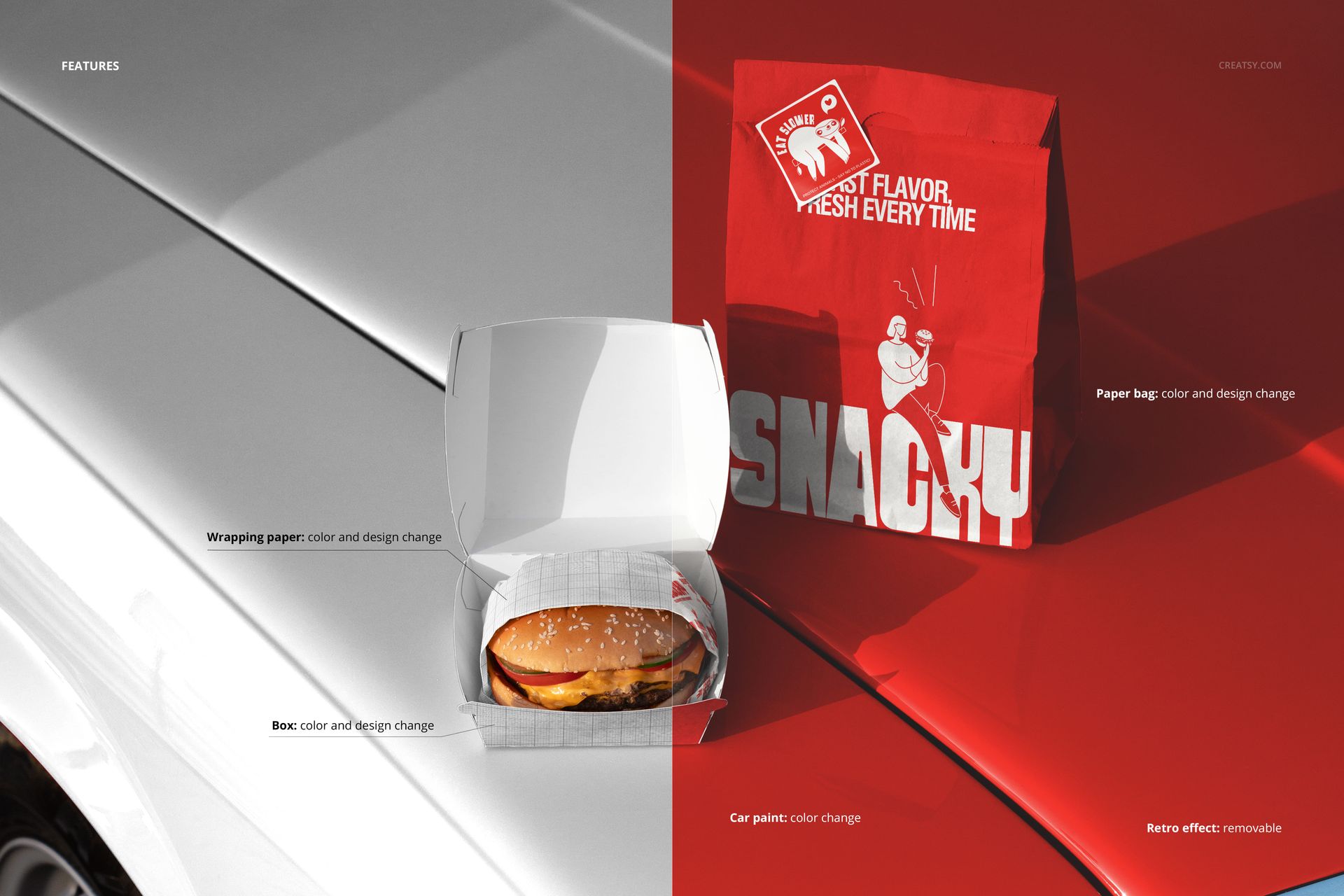
Each packaging element is controlled through a separate smart object. Double-click the smart object for the burger box to place your box artwork, then do the same for the bag and cup to build a complete branded packaging suite in one scene. The designs wrap onto each surface with accurate perspective, paper texture, and lighting. You can adjust the overall color balance and lighting intensity through the adjustment layers to shift the mood warmer or cooler depending on your brand palette. The ability to customize each item independently means you can present a unified brand identity across all packaging touchpoints in a single image.
Who This Mockup Is For
Burger restaurants, diners, and fast food chains with retro, vintage, or Americana-inspired branding who want packaging visuals that match their identity. Packaging design agencies developing complete packaging suites for food service clients who need to see every item in context together rather than as isolated flat previews. Food truck operators and pop-up restaurant owners building brand identity materials for events, festivals, and social media launches. Branding studios creating mood boards or concept presentations for restaurant clients who want a nostalgic, classic feel for their takeout experience. Freelance designers and design students adding a standout lifestyle packaging shot to their portfolio that shows creative art direction beyond standard flat lays.
File Specifications
Files: 1 PSD. Dimensions: 6000x4000 px. Resolution: 300 DPI. Color mode: RGB. File size: 215.89 MB. Compatibility: Adobe Photoshop CC 2020 or newer, Photopea.