
 $7900
$7900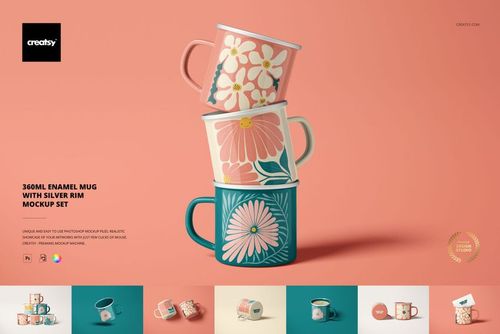
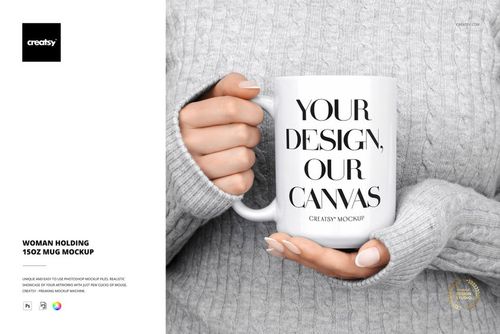
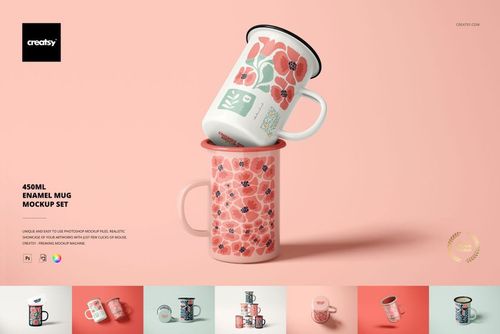
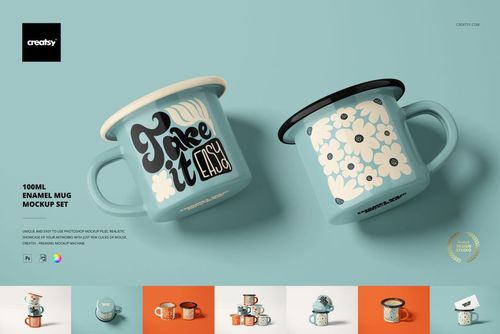
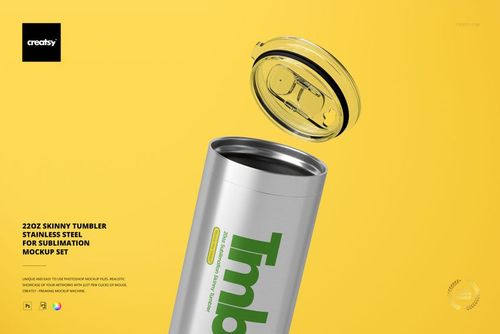
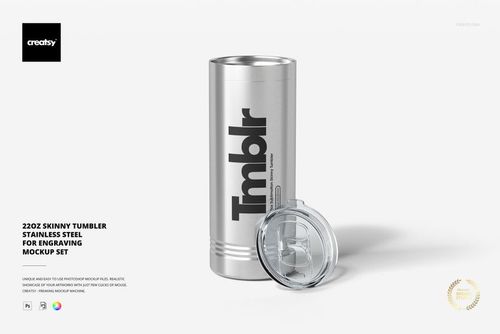
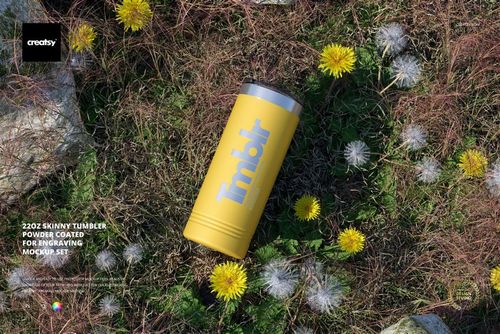
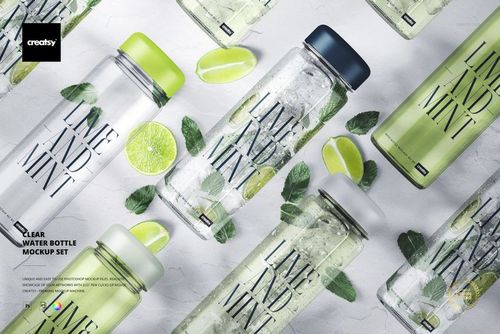
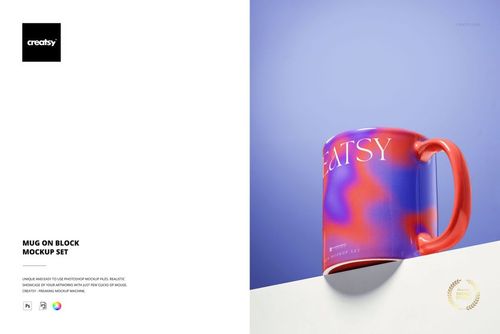
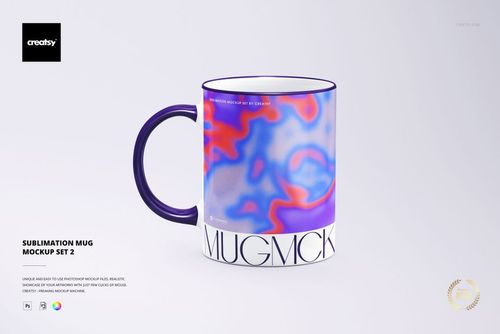
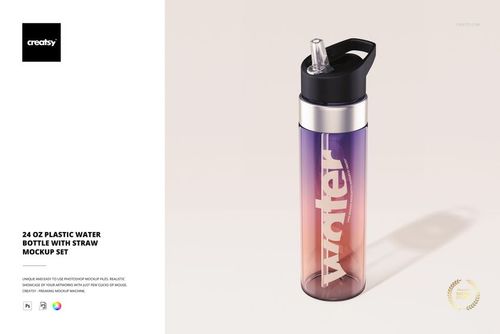
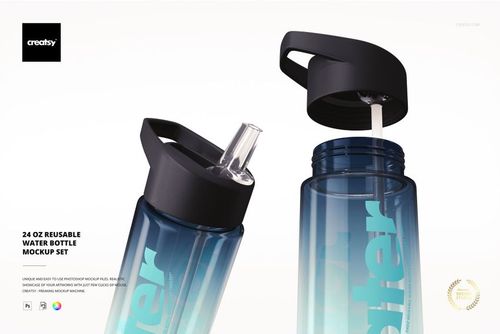

Drinkware Mockups
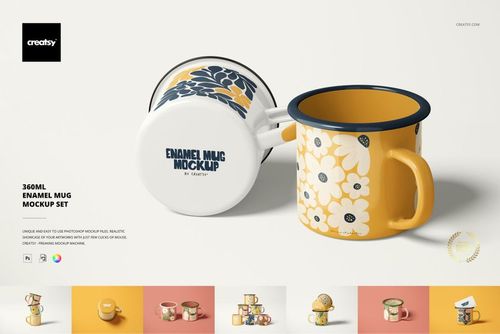
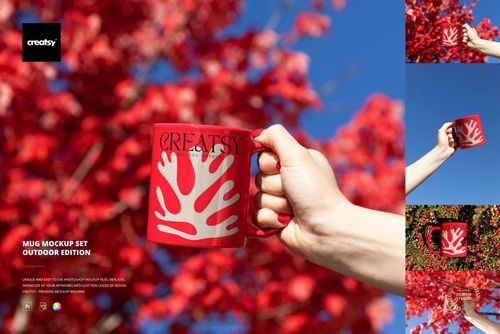
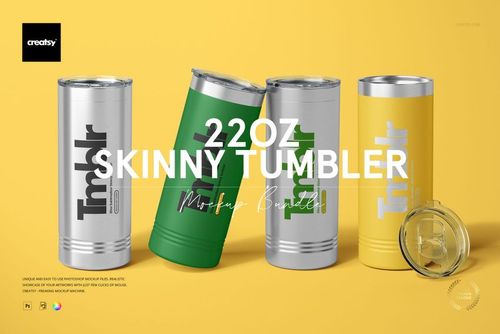
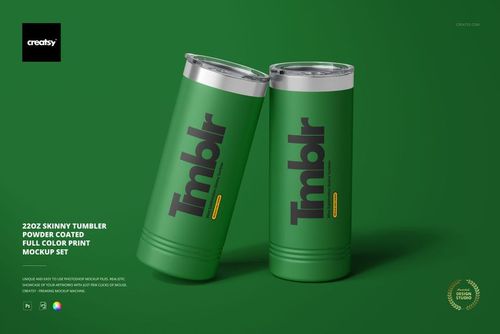
Explore editable drinkware mockups for mugs, coffee cups, tumblers, reusable water bottles, enamel mugs, coasters and beverage coolers. Present logos, labels, illustrations and repeat patterns across a coordinated branded collection.

Reviews
What designers and brand owners say after using these PSD mockups in real client work.
0
Sort by:



Simply gorgeous!
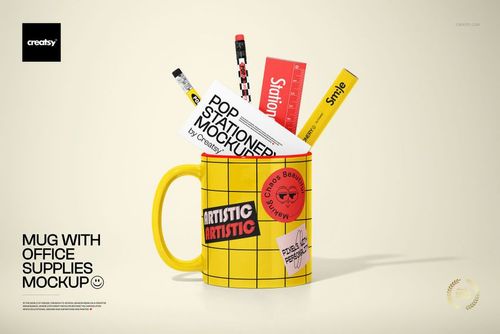
 Mug with Office Supplies Mockup View product
Thank you so much! We’re really happy you liked it! 😊

Very easy mock up to use
Mug with Office Supplies Mockup View product Thanks a lot, Paulene! We’re glad to hear it was easy to use. That’s exactly what we’re aiming for! 🙌
The best mockups I've ever used i just wish they had more
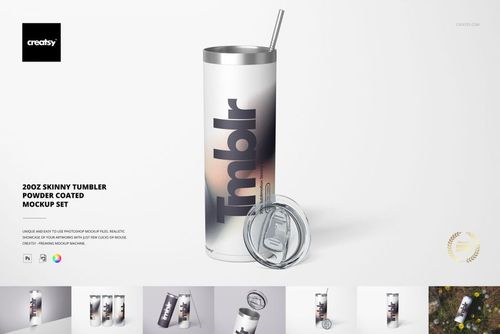
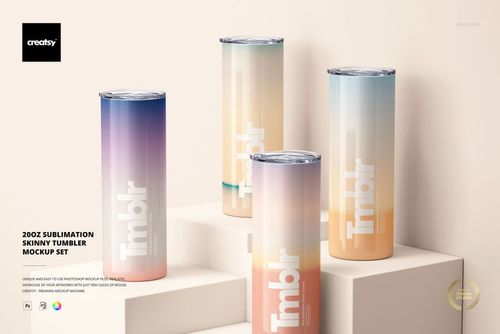
 20oz Sublimation Skinny Tumbler Mockup Set View product

Great mockup. Easy to use. Realistic and High quality.
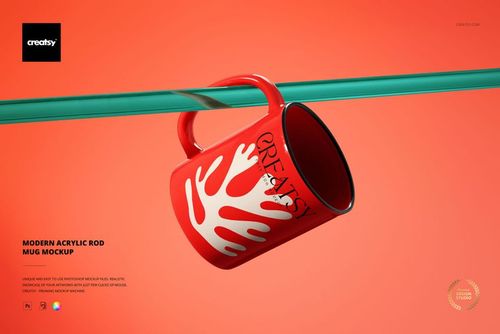
 Modern Acrylic Rod Mug Mockup View product
Thank you so much for your lovely review! We’re so happy to hear you found the mockup easy to use, realistic, and high quality. We truly appreciate your support. Happy creating ✨


What you get
Professional PSD mockups built in-house - editable, realistic, high-resolution, and supported by real people.
Layered PSD Files
Creatsy mockups are delivered as fully layered Photoshop .psd files, with layers sorted into clearly named groups. Shadows, highlights, and the background each sit on their own editable layer, and nothing is flattened into a single image. Open it in Photoshop or the free browser editor Photopea and get to work.
- Clearly named, organized layer groups
- Shadows and highlights on separate layers
- Editable background, never flattened
- Works in Photoshop or free Photopea
Smart Objects
Open the smart object, paste your artwork, and save. The design lands on the product with the perspective, warp, and wrap already worked out. Scene lighting and shadows fall back on top, so it reads as a photograph, not a flat paste-in. Swapping a design takes seconds, so one file can carry a whole run of variants and colorways.
- Double-click, paste your design, save
- Perspective, warp, and wrap pre-built
- Scene lighting and shadows sit back on top
- One file covers many variants and colorways
High-Resolution Output
Many scenes are built from real product photography rather than 3D renders, so the fabric and surface read like a studio shot. Files export at high resolution and stay sharp at full zoom, with clean edges where the print sits. The same file works for a hero banner, a paid ad or a product listing.
- Real product photography in many scenes
- Exports ready for print
- Holds detail at full zoom
- Works for banners, ads and listings
Easy to Edit
Colors, backgrounds, and artwork sit on separate, clearly named layers, so you swap a color or background without disturbing the rest of the scene. There is no relighting or shadow work to redo, and the same file works for your next project.
- Edit color and background layers directly
- No relighting or shadow rework needed
- No masking or layer skills required
- One file reused across projects
Fast Support
There is a real in-house team behind every file, not a ticket bot. Before you buy, ask whether a specific mockup fits what you have in mind, and we will tell you. When a smart object or a layer group is tripping you up, send the question and you usually get a reply within 48 hours.
- Real in-house team behind every file
- Replies within 48 hours
- Pre-purchase help picking the right mockup
- Answers on smart objects and layer setup
Who are these mockups for?
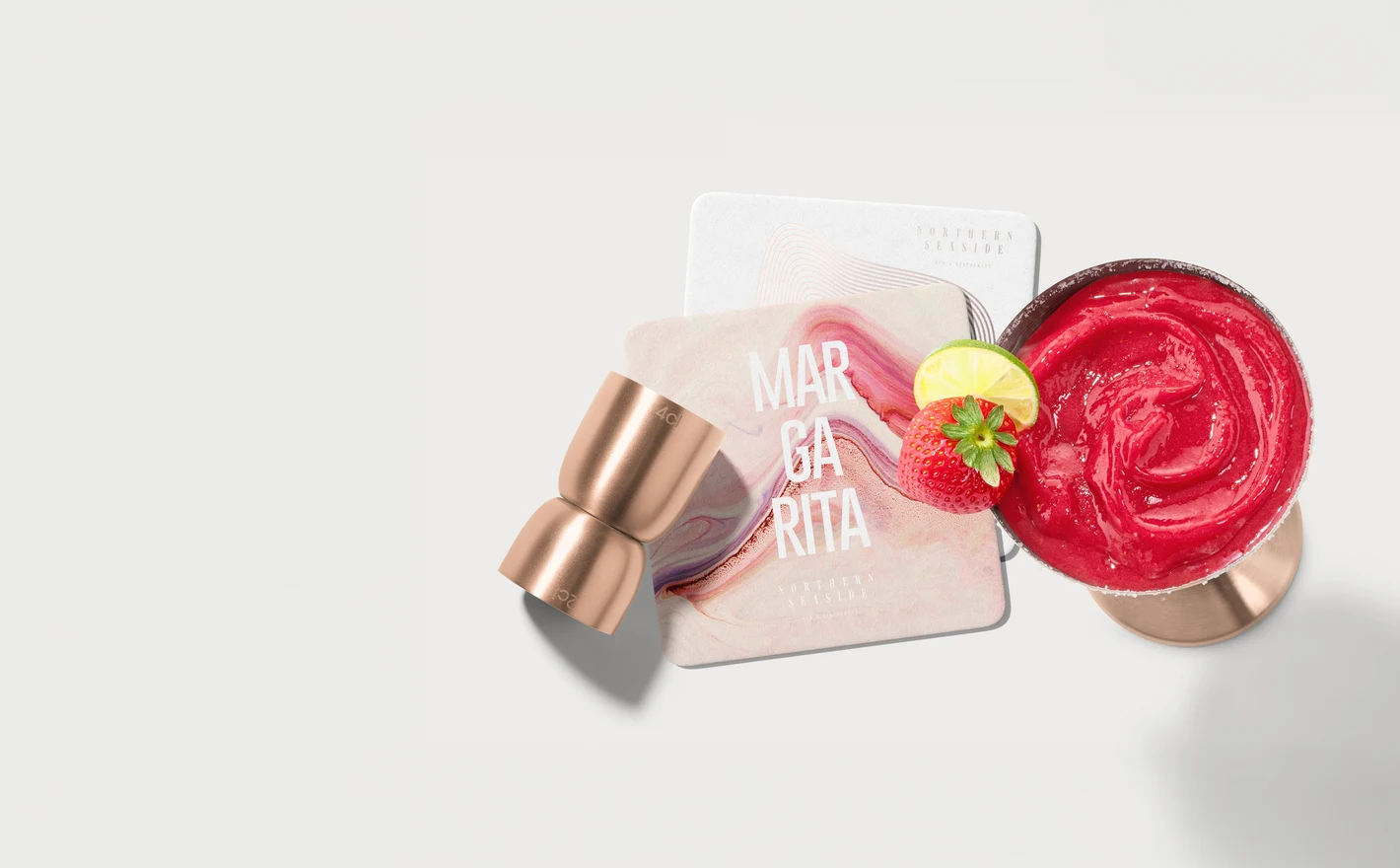
For Agencies and Corporate Gifting Teams
Assemble a full branded drinkware program from one PSD library: mugs for the office kit, tumblers for the executive gift, bottles for the event bag. Identical lighting across scenes keeps a multi-product proposal looking like one coherent program - before a single sample is ordered.
Wrapping a client gift? Browse gift packaging & wrapping paper mockups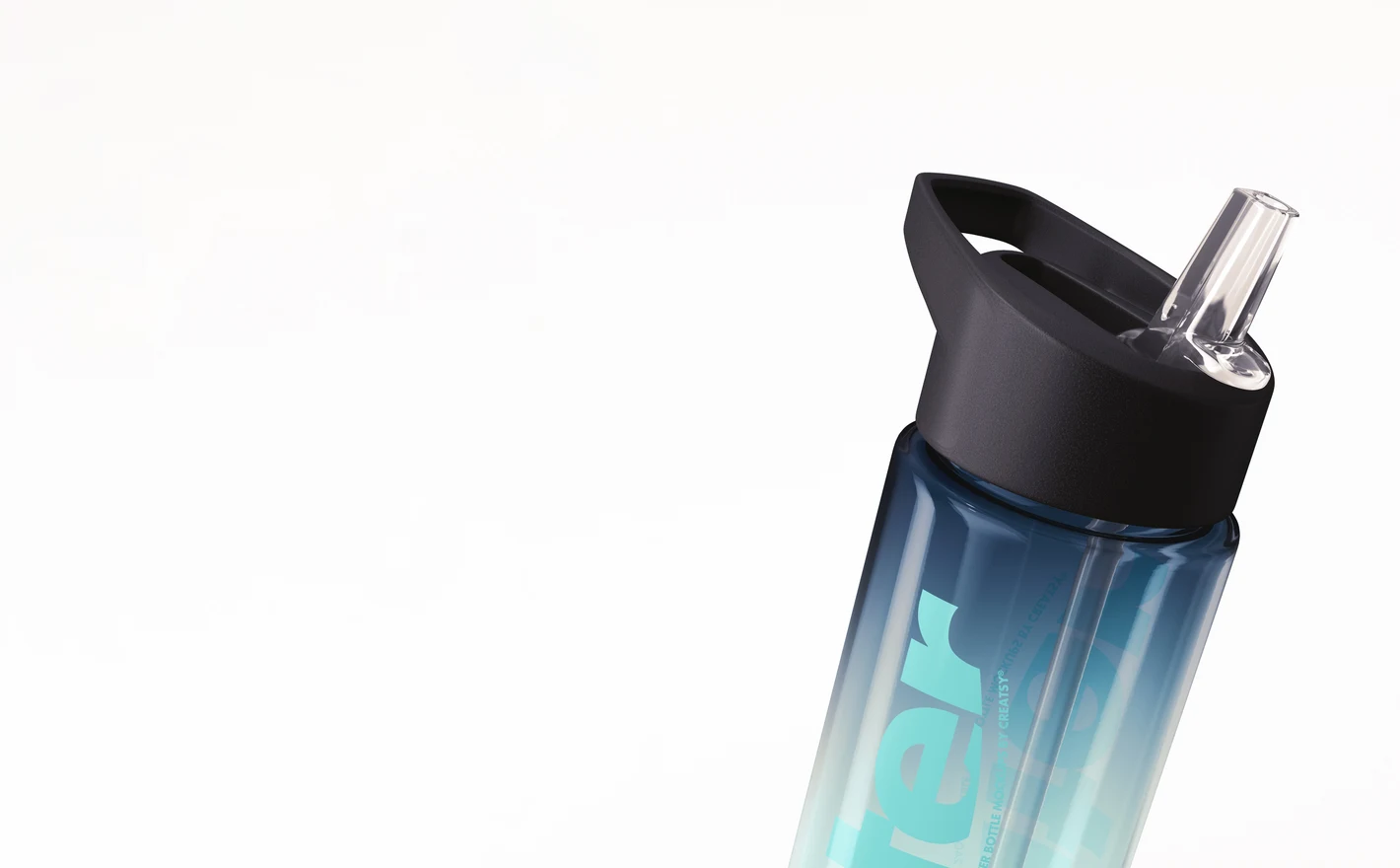
For Drinkware Brands
Roll one label system across transparent, stainless-steel and powder-coated bottles to see how the brand survives different finishes and curvatures. Multiple views per bottle cover the store page, the ad crop and the wholesale line sheet from a single artwork swap.
Building a bottle range? Browse reusable bottle & flask mockups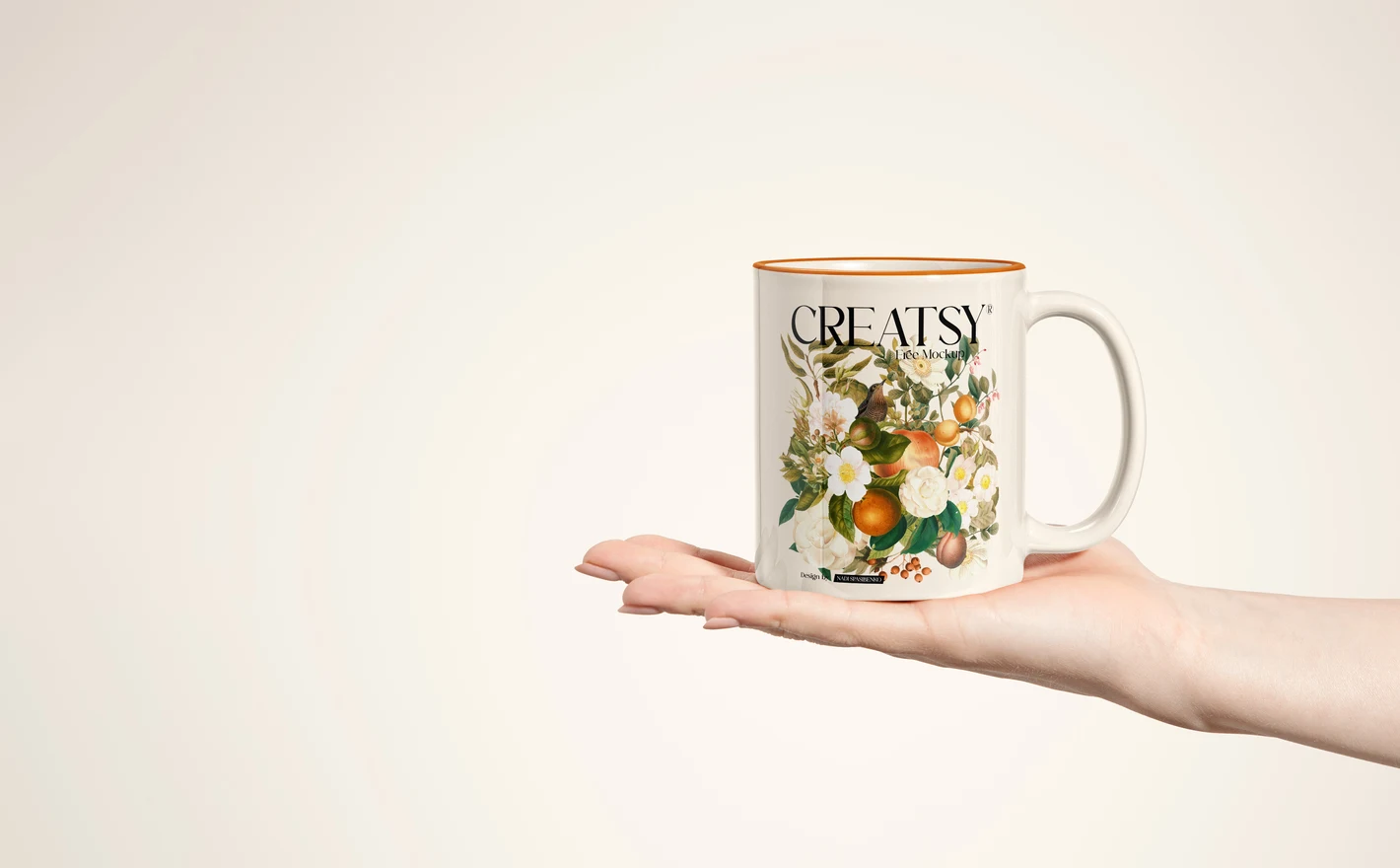
For Print-on-Demand and Merch Sellers
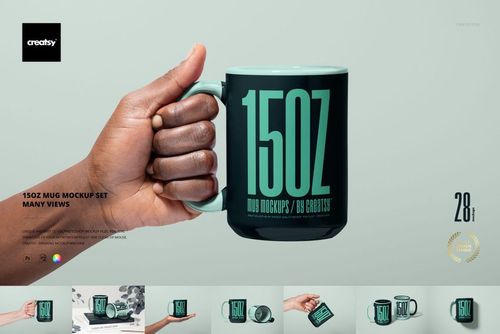
Preview a design on the exact drinkware you sell - 11oz and 15oz mugs, sublimation blanks, skinny tumblers - before the listing goes live. Consistent angles and light across fifty designs keep the shop grid looking like one brand, and artwork swaps take seconds through smart objects.
Starting with mugs? Browse mug & coffee cup mockups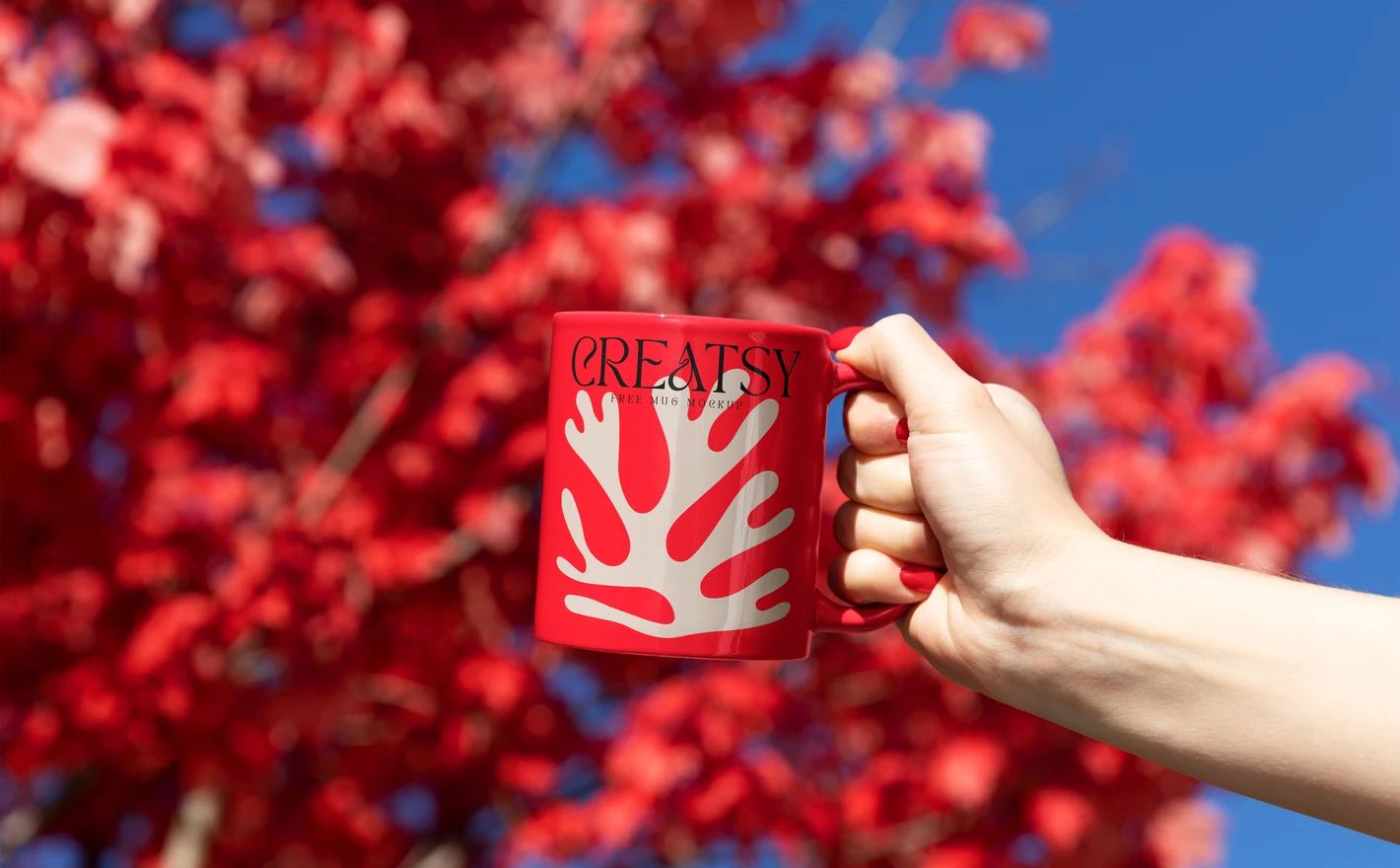
For Surface Pattern and Illustration Designers
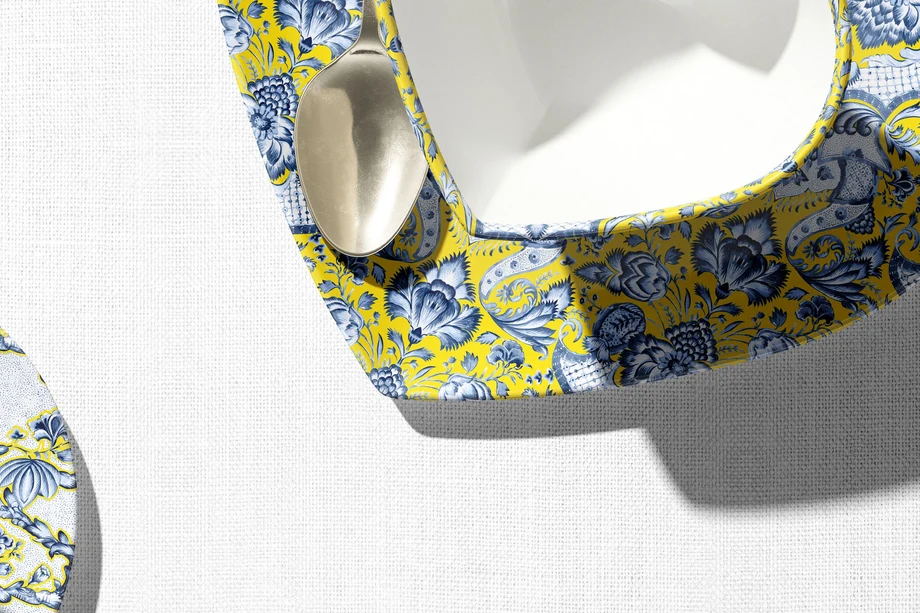
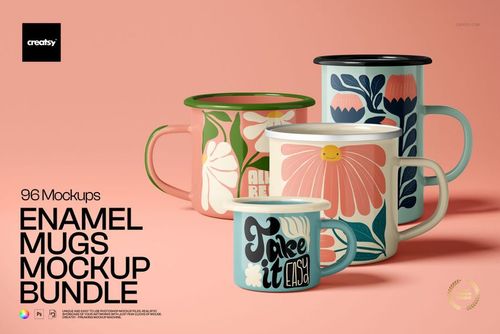
Curved drinkware is the honest test of a repeat: mugs wrap motifs around handles, tumblers taper them, coasters crop them flat. Previewing one pattern across all four formats shows licensors how the artwork behaves as a product collection, not a swatch.
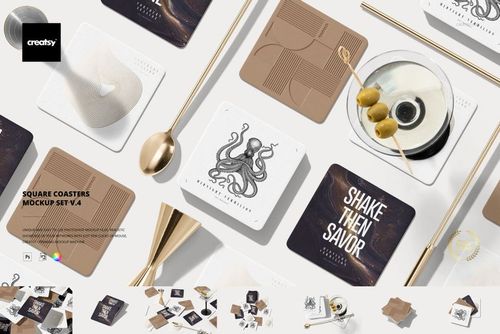
Taking the pattern onto a flat surface? Browse coaster mockups
FAQs
Choose Mugs & Coffee Cups for ceramic and other drinking mugs, Tumblers & Travel Mugs for portable cups, or Reusable Bottles & Flasks for bottles. Enamel Mugs has its own category. Coasters and Beverage Coolers & Holders cover the accessories around the drink rather than the cup itself.
Download the updated package from the platform where you bought it. Creatsy's help article says the mockups affected by Photoshop's discontinued 3D features were rebuilt with Smart Objects and the updates are free. If you cannot find your purchase or the package still contains the old files, contact support with your order details.
The Smart Object applies the perspective and shape prepared for that particular product. A straight mug and a tapered cup need different artwork placement, so choose the appropriate mockup. The result is a visual preview; it does not calculate the production wrap, print margins or tolerances for your supplier.
Compare the model, capacity, shape and finish with your supplier's product. Capacity alone is not enough: two mugs with the same volume can have different proportions or handles. Where a listing names a particular blank, check that model and its visible details against your current supplier's specification.
Yes. Add your own artwork and use finished JPGs or PNGs for product listings and permitted marketing. Keep the editable files within the licensed use. Standard and Extended do not allow a customer-facing tool that uses the mockup to generate previews from customers' uploaded designs or text.
Do not assume so. Get the production template from the supplier, including the printable area, bleed and any seam allowance. Then adapt a copy of your design for the mockup. Keeping the production artwork and presentation image separate helps prevent a preview file from being sent to print by mistake.
Why use Drinkware mockups?
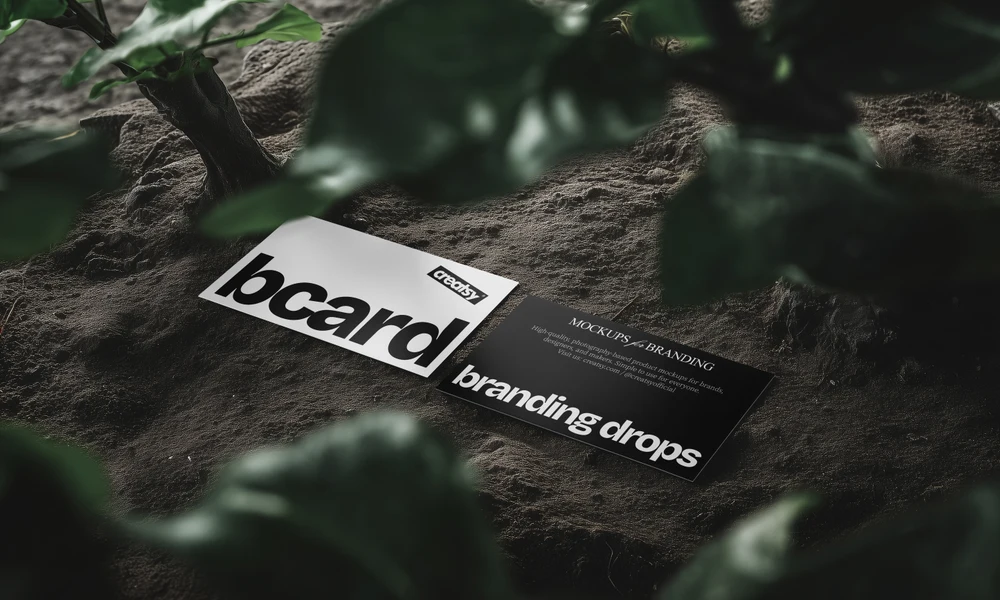
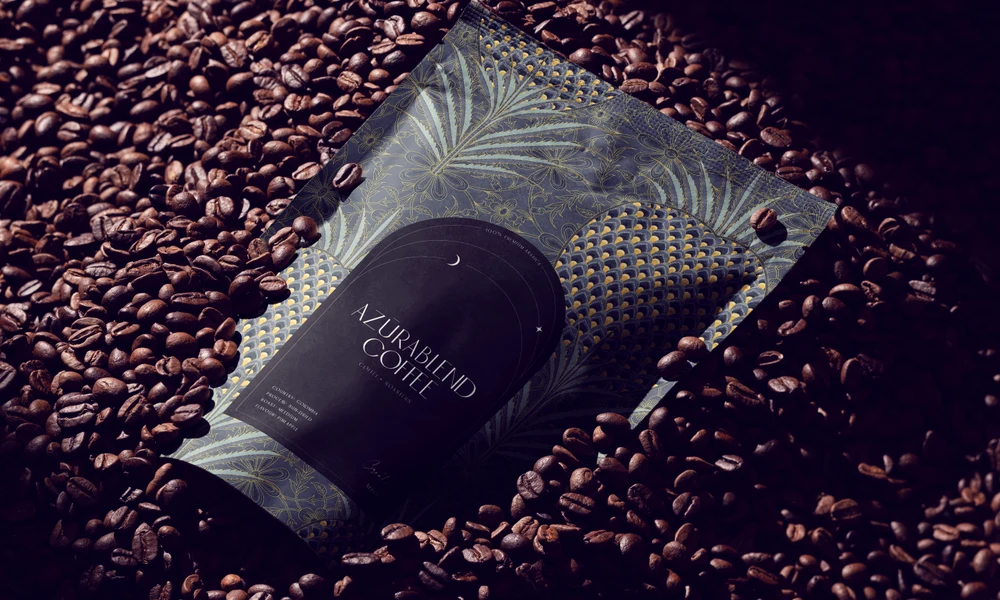
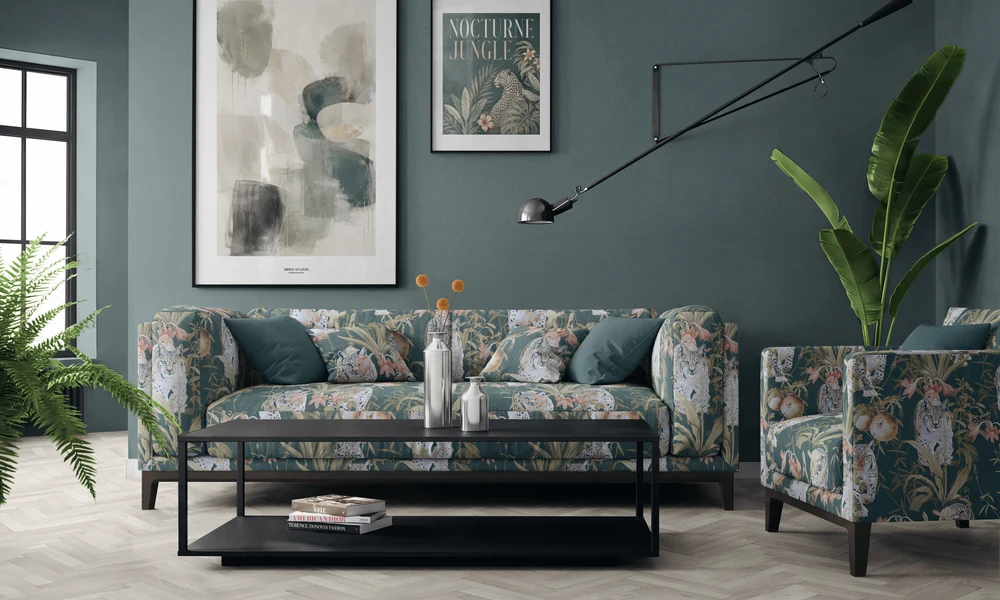
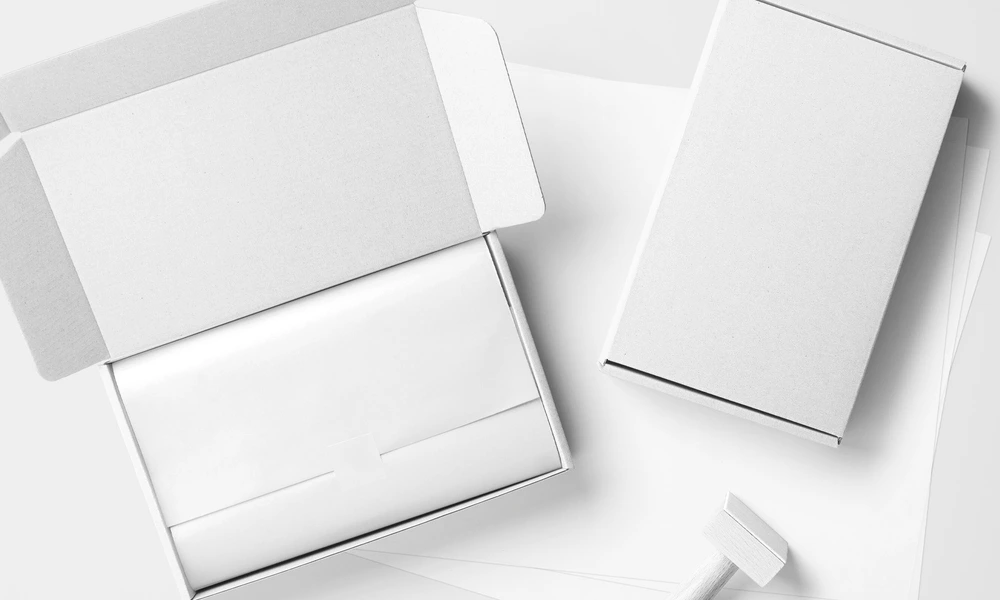
The drinkware range covers mugs, tumblers, reusable bottles, enamel mugs, coasters and beverage coolers or holders. Each format gives a design a different shape and surface. The files are layered PSDs with Smart Objects, and each listing provides its dimensions, supported software, editable features and license options. On curved products, the prepared artwork area follows the mug, bottle or tumbler while retaining the scene's reflections, light and shadows. This helps you compare the size of a logo, the placement of an illustration or the visible part of a wrap. Apply related designs to a mug, tumbler, bottle and coaster to review a merchandise or gift collection. Edit the relevant files separately and choose products that match the size and finish you intend to show. Export the images for shop listings, ads, wholesale presentations and client reviews. Reusing a view for different designs gives you a consistent way to present the options. It also means the next illustration, name or color variation can use the same composition without another product shoot.
FreeCreatsy® Mockups
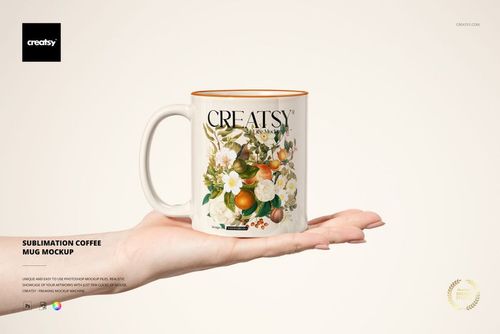
This is a fun and simple mock-up. I love that you can choose to give the rim and handle of the mug the same background colour of your illustration or pattern that you apply, or make them another colour, or leave those white.