
 $2900
$2900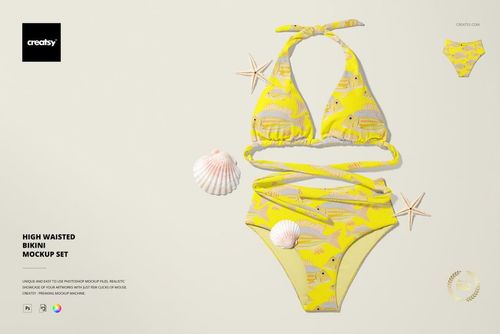
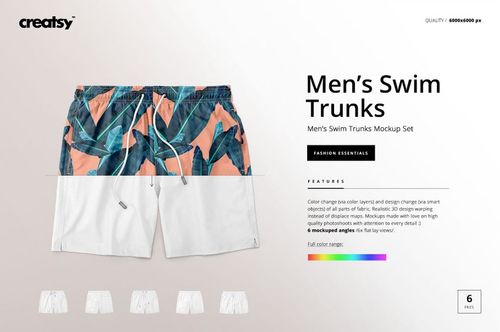
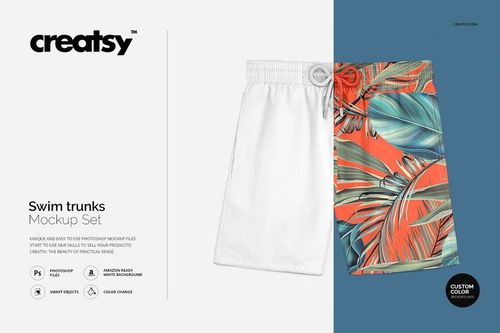
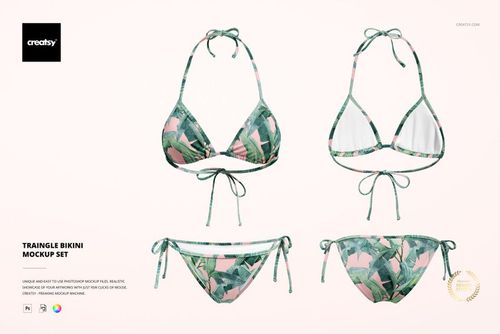
Swimwear & Beachwear Mockups
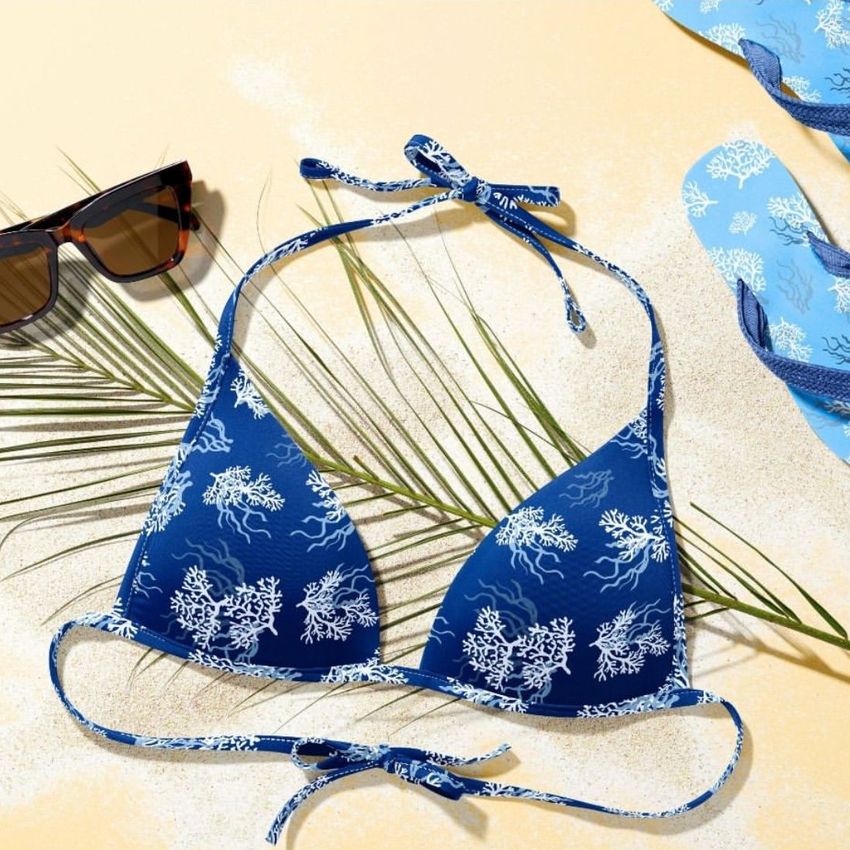
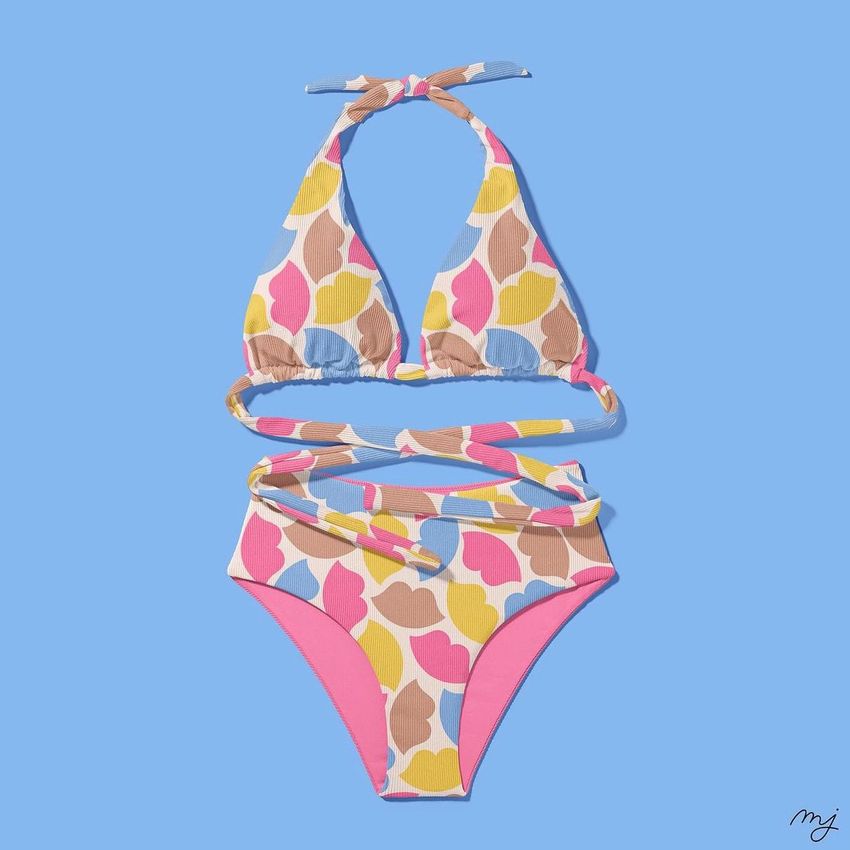
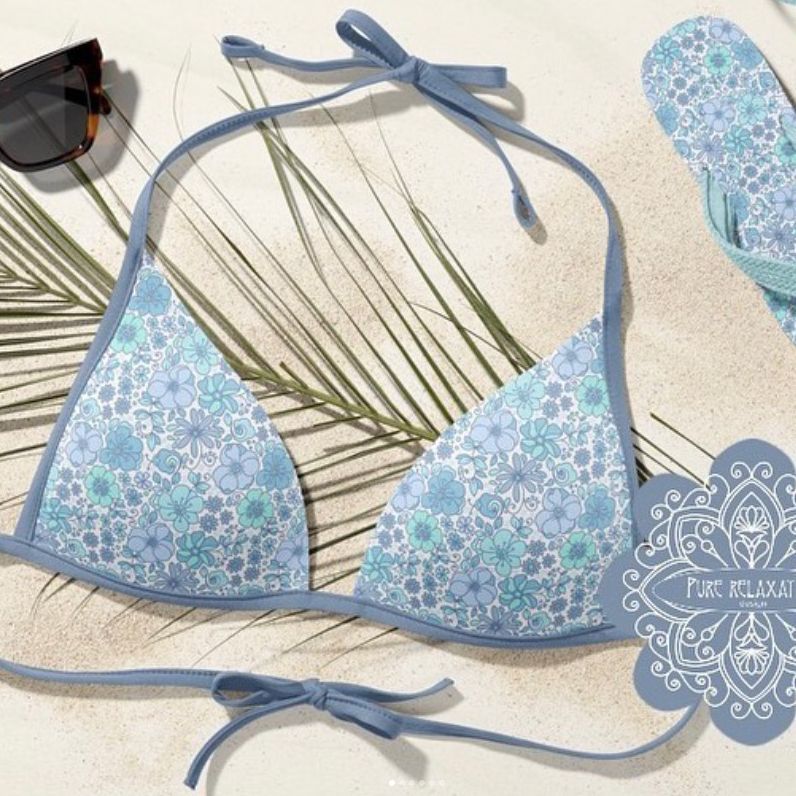
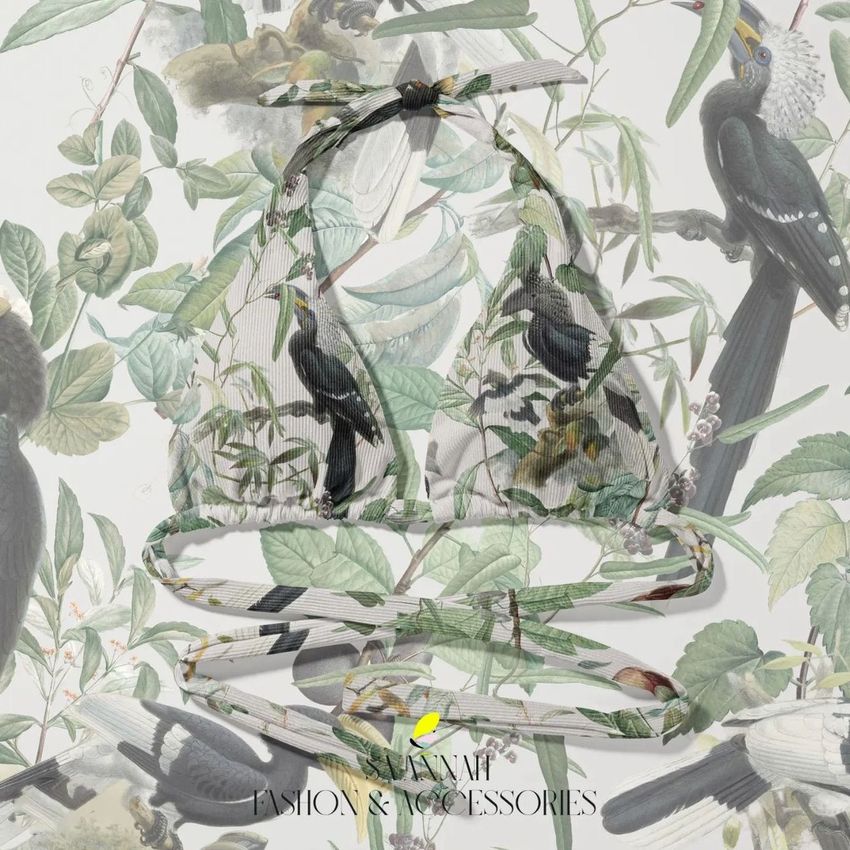
Show coordinated prints and colorways on bikinis, one-piece swimsuits, trunks and sarongs in studio and resort scenes. Reusable swimwear mockups create polished ecommerce, buyer and summer campaign visuals without new shoots.


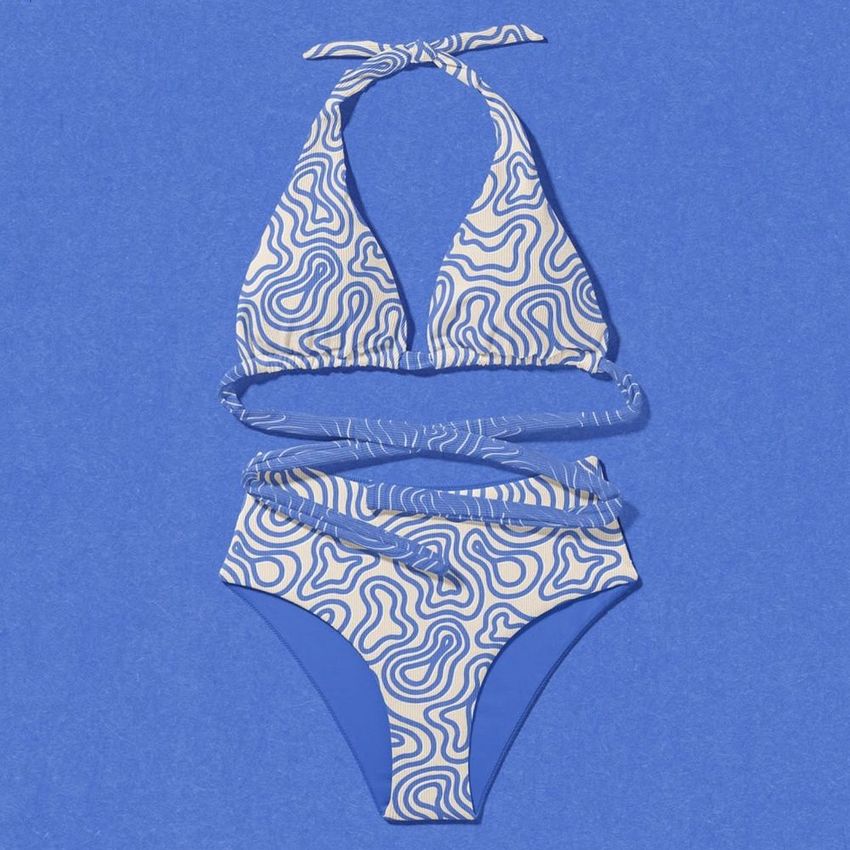
What you get
Professional PSD mockups built in-house - editable, realistic, high-resolution, and supported by real people.
Layered PSD Files
Creatsy mockups are delivered as fully layered Photoshop .psd files, with layers sorted into clearly named groups. Shadows, highlights, and the background each sit on their own editable layer, and nothing is flattened into a single image. Open it in Photoshop or the free browser editor Photopea and get to work.
- Clearly named, organized layer groups
- Shadows and highlights on separate layers
- Editable background, never flattened
- Works in Photoshop or free Photopea
Smart Objects
Open the smart object, paste your artwork, and save. The design lands on the product with the perspective, warp, and wrap already worked out. Scene lighting and shadows fall back on top, so it reads as a photograph, not a flat paste-in. Swapping a design takes seconds, so one file can carry a whole run of variants and colorways.
- Double-click, paste your design, save
- Perspective, warp, and wrap pre-built
- Scene lighting and shadows sit back on top
- One file covers many variants and colorways
High-Resolution Output
Many scenes are built from real product photography rather than 3D renders, so the fabric and surface read like a studio shot. Files export at high resolution and stay sharp at full zoom, with clean edges where the print sits. The same file works for a hero banner, a paid ad or a product listing.
- Real product photography in many scenes
- Exports ready for print
- Holds detail at full zoom
- Works for banners, ads and listings
Easy to Edit
Colors, backgrounds, and artwork sit on separate, clearly named layers, so you swap a color or background without disturbing the rest of the scene. There is no relighting or shadow work to redo, and the same file works for your next project.
- Edit color and background layers directly
- No relighting or shadow rework needed
- No masking or layer skills required
- One file reused across projects
Fast Support
There is a real in-house team behind every file, not a ticket bot. Before you buy, ask whether a specific mockup fits what you have in mind, and we will tell you. When a smart object or a layer group is tripping you up, send the question and you usually get a reply within 48 hours.
- Real in-house team behind every file
- Replies within 48 hours
- Pre-purchase help picking the right mockup
- Answers on smart objects and layer setup
Who are these mockups for?
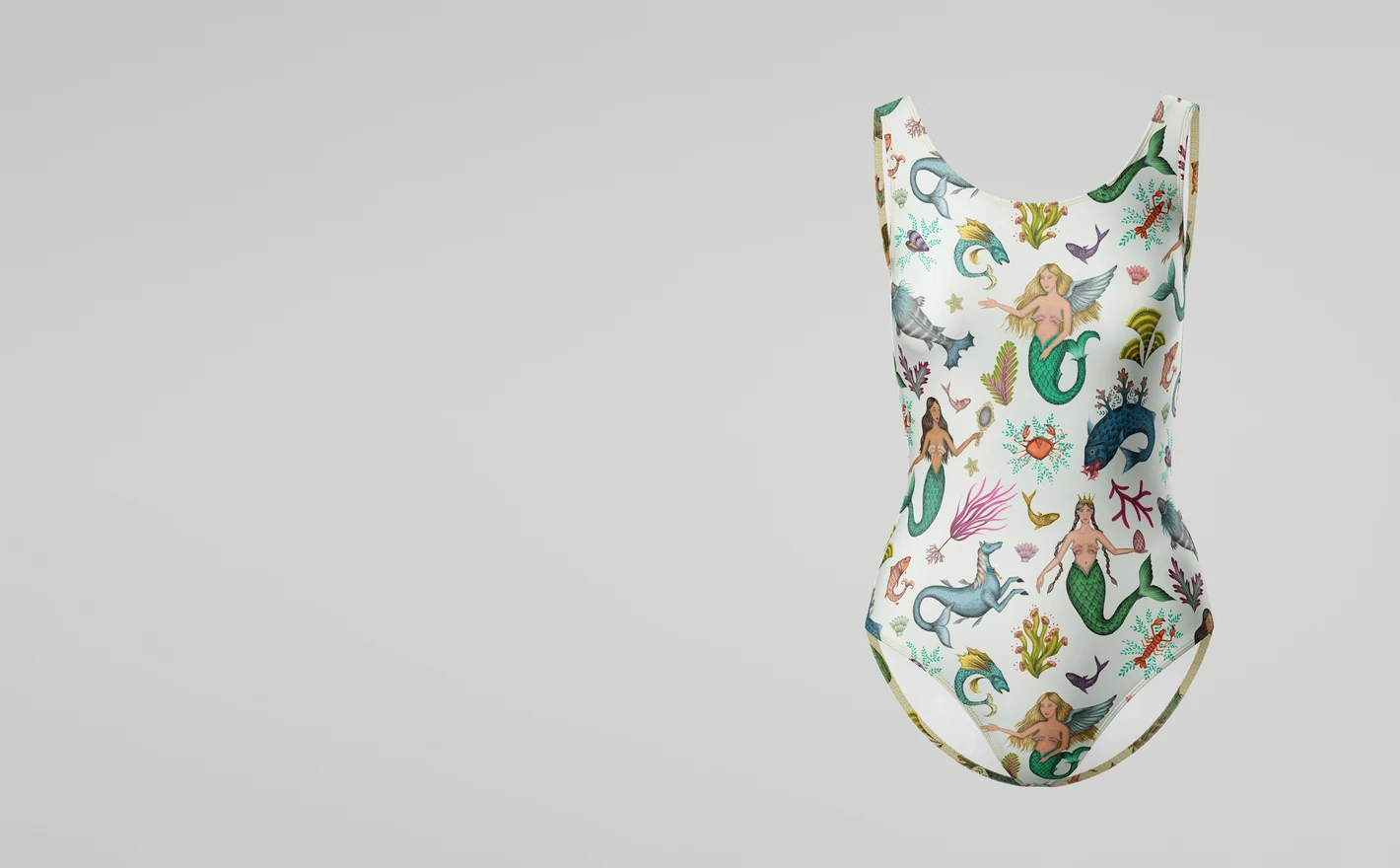
For custom swimwear brands
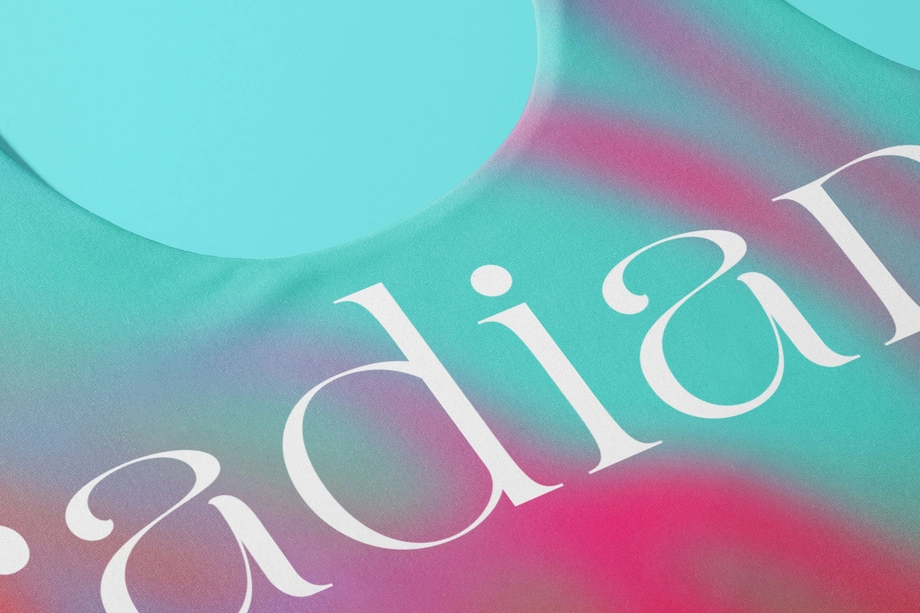
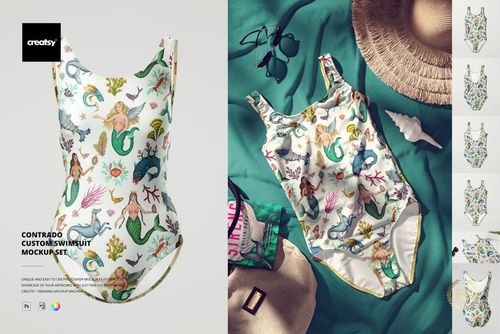
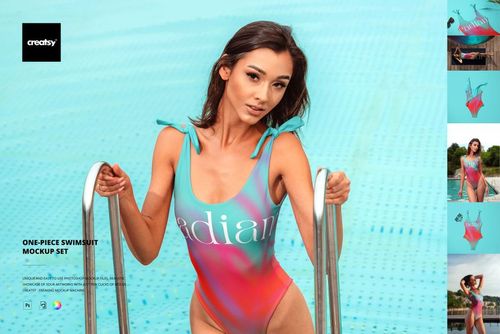
Preview all-over artwork on the Contrado one-piece format with realistic stretch, seams and scale. Swimwear distorts prints more than any other garment - checking placement on a real silhouette first is the difference between a bestseller and a return.
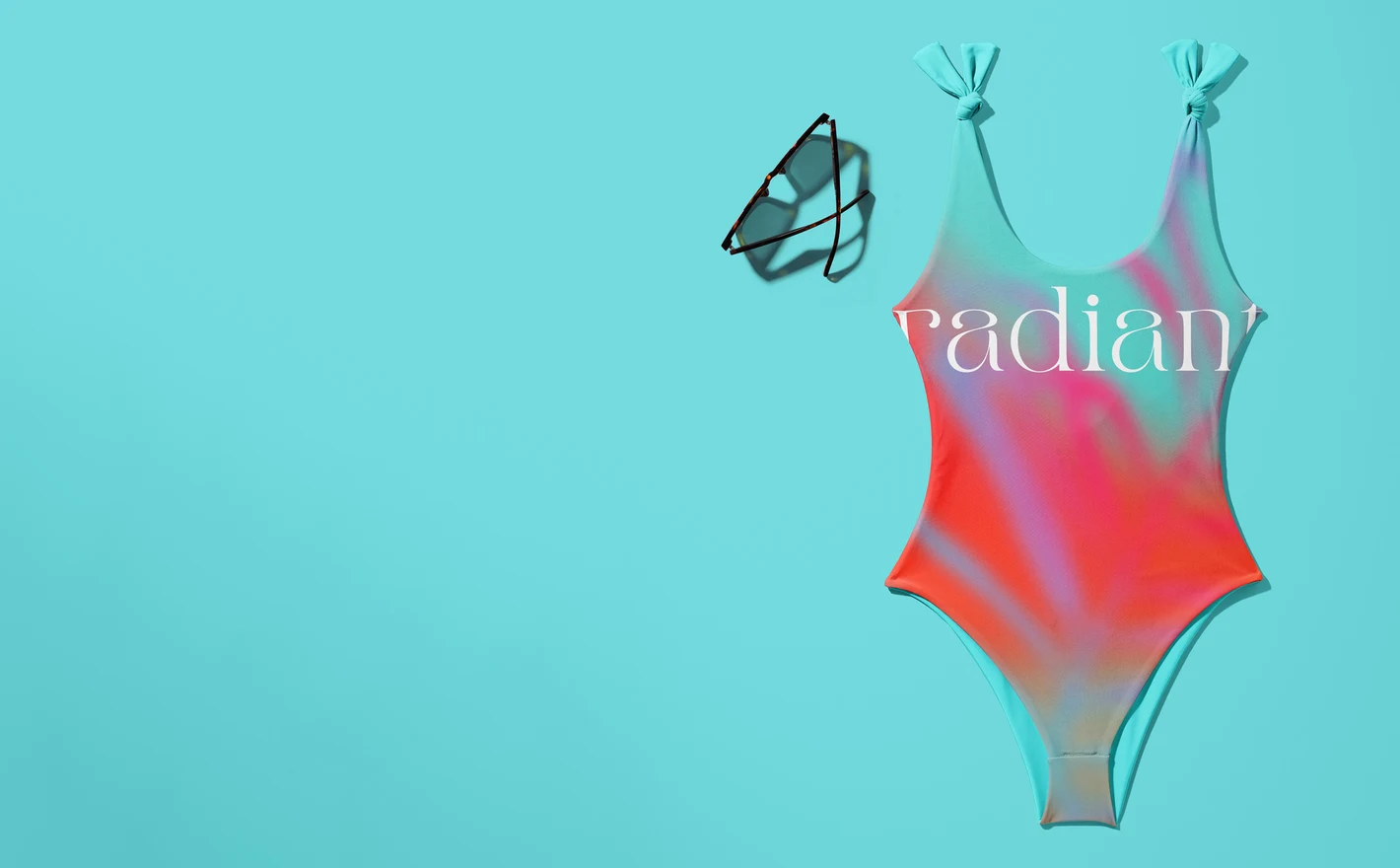
For ecommerce and summer marketing teams
Produce a full summer campaign from one PSD set: product listings, resort lookbook pages, launch graphics and social crops in matching light. When the drop changes, the artwork swap takes minutes and the campaign stays visually whole.
Adding a beach bag? Browse tote bag mockups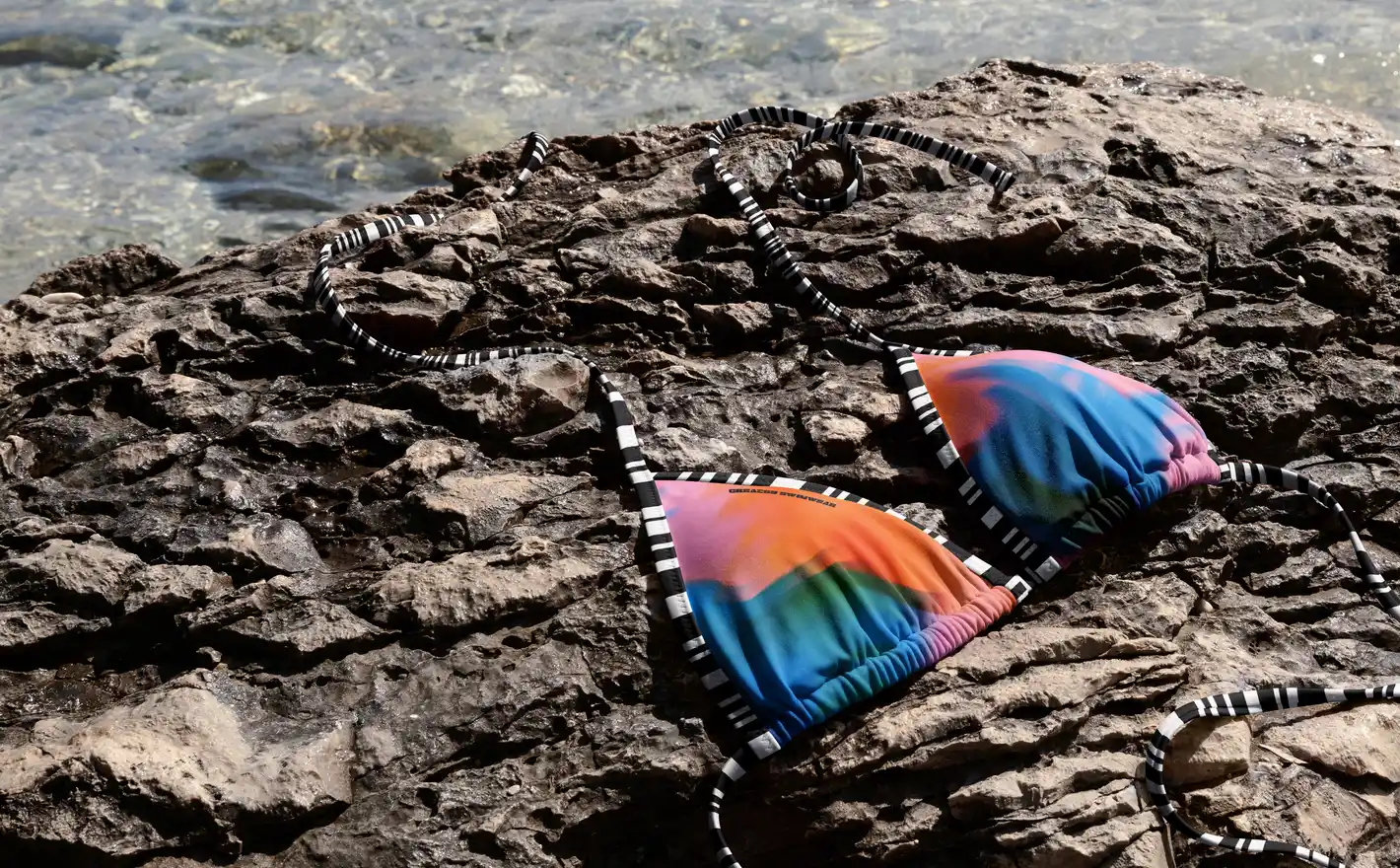
For resort and campaign teams
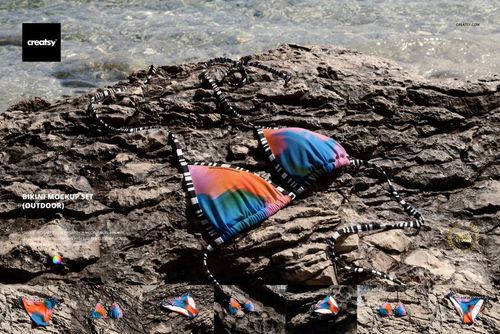
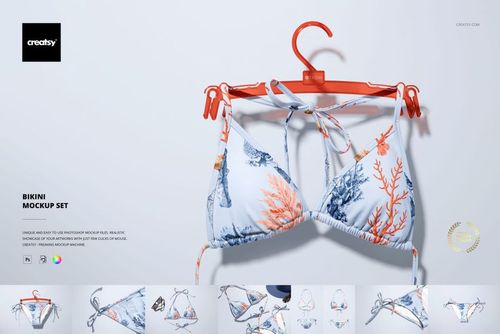
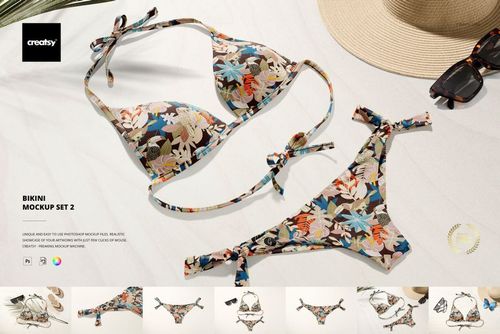
Show bikini prints in a styled outdoor scene - sun, texture, context - for seasonal launches that need atmosphere rather than a white background. Lifestyle presentation sells the holiday, and the holiday sells the swimsuit.
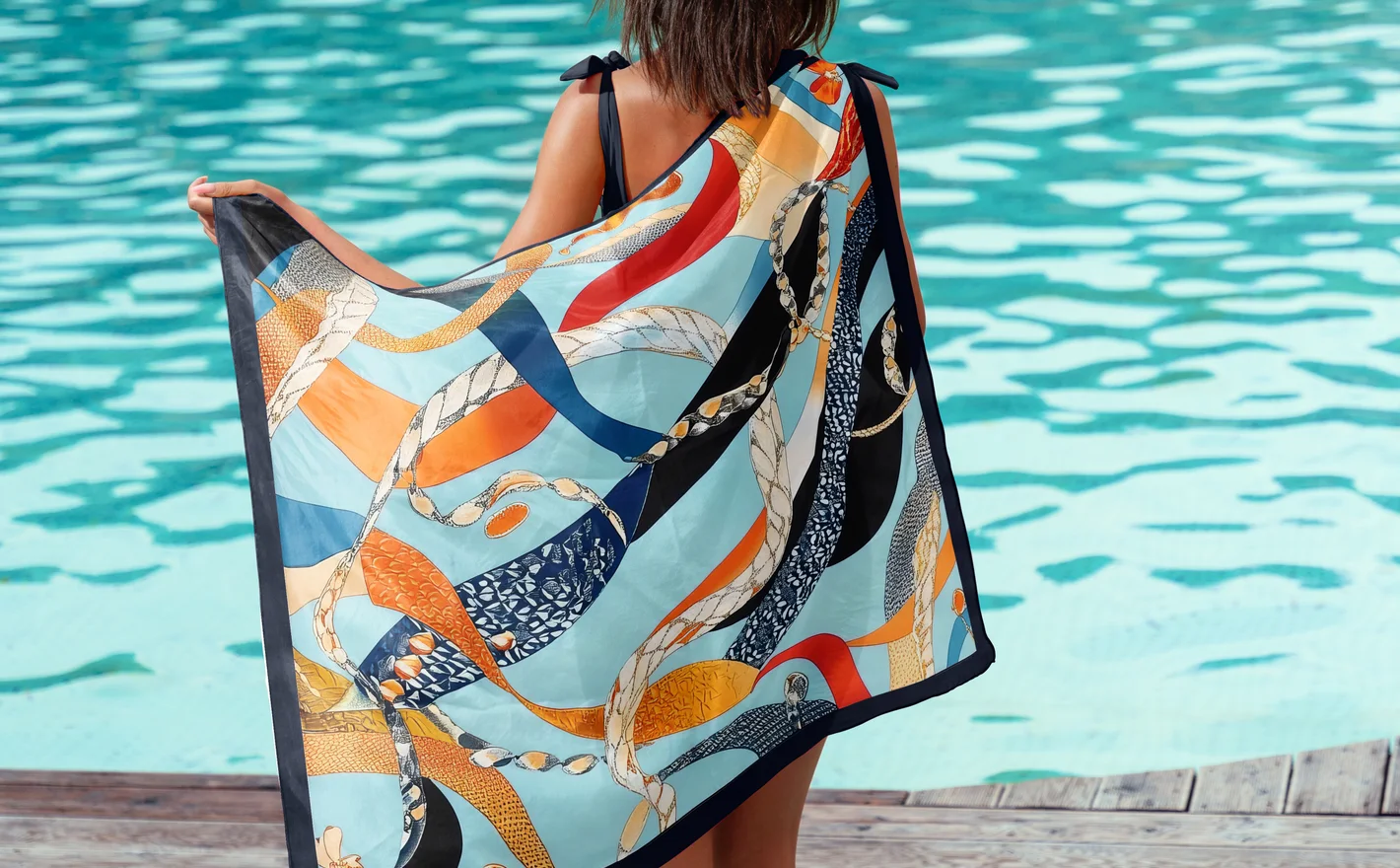
For surface pattern designers
Test a repeat across bikini tops, bottoms, one-pieces and sarongs in one pass. Each piece crops the pattern differently; a coordinated preview shows whether the print works as a collection - the way swim is actually bought.
Carrying the print onto towels? Browse beach towel mockups
FAQs
The selection includes bikinis, high-waisted bikinis, one-piece swimsuits, men's swim trunks and a silk sarong or pareo. There is also a Contrado Custom Swimsuit set. Choose the cut and coverage that match your product, then compare the available front, back and styled views.
Use the separate design areas provided for the pieces in your chosen set. Add each pattern or color combination, save, and review the outfit together. The product's feature images show which parts are editable; straps, ties and hardware should not be assumed to share the same controls.
It is a model-specific option for presenting the swimsuit named in the listing. Compare the cut and current product details with the item you sell through your supplier. Use the mockup for product visuals, but obtain the actual print template and placement requirements from the supplier.
No. It shows the artwork mapped to the shape and pose in that scene. Fabric composition, sizing and the wearer all affect the real result. Use it to assess the visual layout, and use a sample or your manufacturer's guidance to check stretch and fit.
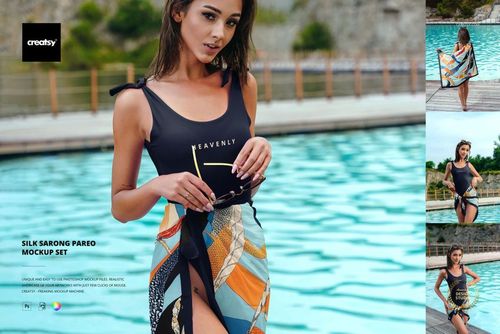
The Silk Sarong Pareo Mockup Set is in this category. For terry beach towels, use Beach Towels under Pool & Beach Recreation. A sheer wrap and a towel have different textures and weight, so one should not be used as a substitute for the other in a product listing.
Why use Swimwear & Beachwear mockups?
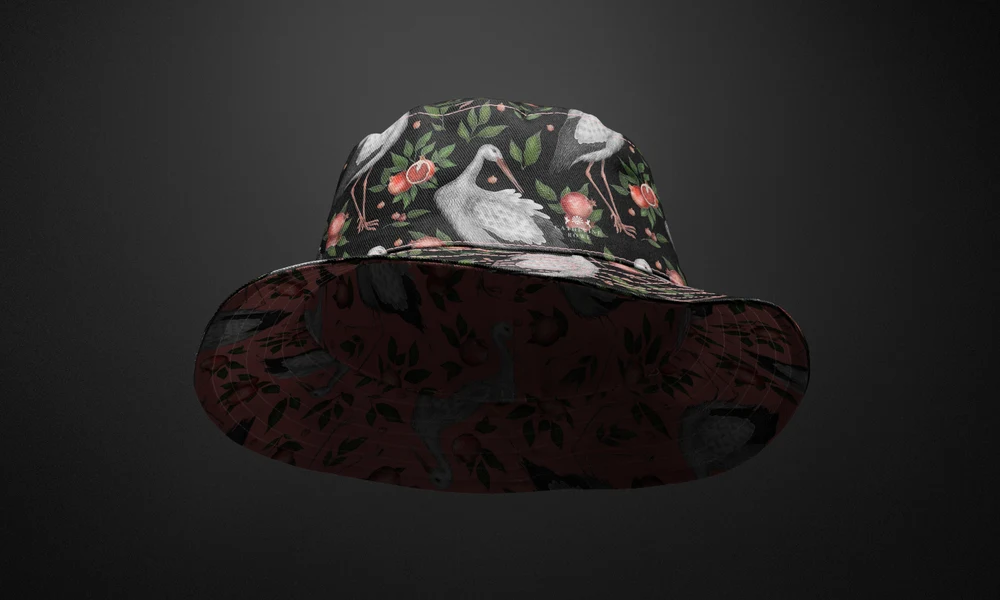
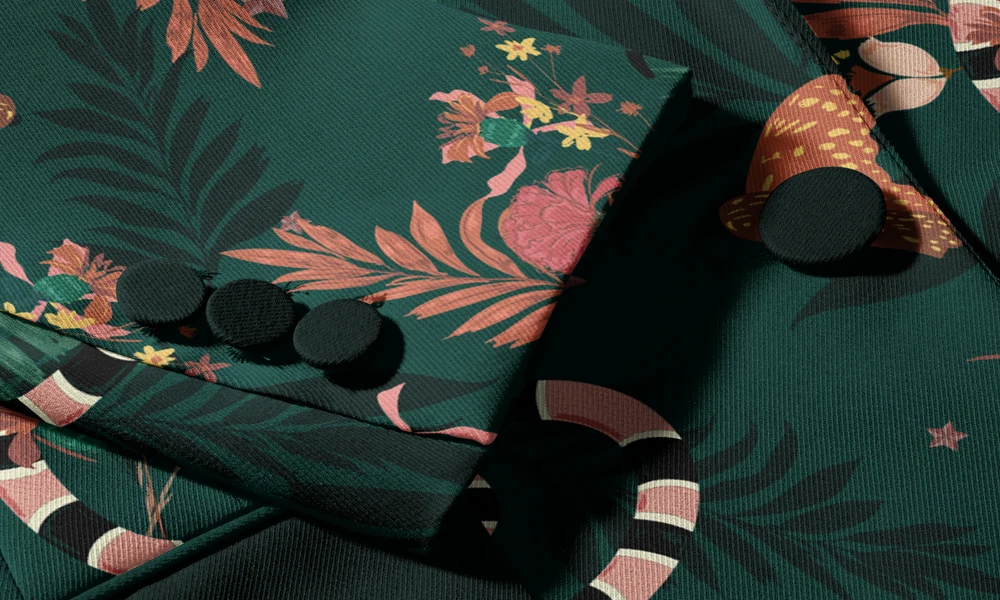
Swimwear gives a pattern relatively little space, often across curved panels. A bikini divides the design between two pieces, while a one-piece swimsuit carries it across the bust, waist and hips. Trunks and sarongs introduce different seams and folds. Mockups help you review the visible artwork on each style. The range includes classic, triangle and high-waisted bikinis, one-piece swimsuits, men's swim trunks and silk sarongs or pareos. Studio and outdoor scenes let you compare repeats, placed motifs and color combinations. You can also show how the separate pieces of a beachwear collection look together. The prepared Smart Objects fit the artwork to each garment, retaining the fabric's folds, perspective and lighting. Replace the design to compare variations without arranging a separate model shoot for every option. Editable areas and color controls vary, so check the product gallery for the details you need. Use the images for shop listings, buyer presentations, preorders, resort lookbooks and summer campaigns. A clear product view shows the design, while an outdoor scene adds the setting. Both can be reused for later collections.
FreeCreatsy® Mockups