
 $2300
$2300 $2200
$2200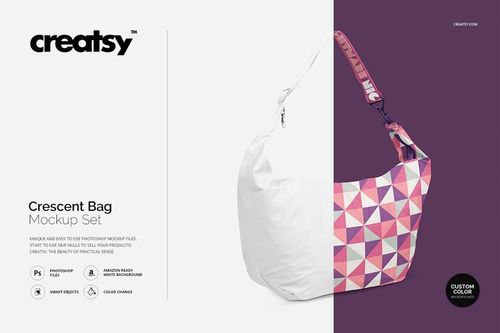 $1900
$1900
Handbag Mockups
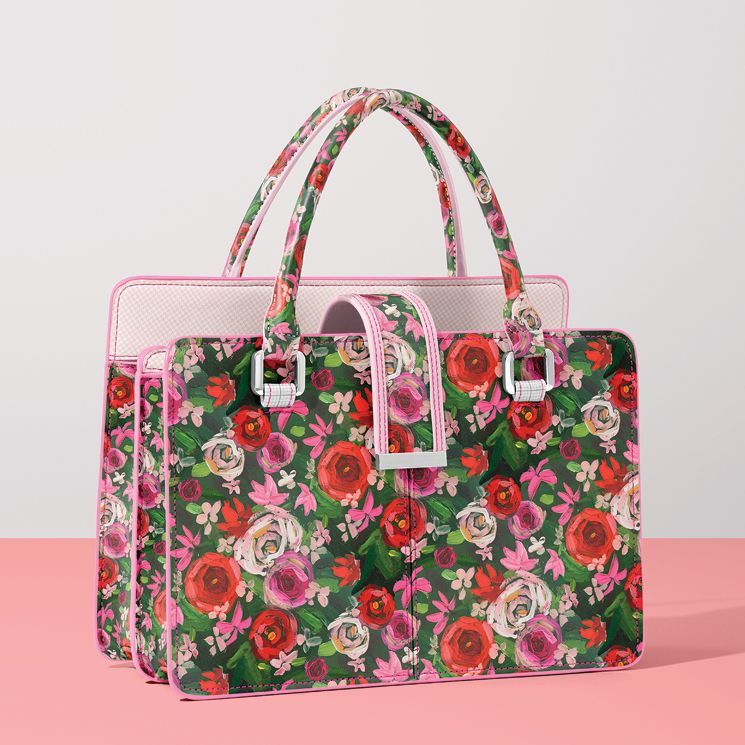
Show monograms, illustrations, patterns and colorways on crossbody, leather, canvas and crescent silhouettes. Reusable handbag mockups build consistent product galleries, wholesale decks and campaigns without a photoshoot.




What you get
Professional PSD mockups built in-house - editable, realistic, high-resolution, and supported by real people.
Layered PSD Files
Creatsy mockups are delivered as fully layered Photoshop .psd files, with layers sorted into clearly named groups. Shadows, highlights, and the background each sit on their own editable layer, and nothing is flattened into a single image. Open it in Photoshop or the free browser editor Photopea and get to work.
- Clearly named, organized layer groups
- Shadows and highlights on separate layers
- Editable background, never flattened
- Works in Photoshop or free Photopea
Smart Objects
Open the smart object, paste your artwork, and save. The design lands on the product with the perspective, warp, and wrap already worked out. Scene lighting and shadows fall back on top, so it reads as a photograph, not a flat paste-in. Swapping a design takes seconds, so one file can carry a whole run of variants and colorways.
- Double-click, paste your design, save
- Perspective, warp, and wrap pre-built
- Scene lighting and shadows sit back on top
- One file covers many variants and colorways
High-Resolution Output
Many scenes are built from real product photography rather than 3D renders, so the fabric and surface read like a studio shot. Files export at high resolution and stay sharp at full zoom, with clean edges where the print sits. The same file works for a hero banner, a paid ad or a product listing.
- Real product photography in many scenes
- Exports ready for print
- Holds detail at full zoom
- Works for banners, ads and listings
Easy to Edit
Colors, backgrounds, and artwork sit on separate, clearly named layers, so you swap a color or background without disturbing the rest of the scene. There is no relighting or shadow work to redo, and the same file works for your next project.
- Edit color and background layers directly
- No relighting or shadow rework needed
- No masking or layer skills required
- One file reused across projects
Fast Support
There is a real in-house team behind every file, not a ticket bot. Before you buy, ask whether a specific mockup fits what you have in mind, and we will tell you. When a smart object or a layer group is tripping you up, send the question and you usually get a reply within 48 hours.
- Real in-house team behind every file
- Replies within 48 hours
- Pre-purchase help picking the right mockup
- Answers on smart objects and layer setup
Who are these mockups for?
For direct-to-consumer bag brands
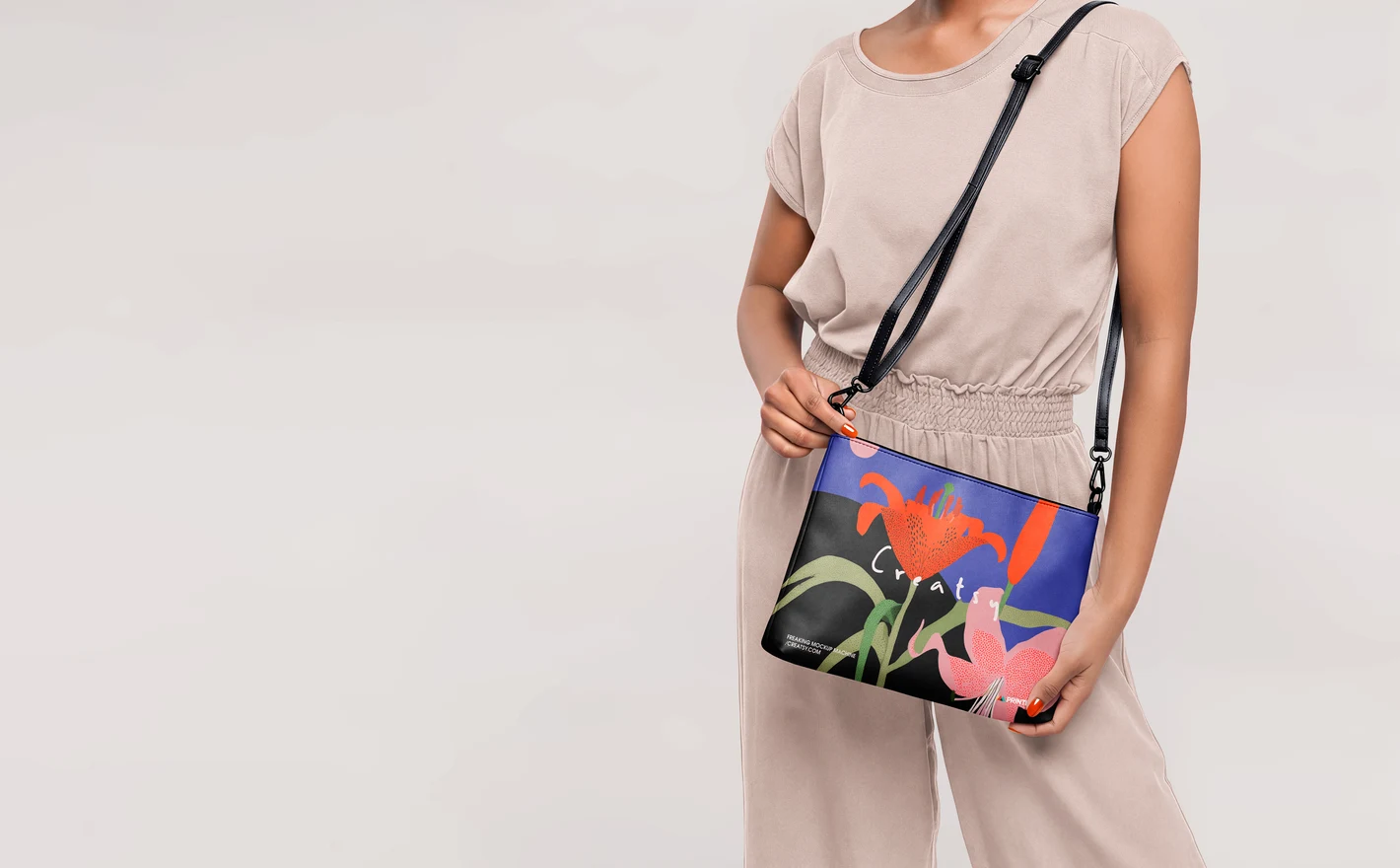
Launch an all-over print crossbody with store-ready visuals before the first production run: edge-to-edge artwork, realistic strap and zip detail, clean backgrounds cropped for listings, ads and email banners alike.
For ecommerce and wholesale teams
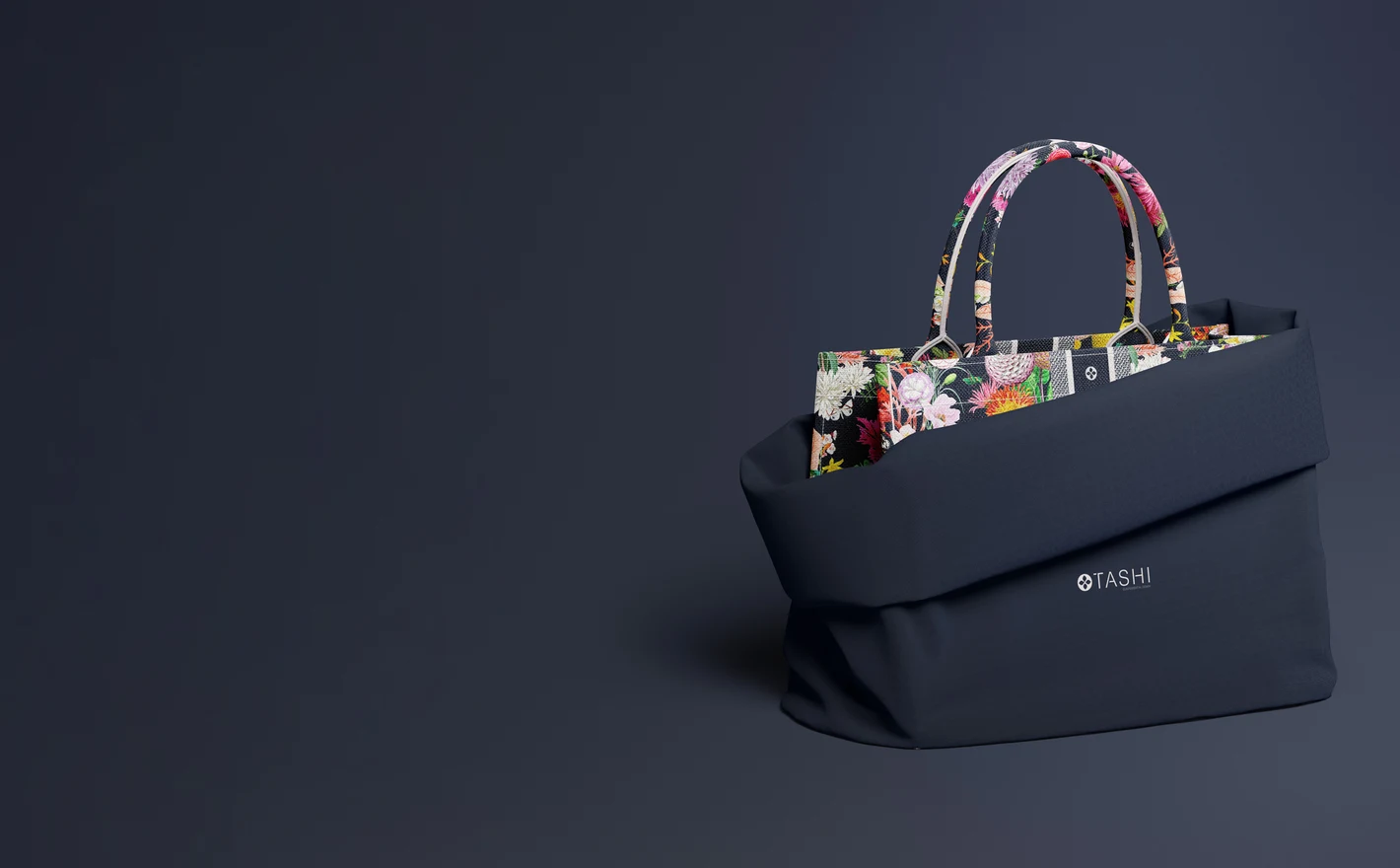
Build one visual standard across a whole handbag collection: identical angles for the category page, richer styled shots for wholesale line sheets and buyer decks. When the range grows, new styles drop into the same scenes and the catalog stays coherent.
Adding smaller bags to the range? Browse pouch & small bag mockups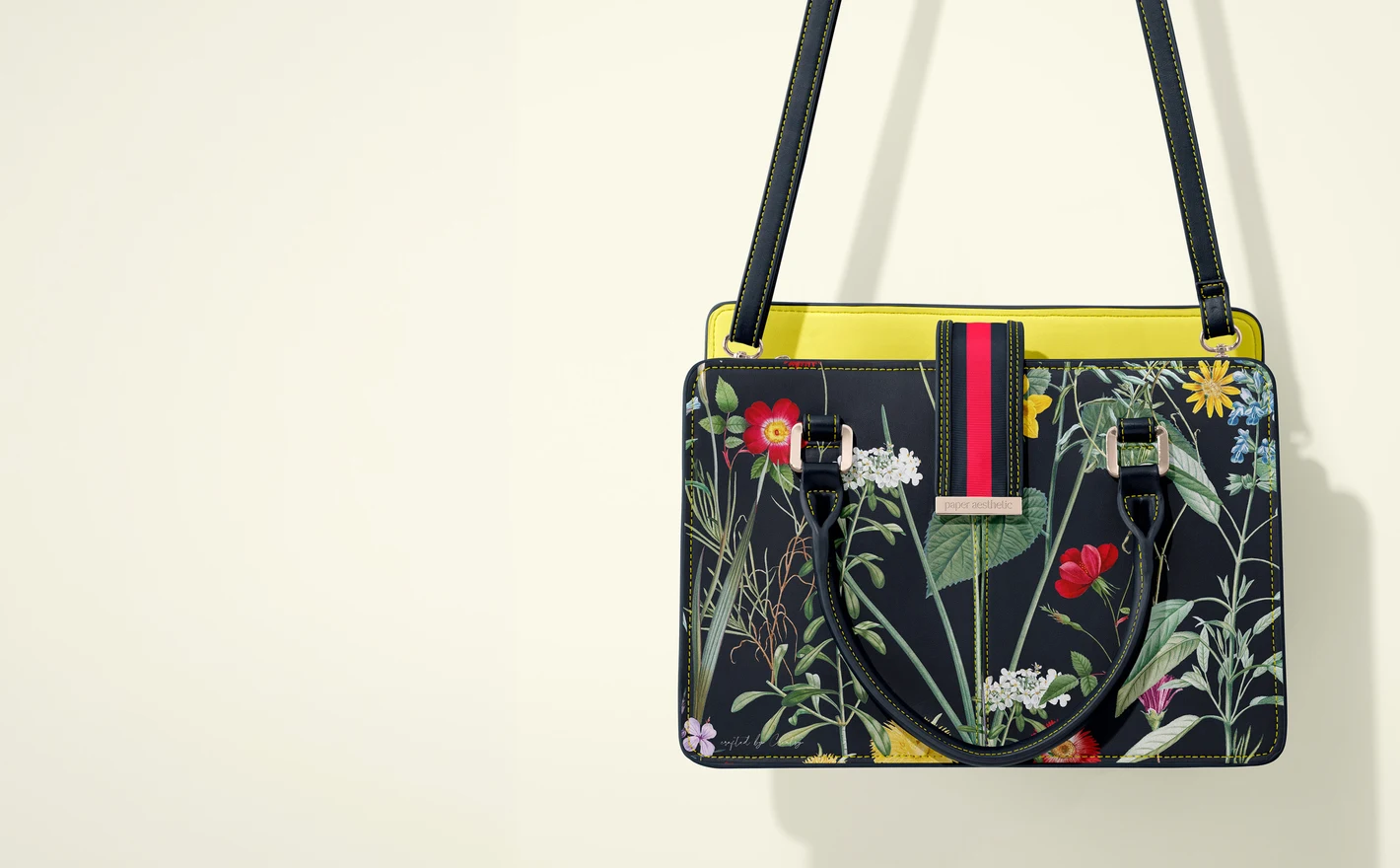
For luxury accessory labels
Test monograms, hardware contrast and seasonal colorways on a polished leather silhouette. Realistic grain and lighting show whether a subtle emboss actually reads at product-photo scale - before committing to sampling.
Pairing the bag with a scarf? Browse silk scarf & accessory mockups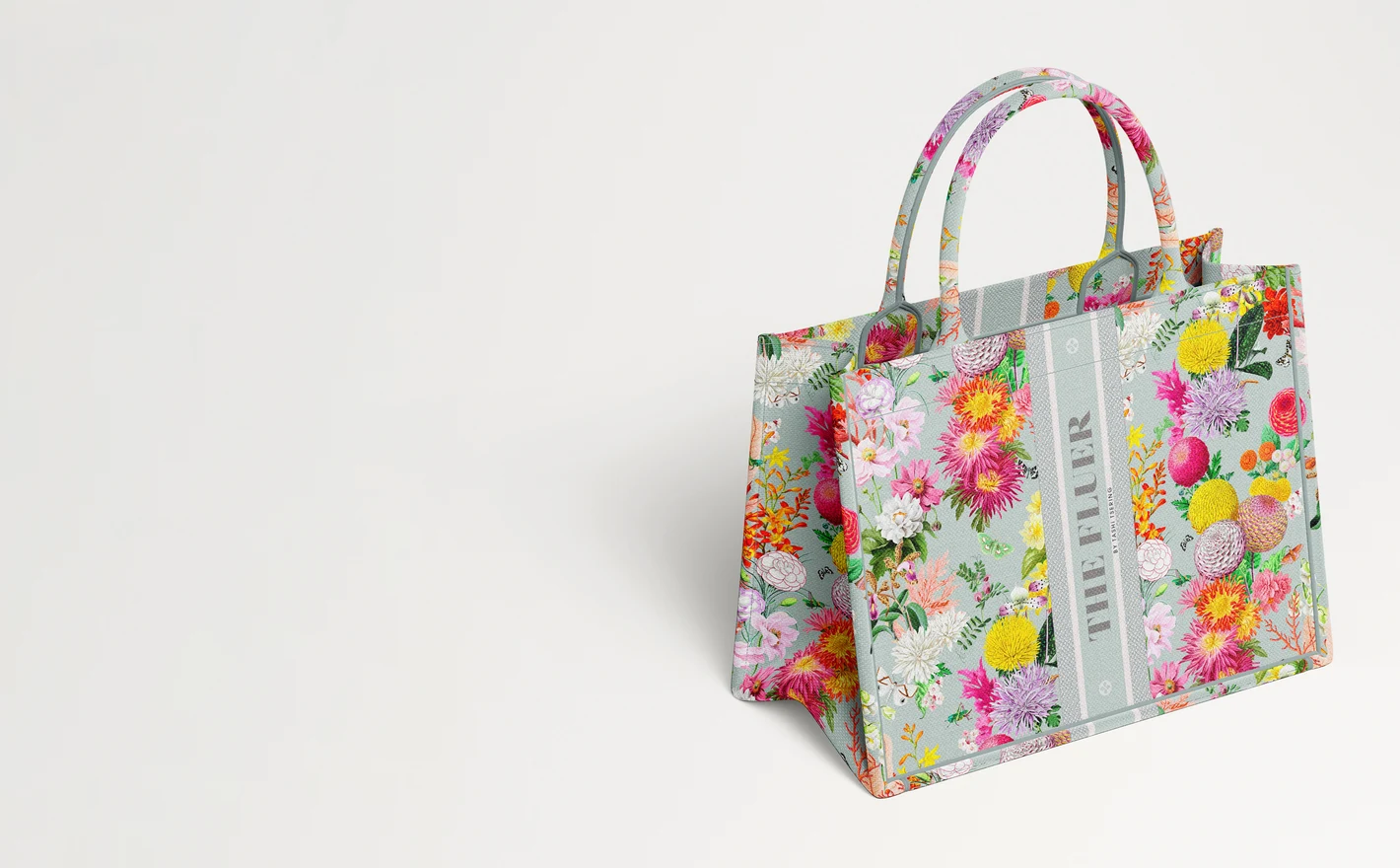
For surface pattern designers
Gussets, curved panels and seams are where repeats break. Wrap artwork around a real handbag construction to check scale and pattern flow, then export licensing-ready visuals that show the design as a finished product, not a swatch.
Trying the print on canvas totes? Browse tote bag mockups
FAQs
The category includes an all-over-print crossbody bag, a leather handbag, a canvas handbag and a crescent bag. Compare the structure, handles and material with your own product. These differences matter more than choosing a scene simply because its styling suits your brand.
For an all-over pattern, start with the Crossbody or Canvas Handbag sets and compare how much of the design is visible. For a small logo, choose a view with a clear, unobstructed placement area. Match the bag itself to your product rather than choosing solely by the artwork style.
The available controls vary by set. Check its feature images for separate color or design options on the handles, leather or fabric, hardware and stitching. Do not assume that a visible buckle or seam is editable just because the bag's main artwork can be changed.
Use the Crescent Bag Mockup Set to see how the monogram appears across that shape. Fill the editable area with a seamless repeat and inspect its spacing near folds and edges. A visible join may come from the repeat itself or panel mapping, so enlarging the tile alone may not fix it.
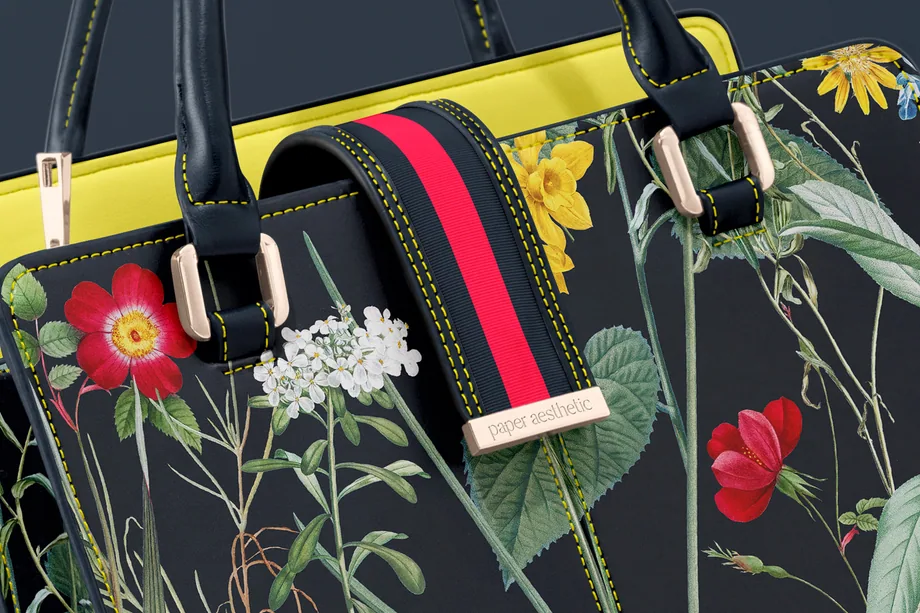
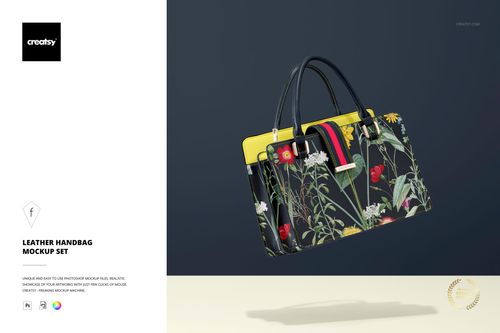
It varies. The Leather Handbag Mockup Set, for example, lists five PSD files. Check the preview gallery to see which sides and details those files show. A front image, an angled view and a close-up can serve different purposes, but not every set includes all three.
Why use Handbag mockups?
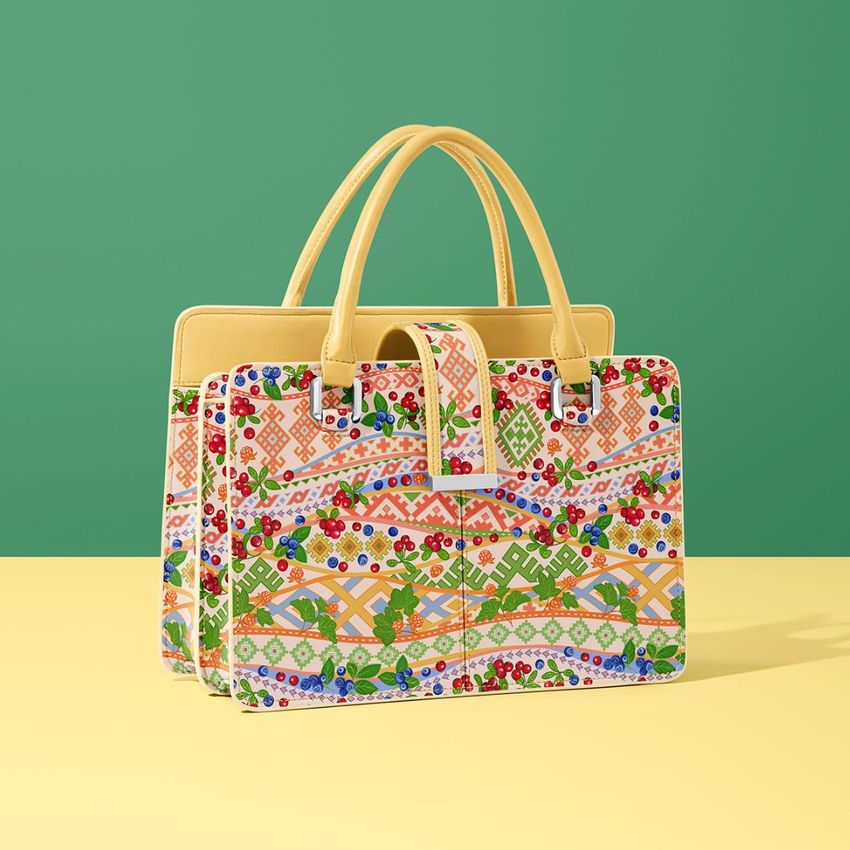
A handbag's shape affects where a pattern is cropped and how much of a logo remains visible. Handles, gussets, straps, seams and hardware all take up space. A structured leather bag and a soft canvas bag can give the same artwork quite different proportions. The crossbody, leather, canvas and crescent styles let you compare small branding details with larger prints. Try a monogram repeat, a placed illustration or contrasting colors, and review their position on the body and the editable handles or straps. Curved views are useful for checking how a repeat looks toward the sides. The layered files keep the material texture, folds, seams and lighting around your design. Replace the artwork in the Smart Objects to prepare another color or seasonal version, then export images for your shop, wholesale catalog, buyer presentation or lookbook. These previews give clients something specific to respond to before you make samples. A front view can show the main artwork, while an angle or handle detail adds information about placement. Using the same views across the range also makes the designs easier to compare.
FreeCreatsy® Mockups