Headphone & Earbud Case Mockups
Showcase logos, patterns and custom artwork on earbud charging-case covers in realistic open, closed and detail views. Create polished ecommerce listings, launch visuals and coordinated tech-accessory campaigns.

What you get
Professional PSD mockups built in-house - editable, realistic, high-resolution, and supported by real people.
Layered PSD Files
Creatsy mockups are delivered as fully layered Photoshop .psd files, with layers sorted into clearly named groups. Shadows, highlights, and the background each sit on their own editable layer, and nothing is flattened into a single image. Open it in Photoshop or the free browser editor Photopea and get to work.
- Clearly named, organized layer groups
- Shadows and highlights on separate layers
- Editable background, never flattened
- Works in Photoshop or free Photopea
Smart Objects
Open the smart object, paste your artwork, and save. The design lands on the product with the perspective, warp, and wrap already worked out. Scene lighting and shadows fall back on top, so it reads as a photograph, not a flat paste-in. Swapping a design takes seconds, so one file can carry a whole run of variants and colorways.
- Double-click, paste your design, save
- Perspective, warp, and wrap pre-built
- Scene lighting and shadows sit back on top
- One file covers many variants and colorways
High-Resolution Output
Many scenes are built from real product photography rather than 3D renders, so the fabric and surface read like a studio shot. Files export at high resolution and stay sharp at full zoom, with clean edges where the print sits. The same file works for a hero banner, a paid ad or a product listing.
- Real product photography in many scenes
- Exports ready for print
- Holds detail at full zoom
- Works for banners, ads and listings
Easy to Edit
Colors, backgrounds, and artwork sit on separate, clearly named layers, so you swap a color or background without disturbing the rest of the scene. There is no relighting or shadow work to redo, and the same file works for your next project.
- Edit color and background layers directly
- No relighting or shadow rework needed
- No masking or layer skills required
- One file reused across projects
Fast Support
There is a real in-house team behind every file, not a ticket bot. Before you buy, ask whether a specific mockup fits what you have in mind, and we will tell you. When a smart object or a layer group is tripping you up, send the question and you usually get a reply within 48 hours.
- Real in-house team behind every file
- Replies within 48 hours
- Pre-purchase help picking the right mockup
- Answers on smart objects and layer setup
Who are these mockups for?
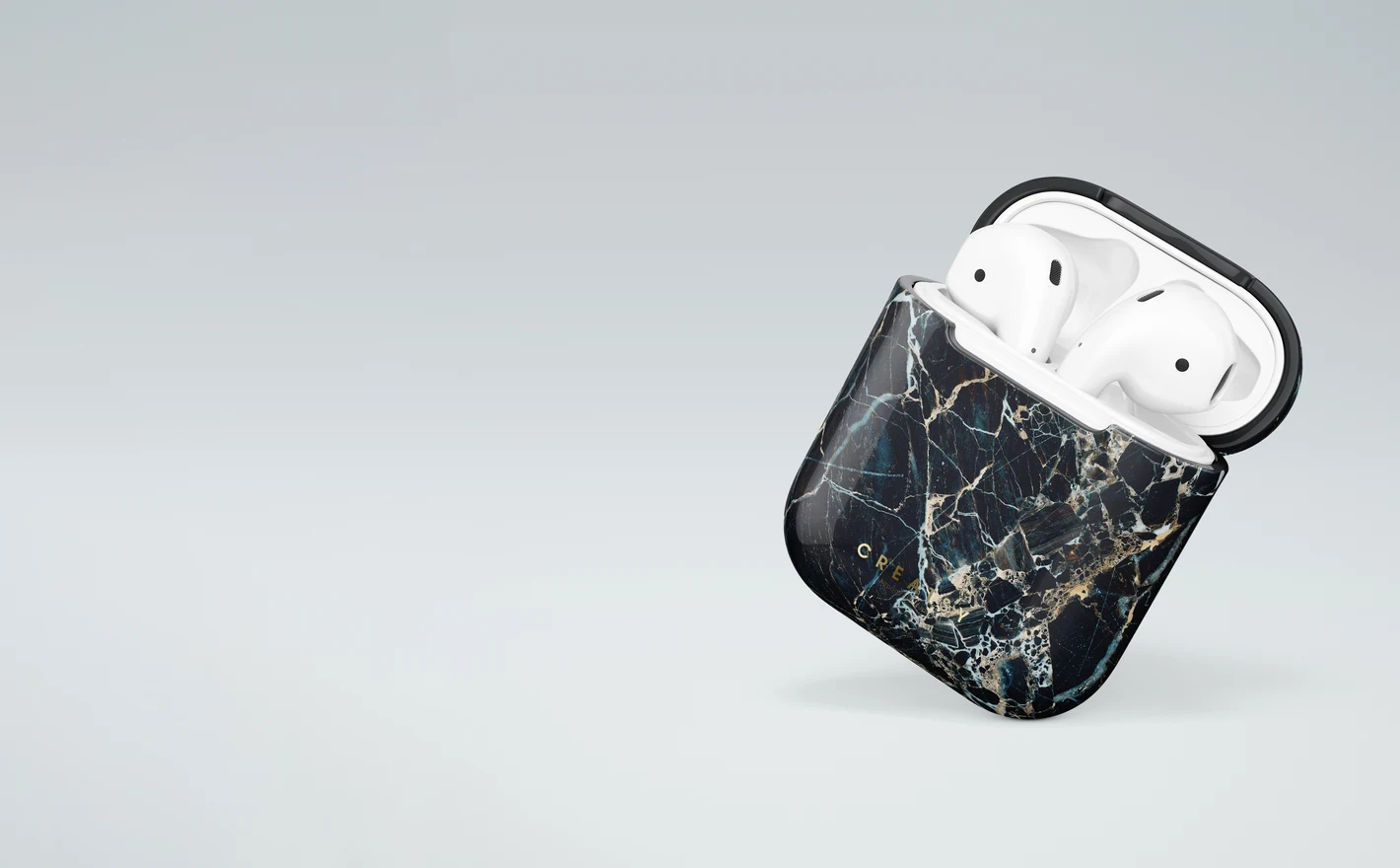
For AirPods case & accessory brands
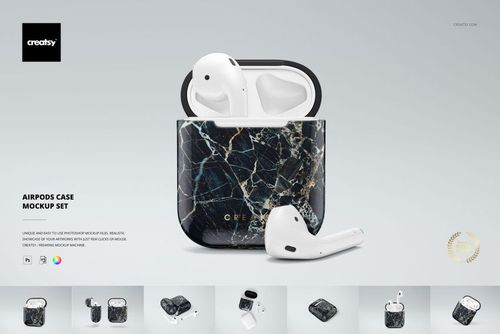
Drop the logo or the all-over artwork into the AirPods Case Mockup Set and check it open and closed, with the lid seam in the shot, which is where case artwork usually breaks. One set covers the listing thumbnail, the ad crop and the detail view.
Launching an AirPods case? View the AirPods Case Mockup Set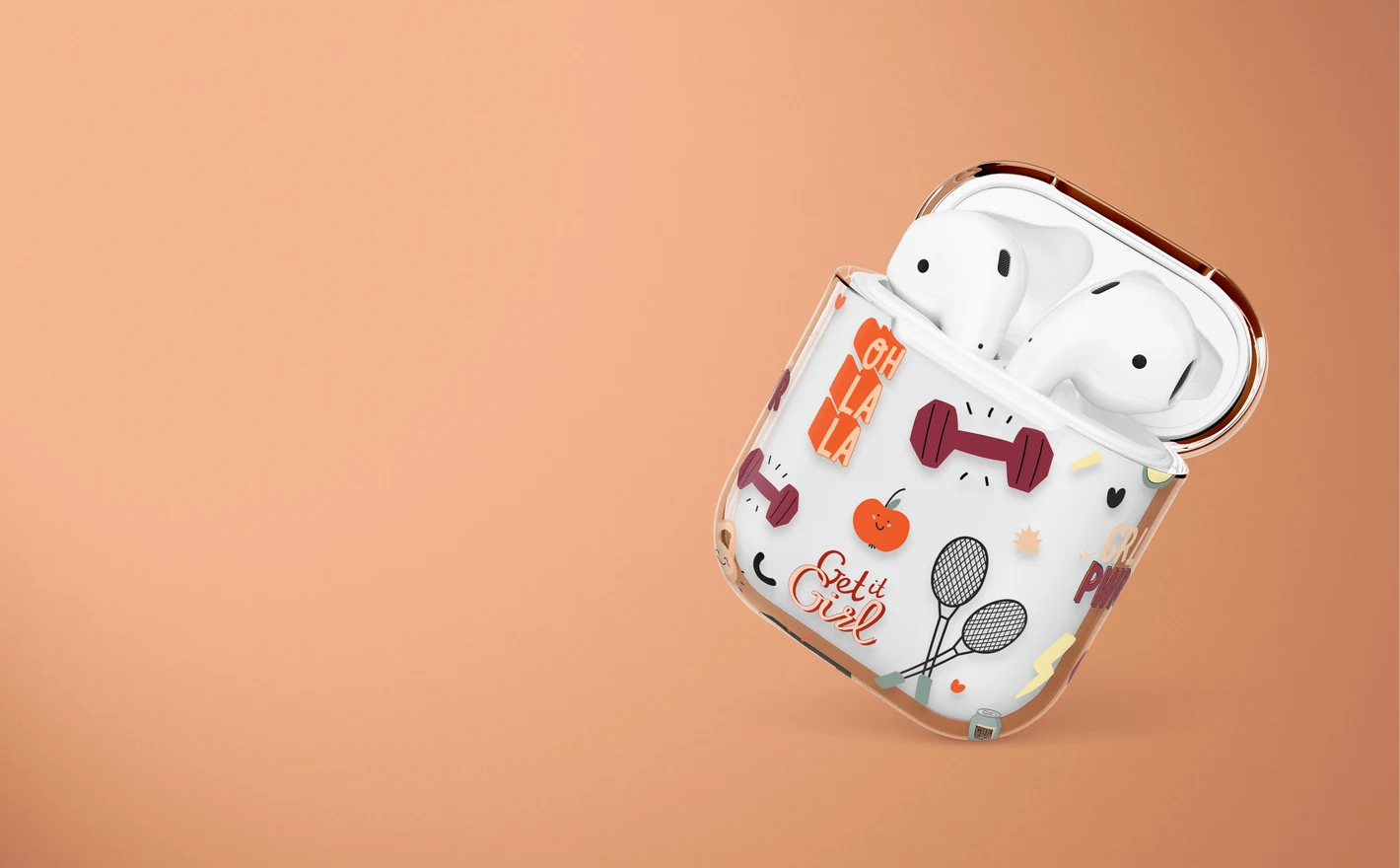
For clear & transparent case sellers
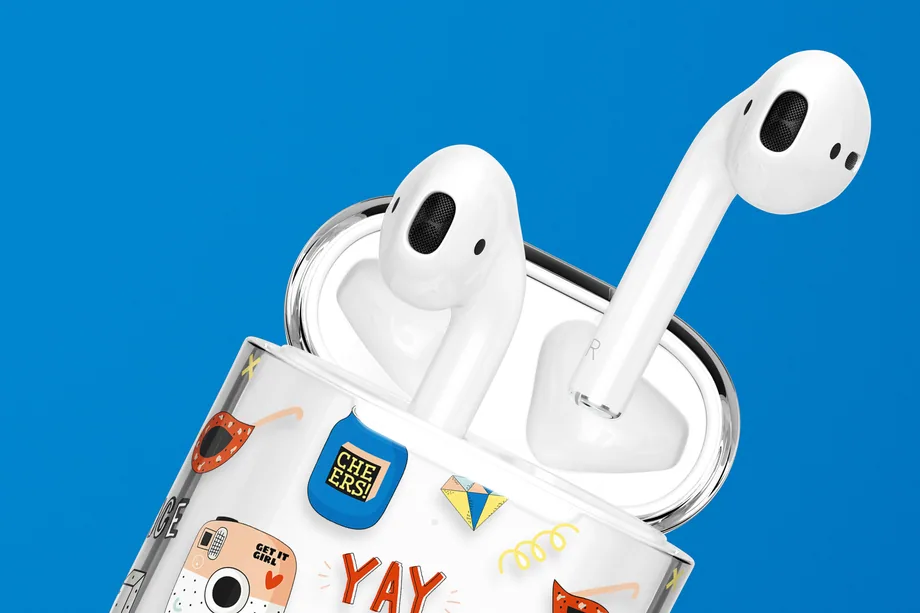
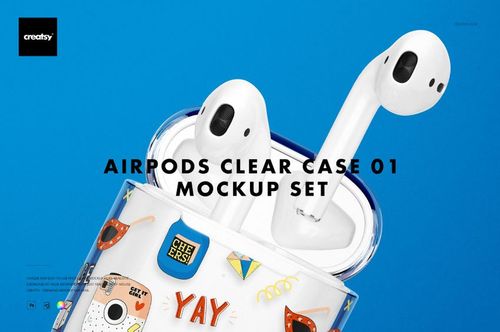
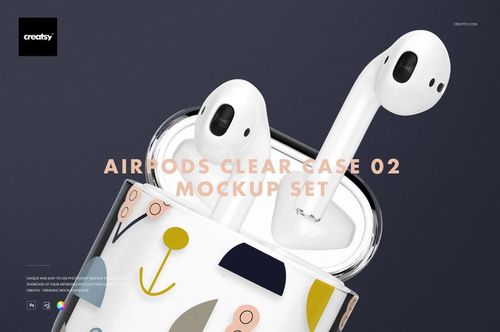
Put a bright pattern into the AirPods Clear Case Mockup Set 01 and see how the colors read through the transparent shell before the case is produced, because a flat preview can't show that shift. The AirPods Clear Case Mockup Set 2 gives you the other angles.
Selling clear cases? View the AirPods Clear Case Mockup Set 01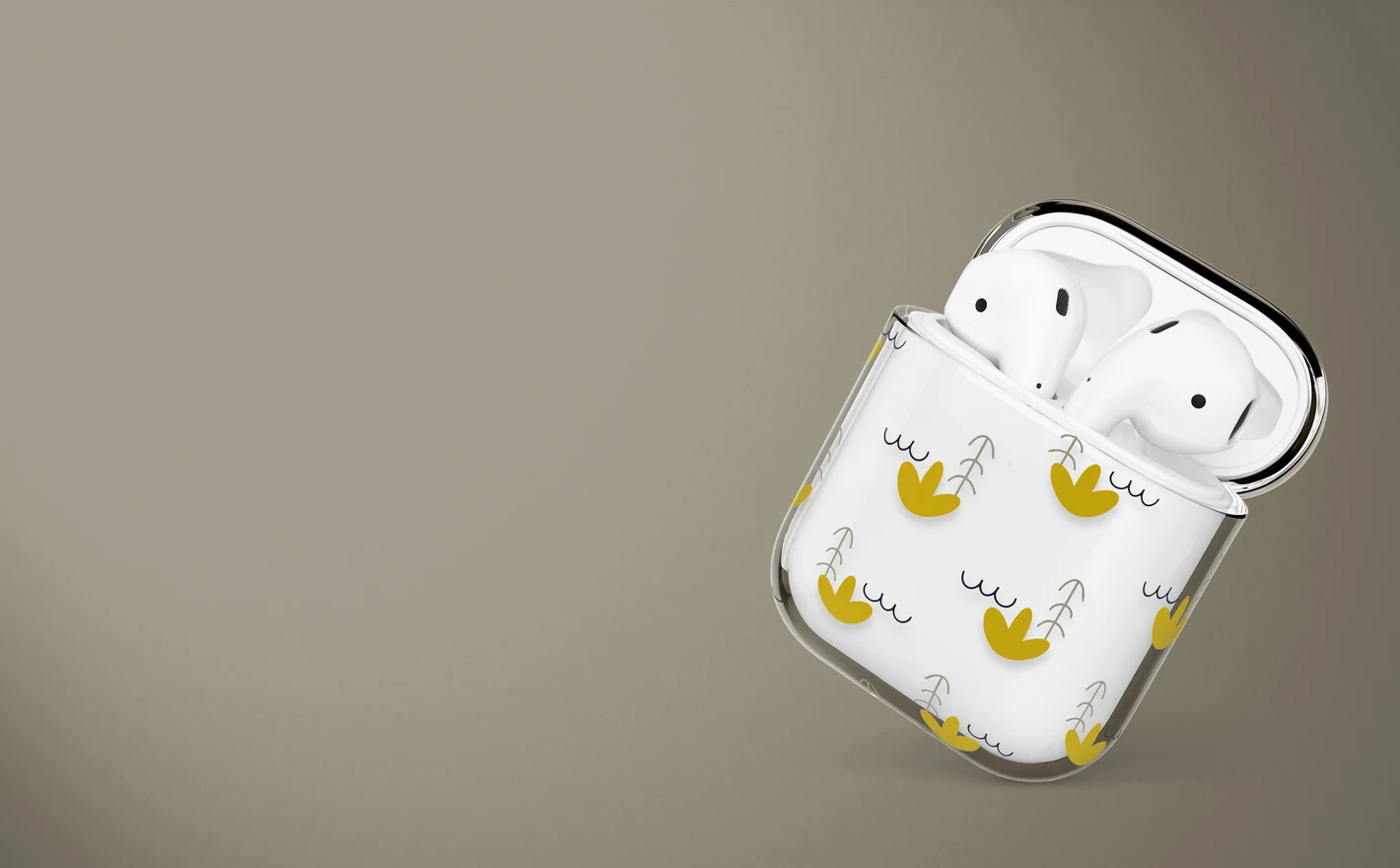
For ecommerce & print-on-demand sellers
Run every design through the AirPods Case Mockup Set for the solid option and the AirPods Clear Case Mockup Set 2 for the clear one, and the listings match across the whole grid: same angles, same light. A small product with matching visuals is what makes a shop look like a brand.
Filling the grid? View the AirPods Clear Case Mockup Set 2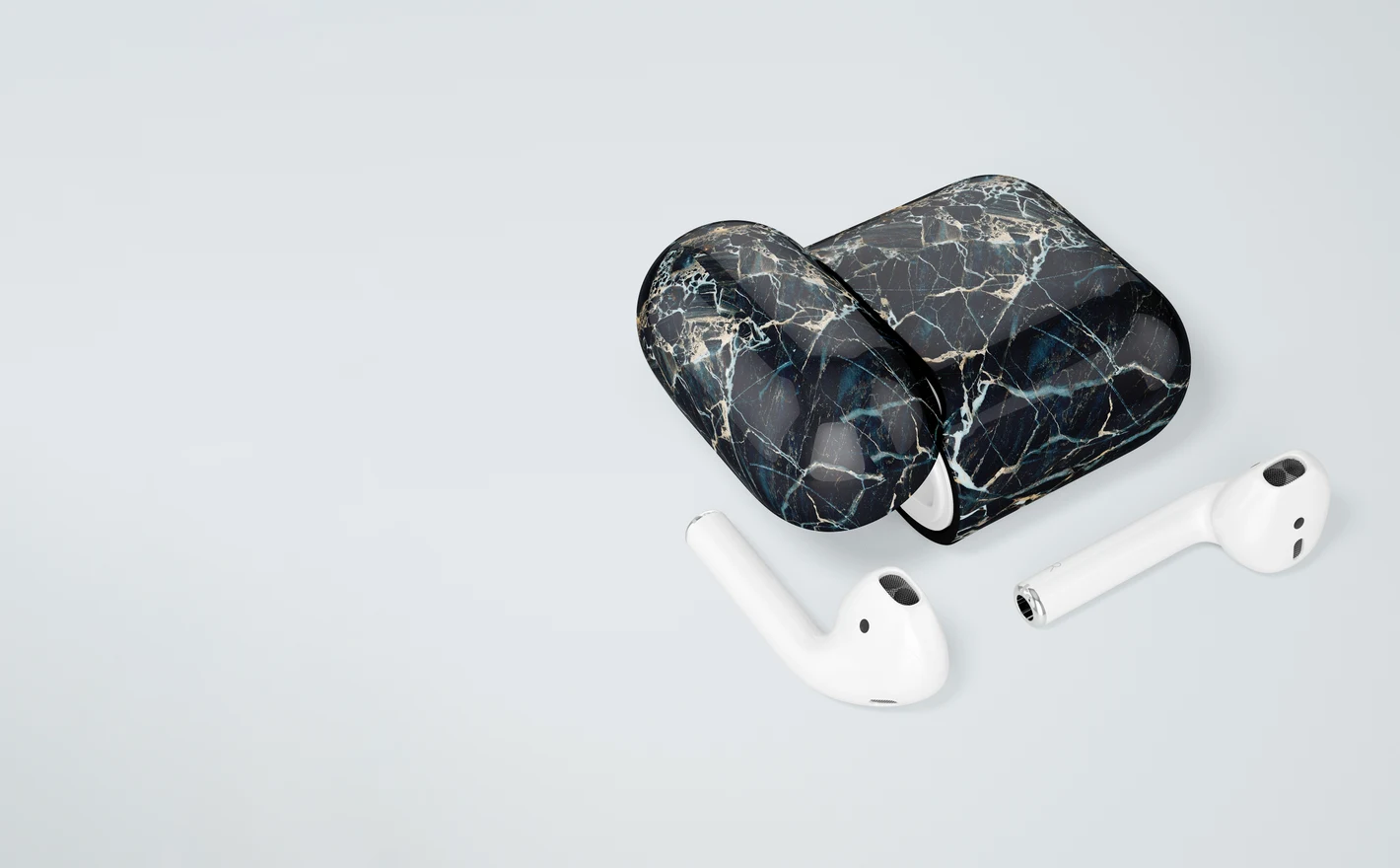
For tech accessory brands & surface designers
Wrap the pattern around the AirPods Case Mockup Set and watch what happens at the hinge and on the edges of a small, double-curved body. If it holds here, take the same file to the phone case sets and the range is ready.
Extending the pattern to phones? Browse phone cases mockups
FAQs
The products currently listed are AirPods charging-case cover mockups, including solid and clear styles. They are not over-ear headphone mockups. Compare the case shape with the AirPods model your cover is designed for before using a scene in a product listing.
Check the gallery and included-file list for the particular set. Choose a closed view to show the exterior design and an open view when the interior or lid arrangement matters. Do not assume that every case set contains the same angles or exposes the same editable surfaces.
A clear-case scene shows the underlying case through transparent areas, while a solid cover provides a different background for the design. Check the result against the real product, particularly for pale artwork. Actual opacity also depends on the printing process and any white ink beneath the design.
Place important details where the seam will not hide or interrupt them, unless crossing it is intentional. Use the mockup to review the visible placement, then check the actual print areas with your manufacturer. The artwork controls may separate the lid and body, depending on the file.
Only for the parts with editable color controls. Check whether the chosen cover allows a body-color change, changes to the underlying device, or just artwork replacement. Do not assume that a clear case can be turned into an opaque one through a fill color, or that all sets have identical controls.
Why use Headphone & Earbud Case mockups?
This category focuses on AirPods case covers, with solid and clear styles shown in open, closed and detail views. The lid seam and curved body affect where a design can sit. Check the product gallery for the case style, visible areas and editable features, along with the software requirements and license options. Smart Objects fit the artwork around the case while retaining the scene's light and surface details. Clear covers show the product underneath through unprinted areas, so the same pattern can look different on clear and solid versions. A closed view shows the overall design; an open or detail view adds information about the case and the placement of the print. Export the selected scenes for shop listings, ads and social posts. Each separate file is edited individually and can be reused for new artwork or colors where supported. For a coordinated accessory collection, compare the case design with matching items from Phone Cases. That gives you a way to review the pattern across two different shapes and printable areas.
FreeCreatsy® Mockups