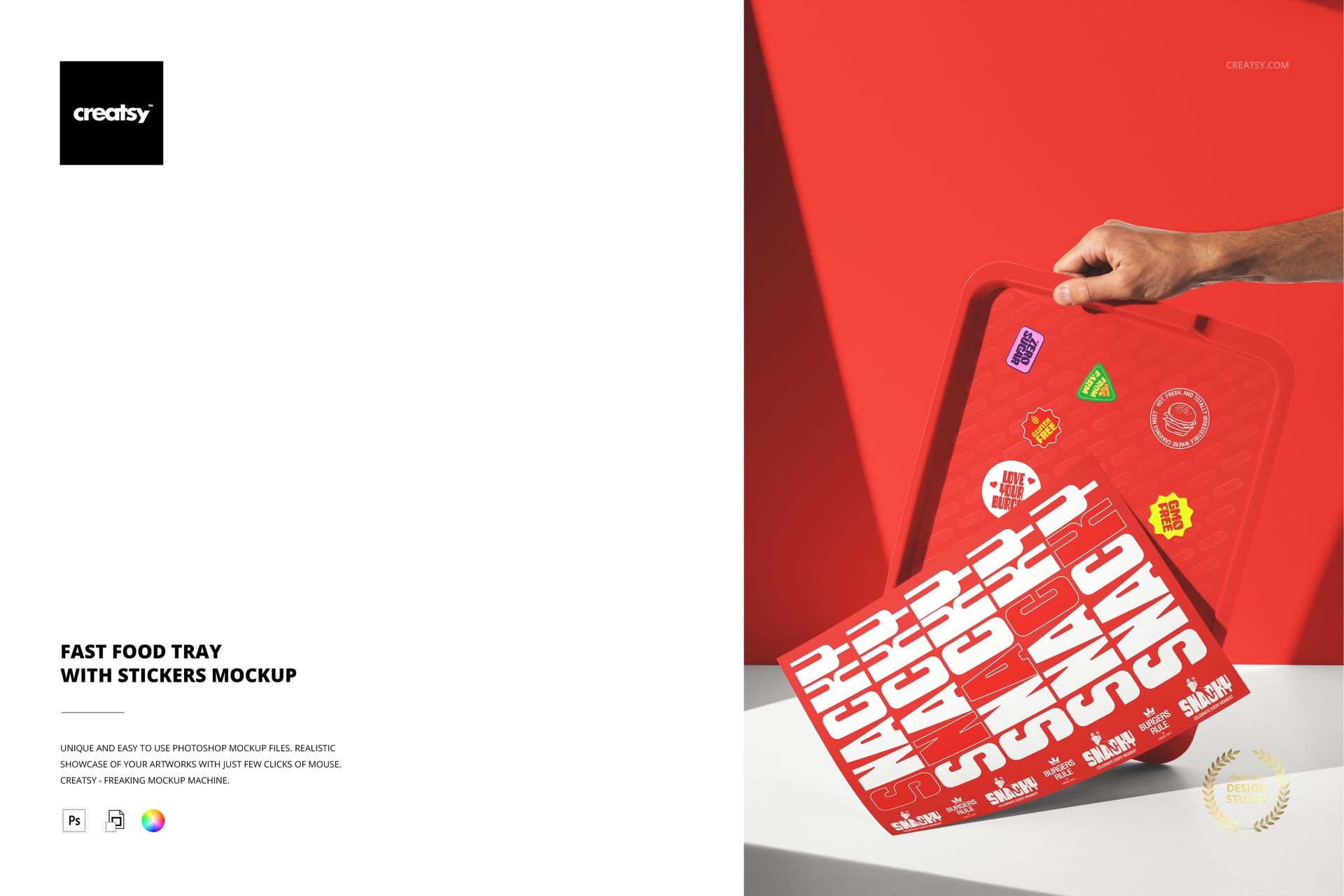
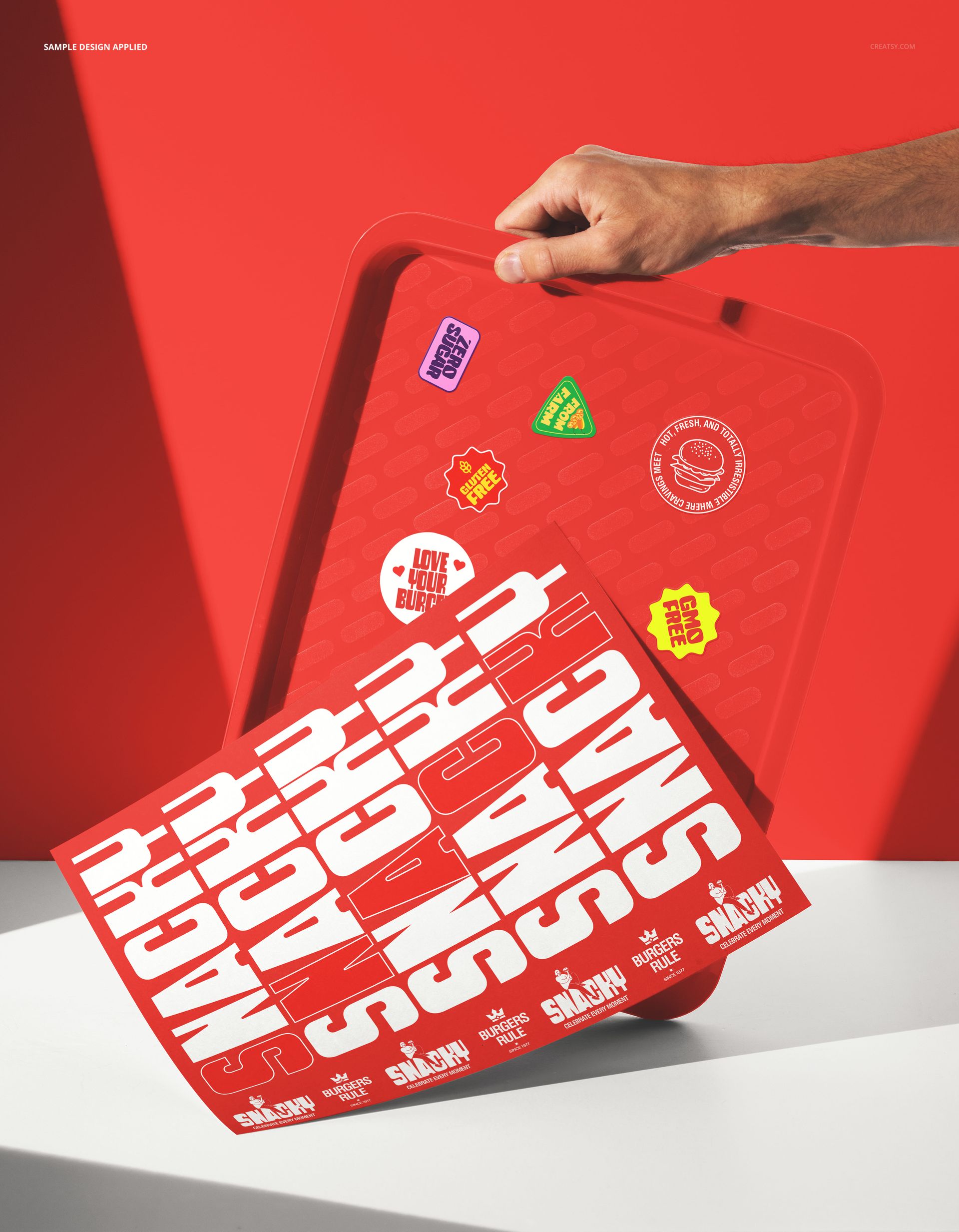
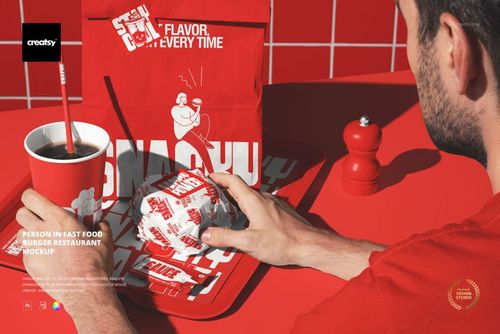
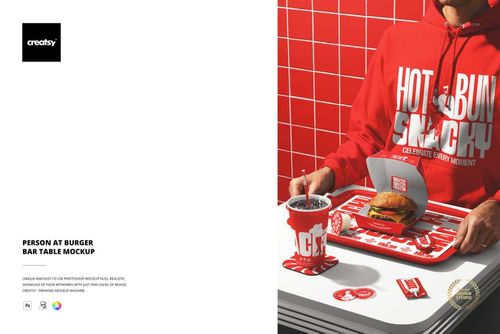
The Fast Food Tray with Stickers Mockup shows a fast food serving tray with branded stickers placed on its surface. The scene captures a detail that many restaurant brands use but few mockups address: stickers as a branding and promotional element on the tray alongside the food. The stickers and the tray liner function as separate design surfaces, giving you control over both the background tray design and the individual sticker artwork. This setup is useful for restaurants that use stickers for promotions, loyalty programs, seasonal campaigns, or simply as a branding detail that adds personality to the dining experience. The file measures 6000x4000px at 300 DPI with smart object layers and works in Adobe Photoshop CC 2020 or newer and Photopea.
Why This Mockup Works
Stickers are one of the most versatile branding tools in fast food, but they rarely get their own mockup. They appear on trays, packaging, windows, and takeout bags as small brand touchpoints that customers notice and sometimes collect. This mockup puts stickers in their natural context on a serving tray, which shows how they interact with the tray surface and how they look at the scale a customer would actually see them. The tray provides a realistic base that grounds the stickers in a dining context rather than showing them floating on a blank background. That contextual placement makes the sticker designs feel functional and real, which is exactly what clients and stakeholders need to see before approving a sticker print run. The combination of tray and stickers also opens up creative possibilities for showing how promotional stickers, logo stickers, and decorative stickers work together as a set.
What Is Included
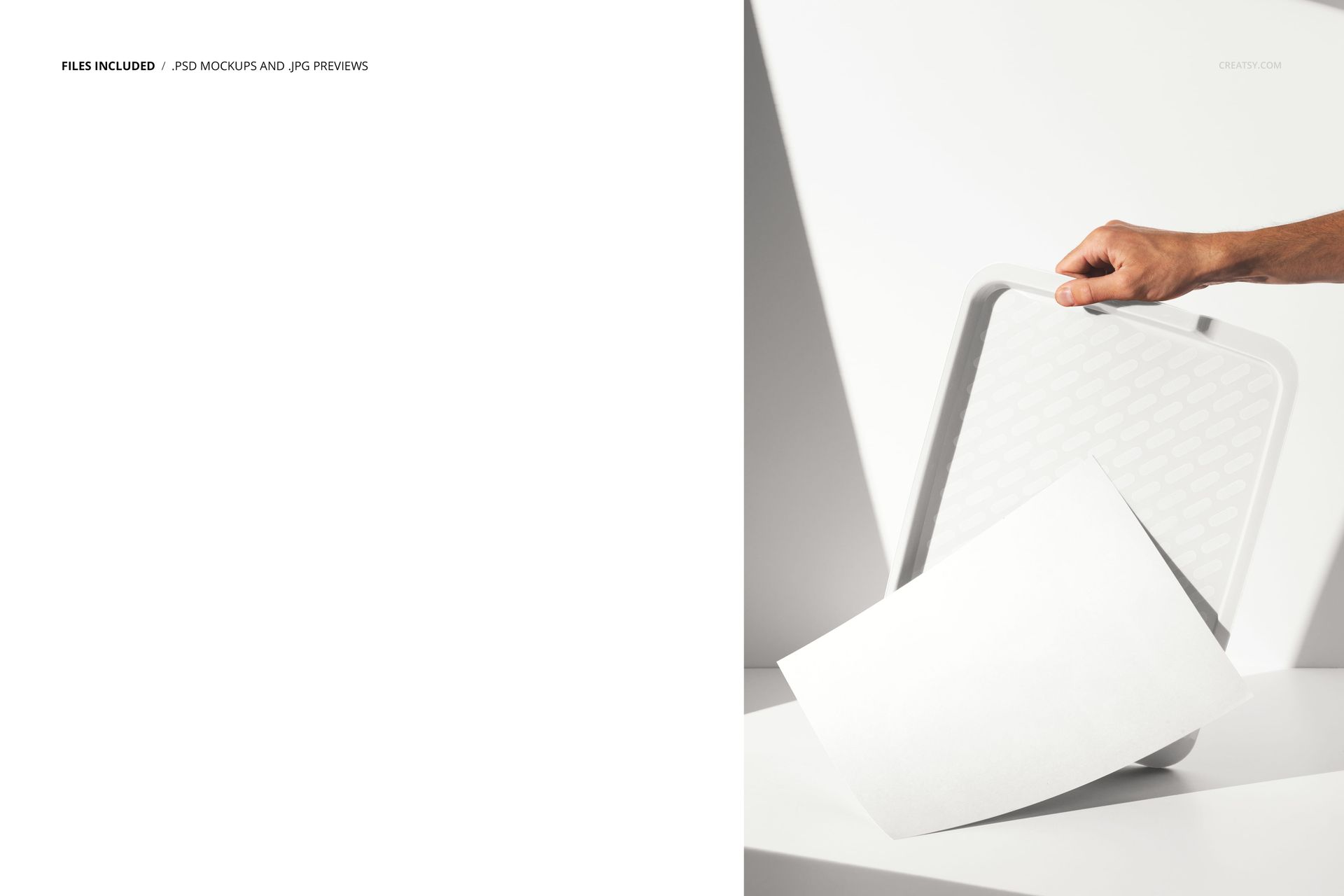
The download contains 1 layered PSD file. The scene shows a fast food tray with stickers placed on its surface. The stickers and the tray each have dedicated smart object layers, allowing you to apply different designs to the stickers and the tray background independently. The lighting is even and controlled, designed to show the sticker edges, paper texture, and printed designs clearly. The layer structure is organized and labeled for quick access to each smart object and the adjustment controls.
What You Can Customize
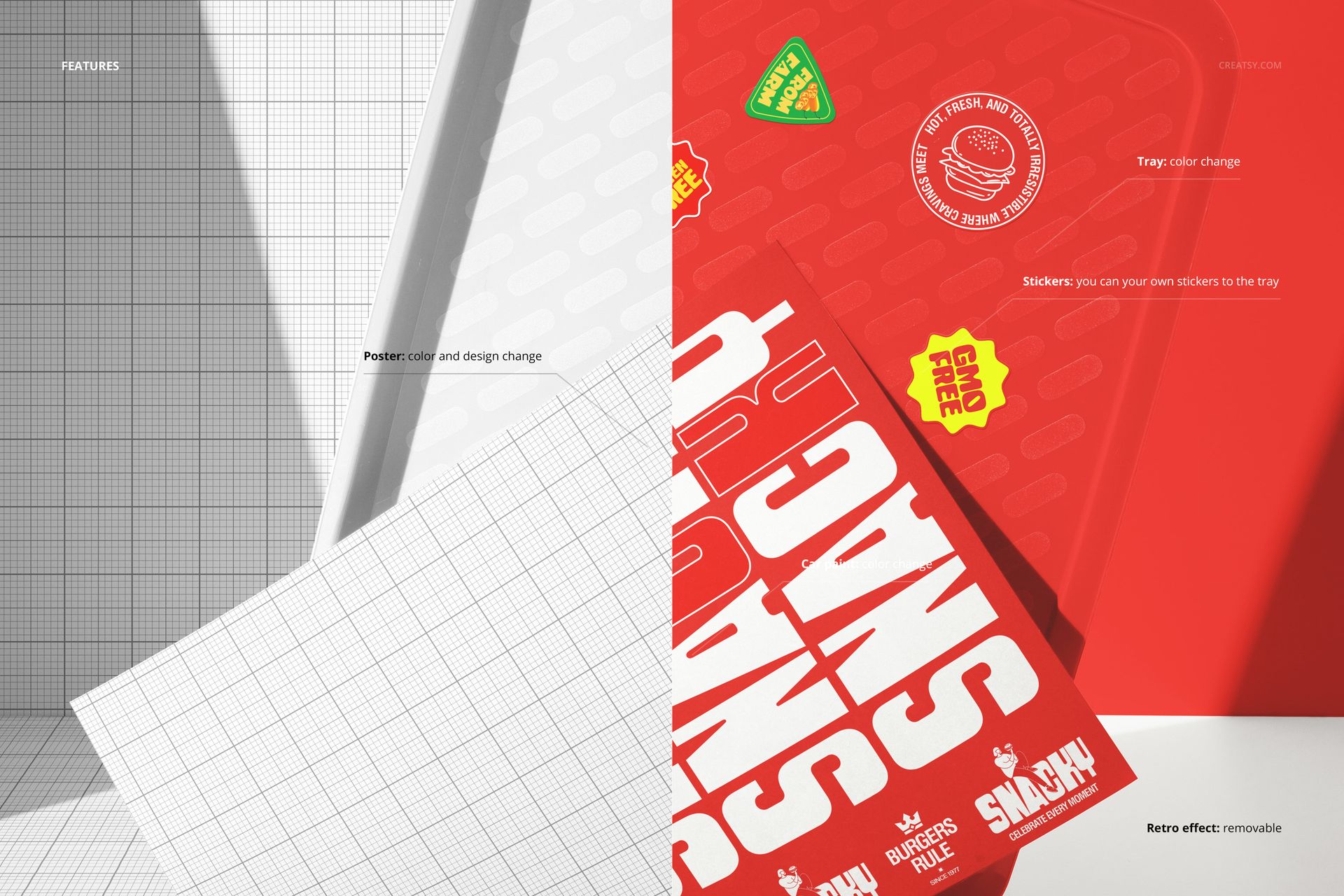
The smart objects control the stickers and the tray surface. Double-click each sticker smart object to place your logo, promotional artwork, or decorative design on the individual stickers. Open the tray smart object to apply your tray liner design or brand pattern to the base surface. Each element updates independently with accurate sticker edges, paper texture, and lighting response. The adjustment layers let you modify overall brightness, contrast, and color temperature to match your brand aesthetic. You can present the same tray with different sticker sets to compare promotional options, test seasonal variations, or show a client how multiple sticker designs work together on a single tray.
Who This Mockup Is For
Fast food restaurants and burger chains that use stickers as part of their branding, promotional campaigns, or loyalty programs and need to preview how those stickers look on an actual serving tray before printing. Brand identity designers presenting sticker concepts to restaurant clients who want to see stickers in context rather than as isolated flat designs. Marketing agencies creating campaign visuals that feature promotional stickers on trays for social media, in-store displays, and digital advertising. Packaging and print suppliers showcasing their sticker printing capabilities to restaurant clients with a professional, in-context product image. Franchise brand managers who need standardized visual guidelines showing how promotional stickers should appear on trays across multiple locations.
File Specifications
Files: 1 PSD. Dimensions: 6000x4000 px. Resolution: 300 DPI. Color mode: RGB. File size: 238.44 MB. Compatibility: Adobe Photoshop CC 2020 or newer, Photopea.