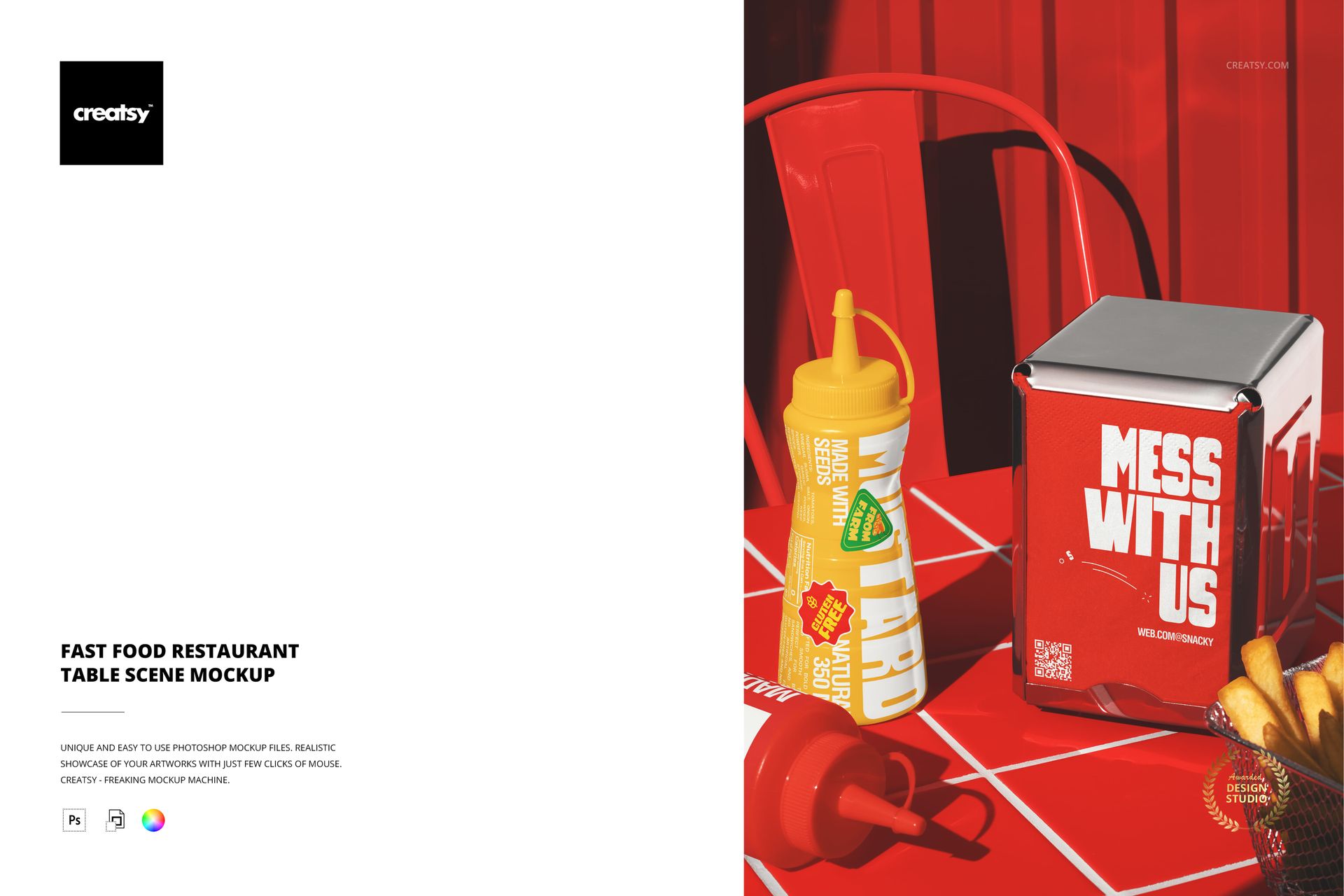
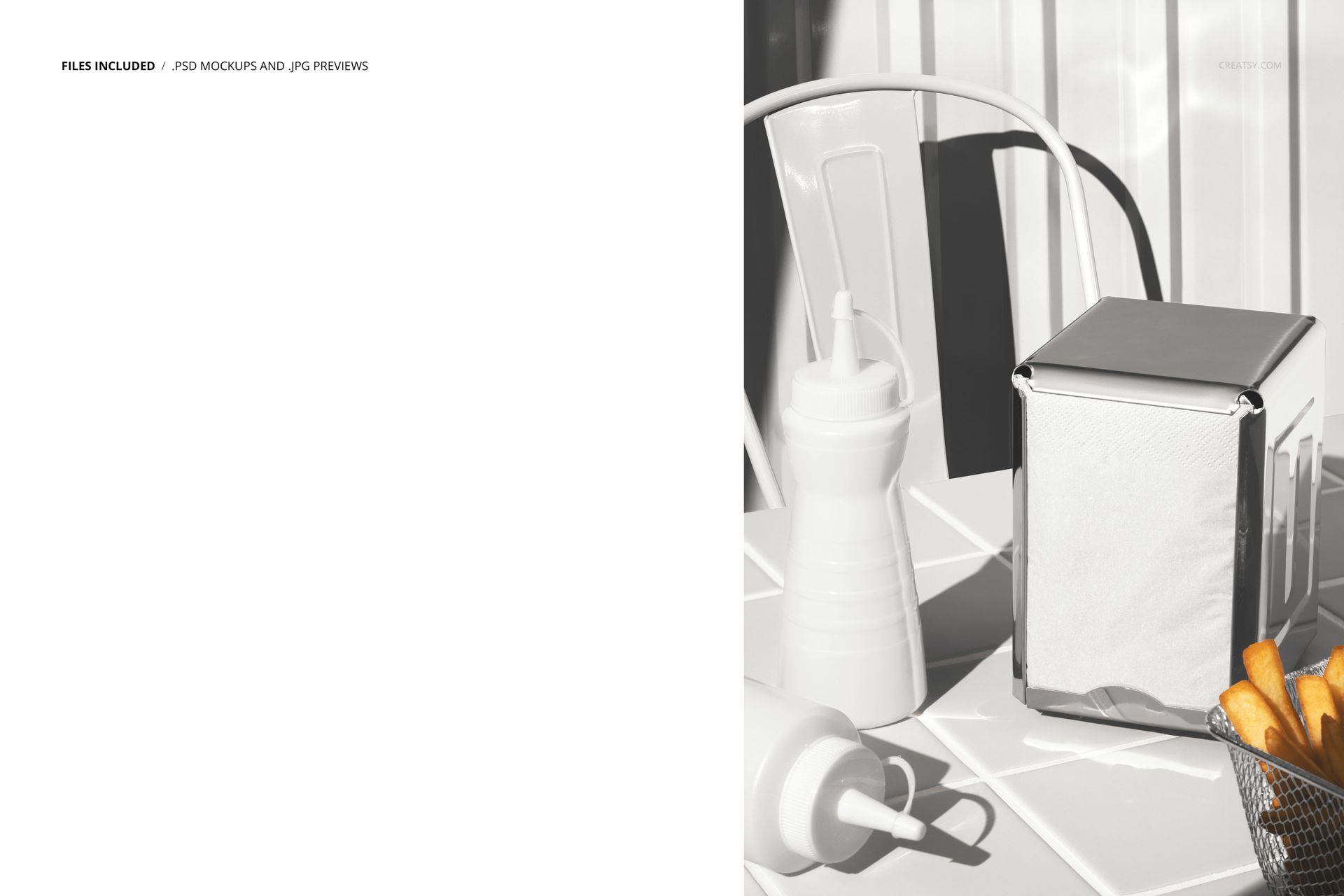
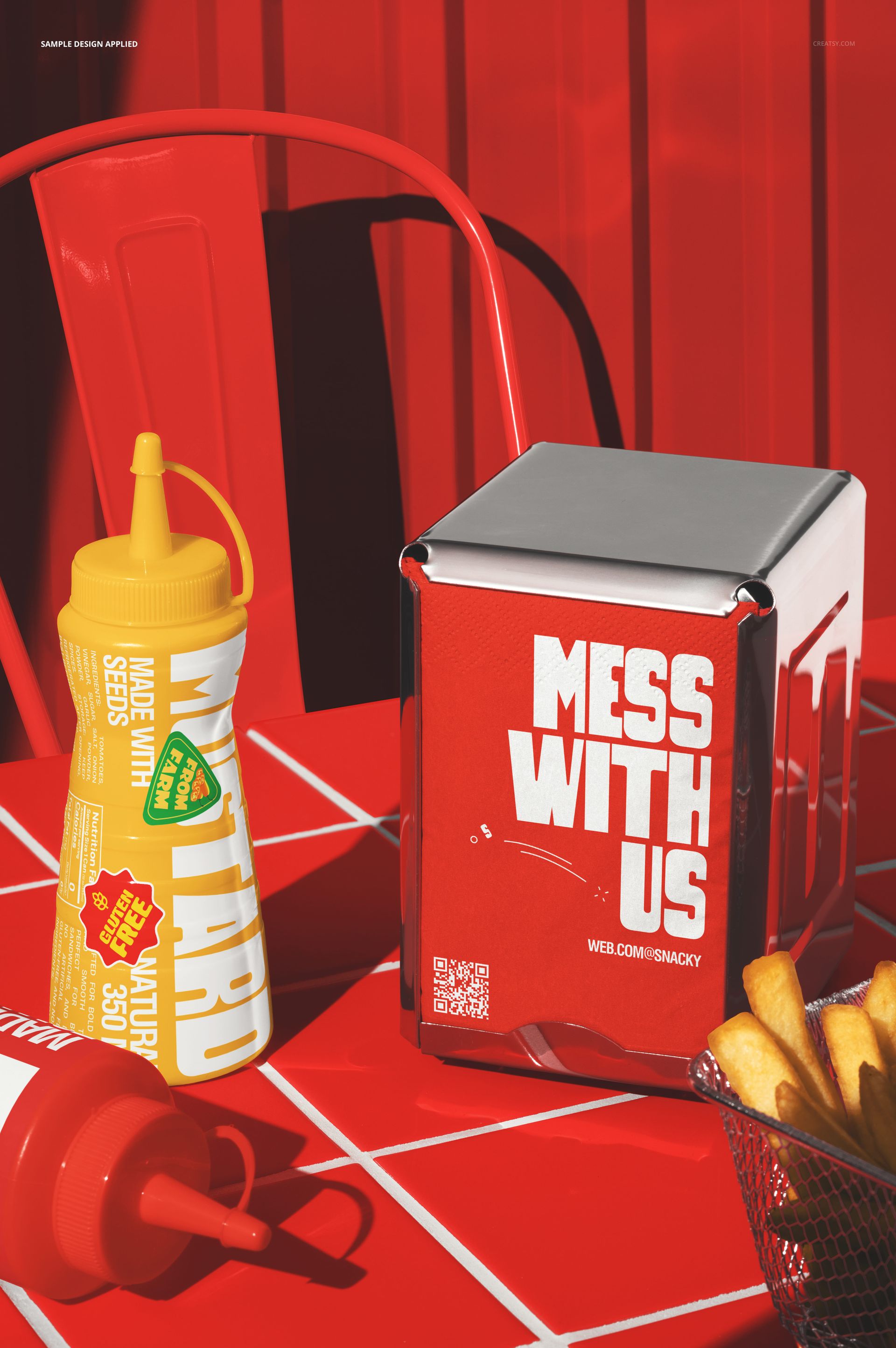
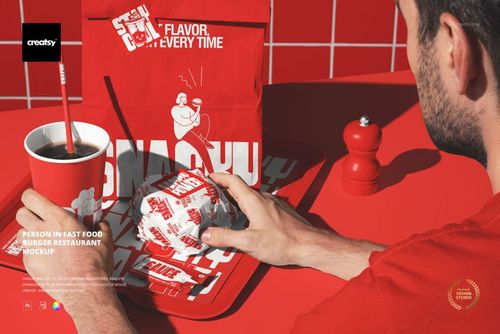
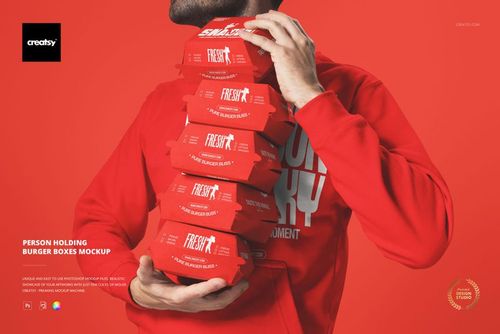
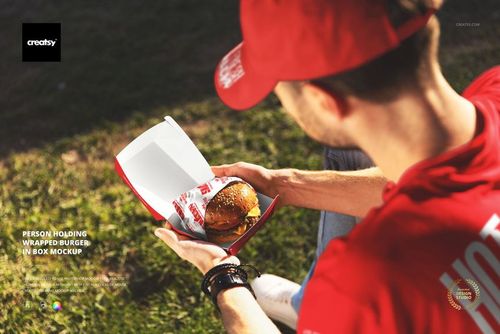
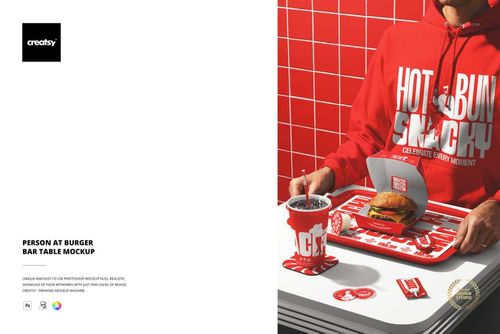
The Fast Food Restaurant Table Scene Mockup presents a complete table setup from a fast food restaurant. The scene includes multiple branded items arranged on the table as a customer would encounter them: a table tent sign, cups, condiment bottles, and other dining accessories positioned together in a single composition. This is a scene mockup that shows the full table-level brand experience rather than individual items in isolation. Each branded surface has its own smart object layer, letting you apply your identity across the entire table and see how all the pieces work together at the scale and proximity a seated customer would experience. The file measures 6000x4000px at 300 DPI with smart object layers and works in Adobe Photoshop CC 2020 or newer and Photopea.
Why This Mockup Works
The table is where customers spend most of their time in a fast food restaurant. Everything within arm's reach is a brand touchpoint: the table tent promoting the latest offer, the cup with the logo, the condiment bottles with branded labels, and the napkin holder carrying the brand pattern. Most mockups show these items one at a time, which misses the cumulative effect of seeing all of them together. This mockup captures that cumulative effect by presenting every table-level item in a single scene. The result is a brand presentation that shows density and consistency, the two qualities that make a restaurant brand feel established and professional when a customer sits down. For brand identity projects, this scene-level view is far more persuasive than a collection of individual product mockups because it answers the question clients always ask: what does it actually look like when someone sits at the table?
What Is Included
The download contains 1 layered PSD file. The scene shows a restaurant table with multiple branded items arranged in a natural dining setup. Each item has its own smart object layer, including the table tent sign, cups, condiment bottles, and other accessories. The lighting is warm and even, designed to replicate the ambient feel of a fast food dining area while keeping all branding surfaces clearly visible. The layer structure is organized and labeled for quick access to each smart object and the adjustment controls.
What You Can Customize
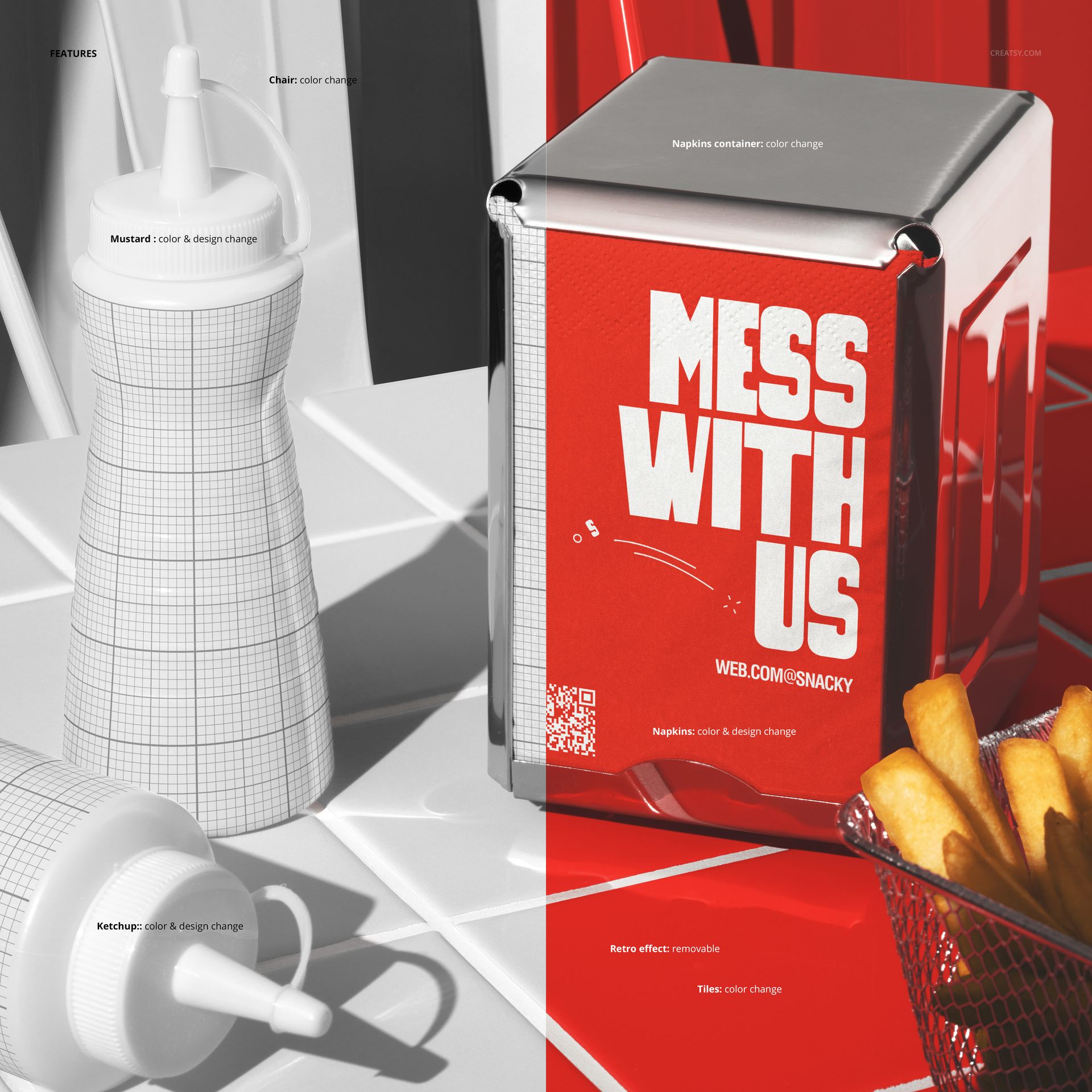
The smart objects control each branded item on the table. Double-click the table tent smart object to place your promotional message or menu highlight. Open the cup smart objects to apply your logo and brand design. Access the condiment bottle smart objects to apply your label designs. Each element updates independently with accurate surface texture, perspective, and lighting response. The adjustment layers let you modify overall brightness, contrast, and color temperature to match your brand aesthetic. You can present the same table scene with different branding to compare identity directions, test promotional campaigns, or show a client how seasonal menu changes would affect the table experience.
Who This Mockup Is For
Fast food restaurants and burger chains that need to preview how their complete table-level branding looks before rolling out new designs across all locations. Brand identity agencies presenting full restaurant identity systems where the client needs to see every table touchpoint working together in a single image. Franchise developers building pitch materials that demonstrate the quality and consistency of the brand experience at the most personal level of customer interaction. Marketing teams creating lifestyle and promotional content for social media and digital advertising where a fully branded table scene communicates professionalism and attention to detail. Interior designers and restaurant consultants who need to show clients how branding integrates with the dining surface and tabletop accessories.
File Specifications
Files: 1 PSD. Dimensions: 6000x4000 px. Resolution: 300 DPI. Color mode: RGB. File size: 154.74 MB. Compatibility: Adobe Photoshop CC 2020 or newer, Photopea.