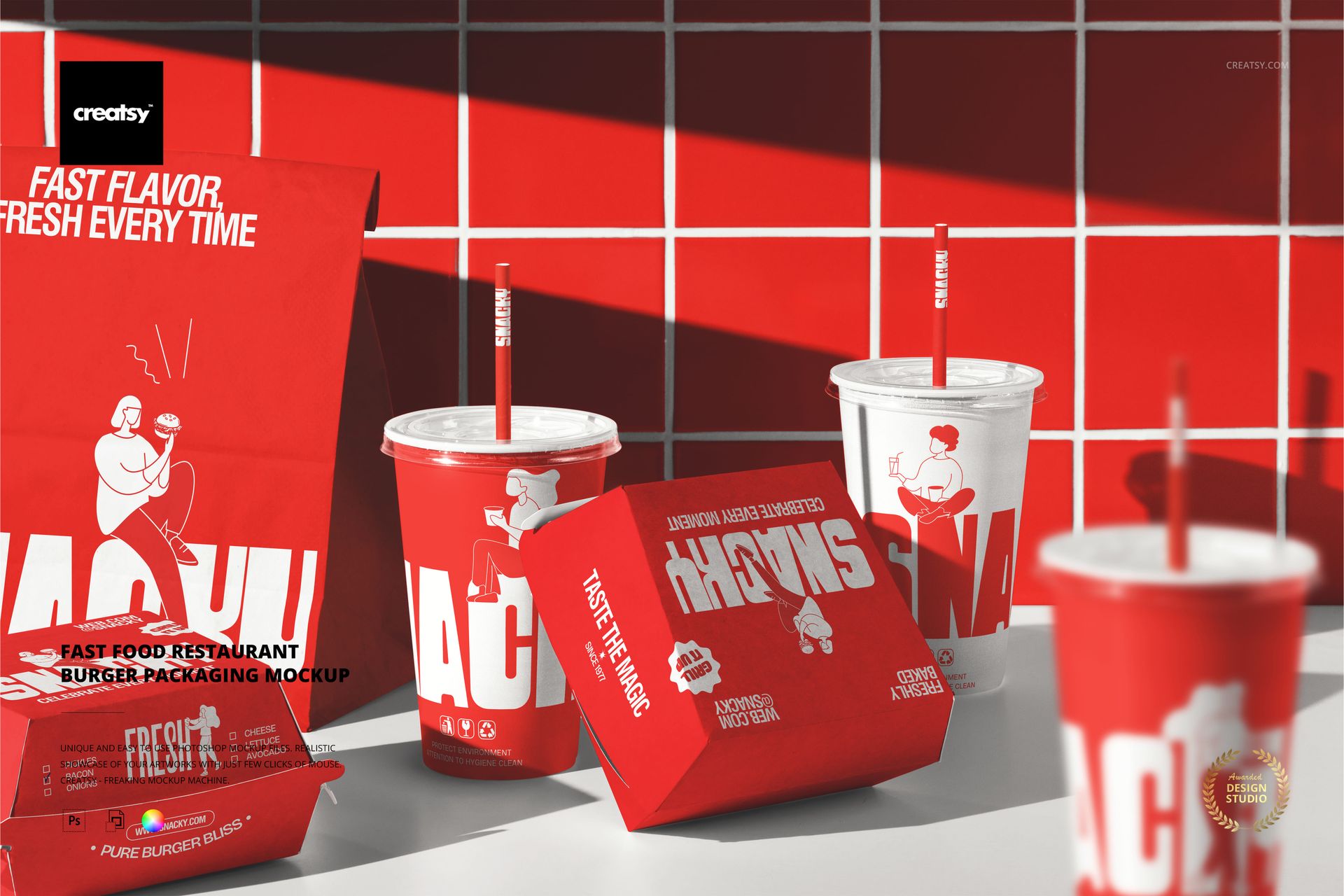
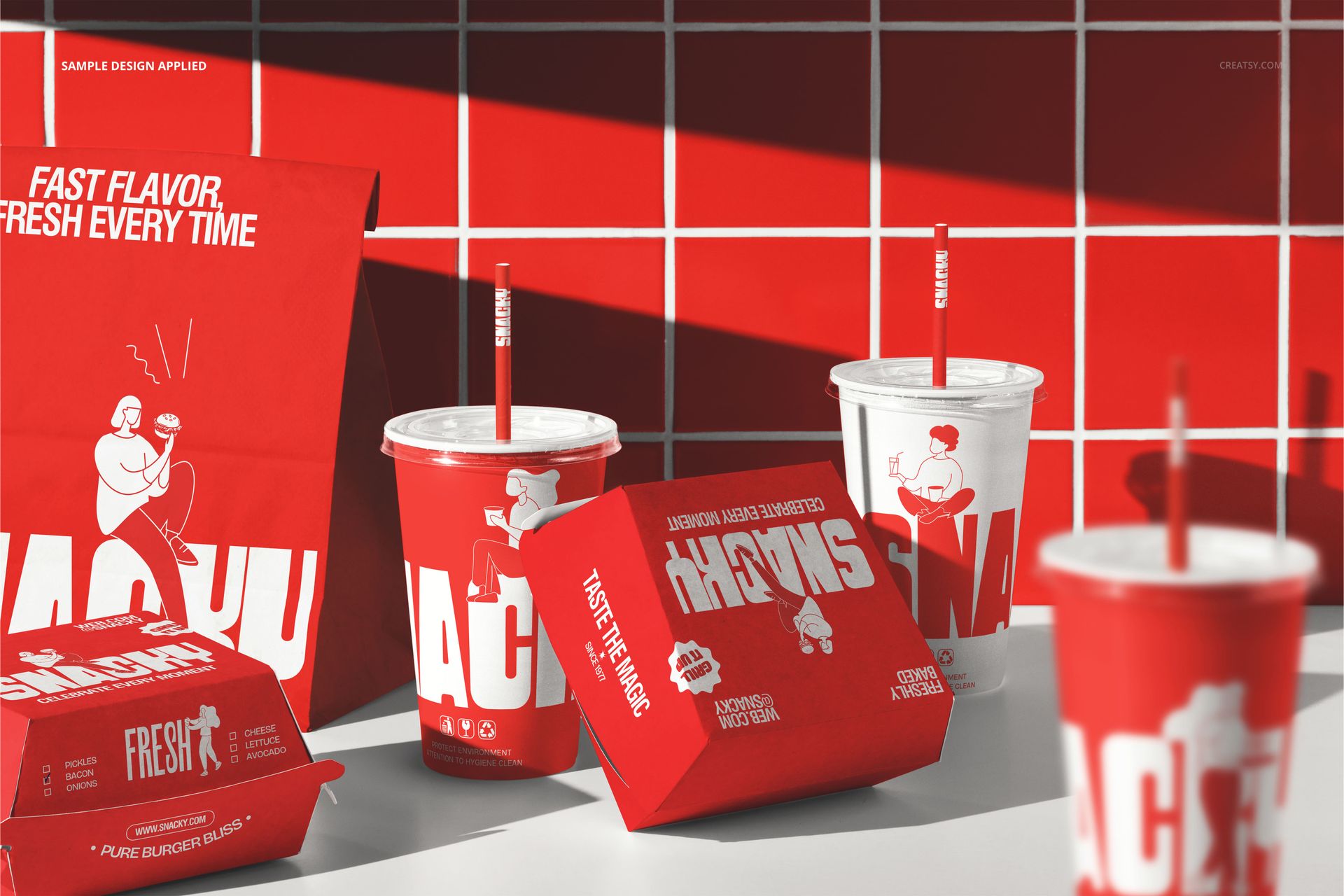
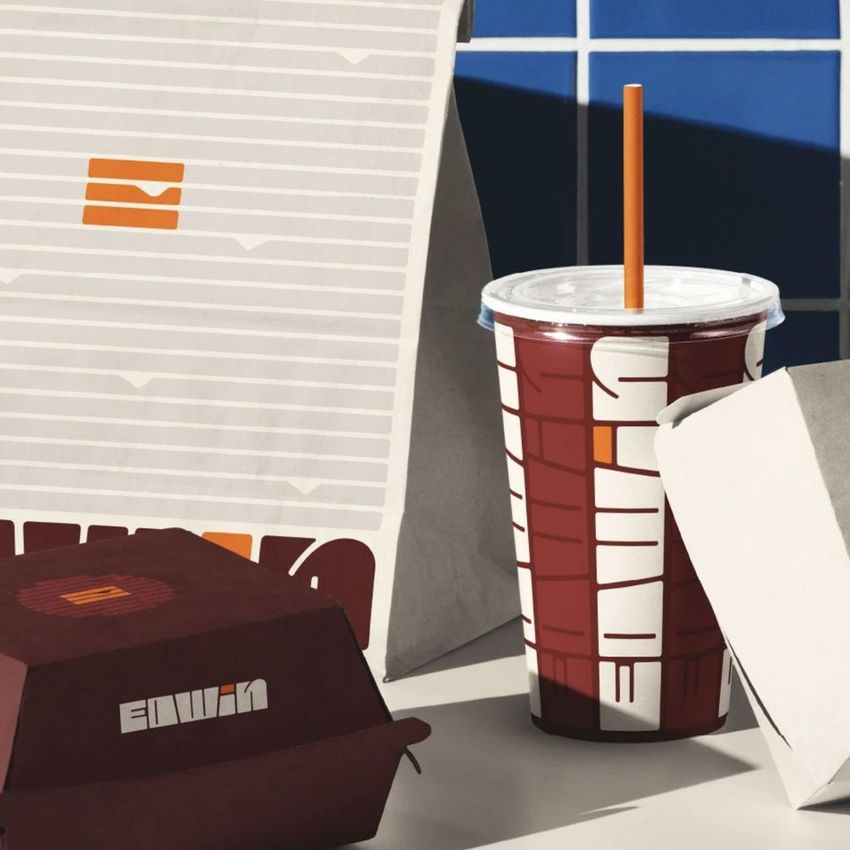
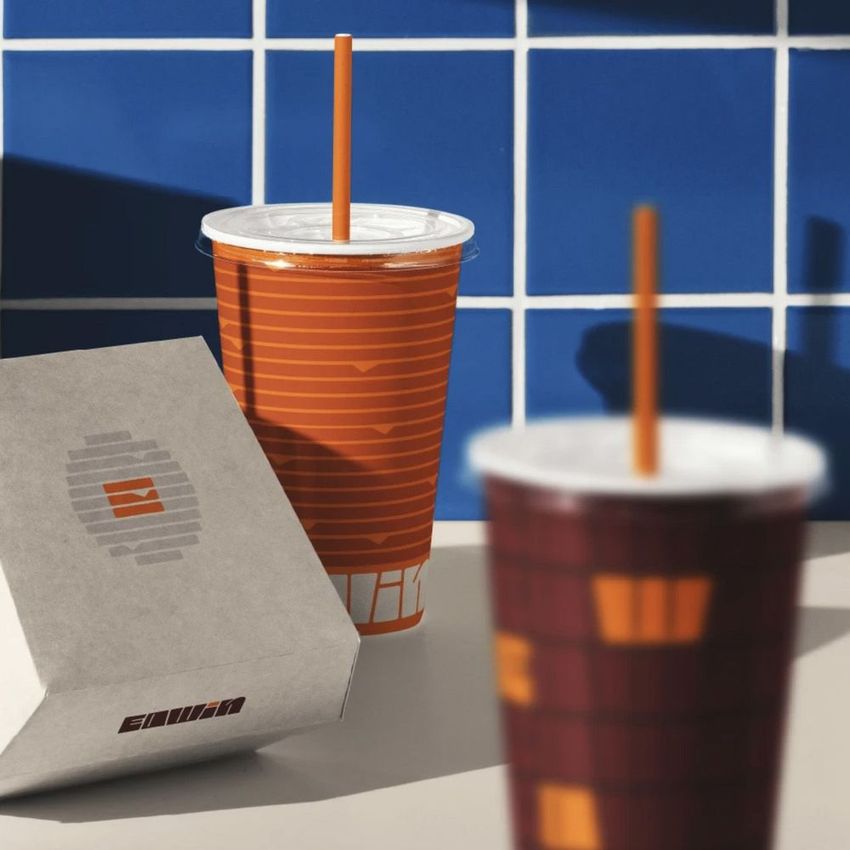
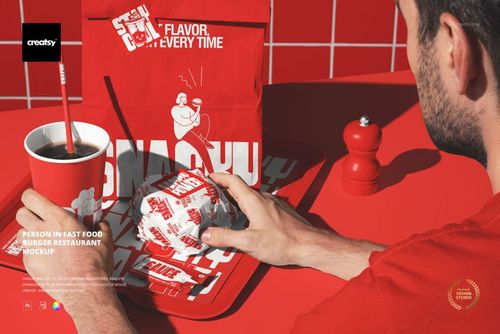
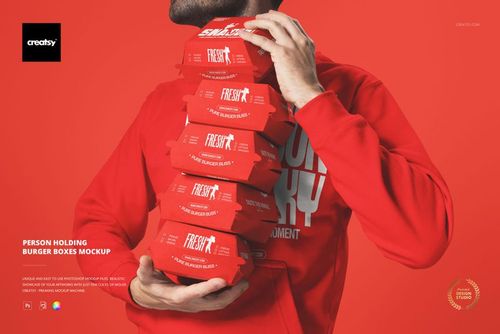
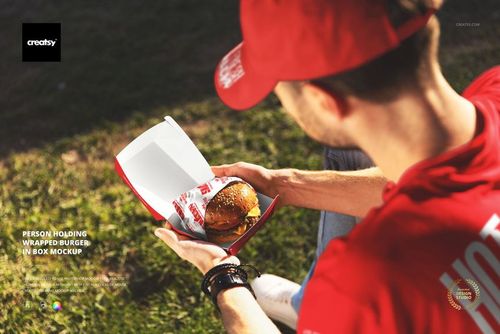
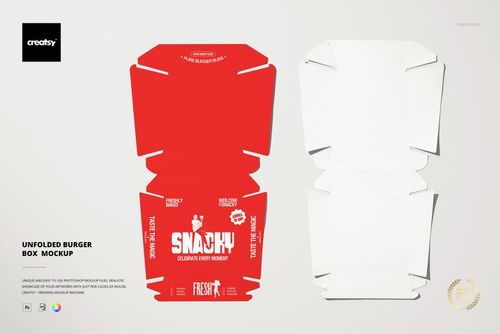
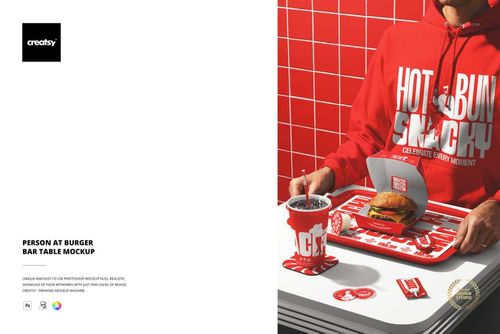
The Fast Food Restaurant Burger Packaging Mockup presents a complete fast food packaging scene with cups, burger boxes, bags, and containers arranged together on a restaurant counter. The composition captures the full range of packaging a fast food restaurant would use for a typical order, showing how the brand identity reads across every item a customer touches from the moment they receive their food. Each packaging item has its own smart object layer, letting you apply your brand design to every surface independently while seeing the entire set in context. This is a packaging mockup built for restaurants that need to preview their complete branded packaging system in one image rather than evaluating each item separately. The file measures 6000x4000px at 300 DPI with organized smart object layers and works in Adobe Photoshop CC 2020 or newer and Photopea.
Why This Mockup Works
Fast food packaging is a branding system, not a collection of individual items. Every cup, box, bag, and container a customer handles is a brand touchpoint that contributes to the overall dining experience. Presenting these items separately forces stakeholders to imagine how they all look together, which rarely produces accurate results. This mockup eliminates that guesswork by placing every major packaging item in the same scene with consistent lighting and a realistic restaurant setting. The result is a presentation that demonstrates brand cohesion across the entire packaging lineup: the client can see whether the logo scales correctly from a large bag to a small cup, whether the color palette works across different paper stocks and surfaces, and whether the overall brand impression is consistent from the first item the customer sees to the last. That system-level view is what separates a professional packaging presentation from a series of disconnected product shots.
What Is Included
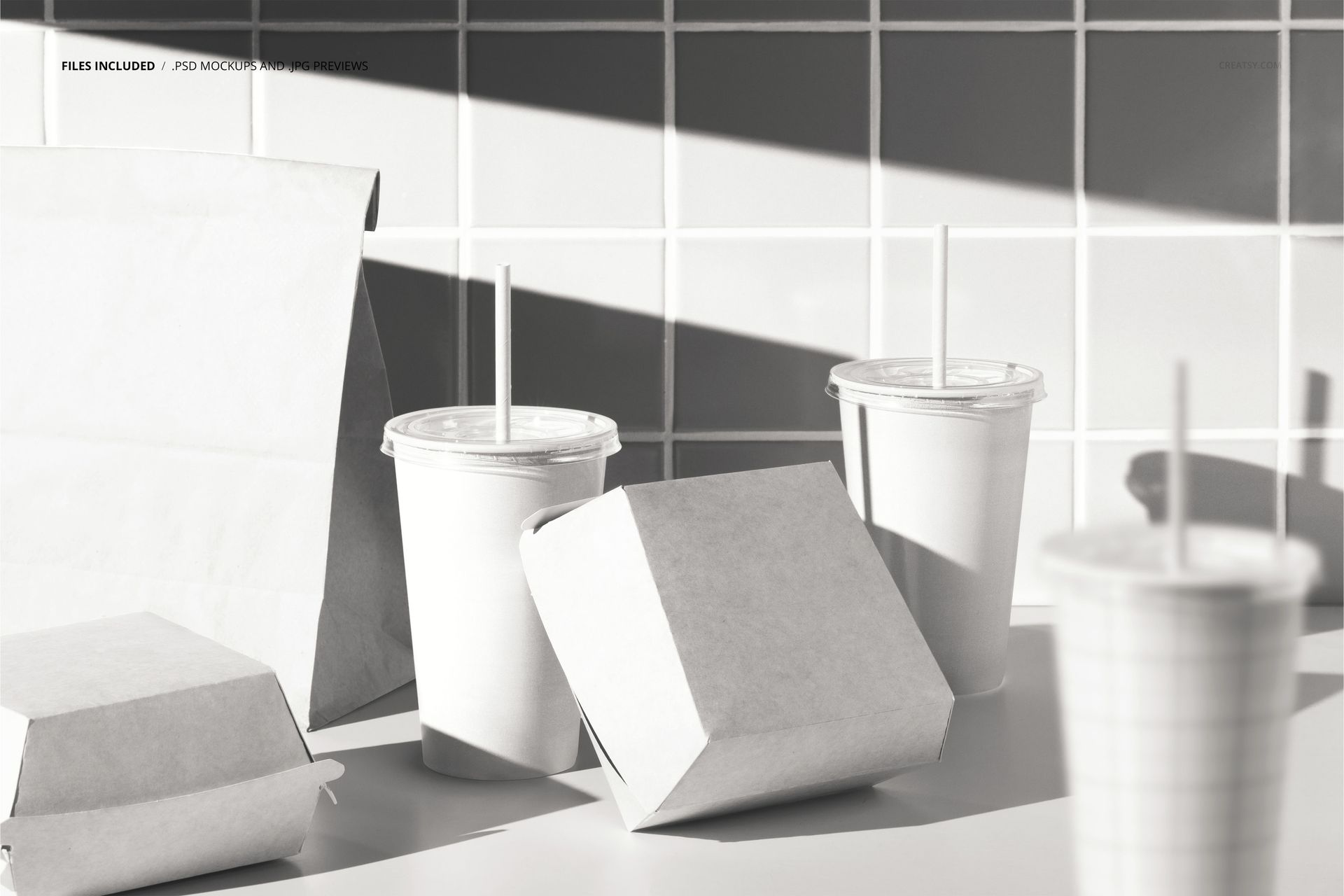
The download contains 1 layered PSD file. The scene shows cups, burger boxes, bags, and containers arranged together in a fast food restaurant packaging layout. Each item has its own smart object layer for independent design placement. The lighting simulates a restaurant environment, designed to show packaging print quality and branding details clearly across all items. The layer structure is organized and labeled for quick access to each smart object and the adjustment controls.
What You Can Customize
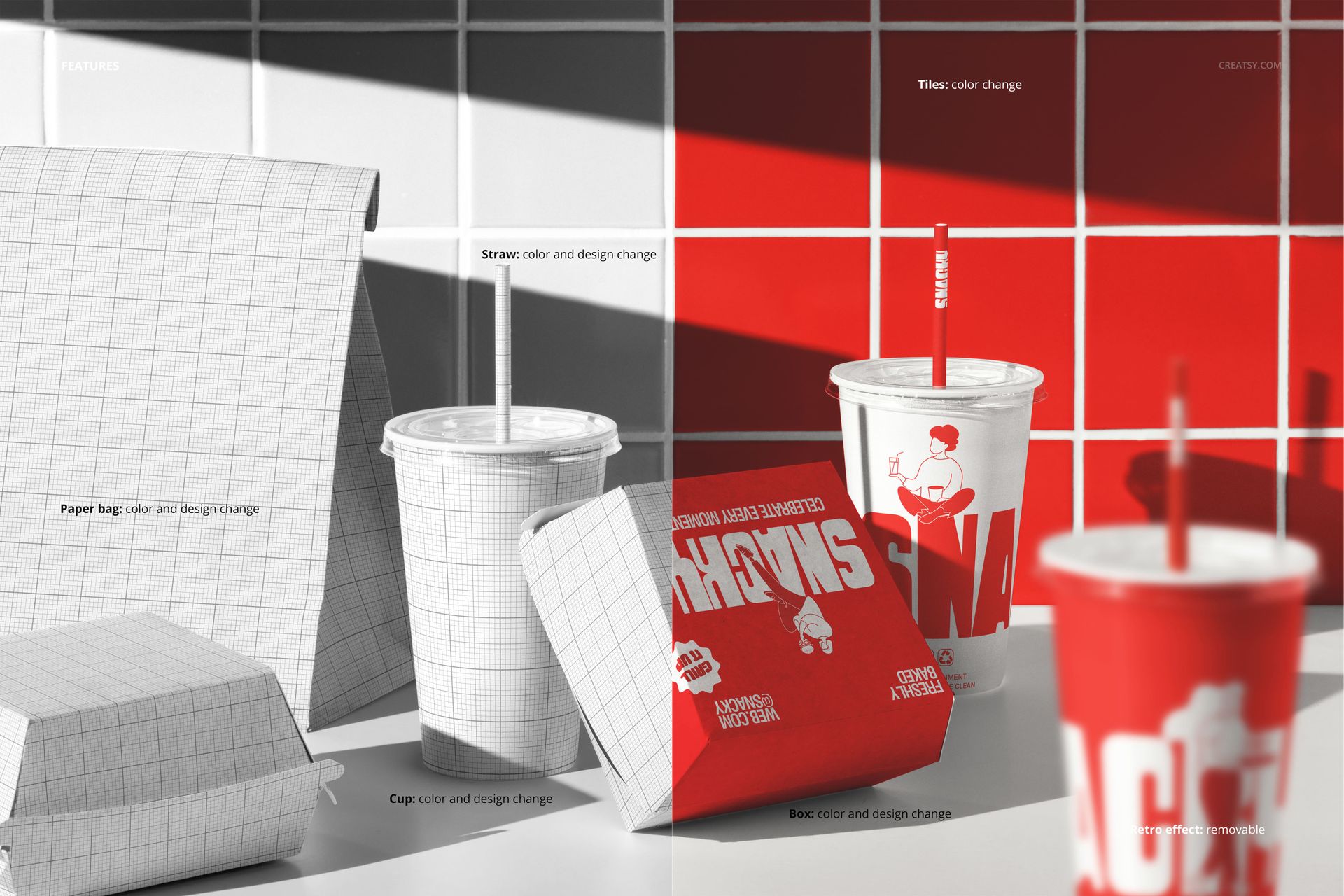
The smart objects control each packaging item independently. Double-click the cup, box, bag, and container smart objects to place your brand design on each surface. Every element updates with accurate paper texture, print quality simulation, and lighting response. The adjustment layers let you modify overall brightness, contrast, and color temperature to match your brand aesthetic or to simulate different lighting conditions. You can present the same scene with different branding concepts to compare packaging directions, test color variations across the full set, or show a client how seasonal promotions would look on the complete packaging lineup.
Who This Mockup Is For
Fast food restaurants and burger chains that need to preview their complete packaging system before placing a production order with their packaging supplier. Brand identity designers presenting full restaurant packaging packages to clients who want to see every item working together in a realistic dining context. Packaging design agencies building proposals and case studies that show the full scope of a fast food branding project. Marketing teams at restaurant chains preparing campaign visuals, menu board imagery, and social media content that features the brand packaging in an authentic setting. Franchise developers and brand consultants creating packaging guidelines that demonstrate how the identity system extends across cups, boxes, bags, and containers.
File Specifications
Files: 1 PSD. Dimensions: 6000x4000 px. Resolution: 300 DPI. Color mode: RGB. File size: 408.58 MB. Compatibility: Adobe Photoshop CC 2020 or newer, Photopea.