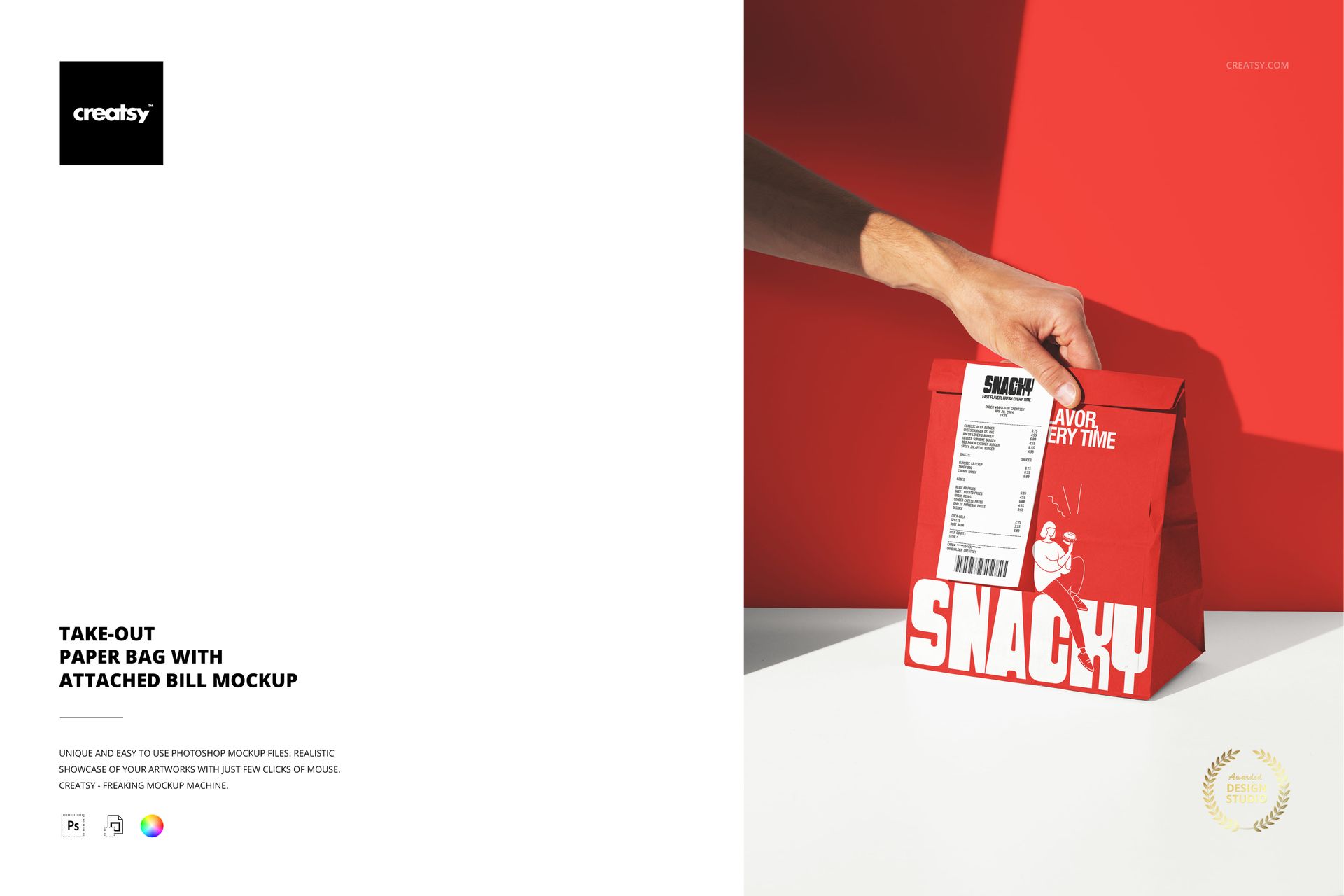
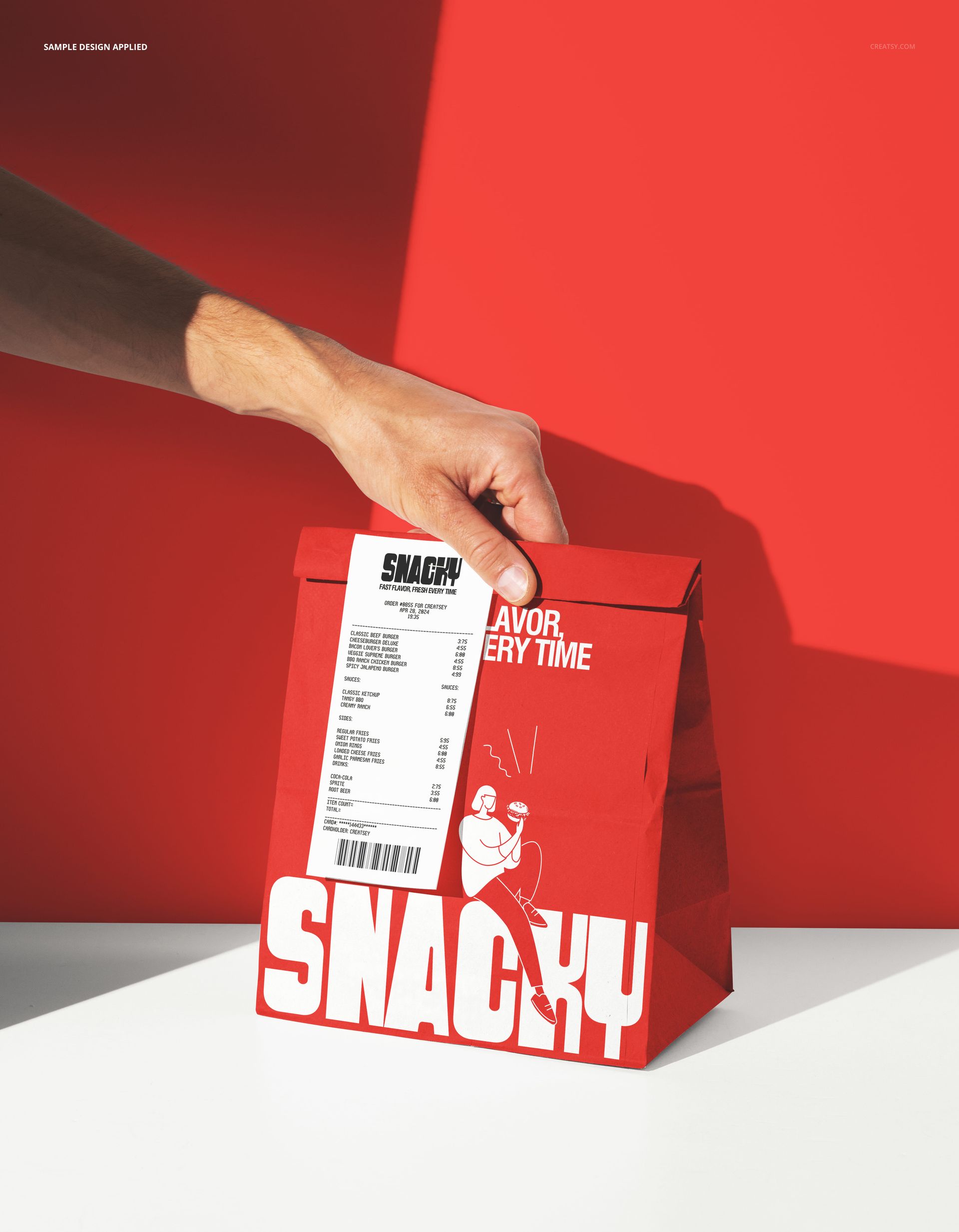
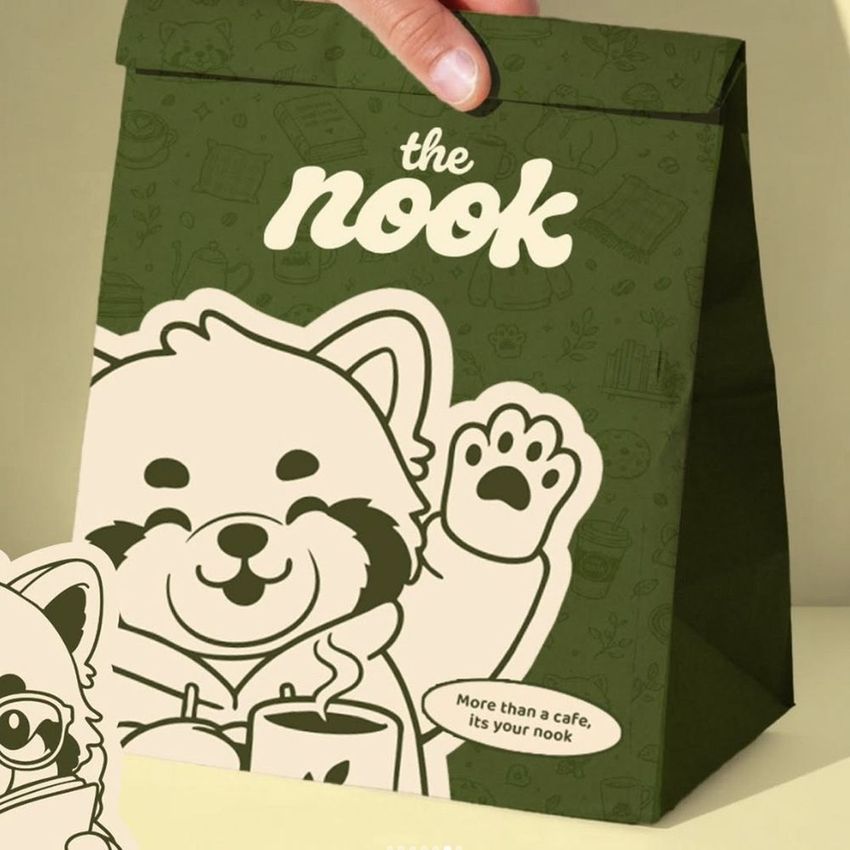
The Take-Out Paper Bag with Attached Bill Mockup shows a hand holding a branded takeout paper bag with a receipt stapled to the outside. This is a detail most packaging mockups skip: the bill attached to the bag, which is a standard practice in restaurants and cafes that adds a layer of operational realism to the presentation. The combination of bag branding and receipt placement shows how the complete takeout handoff looks from the customer's perspective, including the small but important detail of how the bill sits against the bag design. The file measures 6000x4000px at 300 DPI with smart object layers and works in Adobe Photoshop CC 2020 or newer and Photopea.
Why This Mockup Works
Takeout bag mockups typically show the bag alone, clean and unburdened by the details that accompany real-world food packaging. This mockup includes the receipt, which transforms the image from a packaging concept into a complete takeout moment. That distinction matters because it shows stakeholders, investors, and clients what the brand actually looks like when a customer receives their order. The attached bill partially covers part of the bag design, which is a reality that packaging designers need to account for when deciding where to place logos, patterns, and brand messaging. By presenting both elements together, this mockup helps you design bag artwork that works with the receipt rather than being obscured by it. The hand holding the bag adds a human element that makes the scene feel like a genuine moment rather than a product display.
What Is Included
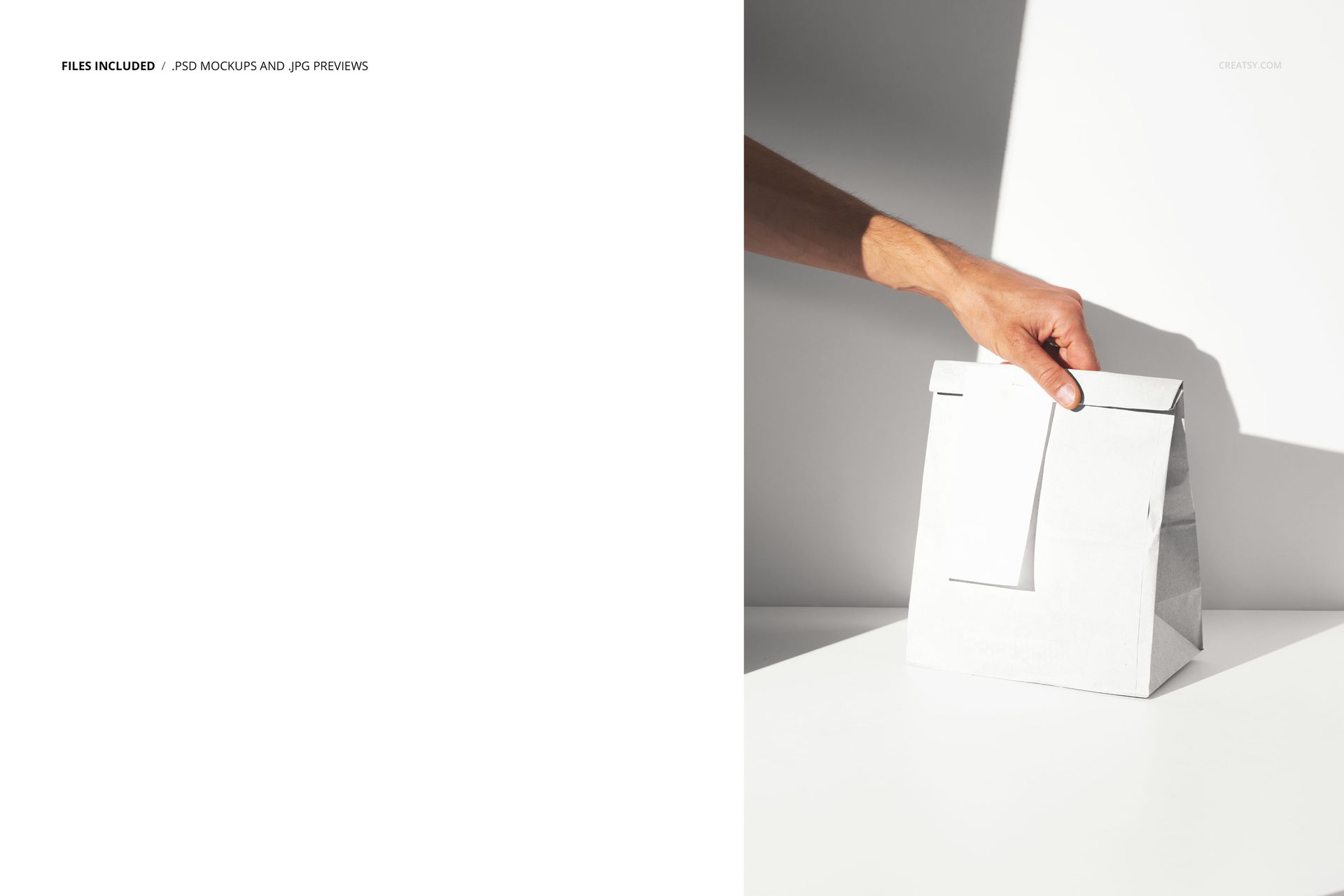
The download contains 1 layered PSD file. The scene shows a hand gripping a takeout paper bag with a receipt attached to its exterior. The bag has a dedicated smart object layer for applying your branding, and the receipt provides an additional smart object for customizing the bill design. The lighting is clean and even, ensuring that both the bag artwork and the receipt text are clearly visible. The layer structure is organized and labeled for quick navigation between the bag smart object, the bill smart object, and the adjustment controls.
What You Can Customize
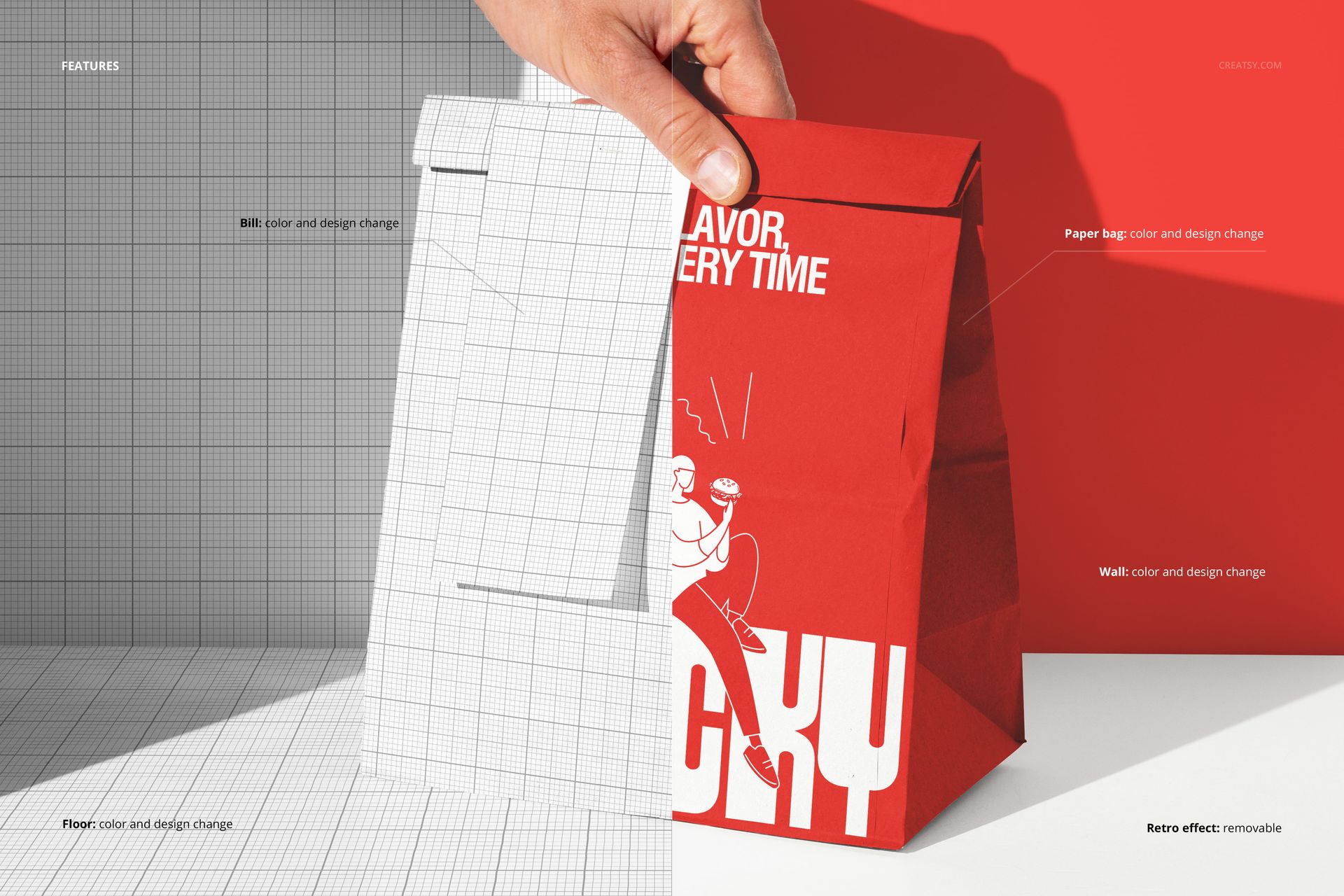
The smart objects control the paper bag surface and the attached bill separately. Double-click the bag smart object to place your logo, brand pattern, or full bag artwork, then open the bill smart object to customize the receipt design with your restaurant name, order details, or promotional messaging. Both surfaces update with accurate perspective, paper texture interaction, and natural lighting response. The adjustment layers let you modify overall brightness, contrast, and color temperature to match your brand aesthetic. You can generate multiple versions with different bag and bill combinations by swapping the smart object content, which is useful for presenting seasonal promotions, limited-time offers, or different receipt layouts alongside the main bag branding.
Who This Mockup Is For
Restaurants and cafes that staple or clip receipts to takeout bags and want marketing visuals showing the complete branded handoff, not just the bag in isolation. Packaging designers who need to account for receipt placement when designing bag layouts and want to test how the artwork reads with a bill partially covering the front surface. POS system and receipt paper brands that want to show how their products integrate with restaurant packaging in a real-world takeout context. Brand consultants and franchise developers building operational brand guidelines that cover every customer touchpoint, including the receipt-on-bag detail that most mockups overlook. Marketing agencies creating realistic takeout visuals for restaurant clients who want their brand materials to reflect the actual customer experience down to the last detail.
File Specifications
Files: 1 PSD. Dimensions: 6000x4000 px. Resolution: 300 DPI. Color mode: RGB. File size: 219.58 MB. Compatibility: Adobe Photoshop CC 2020 or newer, Photopea.