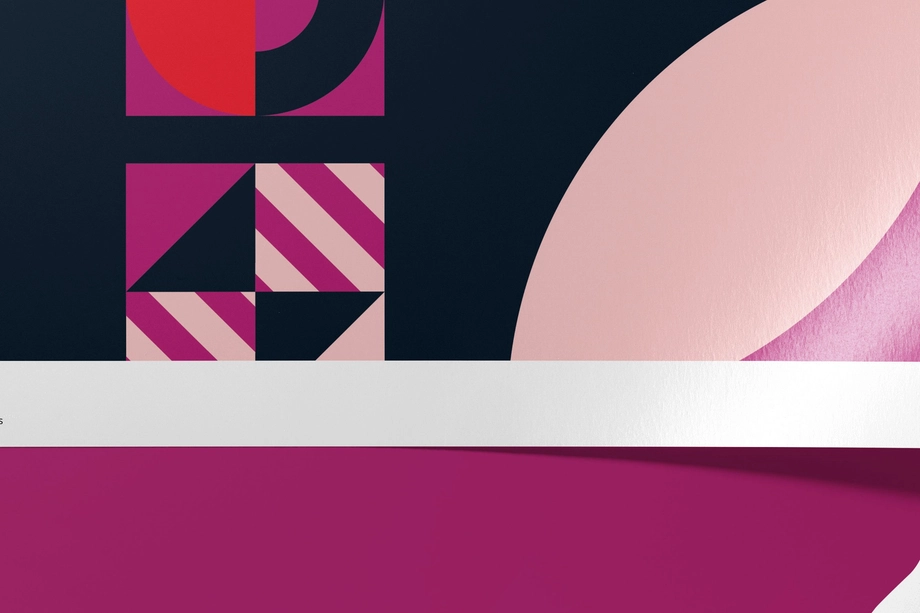
Photo & Fine Art Print Mockups
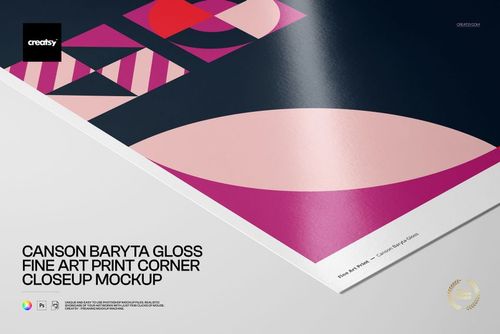
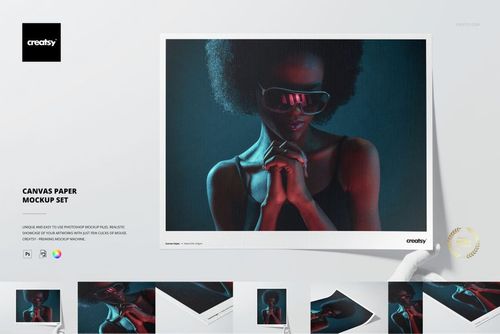
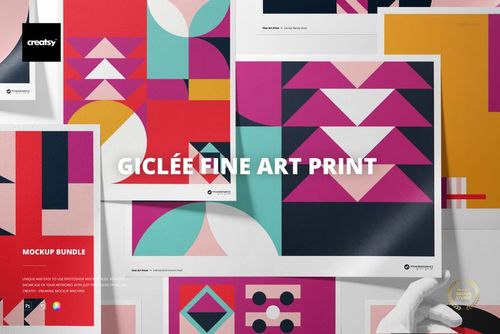
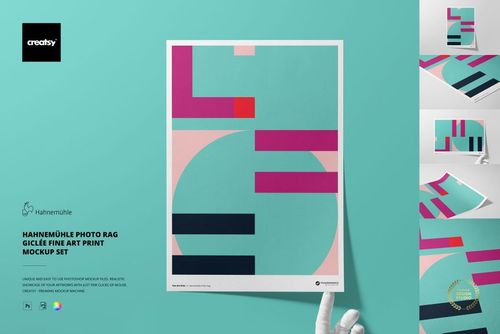
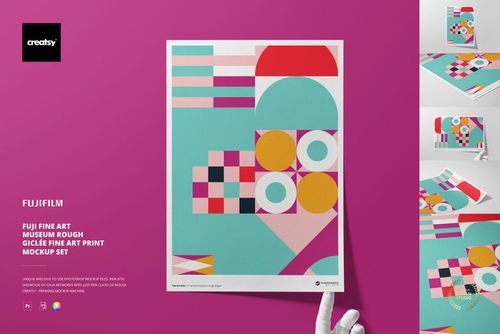
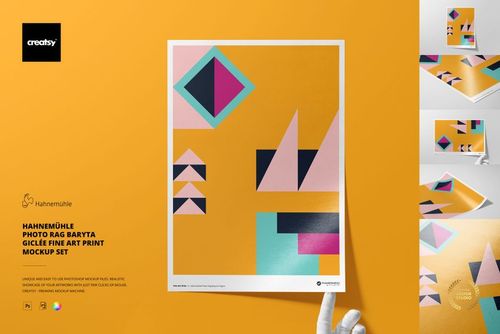
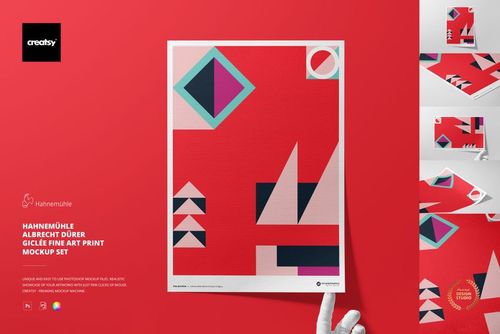
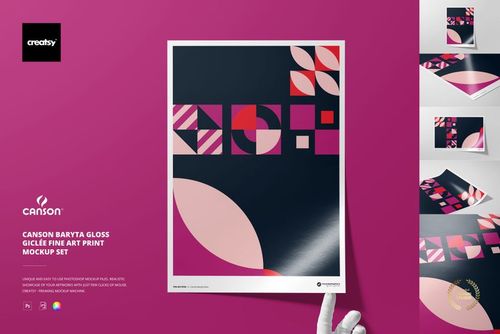
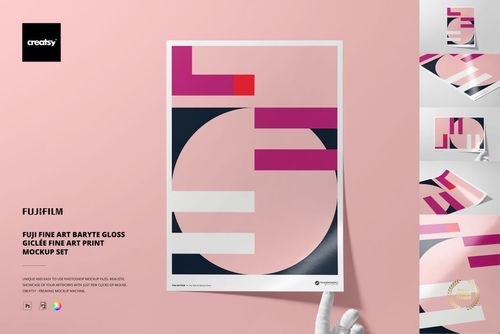
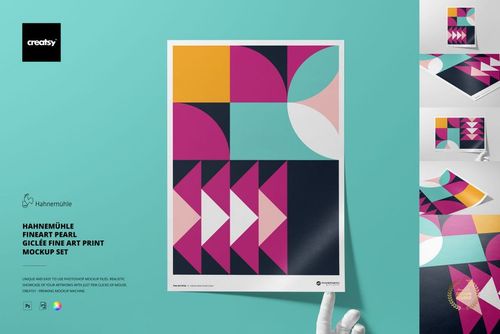
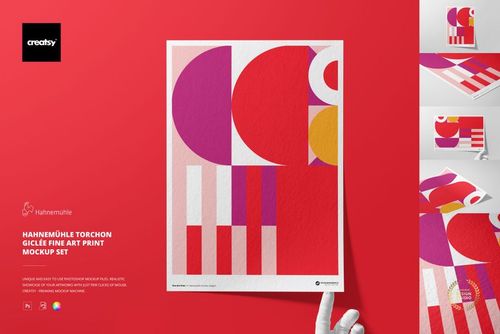
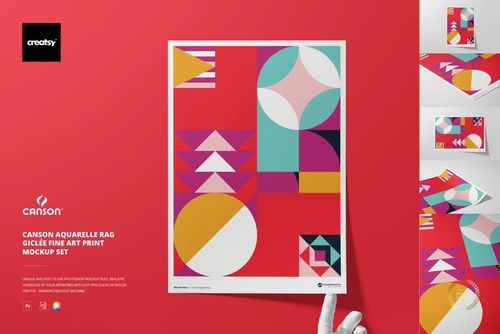
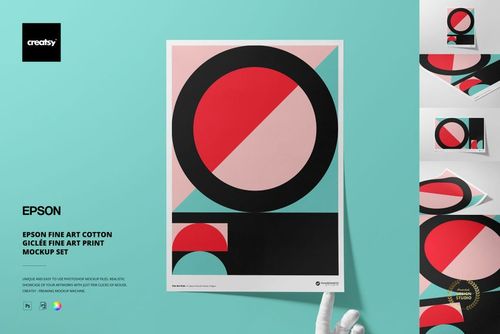
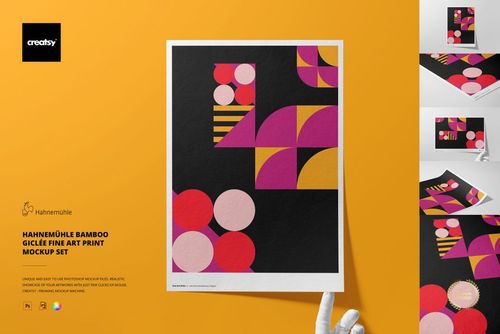
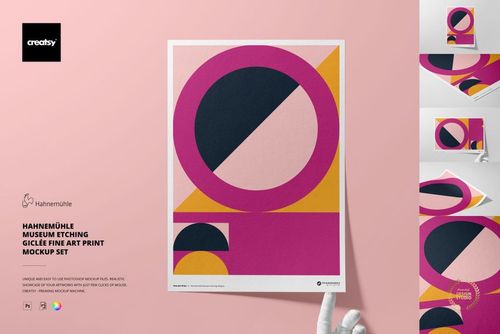
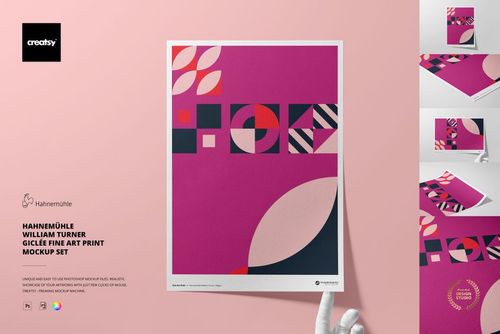
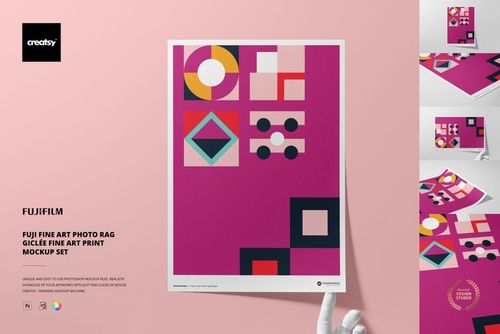
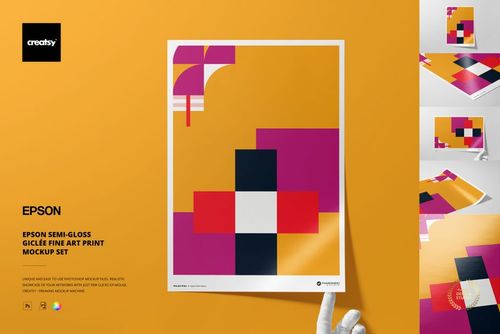
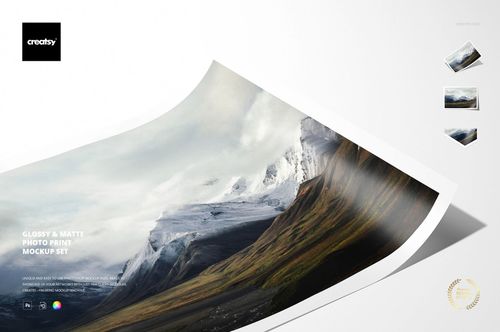
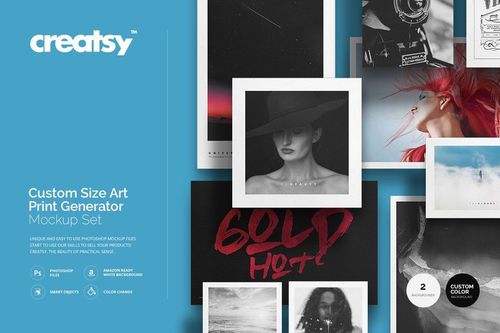
Explore editable photo and fine art print mockups for A3 giclée presentations, 4 x 4 square photographs, glossy and matte photo prints, textured art papers, detailed close-ups, borders, and custom print ratios. Selected sets are designed to represent named Hahnemühle, Canson, Epson, and Fujifilm paper options. Add photography, illustrations, or artwork through layered Photoshop files and Smart Objects, then create realistic visuals for online shops, client presentations, galleries, portfolios, catalogs, advertising, and social media.



Reviews
What designers and brand owners say after using these PSD mockups in real client work.
0
Sort by:


Incredibly beautiful renders that are exactly what the print looks like in real life! As always, the Creatsy mock-up is as close to real-life accuracy as possible, and in such crisp resolution, absolutely world-class 👏
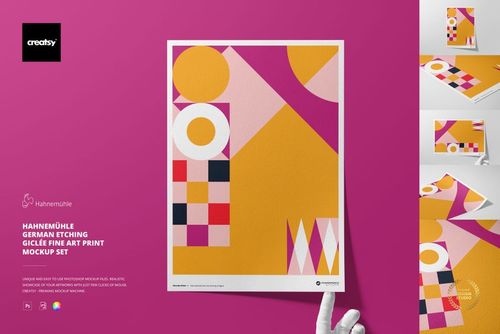
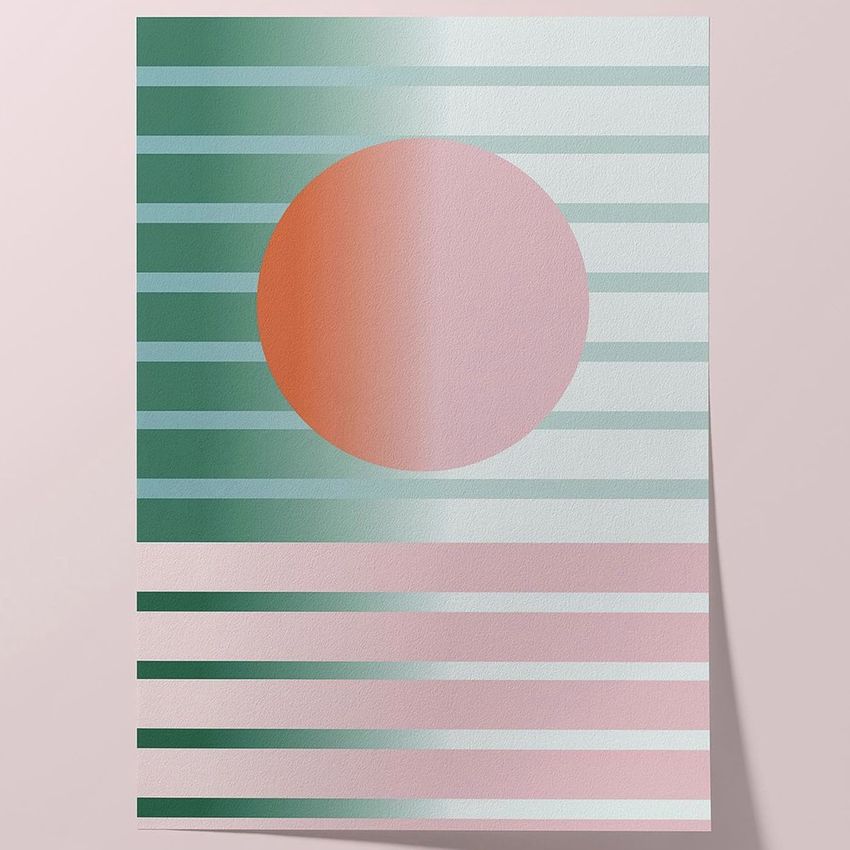
 Hahnemühle German Etching Giclée Fine Art Print Mockup Set View product
Thank you so much for this incredible review! We’re delighted to hear that the mockups reflect the real print so accurately and that you appreciate the quality and crisp resolution. Your continued trust in Creatsy truly means a lot to us.
What you get
Professional PSD mockups built in-house - editable, realistic, high-resolution, and supported by real people.
Layered PSD Files
Creatsy mockups are delivered as fully layered Photoshop .psd files, with layers sorted into clearly named groups. Shadows, highlights, and the background each sit on their own editable layer, and nothing is flattened into a single image. Open it in Photoshop or the free browser editor Photopea and get to work.
- Clearly named, organized layer groups
- Shadows and highlights on separate layers
- Editable background, never flattened
- Works in Photoshop or free Photopea
Smart Objects
Open the smart object, paste your artwork, and save. The design lands on the product with the perspective, warp, and wrap already worked out. Scene lighting and shadows fall back on top, so it reads as a photograph, not a flat paste-in. Swapping a design takes seconds, so one file can carry a whole run of variants and colorways.
- Double-click, paste your design, save
- Perspective, warp, and wrap pre-built
- Scene lighting and shadows sit back on top
- One file covers many variants and colorways
High-Resolution Output
Many scenes are built from real product photography rather than 3D renders, so the fabric and surface read like a studio shot. Files export at high resolution and stay sharp at full zoom, with clean edges where the print sits. The same file works for a hero banner, a paid ad or a product listing.
- Real product photography in many scenes
- Exports ready for print
- Holds detail at full zoom
- Works for banners, ads and listings
Easy to Edit
Colors, backgrounds, and artwork sit on separate, clearly named layers, so you swap a color or background without disturbing the rest of the scene. There is no relighting or shadow work to redo, and the same file works for your next project.
- Edit color and background layers directly
- No relighting or shadow rework needed
- No masking or layer skills required
- One file reused across projects
Fast Support
There is a real in-house team behind every file, not a ticket bot. Before you buy, ask whether a specific mockup fits what you have in mind, and we will tell you. When a smart object or a layer group is tripping you up, send the question and you usually get a reply within 48 hours.
- Real in-house team behind every file
- Replies within 48 hours
- Pre-purchase help picking the right mockup
- Answers on smart objects and layer setup
Who are these mockups for?
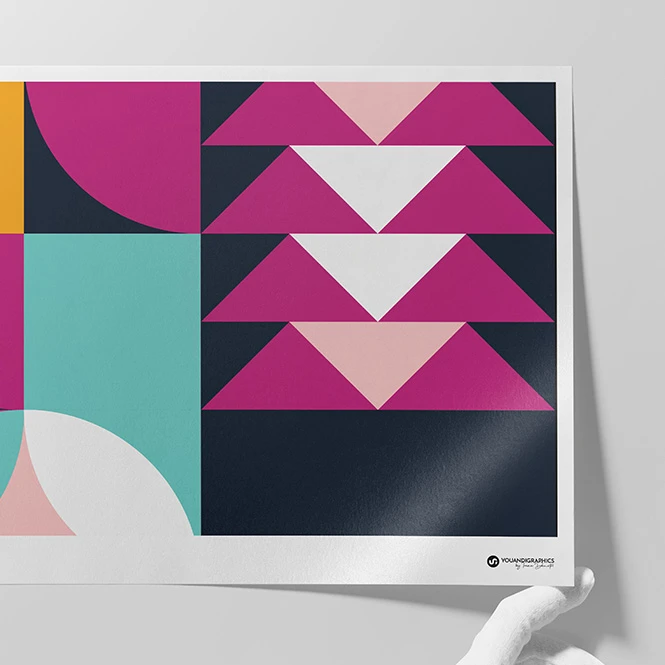
For artists, illustrators & licensing studios
Show paintings, illustrations, typography, and surface designs on different fine art paper presentations. Compare the intended visual character of smooth, textured, matte, glossy, and pearl surfaces in portfolios, licensing decks, buyer presentations, catalogs, and social media.
Presenting artwork on canvas as well? Browse Canvas Print mockups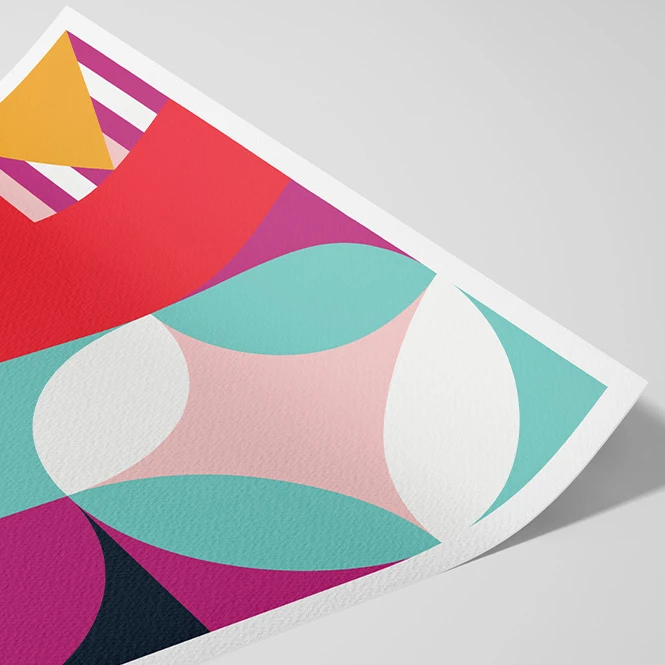
For fine-art photographers & printmakers
Present photography as textured matte, pearl, baryta, semi-gloss, cotton, bamboo, and rag-style prints. Use front views, close-ups, angled scenes, and hand-held presentations for edition launches, client approvals, online stores, portfolios, exhibition proposals, and press materials.
Offering framed editions too? Browse Framed Prints & Poster Hangers mockups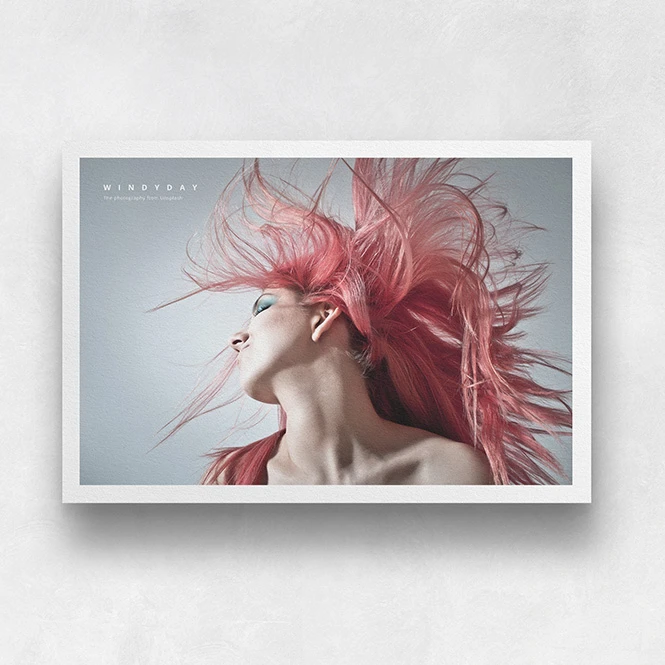
For galleries, print labs & art retailers
Create clear product visuals for paper options, print collections, limited editions, open editions, close-up details, borders, and custom ratios. Use mockups in customer consultations, retailer presentations, product pages, catalogs, educational materials, and gallery proposals.
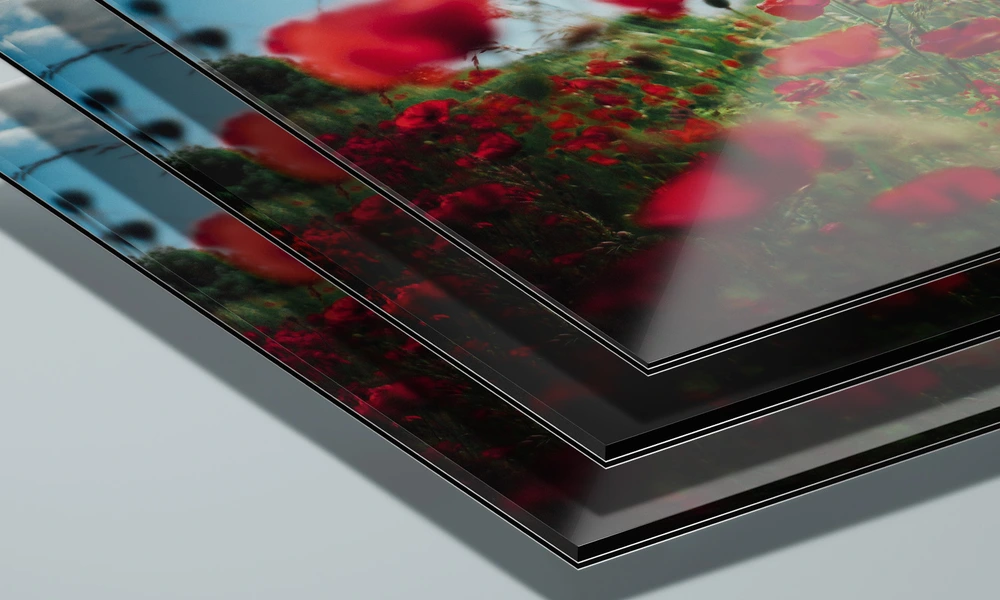
Offering metal or acrylic formats? Browse Metal & Acrylic Photo Prints mockups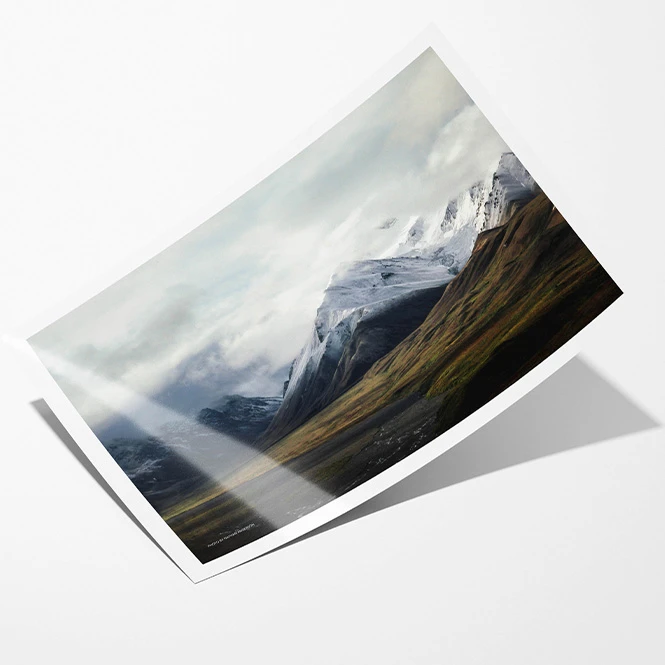
For photo-print & personalized-product sellers
Present 4 x 4 photographs, glossy and matte prints, square images, bordered photos, and custom-ratio artwork in grouped, stacked, close-up, and hand-held scenes. Create realistic listing images for photo products, memory prints, personalized gifts, online shops, advertising, and social media.
Need poster-style scenes? Browse Poster mockups
FAQs
The collection includes A3 fine art paper presentations, 4 x 4 square photo prints, glossy and matte photo prints, textured paper close-ups, hand-held views, front and angled scenes, custom borders, multiple aspect ratios, and an editable Art Print Generator. Selected sets are designed to represent named Hahnemühle, Canson, Epson, and Fujifilm paper options. Exact paper name, weight, size, software compatibility, file count, and editable features vary between products, so check the individual Product Details section before purchasing.
Selected mockups represent matte, textured, pearl, baryta, semi-gloss, cotton, bamboo, and rag-style papers associated with Hahnemühle, Canson, Epson, and Fujifilm. The collection currently includes paper names such as Photo Rag, Photo Rag Baryta, German Etching, William Turner, Bamboo, Museum Etching, FineArt Pearl, ARCHES Aquarelle Rag, and selected baryta, cotton, and semi-gloss options. Product titles and paper specifications should match the exact physical samples used to create each mockup. These files visualize the intended paper character and presentation, but they are not official manufacturer profiles or certified print proofs.
The Giclée Fine Art Print Mockup Bundle contains several paper collections and 80 separate PSD files. Choose the required paper and scene, add your artwork to that PSD, and export it separately. Changes do not automatically synchronize across the remaining papers or files. Art Print Generator contains multiple PSD mockups and lets you manually configure custom print proportions and margins. It is not an automated batch-rendering tool and does not export unlimited artworks or sizes without editing each required presentation separately.
No. A mockup can visualize paper texture, sheen, edges, thickness, borders, reflections, and the overall presentation of an artwork. It cannot guarantee the final color, black density, contrast, gloss, white point, surface detail, or print behavior produced by a particular printer, ink, paper batch, profile, and print provider. For color-critical work, use a calibrated monitor, the printer's recommended ICC profile, appropriate soft-proof settings, and a physical proof made on the final paper before approving production.
The editable mockups are designed for Adobe Photoshop. Selected products also work in Photopea, but compatibility varies, so check the individual product page before purchasing. Sets and bundles contain separate PSD files and may include independent Smart Objects that must be edited individually. Mockup exports are presentation images. They do not replace the final artwork file, print dimensions, image-resolution requirements, ICC profile, printer settings, bleed, paper specification, or physical proof. Exported visuals can be used in permitted product listings, client presentations, portfolios, catalogs, advertising, galleries, and social media according to the selected license. Commercial and Extended Commercial licenses have different usage limits, while resale, sublicensing, or redistribution of the source files is prohibited. Creatsy's current license table distinguishes end-product, social-media and advertising limits and prohibits resale or sublicensing of the source work.
Why use Photo & Fine Art Print mockups?
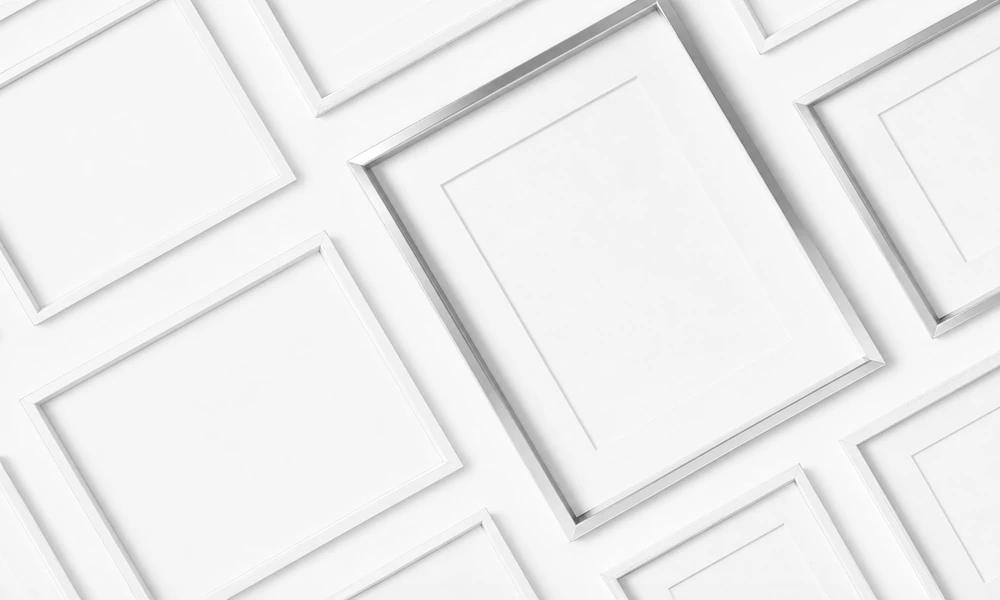
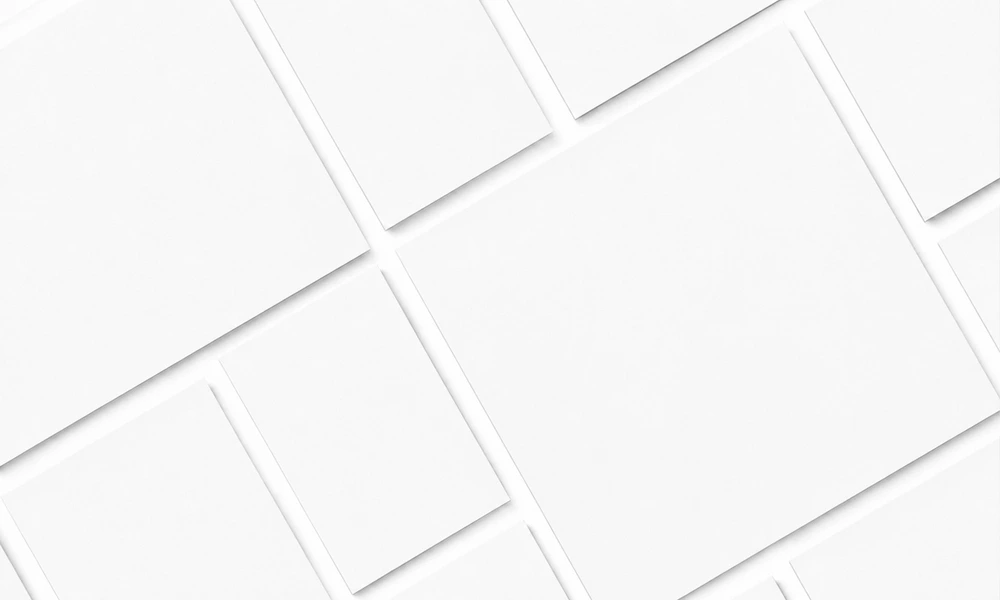
A flat artwork file does not communicate the complete printed product. Fine art papers differ in visible texture, sheen, white tone, edges, surface character, and the way they are handled or displayed. Photo and fine art print mockups turn the original artwork into a clearer and more realistic product presentation. Use paper-specific presentations to communicate the intended visual difference between smooth matte, textured rag, pearl, baryta, semi-gloss, cotton, and bamboo-style surfaces. Front views are useful for clean product images, while angled close-ups and hand-held scenes help show paper texture, edges, scale context, and surface reflections. These effects should be treated as visual directions rather than calibrated predictions of the final print. The 4 x 4 photo-print set supports square photographic products and grouped memory-print concepts. Glossy and matte scenes offer several aspect ratios, editable borders, and close-up views, while Art Print Generator allows custom proportions and margins to be configured manually for individual presentations. Layered Photoshop files and Smart Objects let you replace sample artwork while preserving the prepared perspective, paper shape, texture, lighting, shadows, reflections, and edge detail. Depending on the selected product, you may also be able to adjust paper or border colors, backgrounds, margins, ratios, and additional scene elements. Separate Photoshop files and independent Smart Objects must be edited individually. Export the finished visuals for online stores, client approvals, portfolios, galleries, licensing decks, catalogs, advertising, launch campaigns, and social media. Use mockups to communicate the intended paper and product presentation. For final printing, rely on the print provider's exact paper specification, ICC profile, artwork requirements, samples, and physical proofs.
FreeCreatsy® Mockups
I'm really happy with these
That's lovely to hear! 😊 Hope you have lots of fun creating with them. Thanks for sharing!