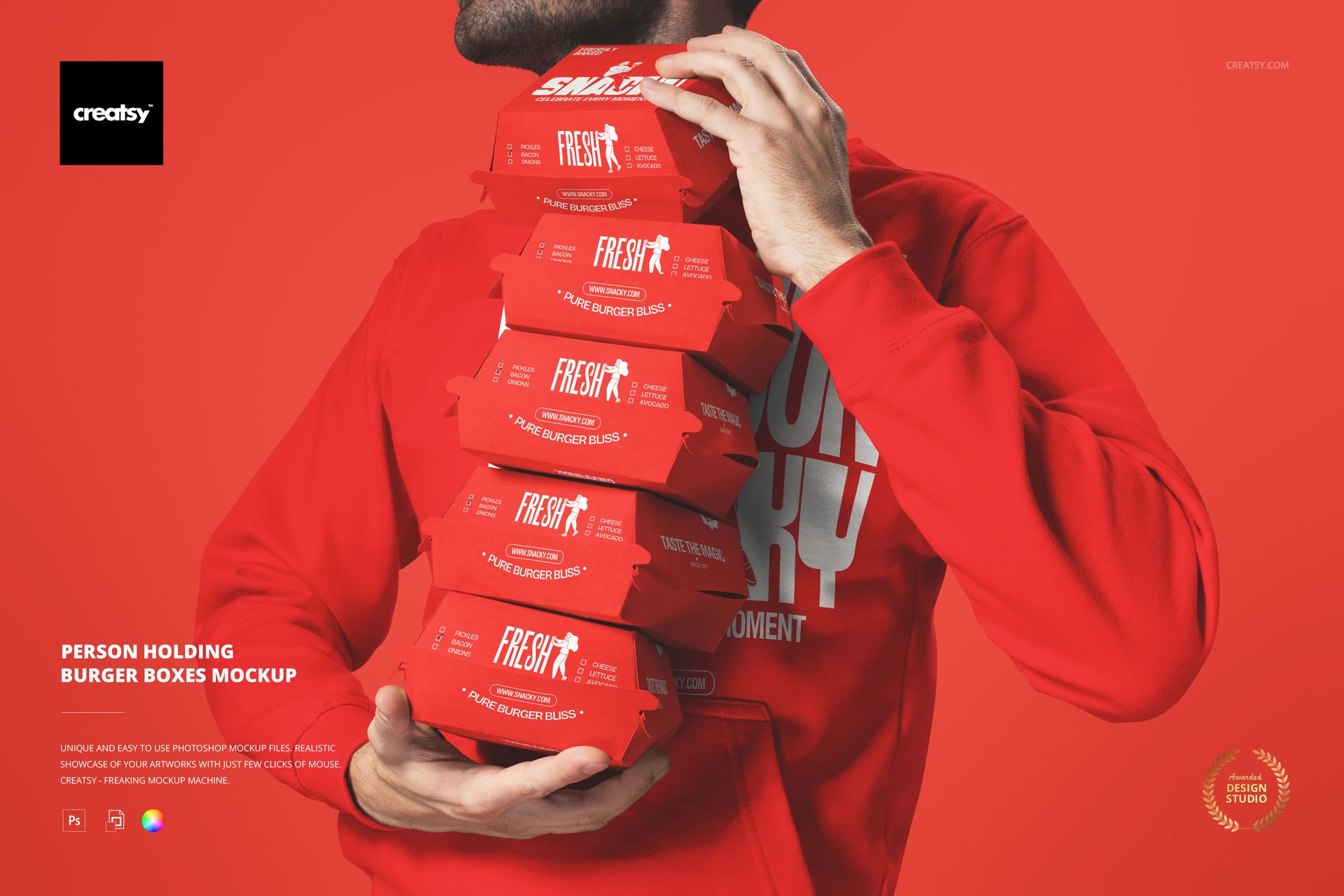
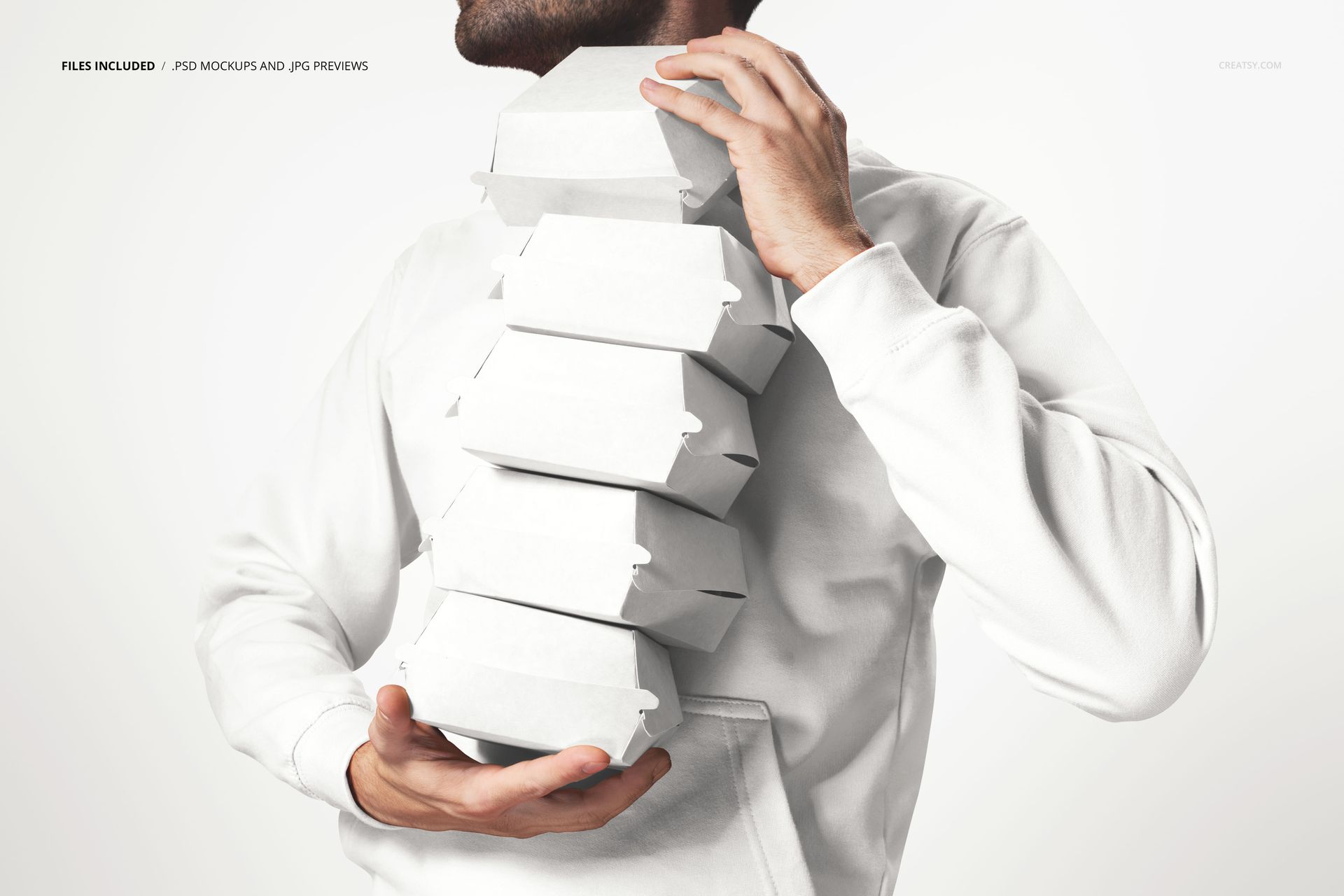
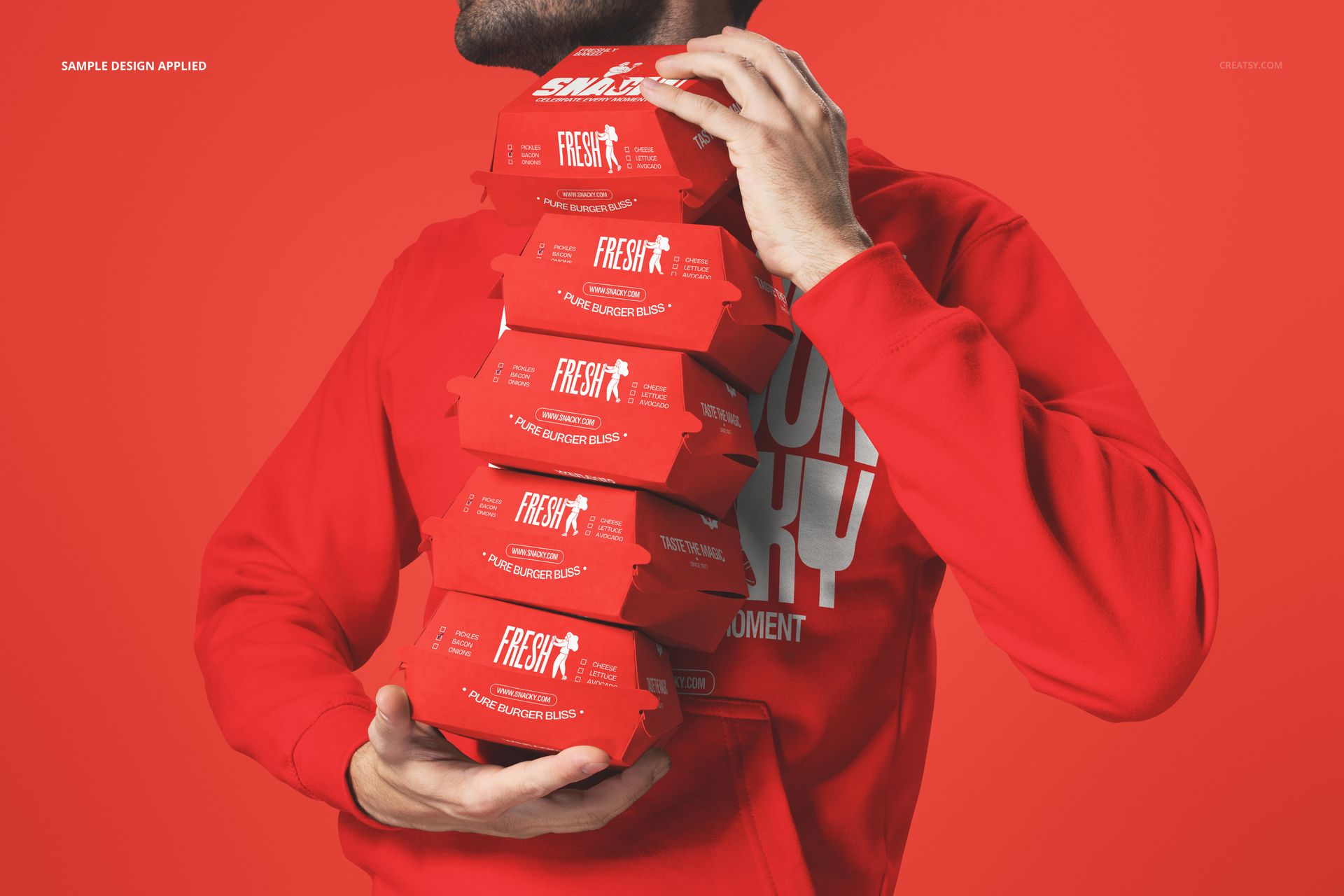
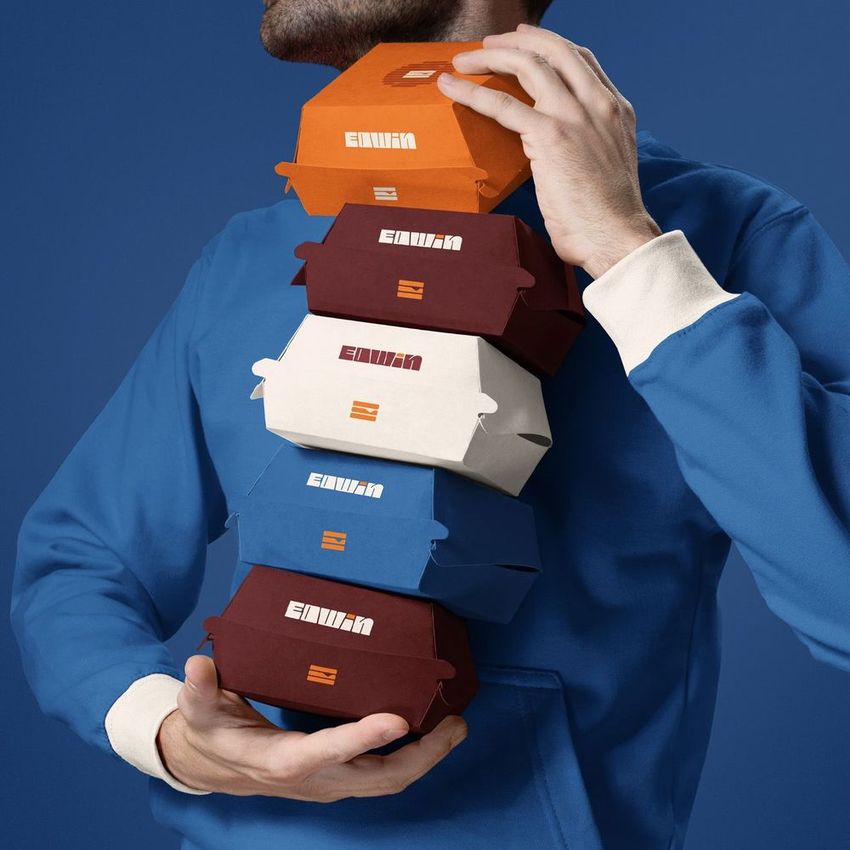
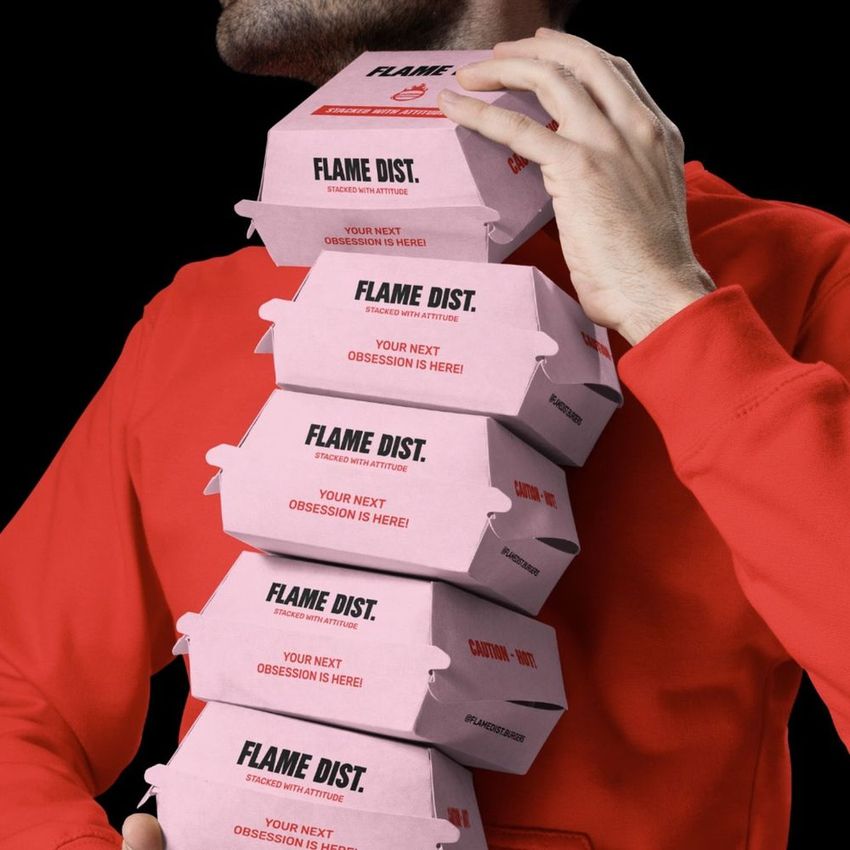
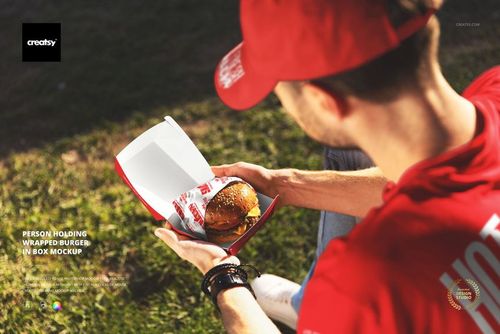
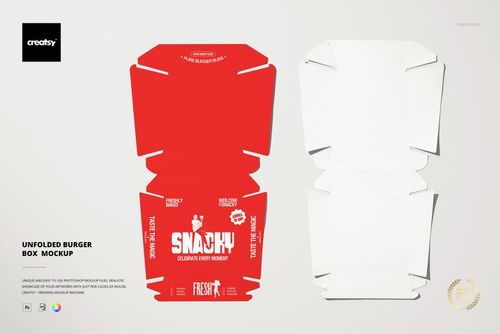
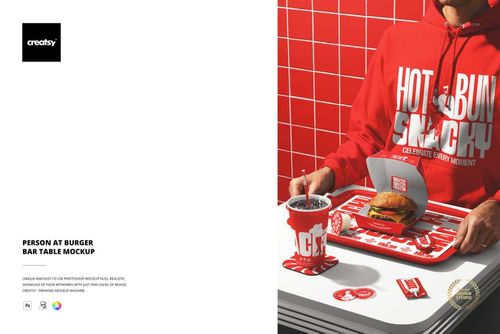
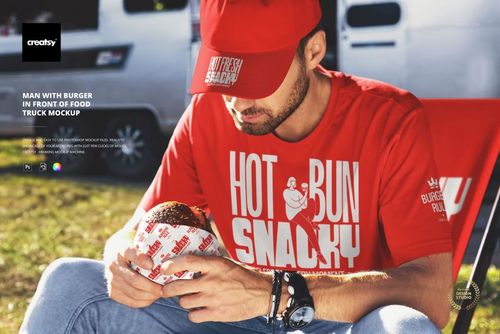
The Person Holding Burger Boxes Mockup shows a pair of hands carrying a stack of branded burger boxes, capturing the exact moment a customer or staff member picks up a takeout order. The composition adds a human element to packaging design that static product shots cannot replicate, showing how the boxes look when they are actually being held, carried, and handled in the real world. The smart object layers on the boxes let you apply your brand design and see how it reads from the angle a person naturally sees when receiving or delivering food. This is a lifestyle packaging mockup built for brands that want their marketing visuals to show the customer experience rather than just the packaging itself. The file measures 6000x4000px at 300 DPI with organized smart object layers and works in Adobe Photoshop CC 2020 or newer and Photopea.
Why This Mockup Works
Packaging does not exist on a table. It exists in hands, in bags, in cars, and in the moments between ordering and eating. This mockup captures one of those moments by showing burger boxes being held by a real person, which immediately shifts the image from a product shot to a lifestyle scene. That shift matters because it triggers an emotional response in the viewer: they see themselves holding those boxes, receiving that order, opening that meal. The human hands provide scale and context that a flat-lay or table shot cannot deliver, and the stacked arrangement communicates the volume of a real takeout order. For marketing purposes, this type of image outperforms standard product photography because it tells a story rather than displaying an object.
What Is Included
The download contains 1 layered PSD file. The scene shows a person holding multiple burger boxes in a stacked arrangement. The smart object layers control the design on the box surfaces, allowing you to apply your artwork and see it in the context of hands actually gripping and carrying the packaging. The lighting captures the paper texture and print quality of the boxes while maintaining a natural, candid feel that suits lifestyle marketing content.
What You Can Customize
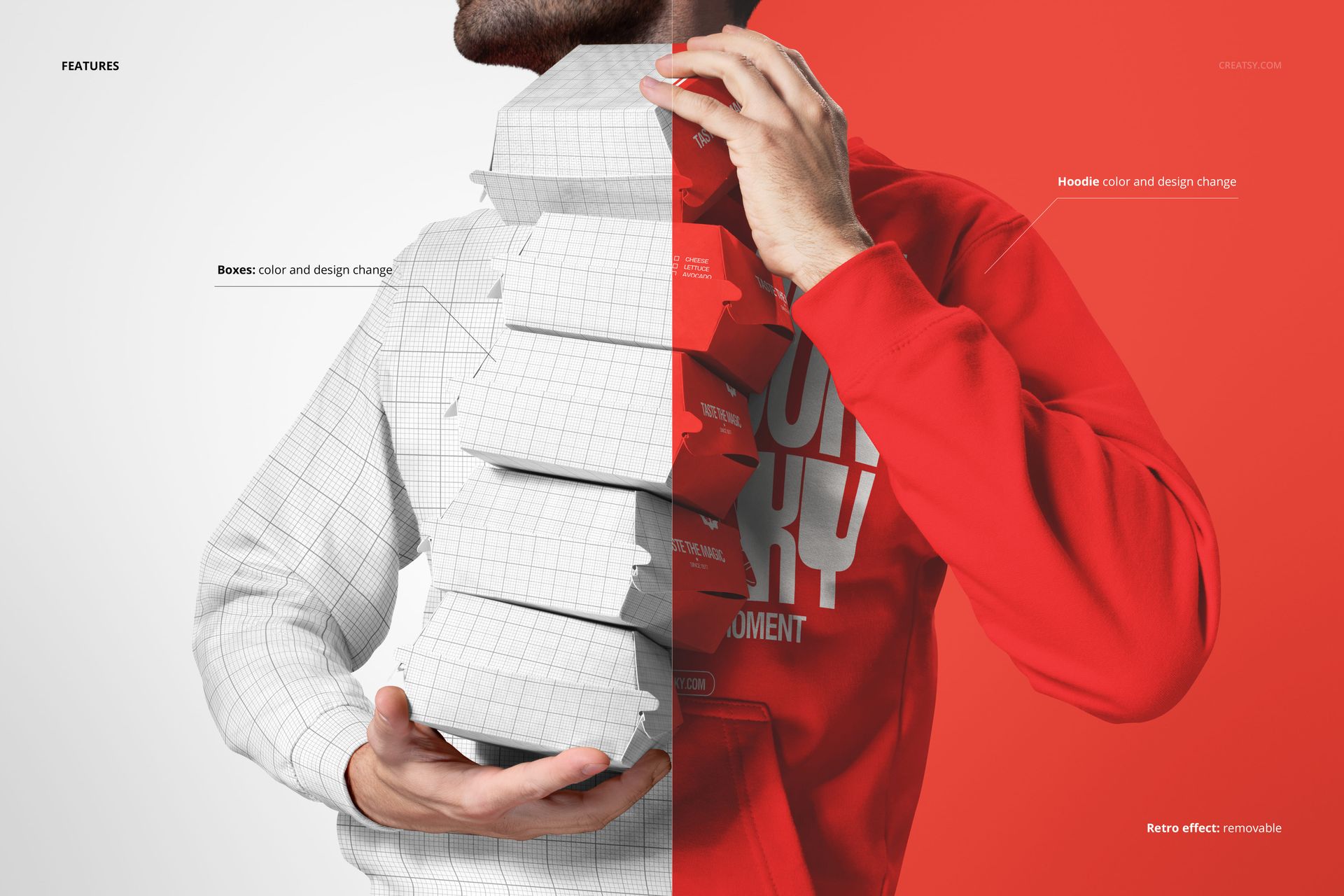
The smart objects control the design on the burger boxes. Double-click the smart object layer to place your logo, restaurant name, pattern, or graphic on the box surfaces. The artwork applies with accurate paper texture and fold response, and the perspective matches the natural viewing angle of someone holding or receiving the boxes. The adjustment layers let you modify overall brightness, contrast, and color temperature to match your brand aesthetic or to create a specific mood for the campaign. You can swap designs quickly to compare packaging concepts or create a series of variations for different menu items.
Who This Mockup Is For
Fast food restaurants and burger chains that need lifestyle marketing visuals showing their packaging in the hands of real people rather than sitting on a surface. Brand identity designers presenting packaging concepts to restaurant clients who want to see how the design looks in a realistic takeout and delivery context. Marketing teams at restaurant brands creating social media content, delivery app imagery, and promotional materials that feature the customer experience of receiving branded packaging. Food delivery companies and aggregator platforms building campaign visuals that show the moment of order handoff. Franchise developers and brand consultants creating brand guidelines that document how the packaging design performs in real-world handling scenarios.
File Specifications
Files: 1 PSD. Dimensions: 6000x4000 px. Resolution: 300 DPI. Color mode: RGB. File size: 285.34 MB. Compatibility: Adobe Photoshop CC 2020 or newer, Photopea.