 $1900
$1900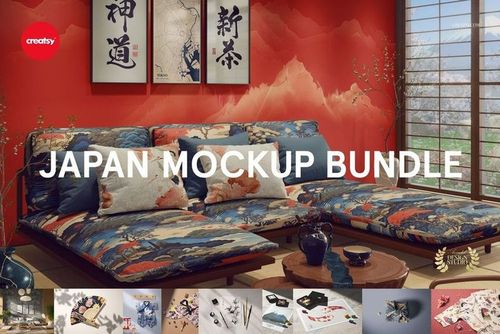 Early Access$4900
 $1900
$1900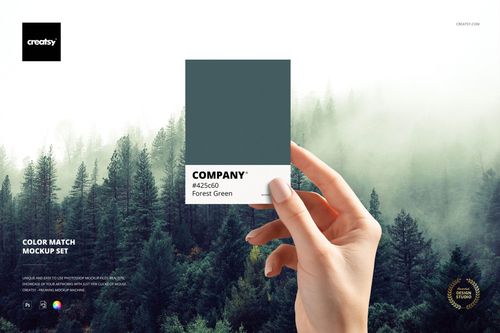 $3600
$3600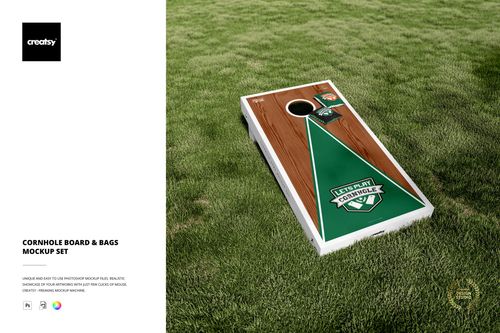 $1900
$1900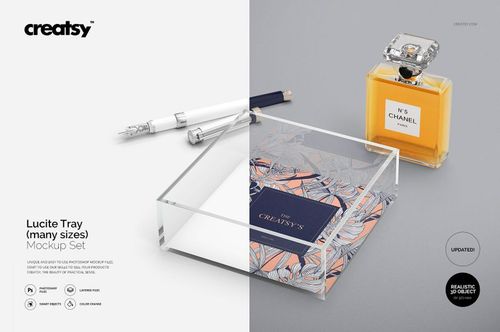
 $1900
$1900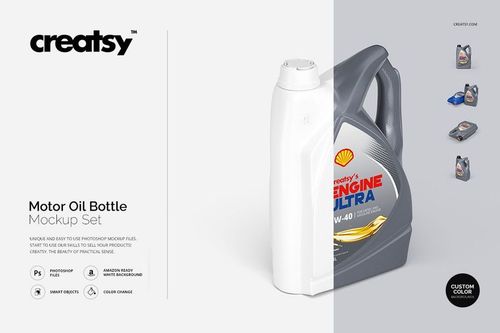 $1900
$1900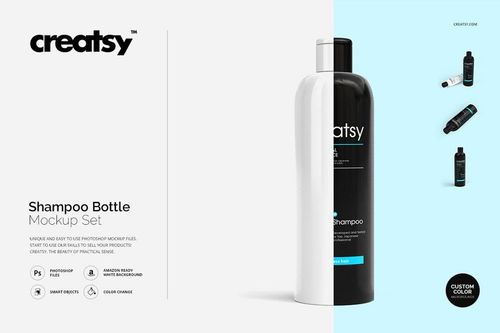 $1900
$1900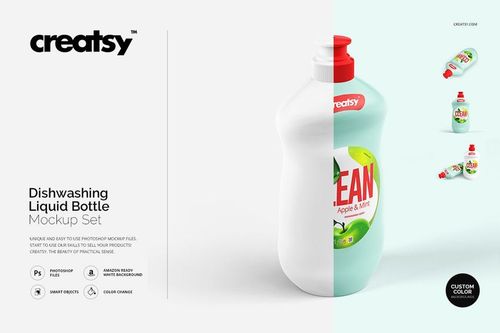 $1900
$1900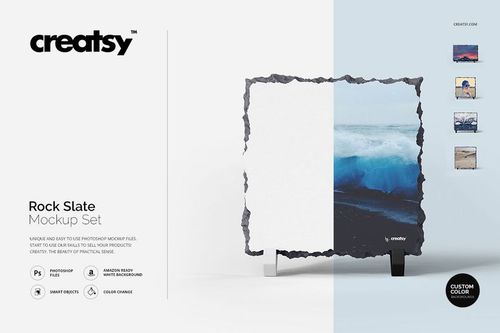 $2300
$2300 $1900
$1900 $1900
$1900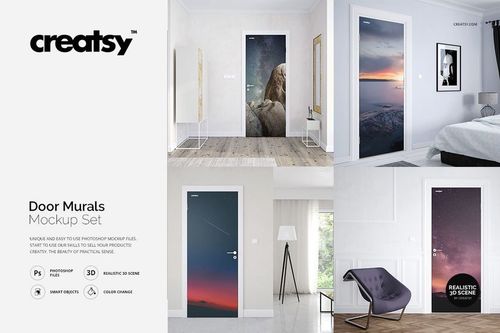 $1900
$1900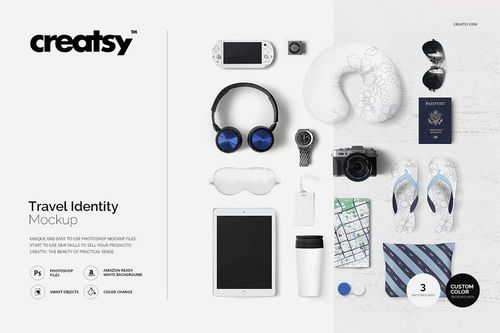 $1900
$1900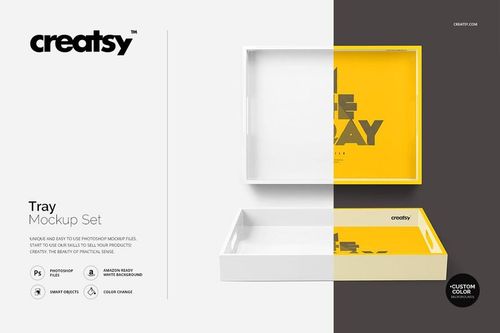 $1900
$1900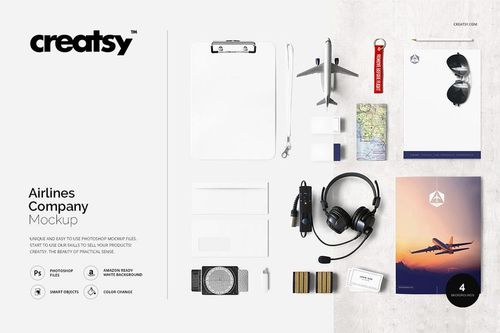 $1900
$1900
Other Mockups
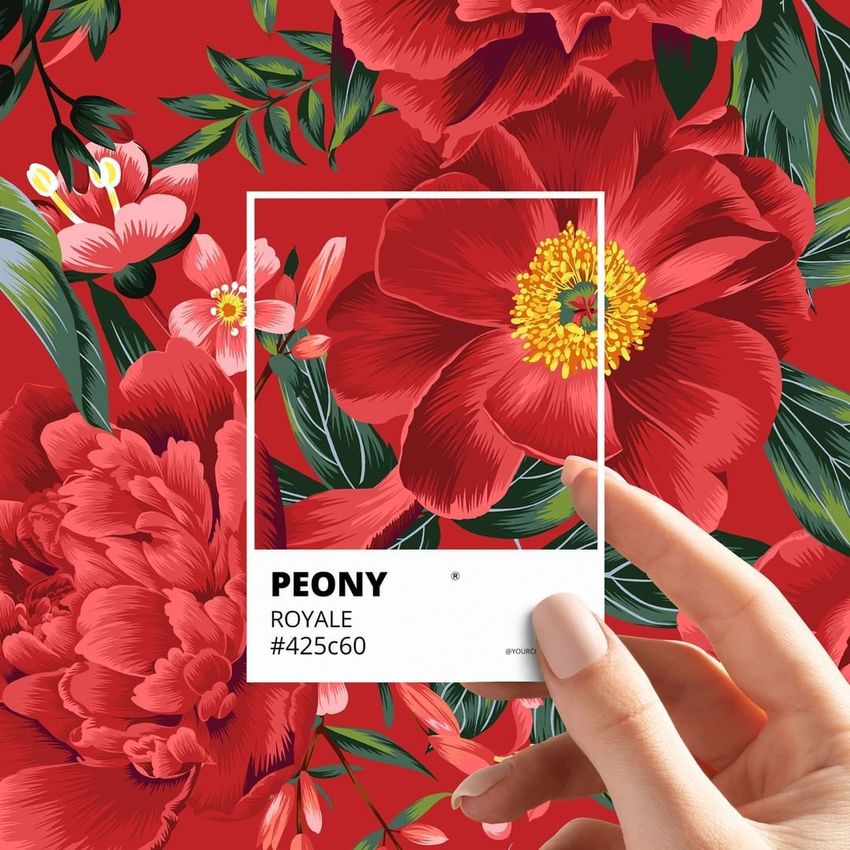
Explore editable mockups for unique products, themed collections, cross-category bundles, homeware, games, product containers, travel and airline branding, wall art, trays, door murals, and other uncommon formats. Add patterns, logos, labels, illustrations, typography, and coordinated colorways through layered Photoshop files and Smart Objects, then create realistic visuals for product listings, client presentations, portfolios, catalogs, advertising, and social media.

Reviews
What designers and brand owners say after using these PSD mockups in real client work.
0
Sort by:


Creatsy make the best Mockups on the market, no matter what you need to showcase. These mockups are highly customizable, and the lighting in them makes everything look very realistic. You can keep or turn off many of the Items in the mockup, also a great feature giving control over the look you want. They have the most friendly and very helpful support. I highly recommend these mockups!
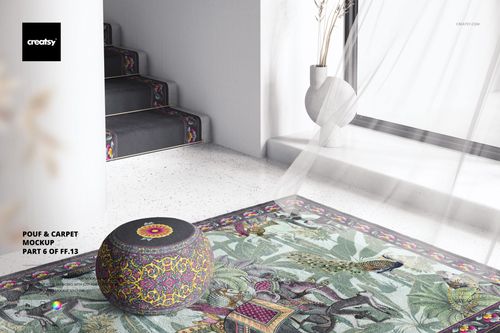
 Pouf & Carpet Mockup View product


What you get
Professional PSD mockups built in-house - editable, realistic, high-resolution, and supported by real people.
Layered PSD Files
Creatsy mockups are delivered as fully layered Photoshop .psd files, with layers sorted into clearly named groups. Shadows, highlights, and the background each sit on their own editable layer, and nothing is flattened into a single image. Open it in Photoshop or the free browser editor Photopea and get to work.
- Clearly named, organized layer groups
- Shadows and highlights on separate layers
- Editable background, never flattened
- Works in Photoshop or free Photopea
Smart Objects
Open the smart object, paste your artwork, and save. The design lands on the product with the perspective, warp, and wrap already worked out. Scene lighting and shadows fall back on top, so it reads as a photograph, not a flat paste-in. Swapping a design takes seconds, so one file can carry a whole run of variants and colorways.
- Double-click, paste your design, save
- Perspective, warp, and wrap pre-built
- Scene lighting and shadows sit back on top
- One file covers many variants and colorways
High-Resolution Output
Many scenes are built from real product photography rather than 3D renders, so the fabric and surface read like a studio shot. Files export at high resolution and stay sharp at full zoom, with clean edges where the print sits. The same file works for a hero banner, a paid ad or a product listing.
- Real product photography in many scenes
- Exports ready for print
- Holds detail at full zoom
- Works for banners, ads and listings
Easy to Edit
Colors, backgrounds, and artwork sit on separate, clearly named layers, so you swap a color or background without disturbing the rest of the scene. There is no relighting or shadow work to redo, and the same file works for your next project.
- Edit color and background layers directly
- No relighting or shadow rework needed
- No masking or layer skills required
- One file reused across projects
Fast Support
There is a real in-house team behind every file, not a ticket bot. Before you buy, ask whether a specific mockup fits what you have in mind, and we will tell you. When a smart object or a layer group is tripping you up, send the question and you usually get a reply within 48 hours.
- Real in-house team behind every file
- Replies within 48 hours
- Pre-purchase help picking the right mockup
- Answers on smart objects and layer setup
Who are these mockups for?
For branding studios & campaign designers
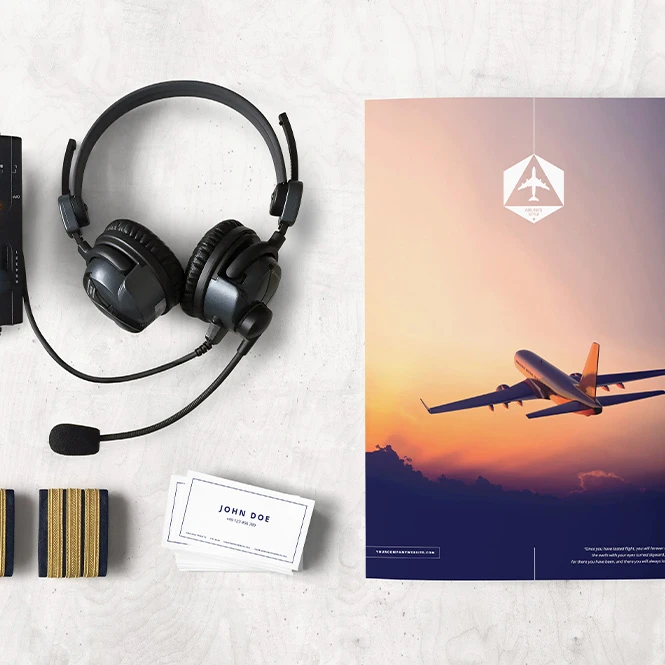
Build coordinated presentations using color swatches, travel and airline identity scenes, themed collections, stationery, accessories, and multi-product branding concepts. Use the finished visuals in client pitches, identity guidelines, launch campaigns, portfolios, and case studies.
Building a complete identity? Browse Brand Identity mockups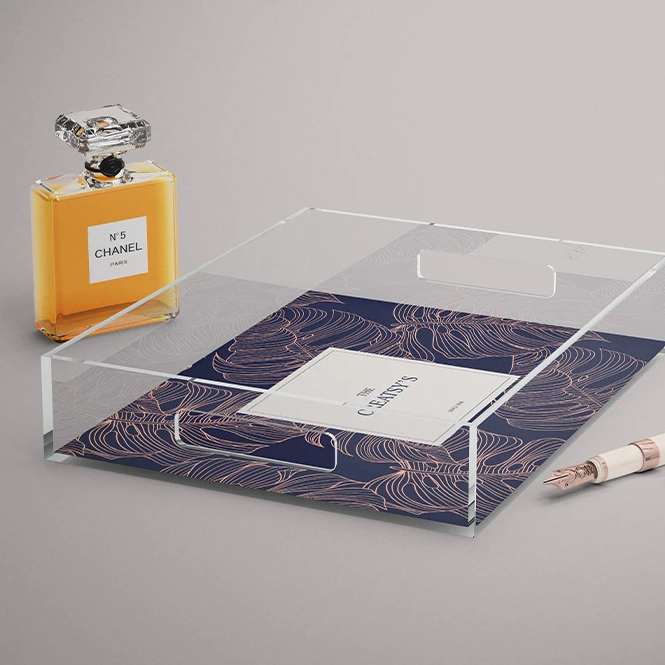
For personalized product & specialty sellers
Show artwork on cornhole boards, rock slates, trays, games, decorative products, and other uncommon formats. Create realistic listing images and design variations without manufacturing and photographing every early concept.
Offering specialist art products? Browse Prints & Wall Art mockups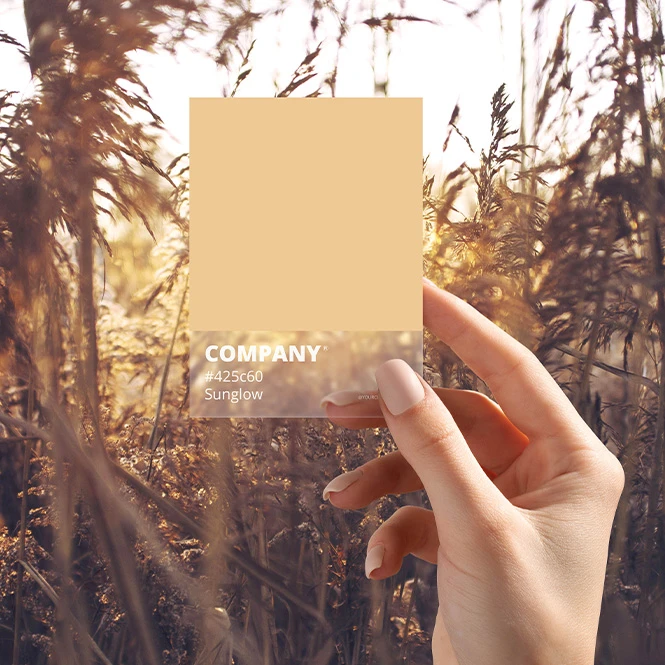
For product & packaging designers
Preview labels, full-surface artwork, typography, colors, and packaging concepts on personal-care, automotive, household, and fragrance-product containers. Use the mockups in client approvals, packaging presentations, product listings, retailer decks, and portfolio projects.
Developing a wider packaging system? Browse Packaging & Wrapping mockups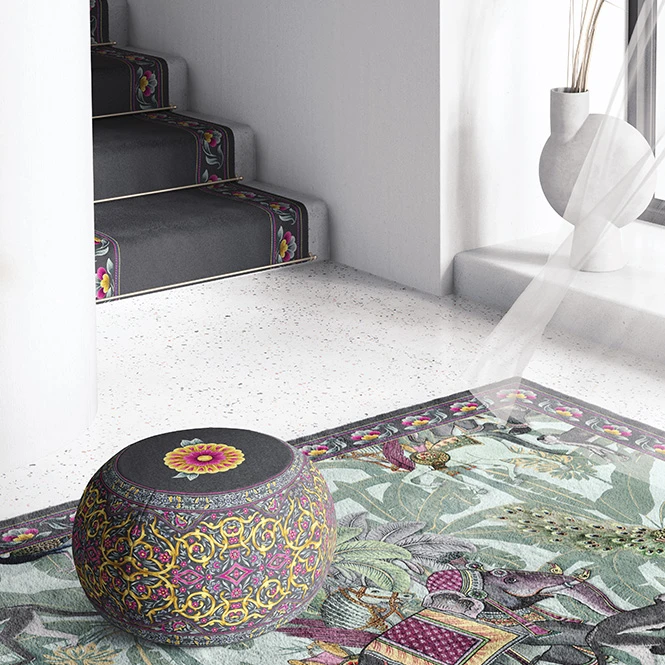
For surface pattern & interior designers
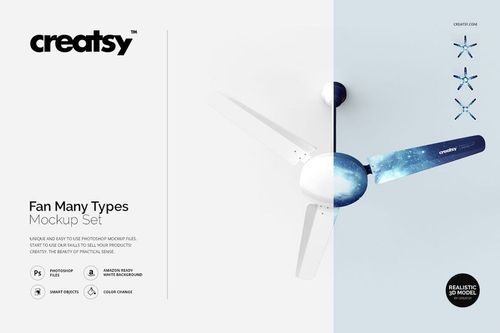
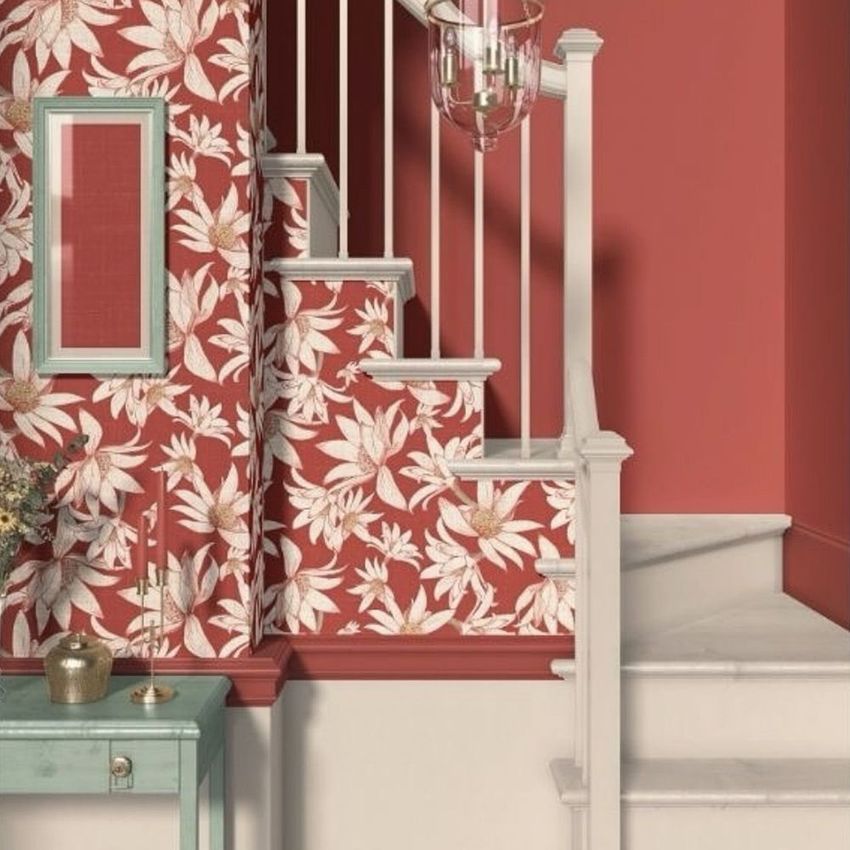
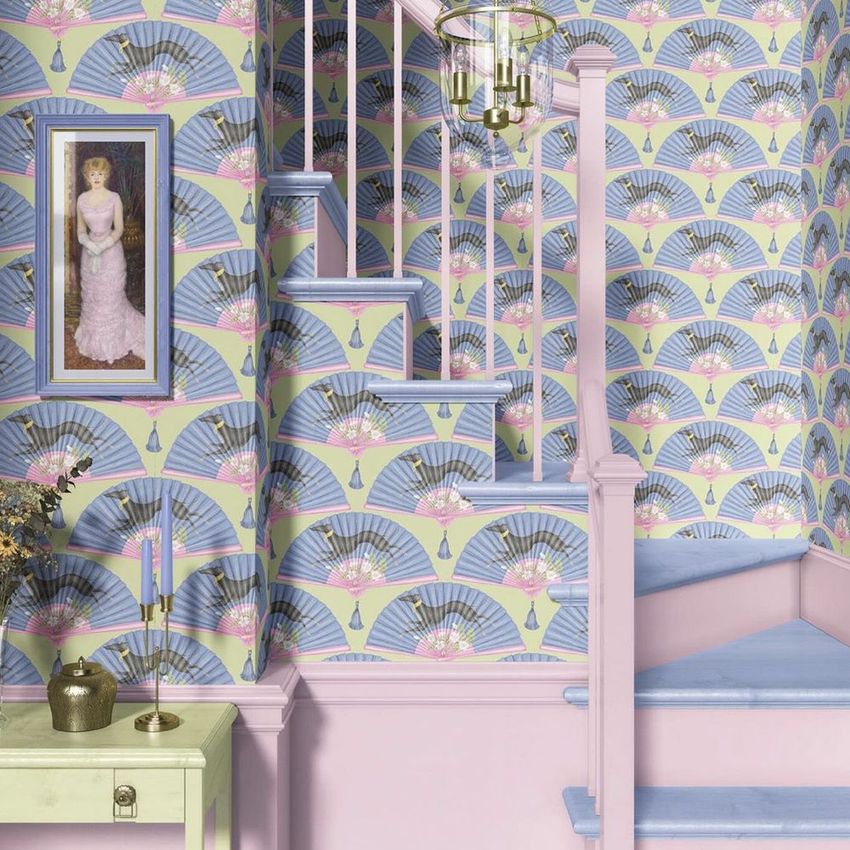
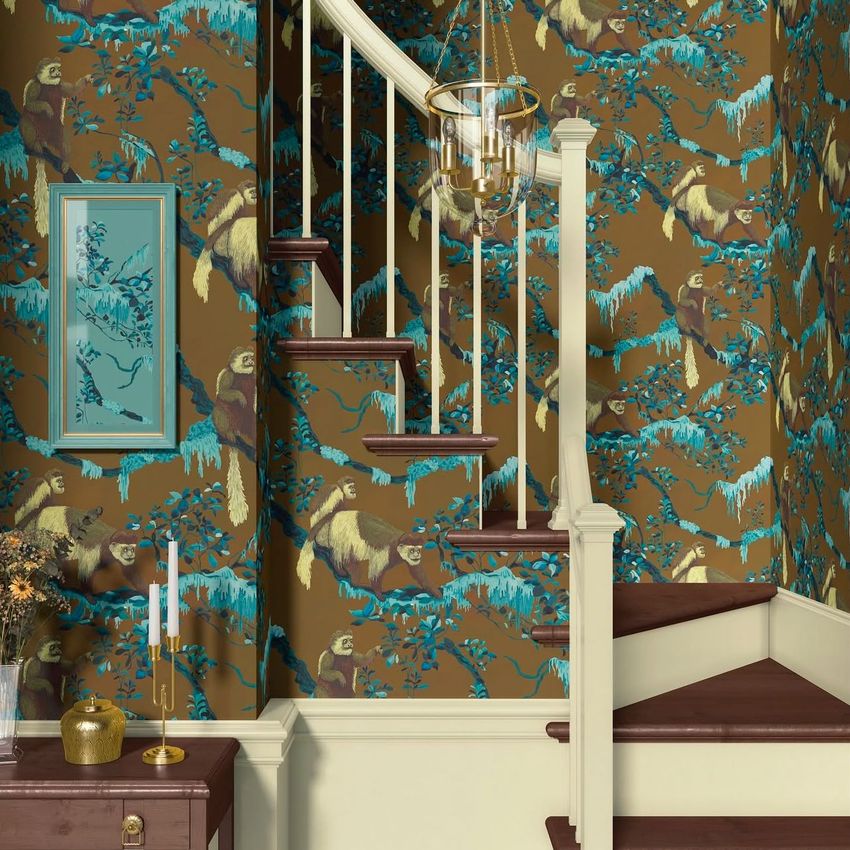
Present artwork across wallpaper, door murals, poufs, carpets, ceiling fans, trays, and selected homeware surfaces. Show how one visual direction can work across walls, furniture, decorative products, and interior concepts.
Creating a wider home collection? Browse Home & Living mockups
FAQs
Other Mockups brings together uncommon product formats, themed bundles, and cross-category mockups that do not fit neatly into one dedicated collection. The selection may include specialty homeware, color-presentation tools, games, product containers, wall-art formats, travel branding scenes, and collections spanning several industries. Products that also match a more specific category may be available through both sections or connected through related-category links.
The main Creatsy categories organize products by a clear format or industry, such as apparel, packaging, stationery, cosmetics, home decor, or wall art. Other Mockups includes unusual products, one-off formats, and cross-category collections that cannot be described accurately by one dedicated category. When a product clearly fits an existing collection, you may also find it through that category or a related internal link.
Selected themed or cross-category releases may appear here when they combine several different product types. The Japan Mockup Bundle is one current example of a themed collection spanning multiple products. Current collaboration opportunities and dedicated partnership releases should be presented through the Creative Collabs section rather than through a permanent, manually maintained list of collaborator names.
Customization depends on the selected product. You can generally replace sample artwork through Smart Objects and adjust selected product colors. Additional options may include backgrounds, labels, individual objects, walls, furniture, gradients, packaging surfaces, props, shadows, or other scene details. Sets and bundles contain separate Photoshop files, while multi-product scenes may contain several independent Smart Objects. Changes do not automatically synchronize between different PSD files, products, or surfaces.
The editable products are designed for Adobe Photoshop. Selected files also work in Photopea, but compatibility varies, so check the Compatibility section on the individual product page before purchasing. Specialty mockups are presentation files. They do not replace a manufacturer's dimensions, dieline, print area, color profile, material specification, structural template, safety requirements, physical sample, or production proof. Exported visuals may be used in permitted listings, presentations, portfolios, catalogs, advertising, and social media according to the selected license.
Why use Other mockups?
Some products do not fit neatly into a standard mockup category. They may have unusual proportions, several editable surfaces, specialized materials, curved containers, moving elements, irregular edges, or a combination of products drawn from different industries. Specialty mockups turn these less common formats into clear, realistic presentations instead of leaving the artwork as a flat design file. Use branding and color-presentation scenes to communicate a complete visual direction. Interior and surface-design mockups help show artwork across walls, furniture, doors, fans, carpets, and decorative home products. Container mockups provide a realistic context for personal-care, household, automotive, and fragrance labels. Games, trays, rock slates, and other personalized products help sellers demonstrate artwork on formats that would otherwise require a separate sample and photo shoot for every design variation. Themed bundles provide several product types that can be combined into a broader campaign or portfolio story. Layered Photoshop files and Smart Objects let you replace sample artwork while preserving the prepared perspective, lighting, shadows, reflections, texture, and product shape. Depending on the selected file, you may also be able to adjust colors, backgrounds, walls, labels, props, gradients, or other scene elements. Separate files and independent Smart Objects must be edited individually. Export the finished visuals for product listings, custom-order previews, client approvals, branding presentations, portfolios, catalogs, advertising, and social media. Use mockups to communicate the intended visual direction. For final manufacturing, rely on the supplier's exact dimensions, materials, templates, samples, and production proofs.
FreeCreatsy® Mockups
Creatsy make the best Mockups on the market, no matter what you need to showcase. These mockups are highly customizable, and the lighting in them makes everything look very realistic. You can keep or turn off many of the Items in the mockup, also a great feature giving control over the look you want. They have the most friendly and very helpful support. I highly recommend these mockups!
Thank you so much for such a thoughtful and generous review, Annet! We’re truly happy to hear that you enjoy the quality, realistic lighting and customization options in our mockups. It means a lot to know that the files help you control the final look of your presentations and make your designs feel professional and realistic. We also really appreciate your kind words about our support. Thank you for recommending Creatsy!