 $5900
$5900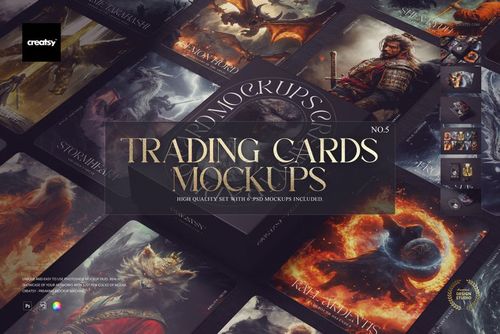
 $5900
$5900 $2400
$2400 $2400
$2400 $2400
$2400 $2400
$2400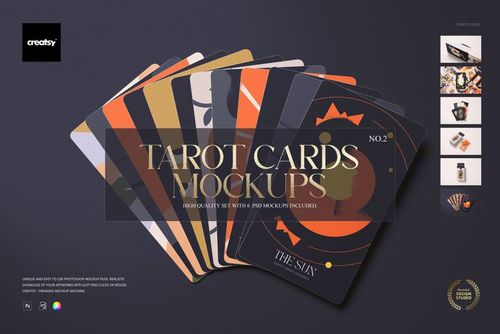 $2400
$2400 $2400
$2400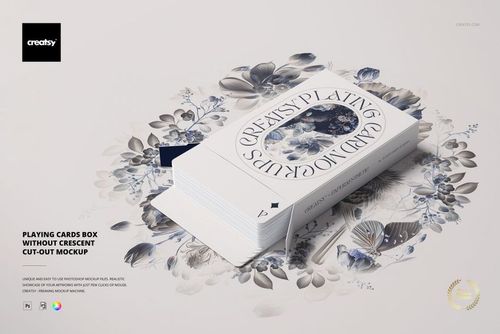
 $5900
$5900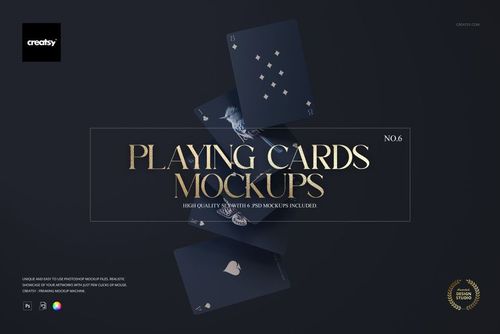
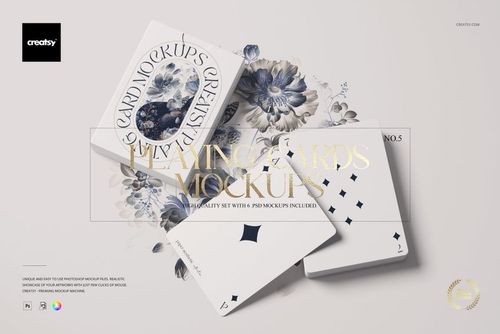
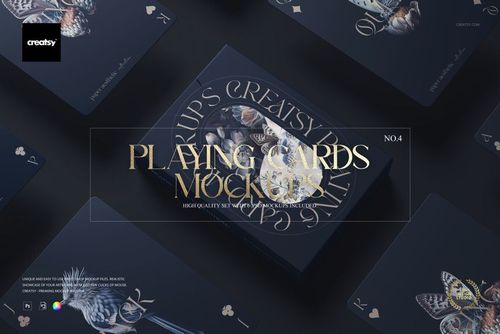
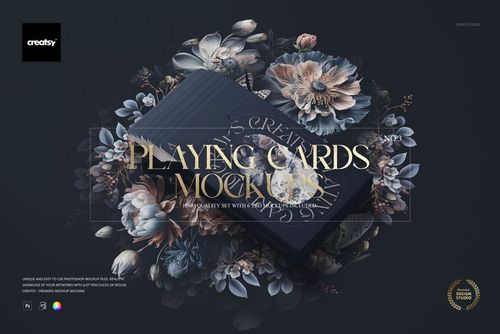
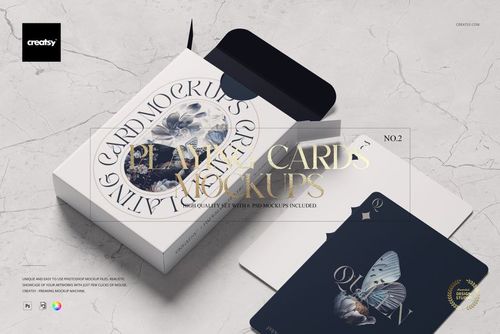

Card Deck Mockups
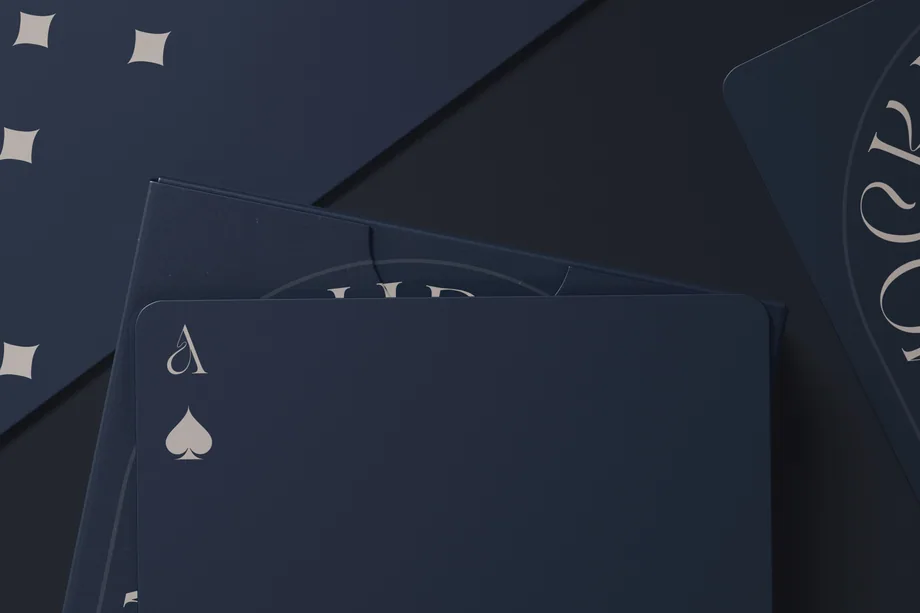
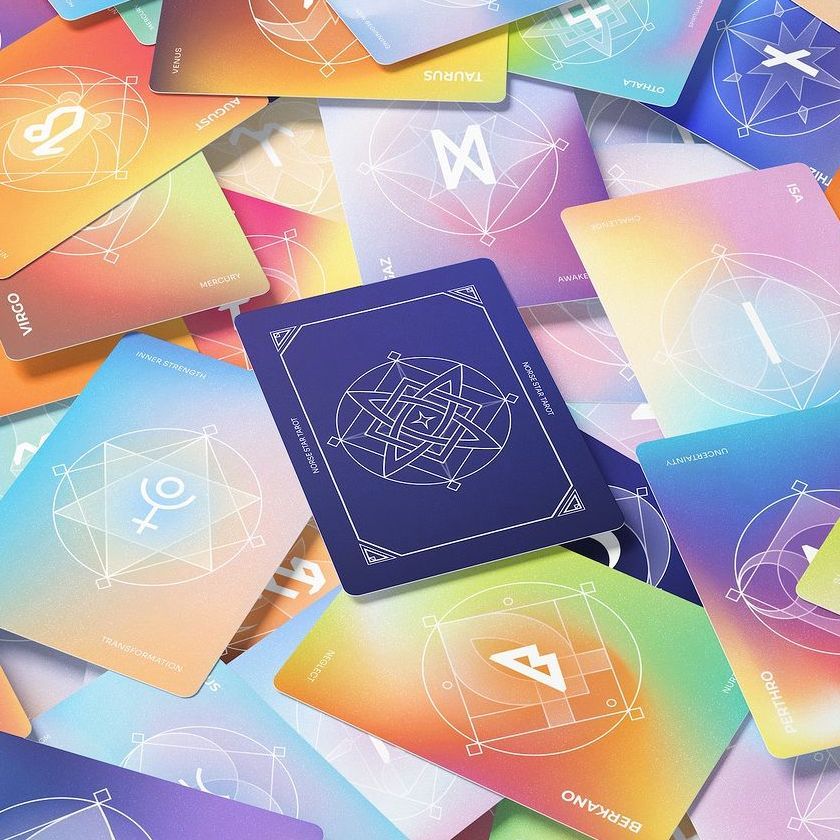
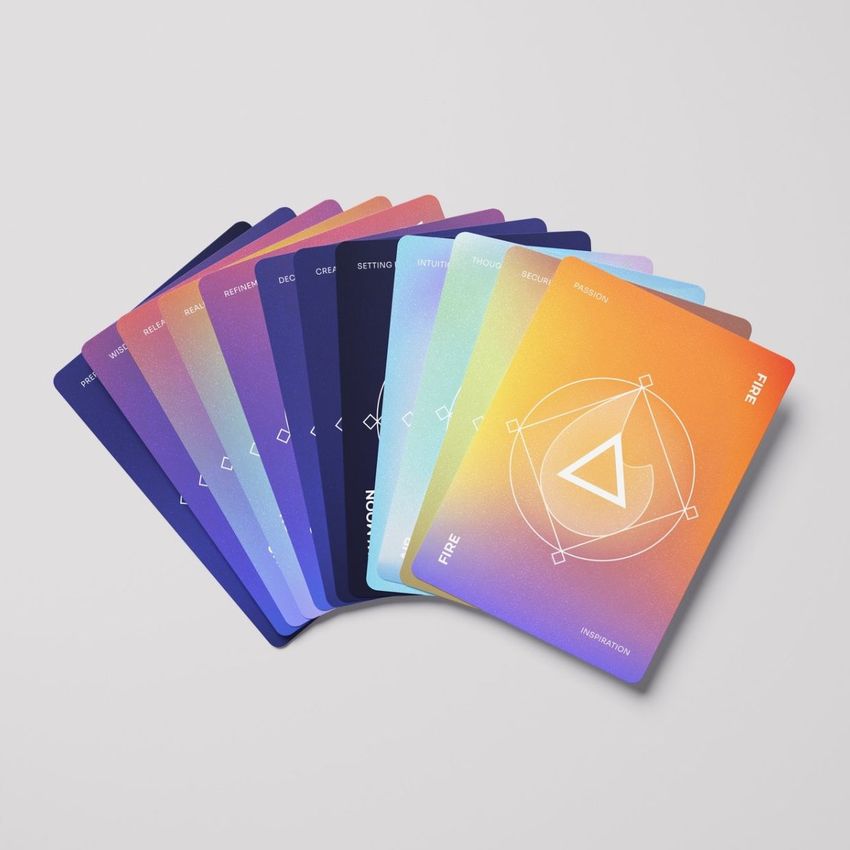
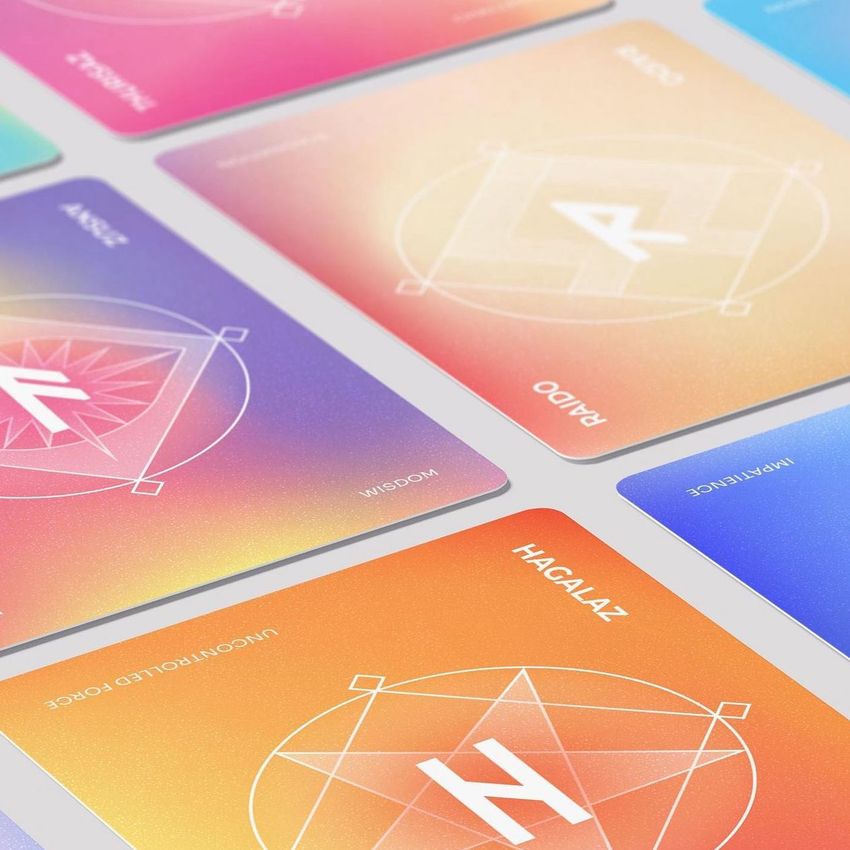
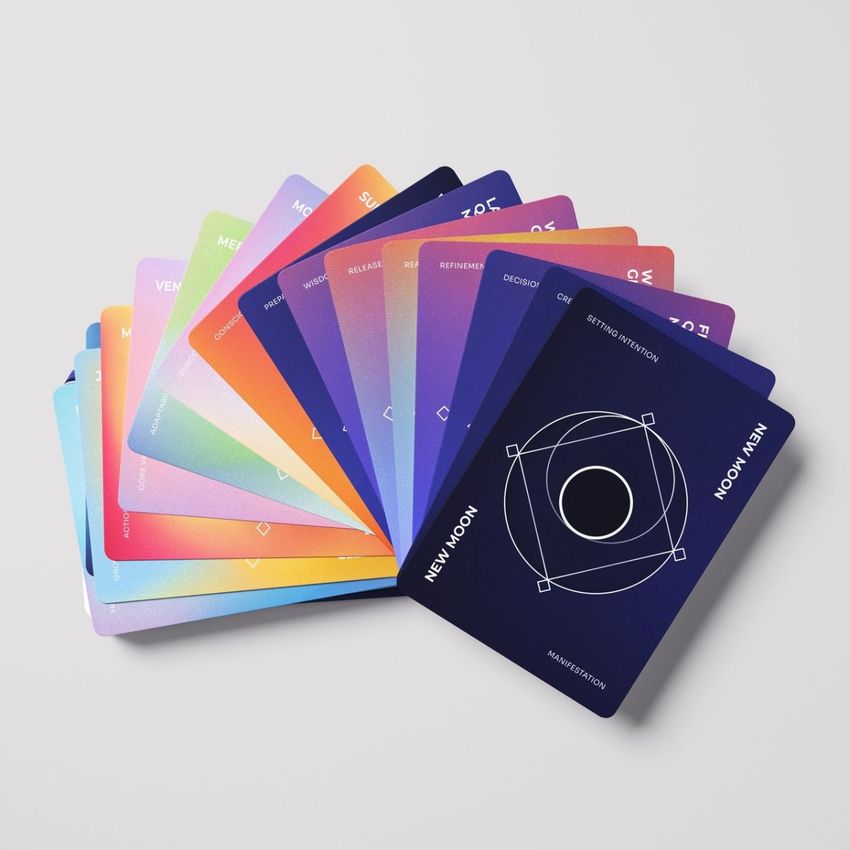
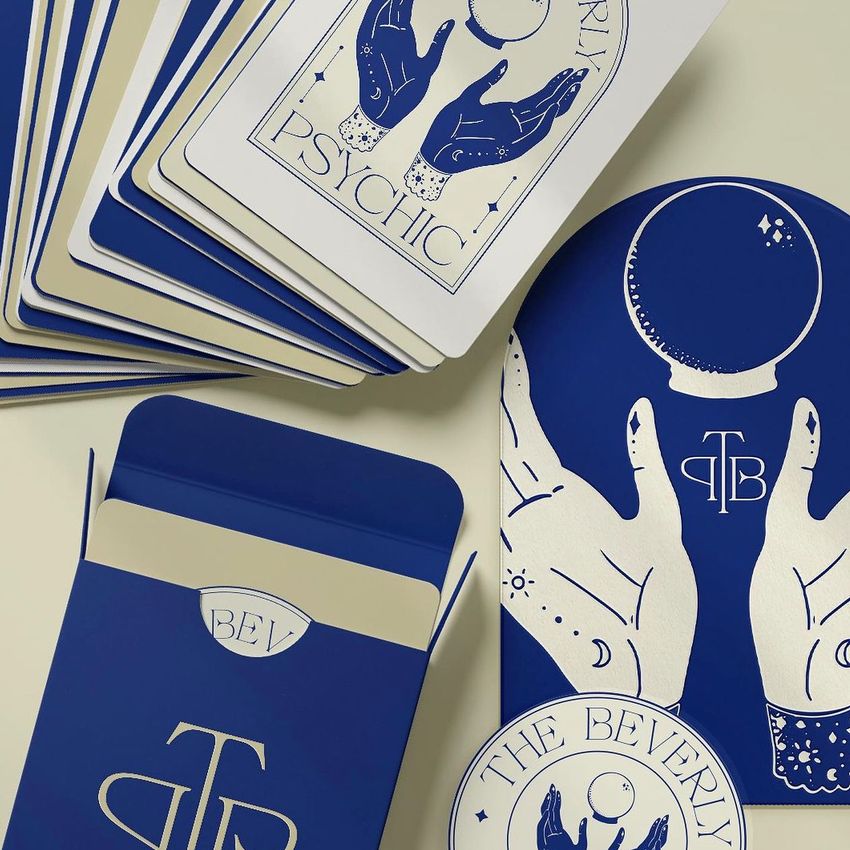
Preview playing, tarot and trading card designs in stacks, spreads and boxes. Add your card faces, backs and packaging artwork to editable deck mockups, then export images for online shop listings, publisher presentations or a crowdfunding campaign.

Reviews
What designers and brand owners say after using these PSD mockups in real client work.
0
Sort by:


I love these mockups! They're unique and so easy to use.
 Playing Cards Mockup Set v.2 View product
Thank you so much, designerbb! We are delighted that you find the mockups unique and easy to use. Your feedback means a lot to us, and we hope the set helps you create many beautiful card presentations!


Really horrible. Doesn't download.
 Tarot Cards Mockup Set v.2 View product
Hi Nandini, I’m really sorry for the trouble. We’ve re-tested the files on our side and they’re working, so this is most likely due to an incomplete download or the ZIP not being extracted correctly. Please make sure the files finish downloading fully and are extracted per our guide: https://creatsy.com/help-center/troubleshooting-downloading-and-unzipping-issues Sometimes the default unzip tool causes errors. Here are quick fixes: Windows: https://creatsy.com/help-center/troubleshooting-unzipping-ZIP-files-windows Mac: https://creatsy.com/help-center/troubleshooting-unzipping-ZIP-files-mac To get you working immediately, I’m also sending the assets as individual, unzipped files via WeTransfer, please check your inbox for the link. If anything still misbehaves, tell me which file name is failing and I’ll resend another way right away. Thanks for your patience!
What you get
Professional PSD mockups built in-house - editable, realistic, high-resolution, and supported by real people.
Layered PSD Files
Creatsy mockups are delivered as fully layered Photoshop .psd files, with layers sorted into clearly named groups. Shadows, highlights, and the background each sit on their own editable layer, and nothing is flattened into a single image. Open it in Photoshop or the free browser editor Photopea and get to work.
- Clearly named, organized layer groups
- Shadows and highlights on separate layers
- Editable background, never flattened
- Works in Photoshop or free Photopea
Smart Objects
Open the smart object, paste your artwork, and save. The design lands on the product with the perspective, warp, and wrap already worked out. Scene lighting and shadows fall back on top, so it reads as a photograph, not a flat paste-in. Swapping a design takes seconds, so one file can carry a whole run of variants and colorways.
- Double-click, paste your design, save
- Perspective, warp, and wrap pre-built
- Scene lighting and shadows sit back on top
- One file covers many variants and colorways
High-Resolution Output
Many scenes are built from real product photography rather than 3D renders, so the fabric and surface read like a studio shot. Files export at high resolution and stay sharp at full zoom, with clean edges where the print sits. The same file works for a hero banner, a paid ad or a product listing.
- Real product photography in many scenes
- Exports ready for print
- Holds detail at full zoom
- Works for banners, ads and listings
Easy to Edit
Colors, backgrounds, and artwork sit on separate, clearly named layers, so you swap a color or background without disturbing the rest of the scene. There is no relighting or shadow work to redo, and the same file works for your next project.
- Edit color and background layers directly
- No relighting or shadow rework needed
- No masking or layer skills required
- One file reused across projects
Fast Support
There is a real in-house team behind every file, not a ticket bot. Before you buy, ask whether a specific mockup fits what you have in mind, and we will tell you. When a smart object or a layer group is tripping you up, send the question and you usually get a reply within 48 hours.
- Real in-house team behind every file
- Replies within 48 hours
- Pre-purchase help picking the right mockup
- Answers on smart objects and layer setup
Who are these mockups for?
For illustrators & surface pattern designers
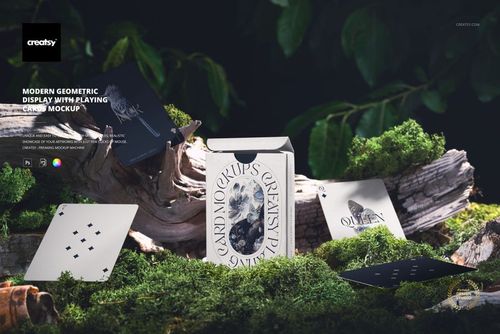
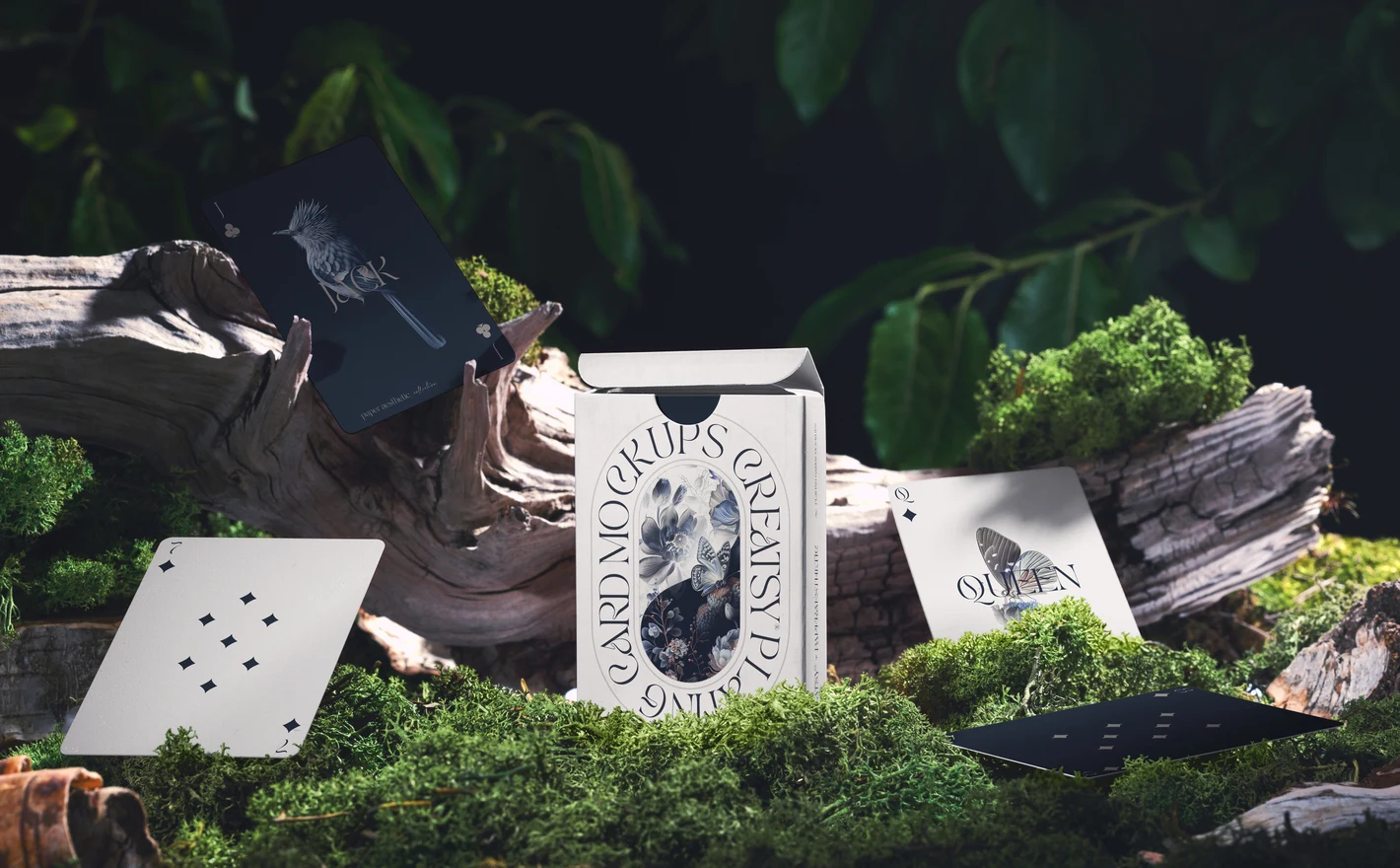
Drop the illustration into the Nature Inspired Playing Cards Mockup and the deck and its box sit on mossy wood with the forest behind them, a portfolio shot that reads as a product instead of a pattern swatch. Use it for the licensing pitch and the launch post.
Showing a deck as a product? View the Nature Inspired Playing Cards Mockup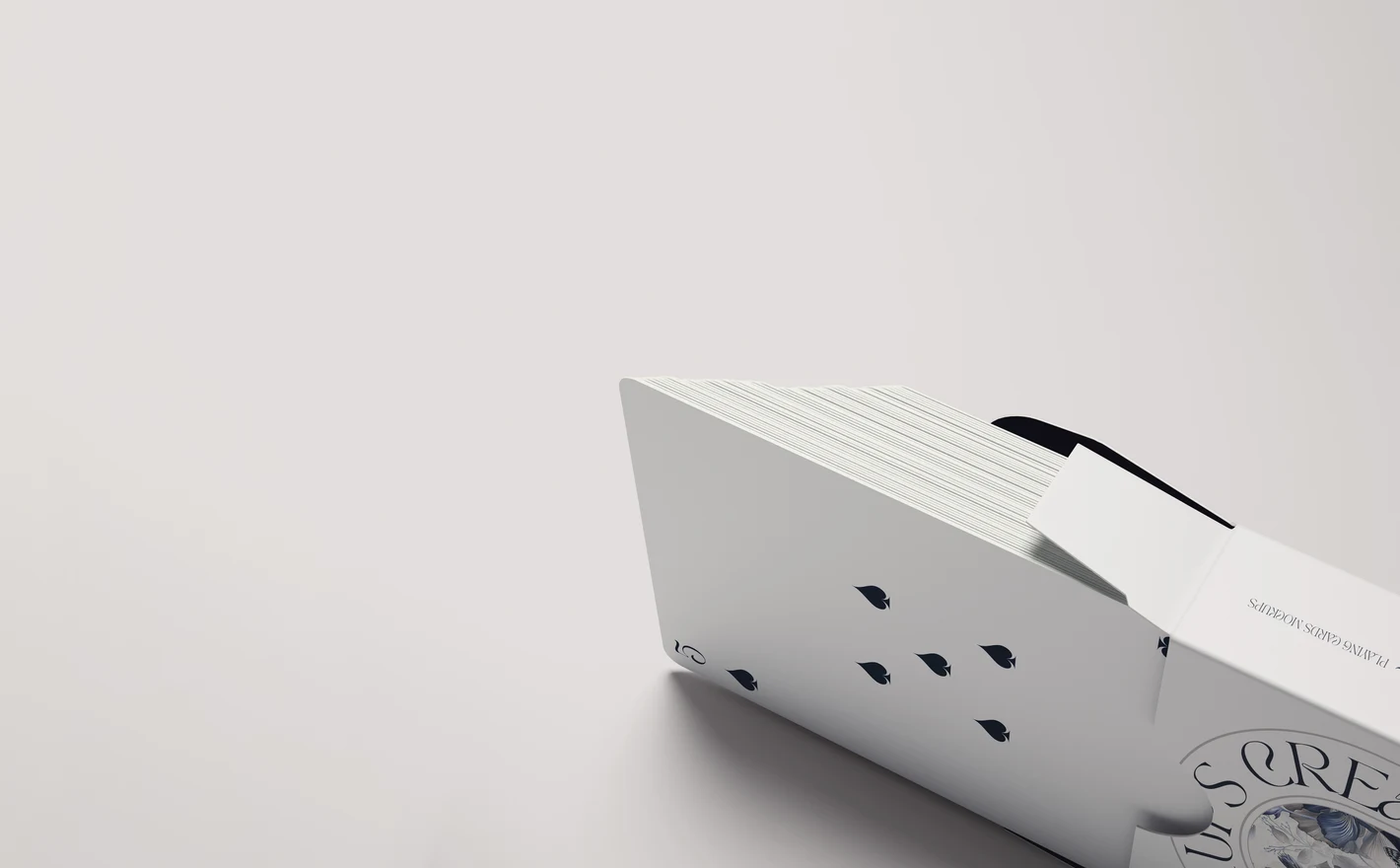
For playing card publishers & printers
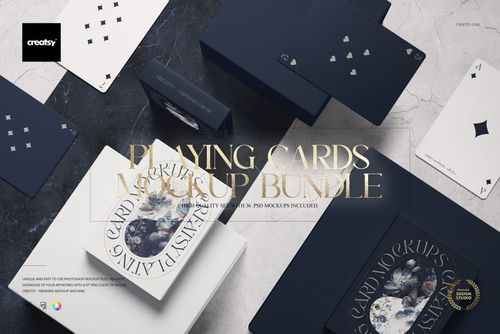
Put the faces, the back and the tuck-box artwork into the Playing Cards Mockup Bundle and the deck shows fanned, stacked and boxed, with the box editable inside and out. If your box has no crescent cut-out, the Playing Cards Box without Crescent Cut-Out Mockup matches that print spec.
Printing a deck? View the Playing Cards Mockup Bundle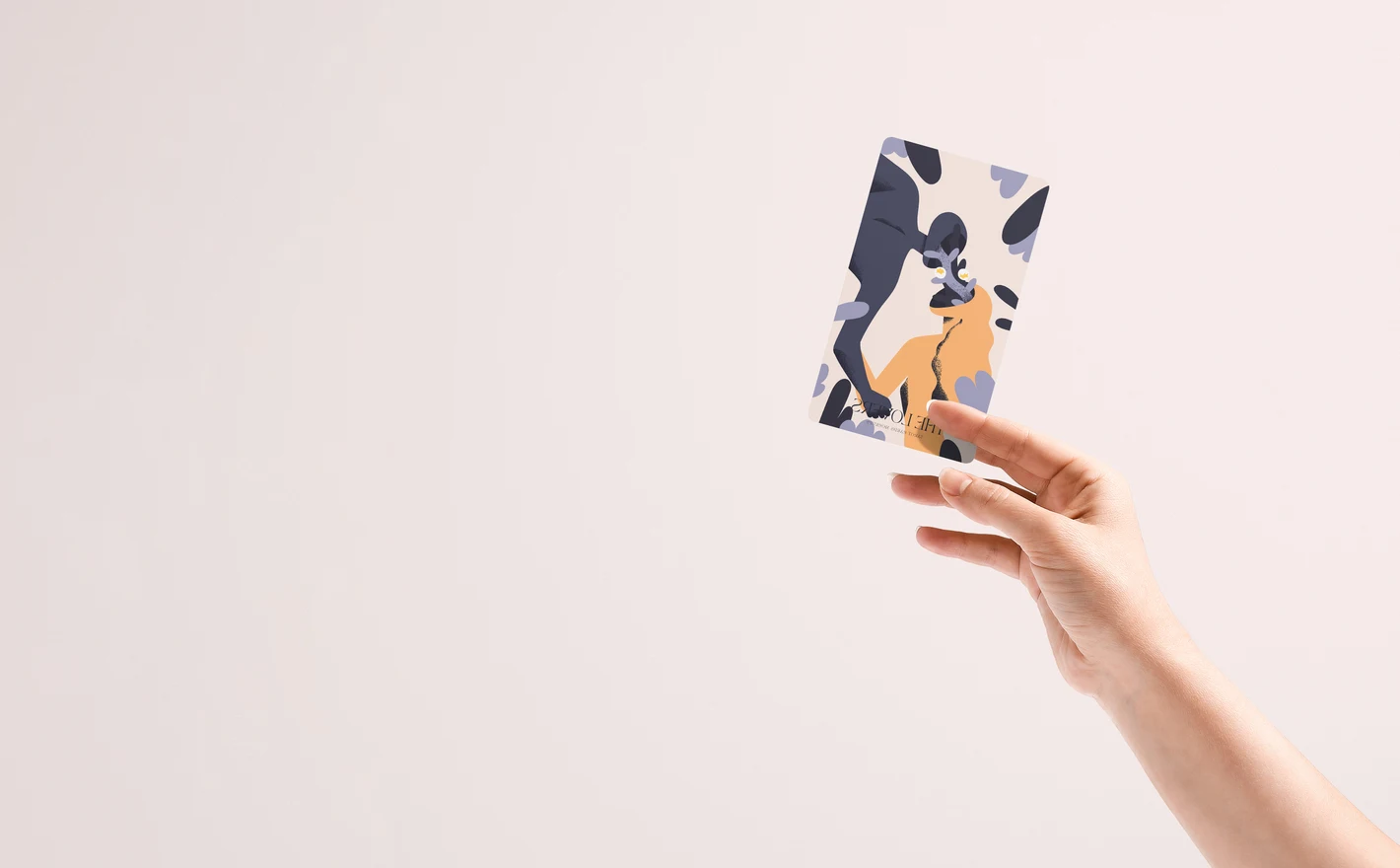
For tarot & oracle deck creators
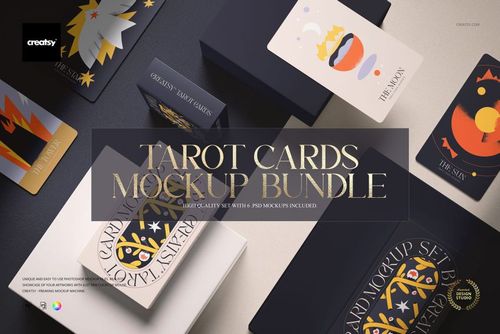
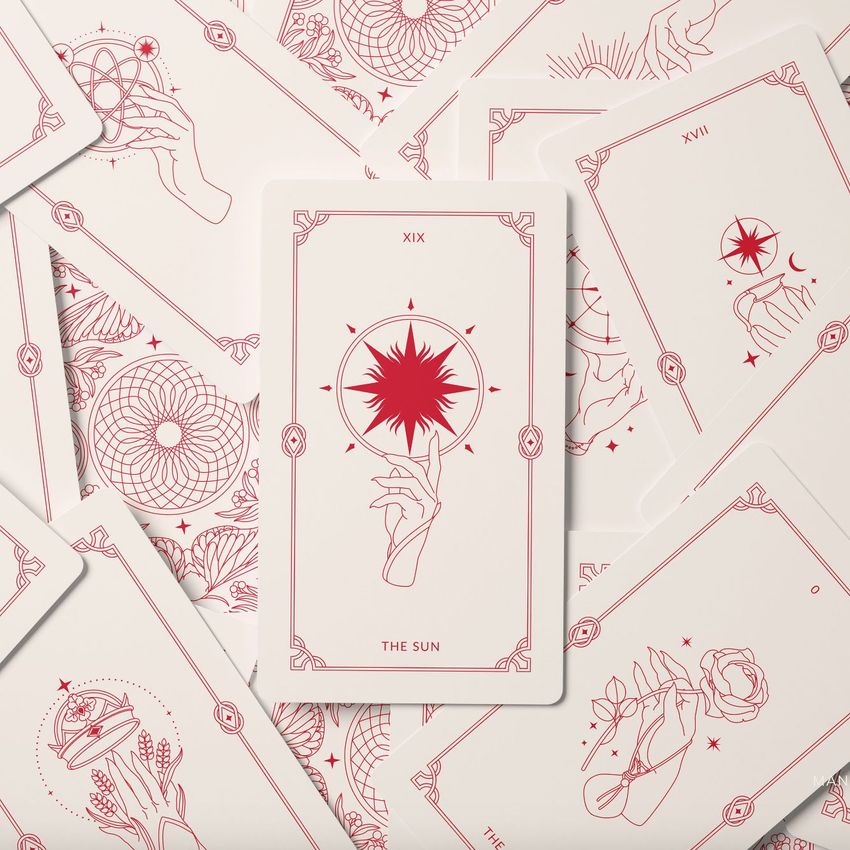
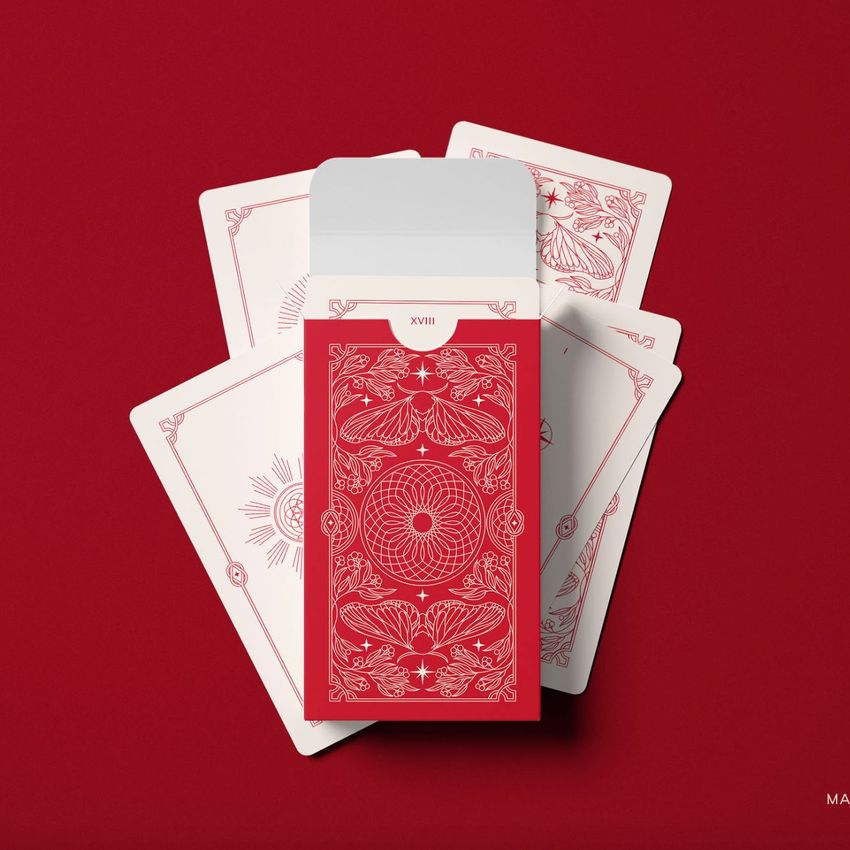
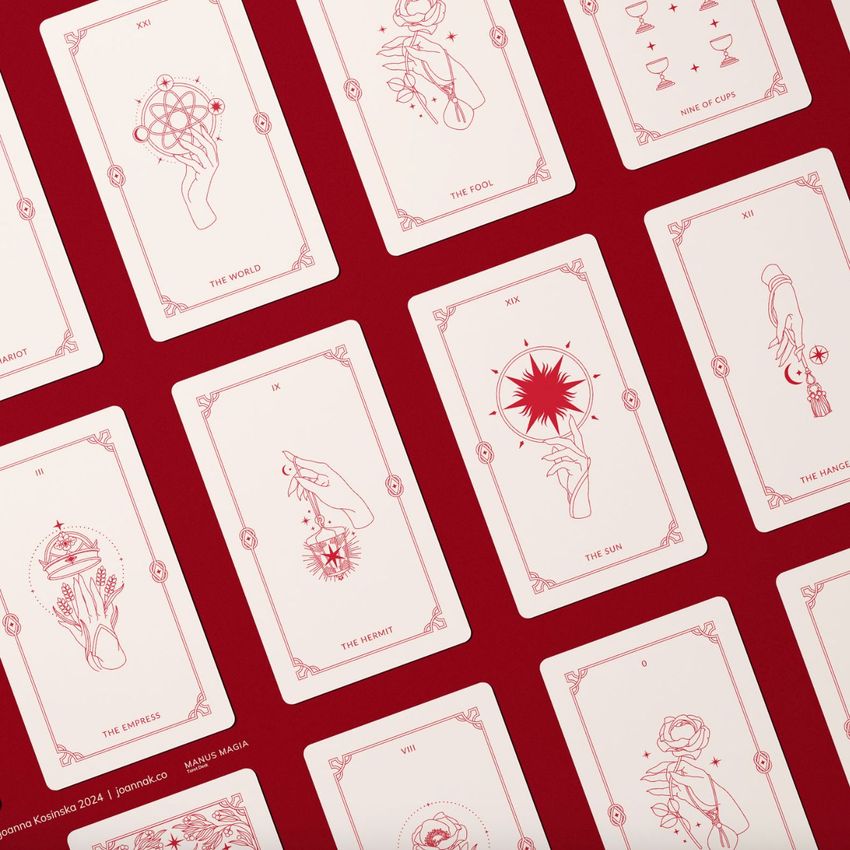
Drop the card set and the box art into the Tarot Cards Mockup Bundle and the deck shows stacked in its box with the lid open, spread on the table and held in hand for the close-up. That's the shop listing, the Kickstarter hero and the Instagram carousel from the same artwork.
Launching a tarot deck? View the Tarot Cards Mockup Bundle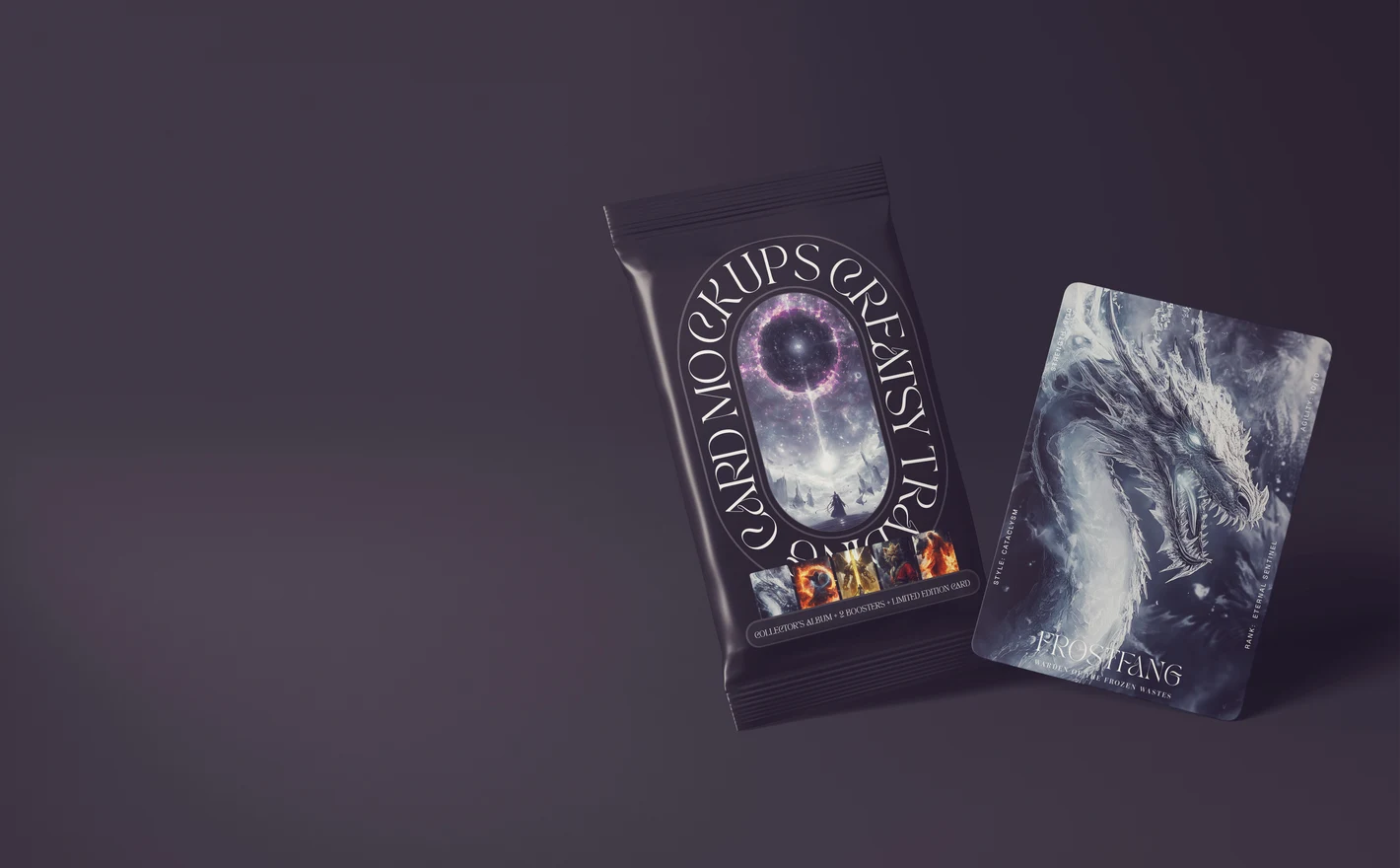
For trading card game studios & designers
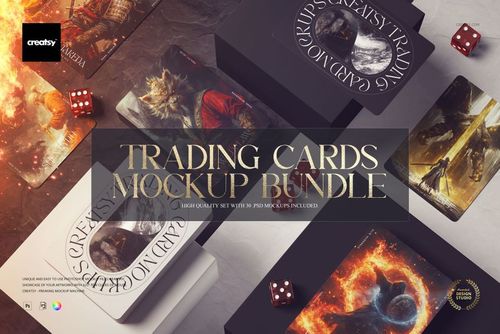
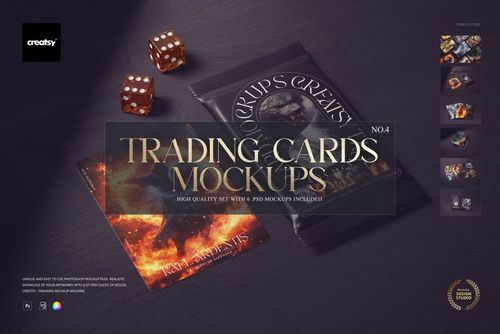
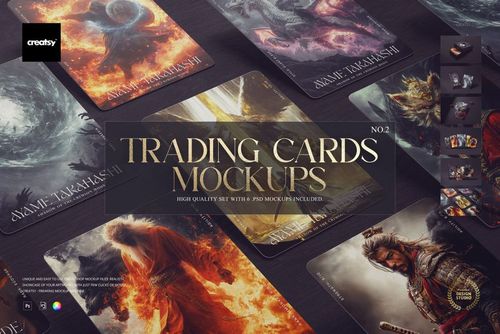
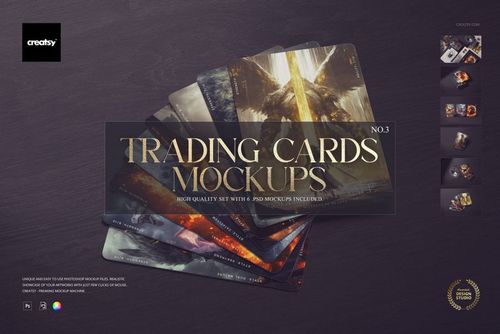
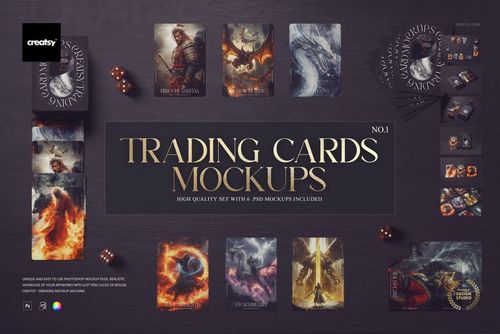
Put the character art on the cards in the Trading Cards Mockup Bundle and the pack art on the sealed booster, then show the set together with the box and the dice on the tabletop. Backers pledge on that shot, and it's ready before the first proof comes back from the printer.
Building a card game? View the Trading Cards Mockup Bundle
FAQs
They use different card formats and scene arrangements. Compare the proportions, corners and packaging with your deck. Numbered sets are separate products in a collection; the number does not necessarily mean one scene or a replacement for an earlier set.
Some scenes include a tuck box alongside the cards. Playing Cards Box without Crescent Cut-Out is a box-only option. Check the gallery and editable faces when you need to show the front, back or side of the packaging.
No. Prepare the card faces and packaging visible in your chosen scene. A few representative designs can be enough for a concept presentation. Make clear when the image shows work in progress rather than a finished deck ready for sale.
Use finished images to show the proposed deck, not as editable rewards. Before a gaming-related campaign, ask Creatsy to confirm the license scope, including any wording about gaming and end-product limits. Make clear when an image is a concept preview rather than a photograph of a manufactured deck.
Use the controls included in the selected set. Some also offer options for card edges or the box interior. Check the features for those parts, especially when you need a specific finish rather than a simple color change.
Why use Card Deck mockups?
The category includes numbered playing card sets, tarot and trading card sets, bundles, nature-inspired scenes and trading card packs. Available compositions show faces, backs, fans, stacks and tuck boxes. Check each gallery for the card proportions and visible surfaces, with software requirements and license options on the product page. A spread helps you review how several illustrations or card layouts look together. A stack gives the back design more emphasis, while a box view adds the title and packaging artwork. These previews are useful when preparing a deck for a client presentation or crowdfunding campaign. You can also reuse the scenes for another edition, suit design, theme or illustration series, keeping the setting consistent as the artwork changes. Export the selected views for Kickstarter, your shop, a publisher proposal or social posts. Each separate scene has its own Smart Objects, so update the visible faces, backs and packaging individually. Bundles bring numbered sets together; compare their contents with the views you need before choosing one. This helps you plan the presentation without editing every scene in the package.
FreeCreatsy® Mockups
To be honest, your mockups are already among the best on the market. There's nothing I can suggest to improve them. But considering general use, not the quality of the mockup, there's one thing that would be a great help. The design community in general uses various available methods to activate the preview of PSD mockups, whether on Mac or Windows, as this helps us save a lot of time and improve organization. Your mockups are the only ones among Class A studios that don't yet send mockups with the same view as seen on the sales page. In other words, I see the design applied, but when I buy, it's a blank screen. This is the only point I would really like you to adjust, as it helps a lot, not only in organization but also in seeing the mockup more clearly. Thank you very much for this feedback opportunity. Cheers Sam