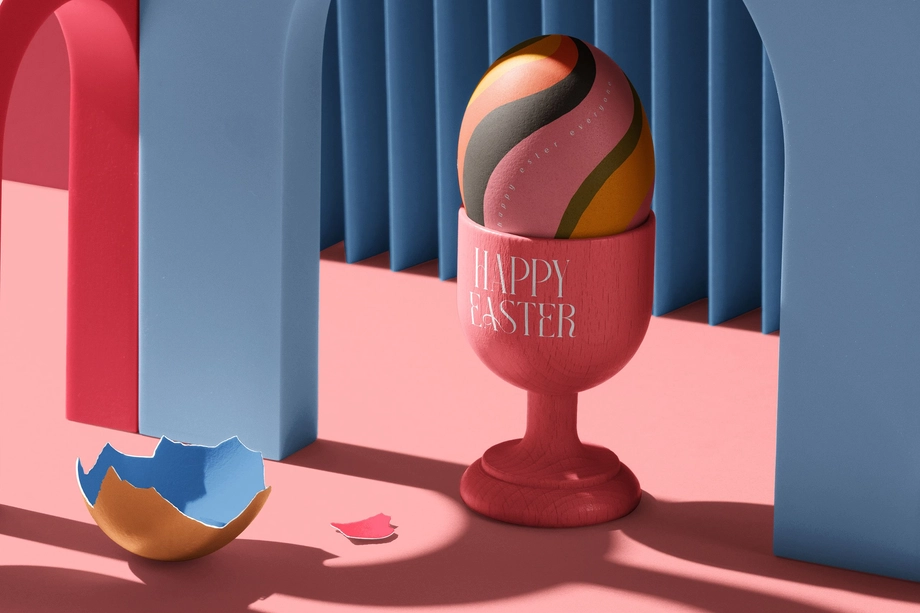
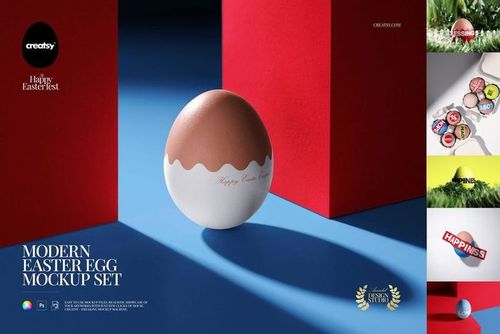
 $2400
$2400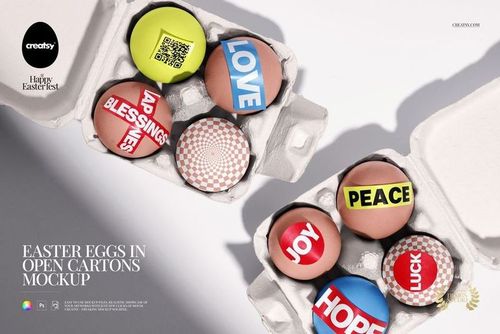
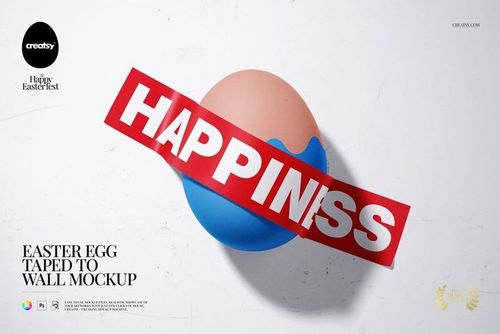 $1900
$1900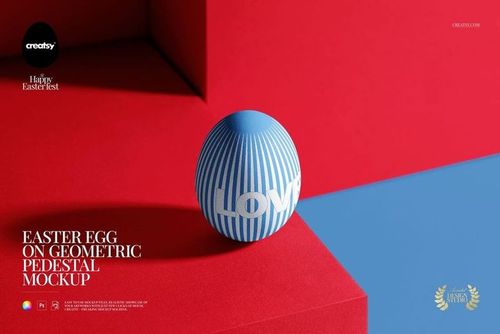
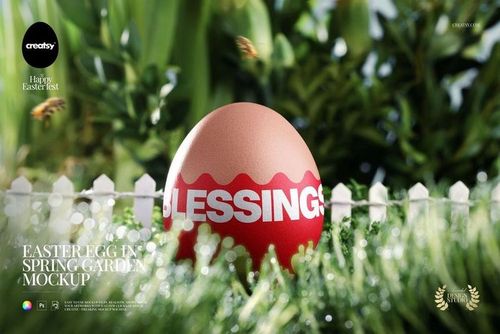
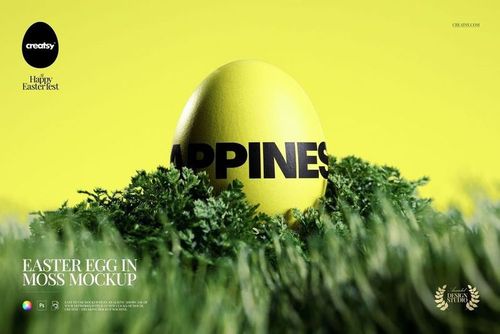 $1900
$1900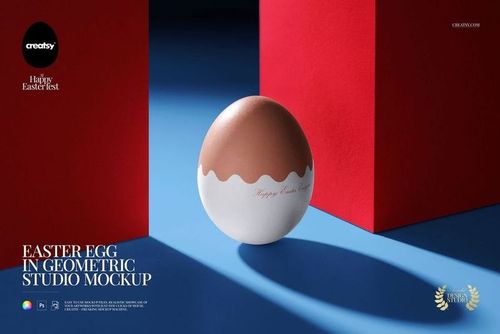
 $1900
$1900
 $1900
$1900 $1900
$1900


 $1900
$1900


 $1900
$1900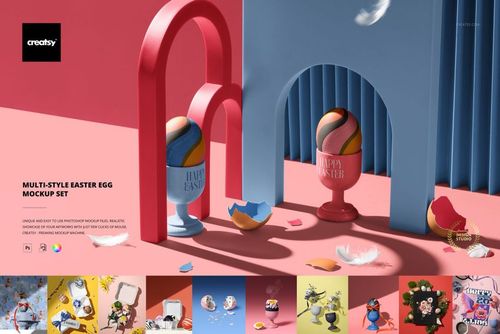
 $1900
$1900
Easter Mockups
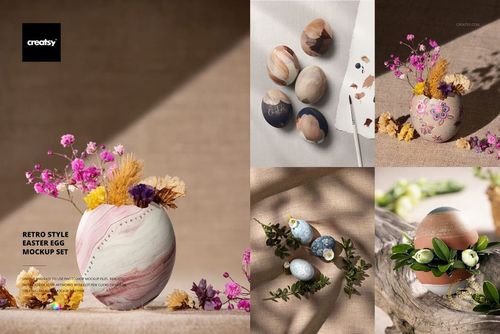
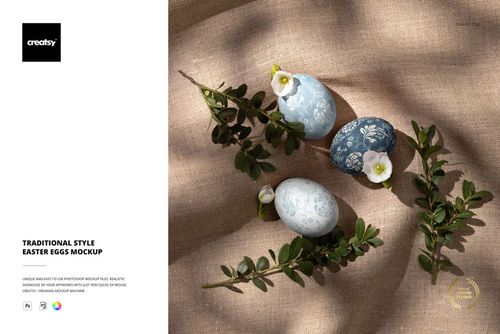
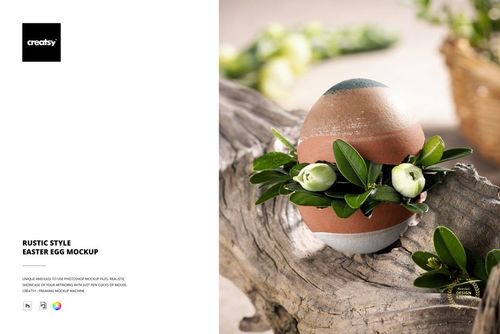
Present Easter patterns and illustrations on eggs, greeting cards and gift packaging. Choose mockup scenes with nests, flowers and ribbons to show your spring product collection in your shop, in a client presentation or as part of a seasonal campaign.

Reviews
What designers and brand owners say after using these PSD mockups in real client work.
0
Sort by:



Gorgeous template, super easy to use, and what I love most is how flexible it is! You can really make it your own and adjust every detail to match your vision.
 Easter Egg in Picture Frame Mockup View product
Flexibility is everything - so glad it worked for your vision! 🧡

Loved using this to show off my pattern collection!
Easter Egg in Picture Frame Mockup View product That’s what it’s made for - thank you! 🧡

Nice mockup. 🩷
 Three Easter Eggs in Carton Packaging Mockup View product
 Thank you so much! We’re so happy you like the mockup. Your support truly means a lot to us. Happy creating ✨

Amazing! I love all of Creatsy's mock ups!
 Wrapping Paper Rolls in Tote Bag with Tulips Mockup View product
 Thank you so much - that means a lot! 🧡
Creatsy make the best Mockups on the market, no matter what you need to showcase. These mockups are highly customizable, and the lighting in them makes everything look very realistic. You can keep or turn off many of the Items in the mockup, also a great feature giving control over the look you want. They have the most friendly and very helpful support. I highly recommend these mockups!
 Free Happy Easter Poster PSD Mockup View product
 Thank you, annet! 🧡


What you get
Professional PSD mockups built in-house - editable, realistic, high-resolution, and supported by real people.
Layered PSD Files
Creatsy mockups are delivered as fully layered Photoshop .psd files, with layers sorted into clearly named groups. Shadows, highlights, and the background each sit on their own editable layer, and nothing is flattened into a single image. Open it in Photoshop or the free browser editor Photopea and get to work.
- Clearly named, organized layer groups
- Shadows and highlights on separate layers
- Editable background, never flattened
- Works in Photoshop or free Photopea
Smart Objects
Open the smart object, paste your artwork, and save. The design lands on the product with the perspective, warp, and wrap already worked out. Scene lighting and shadows fall back on top, so it reads as a photograph, not a flat paste-in. Swapping a design takes seconds, so one file can carry a whole run of variants and colorways.
- Double-click, paste your design, save
- Perspective, warp, and wrap pre-built
- Scene lighting and shadows sit back on top
- One file covers many variants and colorways
High-Resolution Output
Many scenes are built from real product photography rather than 3D renders, so the fabric and surface read like a studio shot. Files export at high resolution and stay sharp at full zoom, with clean edges where the print sits. The same file works for a hero banner, a paid ad or a product listing.
- Real product photography in many scenes
- Exports ready for print
- Holds detail at full zoom
- Works for banners, ads and listings
Easy to Edit
Colors, backgrounds, and artwork sit on separate, clearly named layers, so you swap a color or background without disturbing the rest of the scene. There is no relighting or shadow work to redo, and the same file works for your next project.
- Edit color and background layers directly
- No relighting or shadow rework needed
- No masking or layer skills required
- One file reused across projects
Fast Support
There is a real in-house team behind every file, not a ticket bot. Before you buy, ask whether a specific mockup fits what you have in mind, and we will tell you. When a smart object or a layer group is tripping you up, send the question and you usually get a reply within 48 hours.
- Real in-house team behind every file
- Replies within 48 hours
- Pre-purchase help picking the right mockup
- Answers on smart objects and layer setup
Who are these mockups for?
For Easter card publishers & stationers
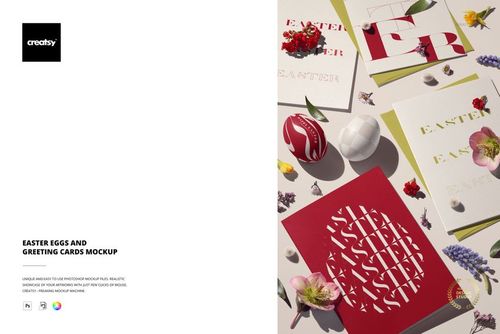
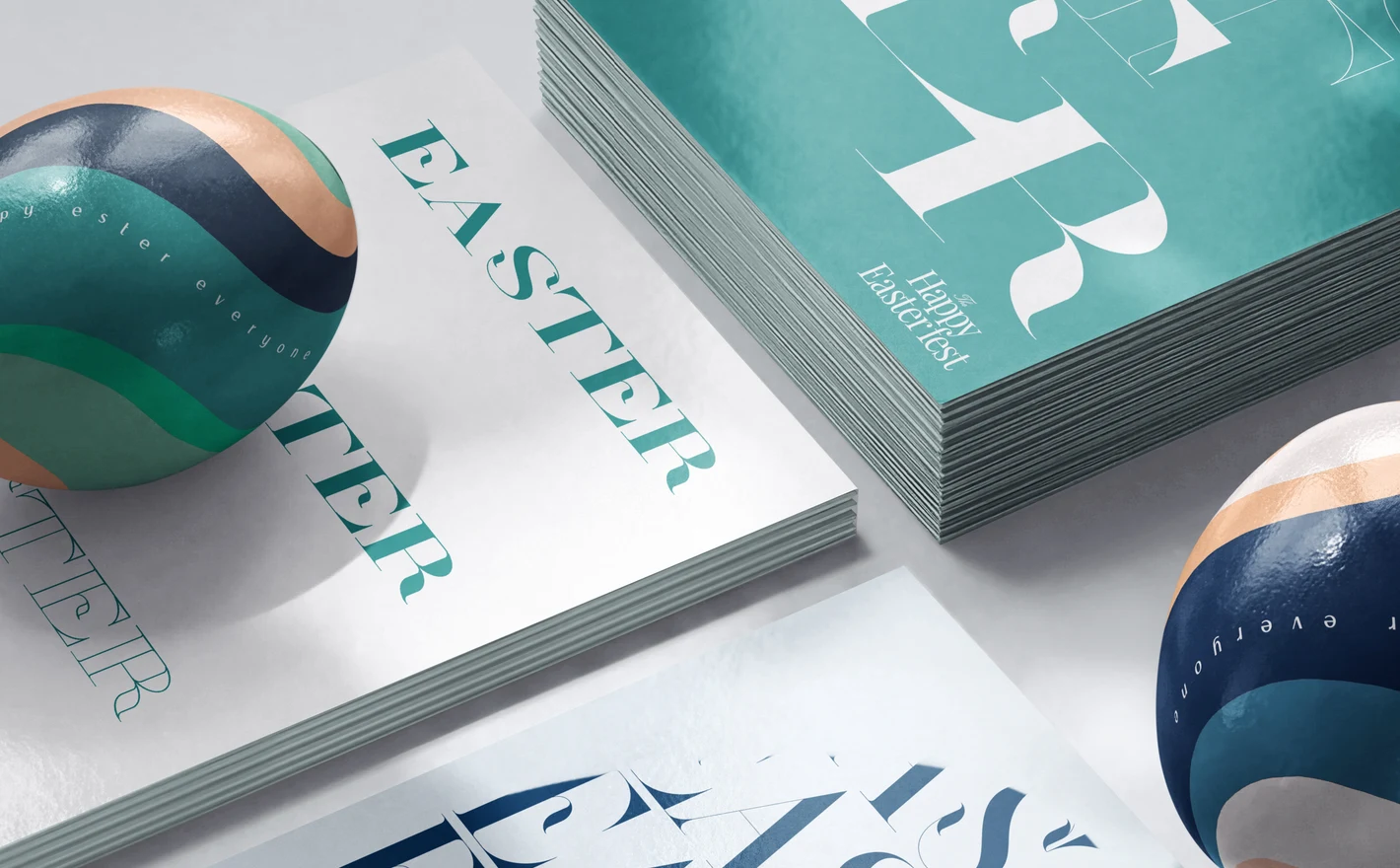
Style the card front in the Easter Greeting Cards and Easter Eggs Mockup and read how the type and the artwork hold next to painted eggs in bright spring light. Publishing a range means the same scene previews every card in the line, one artwork swap at a time.
Publishing Easter cards? View the Easter Greeting Cards and Easter Eggs Mockup
For seasonal ecommerce & marketing teams
Build the whole Easter drop from The Ultimate Easter Mockup Collection: eggs in cartons and baskets, wrapped gifts, eggs on linen, with the eggs, boxes, ribbons and backgrounds all editable. Product images, launch graphics and social come out in one pastel direction without an extra shoot.
Building the Easter drop? View The Ultimate Easter Mockup Collection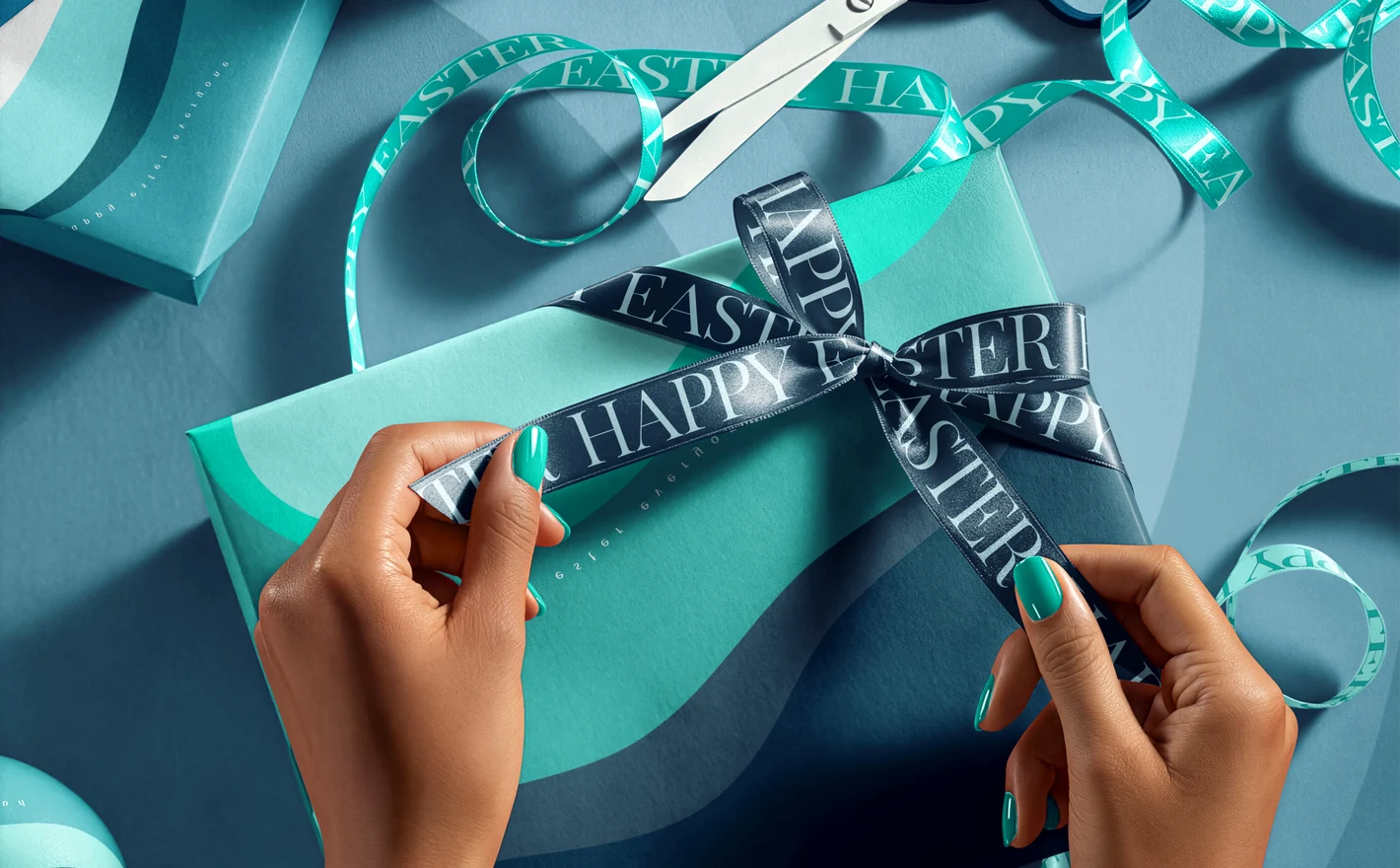
For spring gift & wrapping brands
Wrap the pastel design onto the Easter Present Wrapping Mockup and see where the print breaks at the folds and the ribbon before it's listed, then use the Stack of Wrapped Gifts with Easter Eggs Mockup for the hero. Gift-wrap photography is fiddly and strictly seasonal; this makes it a swap.
Wrapping spring gifts? View the Easter Present Wrapping Mockup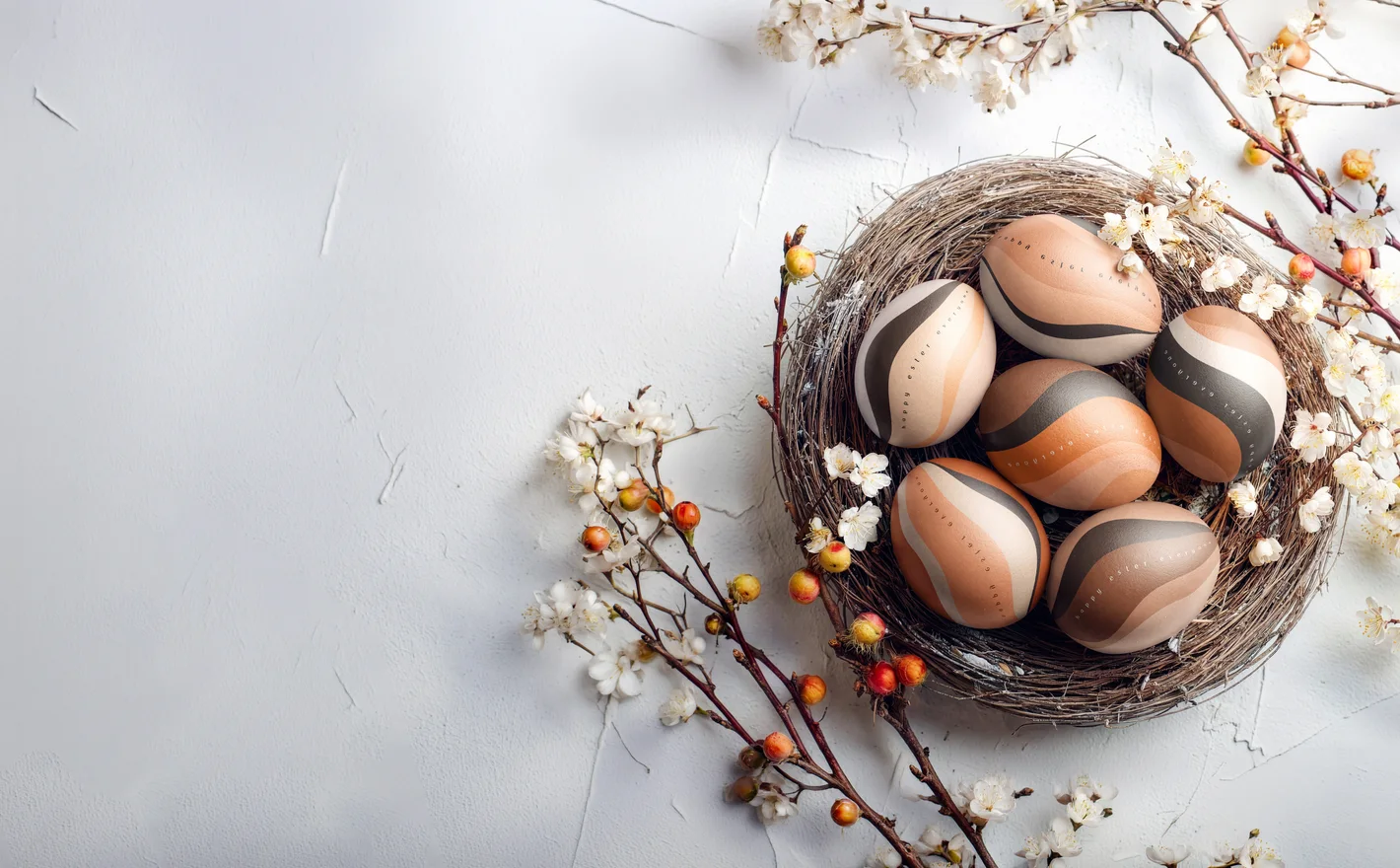
For surface pattern & repeat designers
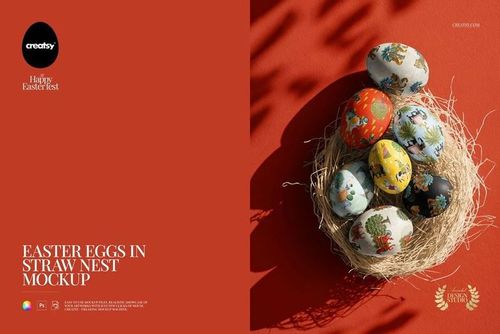
Paint the repeat across the Easter Eggs in Nest Mockup and watch it wrap a curved, irregular surface, the hardest test a spring motif faces. If it holds on an egg it holds on a mug or a bowl, and the Multi-Style Easter Egg Mockup Set gives you the other egg finishes.
Decorating eggs? View the Easter Eggs in Nest Mockup
FAQs
Yes. Alongside egg arrangements, you can find greeting cards, gift packaging, wrapping paper and spring scenes, as well as The Ultimate Easter Mockup Collection. Choose the editable product you need first. The presence of eggs in a scene does not mean every surrounding object accepts your artwork.
Use the egg's editable design area and inspect how the artwork appears over the curved shape. Try a few scales and positions, especially for text or a single illustration. The mockup shows its prepared surface mapping; it does not predict every printing, painting or sleeve-application method used on a real egg.
Yes. Easter Greeting Cards and Easter Eggs Mockup and Easter Card & Eggs in Wooden Crate Mockup are combined-scene options. Check their editable areas, then adapt the design for the flat card and curved eggs. The same illustration may need a different crop or scale on each surface.
The collection brings together 17 products, including decorated eggs, greeting cards and gift-wrapping scenes. The listing specifies Photoshop CC 2020 or newer and Photopea support. Compare the included scenes with your range; choose an individual mockup when you only need one particular product or arrangement.
Yes. Free Happy Easter Poster PSD Mockup is available in Freebies with a free account. It is a poster scene, so it is useful for testing poster artwork and the editing workflow, not for testing how a pattern wraps around an egg.
Why use Easter mockups?
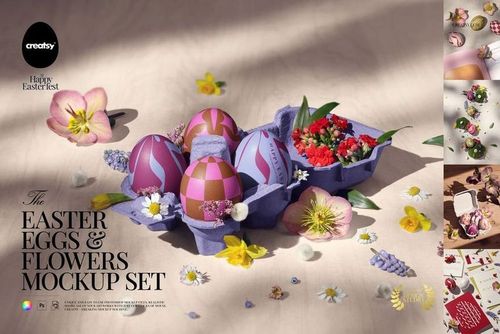
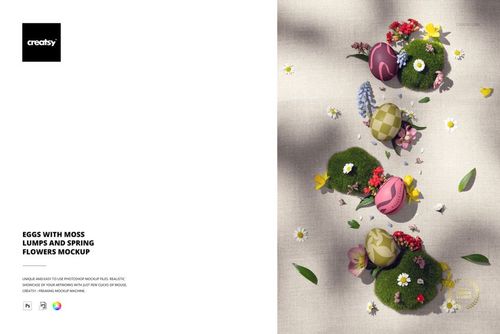
The Easter range includes eggs in nests, cartons, crates and boxes, arrangements on plaster, linen and fabric, greeting cards, wrapping paper and gifts. The Ultimate Easter collection brings several spring scenes together. The product pages list the file contents, software requirements, editable parts and license options. An egg gives a pattern a rounded surface, while a card shows the artwork flat and wrapping paper folds around a gift. Comparing those formats helps you review the scale and placement of a design across a collection. The spring props and lighting are already arranged, so you can prepare the images before the season and reuse the compositions for later artwork. Export them for shop listings, launch campaigns, social posts or client reviews. Choose individual scenes for the products you need to show, or check the collection for a broader set of views. Larger packages require more download space, and each separate PSD needs its own artwork edits. A card, egg and gift box may share the same illustration, but their visible surfaces will need to be prepared within the relevant Smart Objects.
FreeCreatsy® Mockups
Loved this mock up, easy to use and my designs looked perfect on it
That’s exactly what we love to hear - thank you! 🧡