 $1900
$1900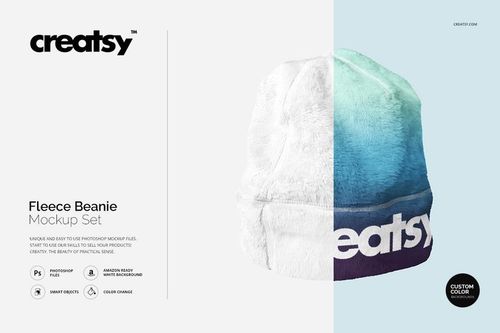 $1900
$1900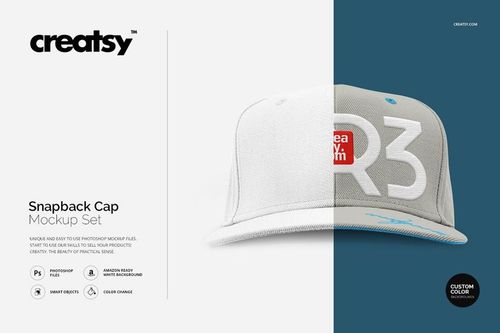 $1900
$1900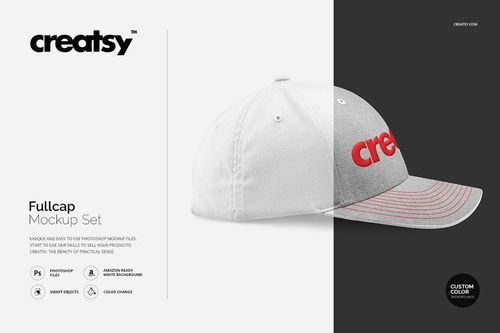 $1900
$1900
Headwear Mockups
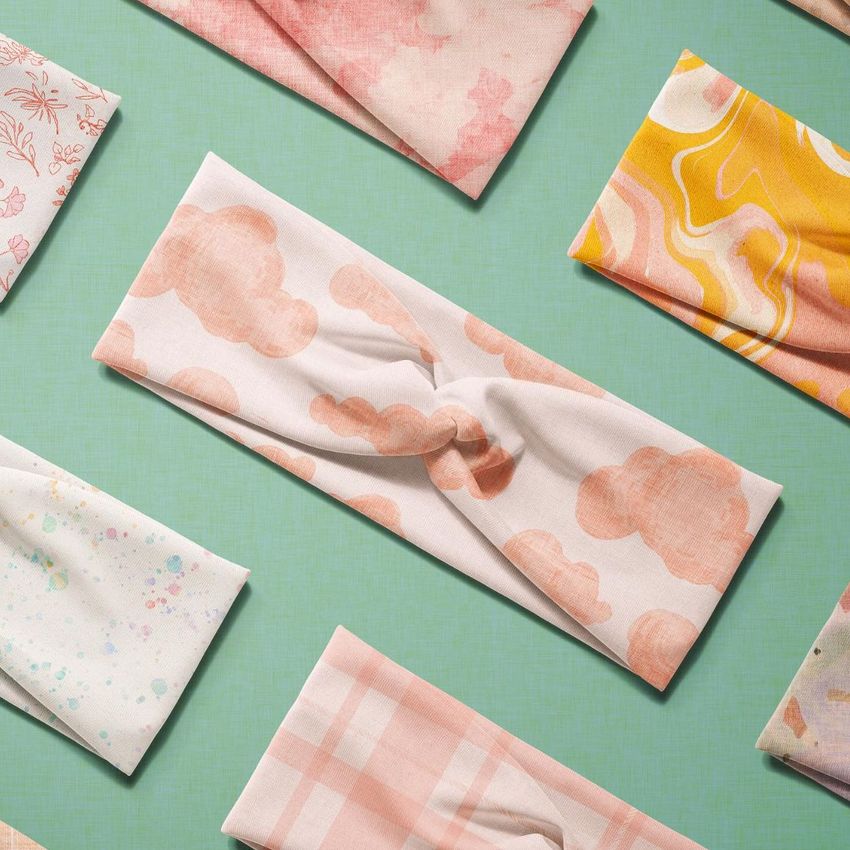
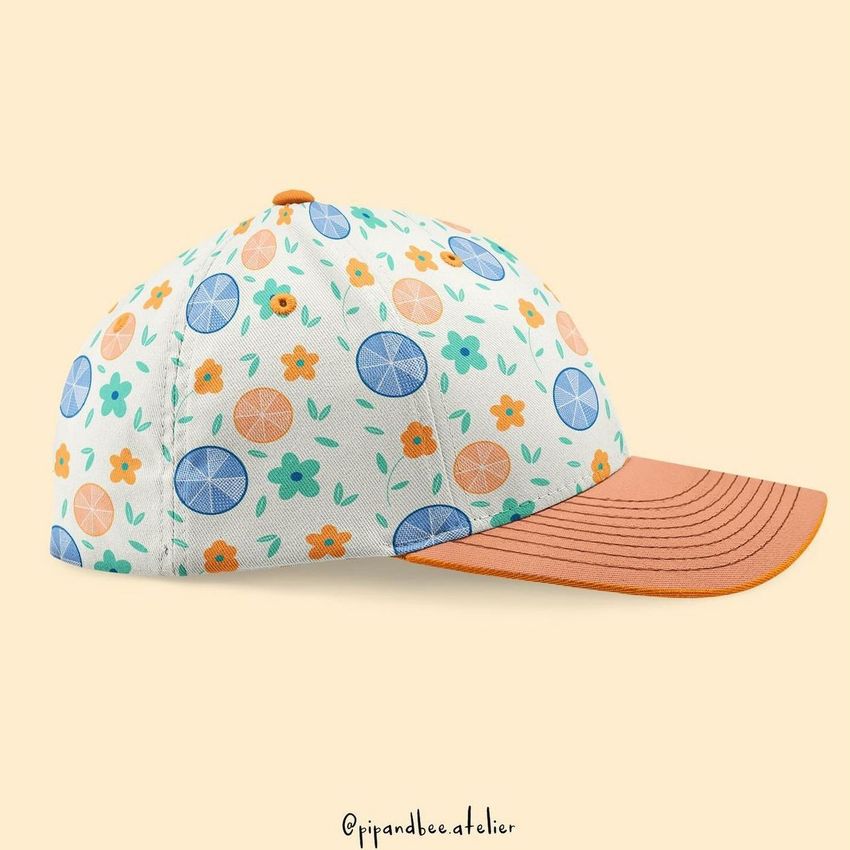
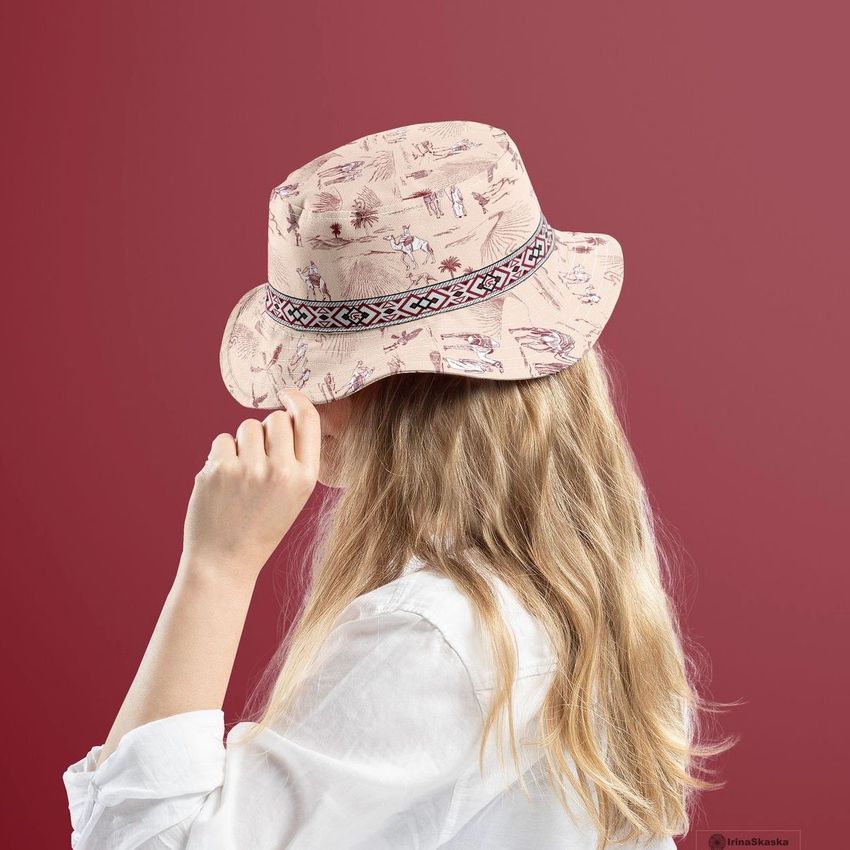
Present logos, patterns and embroidery-style artwork on caps, snapbacks, beanies and bucket hats. Reuse realistic headwear mockups for consistent merch listings, team presentations and streetwear campaigns.

Reviews
What designers and brand owners say after using these PSD mockups in real client work.
0
Sort by:
What you get
Professional PSD mockups built in-house - editable, realistic, high-resolution, and supported by real people.
Layered PSD Files
Creatsy mockups are delivered as fully layered Photoshop .psd files, with layers sorted into clearly named groups. Shadows, highlights, and the background each sit on their own editable layer, and nothing is flattened into a single image. Open it in Photoshop or the free browser editor Photopea and get to work.
- Clearly named, organized layer groups
- Shadows and highlights on separate layers
- Editable background, never flattened
- Works in Photoshop or free Photopea
Smart Objects
Open the smart object, paste your artwork, and save. The design lands on the product with the perspective, warp, and wrap already worked out. Scene lighting and shadows fall back on top, so it reads as a photograph, not a flat paste-in. Swapping a design takes seconds, so one file can carry a whole run of variants and colorways.
- Double-click, paste your design, save
- Perspective, warp, and wrap pre-built
- Scene lighting and shadows sit back on top
- One file covers many variants and colorways
High-Resolution Output
Many scenes are built from real product photography rather than 3D renders, so the fabric and surface read like a studio shot. Files export at high resolution and stay sharp at full zoom, with clean edges where the print sits. The same file works for a hero banner, a paid ad or a product listing.
- Real product photography in many scenes
- Exports ready for print
- Holds detail at full zoom
- Works for banners, ads and listings
Easy to Edit
Colors, backgrounds, and artwork sit on separate, clearly named layers, so you swap a color or background without disturbing the rest of the scene. There is no relighting or shadow work to redo, and the same file works for your next project.
- Edit color and background layers directly
- No relighting or shadow rework needed
- No masking or layer skills required
- One file reused across projects
Fast Support
There is a real in-house team behind every file, not a ticket bot. Before you buy, ask whether a specific mockup fits what you have in mind, and we will tell you. When a smart object or a layer group is tripping you up, send the question and you usually get a reply within 48 hours.
- Real in-house team behind every file
- Replies within 48 hours
- Pre-purchase help picking the right mockup
- Answers on smart objects and layer setup
Who are these mockups for?
For embroidery and logo designers
Check embroidery scale, placement and thread contrast on curved front panels before a single cap is stitched. Cap and beanie shapes distort artwork differently - a realistic mockup shows exactly how a mark sits on each silhouette, from structured snapbacks to soft knit beanies.
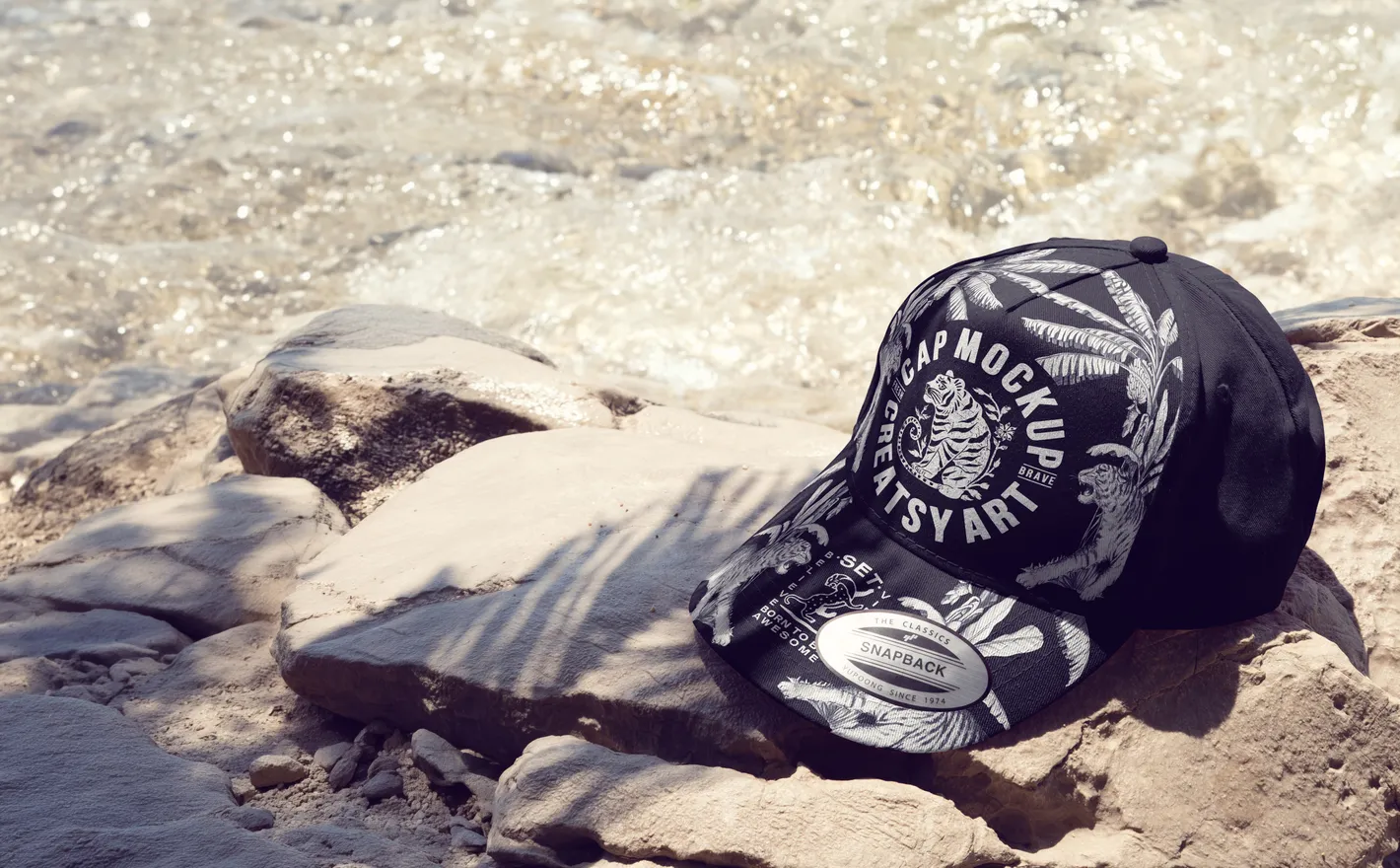
For print-on-demand cap sellers
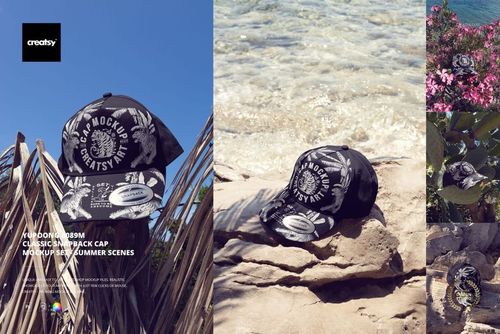
List a snapback design on the exact silhouette customers recognize - the Yupoong 6089M - in summer scenes that match how cap listings actually convert. Swap designs through the smart object and refresh the whole shop in an evening.
Adding tees to your shop? Browse t-shirt & tank top mockups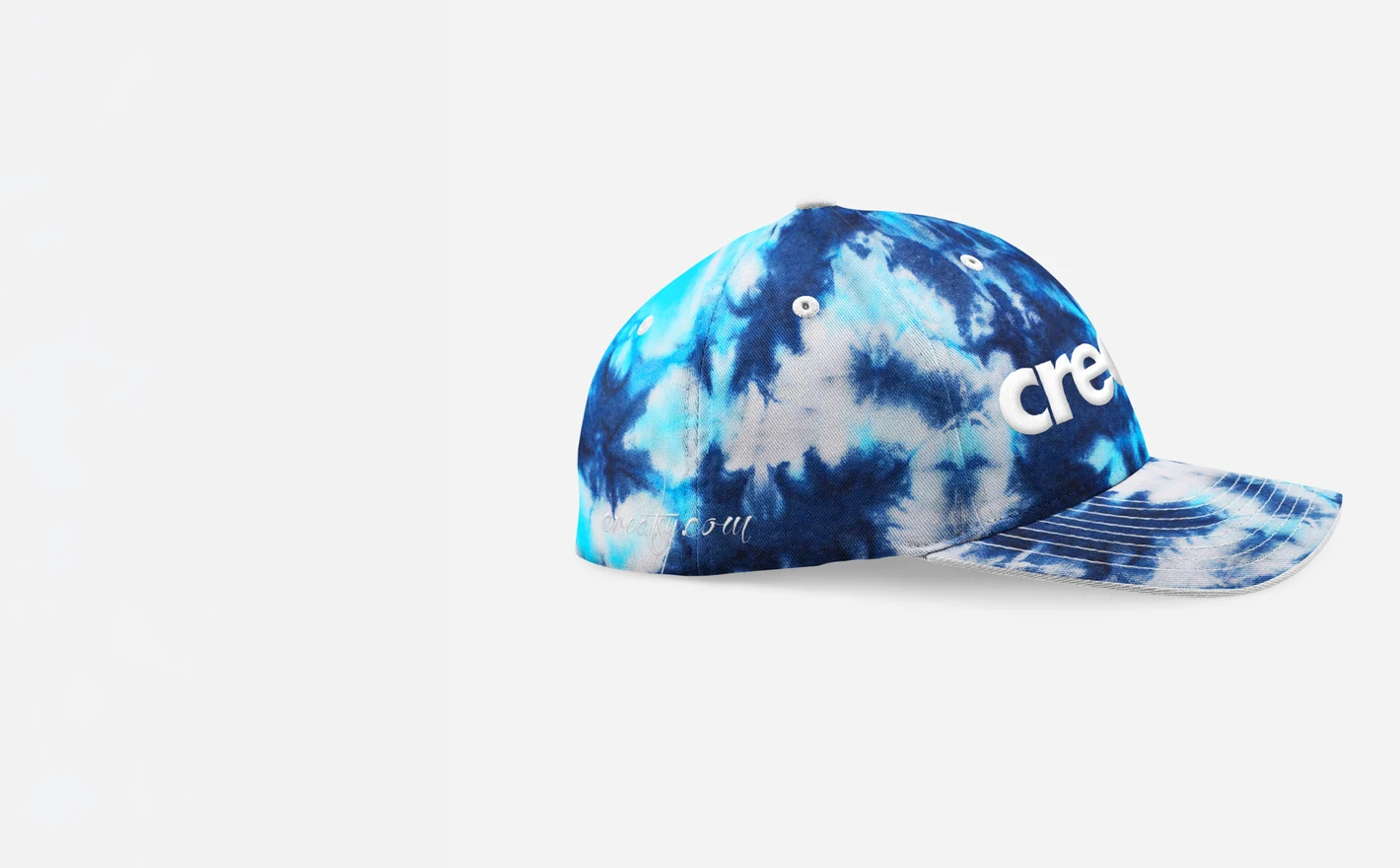
For sports and team merchandise brands
Produce matching headwear visuals for club shops, sponsor decks and team kit launches: same cap, every team color, consistent angles. Sponsors see their logo in place before the order form goes out.
Building a full team range? Browse sportswear & equipment mockups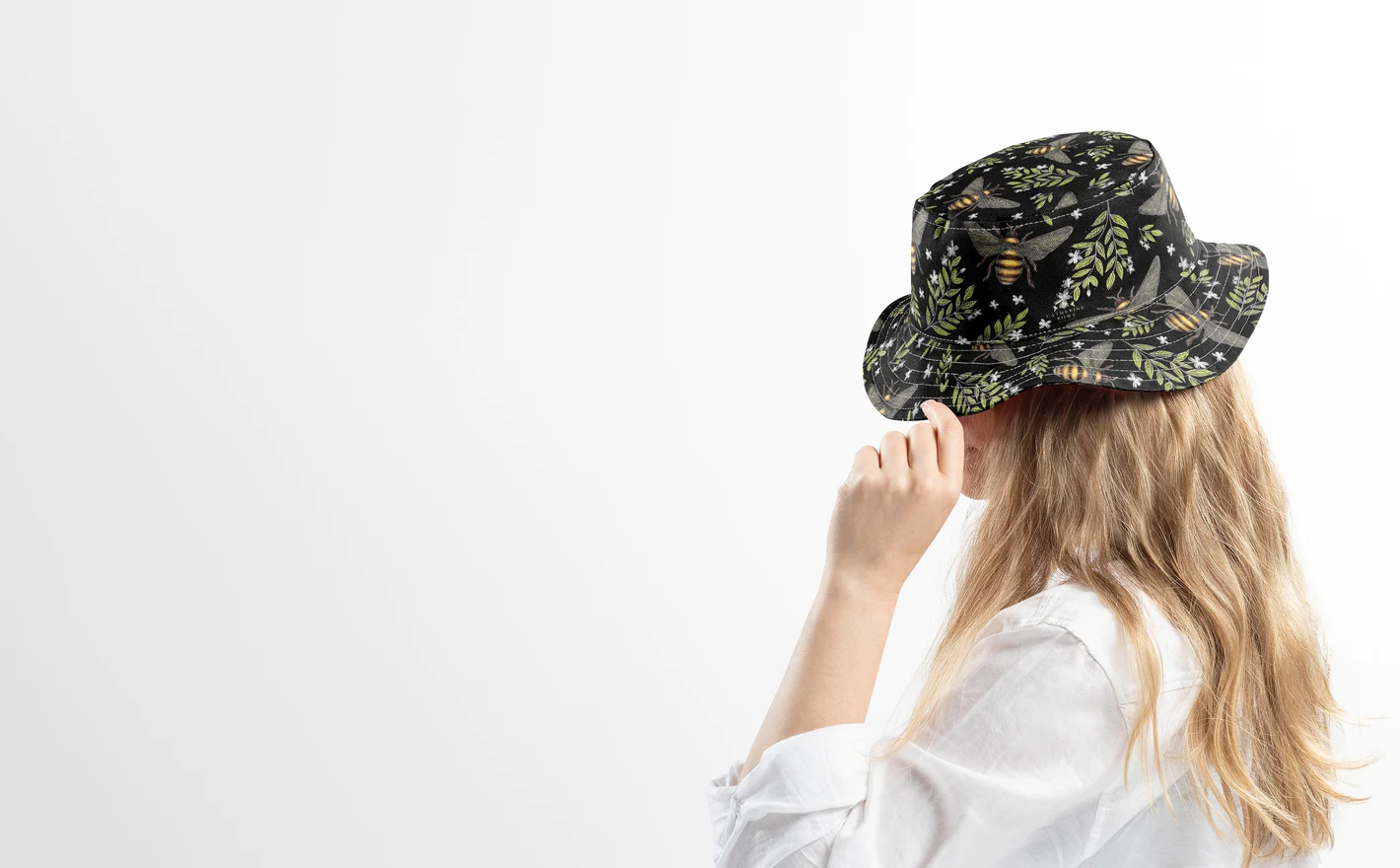
For streetwear accessory brands
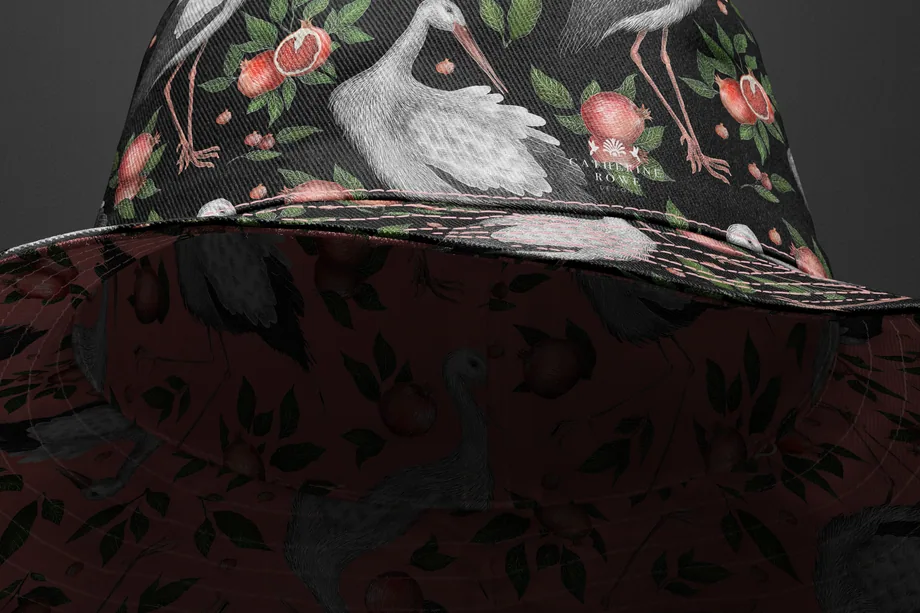
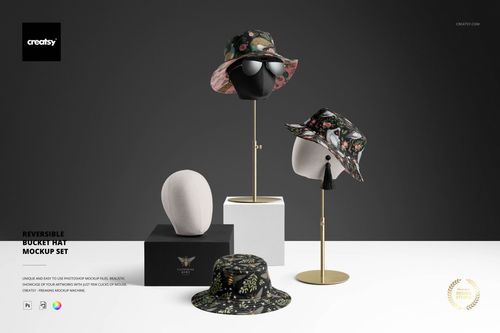
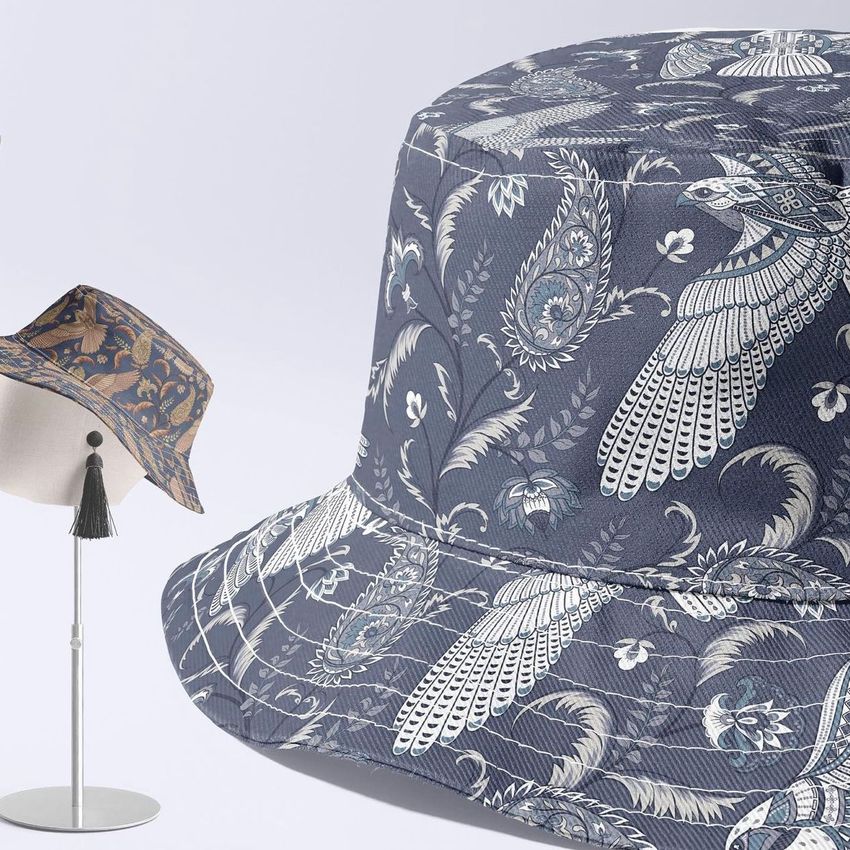
Design both faces of a reversible bucket hat and show them side by side - pattern out, solid out - the way a drop announcement would. A two-sided product deserves a mockup that sells both sides.
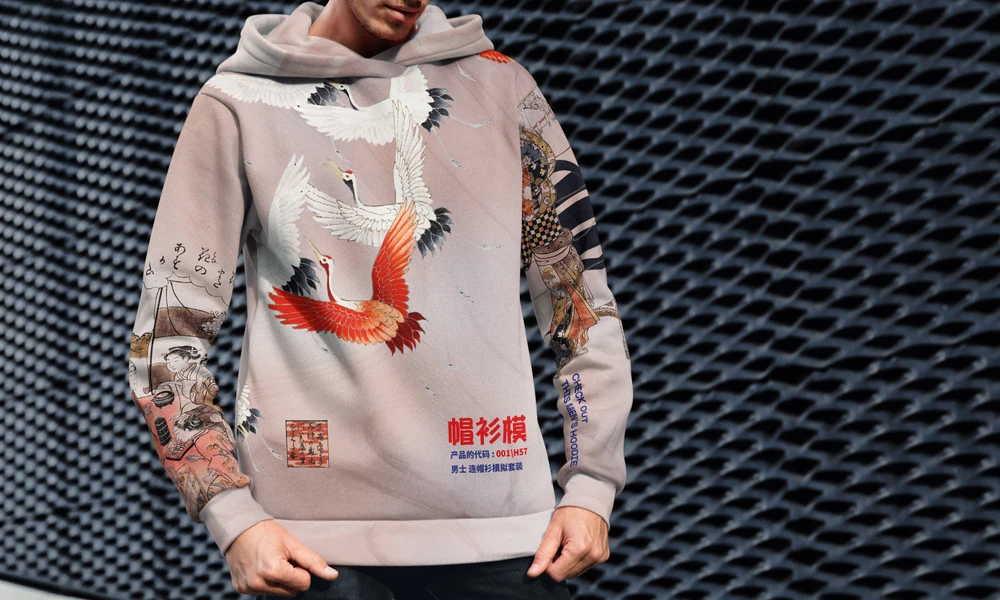
Pairing hats with hoodies? Browse hoodie & sweatshirt mockups
FAQs
Yes. Yupoong 6089M Classic Snapback Cap Mockup Set - Summer Scenes is the model-specific option in this category. Compare its crown, brim and closure with the cap you sell, and choose the views that show your print or logo placement clearly.
Only use an embroidery effect when the product explicitly includes one, or when you have prepared that effect in your own artwork. Placing a flat logo on a cap does not automatically turn it into realistic stitching. For an embroidery order, approve the thread, stitch details and placement with your embroiderer.
The Reversible Bucket Hat Mockup Set is designed for presenting a reversible style with editable artwork and colors. Choose views that reveal the outer and inner surfaces you need. Its listing specifies Photoshop; Photopea support is not confirmed there, so check with us before buying it for browser-only editing.
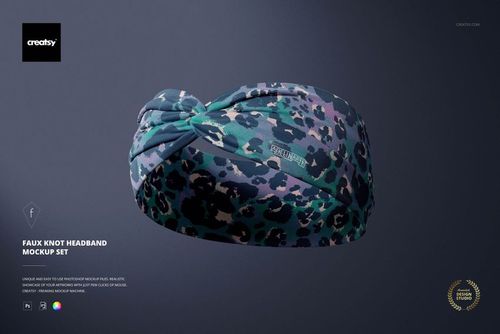
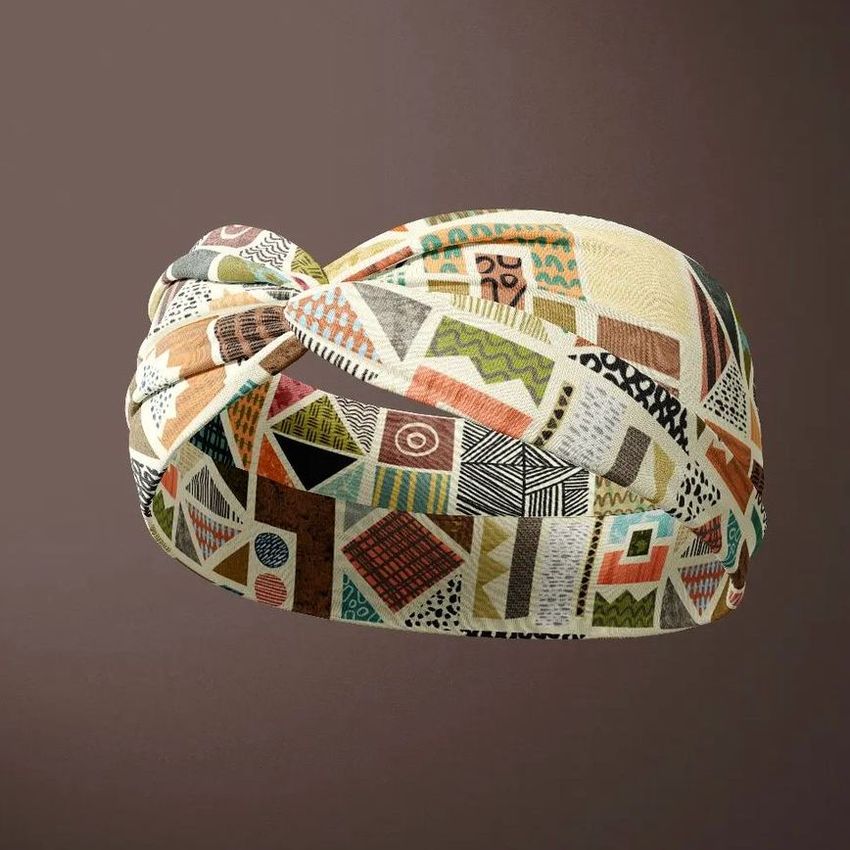
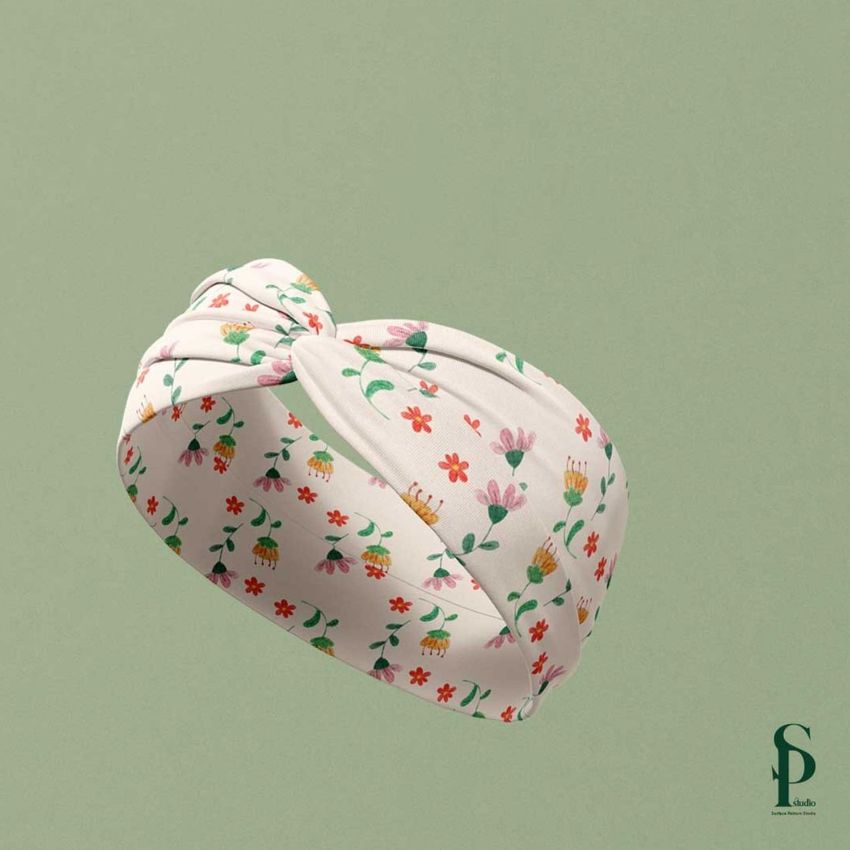
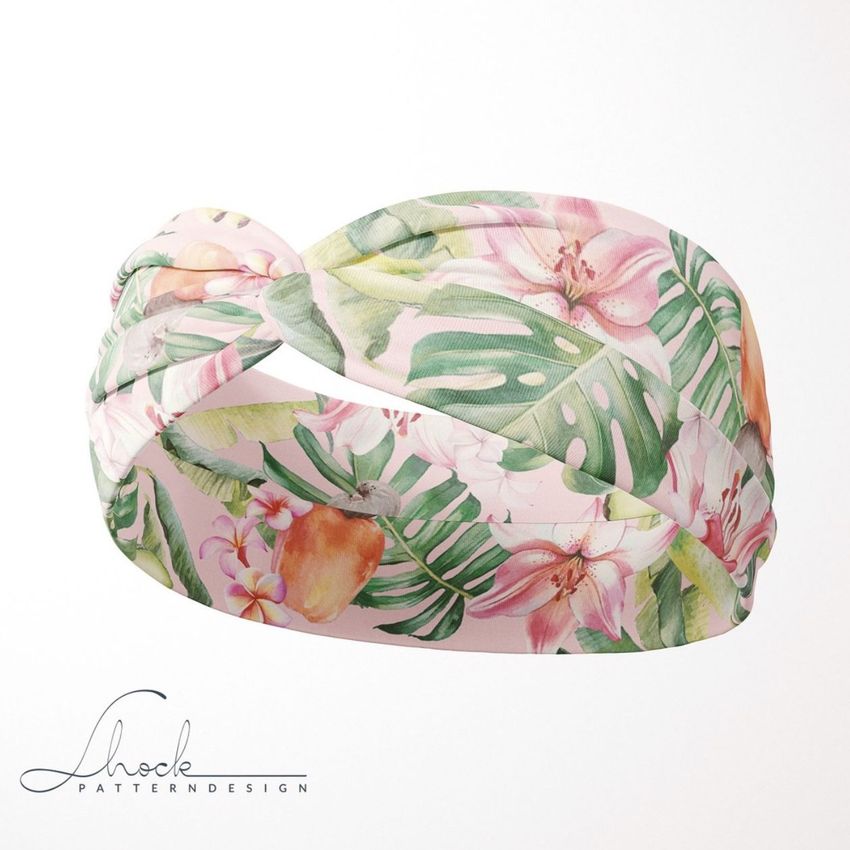
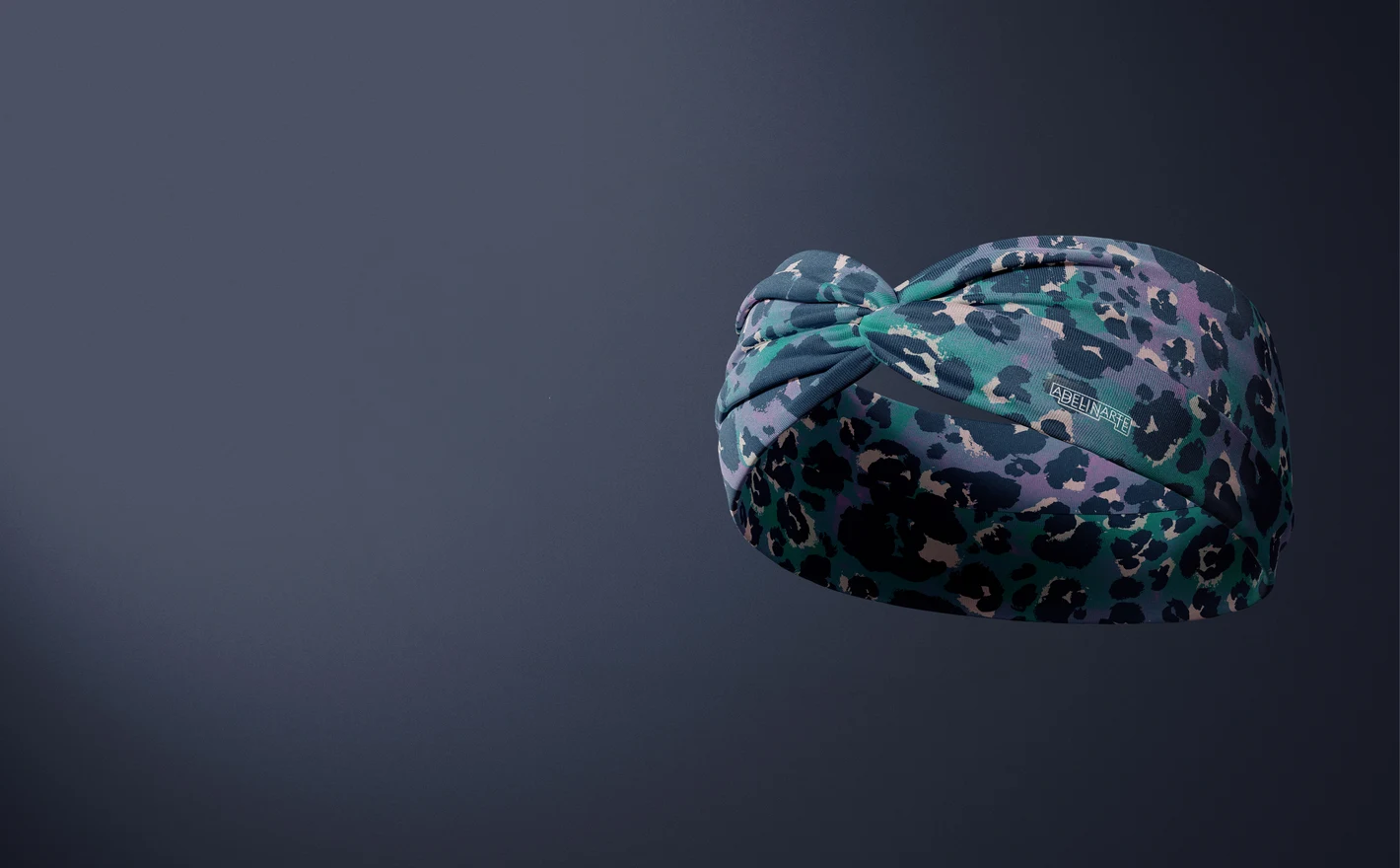
Yes. Fleece Beanie Mockup Set and Faux Knot Headband Mockup Set are available. Use the beanie for a fleece hat presentation and the headband for the knotted style. Check how much of your design remains visible around the cuff or knot.
Save a working copy, change the available cap colors and replace the logo, then export each version. Repeat this for the views you need. Keep your color references together, but compare the exports visually too; scene lighting affects how the same color value appears.
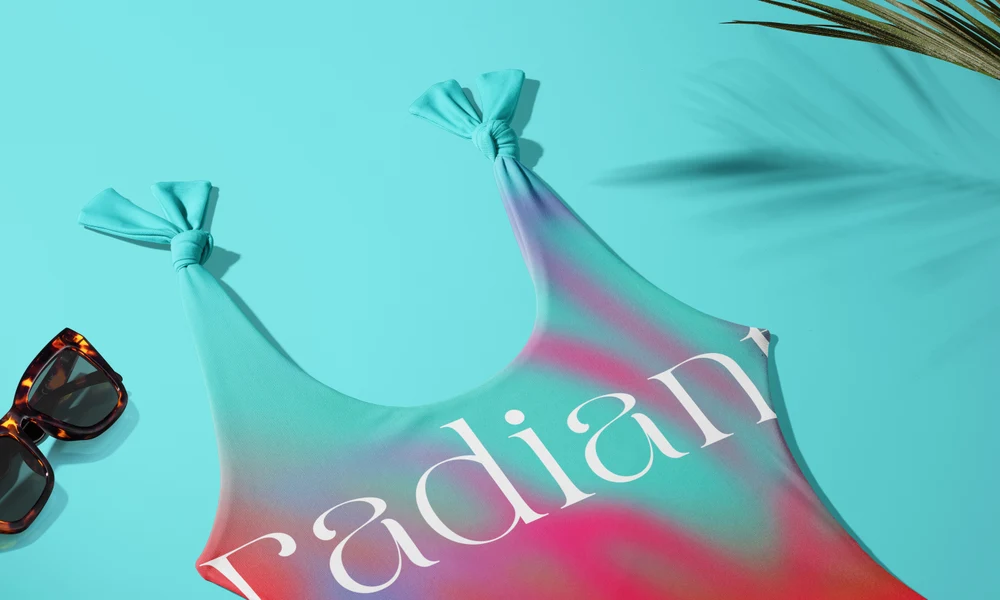
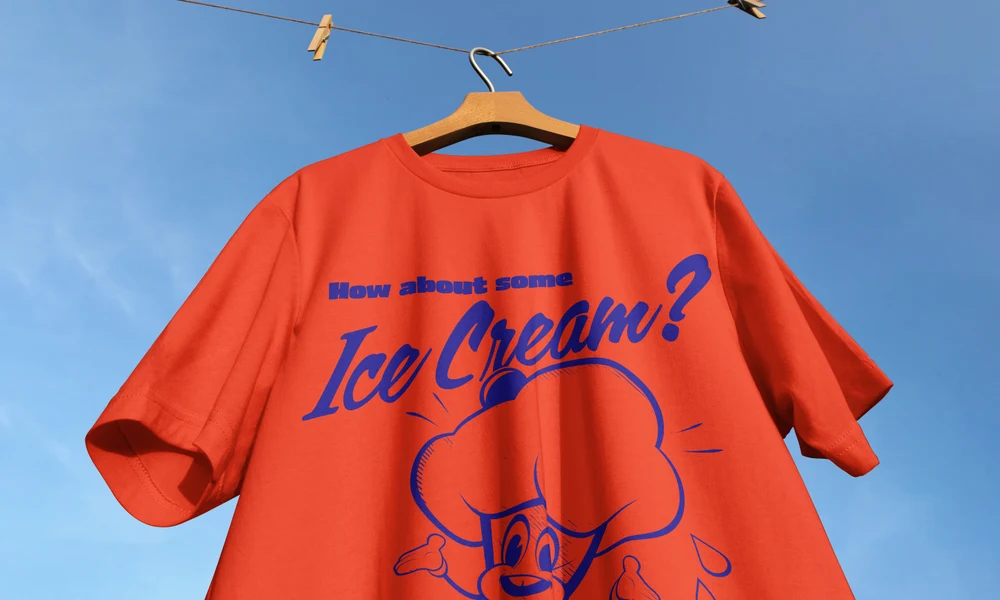
Why use Headwear mockups?
On a cap, the space between the brim and the top of the crown limits a logo's height. Beanie cuffs, bucket hat panels and knotted headbands create other interruptions. Mockups help you review placement on these curved and folded surfaces before preparing a collection for presentation. The range includes snapbacks, fullcaps, fleece beanies, reversible bucket hats and faux-knot headbands. Fashion labels, team stores and merchandise designers can compare front logos, side details, panel colors and all-over patterns. A reversible hat also gives you a way to show the two designs together. Smart Objects follow the shape in each view while retaining the fabric texture, stitching, folds and light. Use the available color controls for team variations or seasonal collections, checking the gallery for the parts each set allows you to change. Export the views for club shops, sponsor proposals, streetwear listings, event merchandise and client reviews. A consistent set of angles makes differences in logo size or placement easier to discuss. You can return to those same scenes for the next design without setting up another headwear shoot.
FreeCreatsy® Mockups
Love it :)