 $2700
$2700
 $1900
$1900 $1900
$1900 $1900
$1900 $1900
$1900 $2000
$2000
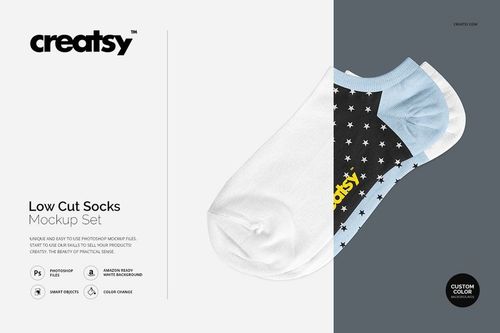 $1900
$1900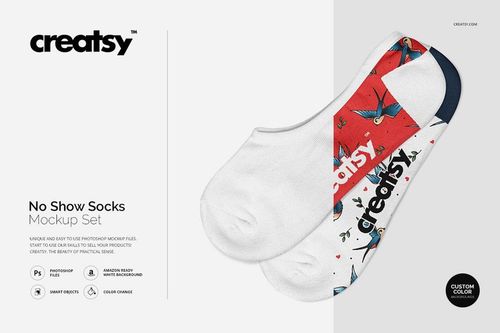 $1900
$1900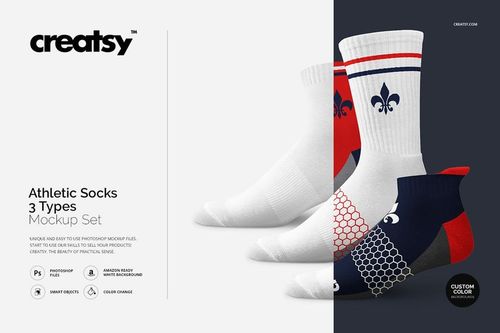
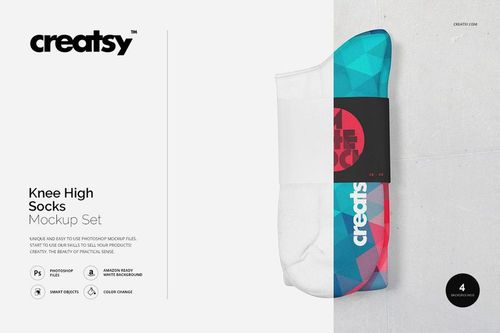
Sock Mockups
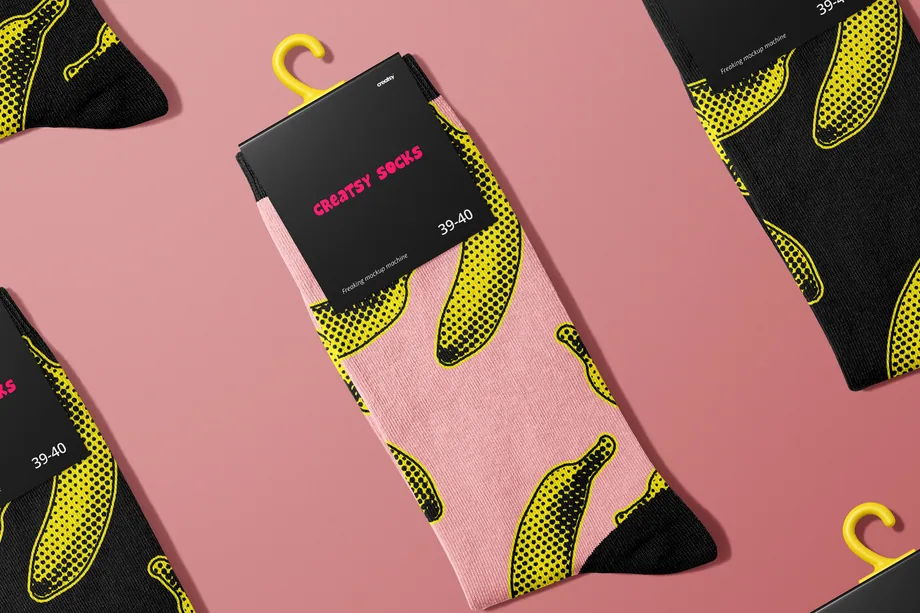
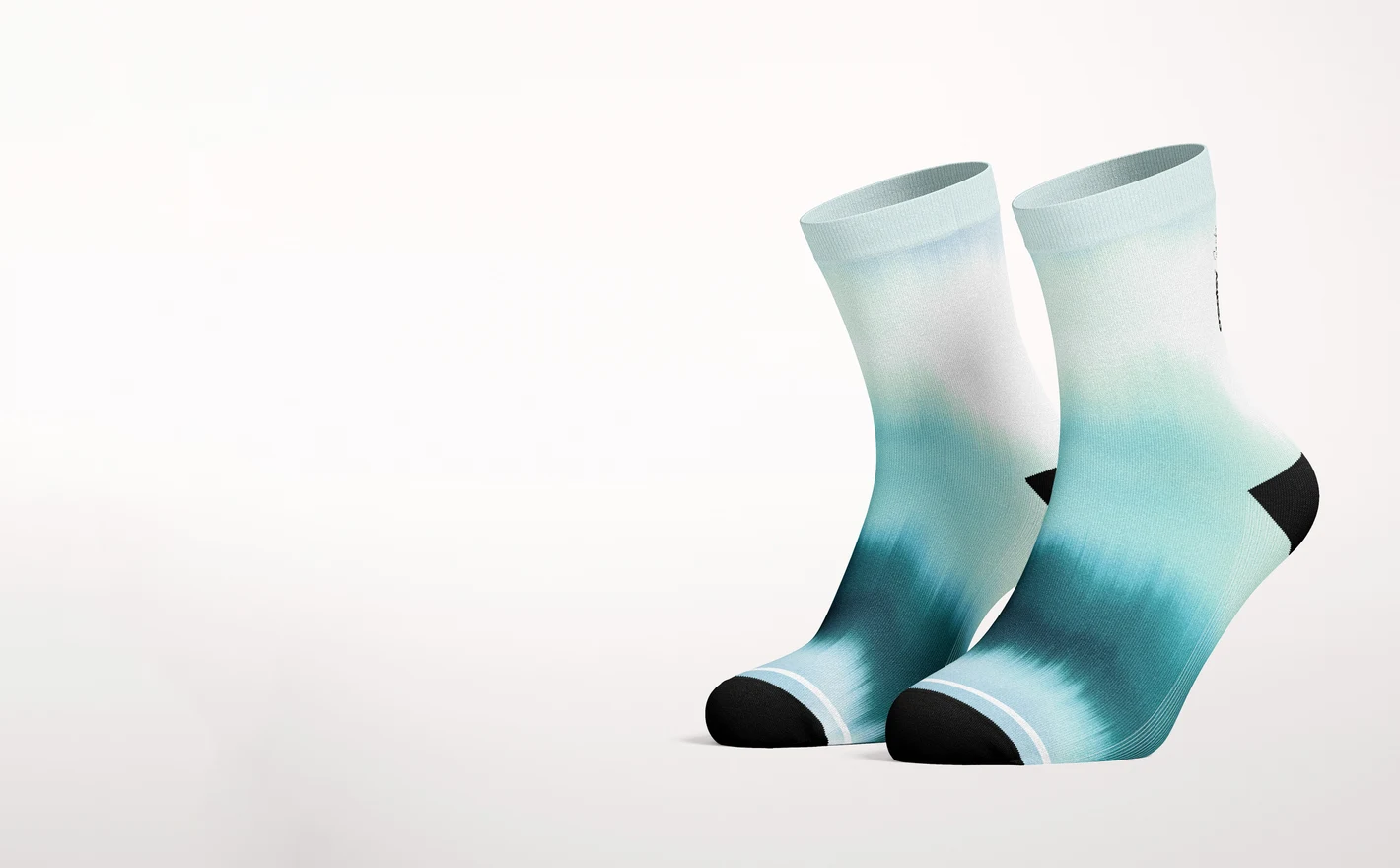
Present repeats, logos, stripes and color blocking on athletic, knee-high and packaged sock formats. Reusable sock mockups build cohesive ecommerce, club-shop and merch visuals across new patterns and team variations.

Reviews
What designers and brand owners say after using these PSD mockups in real client work.
0
Sort by:


What you get
Professional PSD mockups built in-house - editable, realistic, high-resolution, and supported by real people.
Layered PSD Files
Creatsy mockups are delivered as fully layered Photoshop .psd files, with layers sorted into clearly named groups. Shadows, highlights, and the background each sit on their own editable layer, and nothing is flattened into a single image. Open it in Photoshop or the free browser editor Photopea and get to work.
- Clearly named, organized layer groups
- Shadows and highlights on separate layers
- Editable background, never flattened
- Works in Photoshop or free Photopea
Smart Objects
Open the smart object, paste your artwork, and save. The design lands on the product with the perspective, warp, and wrap already worked out. Scene lighting and shadows fall back on top, so it reads as a photograph, not a flat paste-in. Swapping a design takes seconds, so one file can carry a whole run of variants and colorways.
- Double-click, paste your design, save
- Perspective, warp, and wrap pre-built
- Scene lighting and shadows sit back on top
- One file covers many variants and colorways
High-Resolution Output
Many scenes are built from real product photography rather than 3D renders, so the fabric and surface read like a studio shot. Files export at high resolution and stay sharp at full zoom, with clean edges where the print sits. The same file works for a hero banner, a paid ad or a product listing.
- Real product photography in many scenes
- Exports ready for print
- Holds detail at full zoom
- Works for banners, ads and listings
Easy to Edit
Colors, backgrounds, and artwork sit on separate, clearly named layers, so you swap a color or background without disturbing the rest of the scene. There is no relighting or shadow work to redo, and the same file works for your next project.
- Edit color and background layers directly
- No relighting or shadow rework needed
- No masking or layer skills required
- One file reused across projects
Fast Support
There is a real in-house team behind every file, not a ticket bot. Before you buy, ask whether a specific mockup fits what you have in mind, and we will tell you. When a smart object or a layer group is tripping you up, send the question and you usually get a reply within 48 hours.
- Real in-house team behind every file
- Replies within 48 hours
- Pre-purchase help picking the right mockup
- Answers on smart objects and layer setup
Who are these mockups for?
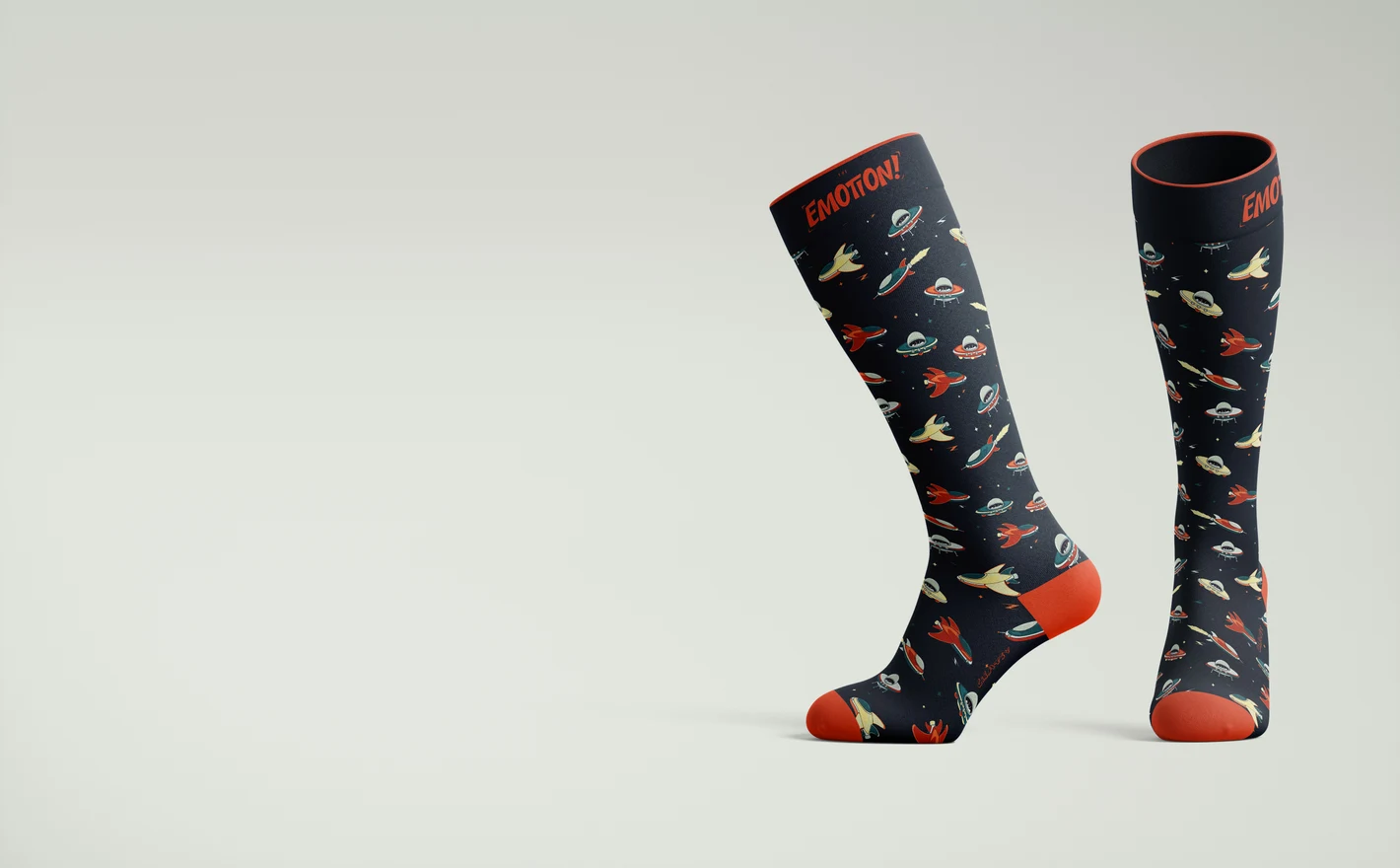
For athletic and lifestyle sock brands
Test color blocking, stripes and logo placement on an over-the-calf silhouette where the design has room to work. The tall format is the loudest canvas in the sock drawer - preview it at full impact before knitting samples.
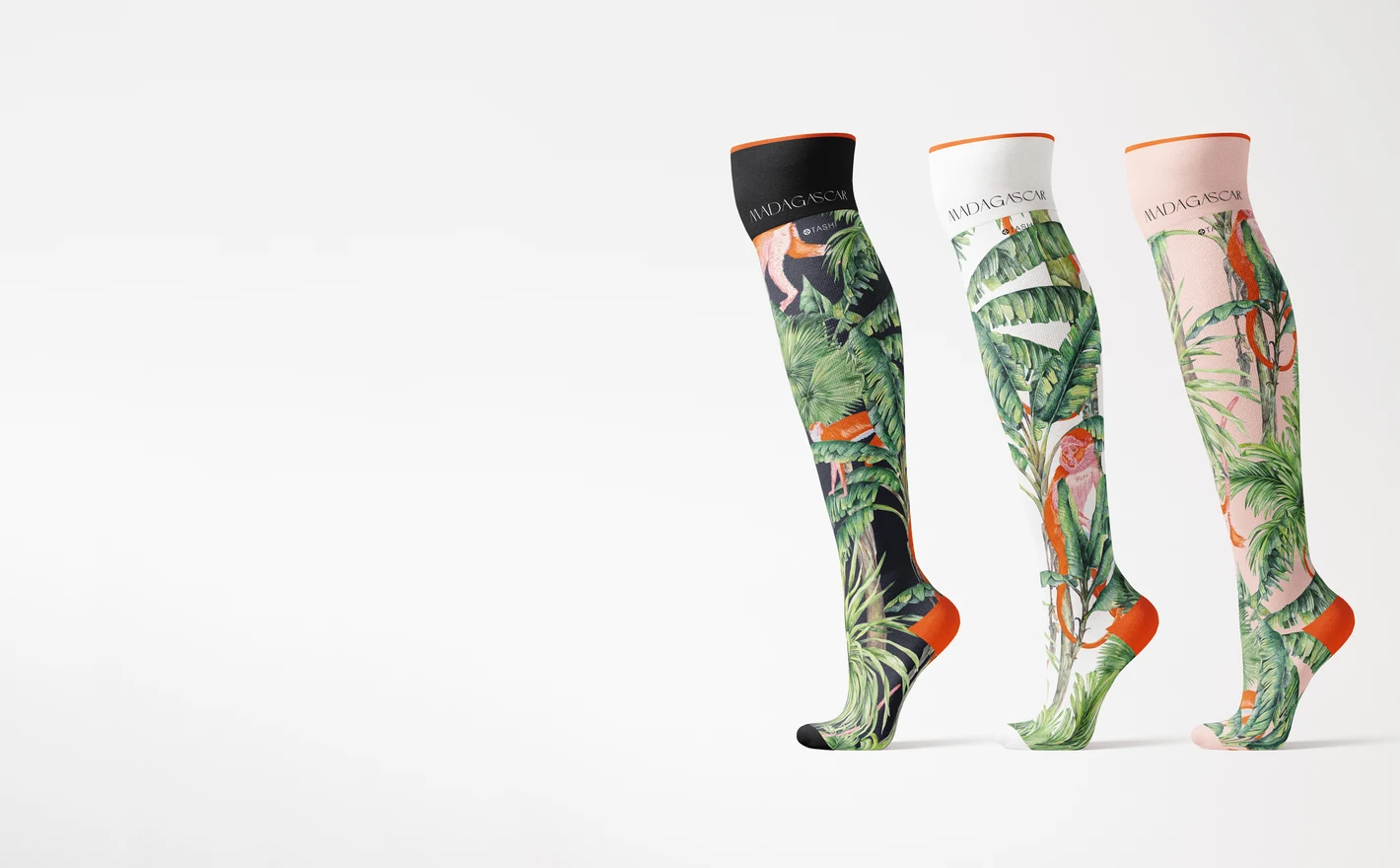
For fashion sock collections
See repeat artwork and motif scale on knee-high socks presented on mannequin legs - stretched the way knit actually stretches. Flat sock templates lie about scale; an on-leg presentation doesn't.
Pairing your socks with shoes? Browse footwear & shoe box mockups
For print-on-demand sellers
Publish consistent marketplace visuals for pattern socks, personalized pairs and multi-color collections. The same angle and lighting across fifty designs keeps the store grid clean - and makes A/B testing designs actually comparable.
For sports and team merchandise designers
Lay club colors, sponsor stripes and crest placement across performance and clubwear sock ranges. Show a kit sponsor how their mark looks at shin height - before the order is signed.
Building a full team kit? Browse sportswear & equipment mockups
FAQs
The range includes no-show, low-cut, ankle and longer socks, including knee-high and over-the-calf styles. There are also sublimation tube socks and packaging scenes. Match the cuff, heel and overall shape to the sock you sell, rather than choosing only by the length in the name.
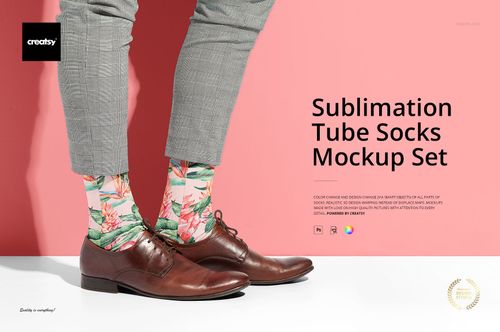
Choose it when you are presenting a tube-style sock intended for sublimation artwork. Compare its shape and surface with your blank before using the image in a listing. The mockup shows a design presentation; it does not confirm print compatibility, ink coverage or the construction of a knitted pattern.
Choose a scene that shows both socks and check whether they have independent design controls. Prepare separate artwork when the pair is intentionally different. Do not simply mirror a design containing text, as the lettering would be reversed.
Yes. The Socks Pair and Packaging Mockup Set and the Knee-High Socks Mockup with Paper Band Label are options to compare. Use the packaging's editable area for the label artwork and the sock's design area for the print. Confirm the visible surfaces in the gallery before preparing both layouts.
The Knee-High Socks on Mannequin Legs Mockup Set shows that presentation. It can help communicate the height and overall appearance of a knee-high design. It should not be treated as a fit or stretch test for every wearer; use product measurements and samples for those checks.
Why use Sock mockups?
Sock designs run across several areas: the cuff, leg, heel, toe and foot. Their proportions change with the length of the sock, so a layout for a crew sock may need adjusting for a no-show or knee-high style. Mockups make those differences visible. Choose from low-cut, athletic, knee-high, over-the-calf and sublimation tube styles, including mannequin and packaging views. Compare repeat sizes, stripes, vertical graphics and logos, or check how two designs look as a pair. Sets with a paper band or other packaging let you show the label alongside the socks. Smart Objects place your artwork around the sock's shape while retaining the folds and lighting in the scene. Use the available color controls to prepare team variants, new patterns or seasonal gift designs. Each gallery shows which surfaces and details you can edit. The exported images suit shop listings, club merchandise, sponsor presentations, retail catalogs and client reviews. Reusing the same views across the collection keeps attention on the differences in height, color and design. It also gives you a consistent set of images for later launches.
FreeCreatsy® Mockups
It's overall ok, however a bit difficult to create the designs on the smart objects since they don't line up and has to be distorted to look accurate.
Thank you for your feedback, and we’re sorry to hear that aligning your designs with the smart objects has been difficult. Could you please send us a few screenshots showing where the smart objects don’t line up or where the design needs to be distorted? This would help us better understand the issue and find the best way to resolve it. We want the mockups you purchased to be easy to use, practical, and genuinely helpful, and most importantly, we want you to be fully satisfied with your purchase. Please email us directly at [email protected] with the screenshots, and we’ll be happy to assist you.