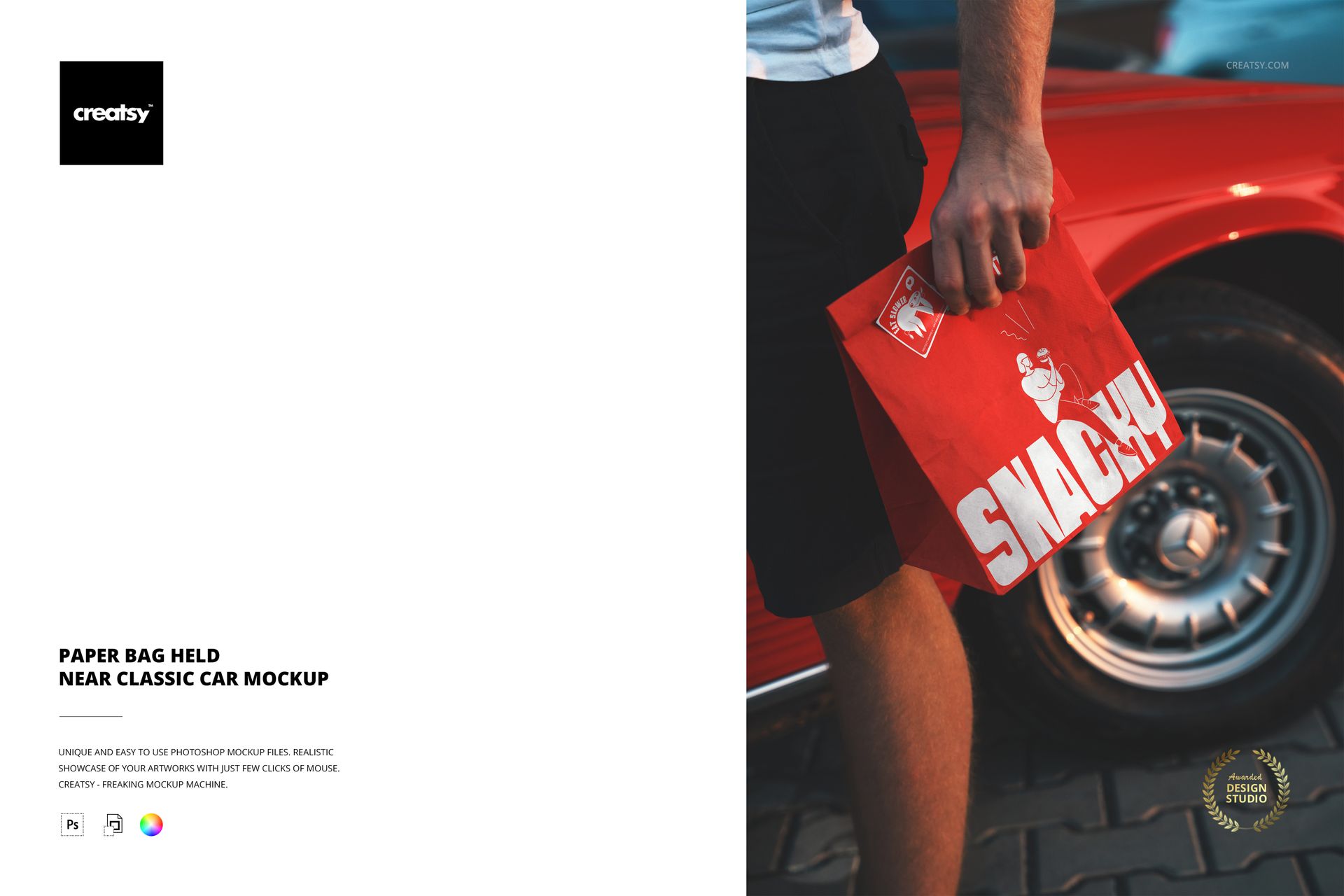
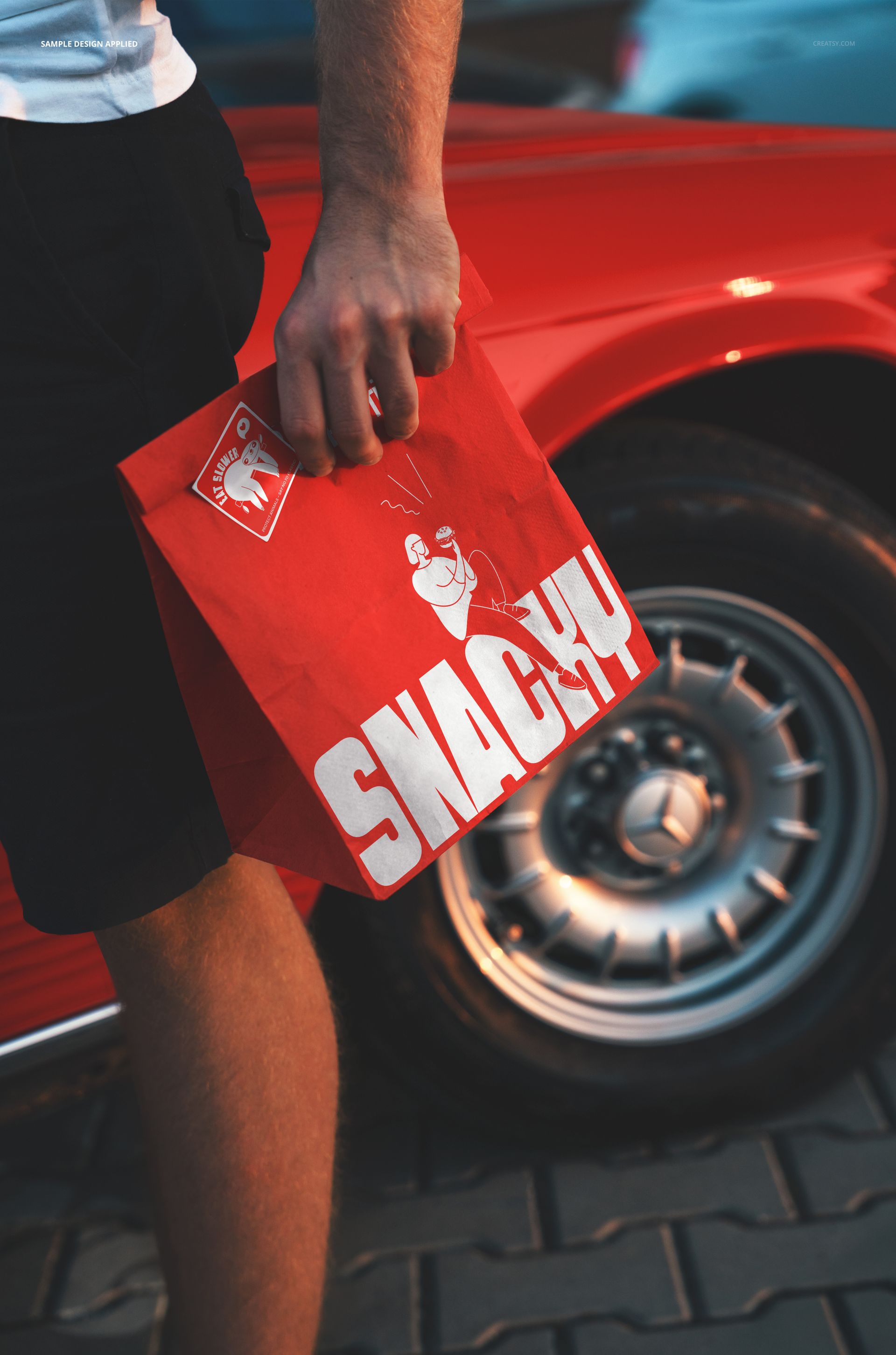
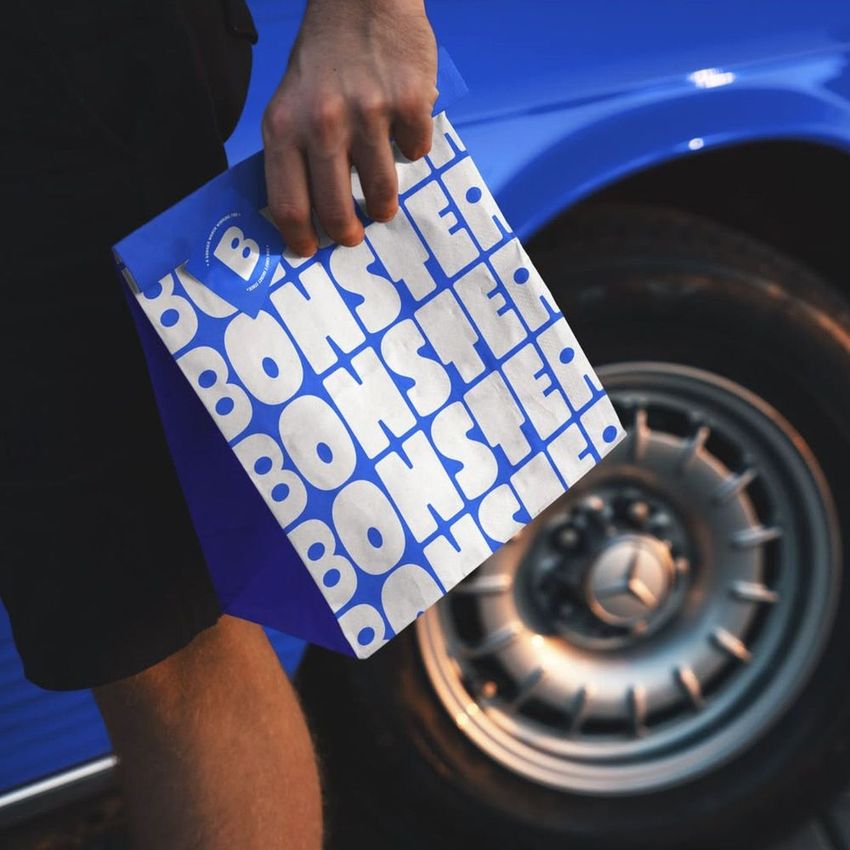
Put your branding on a takeaway paper bag in a real street scene. This is a single Photoshop mockup of a food bag held in a hand beside a classic car, made for restaurant, cafe and fast-food branding. Drop your logo or artwork into the bag smart object and it wraps onto the paper with its creases and folds, so your packaging looks photographed on location rather than flat on a swatch. You can also brand the sticker on the bag, recolor the car and switch a retro effect on or off, so the whole shot works around your brand.
You get one layered PSD at 6000 x 4000 px, 300 dpi. It opens in Adobe Photoshop, version CC2020 or newer, and in Photopea, the free browser editor, so a paid subscription is optional. Layers are named and well organized, which makes each part quick to find.
What you can change
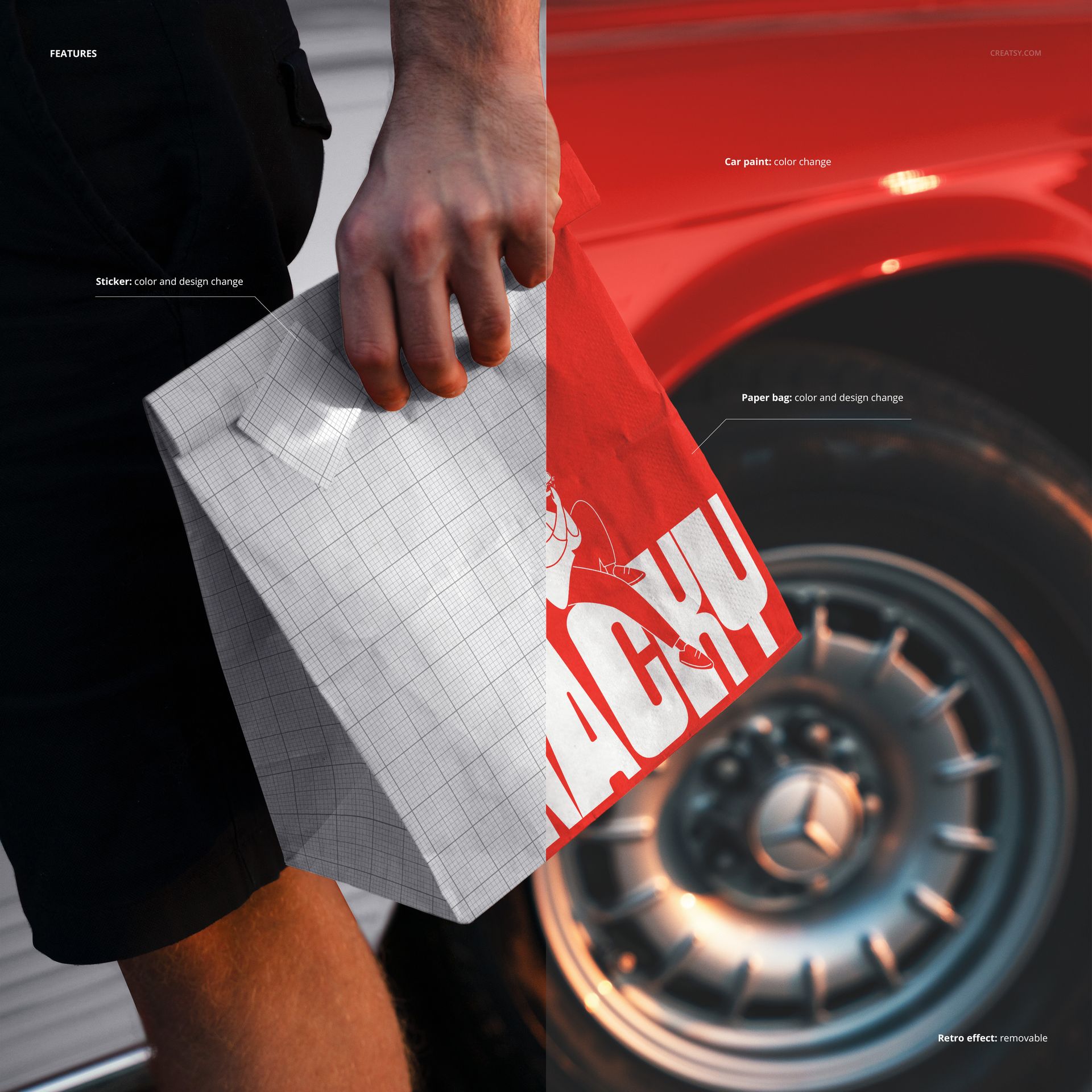
Two surfaces take your artwork, plus the car color and a photo effect:
Paper bag: color and design. Your logo, branding or full artwork goes on the takeaway bag.
Sticker: color and design, for the seal or label on the bag.
Car paint: color, so you can match the classic car to your brand.
Retro effect: a vintage photo look you can keep or remove.
Between the bag, the sticker, the car color and the effect, you can set the whole mood of the shot around your brand, from bright and modern to warm and retro.
A lifestyle scene, not a plain product shot
Instead of a bag on a blank background, this puts your packaging in a styled street scene, held in hand next to a classic car with the wheel and paving behind it. That context reads as a real brand moment, the kind of image a food or cafe brand uses on a menu, a social post or a shopfront, rather than a flat product shot that could belong to anyone.
How the edit works
Double-click the bag smart object, paste your design and save, and it appears on the paper with the folds and shadows already there. Do the same for the sticker, set the car color, and turn the retro effect on or off. Because the scene is already shot and styled, you are placing a design rather than building a photograph, so a finished brand image is ready in minutes.
No photo shoot, no location
Shooting a branded bag on the street with the right car, light and model takes a day and a budget. This mockup gives you that shot ready made: you load a logo, set the colors and export, then repeat for the next brand or concept. It is a fast way to pitch packaging to a client or fill a listing before anything is printed.
Who it is for
Restaurant, cafe and fast-food brands, packaging and logo designers, branding studios, and Etsy or Shopify sellers with food or takeaway branding. It suits a burger joint, a coffee shop, a bakery or a street-food stall, anywhere a paper bag carries the brand out of the door, and it gives a young brand a photographed, established look.
What is in the download
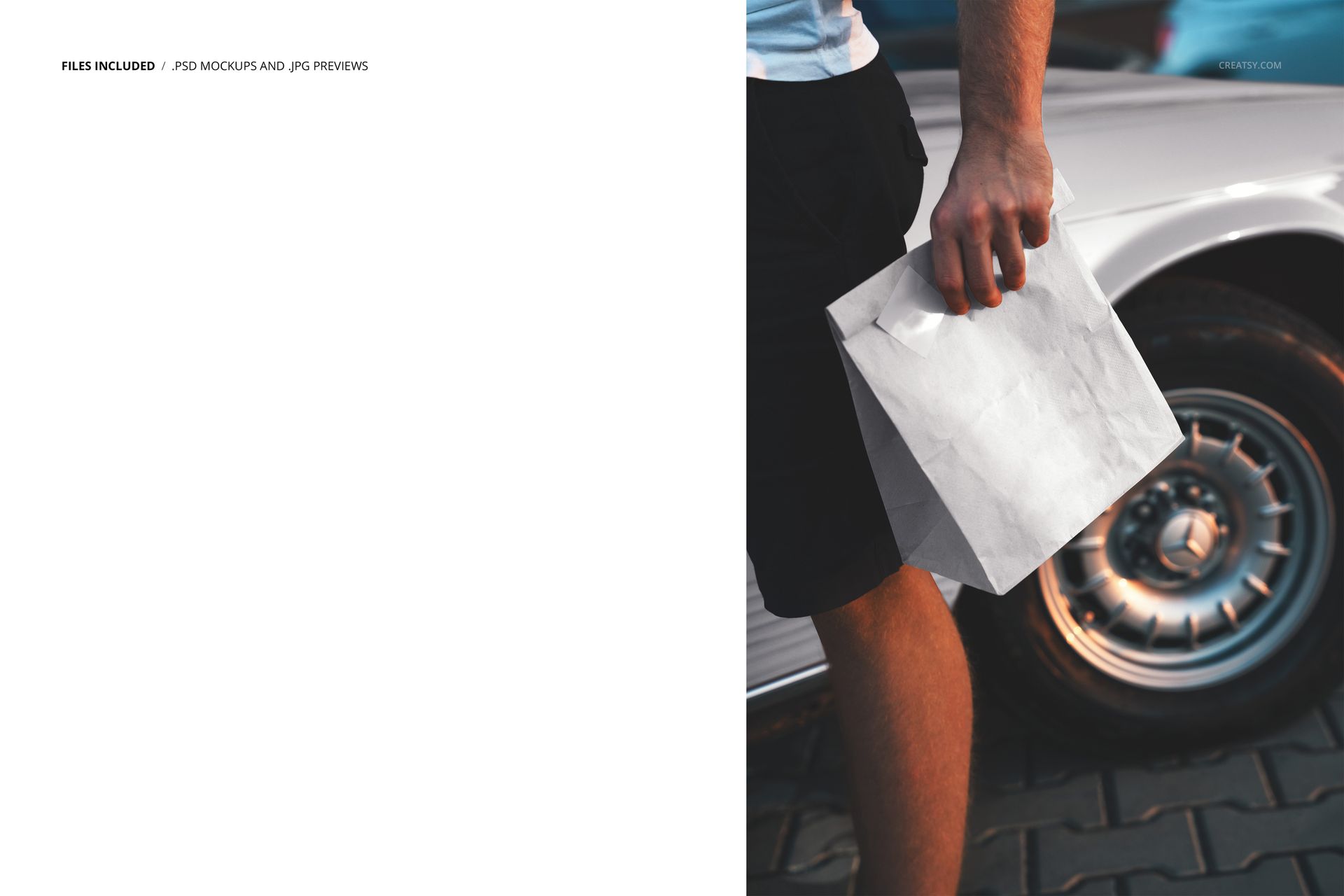
One .psd scene plus .jpg previews in a single zip. Layers are named and grouped, with smart objects for the bag and the sticker, so every edit stays reversible and you can revisit a look later.
File and software details
1 layered PSD file
6000 x 4000 px, 300 dpi
Adobe Photoshop CC2020 or newer, or free Photopea in the browser
paper bag and sticker take color and design via smart objects
car paint color change and a removable retro effect
well organized, named layers
Load a logo, set the colors and the effect, and you have a finished, on-brand packaging shot in a few minutes, ready to reuse for the next concept.