The Moment of Service
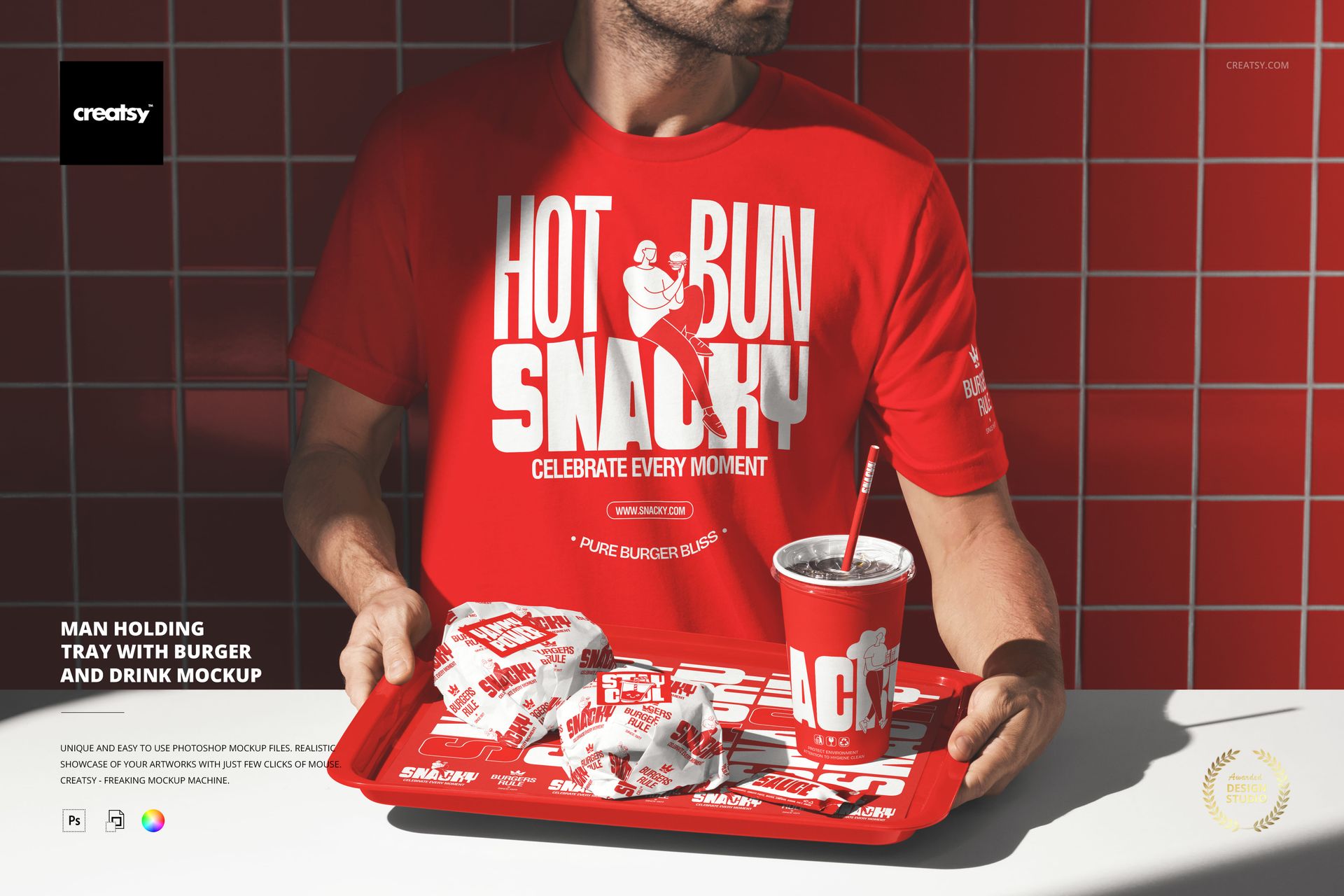
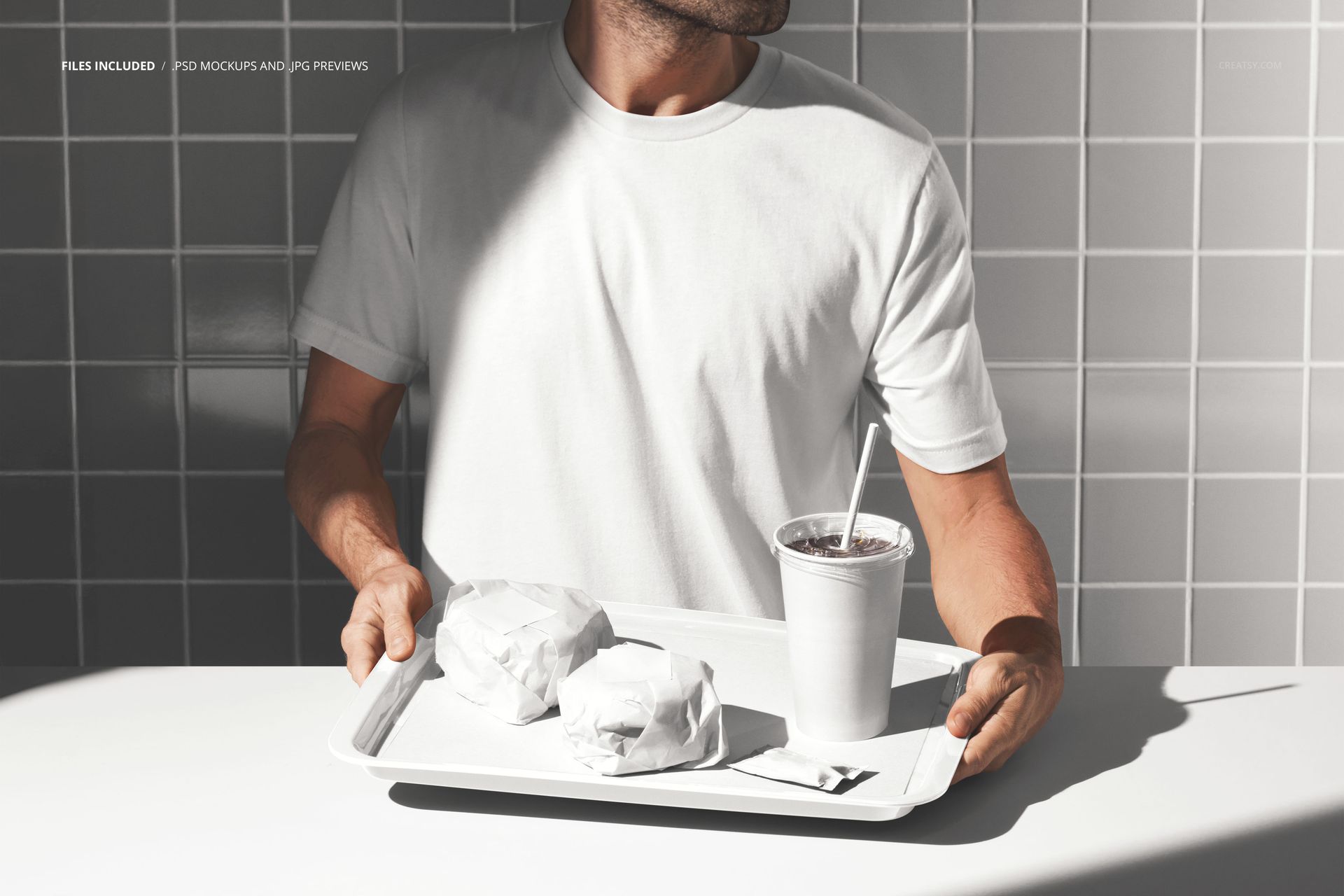
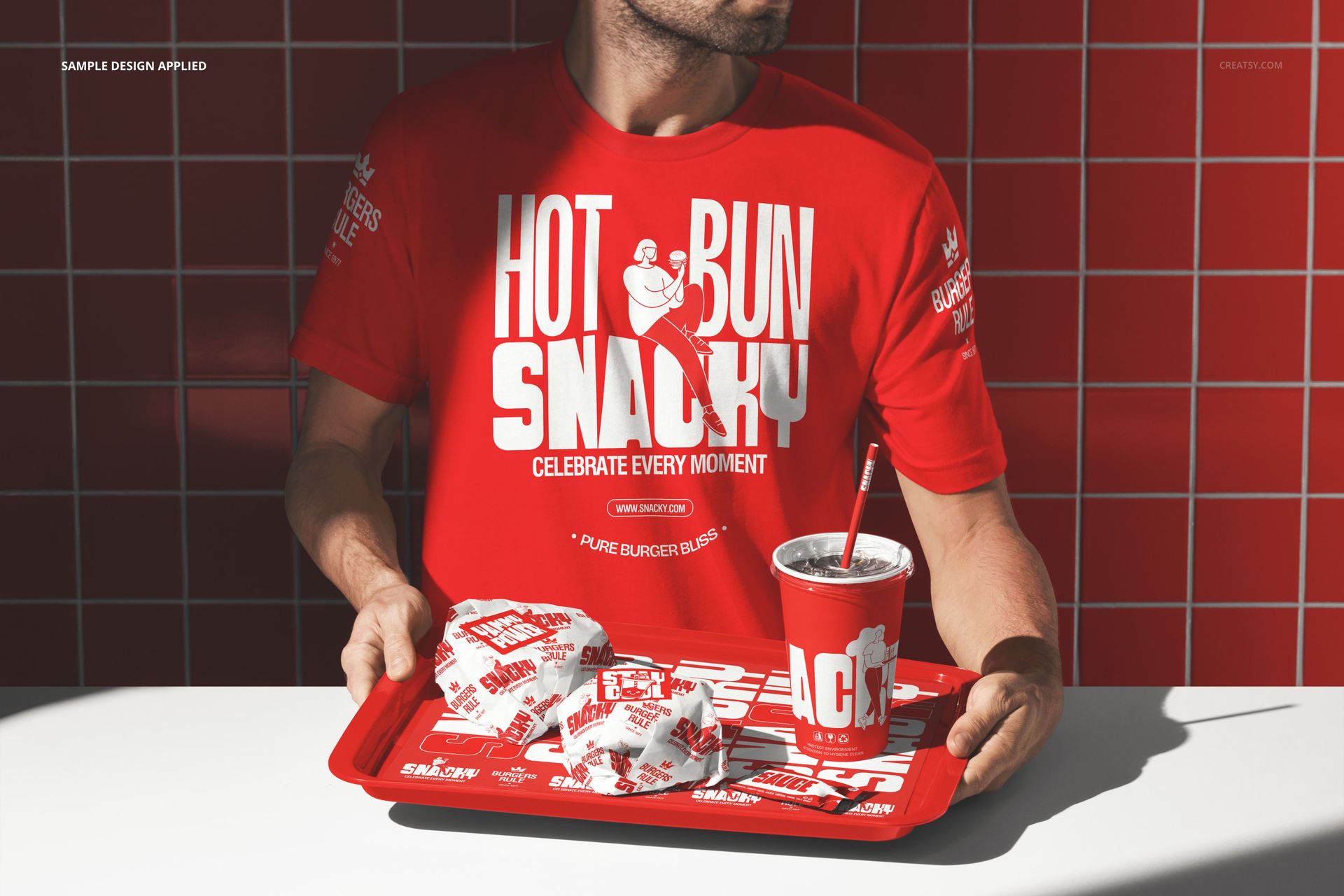
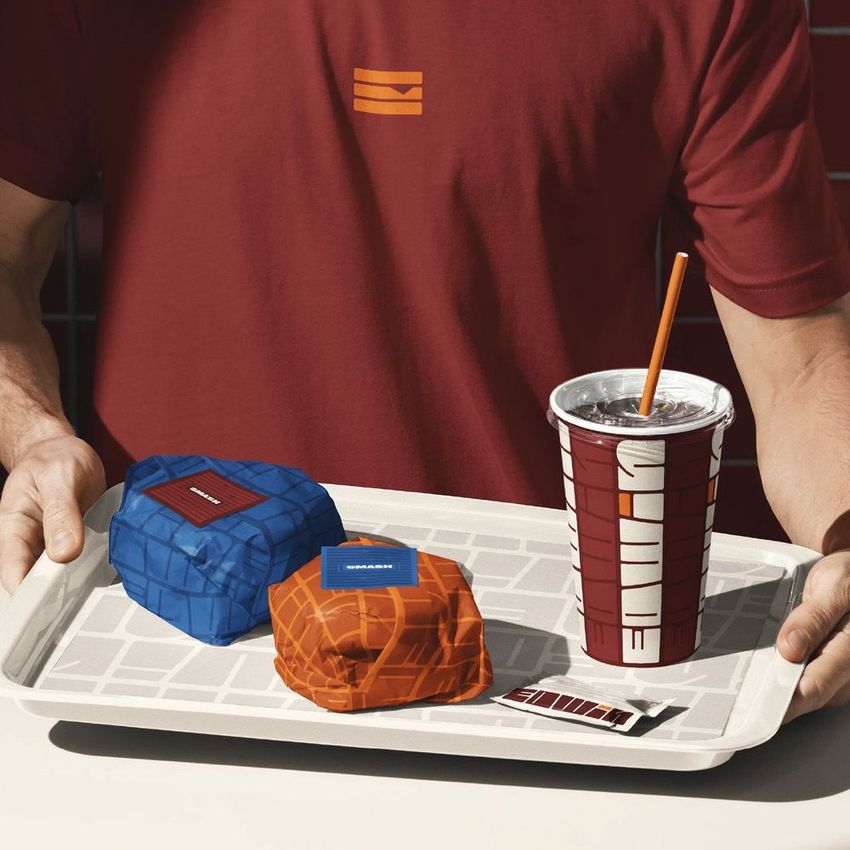
A man in a branded t-shirt holds a tray carrying burgers and a drink, presenting it toward the camera as if handing an order to a customer. This photograph captures the exact interaction that defines fast food service: a staff member delivering food. The branded shirt identifies who the person works for. The tray loaded with product shows what the customer is about to receive. Everything a fast food brand wants to communicate - identity, product, and service - appears in a single frame. Your brand goes onto the t-shirt through a smart object layer, and the packaging on the tray carries your design through additional editable surfaces. One PSD file at 6000 by 4000 pixels, 300 DPI. Compatible with Adobe Photoshop CC 2020 or newer and Photopea, the free browser-based editor.
The Tray as Product Stage
A tray is not just a carrying device. In food service photography, the tray functions as a stage that presents all items together in a composed arrangement. The burgers and the drink appear side by side, which allows the viewer to see the full order at once rather than individual items photographed separately. For brand presentations, this composition answers the question every customer has before ordering: what does a complete meal from this restaurant actually look like? The tray shot is the visual equivalent of a combo meal listing on a menu board - everything together, ready to eat, presented by a real person in the brand uniform.
Multiple Brand Touchpoints in One Frame
Count the branded surfaces in this photograph. The t-shirt carries your primary brand identity. The burger packaging shows your box or wrapper design. The drink cup or container displays your beverage branding. In one image, three separate categories of branded collateral are visible simultaneously: apparel, food packaging, and drink packaging. A brand identity presentation typically dedicates a separate slide to each of these touchpoints. This mockup consolidates them into a single hero image that demonstrates brand cohesion across all customer-facing materials at once. When a client sees the same visual system working on a shirt, a box, and a cup held by one person, the brand system feels complete and professional.
Service Photography for Every Channel
This image type works across more communication channels than a standard product mockup. Menu boards at the point of sale show staff presenting food to reinforce the service-oriented brand message. Social media posts featuring a person holding food generate higher engagement than flat product shots because human presence triggers social responses. Delivery app hero images benefit from showing a real person with a real tray because it signals that the restaurant has actual staff preparing actual food. Job listings and recruitment posts use this type of image to show candidates what the job looks like in practice. Investor decks use it to demonstrate the customer-facing brand experience. Each channel uses the same exported image for a different strategic purpose.
Specifications
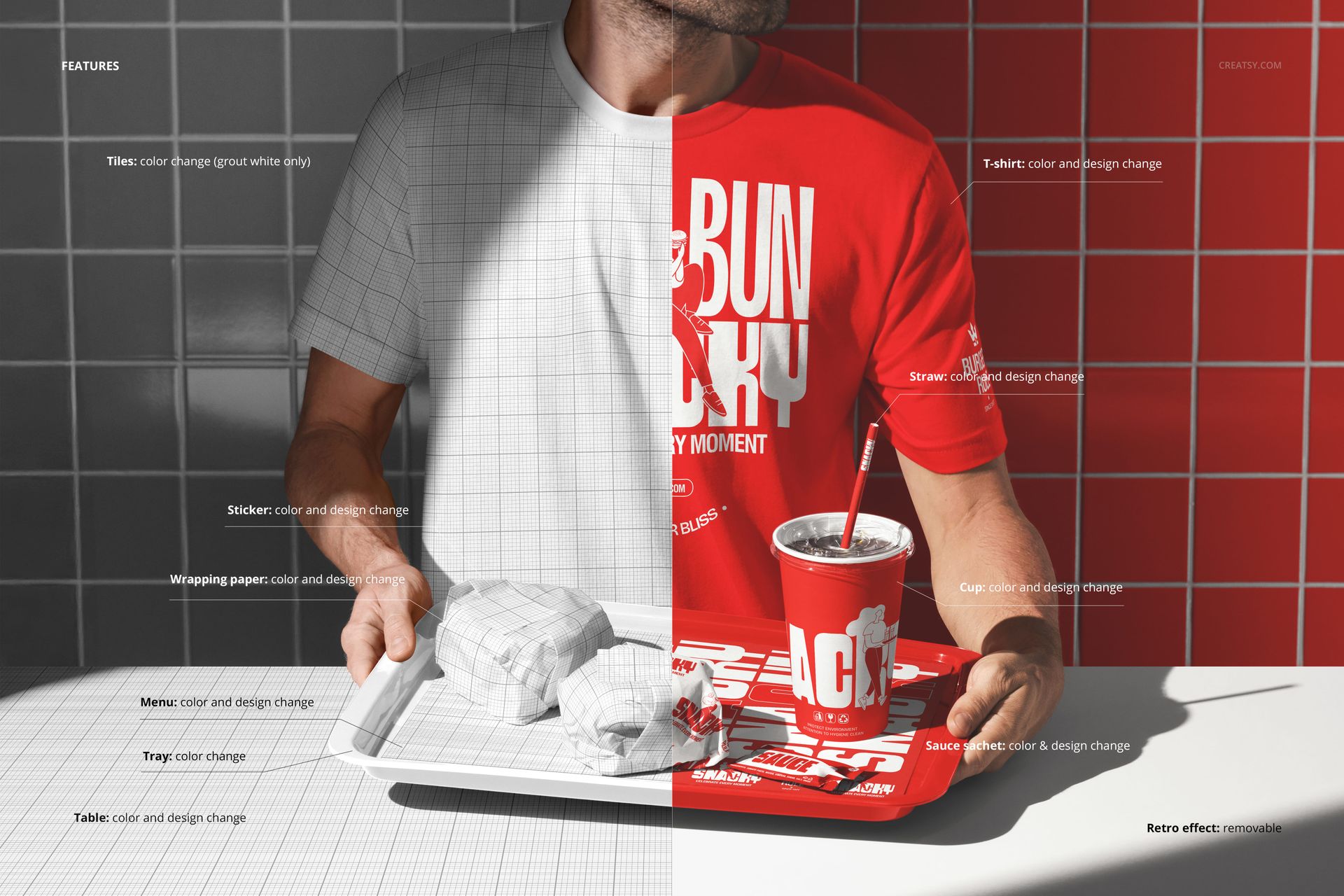
Format: PSD (Adobe Photoshop). Dimensions: 6000 x 4000 pixels. Resolution: 300 DPI. Color mode: RGB. Download size: 271.42 MB. Smart objects: t-shirt, burger packaging, drink container - each labeled and editable independently. Layer organization: grouped with named folders. Adjustment layers: included for color and lighting control. Compatible with: Adobe Photoshop CC 2020+, Photopea (free, browser-based).