

 $2300
$2300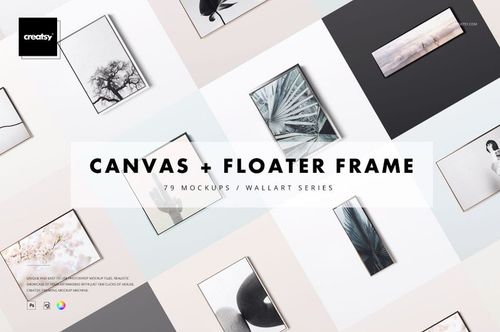
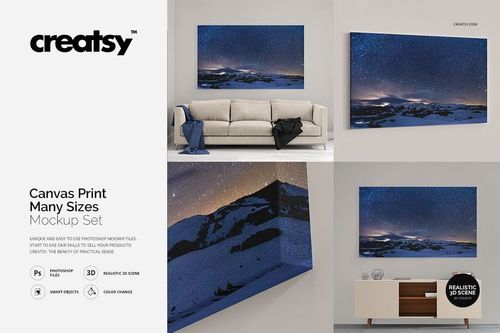
Canvas Print Mockups
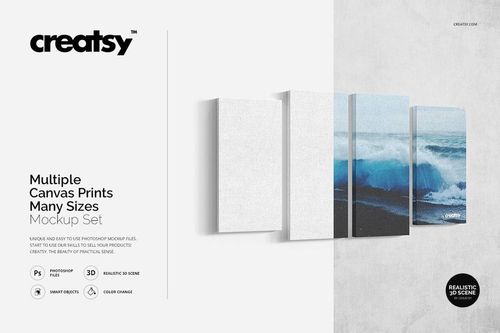
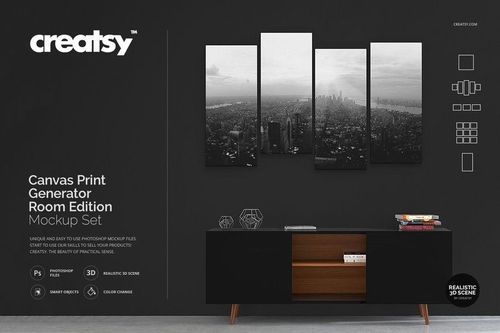
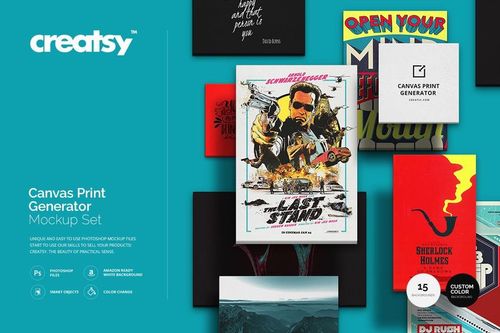
Explore editable canvas print mockups for gallery-wrapped canvases, multiple sizes and edge styles, split and multi-panel layouts, thick canvases, floater frames, surface close-ups, rolled prints, and selected room scenes. Add photography, illustrations, or artwork through layered Photoshop files and Smart Objects, then create realistic visuals for online listings, client presentations, portfolios, catalogs, advertising, and social media.

Reviews
What designers and brand owners say after using these PSD mockups in real client work.
0
Sort by:


Clearly you can tell these guys are experienced and have put a lot of time into their craft. High quality products, very customisable, and super user friendly. I've bought a few products from here and I've no doubt I'll be back again at some point. Keep up the great work!
 Canvas Print Mockup Set View product
Thank you so much for your kind words! We’re thrilled to hear you’ve had such a good experience with our mockups. It means a lot to know you find them user friendly and high quality. We really appreciate your continued support and hope to see you again soon.
Clearly you can tell these guys are experienced and have put a lot of time into their craft. High quality products, very customisable, and super user friendly. I've bought a few products from here and I've no doubt I'll be back again at some point. Keep up the great work!
 Canvas Print Size Comparison Mockup Set View product
 Thank you so much for this amazing review! It truly means a lot to us. We put a lot of care into creating our mockups, so we’re very happy to hear you found them high quality, customisable, and easy to use. Thank you again for your support - we’ll be very happy to welcome you back anytime.
Excellent Product and customer service.
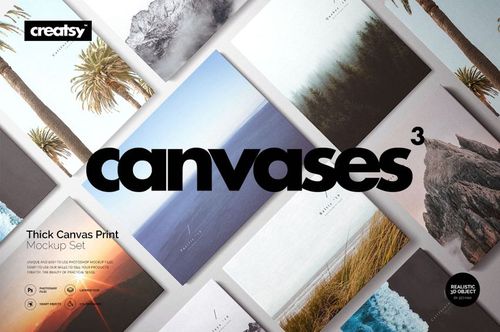
 Thick Canvas Prints (many sizes) Mockup Set View product
 Thank you so much for your feedback! We’re so happy to hear you were pleased with the product and customer service. We really appreciate it.
Excellent Product and customer service.
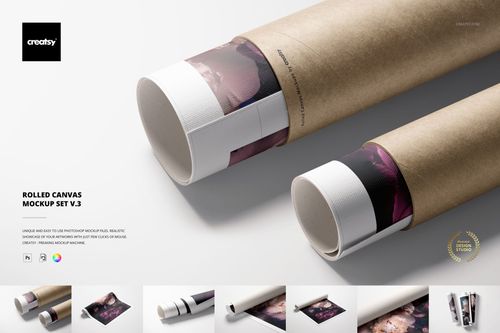
 Rolled Canvas Print Mockup Set v.3 View product
 Thank you so much for your kind review! We’re very happy to hear you enjoyed both the product and our customer service. We truly appreciate your support.
Excellent Product and customer service.
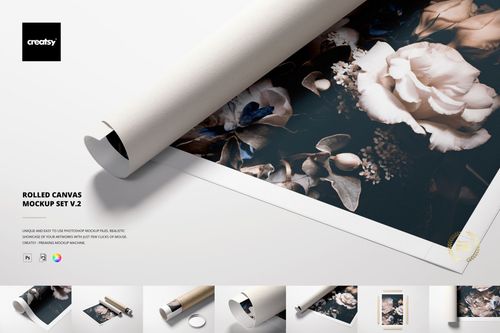
 Rolled Canvas Print Mockup Set v.2 View product
 Thank you so much for your feedback!
Excellent Product and customer service.
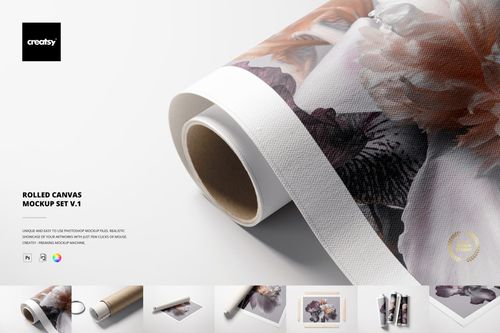
 Rolled Canvas Print Mockup Set v.1 View product
 Thank you so much! We’re glad to hear you had a great experience with both the mockup and our support. We really appreciate your review.
Wonderful experience, had issues downloading, everything was fixed quickly and easily. The mockups are high quality and look great.
 Canvas in Floater Frame Mockup Set View product
 Thank you so much for your kind review! We’re very happy we could help and resolve the download issue quickly. It means a lot to hear that you’re enjoying the mockups and that the quality met your expectations. Thank you again for your support.


What you get
Professional PSD mockups built in-house - editable, realistic, high-resolution, and supported by real people.
Layered PSD Files
Creatsy mockups are delivered as fully layered Photoshop .psd files, with layers sorted into clearly named groups. Shadows, highlights, and the background each sit on their own editable layer, and nothing is flattened into a single image. Open it in Photoshop or the free browser editor Photopea and get to work.
- Clearly named, organized layer groups
- Shadows and highlights on separate layers
- Editable background, never flattened
- Works in Photoshop or free Photopea
Smart Objects
Open the smart object, paste your artwork, and save. The design lands on the product with the perspective, warp, and wrap already worked out. Scene lighting and shadows fall back on top, so it reads as a photograph, not a flat paste-in. Swapping a design takes seconds, so one file can carry a whole run of variants and colorways.
- Double-click, paste your design, save
- Perspective, warp, and wrap pre-built
- Scene lighting and shadows sit back on top
- One file covers many variants and colorways
High-Resolution Output
Many scenes are built from real product photography rather than 3D renders, so the fabric and surface read like a studio shot. Files export at high resolution and stay sharp at full zoom, with clean edges where the print sits. The same file works for a hero banner, a paid ad or a product listing.
- Real product photography in many scenes
- Exports ready for print
- Holds detail at full zoom
- Works for banners, ads and listings
Easy to Edit
Colors, backgrounds, and artwork sit on separate, clearly named layers, so you swap a color or background without disturbing the rest of the scene. There is no relighting or shadow work to redo, and the same file works for your next project.
- Edit color and background layers directly
- No relighting or shadow rework needed
- No masking or layer skills required
- One file reused across projects
Fast Support
There is a real in-house team behind every file, not a ticket bot. Before you buy, ask whether a specific mockup fits what you have in mind, and we will tell you. When a smart object or a layer group is tripping you up, send the question and you usually get a reply within 48 hours.
- Real in-house team behind every file
- Replies within 48 hours
- Pre-purchase help picking the right mockup
- Answers on smart objects and layer setup
Who are these mockups for?
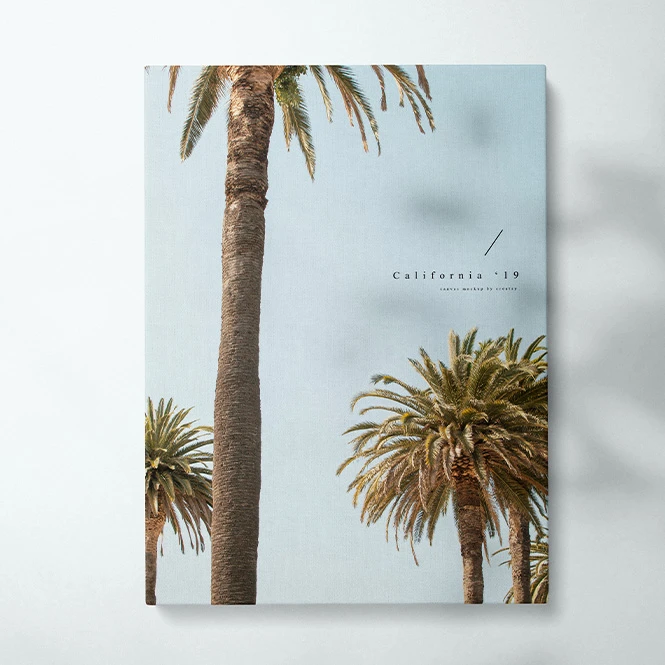
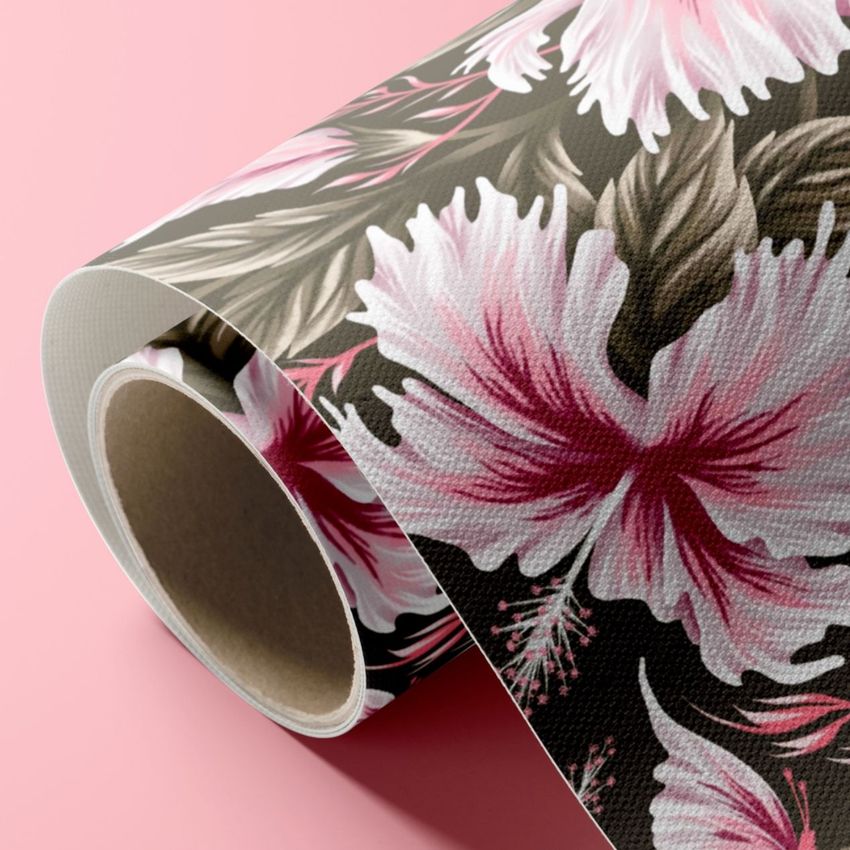
For artists, photographers & illustrators
Present photography, paintings, illustrations, and digital artwork on gallery-wrapped, framed, split, multi-panel, thick, or rolled canvas formats. Use studio views, detailed close-ups, relative size comparisons, and selected room scenes for portfolios, online shops, gallery proposals, client approvals, and launch campaigns.
Offering paper editions too? Browse Photo & Fine Art Print mockups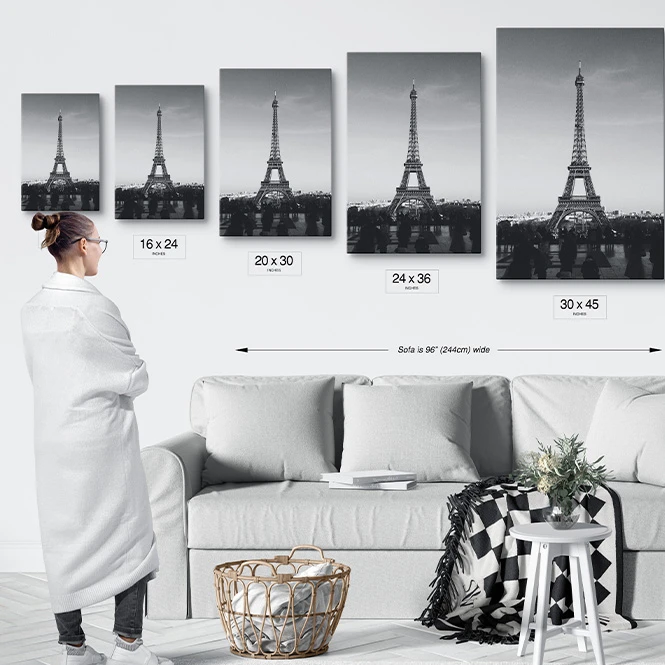
For print labs, canvas manufacturers & framing brands
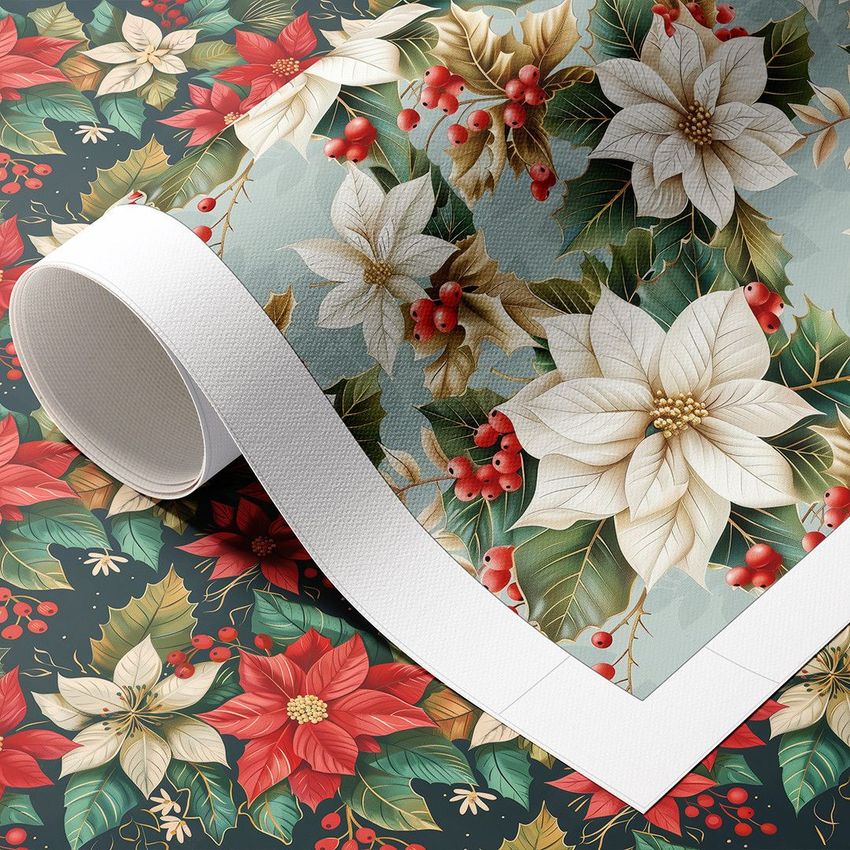
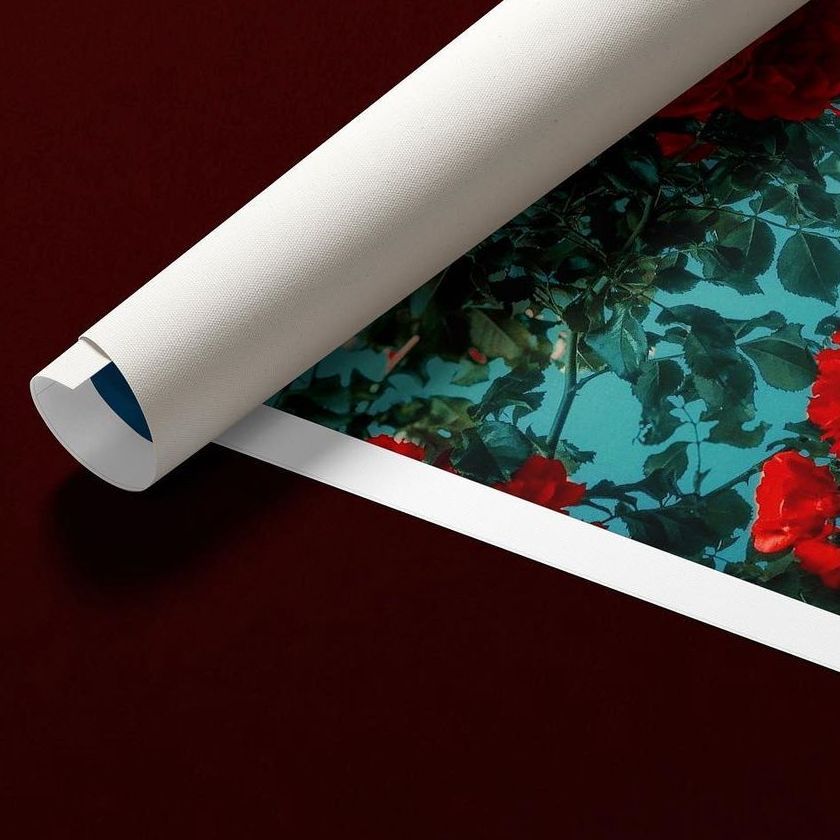
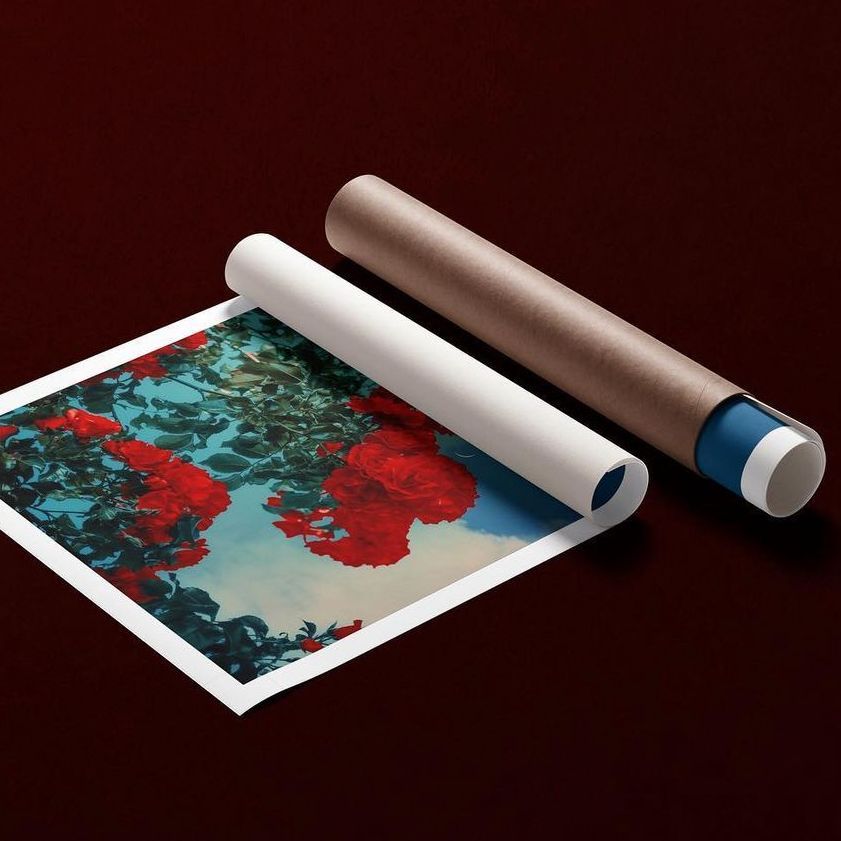
Present canvas weave, sheen, gallery-wrap edges, stretcher depth, backing details, floater-frame options, rolled formats, and tube-shipped product concepts. Use close-ups and product-focused views in catalogs, retailer presentations, customer consultations, and educational materials.
Offering traditional frames too? Browse Framed Prints & Poster Hangers mockups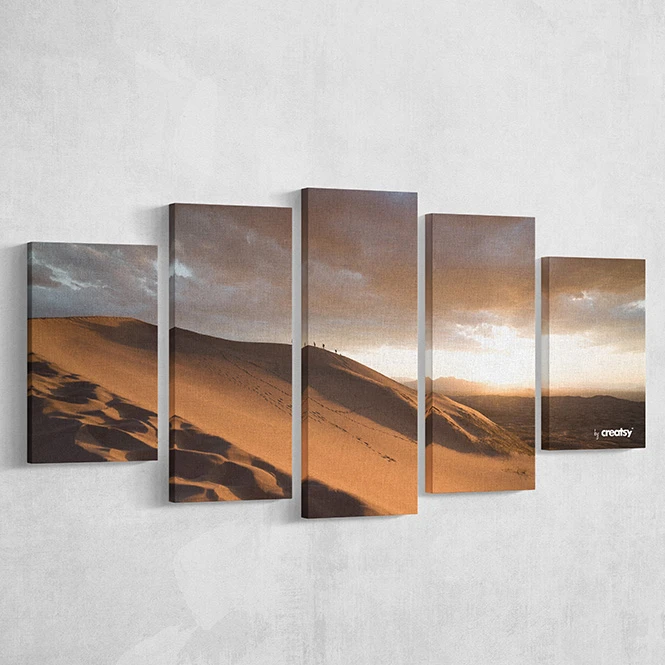
For print-on-demand & wall-art sellers
Create consistent product visuals across multiple canvas sizes, orientations, edge treatments, frames, and arrangements. Use clean product views, relative size comparisons, room contexts, and rolled-canvas presentations for online listings, catalogs, advertising, and social media without photographing every early artwork variation.
Building a wider wall-art collection? Browse Prints & Wall Art mockups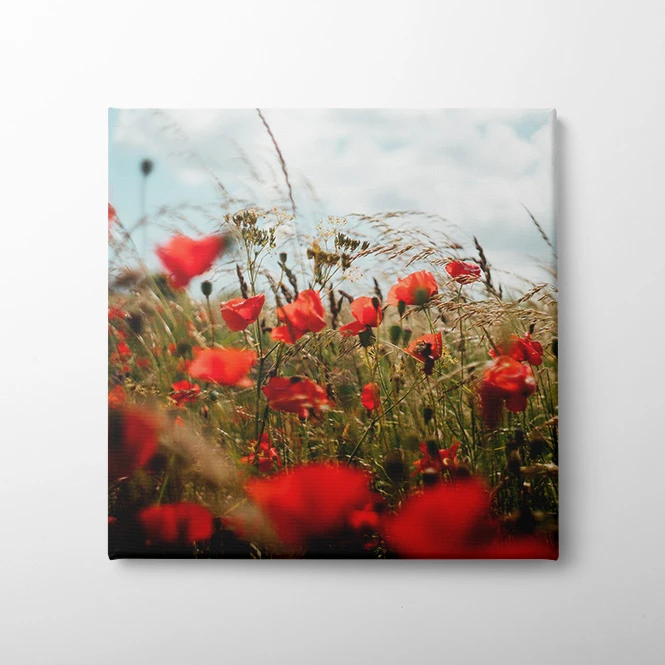
For interior designers, galleries & home decor brands
Place single or grouped artworks in selected room scenes to communicate the intended arrangement, mood, and relative visual scale. Use the finished images in client proposals, lookbooks, exhibition concepts, interior presentations, and social media.
Need a wider selection of styled interiors? Browse Living Room & Decor Scenes
FAQs
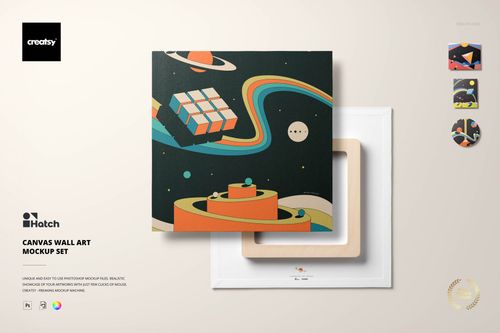
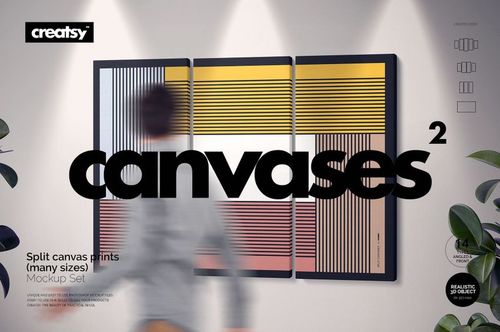
The collection includes single canvas prints, multi-size sets, relative size-comparison scenes, thick canvases, split and multi-panel layouts, canvas wall art in several shapes, floater-frame presentations, surface close-ups, rolled canvases with tubes, manually configurable canvas generators, and selected room scenes. Exact dimensions, wrap options, frame styles, viewing angles, file counts, and editable elements vary between products, so check the individual preview gallery and Product Details section before purchasing.
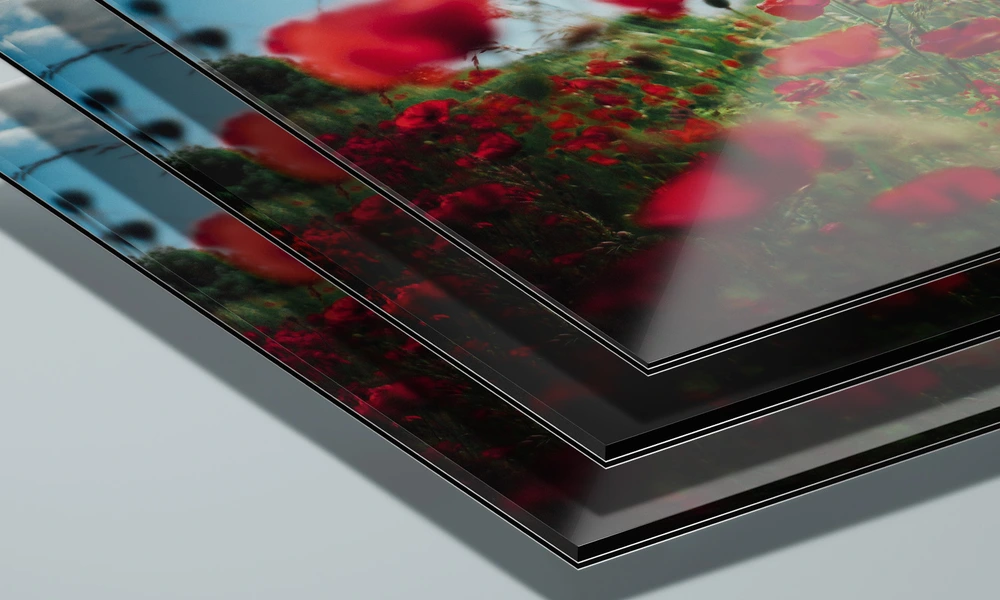
Dedicated close-up mockups represent cotton glossy, premium cotton glossy, cotton matte, cotton satin, and polyester matte canvas surfaces. Selected products also include gallery, mirror, blur, extrude, colored, black, and white edge treatments, together with wooden, metallic, painted, and solid-color floater-frame concepts. These are visual surface and finish presentations. They are not calibrated material or color proofs and cannot guarantee the exact result supplied by a particular print provider.
Canvas Print Generator lets you manually configure canvas proportions and presentation options inside editable Photoshop mockups. It is not an automated batch-rendering tool. Add the artwork to the selected PSD, adjust the available settings, and export that scene separately. Multi-size sets and bundles contain independent Photoshop files or Smart Objects. Changes do not automatically synchronize across scenes, sizes, frames, edge treatments, or products.
Yes. Selected Canvas Print products include styled room scenes, relative size comparisons, and wall arrangements. For a broader collection of interiors containing furniture, wallpaper, curtains, cushions, and other decorative surfaces, browse Living Room & Decor Scenes. Rolled canvas mockups are useful for presenting unstretched or tube-shipped canvas concepts. They do not verify tube dimensions, rolling tolerances, surface protection, carrier requirements, or the final packaging method.
The editable mockups are designed for Adobe Photoshop. Many products also work in Photopea, but compatibility varies and should be checked on the individual product page. Sets and bundles contain separate Photoshop files and may include several independent Smart Objects. Canvas mockups are presentation files. They do not replace the print provider's final dimensions, image-resolution requirements, wrap allowance, bleed, stretcher depth, ICC profile, material specification, packaging instructions, or physical proof. They also cannot guarantee the final printed color or finish.

Why use Canvas Print mockups?
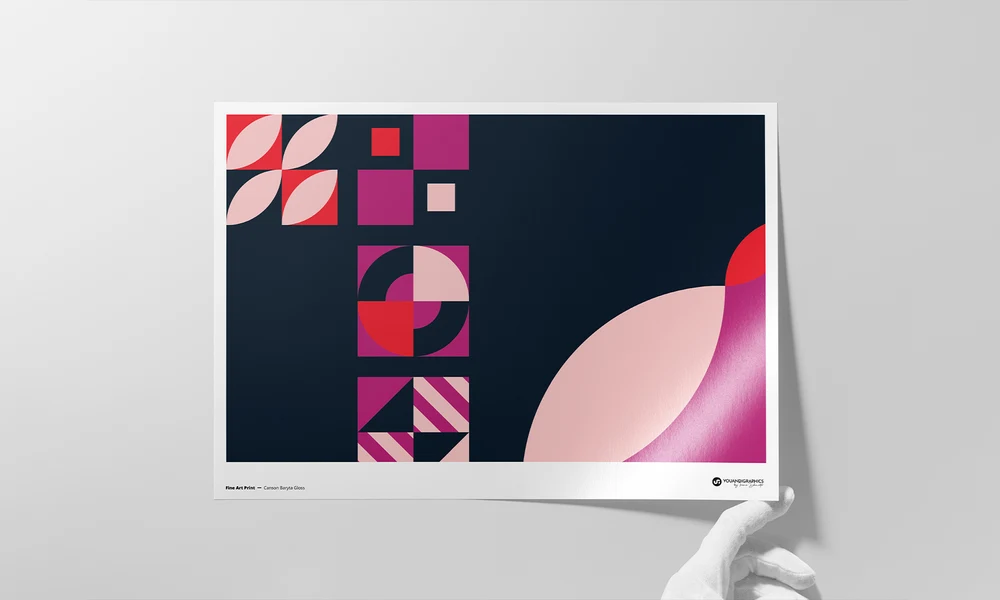
A flat artwork file does not show the complete canvas product. The final presentation also includes surface texture, depth, wrapped edges, corners, stretcher construction, frame spacing, multi-panel arrangements, and the relationship between the artwork and its surrounding wall. Canvas print mockups turn the original image into a clearer and more realistic product presentation. Use multi-size and size-comparison mockups to communicate relative proportions and compare portrait, landscape, square, split, and multi-panel formats. Gallery, mirror, blur, colored, black, and white edge treatments can help present different wrap concepts, while thick canvases and floater frames provide additional product configurations. Surface close-ups help visualize canvas weave, sheen, edges, staples, backs, and other construction details. Rolled canvas scenes show an unstretched or tube-shipped concept, while selected interior mockups provide context for portfolios, online shops, gallery proposals, and home decor presentations. Layered Photoshop files and Smart Objects let you replace the sample artwork while preserving the prepared perspective, lighting, shadows, reflections, texture, and product depth. Depending on the selected mockup, you may also be able to adjust edge treatments, frame colors, backgrounds, tubes, shadows, room elements, or other product details. Separate files and independent Smart Objects must be edited individually. Export the finished visuals for product listings, client approvals, portfolios, catalogs, gallery proposals, advertising, launch campaigns, and social media. Use mockups to communicate the intended visual direction. For final production and color evaluation, rely on the print provider's official specifications, ICC profile, material samples, and physical proofs.
FreeCreatsy® Mockups
5 Stars, Excellent product
Thank you so much, Dawid! We’re really happy to hear you like the product. We truly appreciate your support and hope you enjoy using the mockup.