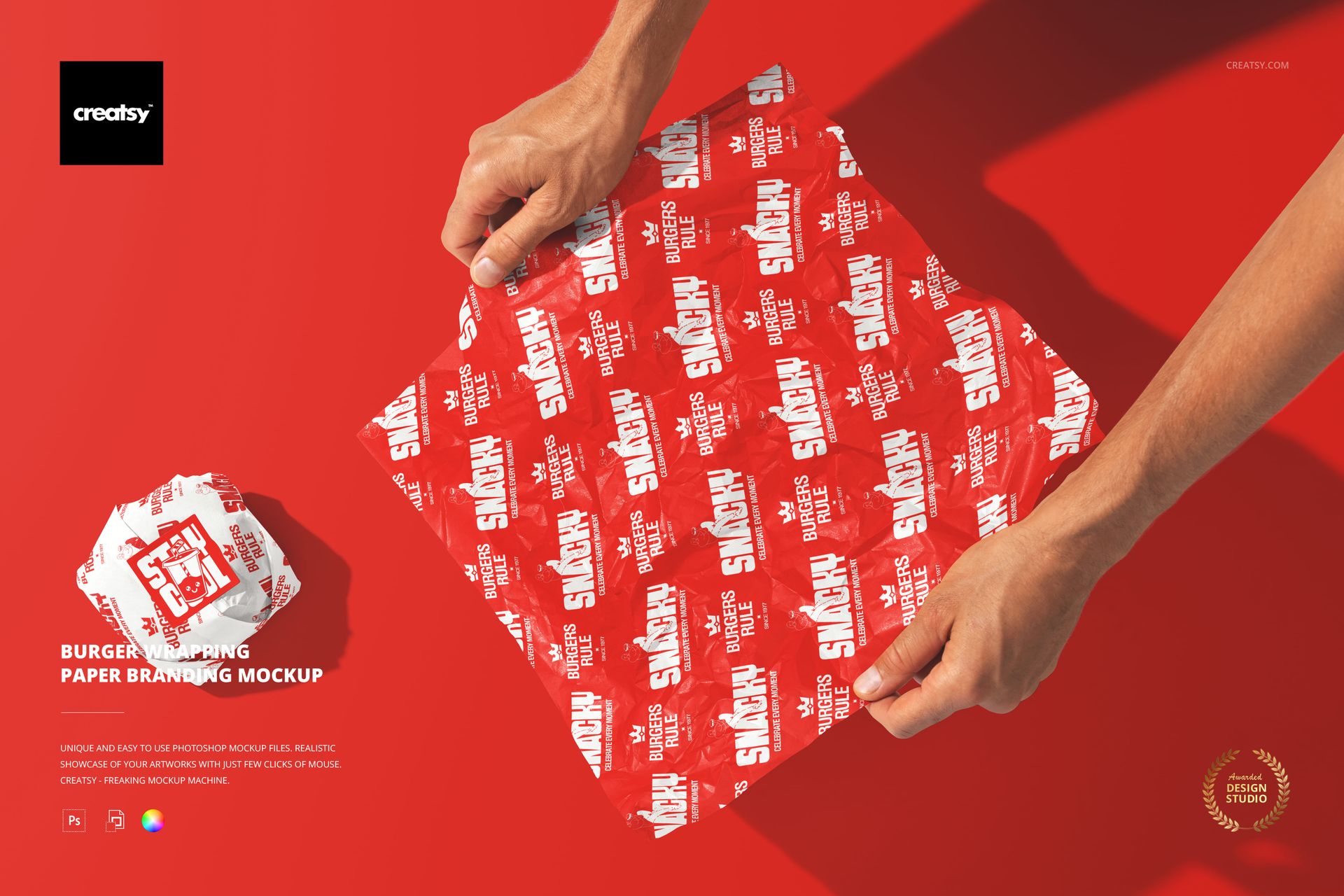
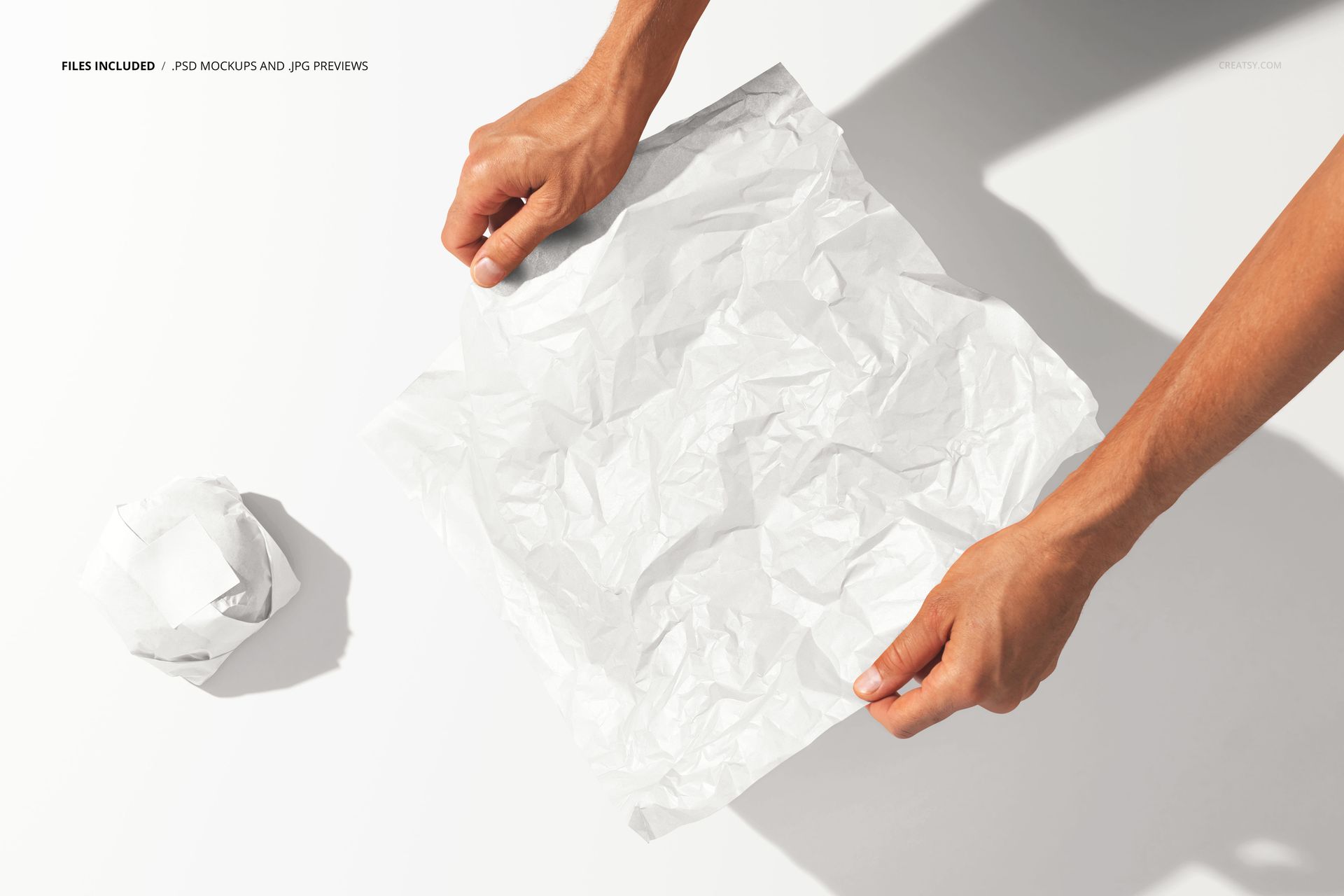
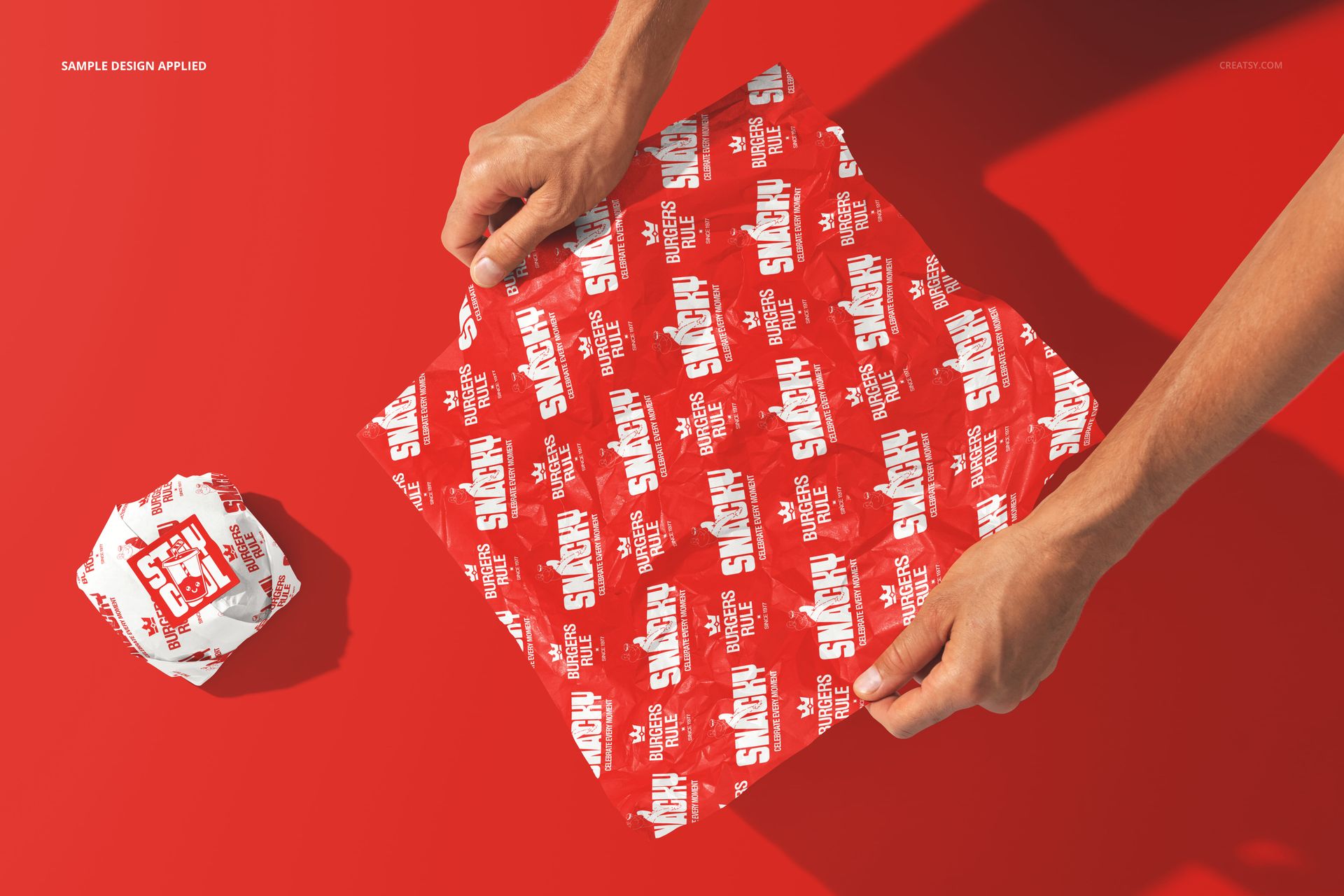
The Burger Wrapping Paper Branding Mockup shows branded wrapping paper being used to hold a burger, with hands visible in the frame creating a lifestyle scene that captures the moment a customer unwraps their meal. The wrapping paper is the first thing a customer touches after receiving their burger, and this mockup lets you see how your brand design looks on that surface when it is crumpled, folded, and held in real hands. The smart object layer on the paper lets you apply your pattern, logo, or brand artwork and see it conform to the natural folds and wrinkles of paper wrapped around food. This is a packaging mockup that shows branding at the most intimate point of the dining experience: the moment the customer holds your brand in their hands. The file measures 6000x4000px at 300 DPI with organized smart object layers and works in Adobe Photoshop CC 2020 or newer and Photopea.
Why This Mockup Works
Wrapping paper is an overlooked branding opportunity that most restaurants treat as an afterthought. But it is the packaging item that customers spend the most time looking at, because they hold it in their hands for the entire duration of eating the burger. A branded wrapping paper with a well-designed pattern or logo turns every meal into a brand touchpoint that lasts from the first bite to the last. This mockup lets you evaluate how the design performs on crumpled, folded paper in natural hands, which is a very different test than seeing the pattern flat on a screen. Colors shift, patterns distort, and logos stretch when paper wraps around food, and this mockup shows exactly how your artwork handles those real-world conditions. The hands in the frame add scale and emotional context, making the image suitable for marketing use without additional styling.
What Is Included
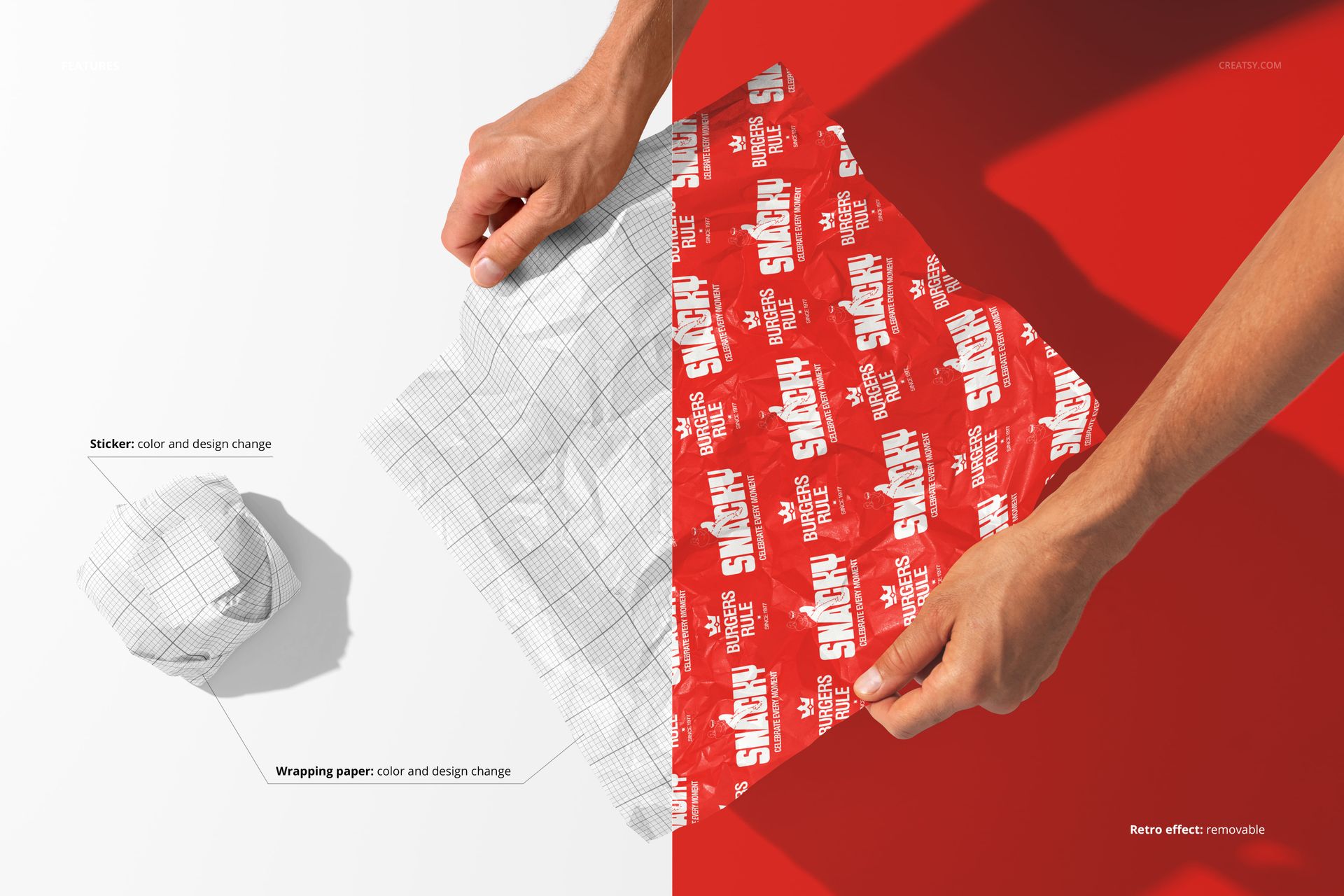
The download contains 1 layered PSD file. The scene shows a person holding a burger wrapped in branded paper. The smart object layer controls the design on the wrapping paper surface, allowing you to apply your artwork and see it on folded, crumpled paper in the context of hands actually holding the food. The lighting captures the paper texture and print quality while maintaining a natural, candid feel.
What You Can Customize
The smart object controls the design on the wrapping paper. Double-click the smart object layer to place your pattern, logo, brand name, or graphic on the paper surface. The artwork wraps around the folds and contours of the paper with accurate texture response. The adjustment layers let you modify overall brightness, contrast, and color temperature to match your brand aesthetic. You can swap designs quickly to compare wrapping paper concepts, test how different patterns look when crumpled and folded, or create variations for seasonal promotions where the wrapping paper carries different messaging or artwork.
Who This Mockup Is For
Burger restaurants and fast food chains that want to see how their brand design performs on wrapping paper before committing to a print run. Brand identity designers presenting complete restaurant branding packages that include wrapping paper as part of the packaging system. Marketing teams at restaurant brands creating social media content and promotional visuals that show the dining experience from the customer perspective. Packaging designers developing wrapping paper patterns and layouts for food service clients who need to evaluate how the design handles folds, wrinkles, and the irregular shapes of wrapped food. Franchise consultants documenting brand standards for wrapping paper specifications across multiple restaurant locations.
File Specifications
Files: 1 PSD. Dimensions: 6000x4000 px. Resolution: 300 DPI. Color mode: RGB. File size: 239.2 MB. Compatibility: Adobe Photoshop CC 2020 or newer, Photopea.