In the Customer's Hand
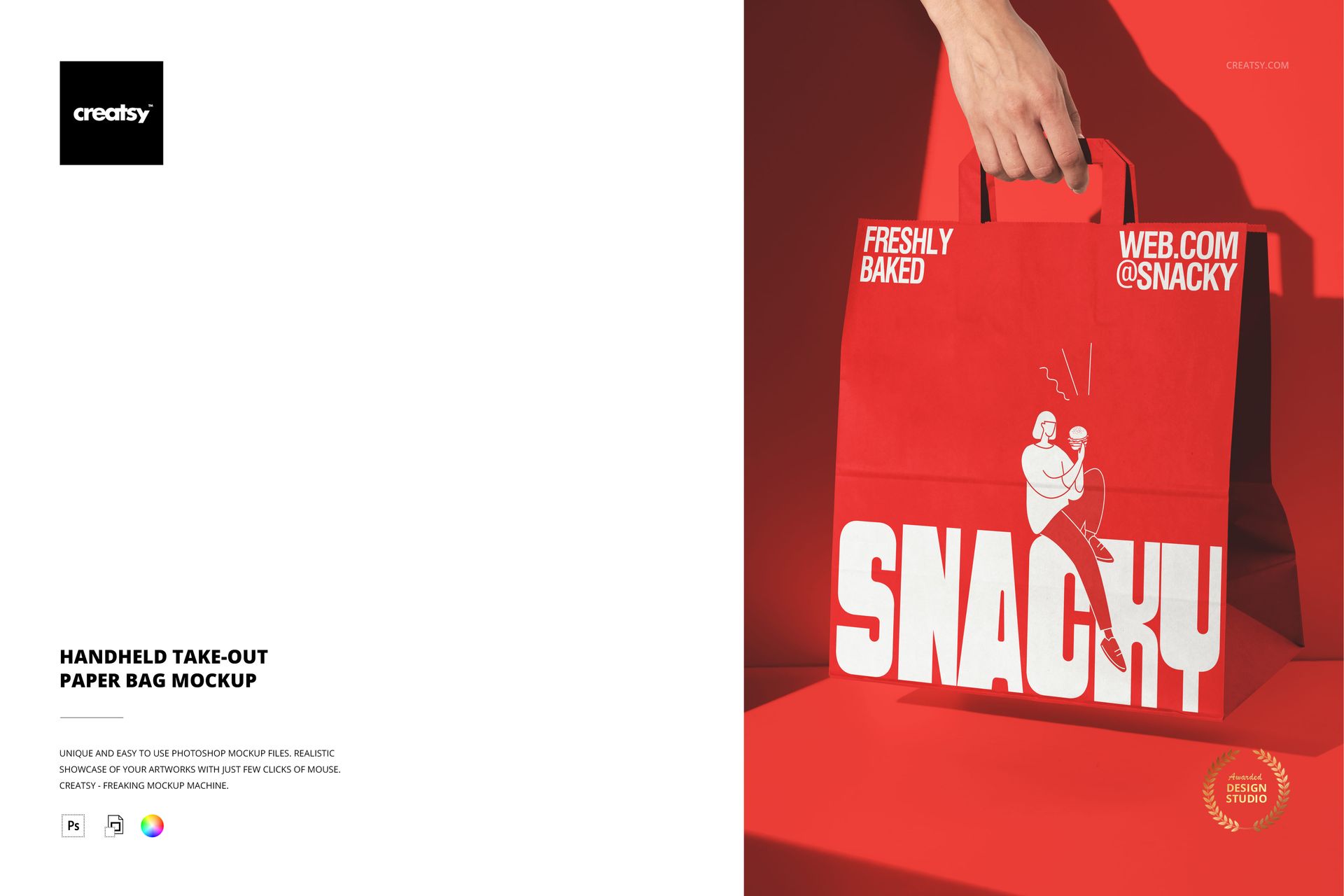
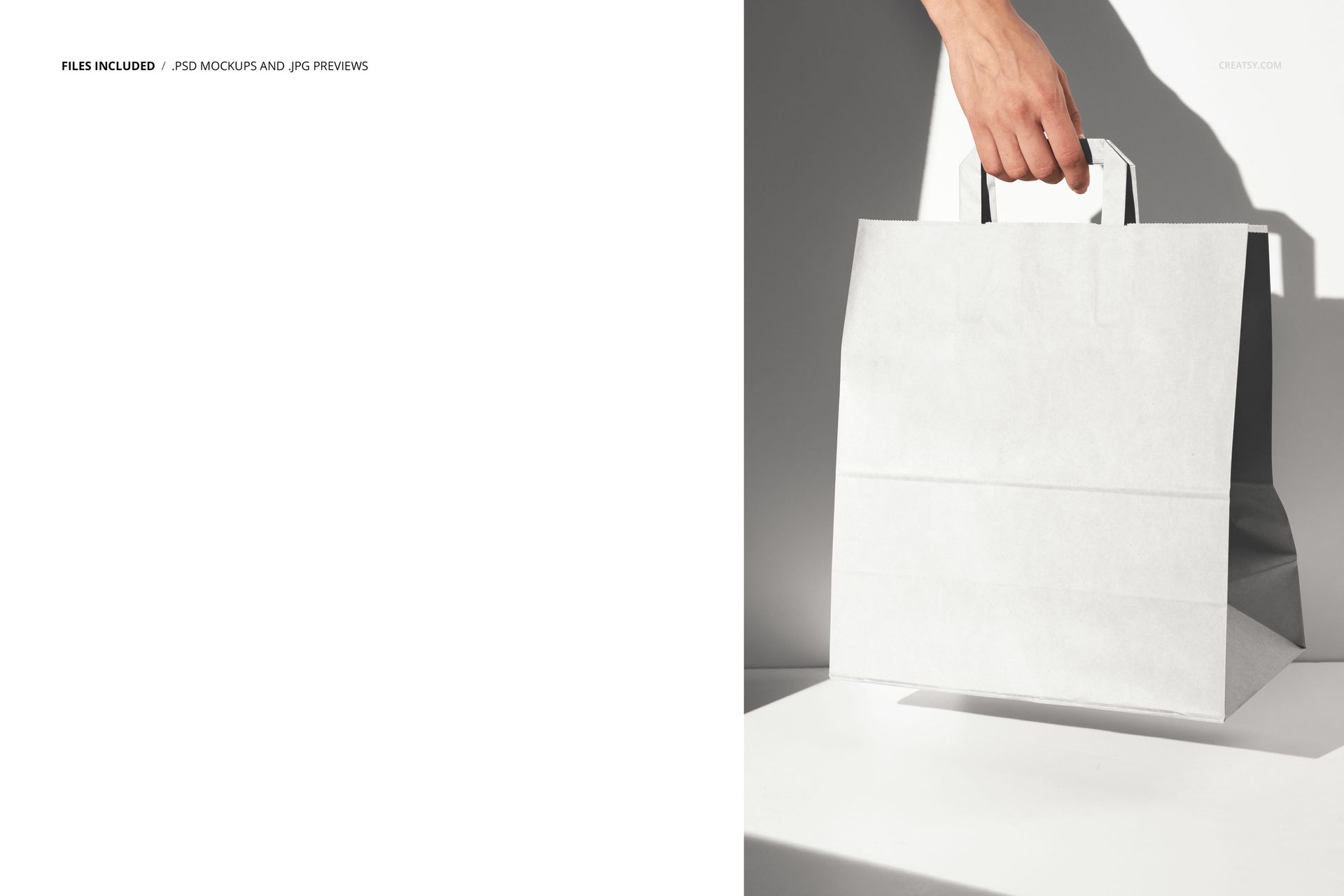
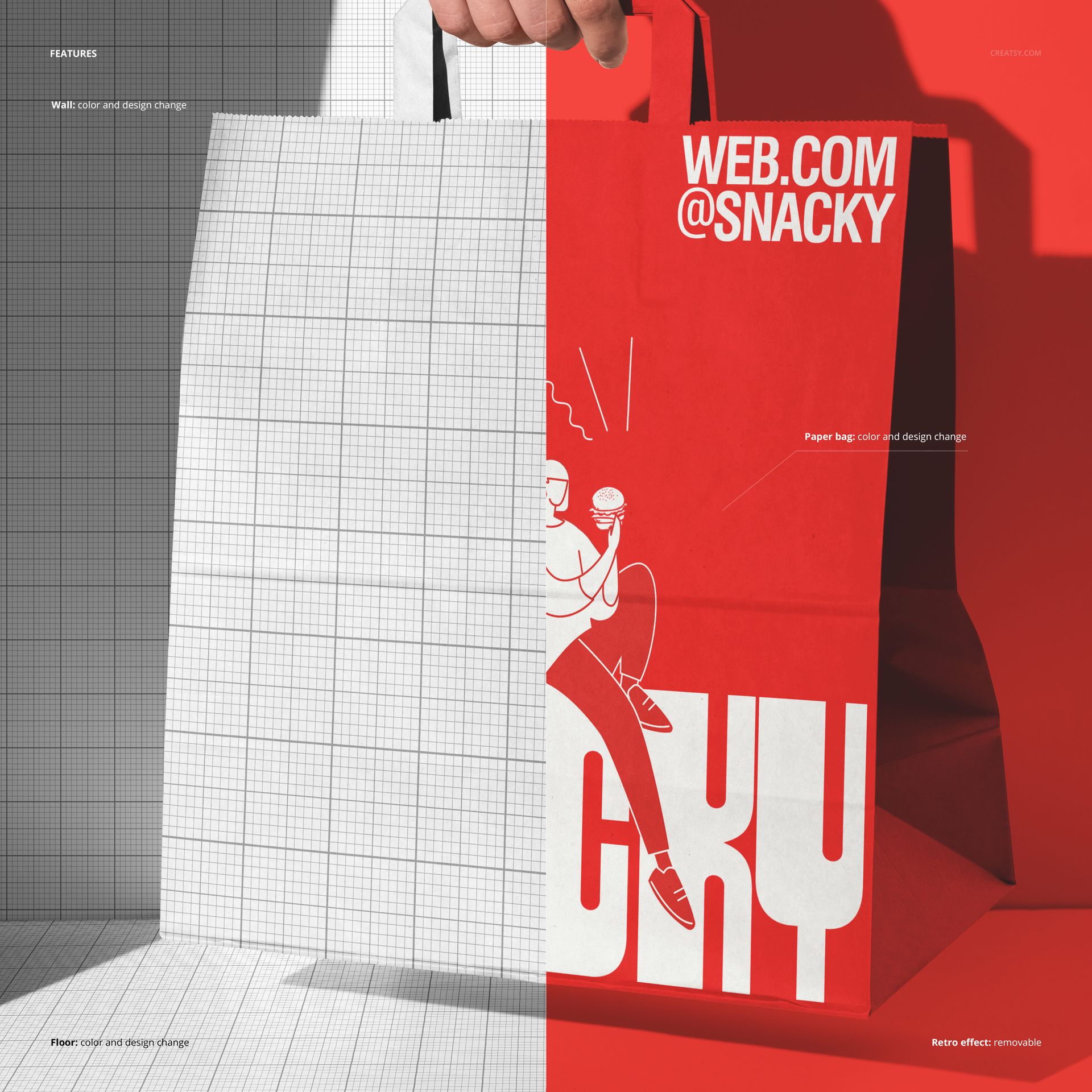
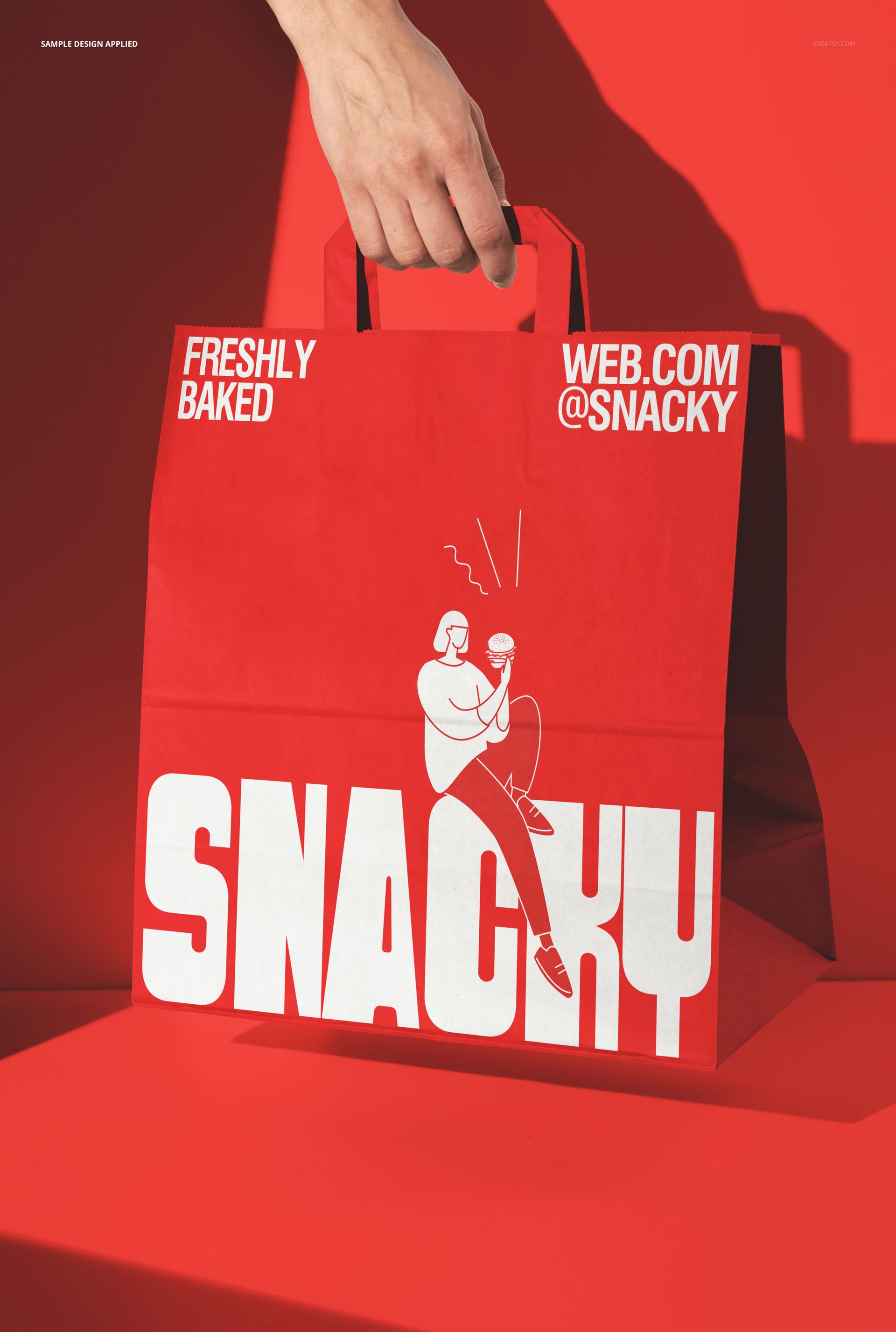
A take-out paper bag held by a person, photographed at the angle a passerby would see it on the street. This is not a flat lay of an empty bag on a table. It is a bag in use - gripped, carried, and visible from the perspective that matters most for brand exposure. Your logo, artwork, and color scheme go onto the bag surface through smart object layers, and the result shows your branding the way real customers will display it to the world: held at hip height, slightly crumpled from carrying food, catching natural light from one side. One PSD file at 6000 by 4000 pixels, 300 DPI. Compatible with Adobe Photoshop CC 2020 or newer and Photopea, the free browser-based editor.
The Walk-Away Moment
Every takeout transaction ends the same way: the customer picks up a bag and walks out. That walk-away moment is the beginning of a mobile advertising cycle. The branded bag travels through a parking lot, down a sidewalk, into an office lobby, onto a subway car, and up an elevator before the food is eaten and the bag is discarded. During that journey, every person who glances at the bag receives a brand impression. The design on the bag needs to work at this scale and in this context - readable while moving, recognizable at a distance, visually interesting enough to draw a second look. This mockup shows your bag design in that exact carried context so you can evaluate whether it performs the walk-away job before committing to a print run of thousands of bags.
Paper Bag as Moving Billboard
Storefronts stay in one place. Signs stay on walls. Menus stay on tables. The paper bag is the only piece of restaurant branding collateral that leaves the building and moves through the city with the customer. It enters neighborhoods, workplaces, and homes where the restaurant itself has no other brand presence. A well-designed takeout bag extends your marketing reach beyond your physical location without any additional advertising cost. The bag effectively turns every takeout customer into a brand ambassador for the duration of their walk or drive home. This mockup helps you design for that mobile exposure by showing the bag as it actually appears in transit rather than as a flat template on a screen.
Handheld Versus Flat Lay
Flat lay bag mockups are useful for checking print alignment, color consistency, and artwork positioning on an unfolded surface. But they miss the three-dimensional behavior of a paper bag being carried. Paper bags fold, crumple slightly at the grip point, and cast shadows where the hand compresses the material. The printed design on the front panel bends where the bag curves away from the camera. These physical behaviors change how your artwork reads in the real world. A large logo that looks perfectly centered on a flat template may appear off-center when the bag is gripped and tilted. This handheld mockup reveals those real-world conditions so your design accounts for them before production.
Specifications
Format: PSD (Adobe Photoshop). Dimensions: 6000 x 4000 pixels. Resolution: 300 DPI. Color mode: RGB. Download size: 239.56 MB. Smart objects: bag surface, labeled. Layer organization: grouped with named folders. Adjustment layers: included for color and lighting control. Compatible with: Adobe Photoshop CC 2020+, Photopea (free, browser-based).