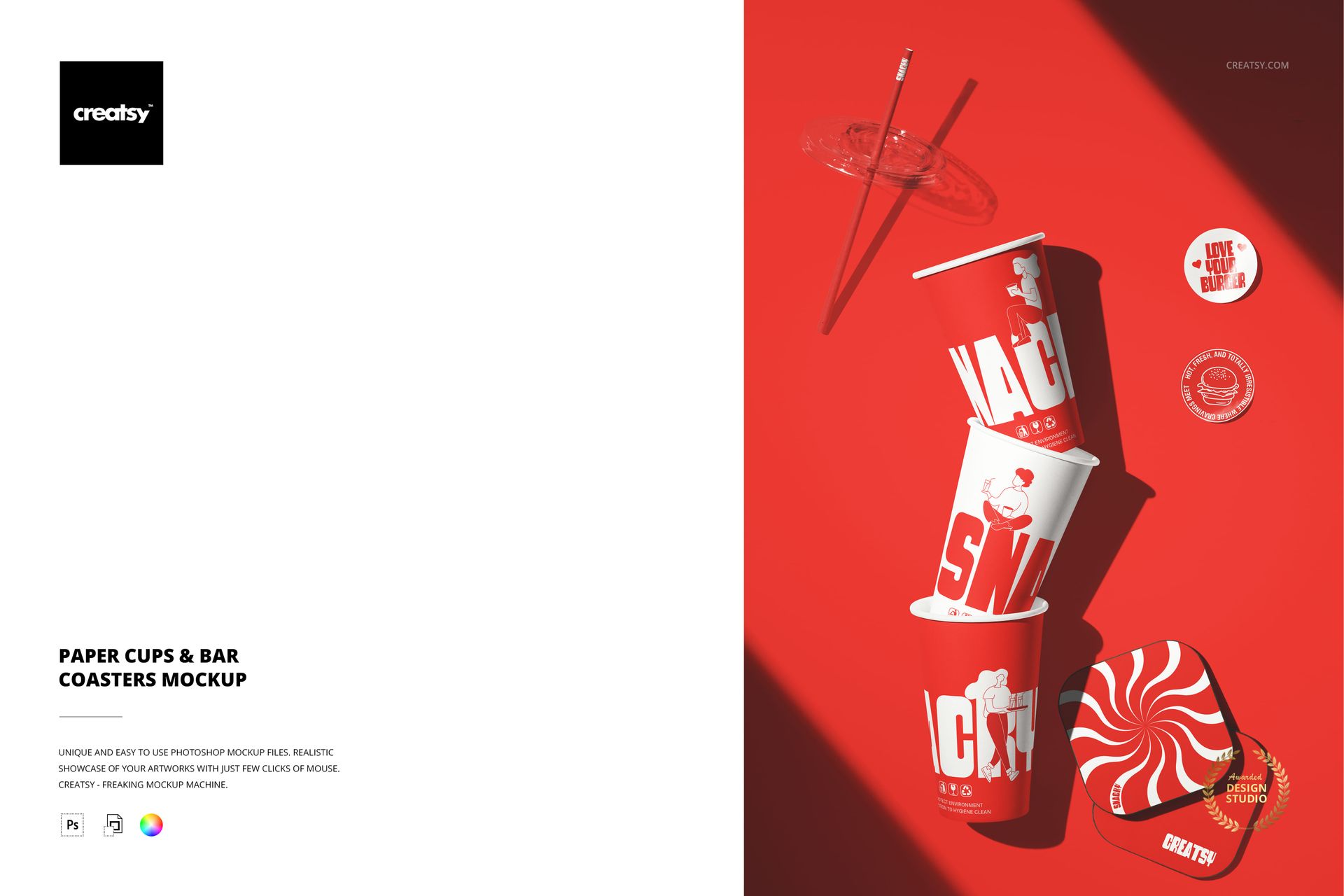
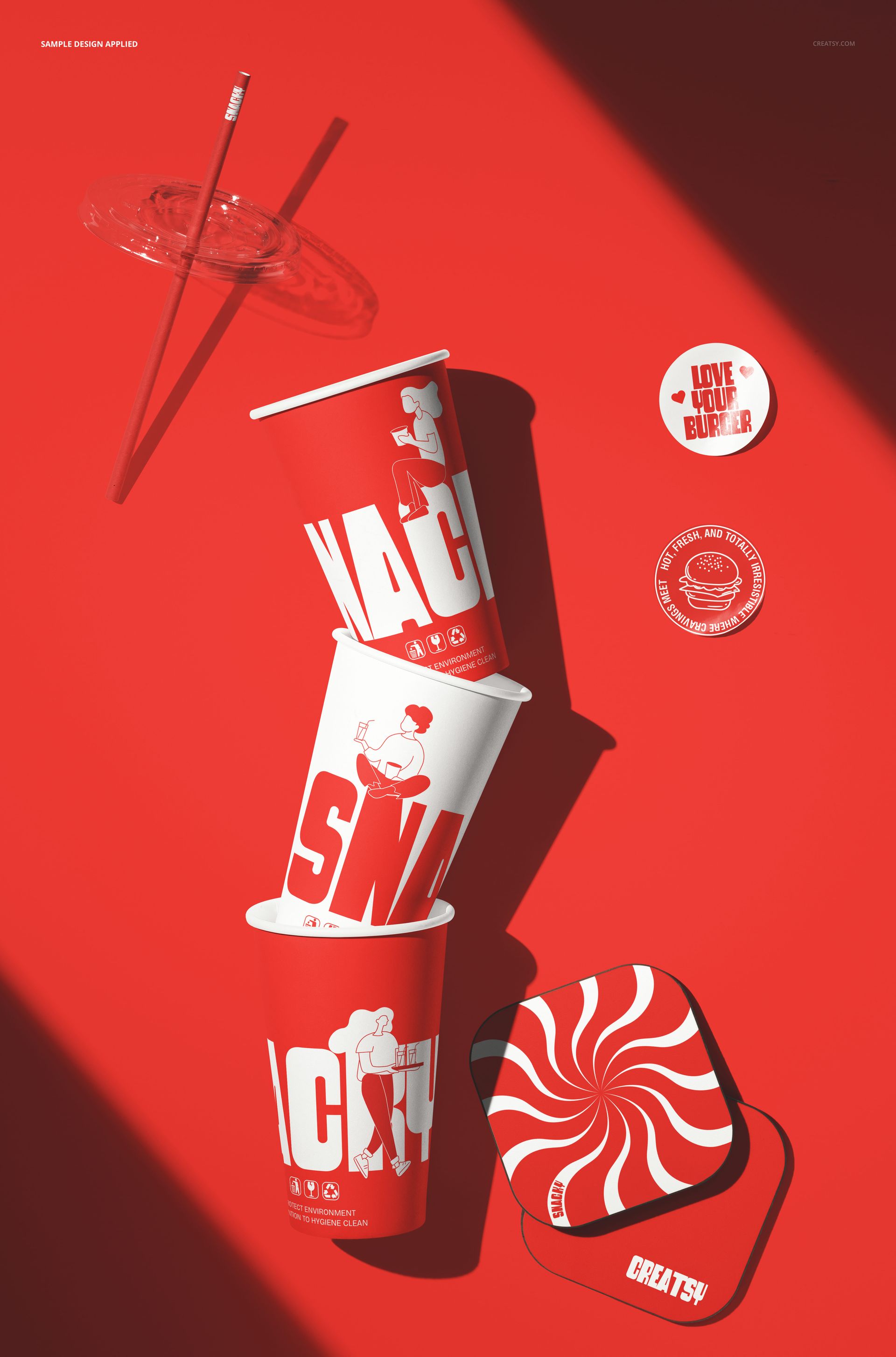
The Paper Cups & Bar Coasters Mockup combines two essential beverage branding surfaces in a single scene: paper cups and bar coasters arranged together. The composition presents both items as they would appear in a real cafe or bar setting, with the cups and coasters positioned to show how the branding reads across different surfaces and scales. Paper cups carry the primary brand design while coasters reinforce the identity at the table level, and this mockup lets you preview both elements together before production. The file measures 6000x4000px at 300 DPI with smart object layers and works in Adobe Photoshop CC 2020 or newer and Photopea.
Why This Mockup Works
Beverage branding rarely lives on a single surface. Customers interact with the cup in their hand and the coaster on the table, and the visual relationship between those two items defines how cohesive the brand feels in person. Most mockups show cups or coasters in isolation, which forces designers and clients to imagine how the pieces fit together. This mockup eliminates that guesswork by placing both items in the same scene with consistent lighting and perspective. The result is a presentation that shows the brand system as a whole rather than as disconnected components. That system-level view is what makes packaging presentations persuasive, because clients can see immediately whether the cup design and coaster design work as a pair. The scene also provides a natural lifestyle context that makes the branding feel real and in use rather than floating on a white background.
What Is Included
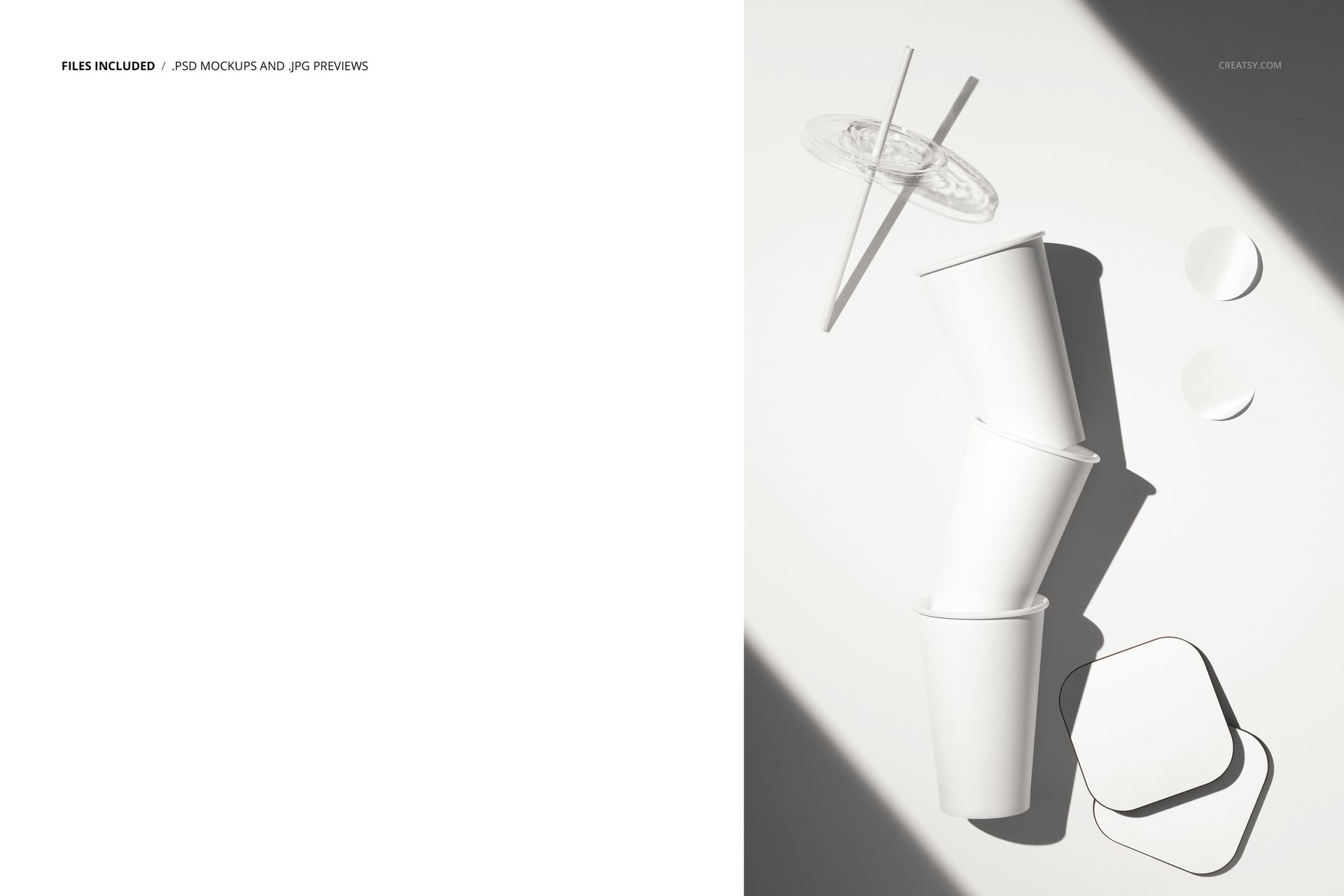
The download contains 1 layered PSD file. The scene shows paper cups and bar coasters arranged together. Each item has its own smart object layer, allowing you to apply different designs to the cups and coasters independently. The lighting is even and controlled, designed to show the paper texture and printed designs clearly on both surfaces. The layer structure is organized and labeled for quick access to each smart object and the adjustment controls.
What You Can Customize
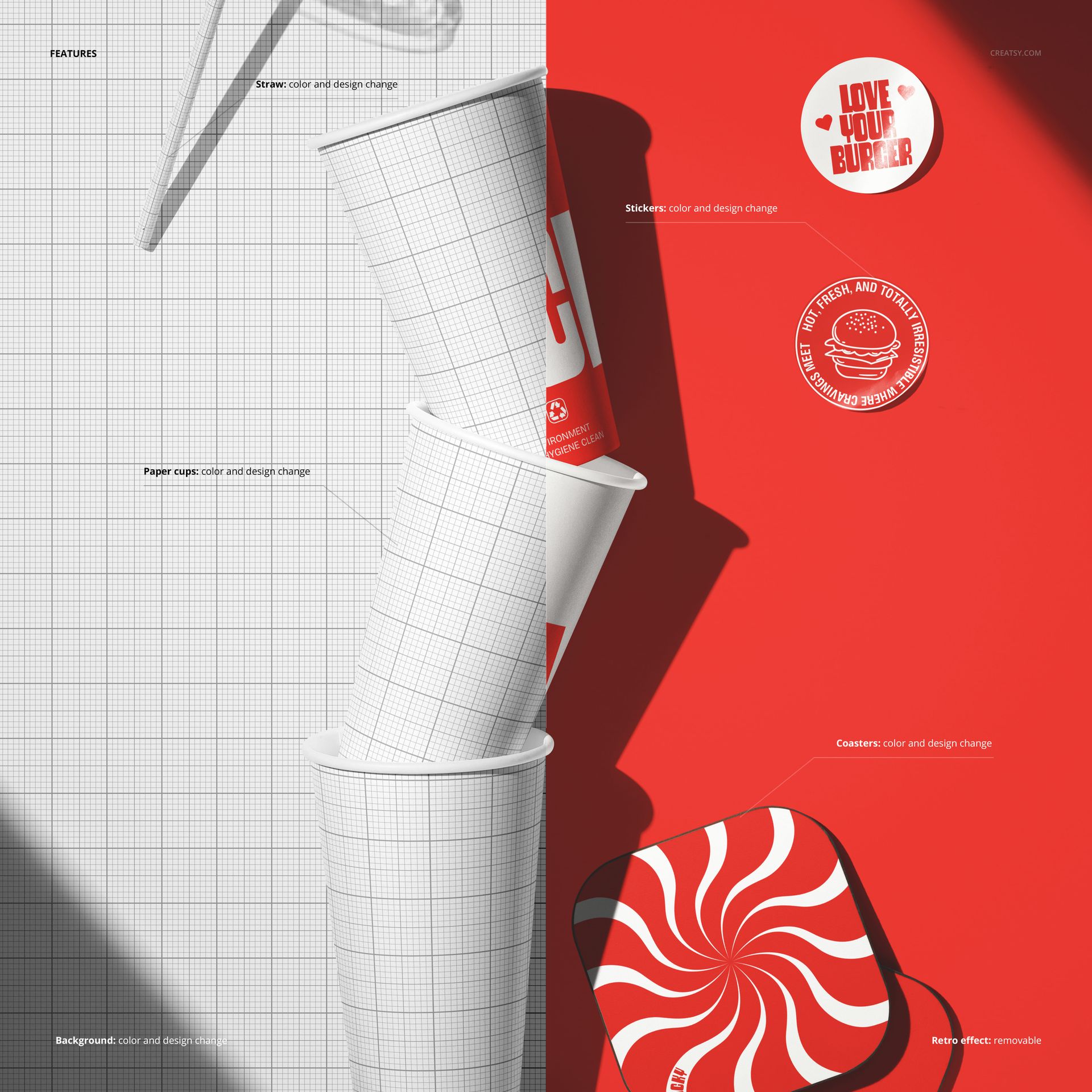
The smart objects control the paper cups and the bar coasters. Double-click each smart object to place your logo, pattern, or branded design on the respective surface. The cups and coasters update independently, so you can test different design combinations to find the best visual pairing. The adjustment layers let you modify overall brightness, contrast, and color temperature to match your brand aesthetic or to adapt the image for different marketing channels. You can present the same scene with different cup and coaster designs to compare branding options, show seasonal variations, or demonstrate how a brand identity extends across multiple beverage touchpoints.
Who This Mockup Is For
Cafes, bars, and beverage brands that need to preview how their branding looks on cups and coasters together before committing to print production. Brand identity designers presenting complete beverage branding packages to hospitality clients who want to see all touchpoints working as a cohesive system. Marketing agencies creating social media content and promotional materials for restaurant and bar clients where showing multiple branded items together communicates a polished, professional identity. Franchise developers and brand consultants building pitch materials that demonstrate how the brand system scales across beverage-related surfaces. Print shops and packaging suppliers that need professional product images to showcase their cup and coaster printing capabilities to potential clients.
File Specifications
Files: 1 PSD. Dimensions: 6000x4000 px. Resolution: 300 DPI. Color mode: RGB. File size: 203.06 MB. Compatibility: Adobe Photoshop CC 2020 or newer, Photopea.